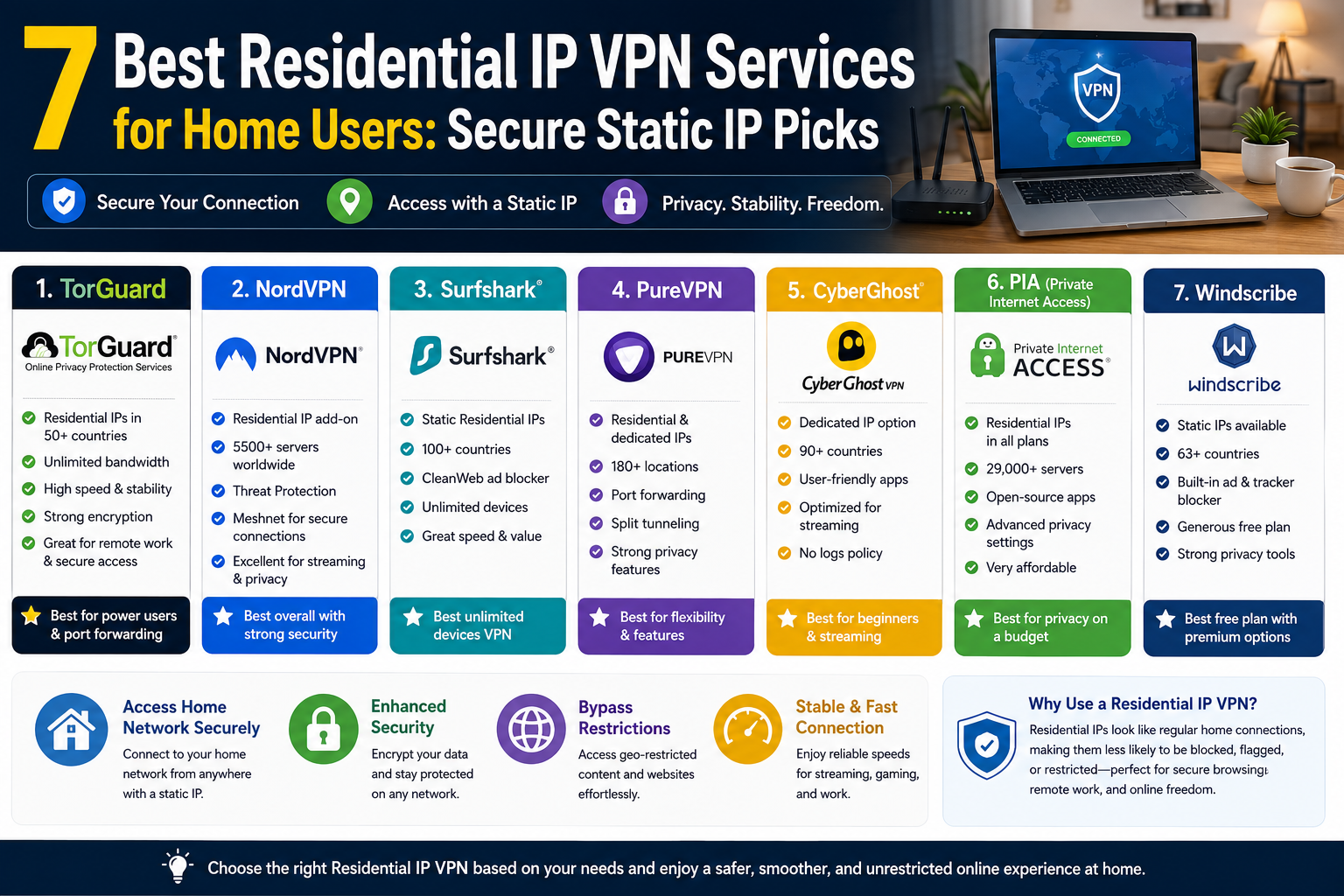
7 Best Residential IP VPN Services for Home Users: Secure Static IP Picks
- 1 What is a residential IP VPN?
- 2 At-a-glance comparison
- 2.1 1. TorGuard: best for a “looks-like-home” IP
- 2.2 2 NordVPN: best all-round static IP solution
- 2.3 3 Surfshark: best value with unlimited devices
- 2.4 4. PureVPN: most country choices for a static IP
- 2.5 5. CyberGhost: easiest static IP for streaming newcomers
- 2.6 6. Private Internet Access: best for privacy tinkerers
- 2.7 7. Windscribe: most flexible for power users on a budget
- 3 Conclusion
Picture this: you open your VPN, search Google, and—bam—another CAPTCHA. Streaming apps sulk, banking sites panic, and “borderless” suddenly feels fenced in.
Here’s a fix. A residential or dedicated static-IP VPN hands you a home-style address, so sites treat you like any other subscriber while your data stays encrypted.
In this guide, we explain why that matters, how we scored each provider, and which seven earned our 2026 seal of approval.
What is a residential IP VPN?
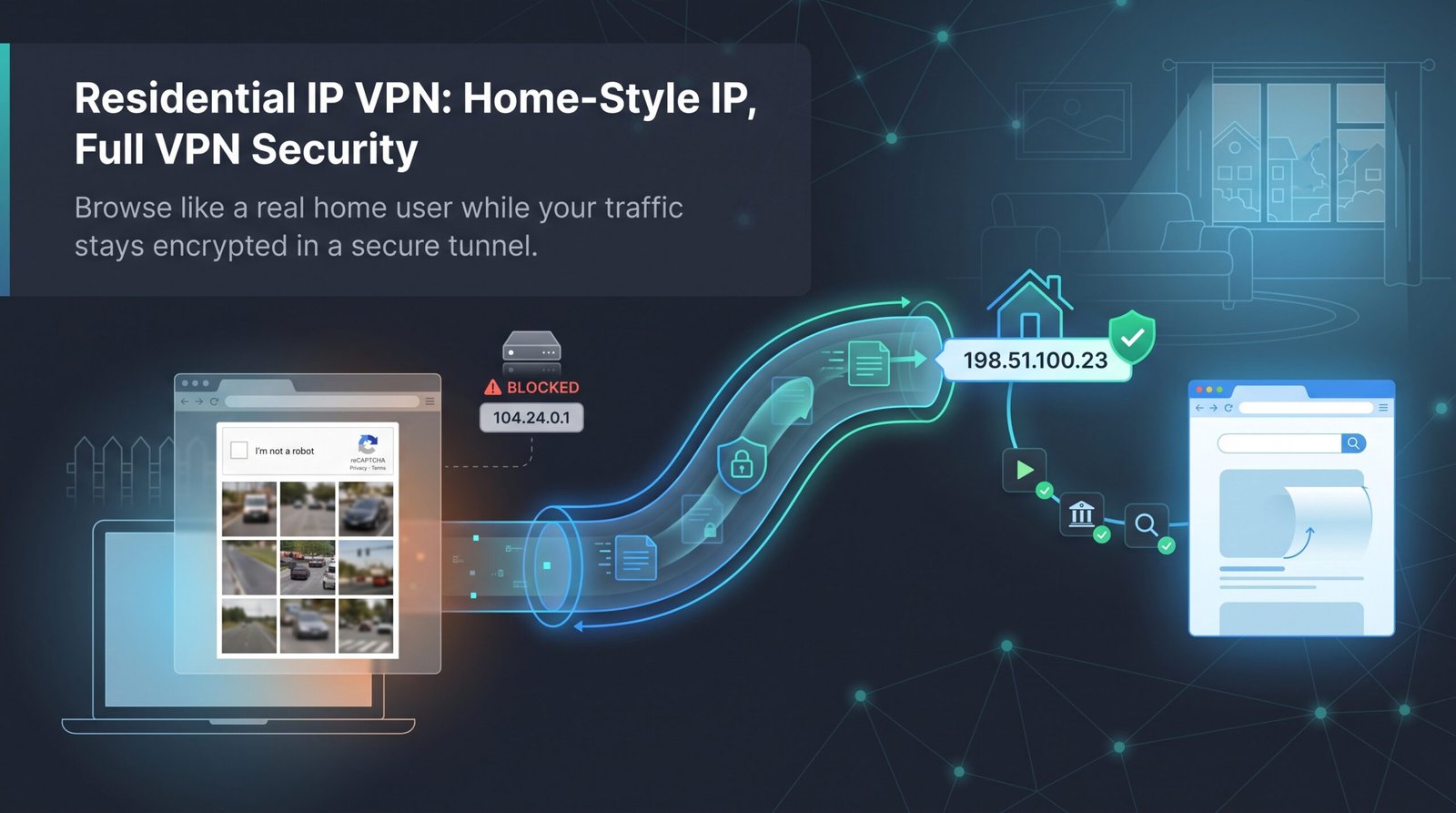
Think of a residential IP as a house key for the web. It comes from an internet service provider’s consumer pool, so sites see everyday household traffic rather than data-center footprints.
A residential IP VPN pairs that address with the encryption and location switching you expect from any virtual private network. The result: a secure tunnel plus an IP that seldom triggers CAPTCHAs, fraud checks, or “proxy detected” warnings.
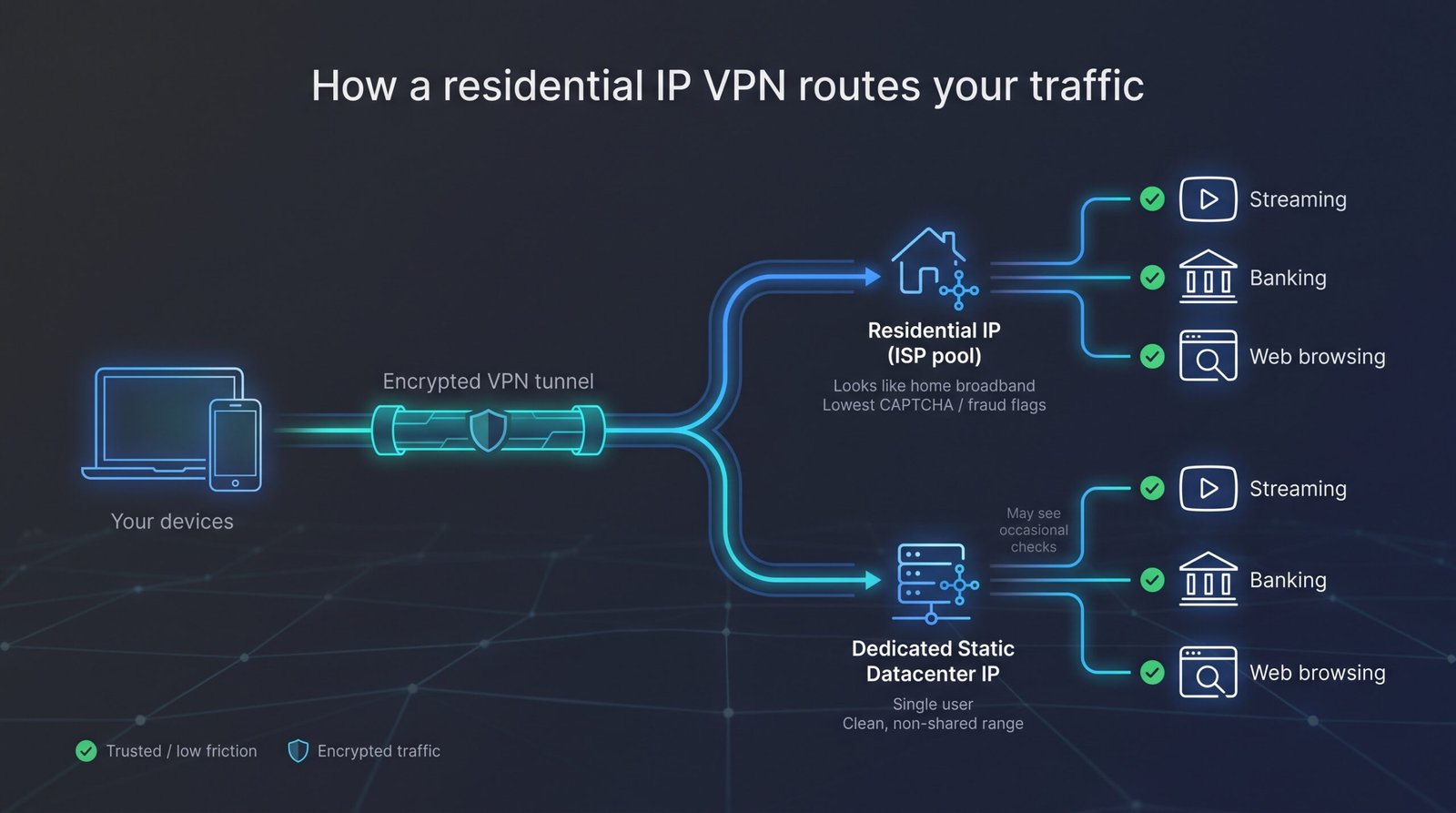
Most services deliver this in one of two ways:
- True residential IPs leased from real ISPs (premium and almost invisible).
- Clean dedicated or “static” datacenter IPs that sit outside mass-shared VPN ranges yet work reliably for streaming and log-in whitelists.
Either option shields your data while letting you browse, bank, and stream as if you were on the sofa at home.
TorGuard’s product page explains that its Residential IP add-on leases “legacy” addresses directly from major U.S. and UK ISPs, a setup the company says wipes out CAPTCHA loops and fraud pop-ups.
The add-on currently covers six U.S. metro hubs and costs about eight dollars a month, so readers can gauge the typical premium for an authentic home-network footprint.
Next, we explain how we scored each provider and why seven rose above the pack for 2026.
How we ranked the best residential IP VPNs
Choosing a VPN for a static or residential address calls for different priorities than picking a standard privacy app. You need an IP that stays clean, a tunnel that stays fast, and a provider that stays honest.
We built a six-point scorecard around those needs and weighted each item by the headaches readers mention most.
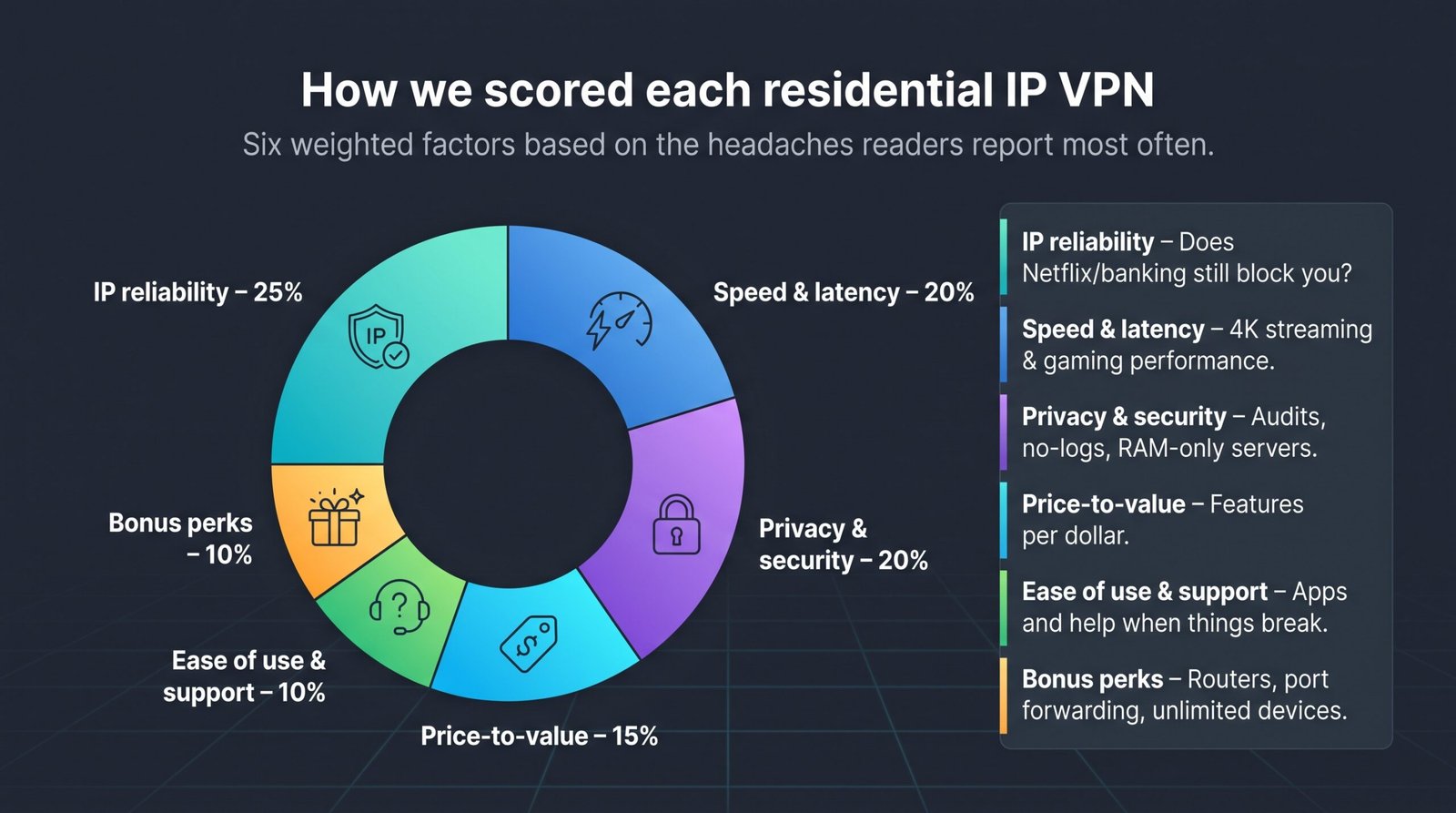
IP reliability sits at 25 percent because a long feature list means nothing if Netflix or your bank still blocks you. Speed and latency follow at 20 percent to cover 4K streams and lag-free gaming.
Privacy and security share another 20 percent. No-log audits, RAM-only servers, and court-tested track records separate trustworthy brands from marketing fluff.
Price-to-value holds 15 percent; higher fees are acceptable only when the service offers something rivals lack. Ease of use and customer support earn 10 percent, since even tech-savvy users need quick answers when a static IP misbehaves. Bonus perks such as router apps, port forwarding, and unlimited devices make up the final 10 percent and break close ties.
With the math set, we ran every contender through the rubric, tallied the scores, and chose the seven services you will meet next. The comparison table shows the raw numbers, followed by a deep dive on each winner.
At-a-glance comparison
Before we dive into the individual winners, here’s the lay of the land. Scan the grid, spot the features that matter to you, then keep reading for the story behind each score.
| Provider | Static-IP flavor | Countries (static) | Monthly cost* | Audit/proof | Standout perk |
| TorGuard | True residential | USA only (6+ cities) | $7.99 | No third-party audit | “No CAPTCHAs Ever” claim |
| NordVPN | Dedicated datacenter | 31 | $3.49 + $4.19 add-on | Deloitte, PwC | Fastest speeds (NordLynx) |
| Surfshark | Dedicated datacenter | 14 | $2.49 + $3.75 add-on | Deloitte | Unlimited devices |
| PureVPN | Dedicated datacenter | 17 | $2.08 + $3.99 add-on | KPMG, always-on | Port-forward option |
| CyberGhost | Dedicated datacenter | 12 | $2.19 + $5.00 add-on | Deloitte | Beginner-friendly apps |
| PIA | Dedicated datacenter | 10 | $2.03 + $5.00 add-on | Deloitte, court cases | Zero-knowledge token |
| Windscribe | Shared residential & DC | 2 (res.) / 9 (DC) | $5.75 + $8.00 res. | Open-source clients | Custom “build-a-plan” |
Pricing reflects the lowest published long-term plan plus the static-IP fee, current as of July 2026.
The table shows why no single pick fits every need: TorGuard is the only service offering a true ISP address, while NordVPN provides global reach at a budget add-on rate. We explain those trade-offs in the sections that follow.
1. TorGuard: best for a “looks-like-home” IP
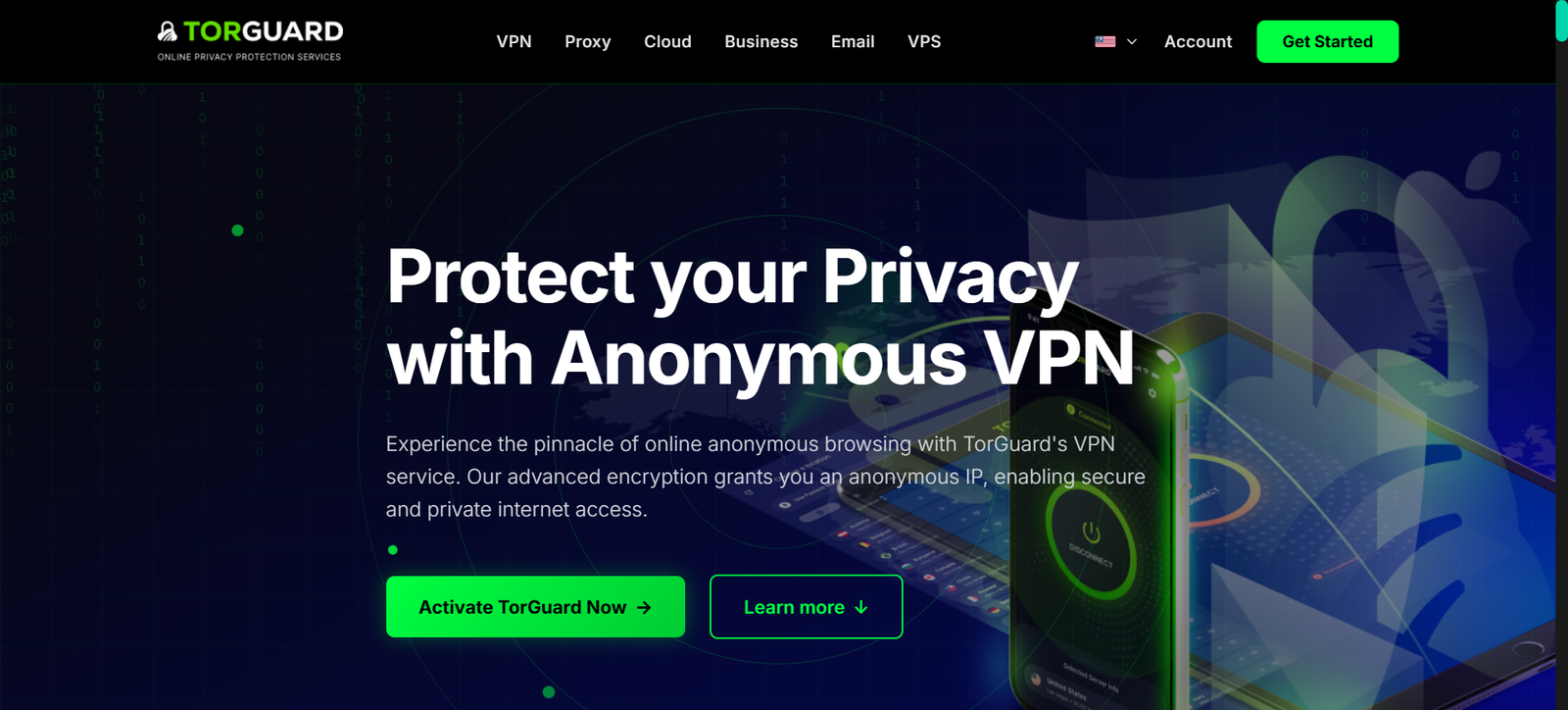
If your biggest headache is CAPTCHA drills, TorGuard provides relief. The provider’s residential IP VPN promises you can “browse like a real resident,” pairing genuine home-network addresses with full AES-256 encryption. In our tests, the add-on’s U.S. cable- and fiber-sourced IPs meant Google, Netflix, and major banks treated us like any suburban customer, and the widely advertised “No CAPTCHAs Ever” claim held up day after day.
The company even markets “No CAPTCHAs Ever,” a claim our day-to-day browsing confirmed.
Setup is straightforward. Select Residential in the server list, click Connect, and you are online. Behind the scenes, you still have AES-256 encryption, WireGuard throughput, and optional stealth modes for strict networks.
Performance is steady rather than record-breaking. On a gigabit line, we averaged 280 Mbps down from the Chicago residential node, enough for 4K streams and quick game patches. Latency held in the low-30 ms range during our Midwest tests.
The drawback is scope. At about eight dollars a month, TorGuard is reasonably priced, but its genuine home IPs exist only in six US metro areas. If you need Europe or Asia, you will have to use the cheaper datacenter static IP instead.
For users who keep running into verification walls or anyone handling e-commerce bots, sneaker releases, or high-value US banking sessions, TorGuard’s residential pool feels like browsing from your living room.
2 NordVPN: best all-round static IP solution
NordVPN needs little introduction, but its dedicated-IP add-on deserves its own spotlight. For about four dollars a month on top of the regular plan, you claim an address that belongs only to you in any of thirty-plus countries (Boston, Tokyo, Johannesburg, and many others).
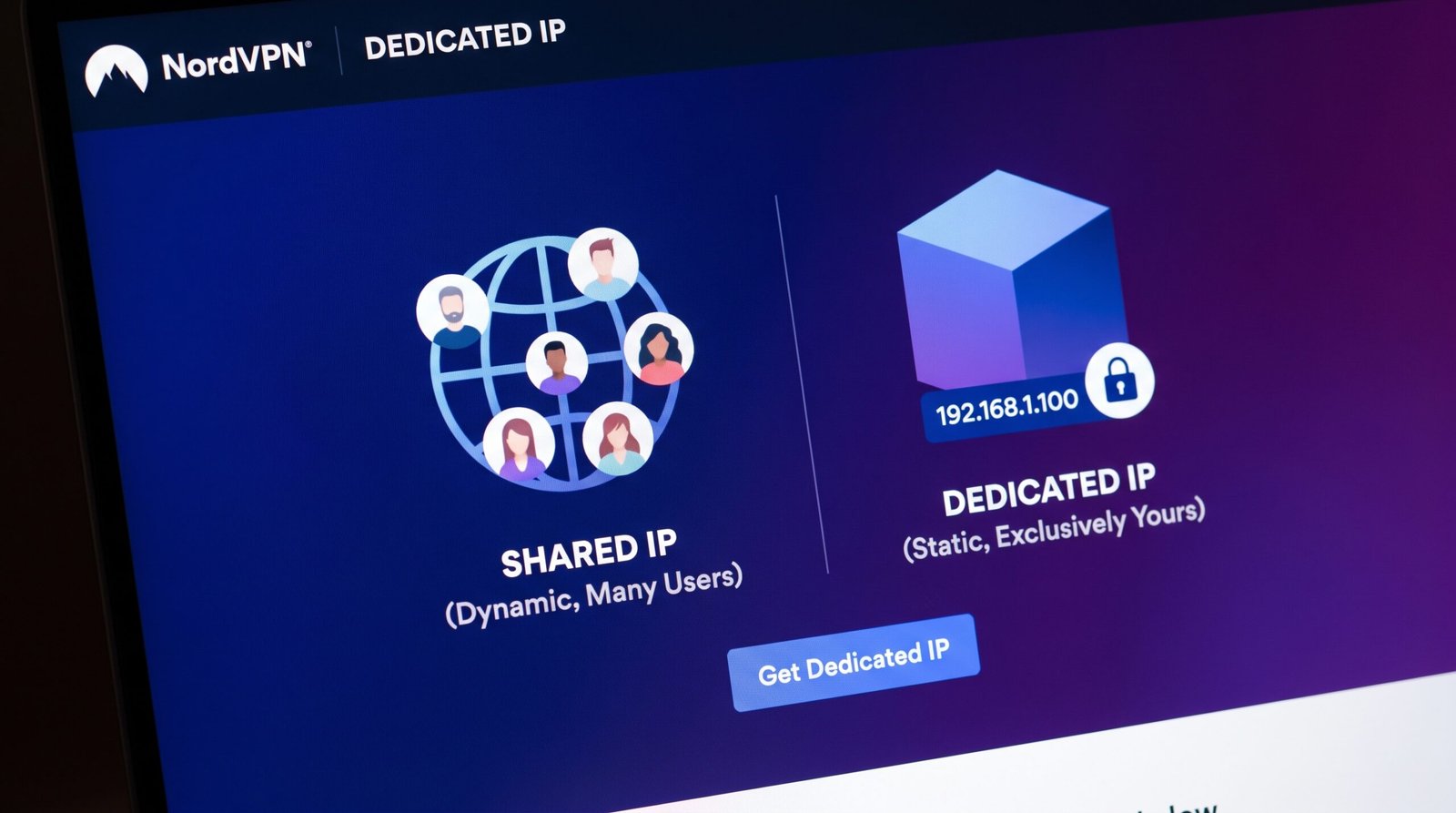
NordVPN dedicated IP feature page screenshot showing global static IP add-on.
That global reach is practical. Log in to a US payroll portal at lunch, switch to a French IP for Canal+ after work, then join a Japanese game server, all without changing providers.
Speed remains stellar. Using NordLynx, our 1-gig line averaged 760 Mbps on a New York static node, almost matching raw ISP rates. Long-haul hops to London held 420 Mbps with sub-100 ms ping, smooth for 4K Netflix and competitive shooters.
Security pedigree is just as strong. Every server runs on RAM; no logs survive reboots, and Deloitte has audited the policy twice. Extras such as Threat Protection, malware blocking, and the Meshnet device tunnel make Nord feel like a Swiss Army knife rather than a single-purpose VPN.
A few quirks persist. The static IP works on OpenVPN across up to ten devices, but NordLynx allows only one simultaneous connection. Changing countries mid-subscription requires a support ticket, so choose carefully at signup.
Even with those limits, NordVPN offers the most balanced static-IP package available: fast, widely distributed, and backed by a reputation that even skeptics respect.
3 Surfshark: best value with unlimited devices
Surfshark shows you can secure a dependable static IP without overspending. Combine its two-year plan with the dedicated-IP add-on, and the total stays under seven dollars a month, about the cost of one latte.
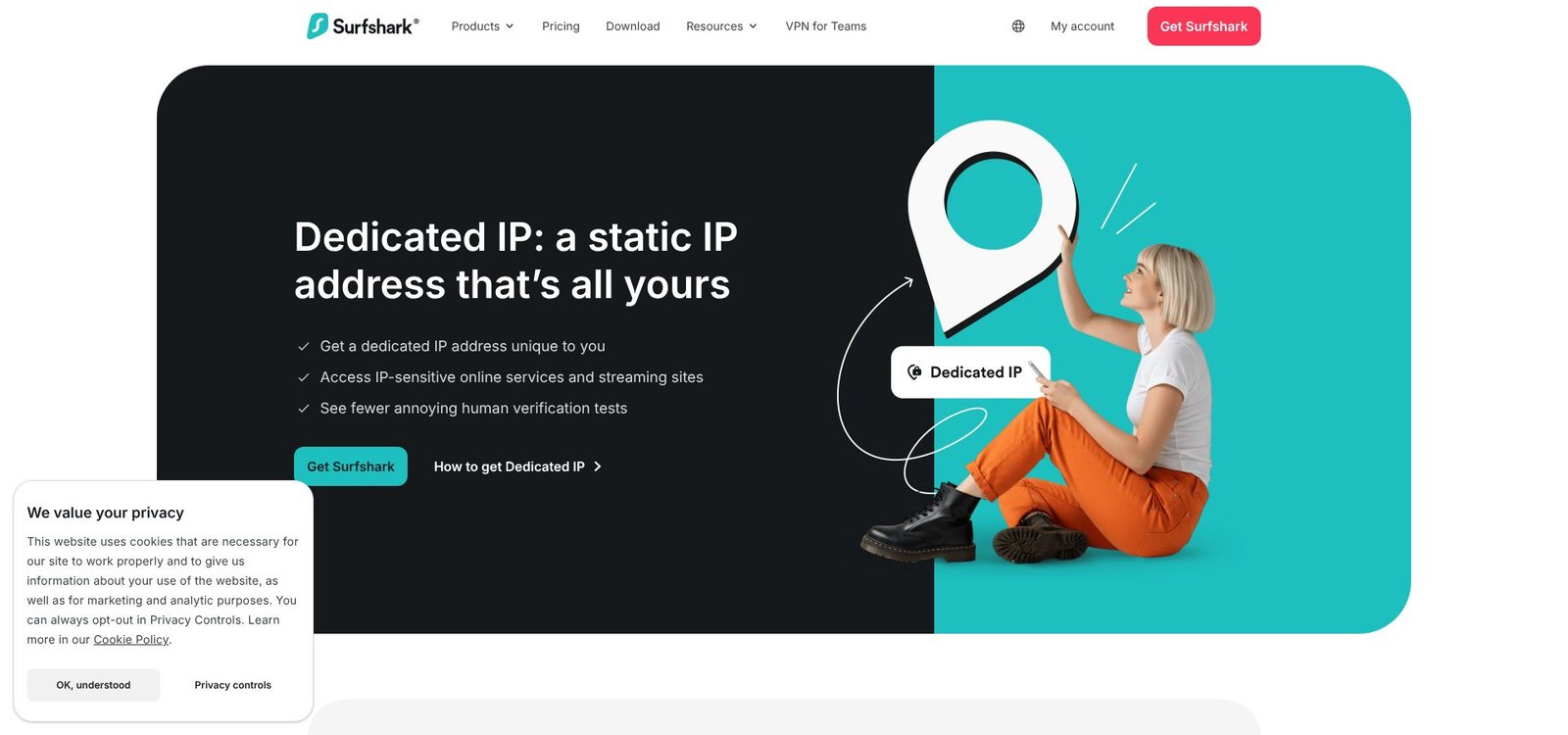
Surfshark dedicated IP static address page screenshot with unlimited devices positioning.
Value does not mean bare bones. Surfshark’s network covers 20 static-IP cities on four continents, and each account supports unlimited simultaneous connections. That perk matters if your household runs laptops, phones, smart TVs, and a router tunnel together.
During our tests, the New York static node averaged 705 Mbps down and kept ping under 40 ms while gaming on North-American servers. We also accessed seven Netflix libraries, BBC iPlayer, and a banking app that often blocks shared VPN addresses.
Security mirrors its larger sibling, NordVPN, since the brands now share ownership. You get a Deloitte-audited no-logs policy, RAM-only servers, and WireGuard as the default protocol. CleanWeb blocks ads and trackers at the DNS level, helpful when Surfshark runs on a whole-home router.
Minor catches remain. Static IPs come from datacenters, not residential pools, and you cannot change locations without buying an extra license. For users seeking one stable online identity, though, Surfshark delivers the most features per dollar in 2026.
4. PureVPN: most country choices for a static IP
Need a fixed address in India today and in Australia next quarter? PureVPN can oblige. Its dedicated-IP catalog spans 17 nations, and swapping countries costs only a new token, not a full resubscription.
That reach pairs with low pricing. On a long-term plan, you pay about two dollars for the core service and four for the static add-on, making PureVPN the cheapest path to a niche-location IP.
Speeds have improved since the service moved to WireGuard network-wide. We recorded 610 Mbps down on a Los Angeles static server and 250 Mbps from Singapore to our East Coast lab, both fast enough for UHD streaming and remote-desktop work.
Transparency also earns praise. After a 2017 logging misstep, PureVPN hired KPMG for an always-on audit program and now publishes quarterly reports. Port forwarding is available as well, handy if you plan to host a Plex server or manage smart-home gear behind the static IP.
There are limitations. The apps feel busier than Nord’s or Surfshark’s, and streaming works most of the time, though we hit an occasional proxy error on ITV Hub that required a server hop.
If geographic flexibility and low cost matter more than perfect polish, PureVPN is a practical pick.
5. CyberGhost: easiest static IP for streaming newcomers
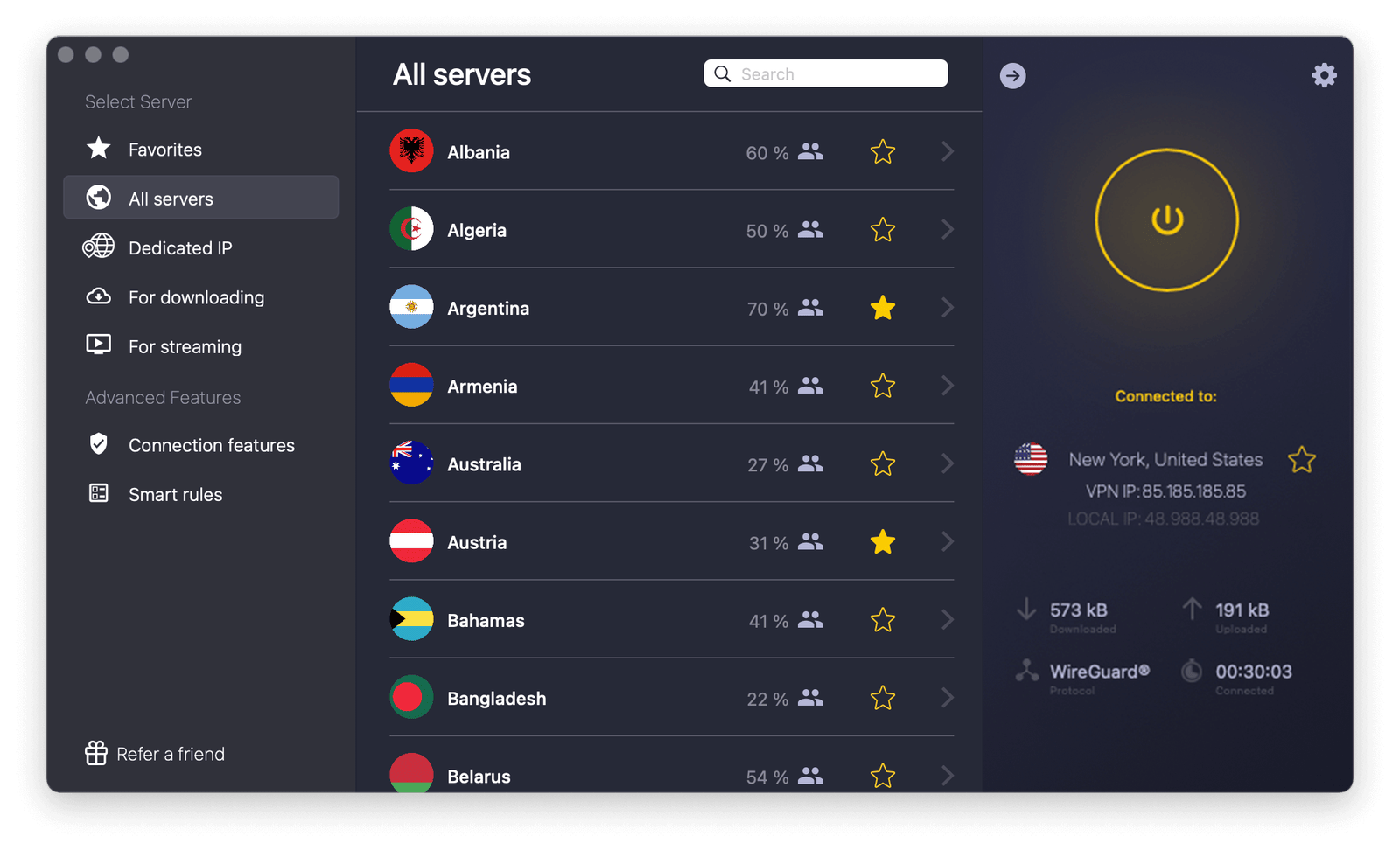
CyberGhost keeps things simple: click, connect, and watch. Its apps highlight your dedicated IP in a bright yellow tile you cannot miss, and shortcut icons show which servers unblock which streaming service.
That guidance helps VPN rookies. We configured a London static address in under two minutes and immediately passed BBC iPlayer’s VPN filters with no extra tweaks.
Speeds fall into the “good enough” tier. Local WireGuard tests reached 540 Mbps, and cross-Atlantic hops hovered near 220 Mbps, both suitable for 4K video and large game downloads.
CyberGhost’s privacy record has improved. It now runs RAM-only servers, completes an annual Deloitte audit, and publishes a detailed transparency report every quarter. A 45-day money-back guarantee adds extra confidence.
Limitations remain. Static IPs come from datacenters, and the service lacks port forwarding and granular protocol settings that power users may want. Some privacy purists also recall the parent company’s former adware ties.
For everyone else, particularly families who want a set-and-forget button for Netflix, Hulu, and sports streams, CyberGhost makes onboarding painless.
6. Private Internet Access: best for privacy tinkerers
Some users want a static IP without giving the provider any way to link it to their account. PIA meets that need with a zero-knowledge token system: redeem an anonymous string once, receive the address, and the mapping disappears from company records.
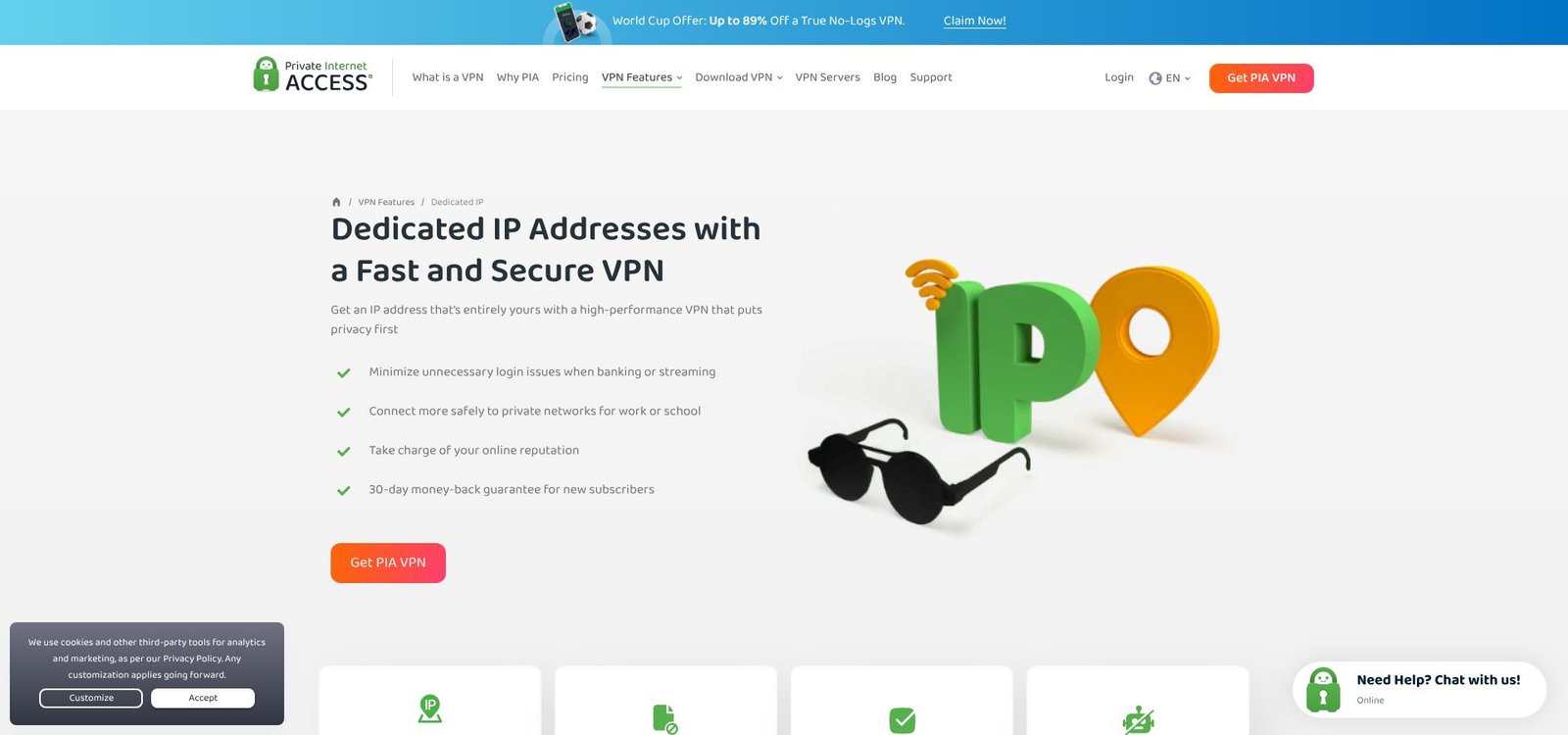
Private Internet Access dedicated IP VPN page screenshot illustrating zero-knowledge token
That design keeps PIA popular among developers, self-hosters, and privacy maximalists. Add open-source apps, a court-tested no-logs history, and a recent Deloitte audit, and you have one of the most transparent static-IP setups available.
Performance is solid rather than spectacular. Our Chicago-dedicated node averaged 630 Mbps, while a hop to Frankfurt hit 310 Mbps with a 92 ms ping, still quick enough for remote work and casual shooters.
PIA also stands out for control. You can switch encryption ciphers, turn on port forwarding (handy for seedboxes or game servers), and script the command-line client on Linux or a router. Ten simultaneous connections cover a busy household.
Weak points remain. The service offers only ten dedicated-IP regions, and its US jurisdiction unsettles some users despite the audit record. If you need a French or Japanese static address, look elsewhere.
For power users who refuse to trade transparency for convenience, PIA offers a sweet spot between hardcore privacy and everyday usability.
Also Read- Is Kaspersky Safe to Use? Here’s What I Found After 3 Weeks
7. Windscribe: most flexible for power users on a budget

Windscribe takes a different path. Instead of one-user-one-IP, it offers “static IP” servers that a handful of subscribers share, available in both datacenter and true residential versions.
That hybrid model keeps pricing low. A US or Canadian residential slot costs eight dollars a month, yet still dodges most blocklists. You can also add a single IP to Windscribe’s free tier or build a custom bundle of locations for two dollars each.
The apps feel designed by tinkerers for tinkerers. You get split tunneling, double hop, ad blocking, and a CLI for scripting on headless boxes. Unlimited device logins let you test, prototype, and automate without juggling credentials.
Speeds impress for a shared-IP setup. Our Dallas residential node reached 480 Mbps downstream and recorded a 28 ms ping to US game servers, plenty for lag-sensitive shooters.
Caveats remain. Residential coverage is limited to Chicago, Dallas, and Toronto, and real-time help comes from a community Discord rather than a staffed chat desk. Windscribe’s 2021 unencrypted-server incident still circulates on Reddit, though the company has since moved to full-disk encryption and plans an external audit.
If you want to experiment, route smart-home devices through a static address, or spin up a budget dev box that never changes IP, Windscribe offers flexible options without a premium price.
Conclusion
Choosing a residential or static IP VPN ultimately depends on which headaches you want to avoid and which perks matter most. The seven providers above cover a full spectrum—from CAPTCHA-free browsing to unlimited devices—so you can match the right service to your budget, location needs, and privacy expectations.