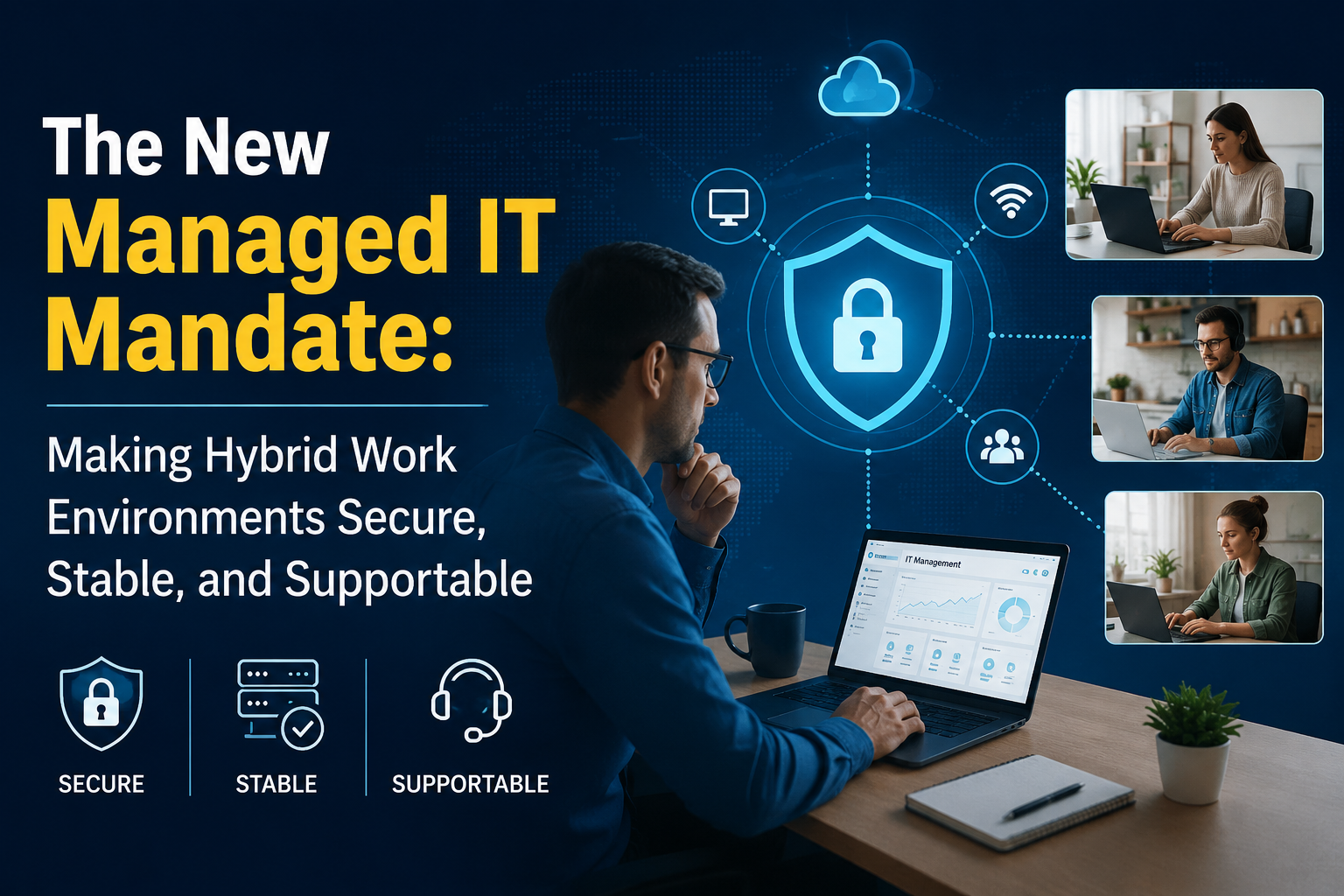
The New Managed IT Mandate: Making Hybrid Work Environments Secure, Stable, and Supportable
- 1 Hybrid Work Complexity Is a Control Issue
- 2 The Hybrid Work Stack That Needs Daily Attention
- 2.1 Endpoint Visibility Comes First
- 2.2 Identity Is the New Office Door
- 2.3 Patching Tests the Whole Operating Model
- 2.4 Collaboration Tools Need Owners
- 2.5 Support Visibility Must Move Past the Queue
- 3 How Managed IT Creates Stability for Distributed Teams?
- 4 A Practical Model for Hybrid Work IT Management
- 5 The Provider Questions Leaders Should Ask
Hybrid work is no longer a workplace perk. It is an IT operating condition. Cisco’s 2025 hybrid work study found that hybrid arrangements fell from 62% in 2022 to 45% in 2025, while 72% of organizations had office mandates. The signal is clear: hybrid work is becoming more governed, more conditional, and more dependent on disciplined IT control.
Risk now sits in the gaps between devices, identities, access paths, collaboration tools, and support workflows. The business may assume that everything is under control. IT often knows the truth is messier.
That is why hybrid work IT management now sits at the center of enterprise resilience, supported by managed IT services that keep distributed teams secure, stable, and supportable. A user may begin work on a managed laptop at home, join a meeting from a mobile phone, approve a request in a SaaS platform, connect through a remote access tool, and finish the day on an office network. Each step changes the trust context. Support may see the ticket, yet miss the pattern.
Hybrid Work Complexity Is a Control Issue
The older support model was built around a simpler workplace. Users sat on known networks. Devices were easier to inspect. Applications lived closer to IT. Problems usually had a visible boundary.
Hybrid work broke that neat map.
Now, a single user issue can involve endpoint health, identity policy, VPN routing, SaaS performance, Wi-Fi quality, browser settings, device encryption, MFA behavior, or a recent configuration change. The user does not care which layer failed. Work stopped, so IT failed.
This is where hybrid work IT management needs to move beyond ticket response. A closed ticket proves one incident was handled. It does not prove the hybrid environment is healthy. The stronger measure is whether IT can see risk before it becomes a work interruption.
The Hybrid Work Stack That Needs Daily Attention
Hybrid work rarely fails in one dramatic moment. It weakens through small gaps that become normal: stale devices, delayed patches, loose guest sharing, old accounts, inconsistent MFA, meeting room issues, and repeat tickets that no one connects.
| IT area | Common hybrid work gap | What managed IT should track |
| Endpoints | Devices miss updates or fall out of policy | Patch age, EDR status, encryption, device ownership |
| Identity | Users keep access after role changes | MFA status, risky sign-ins, stale accounts, privilege drift |
| Access | Trust decisions rely on old network logic | Conditional access, session risk, VPN, and ZTNA activity |
| Collaboration | Files, chats, guests, and recordings spread quickly | Sharing rules, external access, retention, and audit events |
| Support | Tickets show symptoms without a root cause | Repeat issues, affected groups, device clusters, app patterns |
This table looks simple because the operating rhythm should be clear. Complexity belongs in the tooling. Accountability belongs in the process.
Endpoint Visibility Comes First
The endpoint is where hybrid work becomes real. It shows whether the user can work, whether security controls are active, whether updates are current, and whether policy exists beyond a written document.
Remote endpoint management cannot stop at inventory. Knowing that a device exists is not the same as knowing whether it is safe and usable. Effective remote endpoint management should answer these questions fast:
- Which devices missed critical updates?
- Which devices have inactive protection?
- Which users moved work to unmanaged systems?
- Which devices create repeat incidents?
- Which exceptions have no owner or expiry date?
This matters because endpoint failure is rarely just a device issue. If a finance laptop fails during close, a sales laptop fails during a demo, or an operations laptop falls behind on security updates, the business feels it immediately.
For hybrid-work IT management, endpoint posture is both a security and a productivity signal. Treating it as only one of those creates blind spots.
Identity Is the New Office Door
In office-first IT, the network often gave teams a false sense of safety. If the user was inside the building and on a corporate device, many systems treated the session as acceptable. Hybrid work makes that logic weak.
Microsoft’s 2025 Digital Defense Report notes that attacks against identity infrastructure are becoming more varied, and password spray or brute force activity accounts for more than 97% of identity attacks. Verizon’s 2025 DBIR also reported credential abuse as a leading initial attack vector in confirmed breaches.
Identity governance is now central to this operating model. MFA matters, but it is only one control. IT also needs role-based access, conditional access, device posture checks, privileged access reviews, and fast access removal when people change roles or leave.
Secure remote access should work as a controlled decision, not a tunnel that stays trusted after login. Secure remote access should consider the user, device, location, application, session behavior, and data sensitivity before access is granted or continued.
Patching Tests the Whole Operating Model
Patching sounds basic until devices leave the office. Hybrid devices may be offline, asleep, on weak bandwidth, or used during odd hours. Users delay restarts because meetings, deadlines, and client calls feel more urgent than updates.
Attackers do not need a dramatic weakness. One exposed path can be enough. Verizon’s 2025 DBIR reported vulnerability exploitation as 20% of leading initial attack vectors, and CISA maintains the Known Exploited Vulnerabilities catalog to help teams prioritize flaws already exploited in the wild.
A mature patching model separates routine hygiene from urgent exposure. It also uses business context. The same vulnerability may carry different urgency on an executive laptop, a developer workstation, a finance endpoint, and a shared device.
Managed IT teams should track patch age, failed updates, restart pending status, known exploited vulnerability exposure, business-critical devices, and exceptions with expiry dates. This is where hybrid work IT management becomes practical. It closes the gaps that carry the highest business and security risk first.
Collaboration Tools Need Owners
Hybrid work depends on collaboration platforms, but many organizations still treat them as productivity tools that run in the background. That view is too narrow.
Chat, meetings, shared documents, recordings, whiteboards, and project spaces now carry business decisions. They also carry client data, contracts, product plans, credentials, and support context. If governance is loose, sensitive information spreads through guest links, downloads, forwarded files, and unmanaged channels.
Support teams also need visibility into collaboration health. A poor meeting experience may come from endpoint audio, Wi-Fi quality, room hardware, SaaS performance, tenant policy, or user settings. Without telemetry, IT receives vague complaints and spends too much time guessing.
Managed IT for hybrid workforce support should include collaboration platform monitoring, guest access reviews, meeting device ownership, file-sharing controls, license hygiene, and clear SaaS escalation paths. Managed IT for hybrid workforce operations should also define who approves policy changes and who reviews exceptions.
Support Visibility Must Move Past the Queue
A ticket queue shows reported pain. It does not show the full condition of service.
Hybrid employees often work around problems. They restart devices, switch networks, use personal apps, message a colleague, or wait until the issue blocks work completely. By the time a ticket appears, several users may already be affected.
Good support combines ticket data with device health, sign-in risk, app status, network patterns, and recent changes. That context helps IT spot clusters. A ticket-only model sees ten slow-app complaints as ten separate issues. A visibility-led model asks whether those users share the same app version, device build, network route, identity rule, or location.
How Managed IT Creates Stability for Distributed Teams?
The new mandate for managed IT is direct: keep distributed work secure, stable, and supportable without making users fight the system.
| Managed IT practice | Why it matters |
| Device posture reviews | Finds risky endpoints before access fails or exposure grows |
| Identity and access audits | Reduces stale accounts and excessive privileges |
| Patch prioritization | Closes exposed paths based on exploit risk and business impact |
| Collaboration governance | Controls guests, sharing, recordings, and retention |
| Service health reporting | Shows patterns across users, devices, locations, and apps |
| User experience monitoring | Find friction before it becomes a ticket surge |
The best managed IT teams connect these signals. A risky sign-in triggers an endpoint check. A failed patch creates an owner-backed exception. A repeated meeting issue prompts a device, network, and platform review. A user exit closes access across SaaS, endpoint, and collaboration systems.
A Practical Model for Hybrid Work IT Management
A usable model has four layers.
First, establish visibility across devices, identities, apps, access paths, and support signals. Without this, decisions rely on assumptions.
Second, define policies in operational terms. What happens when a device is non-compliant? What happens when MFA fails? What happens when guest access is requested? What happens when a patch is overdue?
Third, automate low-risk actions. Examples include compliance alerts, patch reminders, password reset workflows, stale account flags, and ticket enrichment with endpoint data.
Fourth, review exceptions. Hybrid work will always create exceptions. The danger begins when exceptions have no owner, reason, expiry date, or follow-up action.
This keeps hybrid work IT management grounded in evidence. It also gives leaders a clearer view of risk without forcing them into technical detail.
The Provider Questions Leaders Should Ask
A managed IT provider should be able to explain how it controls the hybrid environment. Broad promises are not enough.
Ask these questions:
- Can you show endpoint compliance by business function?
- How do you connect identity risk with device posture?
- How do you prioritize urgent patches?
- How do you review guest access and external sharing?
- How do you detect repeat incidents across distributed users?
- What service health reporting will leadership receive?
- How are exceptions tracked and closed?
The answers show whether the provider is running a help desk or managing a living hybrid workplace.
Control Without Friction Is the Mandate
Hybrid work will keep changing shape, but the IT requirement is already clear. Employees need flexibility. The business needs proof that access, devices, data, and support remain controlled.
That balance does not come from buying more tools. It comes from disciplined, managed IT across endpoints, identity, access, patching, collaboration platforms, and support visibility.
The next phase of hybrid work IT management will belong to teams that reduce noise, find risk early, and fix the conditions behind repeat issues. They will measure success by more than ticket closure. They will ask whether distributed work stays secure, stable, and supportable on ordinary days, when no one is watching.