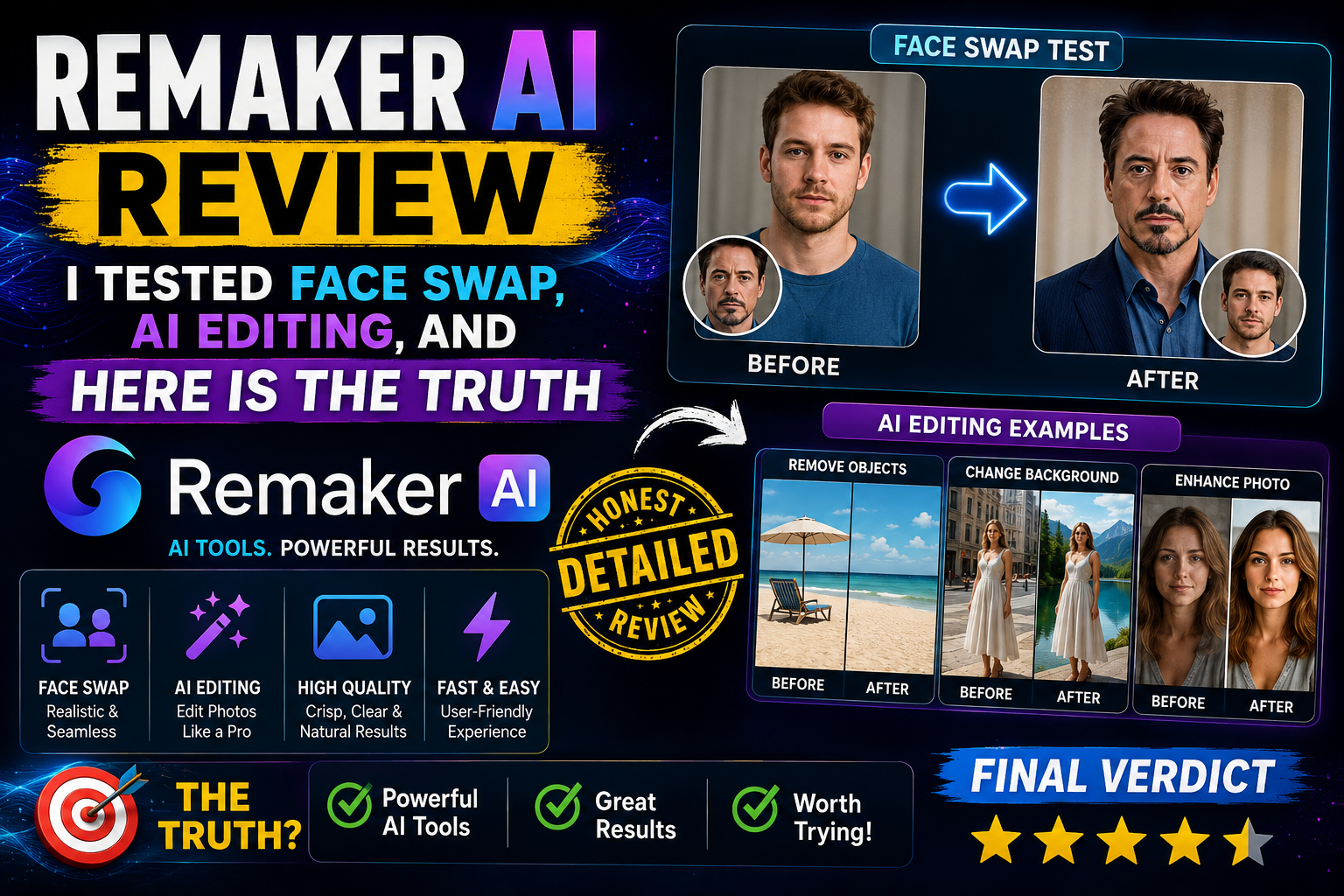
Remaker AI Review, I Tested Face Swap, AI Editing, and Here Is The Truth
- 1 Quick Verdict for Remaker AI
- 1.0.1 Best For:
- 1.0.2 Not suitable for:
- 2 Pros and Cons
- 2.1 What Is Remaker AI And How It Works
- 2.2 My First Experience Testing Remaker AI
- 2.3 Face Swap Feature Test (Real Results)
- 3 AI Editing Tools I Tested
- 4 Where Remaker AI Performs Well
- 5 Remaker AI vs Other Tools
- 5.1 Remaker AI vs Canva
- 5.2 Remaker AI vs Microsoft Designer
- 5.3 Who Should Use Remaker AI
- 5.4 Who Should Avoid It
- 6 Final Verdict
While searching for a free face swap tool that hadn’t forced me to sign up on five different platforms or download software that I would forget after a single use, I found Remaker AI.
The name was mentioned quite a few times on the internet, so I took the plunge and actually tried it, not just looked at the features, but really tested face swap, background removal, object removal, image upscaling, and the AI art generator.
What I got was more of a mixed bag than great reviews made it seem. Some things actually blew me away, but others let me down in ways I didn’t expect.
Quick Verdict for Remaker AI
Rating: 7/10
Best For:
- Content creators, Marketers, and e-commerce sellers who need fast, no-skill image edits without a design budget.
Not suitable for:
- professional designers, print production work, or anyone seeking precise manual control over AI output.
Pros and Cons
| Pros | Cons |
| Clean, beginner-friendly interface | Free daily credits run out fast |
| Strong background remover for product images | Output quality is inconsistent across sessions |
| Face swap works well for single-subject images | No manual editing controls or fine-tuning options |
| No installation required — fully browser-based | Group face swaps produce noticeable artifacts |
| Free tier available with no credit card needed | AI art generator output feels generic |
| Fast processing — most edits complete in under 10 seconds | Not suitable for print or high-resolution professional work |
| Useful image upscaler for basic resolution improvement | Object removal struggles with complex textures |
What Is Remaker AI And How It Works
Remaker AI is an AI image editing website that works on your browser only. It combines multiple features, face swap, background remover, object removal, image upscaler, and an AI art generator in a single interface. There’s no need for you to install anything on your computer. Just upload a photo, select a tool you want to use, process it, and then download your new image. The service uses a credit system for transactions.
My First Experience Testing Remaker AI
To my surprise, the dashboard was not at all what I had expected. The whole interface just seemed nicer and more polished than most free AI tools I have tried so far, with tools clearly labeled in a sidebar and a main preview panel.
For the first try, I just wanted to see if the background could be successfully removed from a product photo of a bottle sitting on a messy desk. The result was returned in around eight seconds. The edges were nicely done, and no strange halo around the object. I was really amazed.
What I immediately noticed is that the tool does not throw a lot of options at you. It is designed for speed rather than depth. So, if you are looking for sliders, layer controls, or manual masking features, you will not come across them here.
Face Swap Feature Test (Real Results)
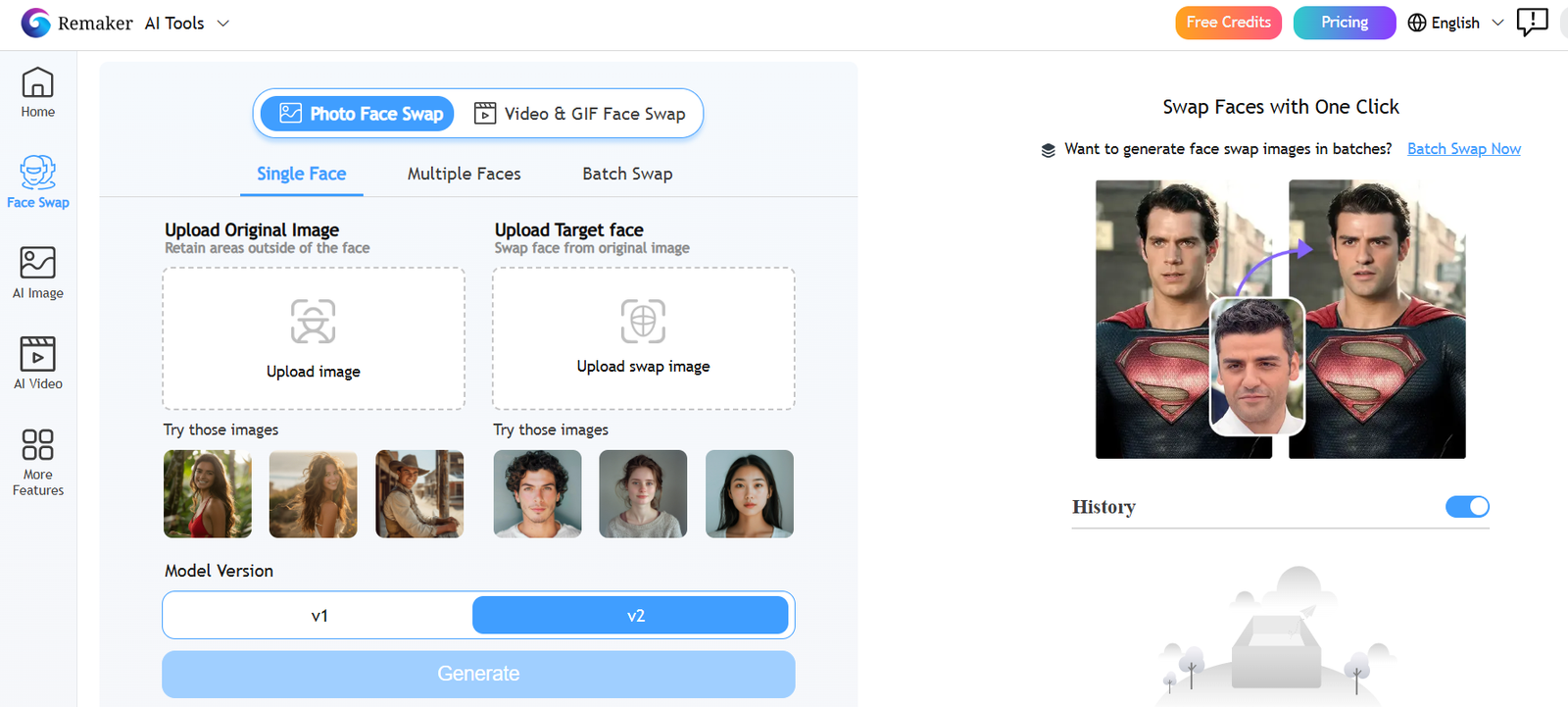
I performed three distinct face swap experiments. Initially, I swapped a single face in a portrait photo; the lighting on the source and target was quite similar. The outcome was very persuasive. The skin color was in harmony, and the face orientation seemed genuine. Not flawless upon a very close look, but good enough for social media.
The second experiment was a face swap with entirely different lighting. One picture was taken in a house with warm light, the other outside. That is when the flaws became obvious. The merging was quite off, and there was a slight rim artifact along the jawline—definitely not a neat result.
The last experiment was a group photo with three faces. It didn’t do well. One face was replaced perfectly, one appeared slightly distorted around the eyes, and the third had very noticeable blending issues along the hairline. When it comes to group photos with several people present, the AI face swap software just doesn’t perform very well.
AI Editing Tools I Tested
Background Remover
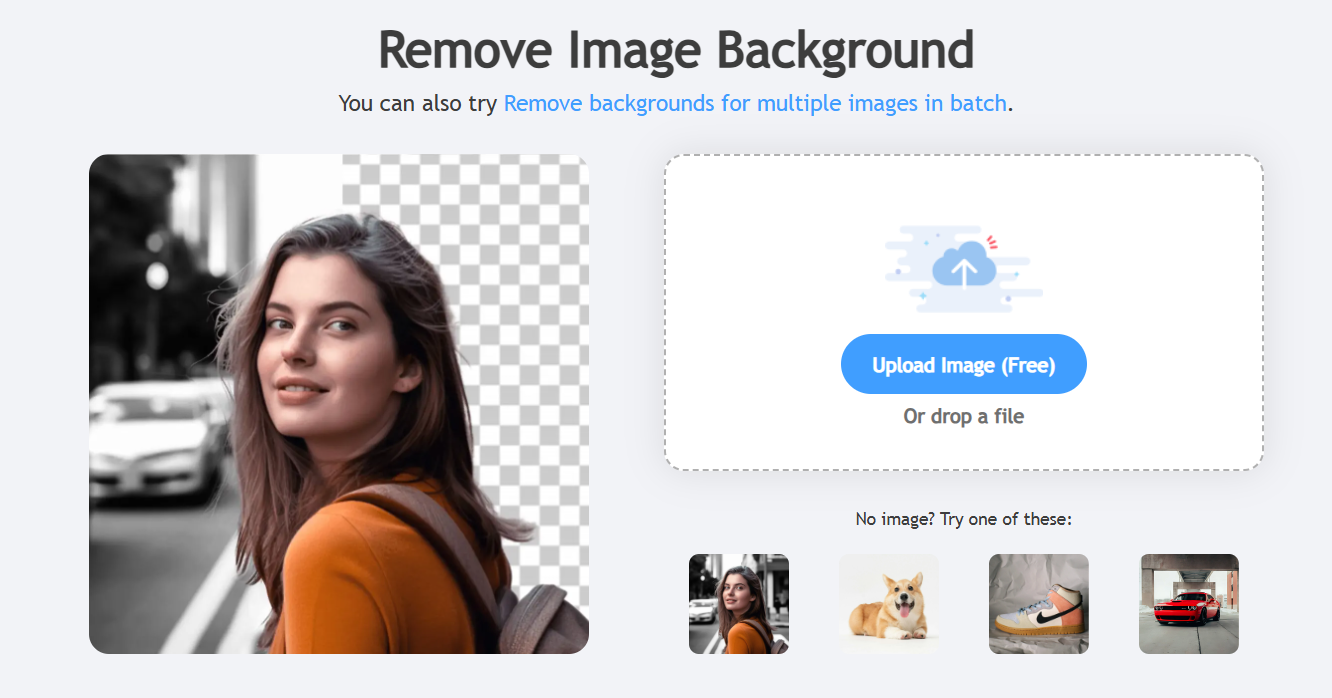
Really, this was hands down one of the best features of the whole platform. It was able to handle really tricky parts, such as strands of hair and flowing garments, far more proficiently than I would have expected from a free AI image editor. For the most part, the results were of good quality, especially on standard product photos.
Removal of Objects
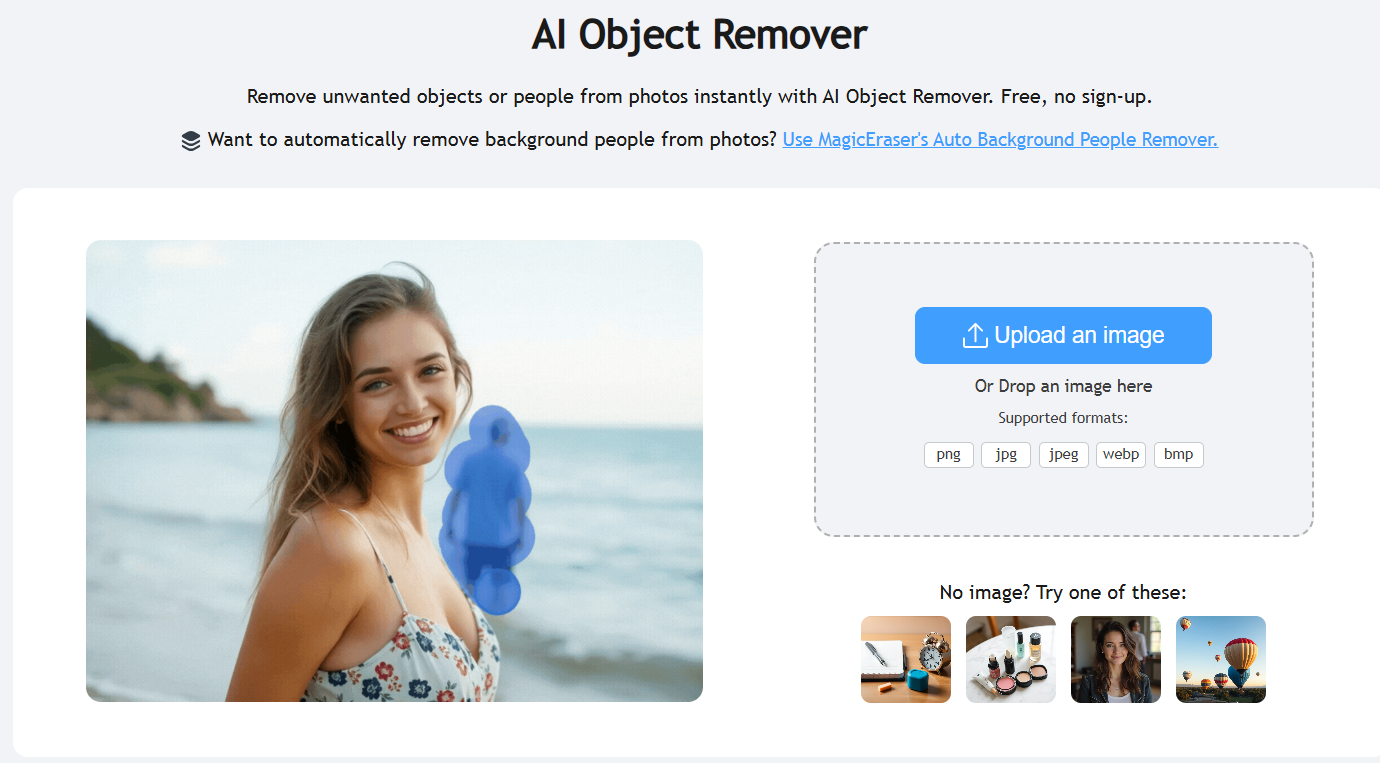
For a test, I took a photo of a street and removed a trash bin from it, while on the image of a t-shirt, I erased a logo. The street photo looked very realistic as the fill came through. The t-shirt, on the other hand, resulted quite differently; the filling texture didn’t blend naturally with the fabric pattern. In fact, it is more suitable for simple removals than precise operations.
Increasing Resolution of Images
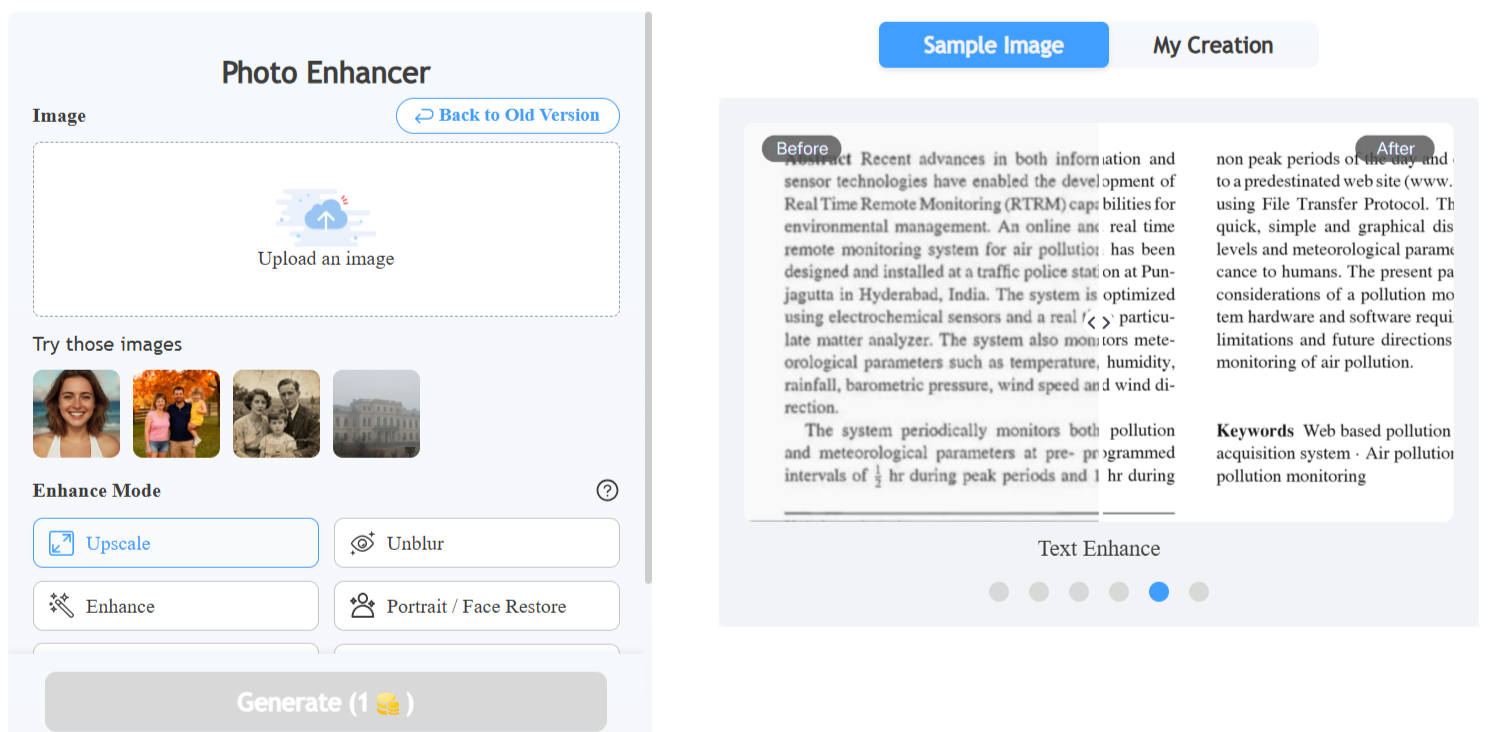
For instance, I took a tiny image of a product that was 300 pixels in width and low resolution, and turned it into a high-resolution image using the upscaler. When the output was magnified to 4 times, the image was more defined than the original, with some improvement in outlining. It gave a little bit of a fake plastic look to the skin part, which is the only thing that you notice, but if you are talking about product photos or general images, it is definitely able to serve the purpose. Certainly a step down when it comes to a dedicated program like Topaz, but at least it is free.
Where Remaker AI Performs Well
If you are thinking of creating social media content, it is really convenient in a big way. Background removal for product shots, quick face swaps for memes or fun campaign content, basic image upscaling, these are the areas it hardly compromises at all. Marketers who will be working on fast visual campaigns will certainly benefit here, particularly with the free version.
Where It Fails or Feels Limited
The credit system is the biggest pain point. Free credits run out faster than you expect, especially when testing multiple tools. Once you hit the daily limit, you either wait or pay. There is no manual override or quality setting to conserve credits.
Another source of frustration is output consistency. The same tool might give excellent results with one picture, yet the output for a similar one is noticeably worse. No explanation is given for this, and there is no way to change the settings to get better results before running the tool.
Pricing And Free Credits Reality
Remaker AI does not even ask for a credit card when you sign up, and they continue to give free credits daily. I found that those free credits will give you just enough operations to test out the tool. Not enough if you want to use it for regular production. Paid plans not only add more credits but also remove the daily waiting. I didn’t get a chance to try the paid tier, but from the price page, the cost is on par with other AI content creation tools.
Remaker AI vs Other Tools
Remaker AI vs Canva
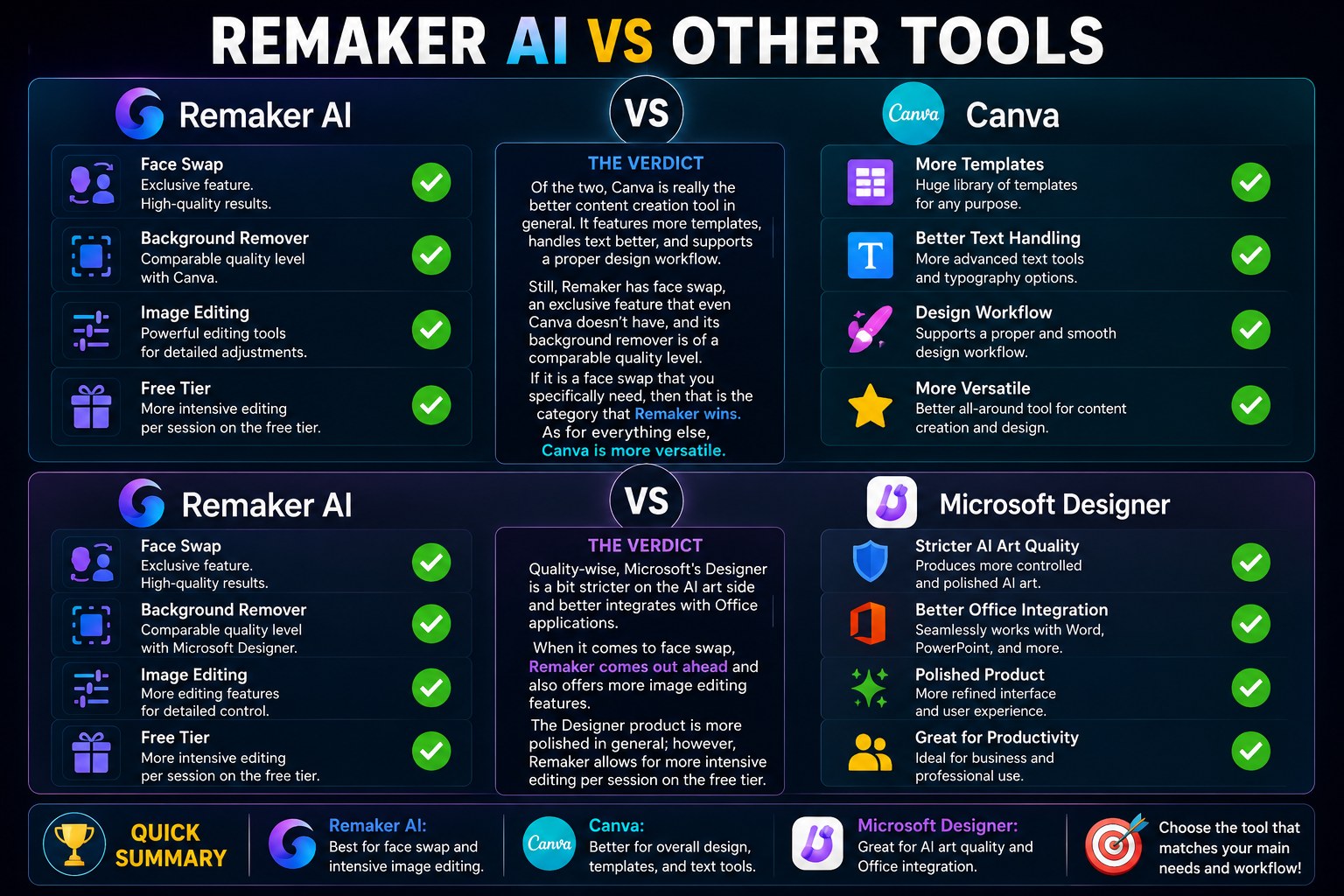
Of the two, Canva is really the better content creation tool in general. Aside from the fact that it features more templates and handles text better, it also supports a proper design workflow. Still, Remaker has face swap, an exclusive feature that even Canva doesn’t have, and its background remover is of a comparable quality level. If it is a face swap that you specifically need, then that is the category that Remaker wins. As for everything else, Canva is more versatile.
Remaker AI vs Microsoft Designer
Quality-wise, Microsoft’s Designer is a bit stricter on the AI art side and, at the same time, better integrates with Office applications. When it comes to face swap, Remaker comes out ahead and also offers more image editing features. The Designer product is more polished in general; however, Remaker allows for more intensive editing per session on the free tier.
Also Read- Fapelli Review: My Honest Experience Checking The Platform And Its Features
Who Should Use Remaker AI
- Marketers & social media managers — fast edits, no design skills needed
- Content creators — face swaps, memes, themed posts, quick visuals
- Small business owners — product photography cleanup without hiring a designer
- E-commerce sellers — background removal at speed for product listings
Who Should Avoid It
- Professional graphic designers — no precision, no layer control, no output refinement
- Print production users — not built for 300dpi or high-resolution deliverables
- Advanced editors — if you need to fine-tune AI output, this tool will frustrate
Final Verdict
Remaker AI is a handy, efficient, and easy-to-use AI editing software that really makes a difference for casual and semi-professional uses. The face swap feature is pretty good if it is a single-subject photo. Background remover is quite impressive. Upscaler and object removal are satisfactory. The AI art generator is quite mediocre.
Having a daily credit limit and not being allowed to manually adjust controls are big drawbacks that will annoy anyone who intends to use it seriously. However, as a free, browser-based AI image editor with a decent set of features, it deserves to be recognized as a valuable tool in a content creator’s arsenal.