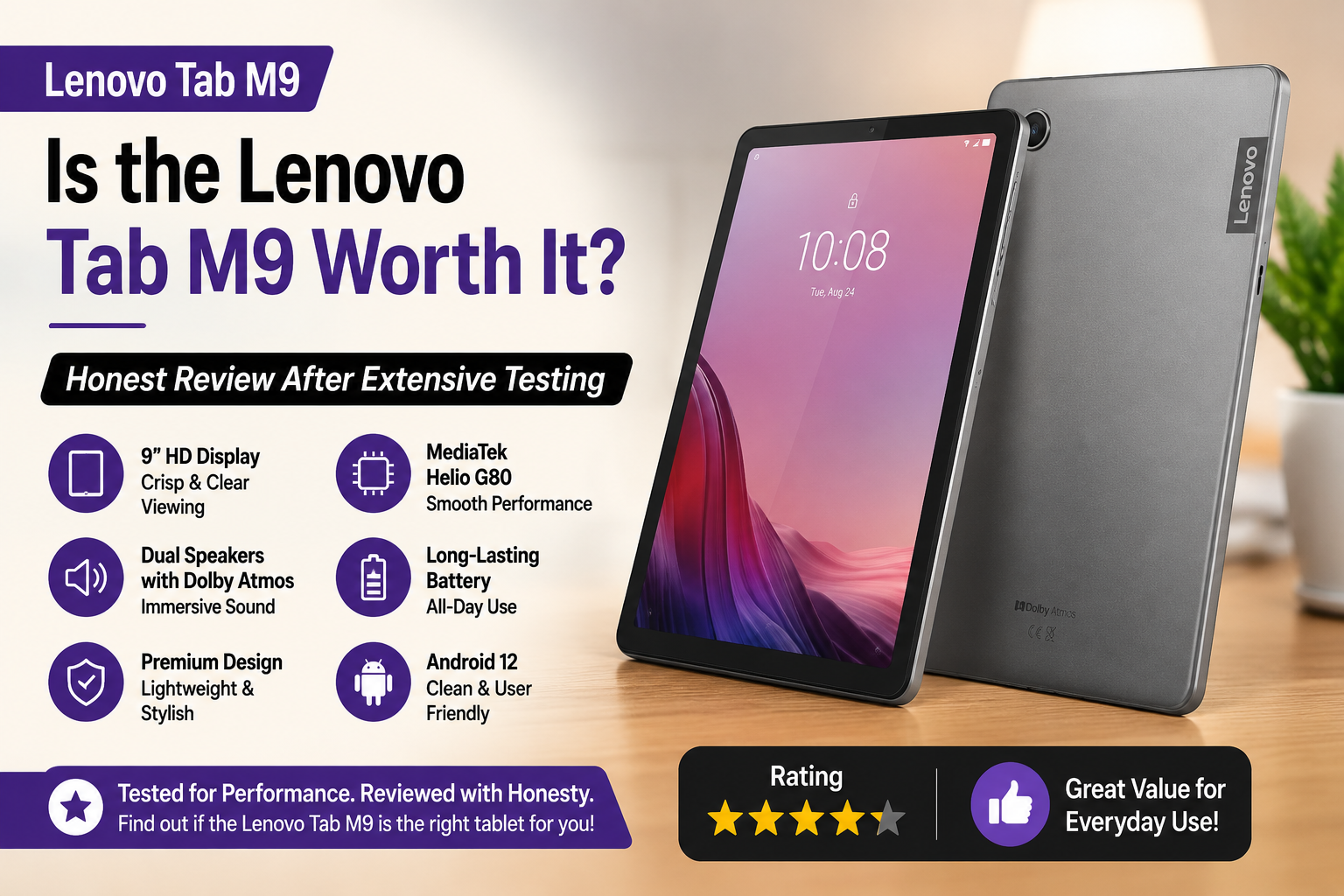
Is the Lenovo Tab M9 Worth It? Honest Review After Extensive Testing
I was using the Lenovo Tab M9 as my tablet for the past few weeks, watching Netflix on the couch, with my kid playing with school apps, and I even tried it as a smart home dashboard. Budget Android tablets have a long history of promising a lot and delivering very little, so I was a bit skeptical. What I discovered is a product that justifies its price for the right user, but is quite disappointing for the wrong user.
In this review, I will share with you what it is good at, where it misses the mark, and, most of all, if your money is better spent on this tablet or another.
Quick Verdict For Lenovo Tab M9
Rating: 7.5 out of 10
The Lenovo Tab M9 is a really decent budget tablet if your main plan is media consumption, kids’ usage, and very light daily activities. It won’t cater to power users’ needs, but considering it costs less than $150, it provides nice build quality, decent battery life, and a clean version of Android features that most no-name alternatives lack.
Specifications of Lenovo Tab M9
| Feature | Specification |
| Display | 9.0″ IPS LCD, 1340 x 800 (HD+) |
| Processor | MediaTek Helio G80 (octa-core) |
| RAM | 3GB or 4GB LPDDR4X |
| Storage | The 32GB / 64GB eMMC/microSD card options are included. |
| Battery | 5,100 mAh |
| OS | Android 12 / Android 13 |
| Cameras | 8MP rear (AF), 2MP front |
| Connectivity | WiFi 5, Bluetooth 5.1, optional LTE |
| Charging | 10W via USB-C 2.0 |
| Audio | Dual stereo speakers, Dolby Atmos |
| Weight | 344g |
| Price | $110–$170 depending on configuration |
Design and Build Quality
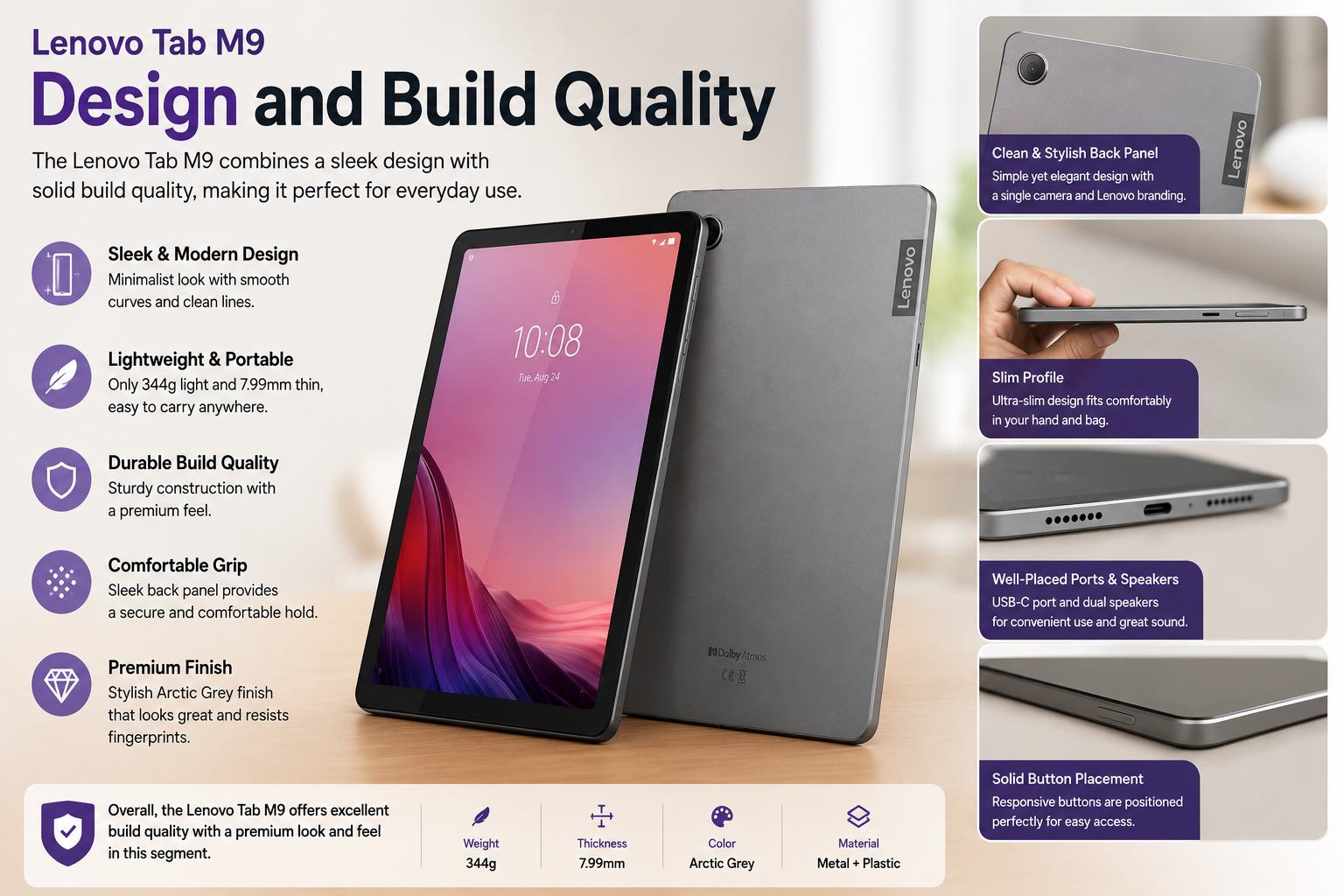
This was a surprise for me. The vast majority of the tablets at this price are like holding a plastic lunch tray. It has a nice premium feel in the hand and is glass-fronted with a metal reverse side with a subtle geometric pattern. It’s thin (7.9mm) and lightweight (344g) for comfortable, single-handed reading. The bezels are quite thick for today’s standards, and it lacks a fingerprint sensor, which is a big bummer. Face unlock is available, but I wouldn’t use it for anything important.
The USB-C port is 2.0 only; it does not support 3.0. Overall, however, Lenovo does very well for its class of devices at this price range.
Display Quality
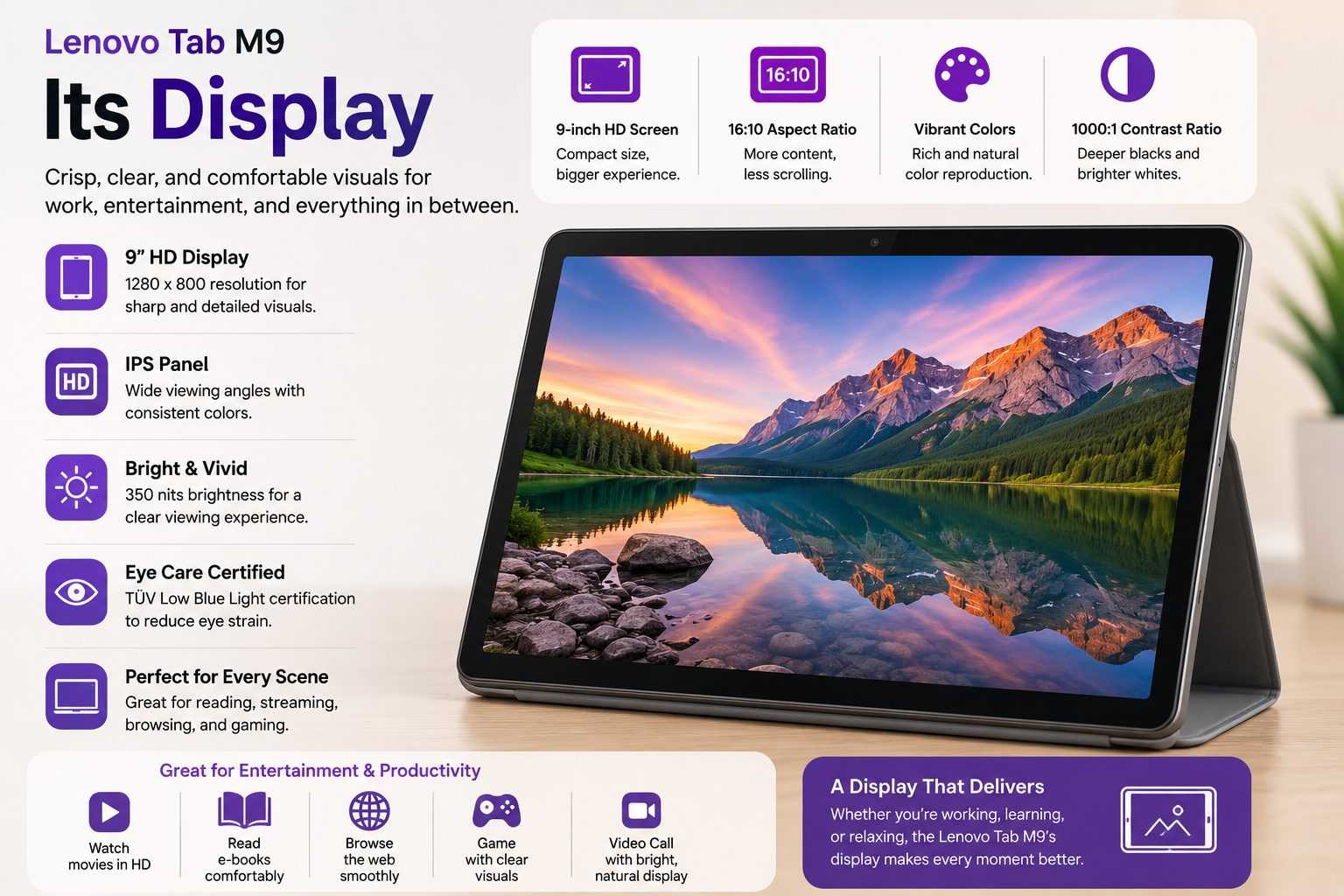
Be honest, 1340 x 800 resolution on a 9-inch screen merely equals 174 PPI. So, at best, it’s HD-like. When you read small print or examine detailed images closely, you’ll notice pixelation.
It just isn’t sharp enough for 2025 standards, and anyone with a modern smartphone display would be able to spot it right away. On the other hand, the IPS panel offers wide viewing angles, colors are pretty rich and on the warm side, and at 400 nits, it surprisingly performs well even for outdoor usage. For YouTube, Netflix, and light web browsing, it’s no problem. If you decide to do long hours of reading or photo editing, then the deficiency in pixel density will become quite unbearable.
Performance and Daily Use
The MediaTek Helio G80 with 4GB RAM is good for doing common tasks without any trouble. Going from one app to another, like Chrome, YouTube, and WhatsApp, works with no hiccups. I used the tablet for two weeks every day for web browsing, watching videos, and doing minor work without any crashes or major lag. The problem is that when you want to play a game, the graphics-heavy ones get delayed heavily. Big apps also take their time to load, as the eMMC memory is not that fast.
Given the choice, I would go for the 4GB/64GB version instead of the standard 3GB/32GB one. There is a significant difference in the everyday operation smoothness, and that is well worth the slight cost increase. This is a tablet for light usage, and in that respect, it really performs well.
Battery Life
The big 5, 100 mAh battery is easily one of the best aspects of this tablet. I regularly achieved about 8 to 10 hours of mixed use, watching videos, surfing the web, and playing some casual games, with just one battery charge. Those who use the tablet very minimally will most likely get two days’ worth of battery life without doing anything special. In terms of negatives, the 10W charger that comes as a package with the device is the major one; it takes around three hours to fully charge. Not a great situation, on the other hand, at a price level like this, you wouldn’t really expect anything different either.
Camera
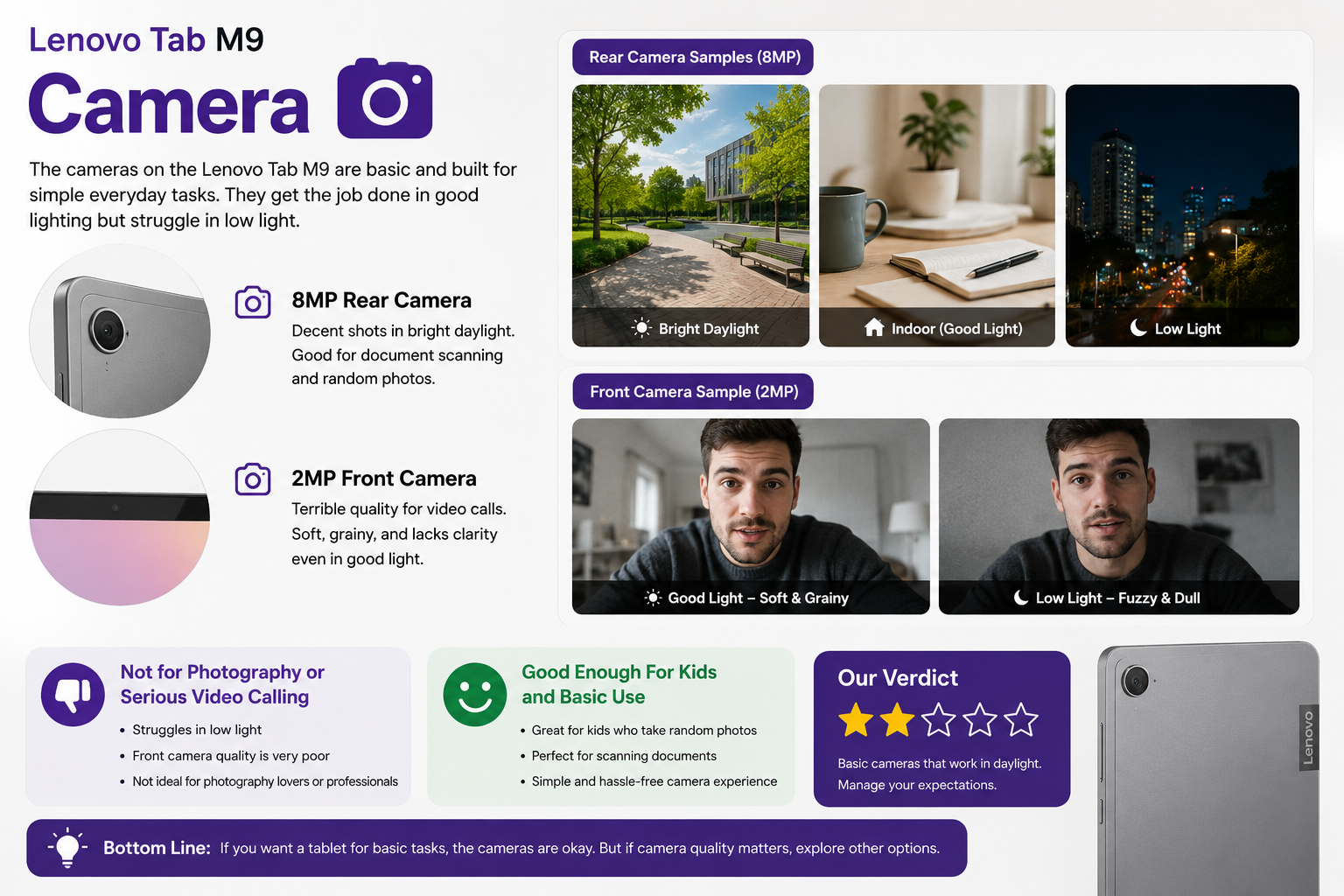
In this part, I won’t elaborate much since there’s hardly anything to praise. The 8MP camera at the back delivers decent shots in bright daylight only, good enough for document scanning or random photos. Push it to low light, and everything becomes fuzzy and dull. The 2MP front camera is actually terrible; soft, grainy video calling.
If you are really into photography or video calling, then this is definitely not your device, but for kids who take random photos, the camera suits their purpose. However, if you want a bit more, then go for the other options.
Who Should Buy It
If you want to buy your kids their first tablet and they are between 6 and 14 years old, this product will definitely be a good choice for you. People who do simple things with a tablet, like watching movies and surfing the web, will find its daily performance a good fit. Those who need a separate device to read, write, or do lighter school work will be thankful for the size of the screen and the battery.
Also Read- HP EliteBook 840 G8 Review: Still Worth It in 2026?
Who Should NOT Buy It
Those mobile gamers who want to play games designed with the best graphics smoothly won’t last with this device. Folks looking for a clear and crisp display of text for long-term reading or working on design should go for a higher-resolution display. Those in a hurry to get data through USB-C or to recharge their device quickly will be made to wait a long time with this one.
Pros and Cons of Lenovo Tab M9
| Pros | Cons |
| Premium build for the price — glass front, metal back | Low resolution (174 PPI) — visible pixelation up close |
| Clean near-stock Android with minimal bloatware | The base 3GB/32GB config feels sluggish in daily use |
| Strong battery life — 8 to 10 hours mixed use | Slow eMMC storage when loading large apps |
| Dual stereo speakers with Dolby Atmos sound good | Only 10W charging — takes ~3 hours for a full charge |
| MicroSD slot for expandable storage | No fingerprint sensor — face unlock only |
| Full Google Play Store access | The 2MP front camera is poor for video calls |
| Lightweight at 344g, comfortable for one-handed use | Large bezels by 2025 standards |
| Handles streaming, browsing, and WhatsApp smoothly | Struggles with graphically demanding games |
| Affordable at $110–$170 depending on config | USB-C 2.0 only — no fast data transfer |
| An optional LTE model is available | The LTE model may not support all carrier bands globally |
Final Verdict
Lenovo Tab M9 is a simple budget tablet, and it does well. It doesn’t even try to go against the iPad or Galaxy Tab S, and it definitely shouldn’t.
Delivering real value for parents, students, casual streamers, and anyone using a reliable secondary screen under $150, the 4GB/64GB version is the way to buy, drop the base model, and also agree that display resolution and camera are two obvious weak points.
Having your expectations aligned with the purpose of the tablet, you will get the result that you like.
FAQs
Can the Lenovo Tab M9 run Netflix and YouTube smoothly?
Yes. The Tab M9 is certified for HD streaming and handles Netflix, YouTube, and Disney+ without buffering or performance issues under normal use.
Does the Lenovo Tab M9 support a SIM card?
Only the LTE variant supports a SIM card for mobile data. The standard Wi-Fi model does not include cellular connectivity.
Is 3GB or 4GB RAM better for the Lenovo Tab M9?
The 4GB model is noticeably smoother for multitasking and light gaming. It is worth spending the extra $10 to $20 for the 4GB/64GB configuration if your budget allows.
How long does the Lenovo Tab M9 battery last?
Expect 8 to 10 hours of mixed use on a single charge. Light users focused on reading or video streaming can comfortably stretch it to two days.