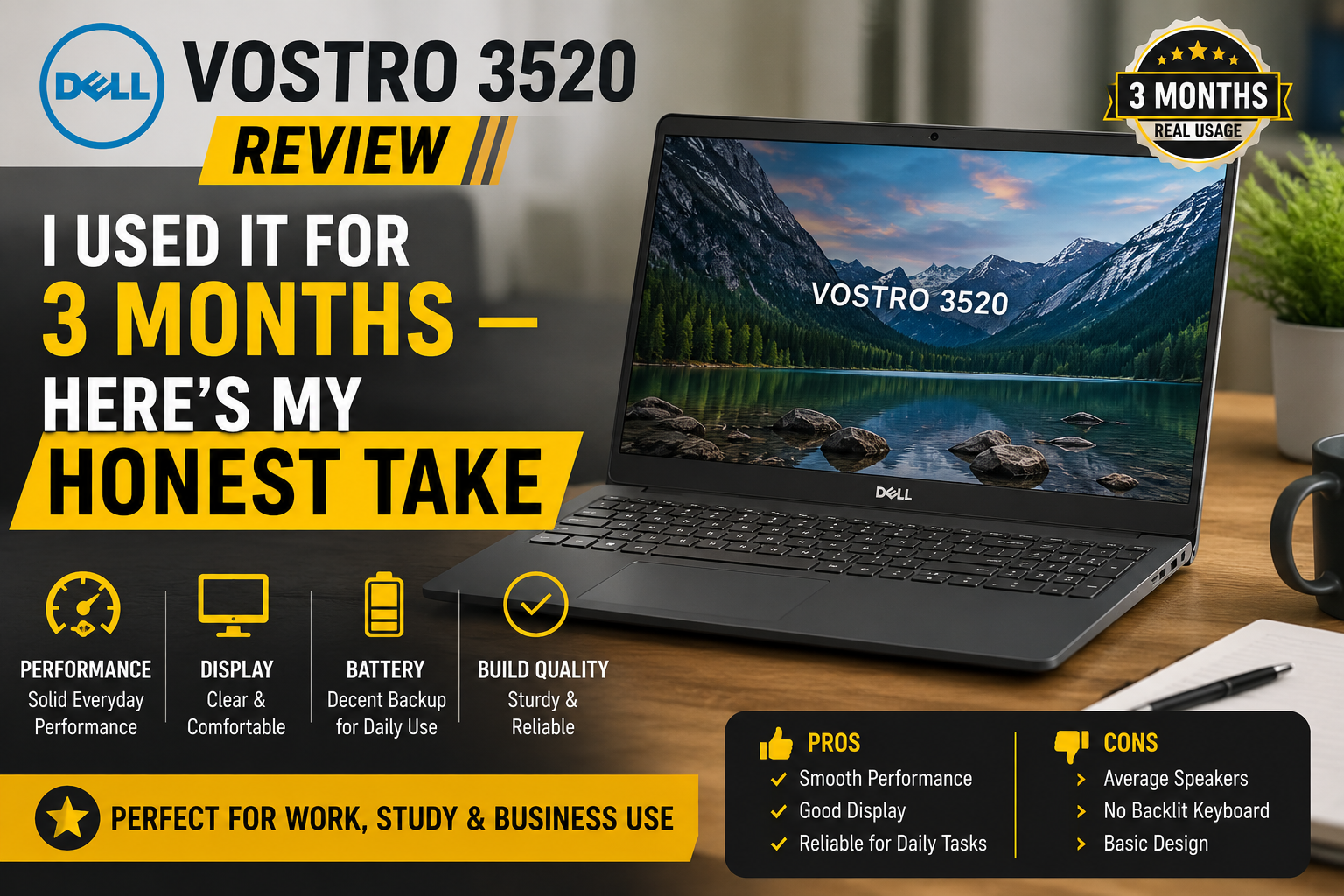
Dell Vostro 3520 Review: I Used It for 3 Months — Here’s My Honest Take
- 1 Quick Verdict for Dell Vostro 3520
- 1.1 Score: 7.7/10
- 2 Full Specifications of Dell Vostro 3520
- 2.1 What’s Inside the Box (And What Actually Matters)
- 2.2 The Display: One Decision That Changes Everything
- 2.3 Build Quality, Keyboard, and Everyday Feel
- 2.4 Performance in Real Workloads
- 2.5 How It Compares
- 2.6 Pros and Cons of Dell Vostro 3520
- 3 Final Verdict
I picked up the Dell Vostro 3520 (Core i5-1235U, 8GB RAM, 512GB SSD, 1080p 120Hz IPS) three months ago after weeks spent comparing budget business laptops. My work is mainly writing, researching, video conferencing, and a bit of photo editing. Nothing fancy.
All I wanted was a decent 15-inch laptop under $600 that I could take to a client without feeling ashamed, or one that wouldn’t quit on me as I am working on a deadline. After using the machine daily in three different countries, the UK, UAE, and on a work trip for two weeks around Southeast Asia, I am now able to tell you where the Vostro 3520 deserves its price tag and where it disappoints you silently.
Quick Verdict for Dell Vostro 3520
Score: 7.7/10
Perfect for Students, remote workers, and small business owners who require a steady laptop for everyday productivity and communication purposes but do not want to spend a lot.
Unsuitable for Artists, videographers, or anyone requiring high-level graphics capabilities, very precise colors, or the longest possible battery life to completely do without charging.
Full Specifications of Dell Vostro 3520
| Specification | Detail |
| Processor | Intel Core i5-1235U (12th Gen Alder Lake, 10-core, up to 4.4GHz) |
| RAM | 8GB DDR4 (2× SODIMM slots, upgradable to 64GB) |
| Storage | 512GB NVMe M.2 SSD + 1× SATA 2.5″ slot |
| Display | 15.6″ FHD 1920×1080 IPS, 120Hz, 300 nits, No PWM |
| Graphics | Intel Iris Xe (integrated, 80EU) |
| Battery | 3-cell, 41Wh |
| Ports | 1× USB-C (DP), 2× USB-A 3.2, 1× USB 2.0, HDMI 1.4, RJ-45, SD card |
| Wireless | Wi-Fi 5 (802.11ac), Bluetooth 5.0 |
| Webcam | 720p HD, 30fps |
| Operating System | Windows 11 Pro |
| Weight | 1.63 kg (3.6 lbs) |
| Dimensions | 358.5 × 234.9 × 17.5–22.5mm |
| Starting Price (US) | From ~$449 (i3) / ~$549 (i5) |
What’s Inside the Box (And What Actually Matters)
The 12th Gen Intel Core i5-1235U is probably the best processor for this laptop. It’s based on Intel’s Alder Lake architecture, has two performance cores and eight efficiency cores, for a total of twelve threads, and can reach 4.4GHz clock speed.
Just the other day, I was at a friend’s office and tried out the Core i3-1215U variant. Frankly, it managed quite well when it came to simple office productivity tasks.
8GB DDR4 is soldered in a single SODIMM slot for RAM, which was the first thing I upgraded. Vostro 3520 model features dual SODIMM slots, and the processor can support up to 64GB officially, so I inserted a second 8GB stick to enable dual-channel operation.
The 512GB NVMe M.2 SSD performs adequately in terms of speed. Additionally, there’s a SATA slot for a 2.5-inch drive in case you want to expand. This type of upgradability is very rare at this price level, and it’s something I really like.
The Display: One Decision That Changes Everything
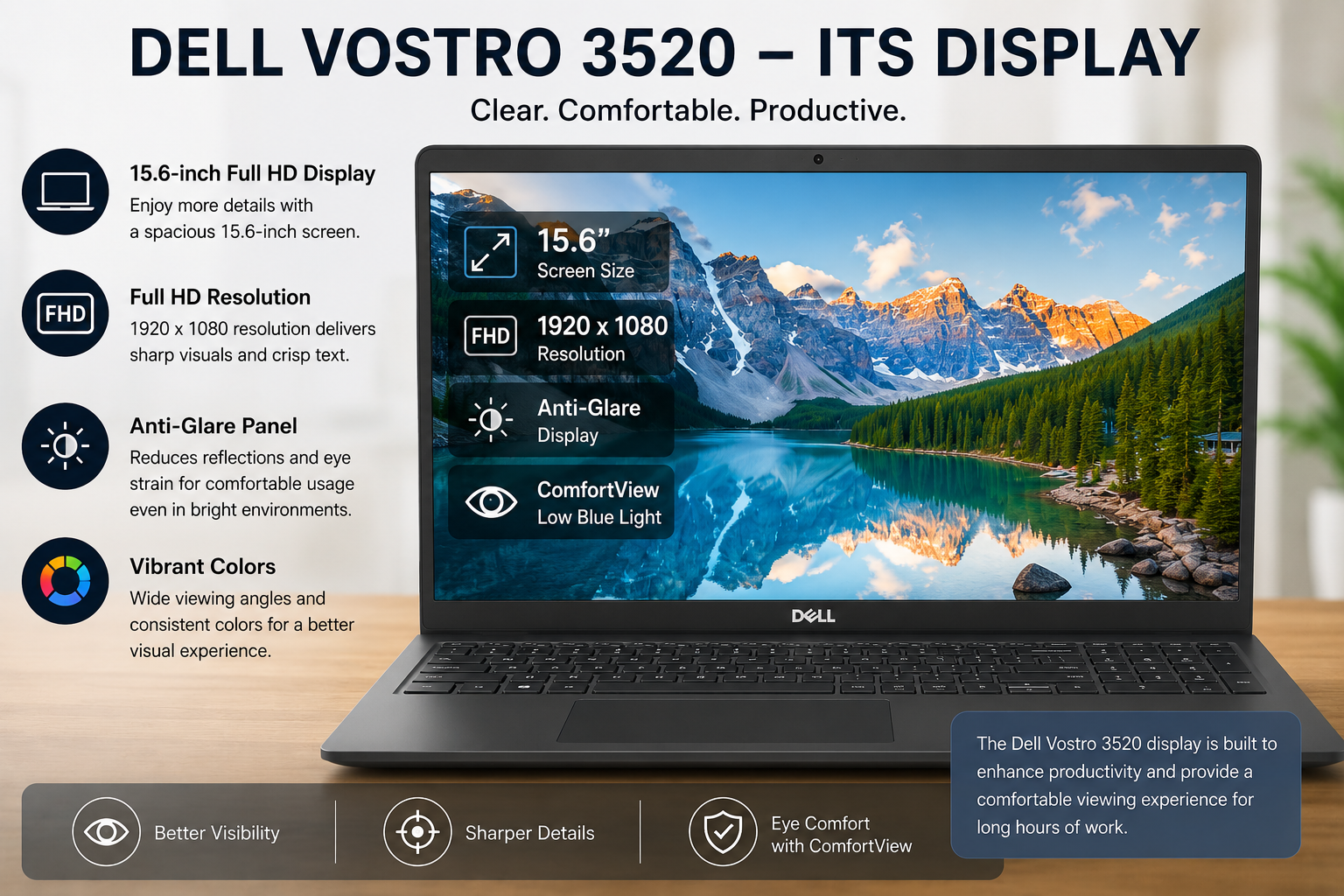
This is the part that I really wish someone had written for me when I was about to buy the wrong configuration.
Dell Vostro 3520 comes with two options for the display. The base one offers a 1366×768 TN panel at 60Hz. Don’t buy it. First of all, the viewing angles are so limited; secondly, the contrast is poor, and working more than two hours on this one can lead to a headache. It’s really one of the weakest screens I have seen on any laptop this decade.
The one that I have is equipped with a 15.6″ Full HD 1920×1080 IPS screen at 120Hz. Honestly, it’s a totally different story. The colors are quite accurate, and the panel only covers about 52% of sRGB, which should be good enough for productivity work.
Build Quality, Keyboard, and Everyday Feel
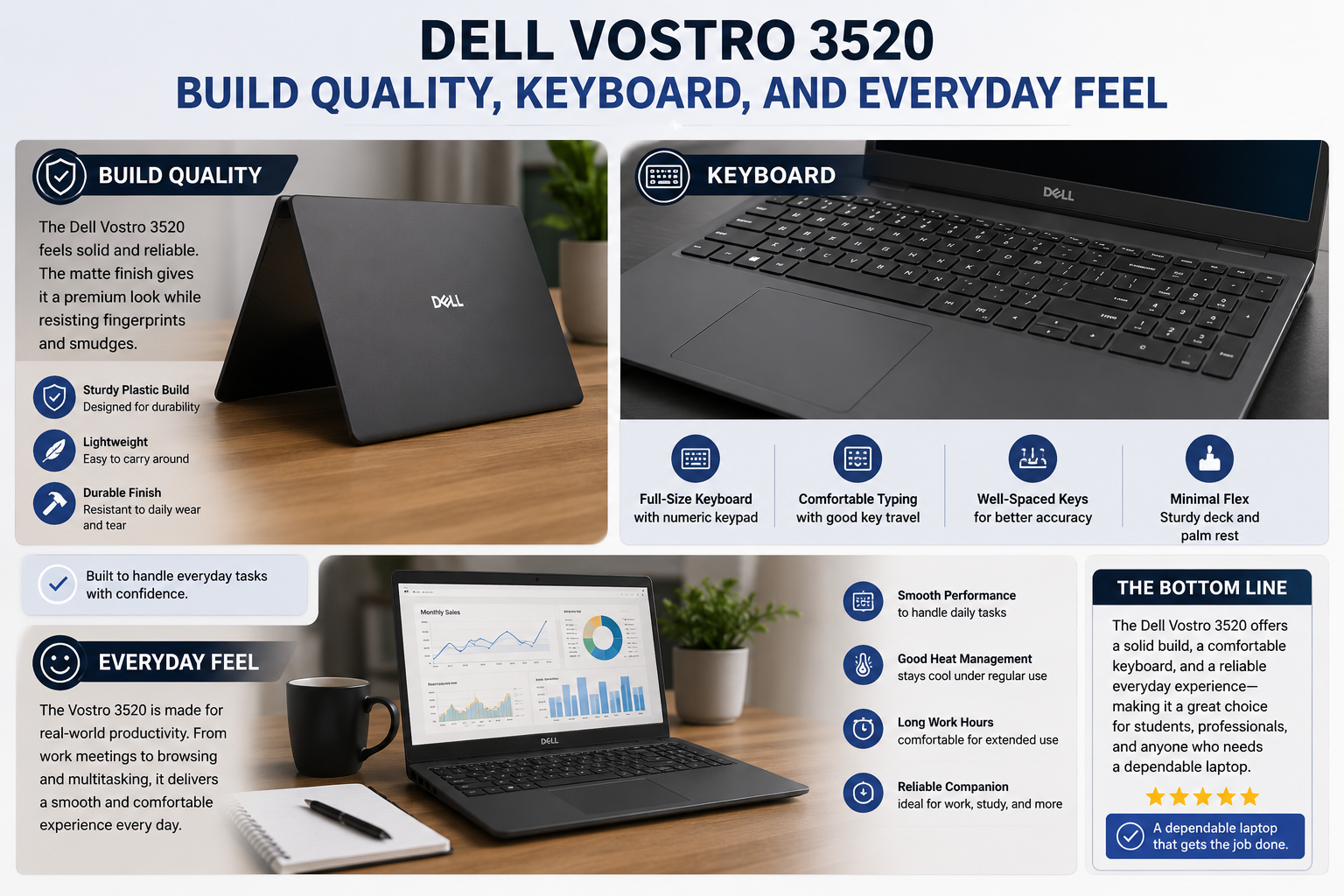
At this price, it makes sense that the chassis is plastic. It actually doesn’t feel cheap. Dell must have done some good structural engineering work, but it’s not the premium type anyway. The display lid does flex a little bit when you push it, though. Since I usually carry it in a padded sleeve during daily commuting, it has been okay.
Besides, the keyboard is a standout feature here. The layout is the full-size one with a NumPad, which is quite essential for my invoicing and spreadsheets. The travel of keys is nice, and the arrangement of keys makes total sense, so I was able to write thousands of words on this keyboard without getting tired. It is definitely worth buying the backlit one. The trackpad is a precise one, and the support for multi-gesture is quite reliable on Windows 11 Pro.
The ports typical of a laptop at this price have been given: three USB ports (in the upgraded versions, one of them is USB-C that also supports DisplayPort), HDMI 1.4, an SD card reader, and a full RJ-45 Ethernet port.
Performance in Real Workloads
It performs its operation without any showmanship for business people, students, and remote workers. I ran my usual daily routine, which included Chrome with “research” tabs open, Word open, Lightroom browsing through catalogs, Slack, and a background Spotify stream, and the Vostro 3520 did not thermal throttle or become loud.
The Intel Iris Xe integrated graphics will be unable to handle the most challenging titles or process 4K video efficiently. For casual use in photo editing, presentation work, and older games, it works for that.
The 3-cell 41Wh pack is expected to provide five to six hours of power for mixed use (a bit of a stretch by Dell, but 8 hours is plenty for an average workday, which is then followed by an afternoon plug-in).
Also Read- Dell Pro 14 Plus Review: Brutally Honest, After Using It for Real Work
How It Compares
Compared to the Lenovo IdeaPad 3, the Vostro 3520 scores higher in build quality and keyboard comfort, but it can come behind on AMD iGPU performance if you select Ryzen. Moreover, the HP 255 G10 weighs less and is cheaper; however, it is less sturdy. The only advantages that Vostro has over both are upgradeability and the 120Hz IPS screen option.
Pros and Cons of Dell Vostro 3520
| Pros | Cons |
| Excellent full-size keyboard with NumPad | Base 768p TN display is genuinely poor — avoid it |
| Two SODIMM slots — rare at this price | Single-channel RAM out of the box hurts iGPU performance |
| M.2 + SATA dual storage slots | A 41Wh battery gives a modest 5–6 hours of real-world life |
| 1080p IPS 120Hz display option is crisp and smooth | No Thunderbolt 4 — USB-C limited to data + DisplayPort |
| Solid build despite plastic chassis | Occasional graphics driver instability on some units |
| RJ-45 Ethernet port (rare on thin laptops) | No touchscreen option across the entire lineup |
| Core i5-1235U handles multitasking well | Base Wi-Fi 5 — no Wi-Fi 6 on most configurations |
| Intel Iris Xe is good enough for light editing | A 720p webcam is an average quality for video calls |
Final Verdict
The Dell Vostro 3520 is a decent, reliable business laptop that delivers a lot for its price if you choose the right configuration. Features like a 12th Gen Core i5 processor, a 1080p 120Hz IPS screen, and dual-channel RAM support definitely make it a strong, versatile machine that students, professionals, and remote workers can rely on every day. Unlike some laptops, it’s not very flashy, and battery life is not a strong point. However, after three months of intensive daily use in several countries, it has not disappointed me even once. This level of reliability is precisely why you are buying a sub-$600 business machine.
Recommended configuration: Core i5-1235U · 16GB dual-channel RAM · 512GB NVMe SSD · 1080p 120Hz IPS display
FAQs
Q: Is the Dell Vostro 3520 good for students and office work?
Yes. The Core i5-1235U handles Microsoft 365, browser multitasking, and video calls without breaking a sweat. The full-size keyboard with NumPad and upgradable RAM makes it a practical daily machine for students and professionals who don’t need a powerhouse.
Q: Which Dell Vostro 3520 display should I choose?
Always pick the 1080p IPS 120Hz panel. The base 768p TN screen has poor viewing angles and low contrast — it’s the single biggest reason to avoid the entry configuration. The IPS variant is sharper, easier on the eyes, and worth every extra dollar.
Q: Can you upgrade the RAM and storage on the Dell Vostro 3520?
Yes — and it’s one of this laptop’s best features. It has two SODIMM slots supporting up to 64GB DDR4, plus both an M.2 NVMe slot and a SATA 2.5-inch bay. Upgrading to dual-channel RAM is the single most impactful improvement you can make after purchase.