Dell Latitude 3550 Review: I Bought IT For Myself. Here’s What Nobody Tells You
- 1 Quick Verdict for Dell Latitude 3550
- 1.1 Rating: 7.2/10
- 2 Specifications of Dell Latitude 3550
- 2.1 First Impressions & Build Quality
- 2.2 Display — The Section You Need to Read Carefully
- 2.3 Performance
- 2.4 Battery Life
- 2.5 Keyboard, Trackpad & Everyday Comfort
- 2.6 Security & Upgradability
- 2.7 Pros & Cons of Dell Latitude 3550
- 3 Final Verdict
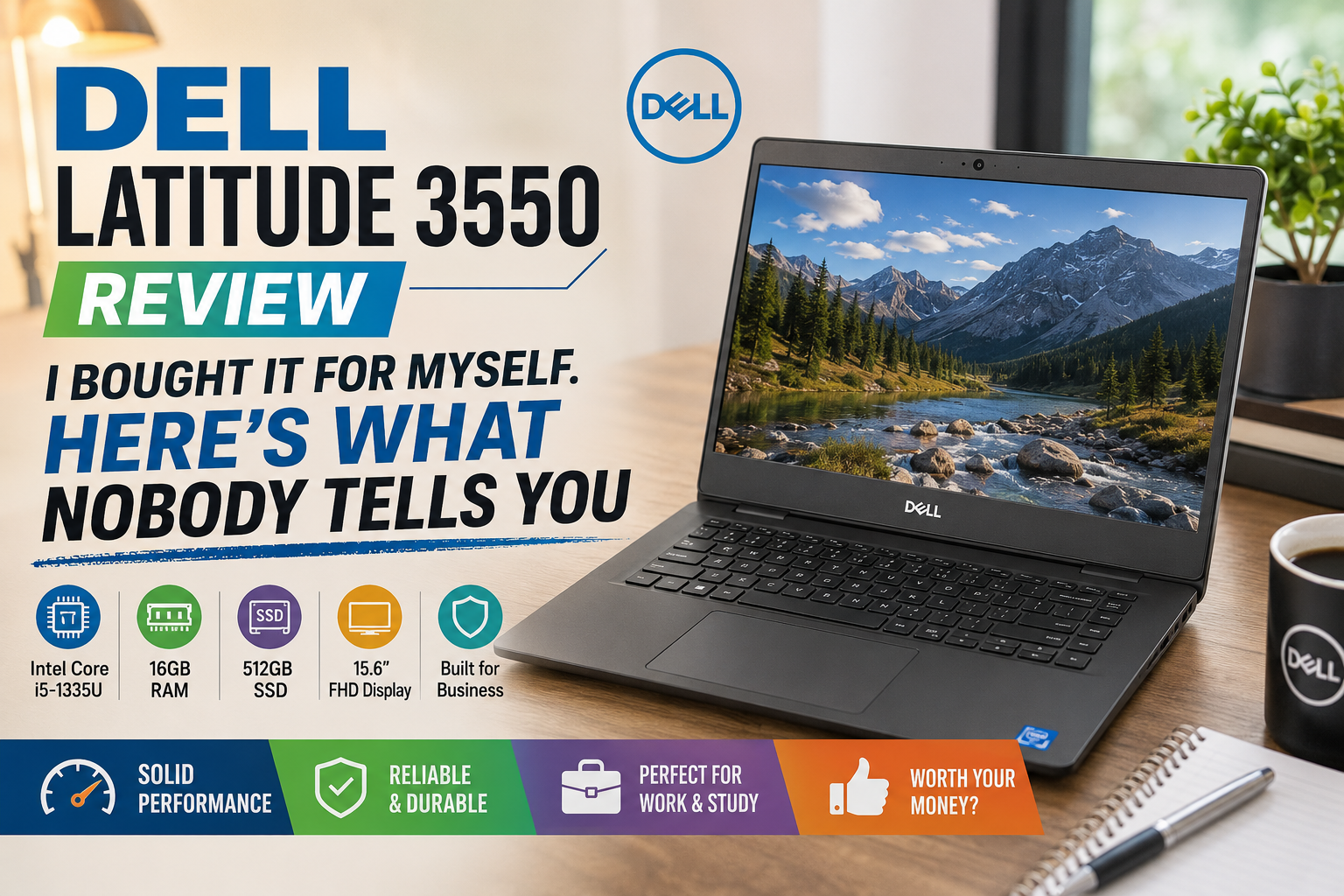
My company gave me a Dell Latitude 3550 as the only laptop for a three-week field assignment, no alternatives, no upgrades. Frankly, I was doubtful at first. Cheap business laptops are infamous for making compromises that end up damaging productivity. However, after doing my job with Excel, video meetings, traveling, and writing reports till late at night for three weeks, I developed a view that was more balanced than I thought it would be.
This is definitely not a machine without faults, but it is more of a capable workhorse than the price alone would make you think, provided that you are aware of what you are getting into.
Here is my genuine, no-marketing-spin version.
Quick Verdict for Dell Latitude 3550
Rating: 7.2/10
Ideal for: SMB employees, students, IT-managed fleets, and remote workers who need reliability over flash.
Not ideal for: Creative professionals, anyone sensitive to display quality, or power users running demanding workloads.
Specifications of Dell Latitude 3550
| Component | Details |
| Processor | Intel Core i5-1335U (13th Gen, 10-core) |
| RAM | 8GB / 16GB DDR4 3200MHz |
| Storage | 256GB / 512GB M.2 PCIe NVMe SSD |
| Display | 15.6″ FHD (1920×1080), TN or IPS options |
| Graphics | Intel Iris Xe (integrated) |
| Battery | 41Wh or 54Wh |
| OS | Windows 11 Pro |
| Weight | ~1.84 kg (4.06 lbs) |
| Ports | USB-A ×3, USB-C (with PD), HDMI 2.0, RJ-45, SD card |
| Starting Price | ~$549 (business pricing varies) |
First Impressions & Build Quality
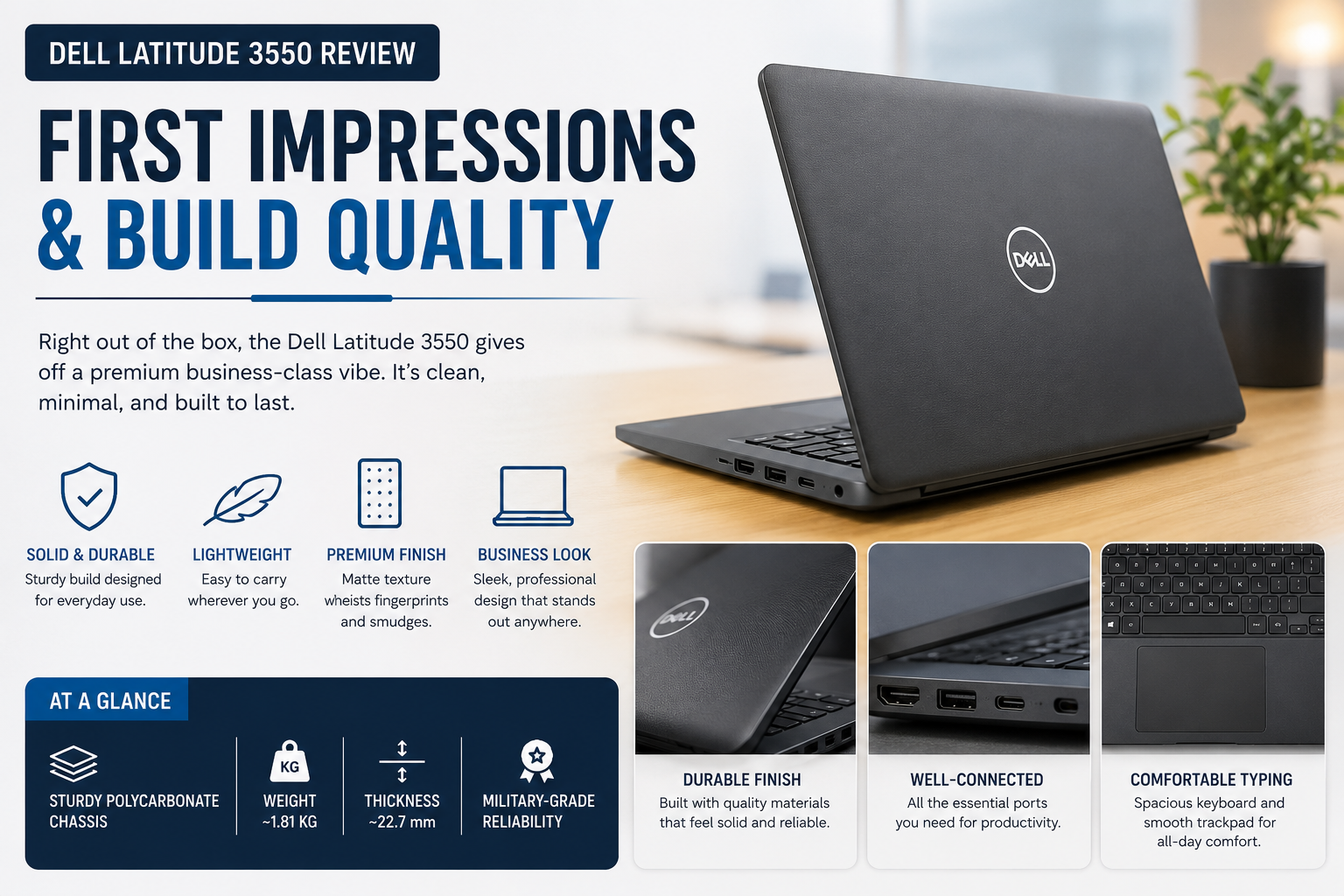
The Latitude 3550 is housed in a plain black case. It doesn’t do this to impress you — and that’s okay. As is common at this price level, the lid is slightly flexible under pressure, but not of any concern. There is a lot of stuff in the bag that is tossed under airplane seats, and the plastic build doesn’t feel flimsy at all.
The port choice was a first impression. There was a time when all the super-thin, no-adoration-to-it laptops had one port for USB-C, three for USB-A, and HDMI—it was a bit of a luxury.
I’ve connected my docking station with 100% success the first time. Daily open-and-close cycles did not cause a problem with the hinge’s durability. Dell’s managed to maintain the footprint within reason — there’s no sense of bulkiness with the 15.6-inch display.
Display — The Section You Need to Read Carefully
What makes the Latitude 3550 complicated is the following, and this is where I would strongly recommend you look at it before buying:
Dell offers this laptop in two different display types: TN (Twisted Nematic) and IPS panel. It’s not the same experience. At all.
The TN panel was included with my unit, and I’m being honest — this is the least capable piece of this machine. Colors are flat, viewing angles are too tight to see past the person sitting next to you at a meeting, the brightness is limited to just 220 nits, and it’s hard to see in natural light. It’s sufficient for document editing and e-mail. It is really tedious when it comes to visuals – design, photo review, and video calls where facial color is important.
The IPS configuration is another one.
Tried a colleague’s IPS unit: more accurate colors, wider viewing angles, definitely more comfortable for extended hours. When setting up or purchasing this laptop, invest the extra money in the IPS screen. If you’re going to look at this screen for 8+ hours a day, it’s not an option.
Performance
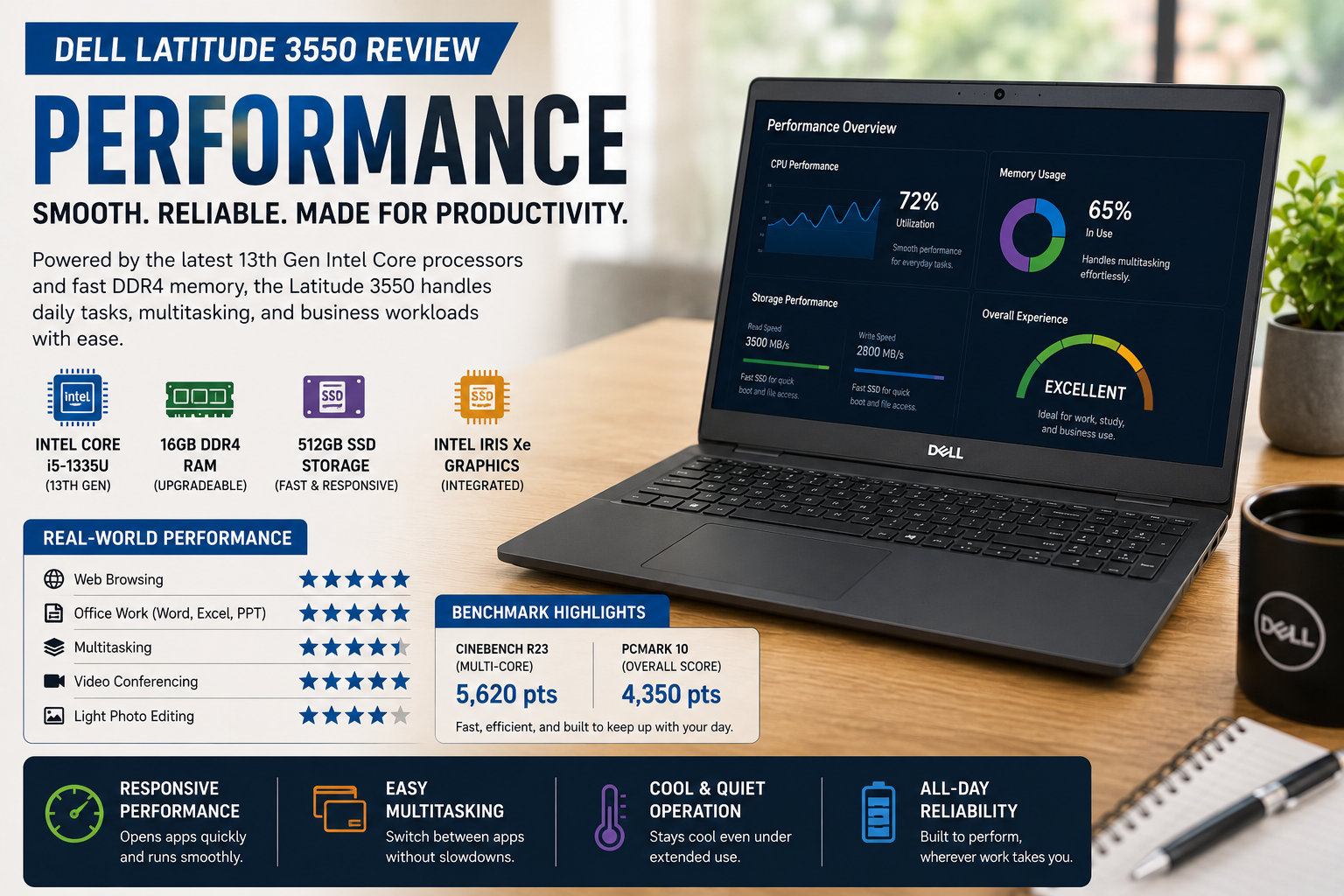
In my everyday work, there was nothing I threw at the Intel Core i5-1335U that it couldn’t do. I used Chrome with 15+ tabs open, took Teams calls, worked with Excel models, and had the occasional PPT decks. Multitasking felt smooth.
The area that it’s lacking is sustained workloads. Fans increased greatly, and performance dropped slightly during a lengthy data export and video call. It’s not a video rendering machine or a local AI machine. But it’s quite capable for the intended business audience.
Boot times on the NVMe SSD were very quick – consistently less than 15 seconds.
Battery Life
Dell gives up to 10 hours. Real-world? Average screen-on-time with a 54Wh battery, at about 60% brightness, mixed work (Teams, browser, Office) use was 6.5-7.5 hours. This is all you need for a full workday if you’re close to a charging station by late afternoon.
The 41Wh base battery drains significantly, with between 4.5 and 5.5 hours on a similar charge. Be aware of the configuration you are ordering.
It was charged through a USB-C (Power Delivery) port, which is reliable, especially when sharing chargers out on the road.
Keyboard, Trackpad & Everyday Comfort
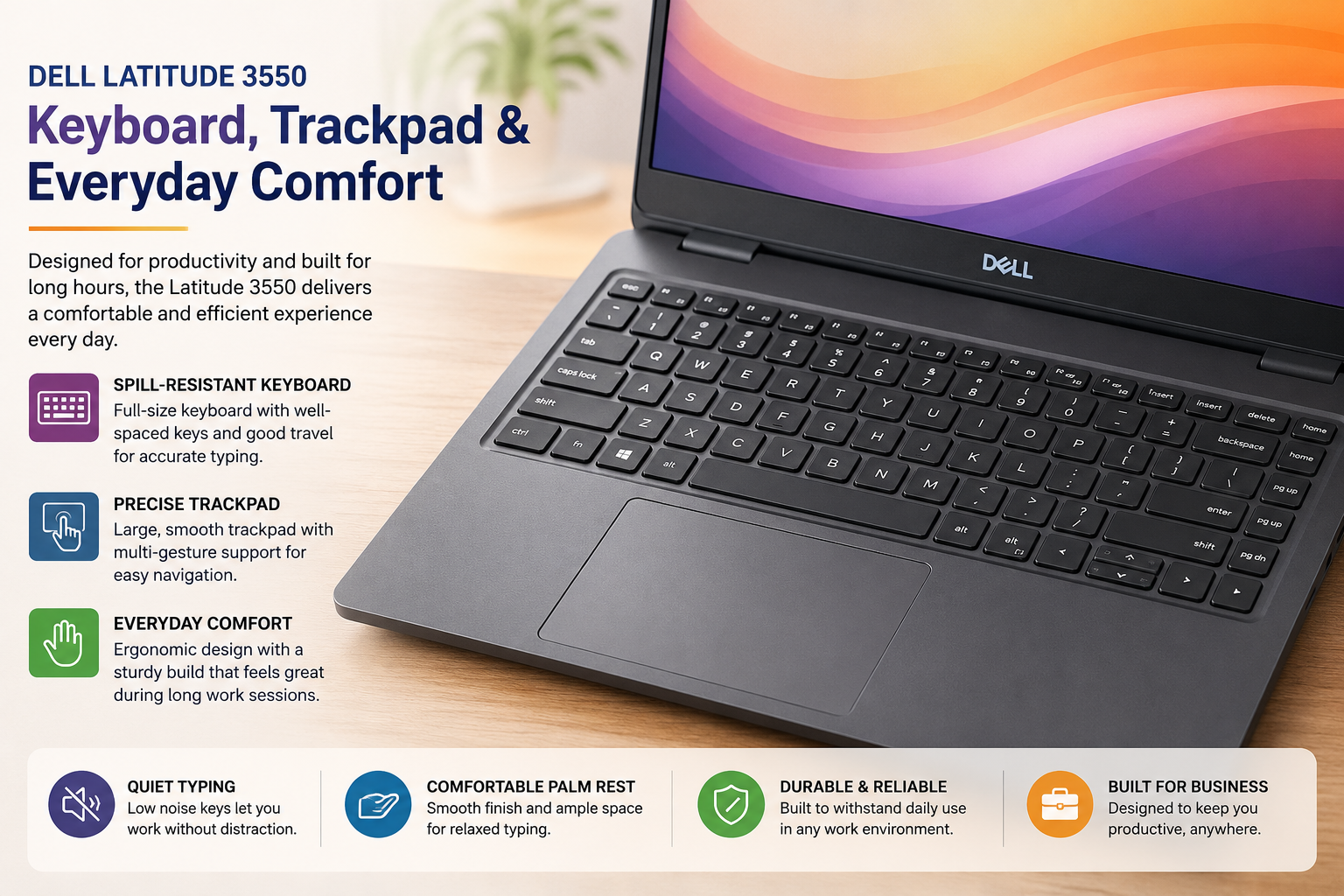
The keyboard is truly one of the Latitude 3550’s biggest advantages. The keyboard stroke is deeper than that of other thin business laptops I have tried, the tactile feedback is spot on, and at the end of the first day, I was comfortably typing at full pace. The layout is logical, with dedicated Home/End keys and nicely sized arrow keys. The frontlit pane is sold separately and is definitely worth it.
The touchpad is good enough. It’s not a glass, and the surface isn’t as smooth as a ThinkPad or a MacBook, but multi-finger gestures are registered accurately, and I hardly feel the need for an external mouse while working with documents.
The 720p webcam is very average, sufficient for internal calls, but to have a good video interaction with clients, you really should get a better external camera.
Security & Upgradability
The IT department would be happy with all the features: TPM 2.0 support, optional fingerprint scanner, IR camera for Windows Hello authentication, and Kensington lock. The BIOS-based management features available with Dell systems (BIOS Connect, SafeID) would really come in useful if you have systems deployed in managed fleets.
This laptop is easier to upgrade compared to many other thin-and-light laptops. The bottom cover of this laptop is held in place with the help of Phillips-head screws and does not require any flat-blade screwdriver at all. RAM is usually not soldered and is easily upgradable in most models. In about 10 minutes, I upgraded the RAM in my test system from 8GB to 16GB.
Also Read- Lenovo Legion 5 Series Review: Every Model Explained, So You Can Stop Guessing
Pros & Cons of Dell Latitude 3550
| Pros | Cons |
| Excellent port selection | The TN display option is weak |
| Solid keyboard with good travel | Base 41Wh battery life disappoints |
| Non-soldered, upgradeable RAM | Webcam quality is below average |
| MIL-STD-810H durability rated | Plastic build, minor lid flex |
| Strong business security features | Fan noise is audible under sustained load |
| Competitively priced for SMB | No Thunderbolt 4 support |
Final Verdict
After three weeks of use, I think the Dell Latitude 3550 is a useful, no-frills work laptop, except for one key point: don’t neglect to always use the IPS display. That one decision can mean the difference between a dated machine and a machine that’s truly comfortable for everyday work.
The keyboard, port selection, upgradability, and functionality in normal use are good for the money. If you’re expanding your business vehicle collection or are looking for a dependable daily driver that’s less than $700, it should be on your list — just set it up properly.
FAQs
Can the Dell Latitude 3550 be used every day in the office?
Yes — for standard business needs, such as Office, email, and video calls, it can perform daily business workloads at an affordable price in the middle tier segment.
Does the Dell Latitude 3550 have an IPS display?
Depending on the configuration, it comes with either a TN panel or an IPS. Purchasing is always better than using, especially the IPS option.
Does the Dell Latitude 3550 have upgradeable RAM?
Yes. On most configurations, the RAM is not soldered in and can be accessed by the user using standard tools from the bottom panel.
The battery life of the Dell Latitude 3550 is..?
Under typical mixed workloads, you can expect 6.5 to 7.5 hours of use with the 54Wh battery. The base 41Wh option offers a much lower.
Should 5050 be purchased in 2026?
Yes, particularly for SMB buyers and managed IT fleets looking for reliability, security, and value — with the IPS display and 16GB RAM configuration!