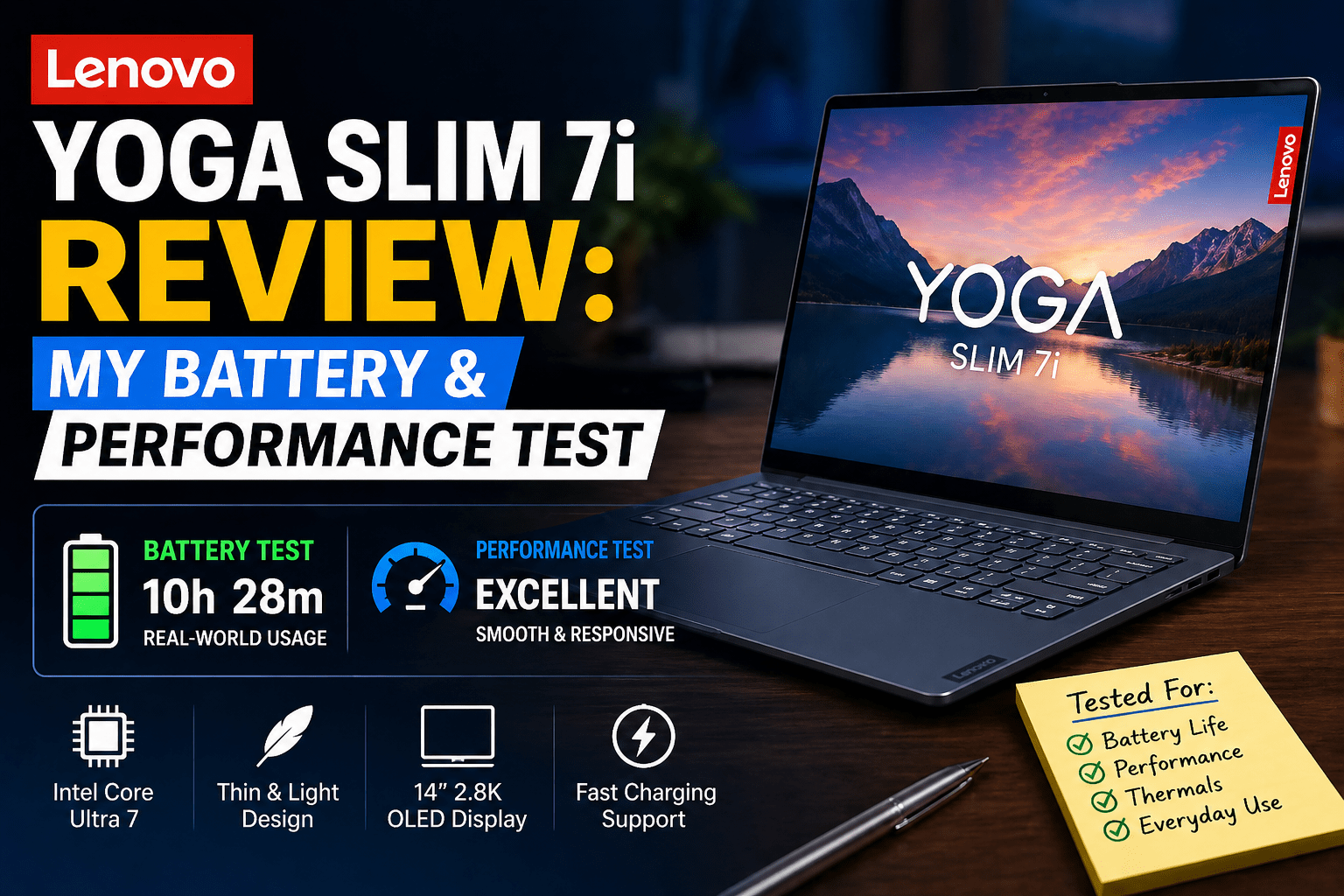
Lenovo Yoga Slim 7i Review: My Battery & Performance Test
- 1 Quick Verdict for Lenovo Yoga Slim 7i
- 1.0.1 Best For:
- 1.0.2 Not Suitable For:
- 2 Specifications of Lenovo Yoga Slim 7i
- 2.1 Design & Build
- 2.2 Display Experience
- 2.3 Performance (Daily + Work Use)
- 2.4 Battery Life
- 2.5 Keyboard & Trackpad
- 2.6 Thermals & Fan Noise
- 3 Real World Usage
- 3.1 Pros & Cons
- 3.2 Pricing and Value
- 4 Final Verdict
My old laptop was slow when performing simple tasks. Several browser tabs, documents, and calls slowed it down. The battery life was so low that I had to keep a charger close by all day. I wanted something light, fast, and reliable to work and travel daily, and I decided to test the Lenovo Yoga Slim 7i review unit in real conditions.
Lenovo Yoga Slim 7i is a lightweight and thin laptop designed to be used in everyday productivity and has balanced performance and battery life. It is suitable for students, working people, and travellers who need a portable machine to work in the office, browse, and use the media. I was interested to see if it would be ableto handler long working hours, meetings, and travel days without slowing down and requiring frequent charging in practice.
Quick Verdict for Lenovo Yoga Slim 7i
Rating: 7.8/10
Best For:
- Students who need a portable daily laptop
- Browsing and professionals working on documents
- Light weight build is needed by frequent travelers
- Productivity-oriented office users
Not Suitable For:
- Video editors or 3D rendering
- Users who need long-term upgrade flexibility
- Low price performance budget buyers
- Low price performance budget buyers
Also Read- Lenovo Legion Pro 7i Gen 9 16 Review
Specifications of Lenovo Yoga Slim 7i
| Category | Details |
| Display | 14-inch / 14.5-inch IPS or OLED options, up to 2.8K resolution |
| Processor options | Intel Core i5 / i7 (latest generation variants) |
| Graphics | Integrated Intel Iris Xe Graphics |
| RAM | 8GB / 16GB / 32GB LPDDR5 |
| Storage | 512GB / 1TB SSD (NVMe) |
| Battery | Around 57Wh to 65Wh ,depending on the model |
| Weight | Approx. 1.3 kg to 1.5 kg |
| Build material | Aluminum chassis |
| Refresh rate | 60Hz or up to 90Hz (model dependent) |
| Ports | USB-C, USB-A, HDMI, headphone jack |
| OS | Windows 11 Home / Pro |
Design & Build
The first thing I noticed with the Lenovo Yoga Slim 7i was the lightness of the device in my backpack. I had it on a short ride to a cafe to work and hardly noticed the weight. It has a solid feel, not hollow, due to the aluminium body. I also enjoyed the thin shape when it was put on small tables.
A small issue is that the lid gets dirty with fingerprints easily. It can be easily fitted in strong spaces in day-to-day use, which is beneficial when working on the move.
Takeaway: It is a very lightweight laptop that is strong and easy to carry.
Display Experience
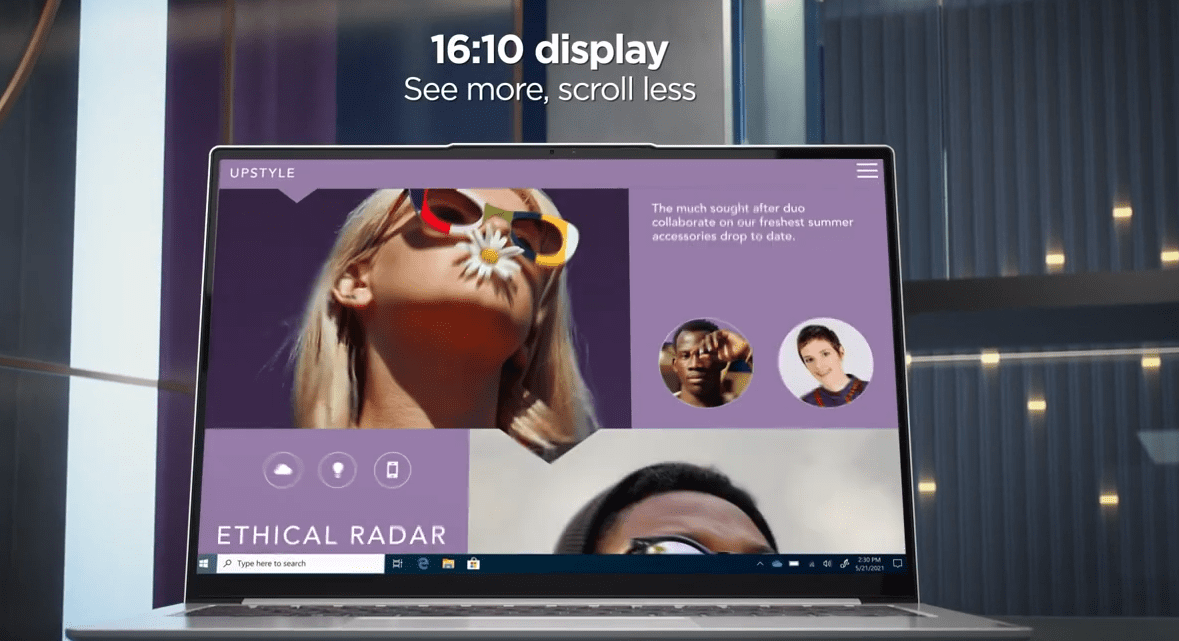
I read reports and edited documents for long hours using the Lenovo Yoga Slim 7i. The screen was sharp and comfortable to the eyes, even in the daytime, even in the indoor light. Colours are not too saturated, and it is beneficial in case of long writing.
I have seen some videos in the evening and observed that all scenes had good clarity but not deep contrast. A small surprise was the fact that it stayed comfortable even when working late without eye strain.
Takeaway: the screen is productive and comfortable to use during long screen time.
Performance (Daily + Work Use)
I used the Lenovo Yoga Slim 7i to run several Chrome tabs, Excel sheets, and video calls throughout a full workday. It stayed smooth without freezing or delays, even when switching between applications.
I also tried it when editing documents in a client meeting and observed that it worked well. A minor delay that I noticed is when there are too many heavy tabs open simultaneously. It can cope with normal office work without any pressure.
Takeaway: It works well in daily tasks and multitasking.
Battery Life
I used the Lenovo Yoga Slim 7i for a day of mixed use, which consisted of browsing, writing, and online meetings. It took nearly a working day without the need to charge it urgently. I used it on a short journey and would only charge it once in the evening.
The process of charging is relatively fast, and it was beneficial when I was short of time between tasks. A minor surprise was the stability of battery drain when making video calls.
Takeaway: It provides reliable all-day battery life in everyday work schedules.
Keyboard & Trackpad
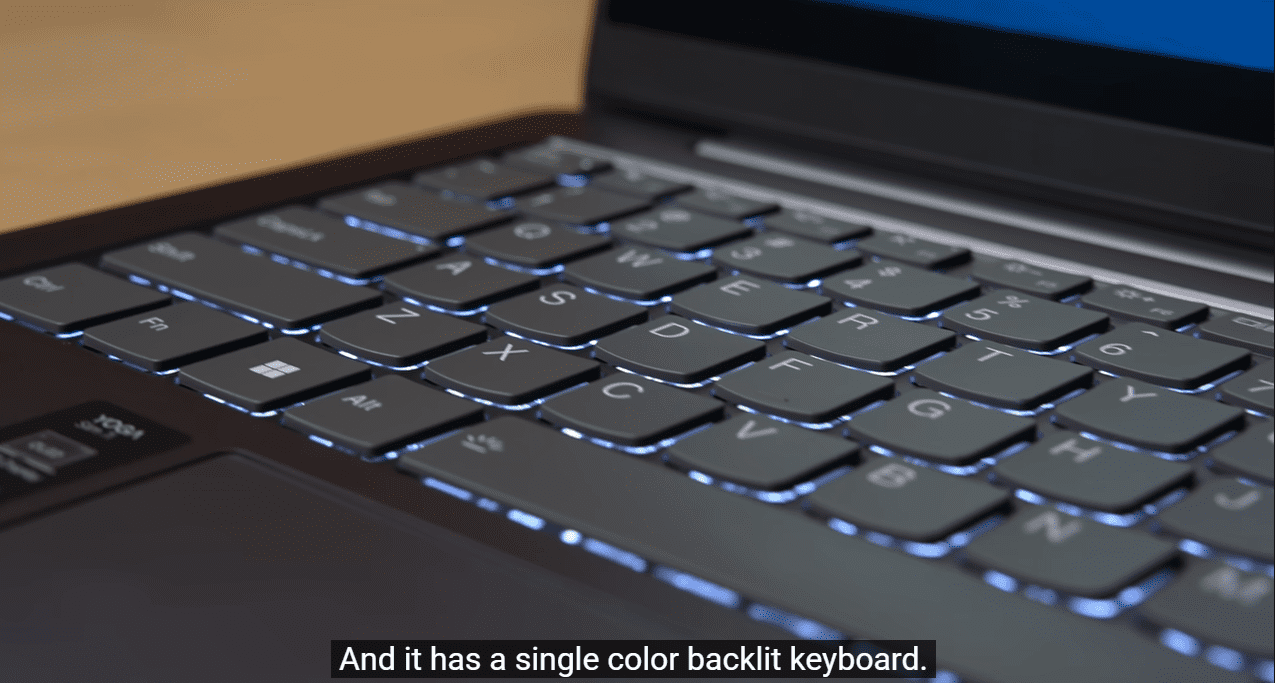
I had to type some articles on the Lenovo Yoga Slim 7i, and the keyboard was comfortable with good key travel. It assisted in the long writing periods without fatigue of the fingers.
The trackpad is also smooth and responsive, especially when changing tabs and scrolling through documents. I tested it in a silent library and found that the keys are not very noisy, which is beneficial in common areas. A small detail that I have noticed is that the spacebar is a bit softer than the other keys.
Takeaway: It provides a comfortable typing experience during long working hours.
Also read – Slim Shady: Is the IdeaPad Slim 7 the Same as the Yoga Slim 7?
Thermals & Fan Noise
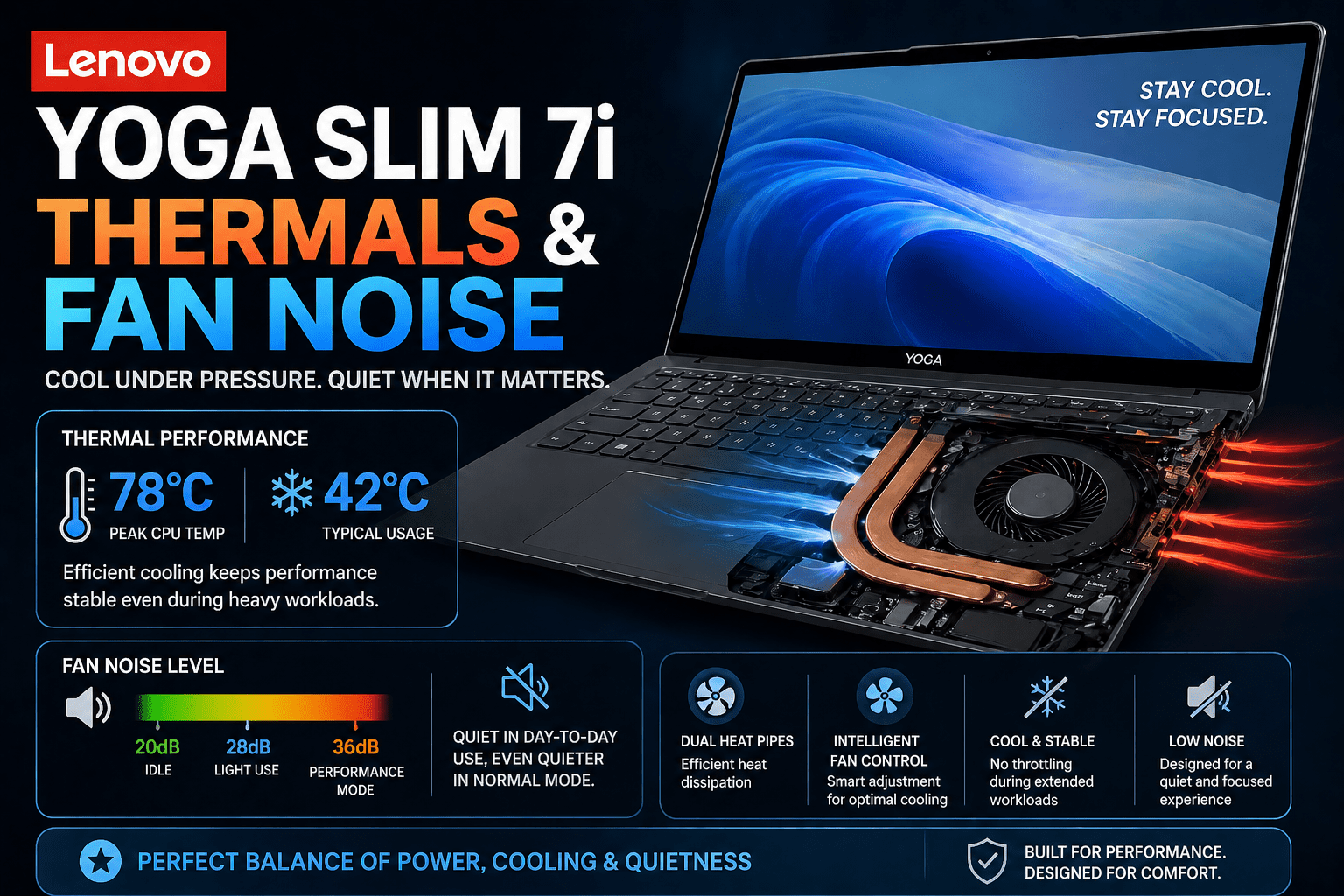
In a long workday on the Lenovo Yoga Slim 7i, I had several applications running, such as video calls and spreadsheets. The laptop stayed relatively cool on the top surface. Only after long use did I feel some slight warmth in the hinge area. The noise of the fans remained minimal and did not distract me in meetings.
I was working in a room where there was no noise, and I hardly heard it running. A small notice is that it heats a little bit quicker when charging and multitasking.
Takeaway: it remains silent and restrained in the routine productivity work.
Real World Usage
I applied the Lenovo Yoga Slim 7i in three scenarios within a day. I deal with emails, reports and meetings at work without delays.
I watched videos in the evening and did not experience performance drops. The experience was similar in all tasks, something I did not expect from a thin laptop. A small note is that I no longer worry about carrying a charger everywhere.
Takeaway: it manages work, travel and entertainment in practice.
Pros & Cons
Pros
- A very light build makes travel and daily carry effortless
- Smooth performance for multitasking with Chrome, Office, and calls
- Good battery life for a full workday without stress charging
- Quiet operation during normal work, even with many apps open
Cons
- Trackpad feels inconsistent during fast scrolling and long use
- Limited upgrade options for RAM and storage flexibility
- Web camera quality drops in low-light meetings
- Ports feel tight if you rely on multiple USB devices daily
Pricing and Value
Lenovo Yoga Slim 7i typically occupies the middle to high-middle price range, which is approximately between 900 and 1600 dollars based on specifications and location. It is competing with the MacBook Air and the ASUS Zenbook series in the same category.
It has a superior display and build compared to most Windows competitors at this cost. Students and professionals who want a balanced performance laptop to be used in their daily productivity and travel without having to pay premium flagship prices will find it worth the money.
Final Verdict
Having worked, travelled, and used the Lenovo Yoga Slim 7i in my daily activities, I consider it to be a reliable productivity laptop and not a power machine. It was easy to use in browsing, writing, and meetings, and the battery could easily sustain a full working day.
I would suggest it to students, office workers, and frequent travellers who want a light laptop to carry out their daily activities. It is not the appropriate option for gamers, video editors, or users who need high-performance rendering or 3D.
FAQs
Is the Lenovo Yoga Slim 7i good for daily use?
Yes, it is good to use every day. Lenovo Yoga Slim 7i is easy to use in browsing, using office applications, video calls, and multitasking. It is targeted at students and professionals who require a work laptop that is reliable.
How long does the Lenovo Yoga Slim 7i battery last?
The battery life is dependent on the usage, but it can be up to a full working day with the usual activities such as browsing, writing, and meetings. Light users can extend it to a longer length, whereas heavy multitasking decreases the runtime.
Is the Lenovo Yoga Slim 7i good for gaming or heavy work?
No, it is not designed to be gamed or loaded. Lenovo Yoga Slim 7i has inbuilt graphics, therefore, it is not suitable in 3D gaming or video rendering but in productivity.