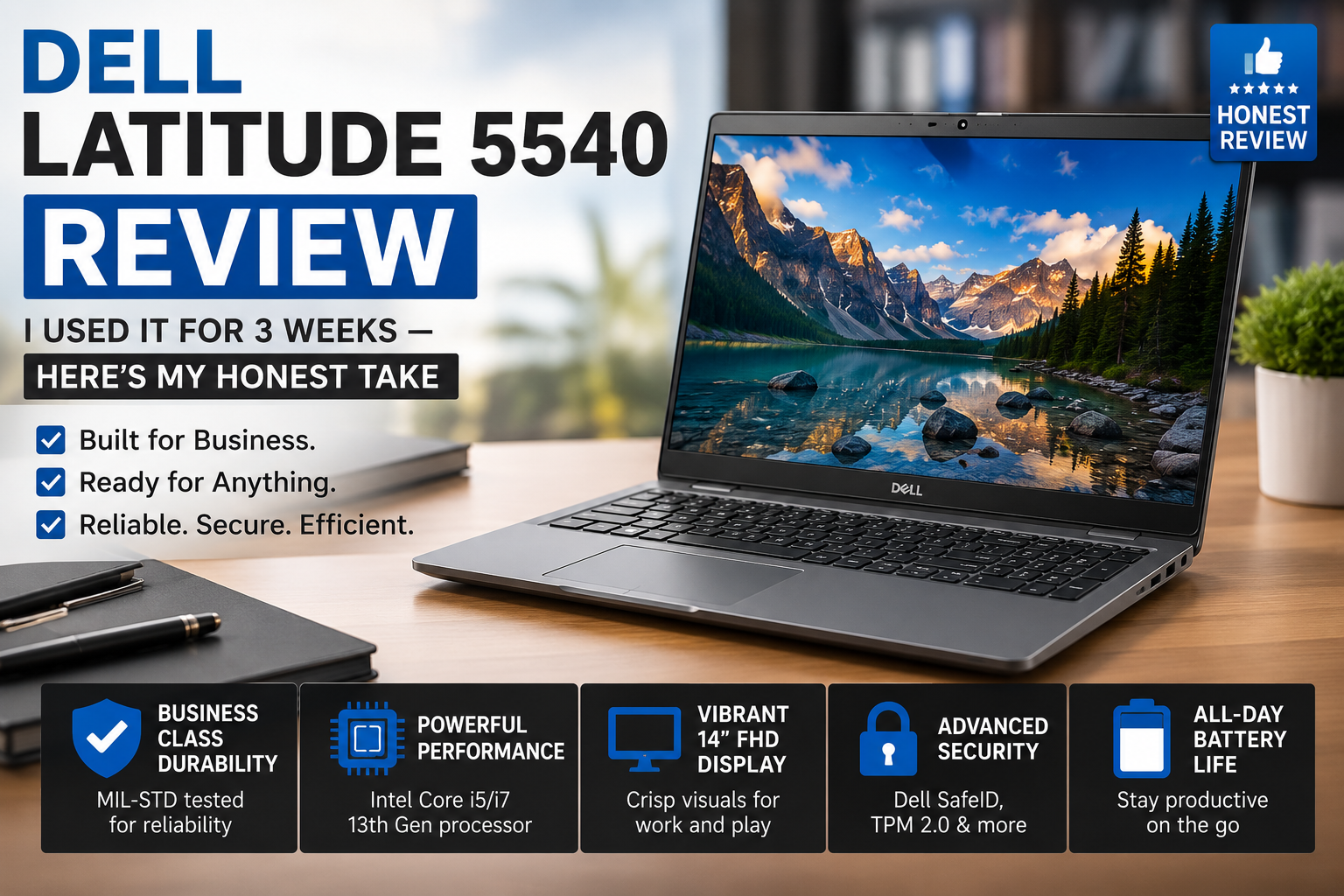
Dell Latitude 5540 Review: I Used It for 3 Weeks — Here’s My Honest Take
- 1 Quick Verdict For Dell Latitude 5540
- 1.1 Rating: 8/10
- 2 Specifications of Dell Latitude 5540
- 2.1 First Impressions & Build Quality
- 2.2 Display — Good Enough, Not Great
- 2.3 Performance — Where It Actually Shines
- 2.4 Battery Life
- 2.5 Keyboard, Trackpad & Everyday Comfort
- 2.6 Security & Upgradability
- 2.7 Pros & Cons of Dell Latitude 5540
- 3 Final Verdict
- 4 FAQs
Actually, I have been delaying writing this review for quite some time, not because I had nothing to say, but rather due to the fact that I wanted to be certain. The Dell Latitude 5540 has been on my desk for three weeks now, and it has been my only machine during this time. I did not have a backup laptop, nor did I have a desktop fallback. It was just this one thing, day after day, Zoom meetings, heavy Excel sheets, airport lounges, and writing sessions till late at night.
I have subjected it to the kind of workload that most review sites only simulate in a day or so. So when I share with you my findings, it is coming from actual usage and not just the spec sheet.
Below is my very honest opinion on whether this office-oriented laptop is really as good as it is claimed.
Quick Verdict For Dell Latitude 5540
Rating: 8/10
Ideal for: Business professionals and IT teams who need a dependable, thermally efficient 15-inch laptop for daily productivity.
Not ideal for: Anyone who works outdoors frequently or needs a brighter display and a discrete GPU for creative workloads.
Specifications of Dell Latitude 5540
| Feature | Details |
| Display | 15.6-inch FHD IPS Anti-Glare (1920×1080), 60Hz |
| Processor | 13th Gen Intel Core i5-1335U / i7-1365U (options) |
| RAM | Up to 32GB DDR4 (U-series) / DDR5 (P-series) |
| Storage | 256GB–1TB NVMe SSD (2x M.2 slots) |
| Graphics | Intel Iris Xe / optional NVIDIA GeForce MX550 |
| Battery | 54Wh, ExpressCharge supported |
| Ports | 2x Thunderbolt 4, USB-A 3.2, HDMI, RJ-45, SD card |
| Security | TPM 2.0, fingerprint reader, webcam shutter |
| Weight | 1.61 kg (3.55 lbs) |
| Dimensions | 357.8 × 233.3 × 20.8 mm |
| OS | Windows 11 Pro / FreeDOS |
| Starting Price | ~$1,000–$1,600 (new) |
First Impressions & Build Quality
One thing that immediately impressed me when I first picked the Latitude 5540 up out of the box was its lightness, which is impressive at 1.61 kg for a full 15.6” chassis. It doesn’t feel flimsy either. With a carbon fibre lid and aluminum construction, it’s equipped with the silent assurance you’d expect from a business machine. Dell constructed it to meet MIL-STD 810H specifications, and it sounds like it will.
The hinge is tight, but not rigid. There are two Thunderbolt 4 ports, a full HDMI, a good RJ-45 Ethernet jack, and USB-A ports, so I never had to grab my dongle. It was just that one thing that put it way ahead of the other half of the thin and light contenders in my book.
Display — Good Enough, Not Great
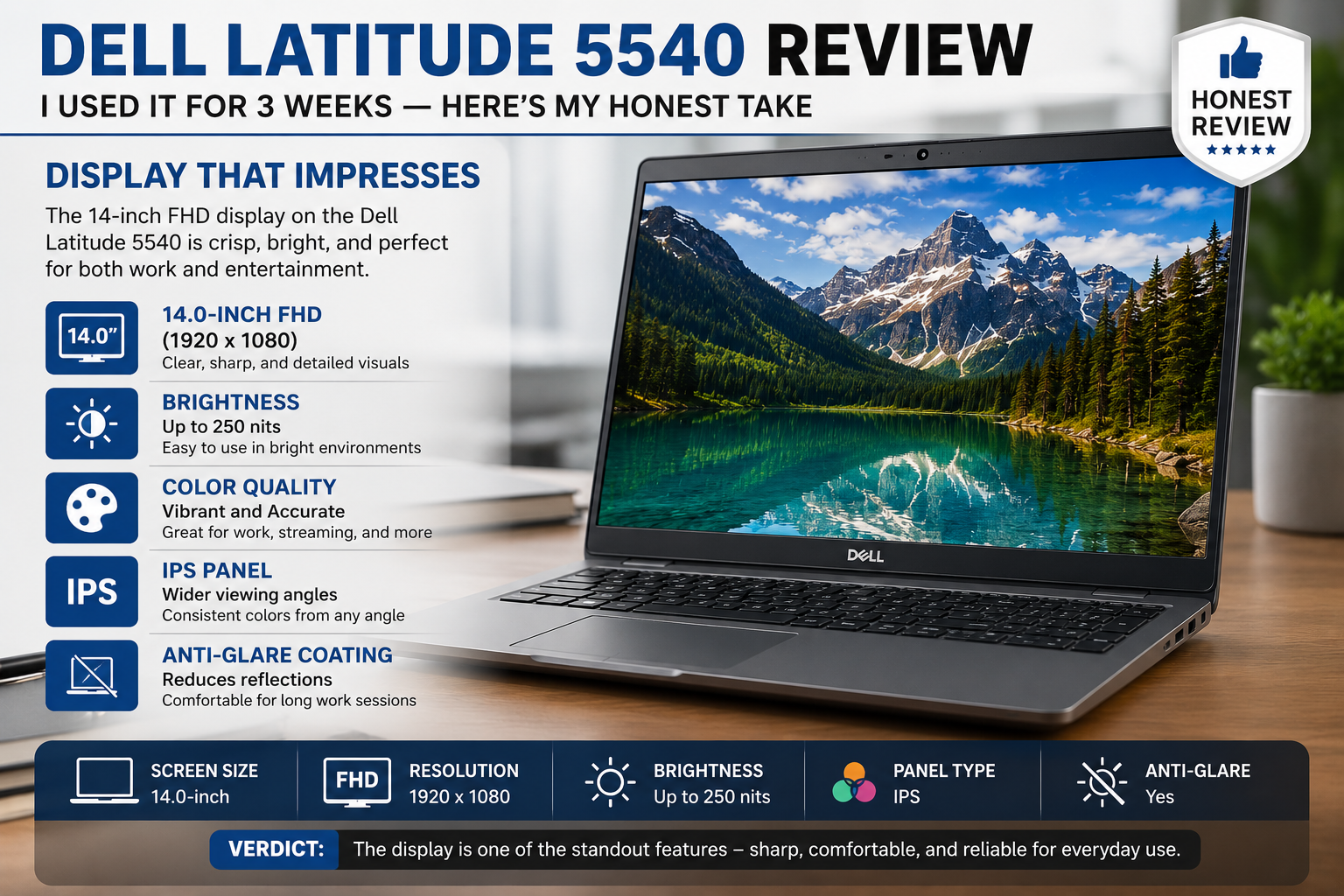
The 15.6″ FHD IPS display is easy on the eyes. For presentation and documents, colors are accurate enough, anti-glare coating really does help to reduce reflections, and colleagues can look at your computer screen without you tilting it, due to the wide viewing angles.
Also Read – A Closer Look- The Design, Security, and Versatility of the Dell Latitude 7400
It’s not bright. It’s okay in the house, but put it by a window or in a well-lit conference room, and you’ll begin squinting. Lenovo and HP business laptops are no match when it comes to peak nits. This is a definite drawback if you work outdoors or in a brightly lit environment a lot.
Performance — Where It Actually Shines
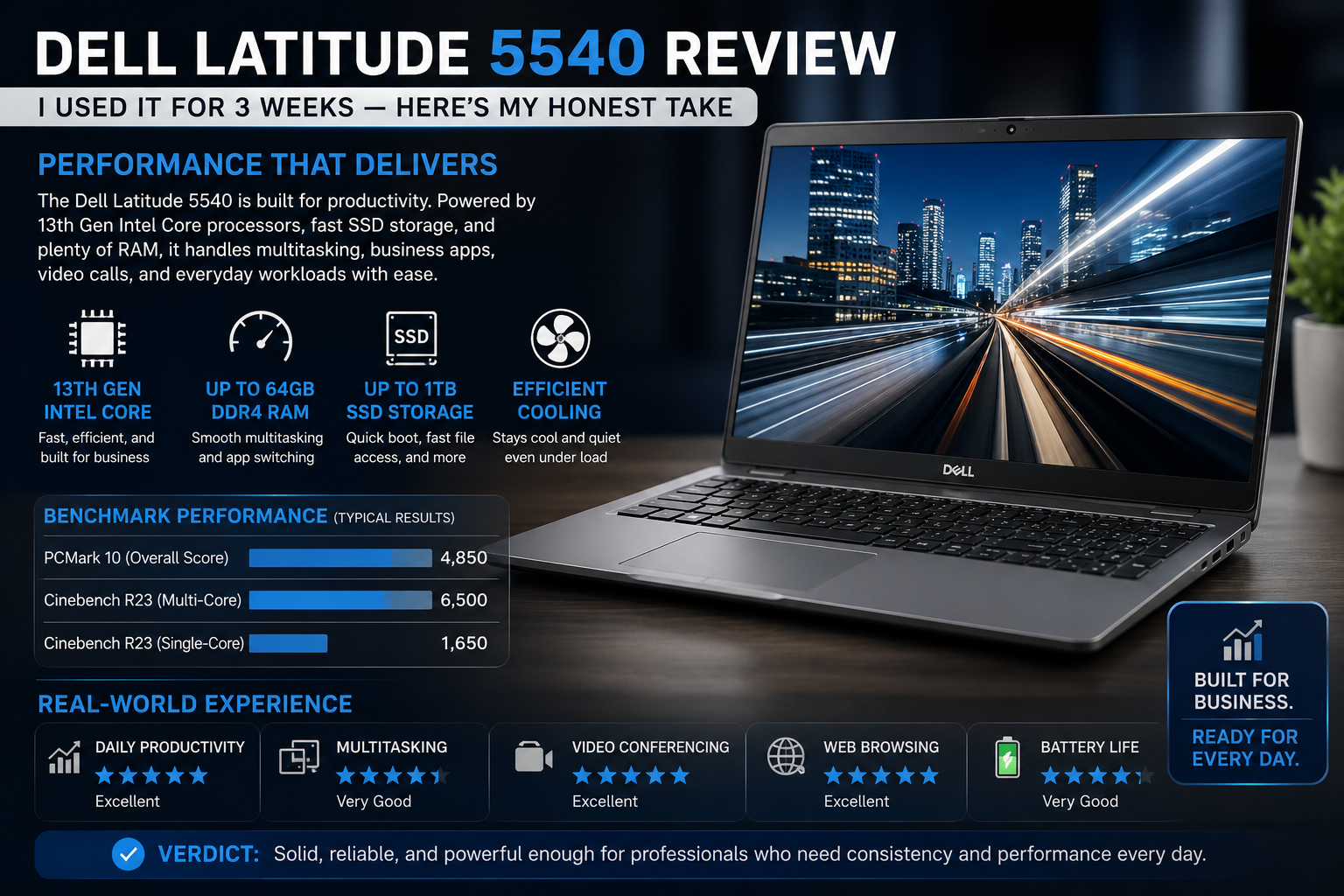
My Core i7-1365U was coupled with 16 GB DDR4 and a 512 GB NVMe SSD. I have been using between 15 and 20 Chrome tabs, Teams video conferencing, and Excel models, along with transferring files from time to time. The Latitude 5540 coped well with everything I was doing.
The biggest asset for me turned out to be its thermal performance. Its cooling system includes one big fan with two heat pipes that allow keeping a sustained high-frequency of the processor’s operation without making the laptop a loud piece of equipment. During two hours of video conferencing and downloading something in the background, my Latitude’s fan did not make much noise, and even the keyboard became just slightly warm.
Battery Life
Dell estimates this to be up to 11 hours. Under balanced power mode, with display brightness set around 120 nits, I am getting about 7.5-8 hours of productivity time, that is, web browsing, document work, and light video conferencing. This covers most of my working days.
With the 54 Wh battery supporting the ExpressCharge feature, plugging it in for just 30 minutes at lunchtime can restore it to useful capacity in no time. One aspect that needs to be mentioned is the reduced battery life when handling CPU-heavy tasks.
Keyboard, Trackpad & Everyday Comfort
Another one of my favorite features of this computer is its keyboard. The keystrokes are pleasant, the feedback is accurate, and the illumination is perfectly even. I do a tremendous amount of typing – at least five to six hours a day – and my wrists have never gotten tired like when using a shorter keyboard.
This laptop’s trackpad glides, is almost silent, and does not misinterpret any gesture. No revolution, but it works flawlessly, and that’s what matters most for a professional device.
Also Read- HP EliteBook 840 G3 Review: Is This Refurbished Business Laptop Still Worth It in 2026?
Security & Upgradability
From an IT standpoint, the Latitude 5540 is very smartly designed. TPM 2.0, fingerprint scanner, optional Intel vPro, and webcam shutter address all aspects of security that are relevant to business purchases. The additional layer of software intelligence with Dell Optimizer makes up for audio and application performance tuning capabilities.
Onboard specifications include two slots for SO-DIMMs and two for M.2 drives, which implies both RAM and SSD upgrades by users.
Pros & Cons of Dell Latitude 5540
| Pros | Cons |
| Exceptionally quiet and cool under load | Display brightness underwhelms outdoors |
| Lightweight for a 15.6-inch chassis | No dedicated GPU in most configurations |
| Generous port selection (no dongle tax) | Base display maxes at 60Hz |
| Excellent keyboard for long typing sessions | Battery drops fast under heavy CPU loads |
| Two M.2 + two SODIMM slots — highly upgradeable | The screen-to-body ratio is only average |
| Strong enterprise security stack | Premium pricing compared to consumer rivals |
Final Verdict
Three weeks into working with the laptop, and the Dell Latitude 5540 has already made itself comfortable on my desk. It might not stand out among its peers by any means, and it certainly does not attempt to do so. Instead, it performs consistently well with a solid build, a keyboard I actually like typing on, and an absolutely dependable performance level.
It’s not that powerful or colorful, but then again, neither does the average user need that. It is definitely an excellent choice for those who want a reliable machine that will help get work done quickly and effectively.
If you are looking for a business laptop with the necessary attributes and are less interested in showmanship than in reliability, the Dell Latitude 5540 can become a top choice for your needs.
FAQs
Is the Dell Latitude 5540 a good laptop for business?
Definitely! This is a business laptop that boasts a powerful processor, professional security features, a quiet fan, and a wide range of IT manageability, so it’s a workhorse at the corporate level.
Does the Dell Latitude 5540 have Intel vPro?
Some versions of the Dell Latitude 5540 come with Intel vPro hardware, which supports remote management at the device level, very useful when IT teams have to manage a large fleet of devices.
Can you upgrade the RAM and SSD on the Dell Latitude 5540?
Yes. It has two SODIMM slots and two M.2 slots, making both RAM and storage user-upgradeable.
What is the battery life of the Dell Latitude 5540 in real-world usage?
Balanced mode with a mix of work activities can get you around 7-8 hours. For more intensive tasks, you’d be better off with less usage time and having your charger at hand.