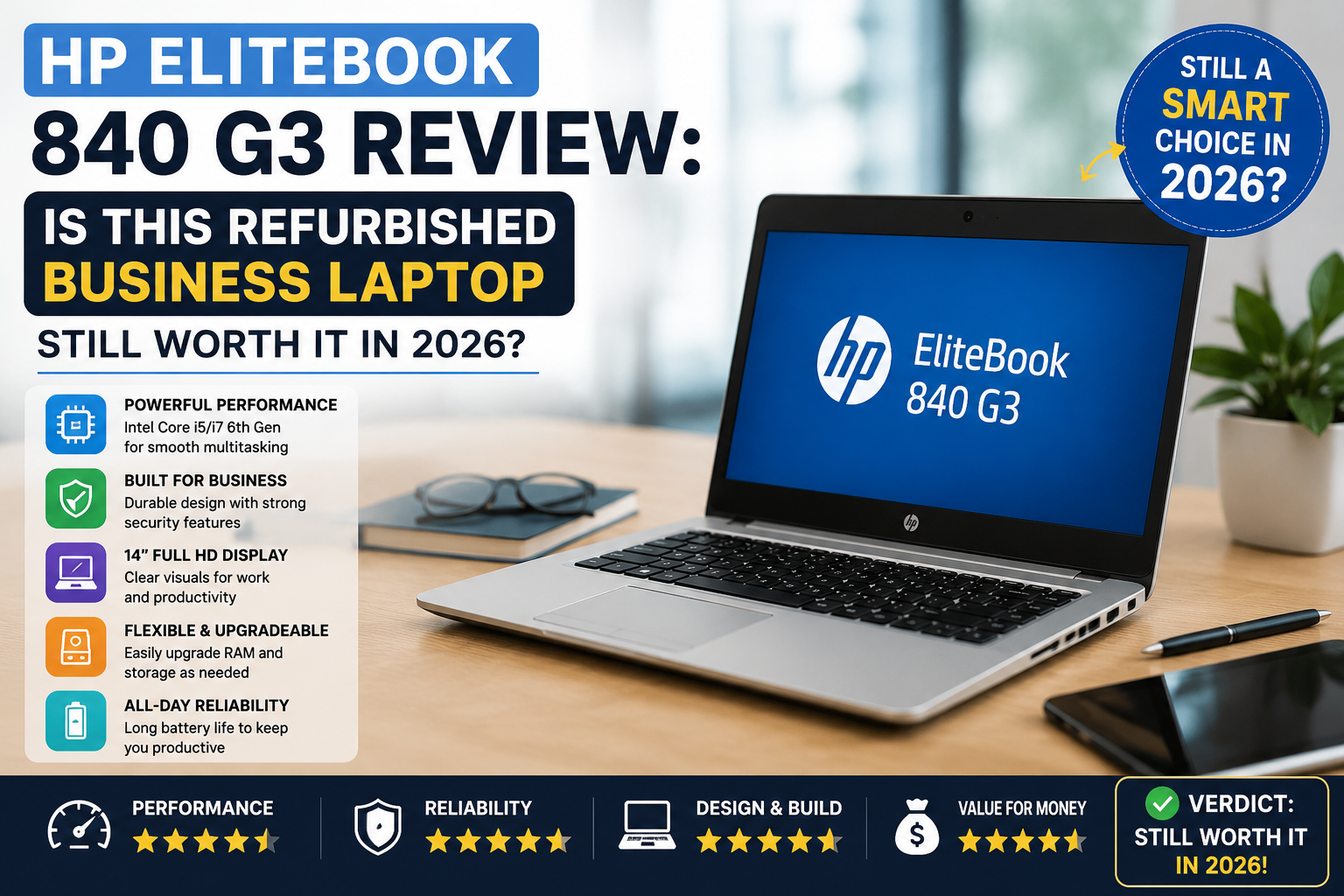
HP EliteBook 840 G3 Review: Is This Refurbished Business Laptop Still Worth It in 2026?
I’ve tested a lot of refurbished laptops in the past, and the HP EliteBook 840 G3 is one of the few that really haven’t aged much. Many 2016 laptops are probably already sitting/getting dismantled in the stockrooms of the offices, being used for parts.
However, this one is a standout. It keeps coming up in serious market discussions about refurbished laptops; it is the #1 choice of IT professionals, and it is the one that ends up on the desks of those who get daily work done.
Those typical features, the chassis, the enterprise security suite, the keyboard that allows long hours of typing, the corporate workhorse’s bones, are all very much standing.
Will it be a smart buy in 2026? I am going to be honest with you.
Quick Verdict
Rating: 8.2 out of 10
In my opinion, it is an ideal laptop for students, individuals who work remotely, office professionals, freelancers, and small business owners on a budget.
Specifications of HP EliteBook 840 G3
| Component | Specification |
| Processor | Intel Core i5-6300U / i7-6500U (6th Gen, Skylake) |
| RAM | Up to 32GB of DDR4 memory can be upgraded.DDR4 memory is upgradeable to 32GB. |
| Storage | 256GB or 512GB SSD |
| Display | 14-inch FHD (1920×1080) or HD (1366×768) — TN or IPS panel |
| Graphics | Intel HD Graphics 520 (integrated) |
| Battery | 46Wh Li-Po, 3-cell |
| Ports | 3× USB 3.0, 1× USB 2.0, USB-C (Gen 1), DisplayPort, VGA, SD card reader, Smart Card, 3.5mm audio |
| Connectivity | Intel Dual Band WiFi AC 8260, Intel Bluetooth 4.0, Gigabit Ethernet |
| Weight | ~1.58 kg (3.5 lbs) |
| OS | Microsoft Windows 10 Pro (most refurbished) |
Real-World Performance
On a day-to-day basis, the i5-6300U is able to easily manage all my tasks like running Chrome with 10+ tabs, working in Microsoft Office, having Zoom calls, and editing PDFs without any lag for even a second. When combined with a 256GB SSD, you will notice quick boot times (around 15-20 secs) and your apps will open very fast.
Where it lags: running heavy media work is very challenging. Don’t plan to run Adobe Premiere without experiencing any stutter or play new games smoothly. The built-in Intel HD 520 graphics are mainly designed for productivity and casual video playback only.
For our intended users, college students, freelance writers, and office staff, this will be more than sufficient.
In fact, I didn’t even get the impression that I was working on a device from 2016.
Display Quality
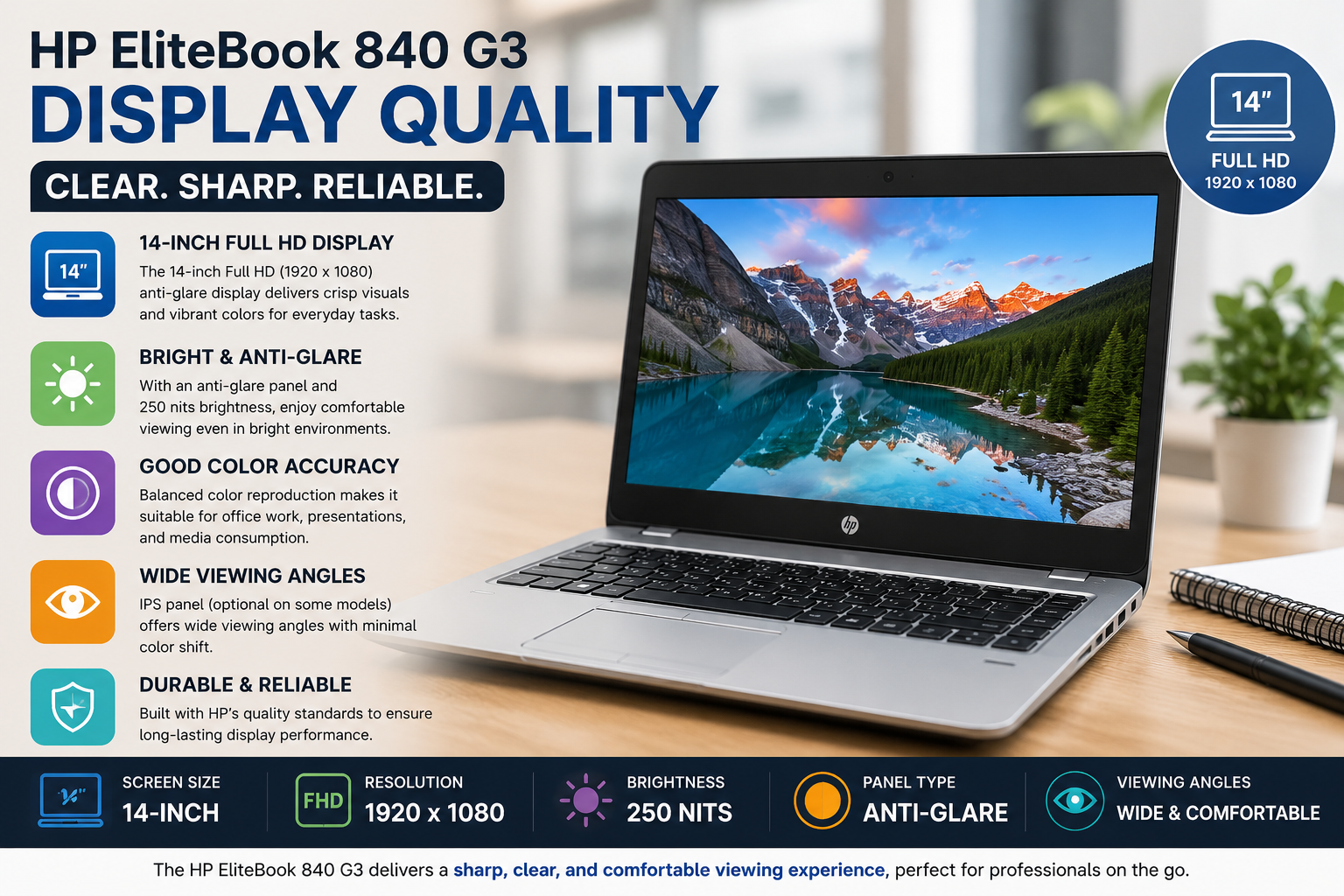
Here is the only aspect where you have to be cautious. The two panel variants for the 840 G3 were:
- FHD IPS (1920×1080): It is bright and sharp with pretty good viewing angles. This is definitely the one you should go for.
- HD TN (1366×768): Colours are dull, and it suffers from very limited viewing angles. If possible, stay away from this one.
Always check the type of display you are getting when buying a refurbished one. The FHD IPS model is really great for daily work; the text is very clear, and it won’t tire your eyes even after long hours of use. On the other hand, the TN panel is a significant downgrade and one of the very few weaknesses of the laptop.
Build Quality & Design
Honestly, it feels like a high-end product when you hold it in your hand. The aluminum details on the top make it look sleek and professional, and the body is very sturdy; there is almost no bending when you try to twist it. It is the kind of laptop that will not make you feel ashamed in a conference room.
Weighing only 1.58 kg, it is still very portable and ideal for long days out of the office. Typing is pleasant thanks to the fairly deep keystrokes, and the trackpoint nub (yes, there is one) will come in handy if you are familiar with ThinkPad-style mouse navigation. The hinges are still quite strong even on passed-down units, which is a good indication of HP’s manufacturing quality.
Battery Life
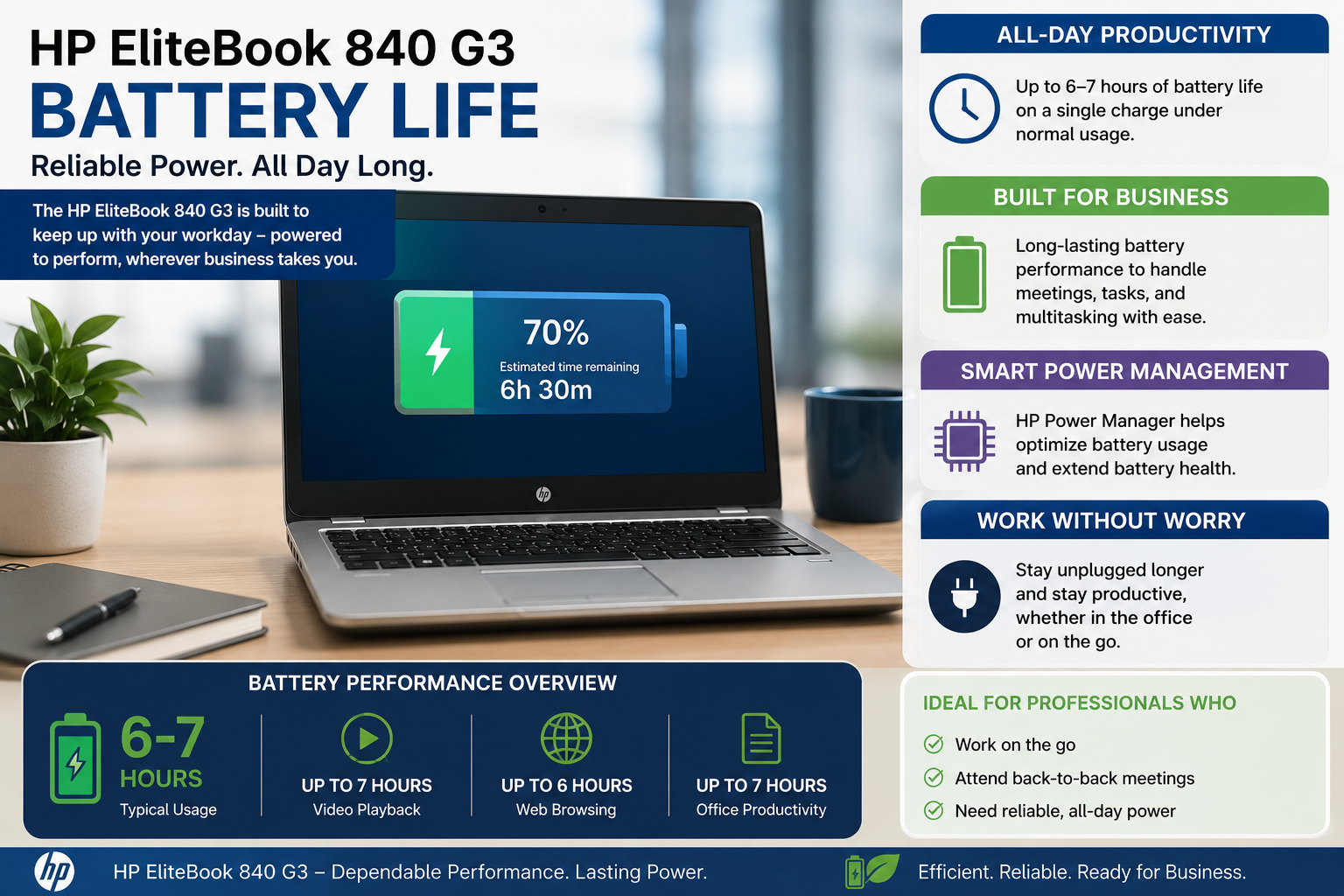
Under normal circumstances, you could expect around 4-5 hours of battery time on a healthy refurbished battery with mixed use, such as web browsing, working on documents, and watching videos occasionally. The 46Wh cell was never a big one, and, of course, a battery that has been used for a while will give you even less. Most refurbished sellers in Pakistan change the battery before selling, so enquire specifically about the health of the battery.
If you want to work for the entire day without having to find a power source, you’d better carry your charger. The charger itself is quite small, so it’s not really a problem.
Security Features
Here, the EliteBook 840 G3 really differentiates itself from consumer-grade laptops at similar price points:
- Fingerprint reader, quick and dependable user identification without the need to enter passwords
- TPM (Trusted Platform Module), security based on hardware encryption of information
- HP Sure Start, BIOS self-healing that safeguards against firmware threats
- Smart Card reader, for those companies that implement card-based identification
- Kensington Lock slot, physical safety for office settings
If you are working with confidential client data or business documents, you will find that these features are essential, and, most likely, not present on economy consumer laptops.
Pros & Cons of HP EliteBook 840 G3
| Pros | Cons |
| Rock-solid build quality | Integrated graphics only |
| Enterprise security features | The TN panel variants are not good.TN variants are not good. |
| Fast SSD performance | The battery life is average. |
| Lightweight and portable | The Thunderbolt support is absent from the USB-C. |
| Upgradeable RAM (up to 32GB) | The aging of the 6th Gen platform. |
| Very good value for money | All variants have a non-backlit keyboard. |
Who Should Buy It / Who Shouldn’t
Purchase it when: If you are a student, freelancer, or someone working in an office, you require a reliable and robust laptop that does not cost you too much. 25,000 to Rs. 30,000. The one with 16GB RAM and an FHD IPS display is nearly a perfect budget workhorse.
Do not buy it if you are a video editor, graphic designer, gamer, or want to work more than 6-7 hours without a charger. After that, consider taking into account newer-generation refurbished models such as the EliteBook 840 G5 or G6.
Also Read- HP EliteBook Review: Honest Business Performance After Daily Real-World Use
Price & Value for Money
On IndiaMART and Amazon, the Indian used/rebuilt laptop market is expected to be ruled by 2026. The HP EliteBook 840 G3 Laptop was one of the most popular laptops in EazyPC and most of the local dealers, such as in Delhi, Mumbai, Chennai, and Ahmedabad. The main difference between the prices of different PCs is their configuration:
i5/8GB/256GB SSD, ₹15, 000 to ₹21, 000 (most common entry point)
i5/16GB/256GB SSD, ₹21, 000 to ₹25, 000
i7/16GB/512GB SSD, ₹25, 000 to ₹30, 000
Some companies like EazyPC give a six-month warranty and COD, while a few authorized HP dealers in Chennai, like Supreme Computers, give a warranty of three years with battery and adaptor facility.
Final Verdict
Having thoroughly tested the HP EliteBook 840 G3, I can confidently say that it is one of the best and smartest purchases in the market of refurbished laptops if you consider its price. It may not be a winner in benchmarking competitions; however, it is reliable, well-secured, and durable.
By choosing the FHD IPS model combined with 8GB RAM and a good battery, you will get yourself a computer that deserves to be your work companion daily. Only acknowledge its limitations, and it won’t disappoint you.
FAQs
Is the HP EliteBook 840 G3 a good laptop in 2065?
Absolutely, it can efficiently handle daily tasks such as office work, e-learning, web browsing, and video conferencing. Besides, it is an affordable and reliable model, especially when you purchase a refurbished one.
Can the HP EliteBook 840 G3 be updated to Windows 11?
It is not officially Windows 11 compatible because of the TPM 1.2 chip, but people still manage to run it with some hack methods. If you want, you can flawlessly use Windows 10 Pro until its end-of-support in October 2025.
What is the maximum RAM capacity of the HP EliteBook 840 G3?
With two SO-DIMM slots, you could install as much as 32GB DDR4 RAM, which is quite a lot for a laptop that is this old.