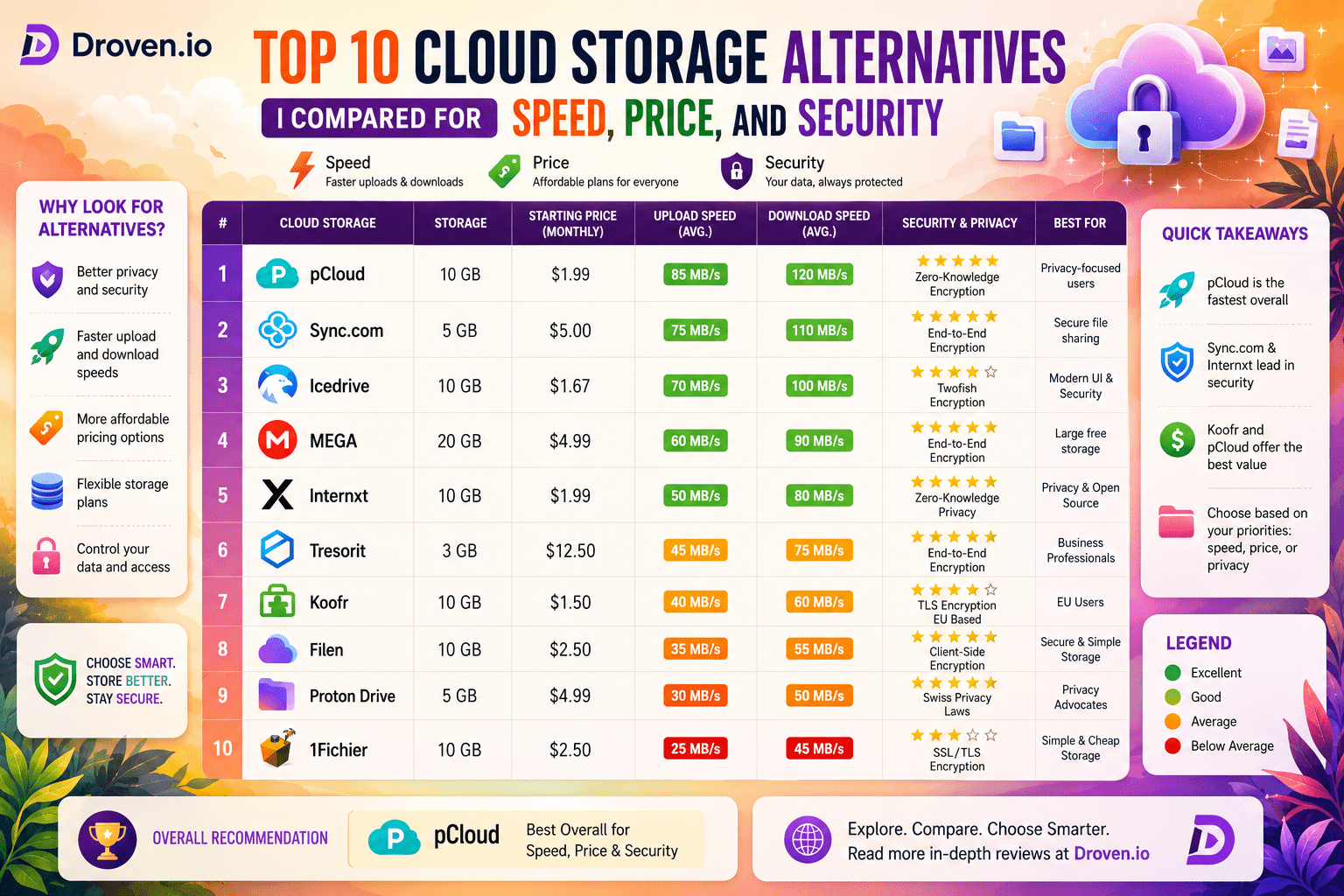
Top 10 Cloud Storage Alternatives I Compared for Speed, Price, and Security
- 1 Quick Verdict for Top 10 Cloud Storage
- 1.1 Best Overall Option
- 1.1.1 pCloud
- 1.2 Best for Privacy
- 1.2.1 Sync.com
- 1.3 Best Free Option
- 1.3.1 MEGA
- 1.4 Best for Business Use
- 1.4.1 Box
- 2 Top 10 Cloud Storage Alternatives Comparison Table
- 3 Top 10 Cloud Storage Alternatives I Compared
- 3.1 1. pCloud
- 3.2 2. Sync.com
- 3.3 3. MEGA
- 3.4 4. Icedrive
- 3.5 5. Tresorit
- 3.6 6. Box
- 3.7 7. iDrive
- 3.8 8. Koofr
- 3.9 9. Zoolz
- 3.10 10. Internxt
- 3.11 Pros and Cons
- 3.12 Who Should Use What
- 3.12.1 For Students
- 3.12.2 For Freelancers
- 3.12.3 For Business Teams
- 3.12.4 For Backups
- 4 Final Verdict
Initially, Google Drive and Dropbox services worked well for me, but I was always keeping an eye on how much space was left, and the way that synchronization of big folders was done, you’ll agree it is really slow.
The thing is, I really did get annoyed at the pace at which the free space kept disappearing, and then having to pay when I needed more space. Besides, I also wanted my work files to be much more private.
I decided to do a little bit of research on my own and gradually started to experiment with different cloud storage services, mainly to see which ones were actually faster, cheaper, and the easiest to manage on a day-to-day basis, like, for instance, storing documents, client files, and device backups.
Quick Verdict for Top 10 Cloud Storage
Best Overall Option
pCloud
Out of all the services I tried, pCloud felt like the most balanced option overall. It is a great solution for not only personal use but also for archival storage.
Best for Privacy
Sync.com
Sync.com impressed me the most when it came to privacy and secure file storage. and a zero-knowledge security model.
Best Free Option
MEGA
MEGA stands out by offering the most free storage space, which is really useful, compared to other cloud platforms.
Best for Business Use
Box
A box is primarily a tool for a team. It facilitates file sharing, collaboration, and document control in an organized manner.
Also Read- Crypto30x.com Blockchain Review – My Honest Experience Exploring the Platform
Top 10 Cloud Storage Alternatives Comparison Table
| Service Name | Free Storage | Paid Storage Range | Best For | Privacy Level |
| pCloud | 10 GB | 500 GB to 2 TB+ | General use, long-term storage | High |
| Sync.com | 5 GB | 2 TB to 6 TB | Privacy-focused storage | Very High |
| MEGA | 20 GB | 400 GB to 16 TB | Free storage and media files | High |
| Icedrive | 10 GB | 150 GB to 3 TB | Simple, fast storage use | High |
| Tresorit | Limited trial | 1 TB to 5 TB | Secure business files | Very High |
| Box | 10 GB | 100 GB to unlimited (business plans) | Team collaboration | Medium |
| iDrive | 10 GB | 5 TB to 100 TB | Backup and device sync | Medium |
| Koofr | 10 GB | 10 GB to 1 TB | Multi-cloud management | Medium |
| Zoolz | None or limited trial | 1 TB to 50 TB | Cold storage backup | Medium |
| Internxt | 10 GB | 200 GB to 2 TB | Privacy and decentralized storage | Very High |
Top 10 Cloud Storage Alternatives I Compared
1. pCloud
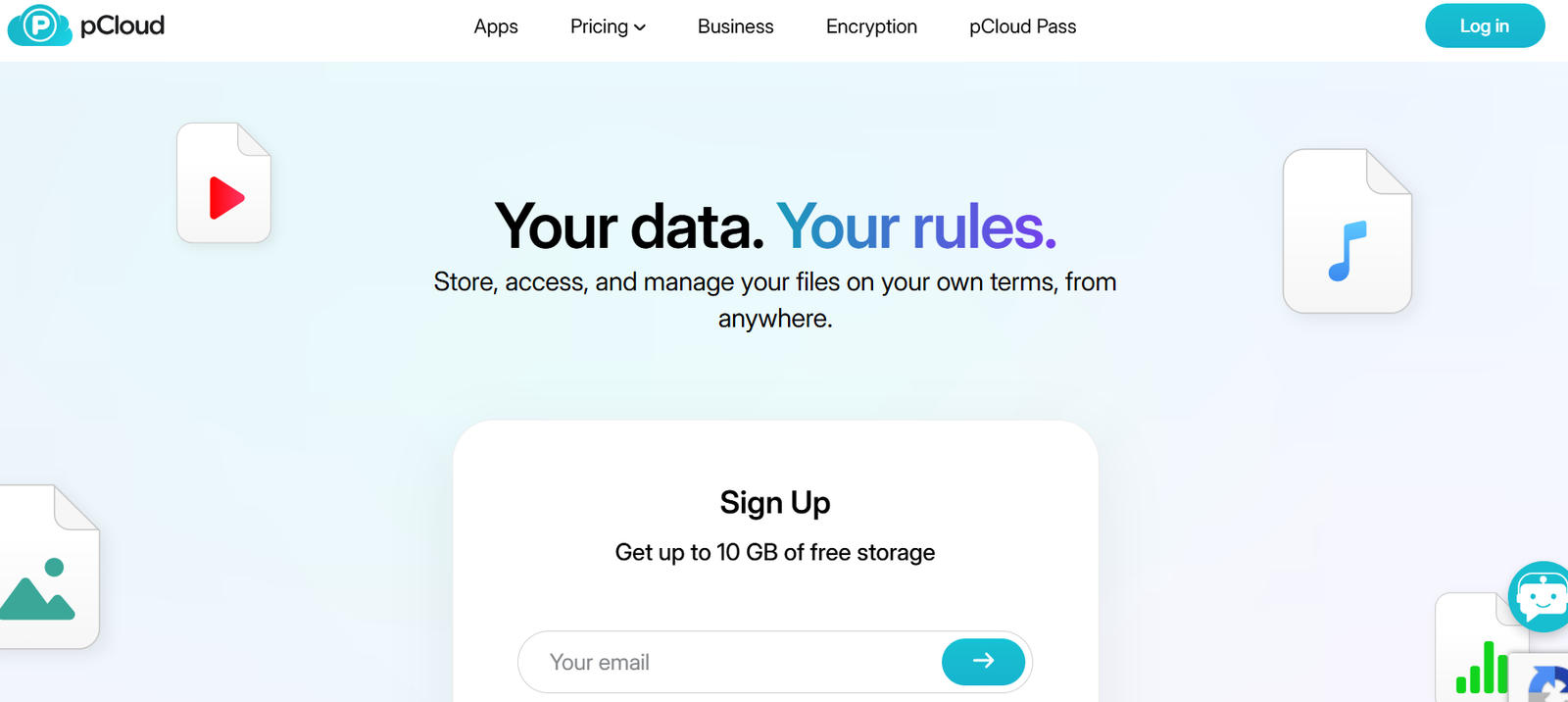
I used pCloud mainly for storing work files, personal backups, and random media collections over an extended period. One thing that immediately stood out was its overall stability. Syncing between my laptop and smartphone usually happened without delays, which made file access very convenient during daily work.
The platform felt dependable for regular use, especially when moving documents between devices. I also appreciated how organized the interface was, since locating folders and uploads never became confusing. There were only a couple of occasions when syncing slowed down unexpectedly, but overall, the experience remained smooth and reliable.
For users looking for balanced cloud storage with decent performance and usability, pCloud feels like a very practical option.
2. Sync.com
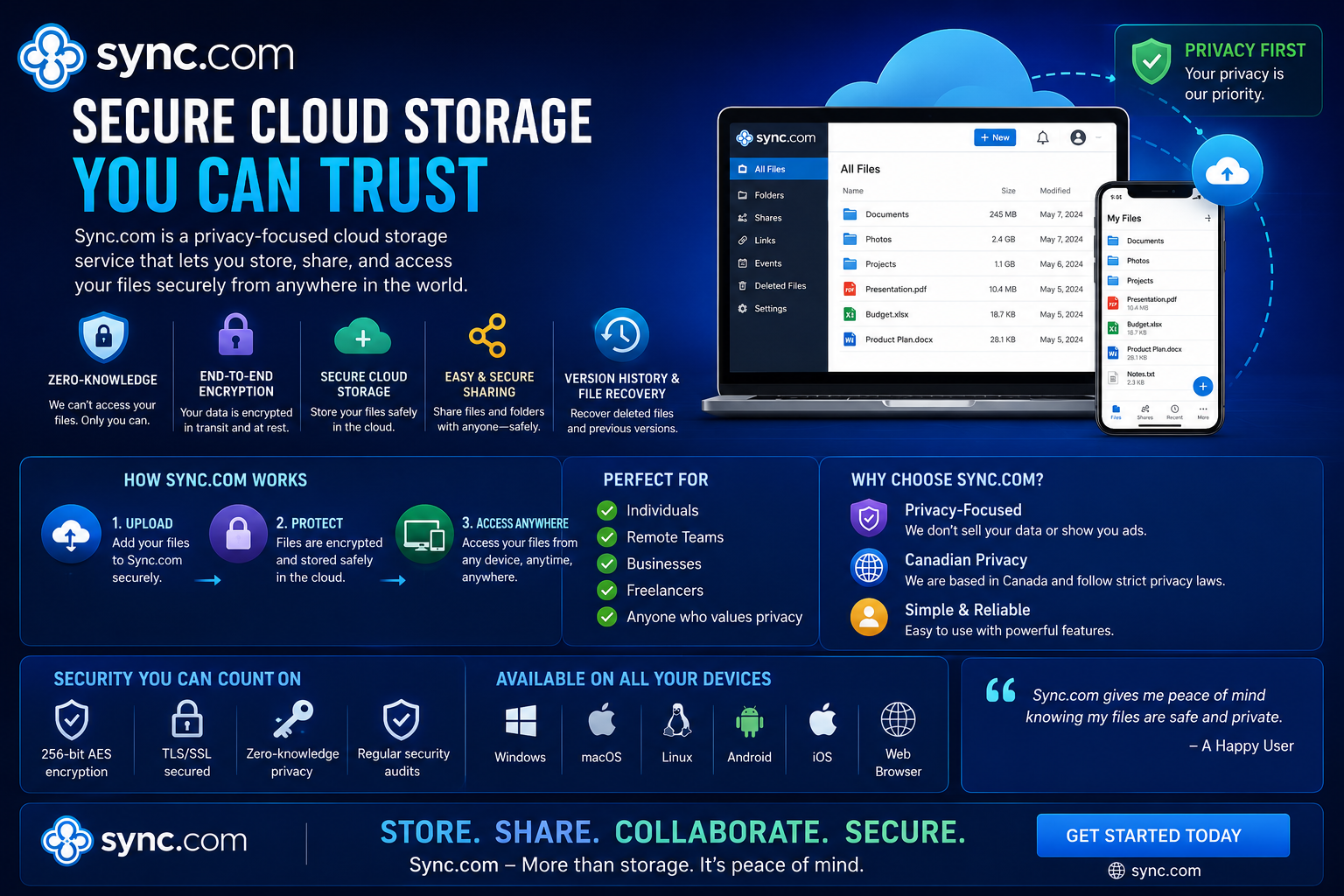
Sync.com became my preferred platform for storing private documents and sensitive files. Compared to many mainstream cloud storage services, it clearly focuses more heavily on privacy and secure file sharing.
The encrypted sharing system gave me more confidence whenever I needed to send confidential documents or work-related files. The interface itself was not overloaded with unnecessary features, which actually made navigation easier.
Another thing I noticed was how strongly the platform emphasizes data protection without making the entire experience feel overly technical. While upload speeds were not always the fastest during larger transfers, the privacy-first approach easily became its biggest advantage.
For users who prioritize security over flashy features, Sync.com feels like one of the stronger choices available.
3. MEGA
MEGA immediately attracted my attention because of the generous amount of free storage it offers. I mainly used it for uploading larger videos, archived folders, and older backups that would normally consume space quickly on other platforms.
The additional free space made it easier to organize large media collections without constantly worrying about hitting storage limits. Uploading files was generally straightforward, and the platform handled heavy folders reasonably well.
However, the free version’s transfer restrictions eventually became frustrating during more intensive usage. Large downloads and repeated transfers could suddenly slow things down, especially when handling multiple files within a short period.
Even with those limitations, MEGA remains one of the better choices for users who need substantial free cloud storage.
4. Icedrive
Icedrive felt refreshingly simple from the very beginning. The clean design and lightweight interface made the entire platform easy to understand without wasting time navigating complicated settings.
Uploading smaller folders worked most of the time smoothly, and basic file management felt intuitive even for casual users. The platform avoids unnecessary clutter, which makes daily use feel lightweight and comfortable.
That said, larger file uploads occasionally synced more slowly than I expected, especially when handling heavier media files. Still, the overall experience remained pleasant because of how modern and user-friendly the interface looked.
For people who value simplicity and minimalism in cloud storage software, Icedrive definitely leaves a good first impression.
5. Tresorit
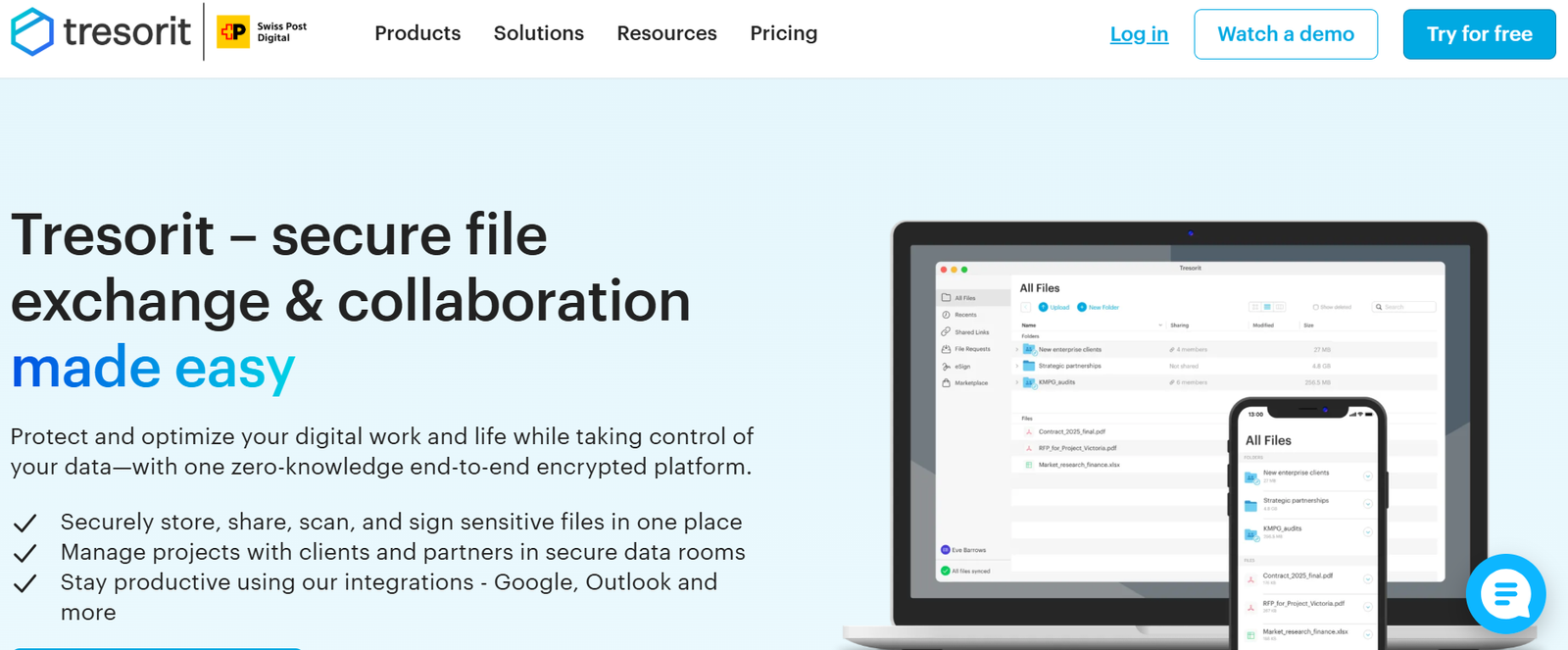
Tresorit felt like the most enterprise-focused platform among all the cloud storage services I tested. From the beginning, it was obvious that security and encrypted collaboration were the primary priorities.
I mainly used it while sharing professional work documents, and the protection features genuinely felt more advanced compared to many competitors. The permission settings, secure sharing controls, and encryption layers created a strong sense of reliability.
At the same time, the platform’s highly professional environment may feel slightly overwhelming for casual users who simply want quick personal storage. It feels more tailored toward businesses, teams, and professionals dealing with sensitive information regularly.
Still, if security is the main concern, Tresorit easily stands out as one of the most serious cloud storage solutions available.
6. Box
After spending time with Box, I understood why so many larger companies rely on it for collaboration. The platform appears heavily optimized for teamwork, shared access, and organized file management.
Features such as shared folders, user permissions, and collaborative access controls were surprisingly easy to manage. Even users without technical experience could probably navigate most settings without much confusion.
The platform also handled document organization quite efficiently during testing. It felt less focused on personal cloud storage and more designed for teams working on projects together.
For businesses and collaborative environments, Box offers a practical combination of accessibility and structured file management.
7. iDrive
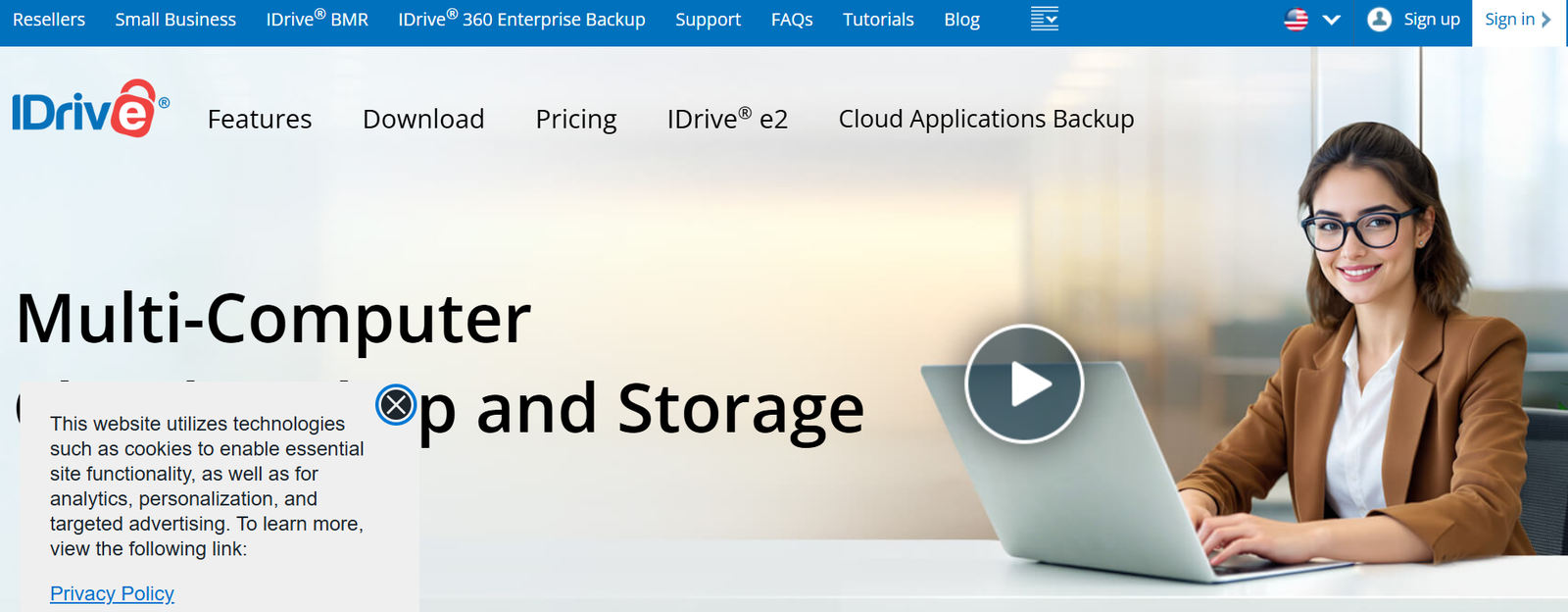
I became interested in iDrive primarily because of its backup-oriented approach rather than standard cloud storage features. During testing, the backup process worked more smoothly than I expected.
The software handled device backups reliably, including system files, folders, and recovery tasks. Restoring files also felt straightforward, which helped build confidence in the platform’s reliability during emergencies or accidental data loss situations.
Unlike some cloud services that focus mainly on syncing, iDrive feels more centered around long-term data protection and recovery. That distinction makes it particularly useful for users who care more about secure backups than everyday file sharing.
Overall, iDrive delivered a dependable experience for backup-focused storage needs.
8. Koofr
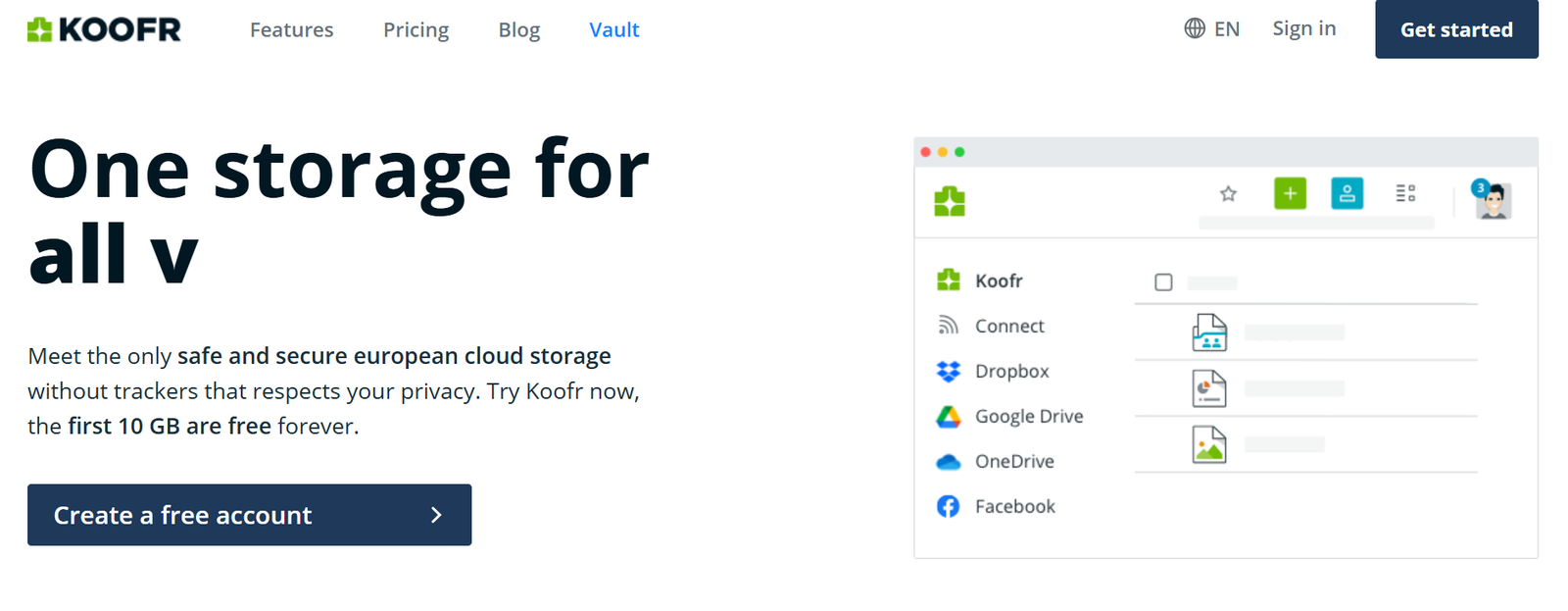
Koofr became surprisingly useful once I connected multiple cloud accounts into a single dashboard. Instead of constantly switching between separate applications, I could access files from different services in one place.
That convenience alone saved a noticeable amount of time during daily usage. The platform itself remained lightweight and relatively easy to navigate, even after integrating multiple accounts.
While Koofr may not offer the same level of advanced features as some bigger competitors, its centralized cloud management system makes it genuinely practical for users handling files across several storage providers.
For people juggling multiple cloud platforms simultaneously, Koofr offers a very efficient solution.
9. Zoolz
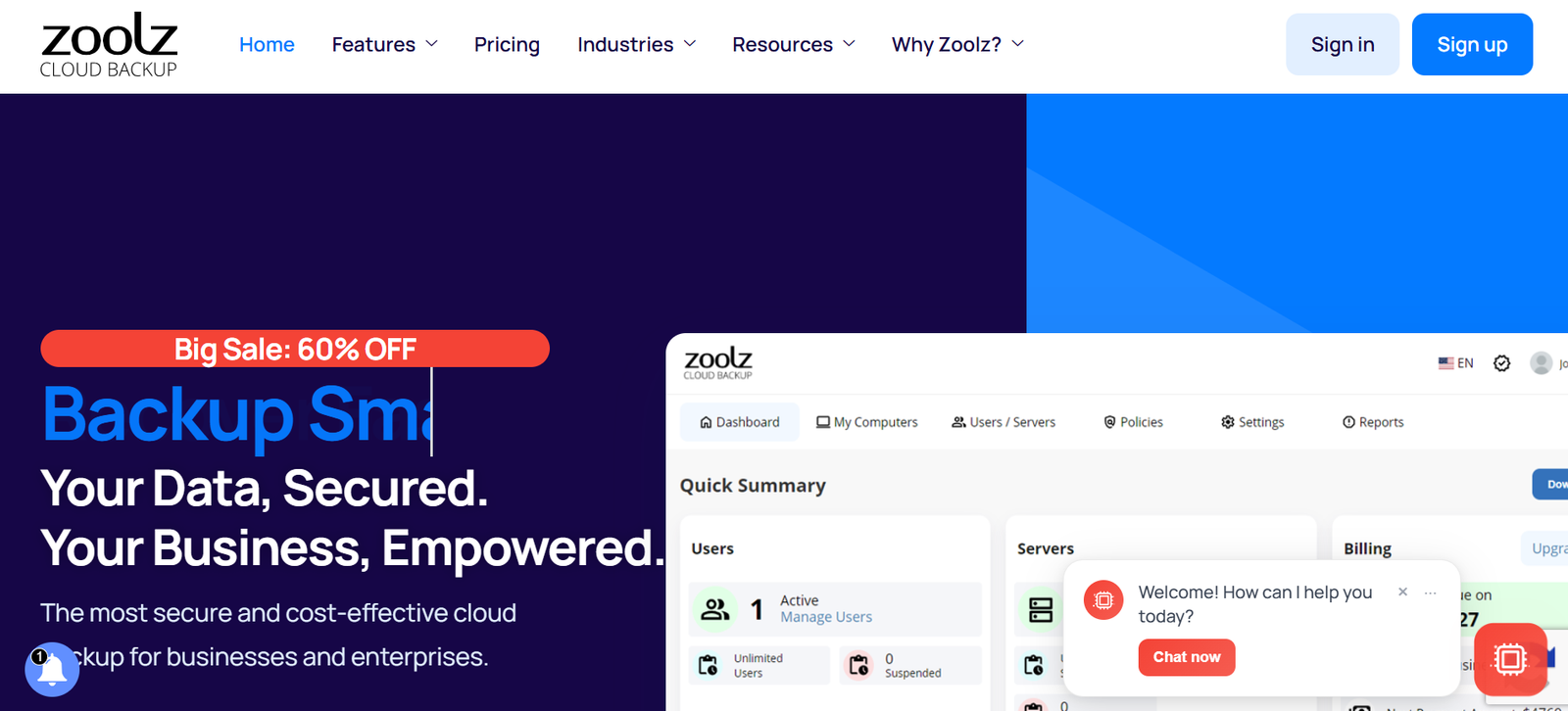
Zoolz initially felt slower and slightly more complicated compared to several other cloud storage services I tested. The interface took some time to fully understand, especially during the early setup process.
However, after spending more time with the platform, the backup-focused structure became easier to appreciate. The service appears designed more for long-term storage and archival purposes rather than fast everyday syncing.
Performance was not always as responsive as competitors’ during file access, but the platform still felt capable once everything was properly configured. Users looking for quick and lightweight cloud storage may find it less appealing, but those interested in archival storage could see more value in it.
Zoolz ultimately feels more specialized than general-purpose cloud services.
10. Internxt
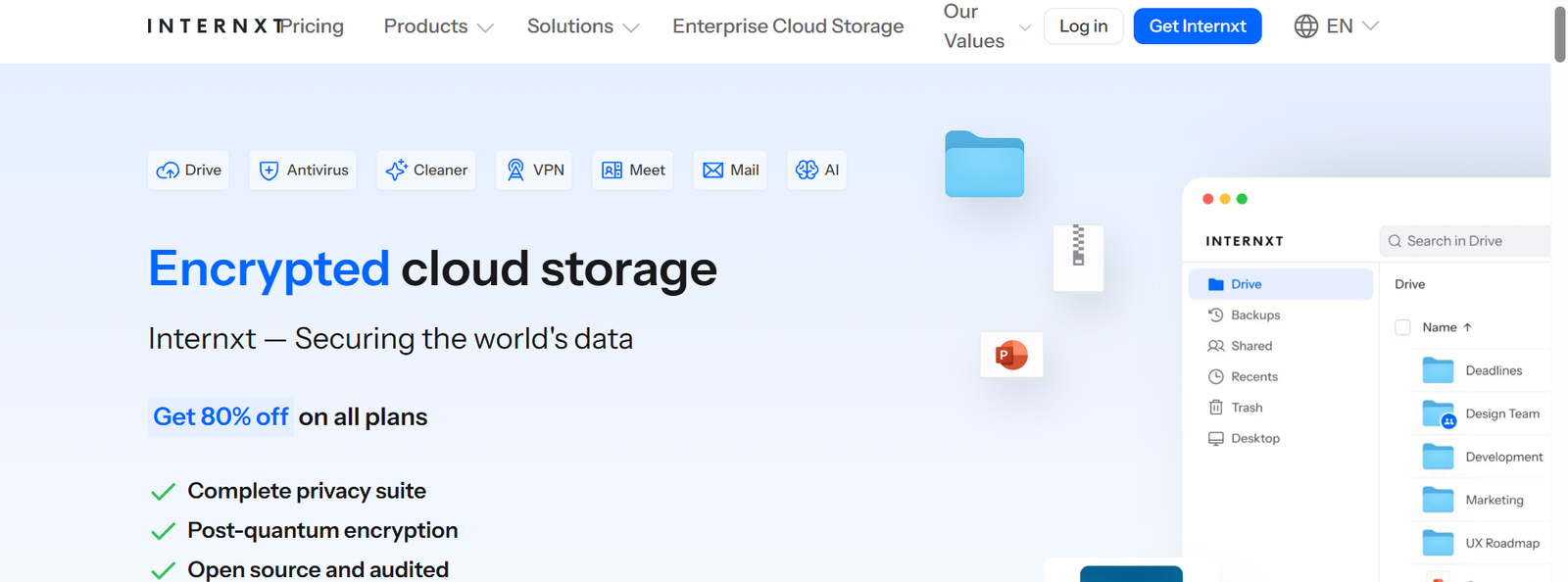
Internxt left a fairly positive impression considering it is still growing compared to some established cloud storage brands. The platform clearly aims to position itself as a privacy-focused alternative while maintaining a modern user experience.
The interface looked clean, and the emphasis on security was noticeable throughout the service. Basic uploads, syncing, and file management worked reasonably well during testing.
At the same time, the ecosystem still feels less mature compared to major cloud storage providers that have spent years refining their platforms. Certain features and overall polish still have room for improvement.
Even so, Internxt shows strong potential and already performs better than many newer competitors entering the cloud storage market today.
Pros and Cons
| Cloud Storage | Pros | Cons |
| pCloud | Lifetime storage option, stable syncing performance | Advanced encryption requires an extra payment |
| Sync.com | Strong end-to-end encryption, good privacy controls | Slower sync speed compared to others |
| MEGA | Large free storage plan, good for media uploads | The free plan has bandwidth limits |
| Icedrive | Fast performance, clean and simple interface | Limited advanced features |
| Tresorit | Strong security system, safe business file handling | High pricing |
| Box | Strong team collaboration tools are good for structured workflows | The free plan is limited |
| iDrive | A reliable backup system supports full device backup | Outdated interface |
| Koofr | Connects multiple cloud accounts, unified file access | Limited storage capacity |
| Zoolz | Low-cost long-term storage, good for archives | Slow file access |
| Internxt | Strong privacy focus, high encryption standards | Still developing features |
Who Should Use What
For Students
MEGA and pCloud seem like the most practical choices for students, as the amount of free storage is quite sufficient for the standard school stuff like assignments, notes, PDFs, and some random media files.
For Freelancers
It just happened to me that I enjoyed using Sync.com and Icedrive more as my partners for freelance-type professional jobs. Sharing clients’ folders was so straightforward, and the privacy element was definitely way better than some other well-known storage apps.
For Business Teams
Box and Tresorit presented themselves as more team-oriented and well-managed. The way permissions, shared folders, and collaboration tools were handled there definitely outperformed simpler cloud storage services.
For Backups
iDrive was pretty much the best choice for whole computer backups rather than regular storage purposes. That’s the area where it was the strongest.
Final Verdict
After trying all these cloud storage services, I found that most of them have some way of having a tradeoff. Some are cheap but are slower. Some are secure but expensive. Some offer a lot of free storage, but later limit transfers.
Personally, I kept resorting to pCloud because it seemed the most convenient for everyday use without many annoying restrictions. As for privacy, I had more confidence in Sync.com.
And if I just wanted some additional free storage fast, MEGA was still the most straightforward choice.