How to Get AWS Credits and Cut Your Cloud Bill
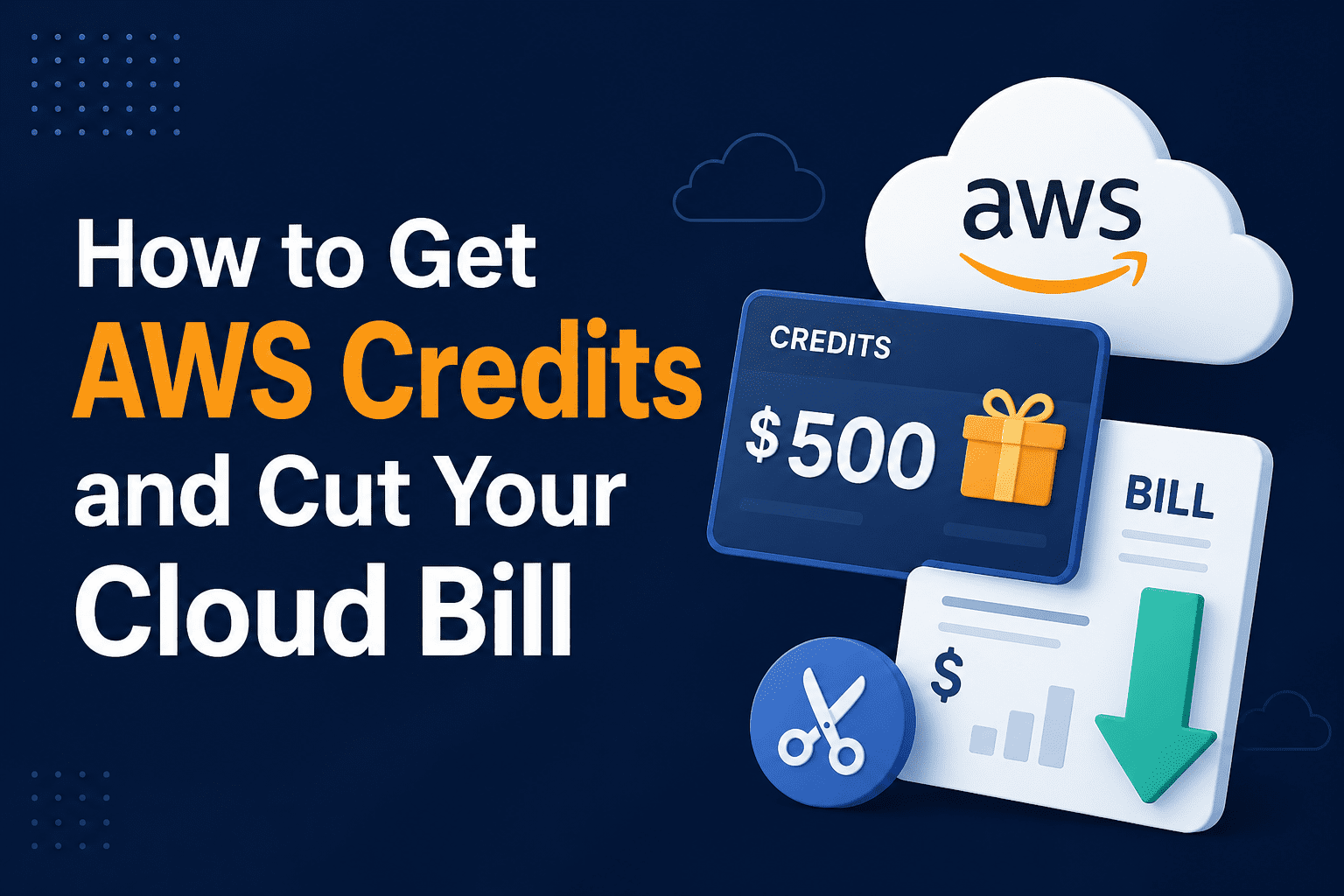
AWS credits can take real pressure off a budget. For finance teams, founders, and operators, they lower spend on compute, storage, databases, AI workloads, and testing environments before those costs pile up.
That matters because cloud bills rarely stay small for long. A few extra workloads, one rushed deployment, or a growing product team can turn AWS into a line item that needs weekly attention. The good news is that credits are available through several paths, and the best results come when you pair them with solid cost control.
Start with the AWS credit programs; most companies should check first
Most companies should begin with two places: AWS Activate and the AWS Free Tier. They are not the same, and picking the right one early saves time.
This quick comparison helps:
| Program | Best for | Typical value | What to know |
|---|---|---|---|
| AWS Activate Founders | Self-funded early-stage startups | $1,000 | Includes credits, training, and support perks |
| AWS Activate Portfolio | Partner-backed startups | Up to $100,000 | Usually needs an approved partner Org ID |
| AWS Free Tier | Brand-new AWS users | Smaller usage-based savings | Good for testing, not large-scale cloud spend |
For most funded or venture-backed startups, AWS Activate is the main path. Meanwhile, the Free Tier is better for early testing and small workloads.
AWS Activate for startups and early-stage companies
AWS Activate is the program most scaling startups should review first. As of April 2026, AWS offers a Founders path for self-funded startups and a Portfolio path for startups backed by approved partners, such as VCs, accelerators, or incubators.
The Founders option is the simpler one. Eligible startups can receive $1,000 in credits, plus access to training and support resources. The Portfolio option is where the larger savings sit, with credits reaching up to $100,000 for qualifying startups.
In plain terms, AWS wants to see a real company. That usually means you are early-stage, founded within the last 10 years, pre-Series B, and operating through a live website or public company presence. You also need a paid AWS account, not only a Free Tier account, and your application details need to line up.
The application is usually straightforward. You submit company details, your AWS account, founding date, website, and proof that you fit the program. Portfolio applicants also need a partner Org ID. Approval often takes about 7 to 10 days, and credits may remain active for one to two years. For a team that is scaling fast, that runway can make a real difference.
AWS Free Tier for new AWS accounts
The AWS Free Tier is the easiest place to start, because there is no special startup review. New AWS accounts get 12 months of free use on selected services, and some services include always-free limits.
For example, AWS has offered 750 hours a month of certain EC2 usage, 5 GB of Amazon S3 storage, and always-free Lambda requests within set limits. That helps teams test products, run early development, or learn the platform without a full bill landing on day one.
Still, finance leaders should treat the Free Tier as a starter tool, not a savings plan. It helps with early experimentation, but it usually will not cover serious production growth. Once usage becomes meaningful, larger credit programs matter more.
Look beyond startup programs if your company has a special profile
Startups are not the only groups that can qualify for AWS credits. If your company has a public-interest, academic, or research angle, another route may fit better.
That matters for operators because the wrong application path wastes time. It is better to match your company type first, then apply with a clear case.
Education, open source, and non-profit options
AWS also offers credits through programs tied to education, public projects, non-profits, and research. The details vary, but these routes are worth checking before you accept full-price cloud spend.
Students and educators may find credits and training through AWS Educate. Public open-source projects can qualify for AWS Open Source Credits, with some awards reaching up to $100,000 per year. Non-profits may be eligible through programs such as the AWS Imagine Grant, which can include cloud credits. Academic teams and research groups can also apply for AWS Research Credits, with awards that can reach up to $100,000 for approved work.
Eligibility depends on the organization and the project. A commercial startup usually will not fit these programs, while a university lab or a mission-driven non-profit might.
AWS credits reduce charges only for eligible services, and only until they expire.
How to make your application stronger
A weak application often fails for simple reasons. Mismatched details, a blank website, or a vague company description can slow approval or stop it.
Start with the basics. Use a company email address, not a personal inbox. Keep your website live and current. Describe your product in plain language, and explain how AWS fits your workload. If you expect cloud usage to grow, say where that spend will go, such as compute for product workloads, storage, or AI training.
Consistency matters too. Your company name, founding date, funding stage, and public profile should match across the application and your website. When reviewers can see a clear business case, approval often moves faster.
Turn credits into real savings instead of letting them sit unused
Winning credits is only the first step. The bigger job is turning them into lower monthly spend.
Track the start date, the end date, and which AWS services the credits actually cover. Then line that up with business priorities. If credits apply broadly, use them where spend is already planned. Do not burn them on idle experiments that should have been shut down anyway.
Clean-up work still matters. Remove unused instances, right-size storage, review data transfer costs, and check whether new AI workloads are pushing usage higher than expected. Credits buy time, but they do not fix waste.
Combine credits with vendor negotiation and cloud cost controls
The best finance teams treat credits as one layer of savings. They also review rates, watch usage trends, and improve spend visibility across cloud and software.
That is where a centralized platform can help. Spendbase, for example, combines cloud optimization support with broader spend management, so finance and ops teams can spot waste, compare savings options, and keep procurement decisions in one place. Some teams also use partners that help secure free AWS credits up to $100K while reviewing cloud costs at the same time.
This broader view matters because credits expire. Better reporting, negotiated terms, and regular usage reviews keep savings going after the credit balance hits zero. Spendbase also frames its model around measured savings, which fits finance teams that care about ROI instead of loose promises.
Conclusion
AWS credits are worth chasing because they lower real cloud costs, not just test spend. For most companies, the first check should be AWS Activate, then the Free Tier, and then any education, research, open-source, or non-profit path that fits.
The bigger win comes after approval. When you pair credits with disciplined cost control, you create more room for product work, hiring, and cleaner financial planning.