Dell Latitude 3190 Review in 2026: Still Worth It or Just Cheap Enough to Ignore?
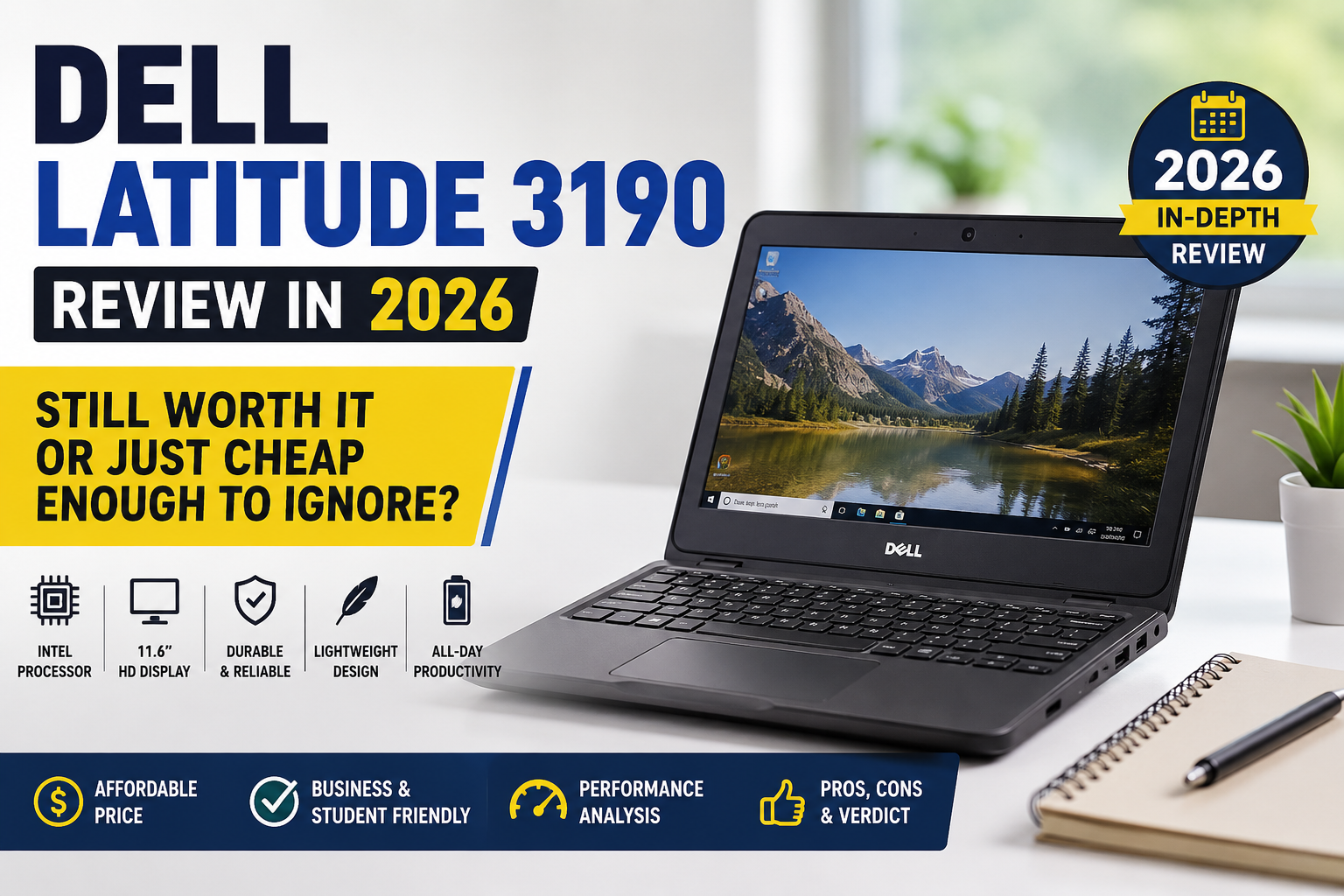
Indeed, I have been working with various refurbished and cheap laptops for some time, and yet, I cannot stop talking about the Dell Latitude 3190. The thing is, it pops up literally everywhere because they are currently selling them as refurbished. It’s time to come straight to the point. The truth is that this laptop was designed specifically for students to use in class, which makes it unsuitable for adults handling serious tasks. I compared it with the Lenovo ThinkPad E14 simply to give people a reality check. Yet, if you happen to have less than $150 by 2026 and want a reliable device that won’t let you down throughout the whole day, then there should be no problems.
Ideal for: Students, school environments, basic office users, cloud-first workflows, and anyone hunting a rugged secondhand laptop on a tight budget.
Not ideal for: Video editing, multitasking beyond 4–5 browser tabs, content creators, developers, or anyone running Windows 11 with modern apps aggressively.
Specifications of Dell Latitude 3190
| Specification | Details |
| Display | 11.6-inch TN/IPS LCD, 1366 × 768 (HD), 60Hz, 135 PPI |
| Processor | Intel Celeron N4120 / Pentium Silver N5030 (up to 2.8GHz boost) |
| RAM | 4GB or 8GB DDR4 (soldered — not upgradeable) |
| Storage | 64GB eMMC or 128–256GB SSD (1x M.2 PCIe slot available) |
| GPU | Intel UHD Graphics 600 (integrated) |
| Battery | 42Wh Li-ion; up to 10–13 hours (light use) |
| Operating System | Windows 10 Pro / Windows 11 (upgradeable) |
| Weight | 1.44 kg (3.2 lbs) |
| Dimensions | 303.8 × 207.9 × 21.25 mm |
| Ports | 2× USB 3.1 Type-A, 1× USB-C, HDMI 1.4, 3.5mm audio jack |
| Connectivity | Wi-Fi 5 (802.11ac), Bluetooth 4.2, optional LTE |
| Webcam | 720p HD front camera |
| Security | TPM 2.0, optional fingerprint reader, Kensington lock slot |
| Base Price (used/refurb 2026) | $80–$180 depending on configuration |
Design & Build Quality
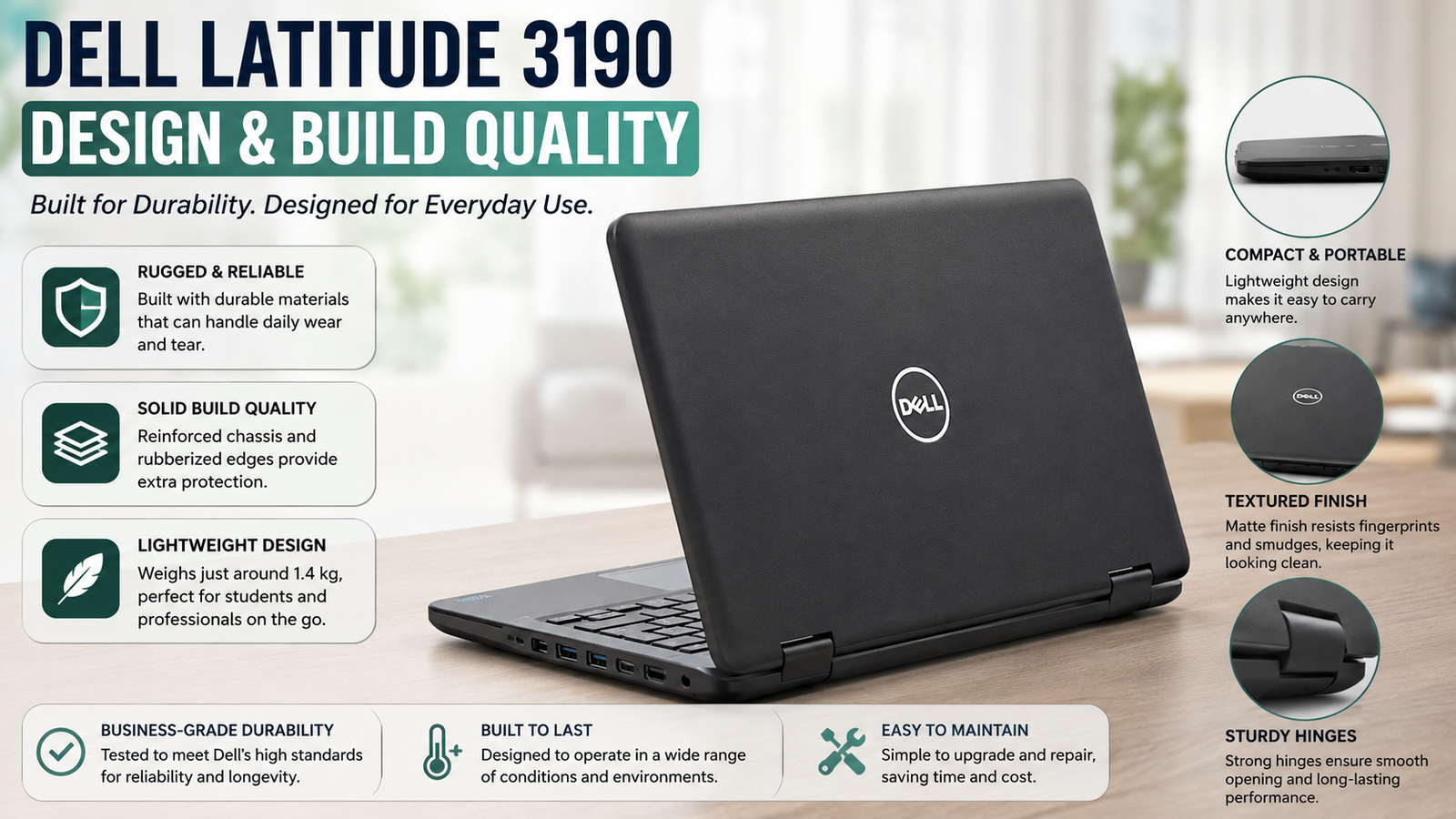
Just pick up this device and the first feature that you will observe is the rubber bumper that lines the perimeter of both the lid and base — obviously this is a device designed for toughness. It can withstand falls from heights of up to 30 inches, and it has an anti-spill keyboard as well as a Corning Gorilla Glass covering the screen. But let me be honest, it looks very institutional. It has absolutely no style to it — all matte black plastic with huge bezels, a huge Dell badge right in the center. It’s not exactly small for its screen size, coming in at 1.44kg and 21.25mm thick. The 2-in-1 model’s hinge is sturdy enough, though, and lid-open single handedly is possible.
Display
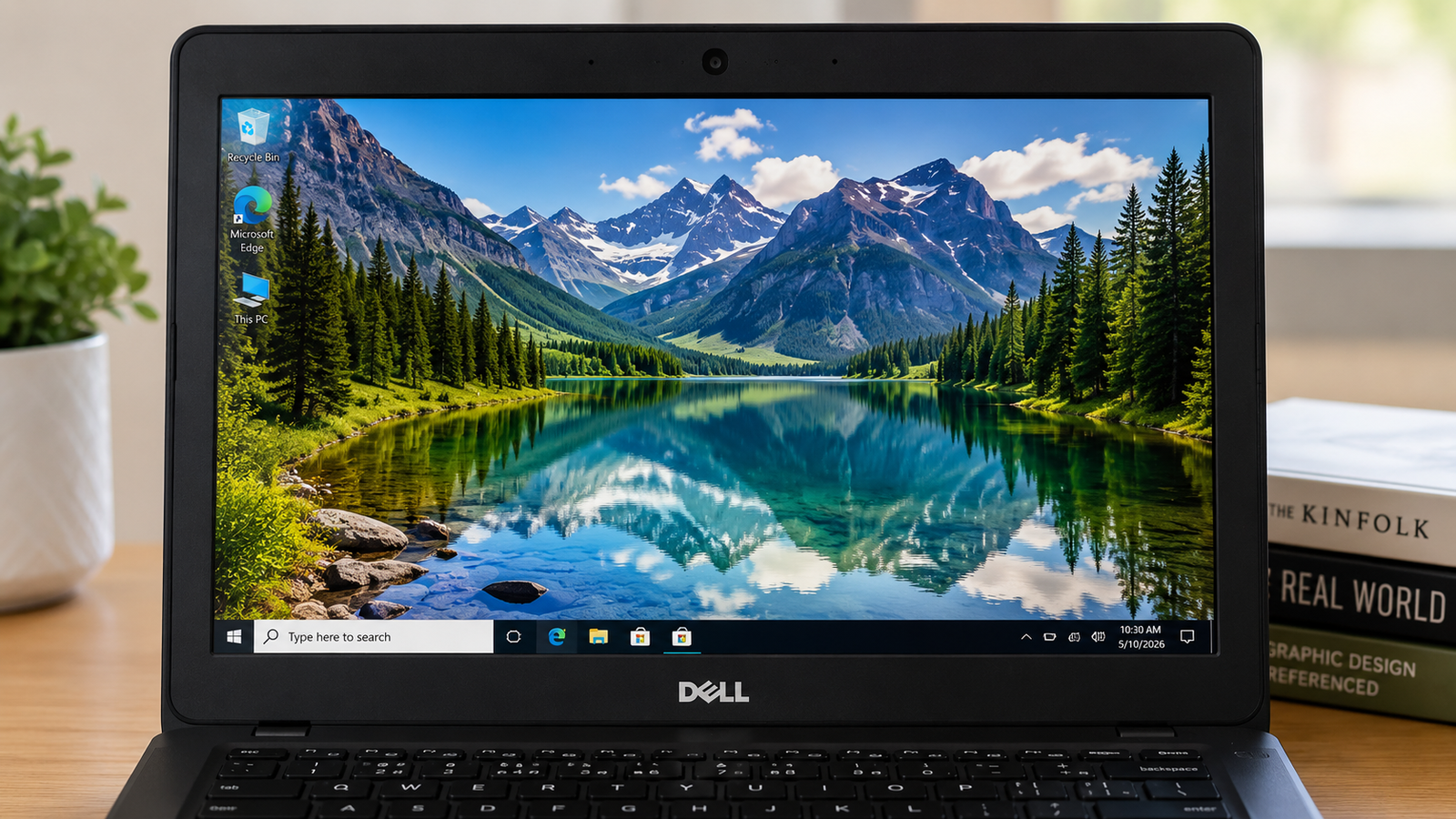
This will be my main objection regarding the 11.6-inch display. Its resolution is 1366 × 768, which means that it is not even close to Full HD. At this screen size, one can see the pixels when focusing on text. When dealing with the TN panel version, viewing angles are poor since colors become washed out if it is tilted even a little. In regard to the IPS configuration models, they do have higher brightness levels, though not enough to be considered above-average for outdoor use. As for colors, they are hardly accurate, which makes this screen useless for editing photos or anything like that.
Performance
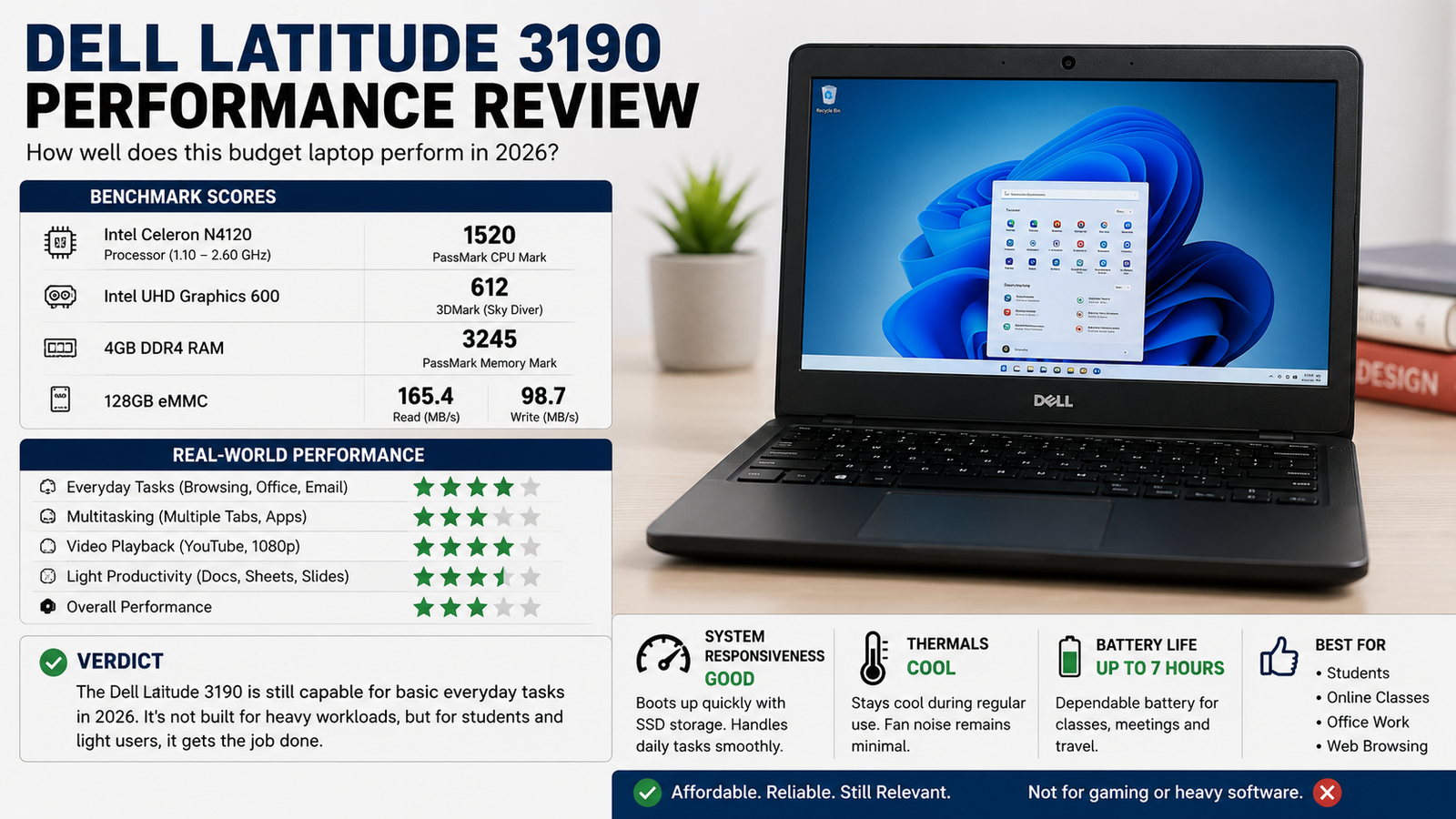
Let’s be real; the combination of Pentium Silver N5030 with 8GB of RAM can easily cope with light to moderate usage, whether it’s Skype calls, writing documents, or browsing the Internet, but try to multitask a bit or use something slightly resource-intensive, and that’s when you’ll start feeling the limitations.
In particular, the Celeron N4120 version with the base configuration is notably slow when using more than 10 tabs in Chrome. As it can be expected, the CPU is more focused on low energy consumption rather than computing performance, which results in poor performance when booting Windows using eMMC. The SSD versions are faster, though.
Battery Life
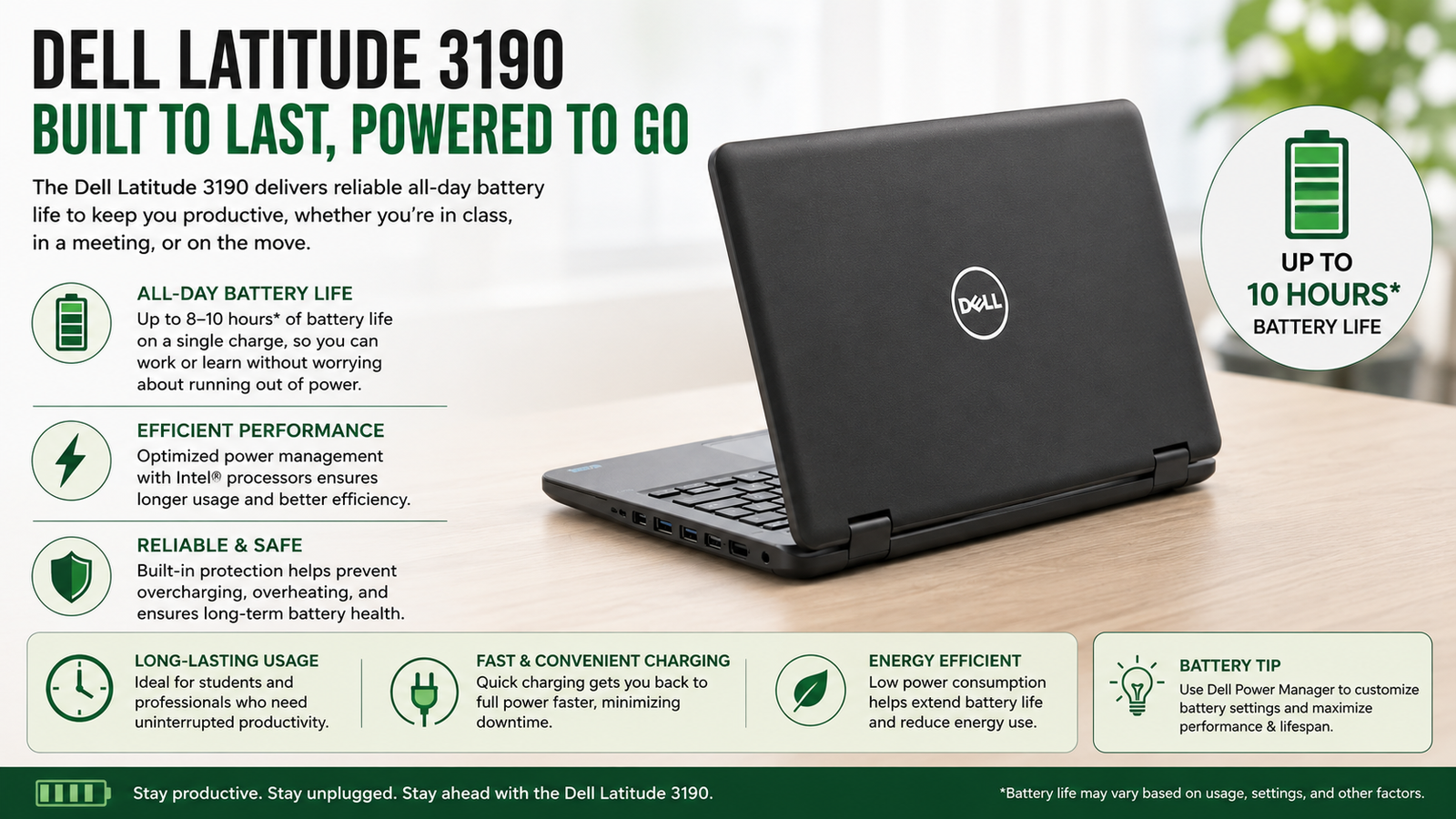
This is quite literally the best part about the device. In benchmark testing, the 42Wh battery could last almost 13 hours of browsing and around 11 hours of video watching. Using the laptop on a daily basis, with some video calls and writing, you can expect about 8 to 10 hours from the battery. Video calls and running a lot of applications simultaneously will deplete the battery much faster. Overall, this laptop does give me a full day in school or at work without looking for an outlet all the time.
Thermal Management & Fan Noise
Another thing that is often left out by reviewers is that the bottom part of the laptop heats up noticeably when using the device for long periods of time, though without overheating.
Since there is no fan, it does not produce any sounds, which is excellent for use in silent lecture halls; however, as a consequence, due to the fact that it doesn’t have an active cooling system, the laptop will self-limit its capabilities when operating under heavy loads.
Also Read- Dell Latitude 5520 Review: Honest Take for the Refurb Buyer in 2026
Pros & Cons of Dell Latitude 3190
| Pros | Cons |
| Exceptional battery life — genuinely all-day use | RAM is soldered; no upgrade path |
| Rugged build with drop protection and spill resistance | The display is low resolution with poor outdoor brightness |
| Quiet operation — no fan, no distraction | Celeron/Pentium chips throttle under sustained load |
| 360° hinge on 2-in-1 adds real versatility | eMMC storage models feel sluggish vs SSD variants |
| Affordable on the used market in 2026 | Bottom panel runs warm during extended sessions |
Final Verdict
Dell Latitude 3190 is a laptop that knows what it is meant to be – and for the most part, it does live up to expectations. If in 2026 you are going to purchase a used one, spending between $80 and $180 would make sense if you are looking for a dependable laptop that will do basic tasks like working with documents, browsing, and making video calls, but nothing else. It really surprises with its battery life; its construction remains solid enough for the price point, and its 2-in-1 design comes in handy. However, it won’t cut it if you want to have more than 8 tabs open at once, decent screen quality, and creative room.