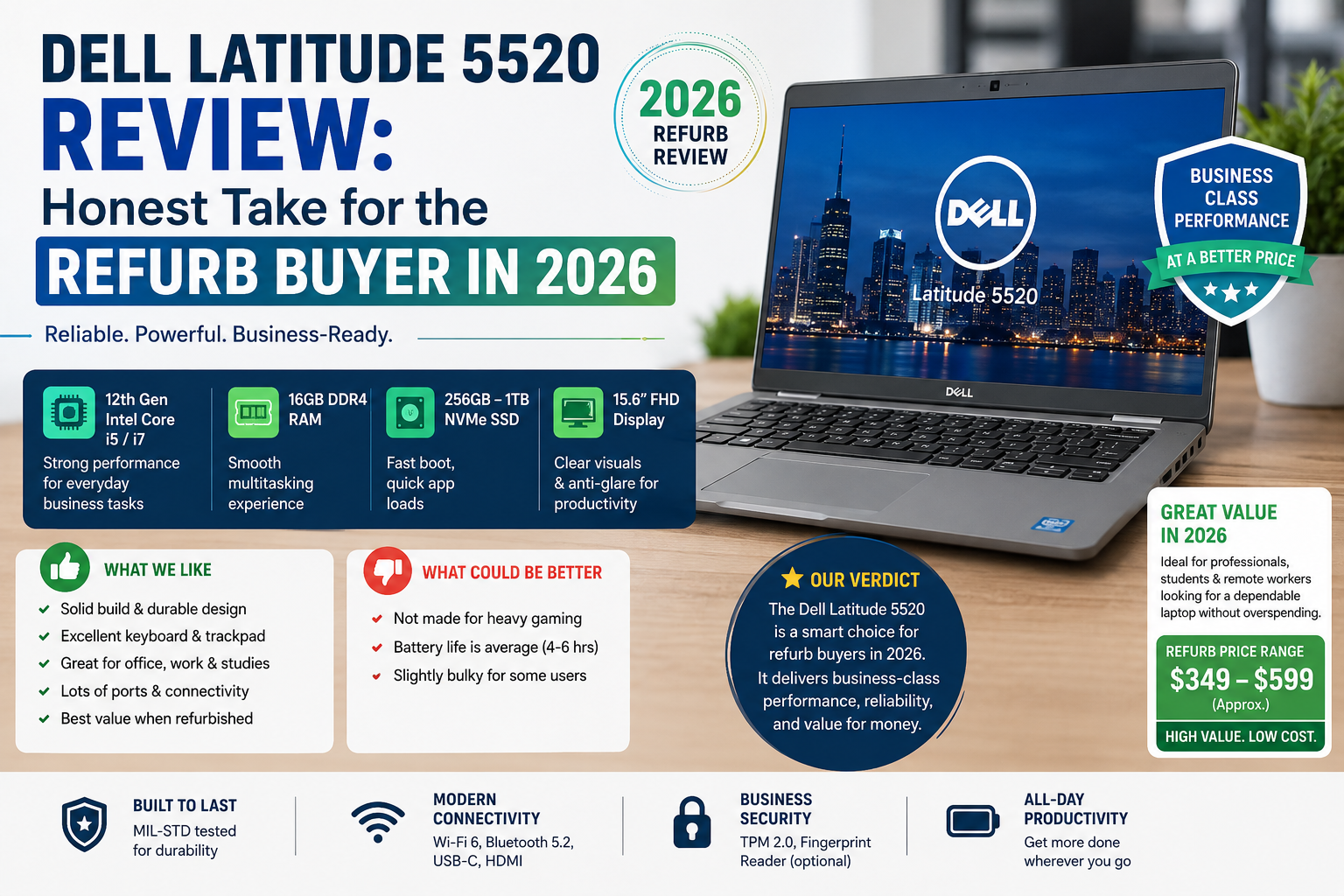
Dell Latitude 5520 Review: Honest Take for the Refurb Buyer in 2026
A new laptop wasn’t my plan. My goal was to find a low-cost, dependable work machine under $350, something that could handle Teams calls, Excel sheets, and a 40-tab Chrome session without overheating or malfunctioning. The Dell Latitude 5520 was frequently featured on refurbished deal sites, often with a 50- 55% discount. So I purchased one. Used it. Tested it thoroughly.
Here is the part where I share the details that the spec-sheet articles usually skip: what lasts, what breaks, and if it still deserves your desk in 2026, or if you’re about to make an asinine, pricey mistake.
Best for: People who work in the office or students who will appreciate the value of a reliable 15-inch business laptop on a $350 budget, who mainly work indoors. IT buyers can also consider this option.
Worst for: Those who value outdoor visibility will be disappointed. Besides, a used unit will hardly offer a long battery life. Heavy usage of USB-C charging is also not recommended.
Specifications of Dell Latitude 5520
| Component | Details |
| Processor | Intel Core i5-1135G7 / i7-1185G7 (11th Gen Tiger Lake) |
| RAM | 8GB / 16GB / 32GB DDR4 (2 SODIMM slots — upgradeable) |
| Storage | 256GB / 512GB / 1TB PCIe NVMe M.2 SSD |
| Display | 15.6″ FHD (1920×1080) IPS Anti-Glare — 250 nits max |
| GPU | Up to Intel Iris Xe / optional NVIDIA MX450 |
| Battery | 56 Wh / 68 Wh — rated up to 10 hrs (real-world: 5–7 hrs new) |
| Weight | 1.59 kg (3.51 lbs) |
| OS | Microsoft Windows 10 Pro / Windows 11 Pro |
| Dimensions | 357.8 × 233.3 × 19.8 mm |
| Launch Year | 2021 (11th Gen Intel) |
Build Quality
Let’s get one thing straight. Saying “bioplastics from trees” in a press release is a great way to sound green and forward-thinking, but at the end of the day, the product is still made of plastic. The lid and palm rest area of the chassis have some give, and the hinges of refurb units that have been used a lot do feel a bit loose.
Nevertheless, the keyboard deck is sturdy, the keys provide quite a bit of travel for a business device, and the webcam privacy control is a really handy feature. Also, it is MIL-STD-810H certified; essentially, it is more resistant to drops, dust, and wet conditions than an average laptop. So, you shouldn’t be looking for a high-end laptop, but just one that is rugged enough for regular work.
Display
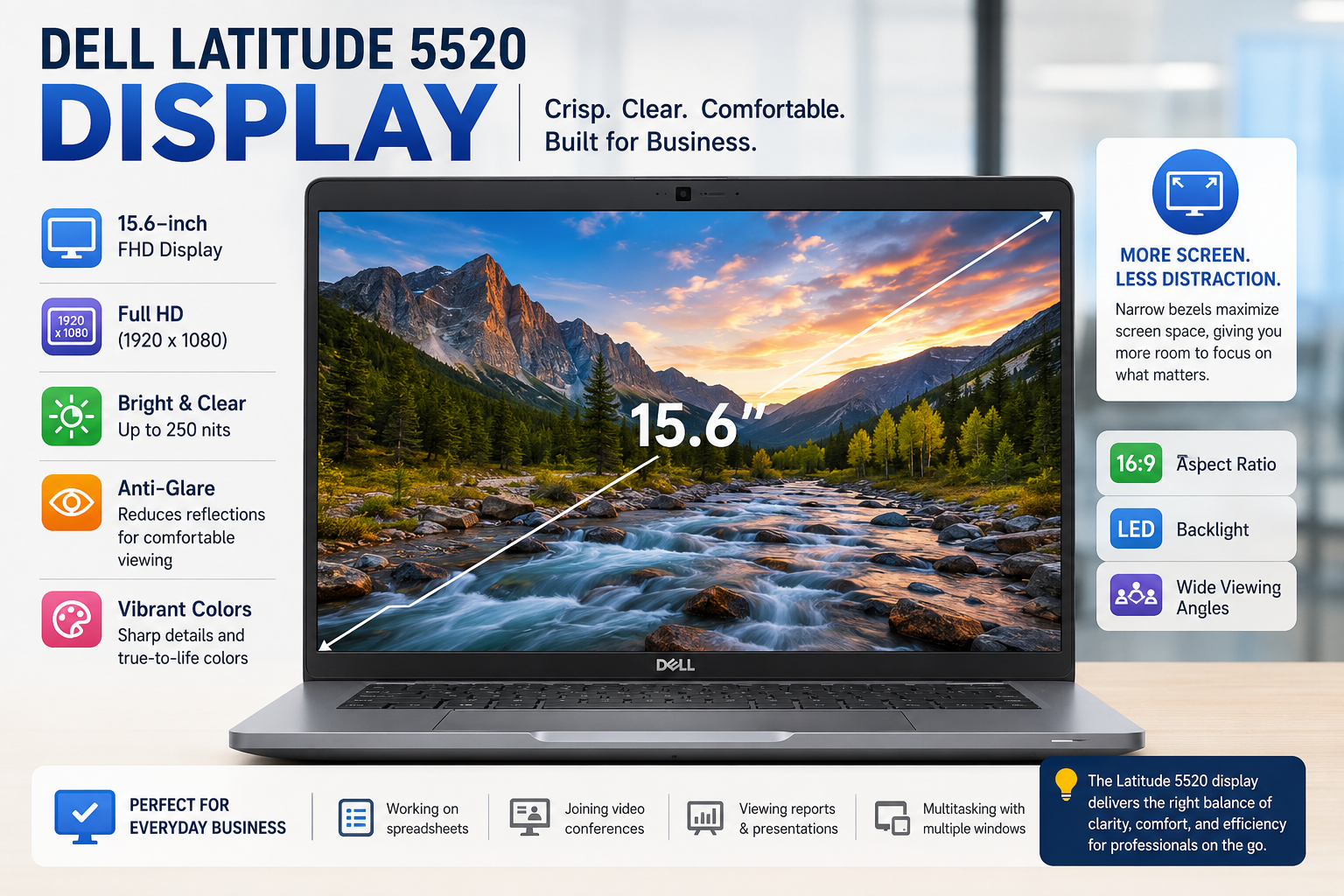
The 15.6″ FHD IPS screen works great indoors. The colors are quite accurate, which is great for office tasks and video calls. However, 250 nits is the maximum brightness, and that really limits the usability. If you take this laptop to a bright cafe or a place near a window, you’ll definitely be squinting. When purchasing a refurbished model, make sure that you are getting the IPS version, not the basic TN panel (768p, 60Hz, very poor viewing angles).
The IPS anti-glare layer does help a bit, but it is not strong enough to make up for the lack of brightness. If you are a content creator or someone who works outdoors, you should consider other options.
Performance in 2026 — Is 11th Gen Still Enough?
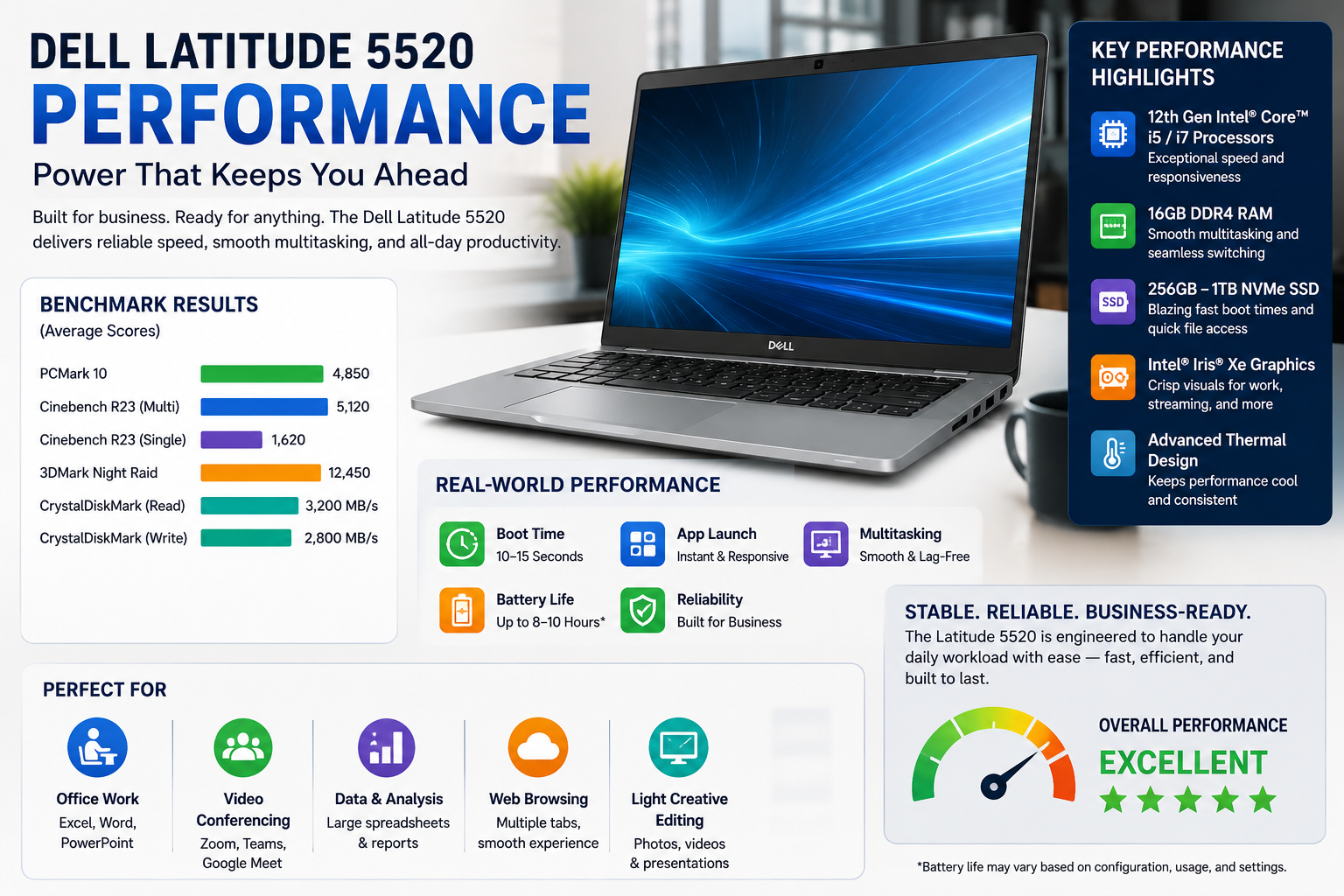
Mostly yes, but only if you are the right person. The i5-1135G7 is capable of handling Teams calls, Office 365, running Chrome with 15+ tabs, and doing light PDF work without any problem. The i7-1185G7 configuration leads to a significant increase in power that will come in handy for data work, multiple virtual desktops, or occasional light video editing. What it won’t manage well: video rendering, CAD, anything that needs a GPU.
The 11th Gen platform came out three generations before the current Intel offerings; however, for office workloads in 2026, it will still do the job. One warning: never go for the 8GB RAM model. It won’t handle multitasking very well. At least 16GB is a must.
Battery Life
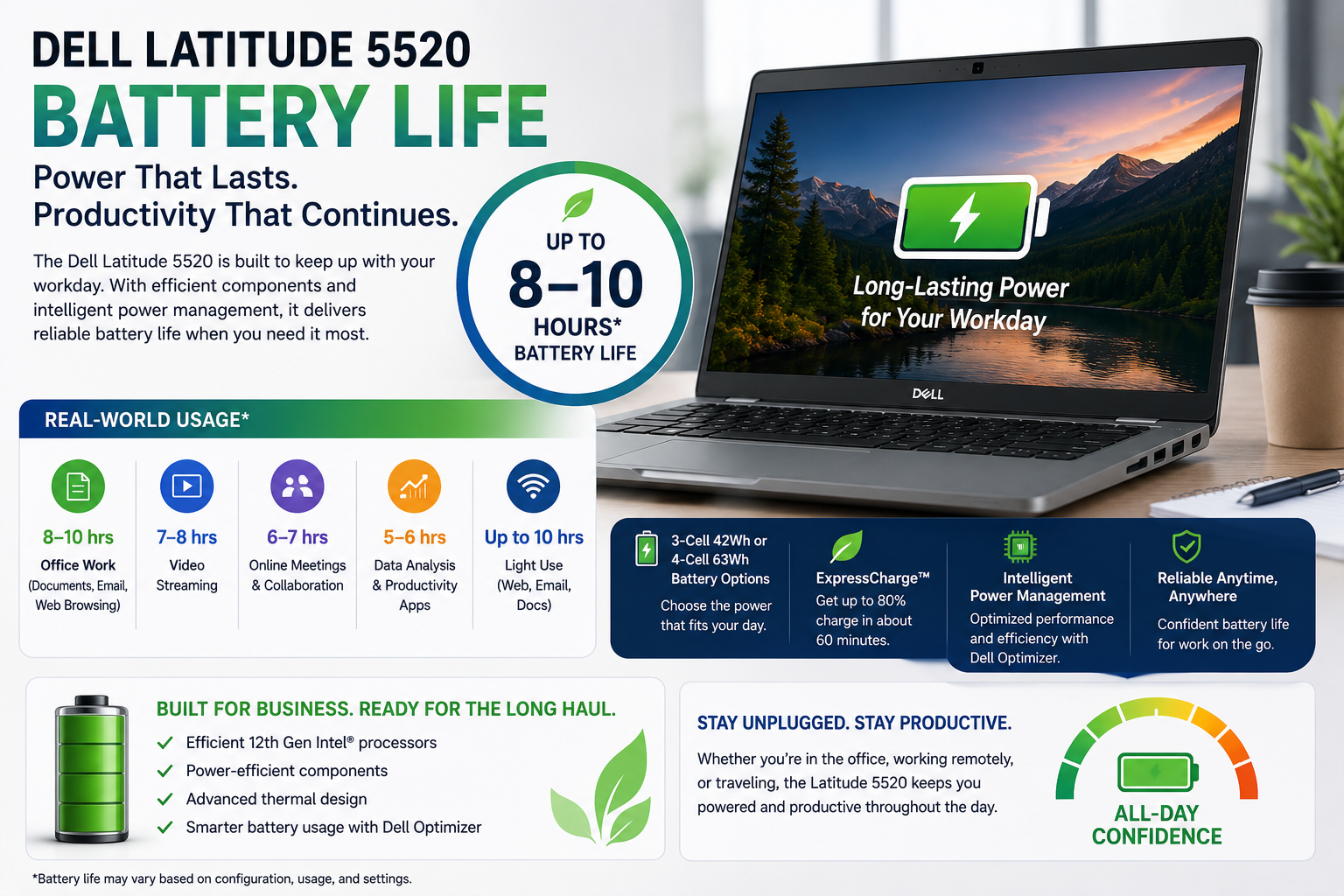
That’s when buying refurbished takes a serious step. A brand-new 5520 will reliably give you 5 to 7 hours of work time. In contrast, a refurbished one with an old battery? 2 and 3 will be your lucky numbers. Ask for the battery health report before you buy, or run powercfg /batteryreport within your first 48 hours. If the full charge capacity is under 70% of the design capacity, get in touch with the seller straightaway.
Dell’s refurb team sometimes provides battery replacement credits in cases backed by documentation, but it’s a must to detect it in time. Replacement batteries are reasonably priced, and most third-party sources have them in stock.
Ports and Connectivity
That is truly one of the 5520’s major selling points. You get a total of two USB-A 3.2 ports, one USB-C port (Thunderbolt 4 for the configurations that are equipped with it), full-size HDMI 2.0, an SD card reader, RJ-45 Ethernet, and a headphone jack. The majority of work setups will not require dongles. Wi-Fi 6 is provided and works well. The only serious caution: the USB-C charging port is directly soldered onto the motherboard.
Any kind of physical damage to that port, such as a sideways pull or a strain from repeated use, can result in the death of the whole board. Be very careful while using the USB-C port, or if your config has one, opt for the barrel charger port.
Also Read- Dell Pro 14 Plus Review: Brutally Honest, After Using It for Real Work
Pros and Cons of Dell Latitude 5520
| Pros | Cons |
| Great ports (no dongle required) | The 250-nit display is too low to be used in bright light. |
| Expandable RAM (2 SODIMM slots) | The price is a bit high for a plastic build, but it feels budget-friendly. The price is a little high for a plastic build, but it feels budget-friendly. |
| Good typing speed with the keyboard.Able to type fluently on the keyboard. | There is a soldered USB-C port on the motherboard. |
| Physical privacy shutter for the webcam. | There is a risk of battery degradation. |
| Even back in the day of 2026, i7 is still good for office use. | This is an 8GB RAM config that is truly not enough. |
| MIL-STD-810H durability rating | No high refresh or OLED option |
| Wi-Fi 6 built-in | 11th Gen — currently behind the 11th Gen, which is now on the market. |
Final Verdict
I wouldn’t recommend the Dell Latitude 5520 laptop without conditions, but with the right configuration, it’s among the better refurbished buys in the $250 to $380 range. Get the i5 or i7 with a minimum of 16GB RAM, make sure it’s an IPS display panel, do a battery health check as soon as it arrives, and handle that USB-C port carefully.
It’s a good indoor business computer with a comfortable keyboard, excellent port selection, and more than enough processing power for standard office tasks in 2026. However, it isn’t a display-centric device, an outdoor-friendly one, or a laptop for someone looking for a long-lasting battery from a used one. Be clear-headed, and it works. Be blind, and it disappoints.
FAQs
So, is the Dell Latitude 5520 going to be worth purchasing in 2026?
Yes — $250–$380 for the re: furnishing of an indoor office. Don’t use 8GB RAM setups and always check the battery condition before going ahead.
The difference between the i5-1135G7 and i7-1185G7 configs?
The i7 will feature noticeably higher burst speeds and Iris Xe graphics. It’s good to pay $40-$60 for a refurb if you’re doing a lot of multi-tasking.
Will the Dell Latitude 5520 support Windows 11?
Yes. The 11th Gen platform has been designed to support Windows 11 TPM 2.0 requirements. Most refurb units come with Windows 11 Pro pre-installed.
How can I tell whether the Latitude 5520 that I intend to purchase is refurbished?
Perform battery check in first 48 hours, confirm IPS (not TN) display, test audio and Wi-Fi on first boot, check for damage to the USB-C port.