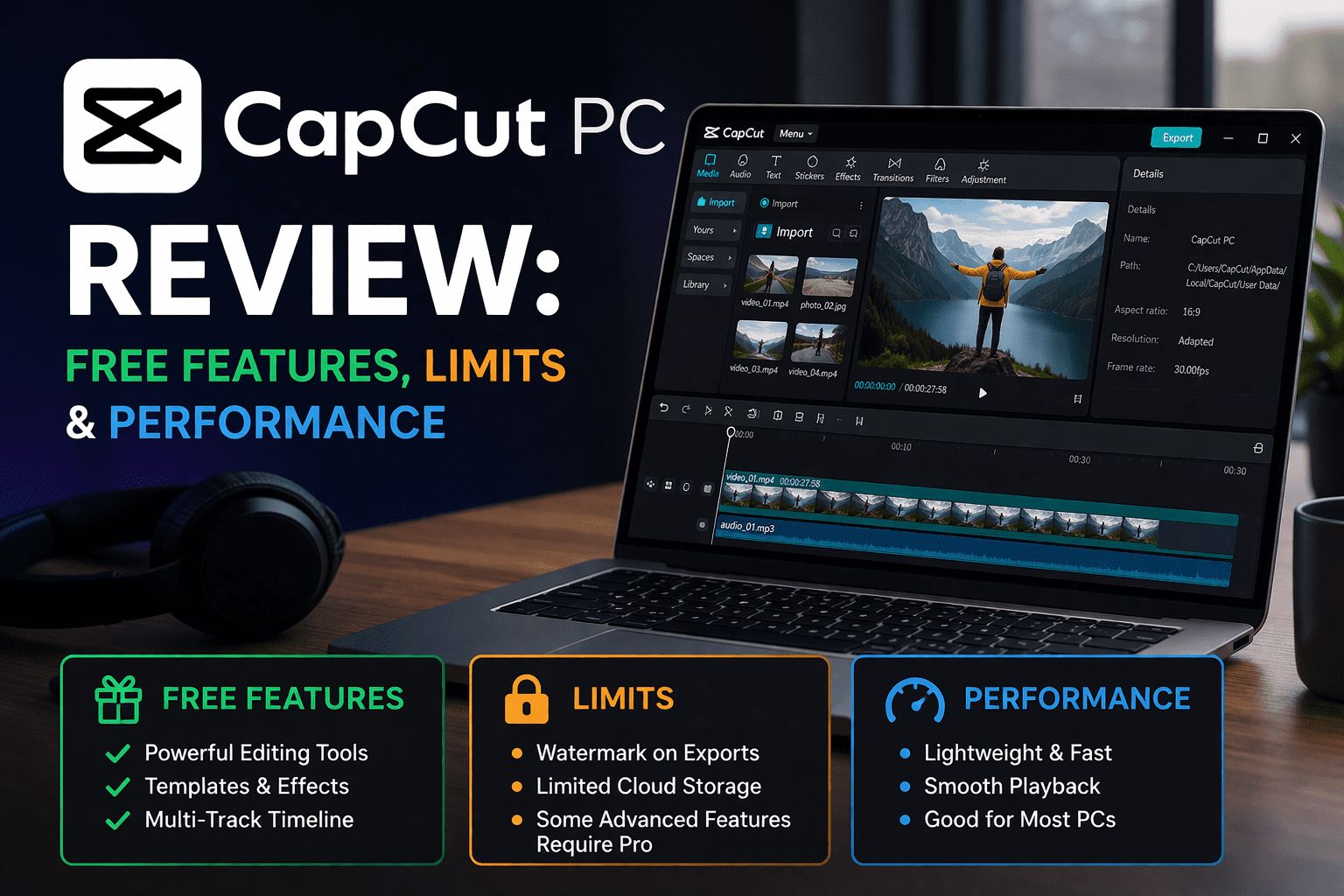
CapCut PC Review: Free Features, Limits & Performance
I used to edit all my videos on my phone. It worked fine until my projects got longer and my thumbs got tired. Pinching a tiny timeline at 1 AM is not fun. So I changed to CapCut PC, half hoping that it would feel like a watered-down version of the mobile app.
This was something I was not expecting, and I was mistaken.
In the first session, I understood that the desktop version is not a bigger screen version of the app. It is as though a good editor. I tried with the auto captions, the AI background remover, and some templates. Most of it worked smoothly.
But limits? Yes, there are a few. I will show you through it.
Quick Verdict
Rating: 7.5 / 10
| Best for | Beginners, short-form creators, TikTok & Reels editors |
| Not ideal for | Professional filmmakers, 4K-heavy workflows, privacy-conscious users |
| Free tier value | Decent — but the watermark will frustrate you eventually |
CapCut PC is a really competent free video editing program that exceeds its size in casual and short-form video. The AI tools are more efficient than I thought, and the interface is clean to the extent that you will not require a tutorial to begin using it.
CapCut PC: Key Features at a Glance
| Feature | Free | Paid |
| Platform | Windows 10/11, macOS | Windows 10/11, macOS |
| Supported formats | MP4, MOV, AVI, MKV | MP4, MOV, AVI, MKV |
| Timeline editing | Multi-track, unlimited | Multi-track, unlimited |
| Effects & transitions | Limited library | Full library unlocked |
| AI tools | Basic (background remover, captions) | Advanced (noise reduction, auto reframe, AI script) |
| Export formats | MP4, GIF | MP4, MOV, GIF |
| Resolution support | Up to 1080p | Up to 4K |
| Watermark | Yes — on all exports | No |
| Pricing | Free | ~$9.99/month |
Installation and Setup
It took me less than five minutes to get CapCut on my PC. I got it on the official CapCut site – I would suggest using it and avoiding any third-party sites. The installer is simple, with no complex instructions or unnecessary extras included.
Fast launch was smooth. The application loaded fast, and the interface loaded without any hiccups.
One of the things that slightly irritated me is that you have to log in before you can do anything. None of the guest mode, none of the skip. You require an account to open a project. Small, yet worth knowing in advance.
Interface and Ease of Use
The first time I opened CapCut on my PC, I simply sat there for a second and took it all in. It looks clean – media library on the left, preview in the middle, timeline on the bottom. Very typical design when you have ever used any editing software.
It took me about twenty minutes to become comfortable using it. No tutorial needed.
The moment that had me stumbling was the one where I was unable to know where the audio mixer had concealed itself. It took me a few clicks to locate it in a side panel. Not obvious at all.
But overall? Amazingly simple to simply pick up and begin cutting.
Performance
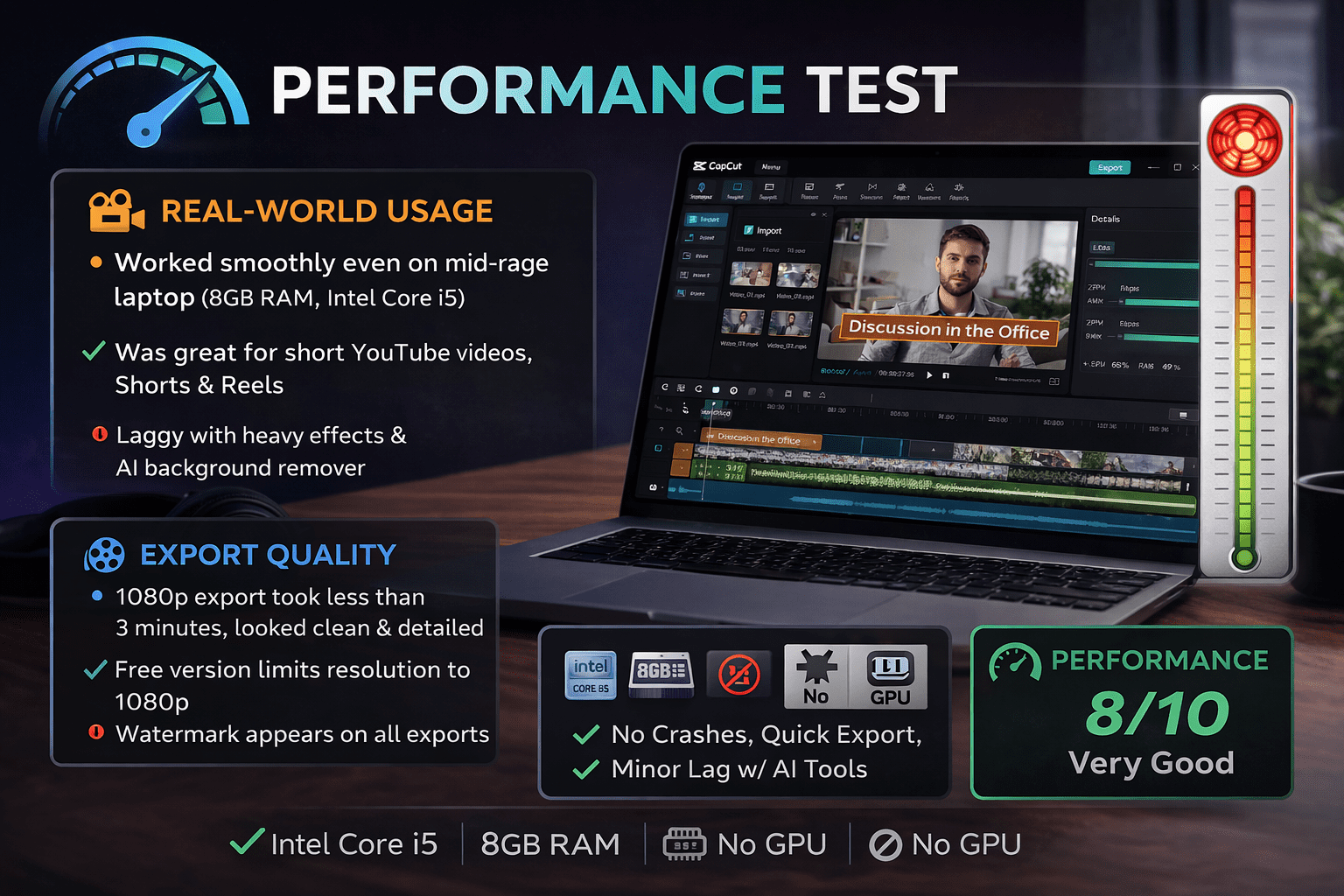
I used CapCut PC with a mid-range laptop, 8GB RAM, Intel Core i5, and no dedicated graphics card. In a 5-minute YouTube video with several text layers and several transitions, the playback remained smooth throughout the video.
I noticed the timeline stuttering when I added the AI background remover to three back-to-back clips. Frame jumps, and the application paused to catch up. It never crashed, but I noticed the fan turning more vigorously than normal.
In the case of everyday short-form editing, however, I was more impressed by the performance than I had expected.
Export Quality
I exported a four-minute 1080p video, and it took a little less than three minutes to complete, which is good for a mid-range laptop. The output was clean; colors were well retained, with no obvious compression artifacts.
Then I saw the watermark right in the corner. Small but visible. On a personal project, okay. On anything business, really irritating.
Free tier limits you to 1080p. Want 4K and no watermark? It is a paid discussion.
Real World Usage
I tested CapCut PC on three types of projects to see how it actually holds up in daily use.
For YouTube editing. I was working on a 6-minute talking head video. I noticed the timeline stayed responsive even with multiple cuts, text overlays, and background music. It was fine with simple edits, but as I added more serious effects, the speed decreased a bit.
For Shorts and Reels, it was more natural. I tried vertical clips, with captions and quick transitions. All was quick and easy.
For quick edits, like trimming and exporting clips, it was honestly effortless. Open, cut, export, done.
Pros & Cons
Pros
- I became relaxed quickly. The design is intuitive without instructions.
- Auto captions were effective. I had to repair hardly anything
- The editing of the short-form was smooth. Timeline stayed responsive
- On a mid-range laptop, the export speed was good.
- In-built templates saved time on fast projects.
Cons
- Watermark appears on all free exports. Hard to ignore
- Before use, it requires a login. No offline start
- AI tools sluggishly load on clips.
- Certain controls are under the carpet. Took time to find audio settings
- The free version has a 1080p limit, which is constraining.
Final Verdict
I have worked on a few projects with CapCut PC, and I understand why it is so popular. It handles everyday editing without friction and gets the job done faster than I expected. For Shorts, Reels, and simple YouTube videos, it fits well into a basic workflow.
But I also hit its limits. The watermark is an issue, and more serious edits begin to slow things down.
If you are a beginner or a short-form creator, I would use it without hesitation. In case you require complete control, 4K exports, and a smoother performance on more complicated timelines, I would turn to other options.
FAQs
Is CapCut PC free to use?
Yes, it is free to use, but the exported videos have a watermark and some advanced features are disabled.
Is CapCut PC 4K video editing?
It supports 4K in the paid version. The free version has a 1080p export limit.
CapCut PC is suitable for editing YouTube videos?
It is good with simple YouTube editing such as cuts, text, and music, but not with heavy effects and big projects.
Can CapCut PC run on low-end laptops?
Yes, it works with mid to low-range systems, but the performance is reduced when it works with AI tools or multiple.