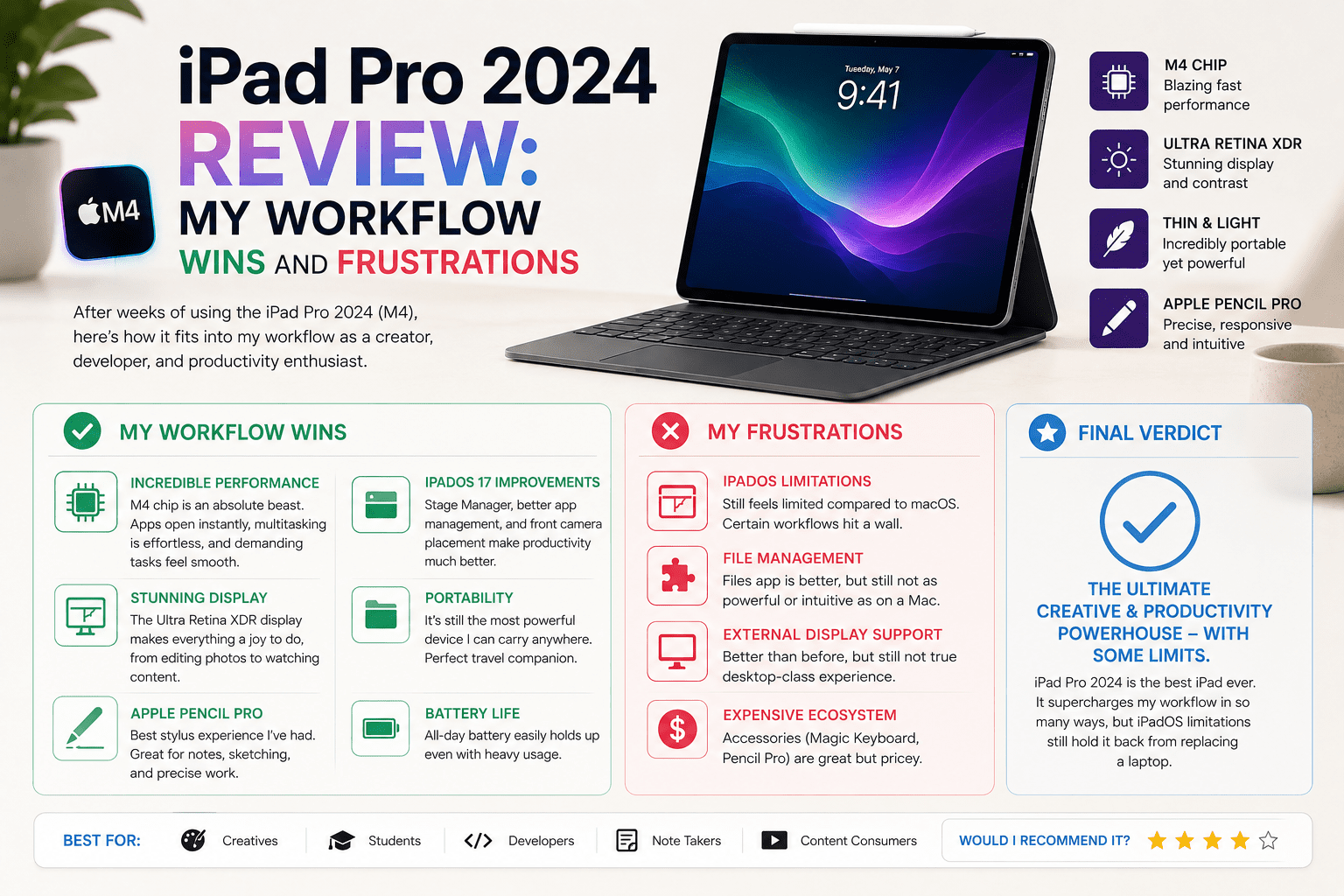
iPad Pro 2024 Review: My Workflow Wins and Frustrations
My job began to become inconsistent. I would switch between notes, browser tabs, and messages, and forget what I was doing. There was one moment. I was working on a document, checking notes, and responding to messages, and it all slowed down at the same time. That made me attempt using the iPad Pro 2024 as a complete work device.
The iPad Pro 2024 is a powerful tablet designed to meet the needs of creators,
professionals, and students who need power in a compact package. I applied it to write, do some light editing, and multitask on the road. I was interested to see if it would be able to handle actual work without the restrictions that typically come with tablets.
Quick Verdict for iPad Pro 2024
Rating: 8.5/10
Best For:
- Creators who need high performance for editing
- On-the-job professionals.
- Students taking notes and managing tasks
- Users who value display quality and portability
Not Suitable For:
- Users demanding full desktop apps
- Heavy multitaskers with difficult workflows
- Budget buyers
- Those expecting a full laptop replacement
Specifications
| Feature | Details |
| Display | 11-inch and 13-inch OLED Ultra Retina XDR, 120Hz ProMotion |
| Chip | Apple M4 |
| RAM | 8GB, 16GB |
| Storage | 256GB, 512GB, 1TB, 2TB |
| Battery | Less than 10 hours on the web or video. |
| Camera | 12MP rear, 12MP front ultra wide with Center Stage |
| OS | iPadOS |
| Apple Pencil Support | Apple Pencil Pro, Apple Pencil USB-C |
| Keyboard Support | iPad Pro Magic Keyboard |
| Weight | 11 inch around 444g, 13 inch around 579g |
Design & Build
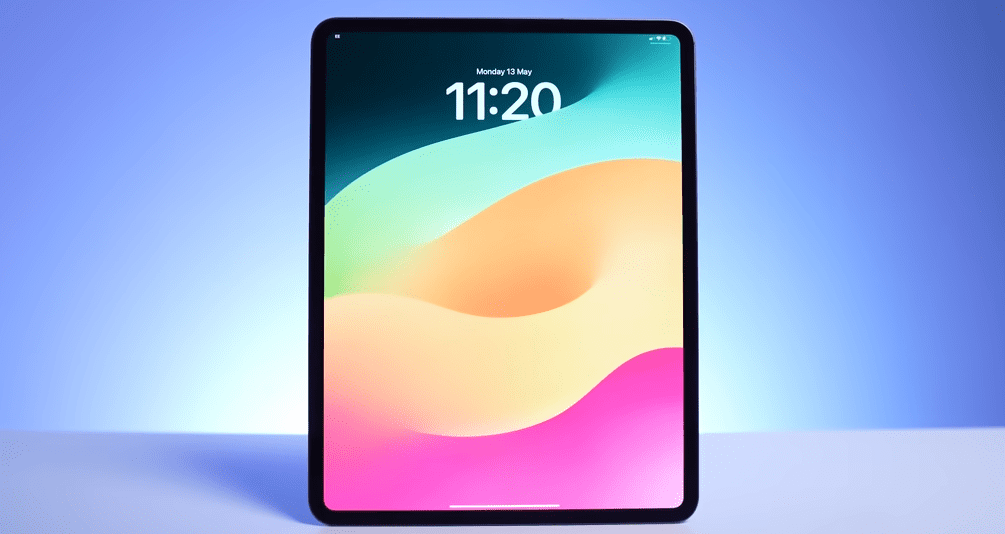
I realized how thin it was when I picked it up. It is lighter than expected, especially when using it over a long period on a desk or when reading with it. I used to carry it in my bag when traveling, and it never seemed to be bulky when compared to my laptop. The high-quality aluminum coating makes it feel solid, yet I remained cautious since it feels a bit fragile.
Takeaway: It is highly portable but needs handling.
Display Experience
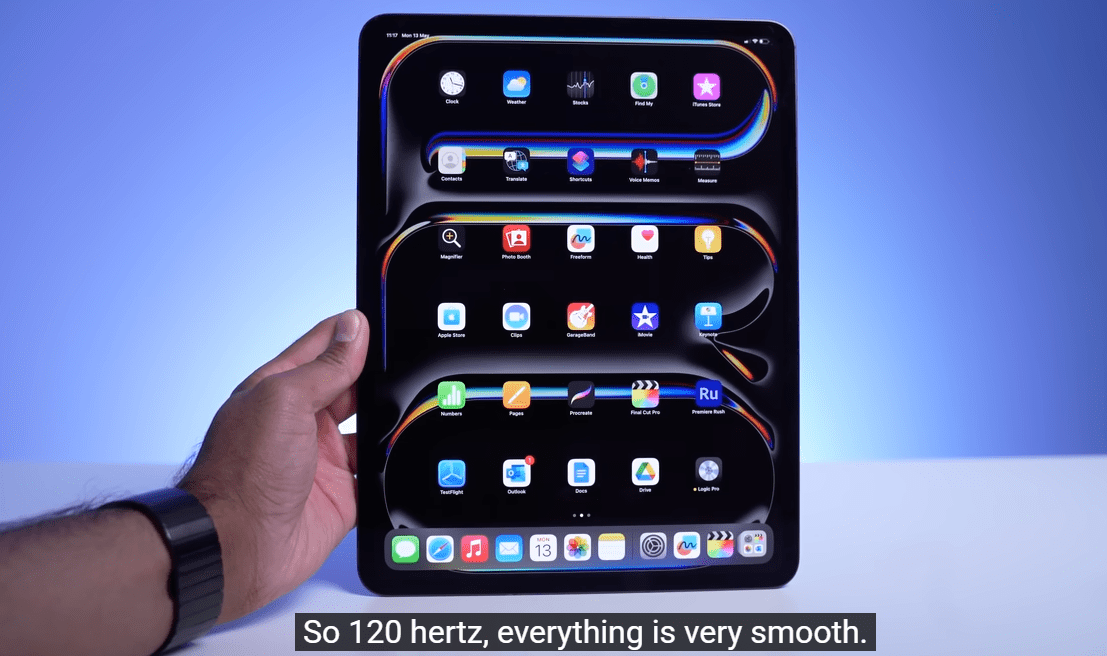
The OLED screen is sharp when you first switch it on. Colors are vivid, and brightness is maintained even in the vicinity of windows. I watched Netflix and edited pictures, and information stayed clear without color changes. There was one scene that was memorable as we watched a dark scene with blacks appearing really deep without a glow.
The 120Hz ProMotion continues to scroll without any problems, and I have observed this when reading long articles. But I caught faint reflections in the daytime. The Ultra Retina XDR display provides high-quality visuals in media and creative work.
Takeaway: The display is the best feature, especially in the use of media.
Also Read- HP EliteBook Review: Honest Business Performance After Daily Real-World Use
Performance (M4 Real Use)
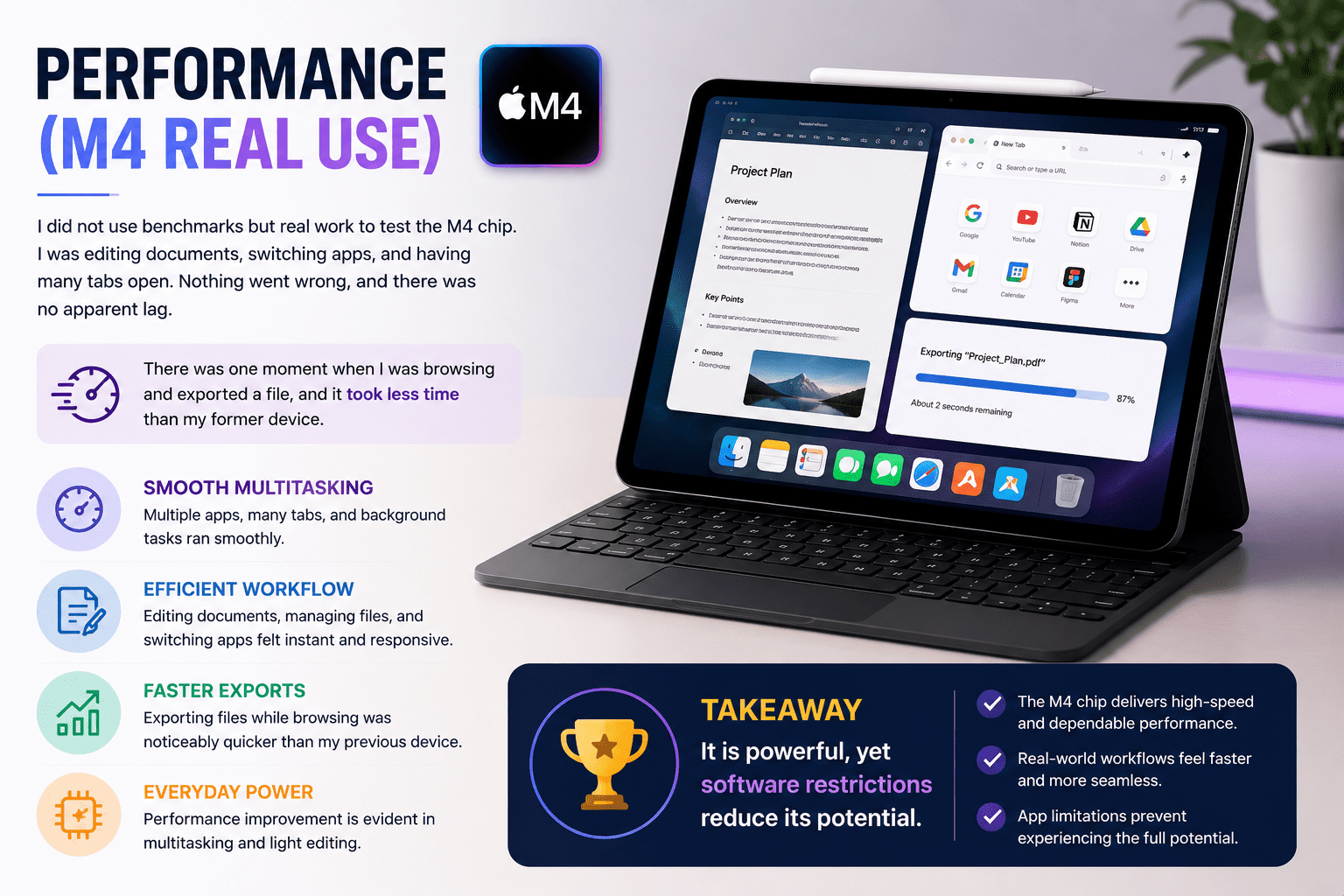
I did not use benchmarks but real work to test the M4 chip. I was editing documents, switching apps, and having many tabs open. Nothing went wrong, and there was no apparent lag. There was one moment when I was browsing and exported a file, and it took less time than my former device.
The performance improvement is evident in everyday multitasking and light editing. But I did not experience the full use of this power because of the limitations of the apps. The M4 chip provides high-speed and dependable performance in actual workflows.
Takeaway: It is powerful, yet software restrictions reduce its potential.
iPadOS & Productivity
iPadOS is smooth at start, but limits become clear in actual work. I attempted to control files, alternate between applications, and multitask. There was one moment when I had to have two applications and a third reference next to each other, and it was limited.
Handling of files still involves additional steps as opposed to a laptop. Multitasking is effective, but not as freely as it should be to be productive. The system is functioning properly, but there are gaps in the workflow that slow it down.
Takeaway: It facilitates work activities, but it is not able to replace a laptop completely.
Battery Life
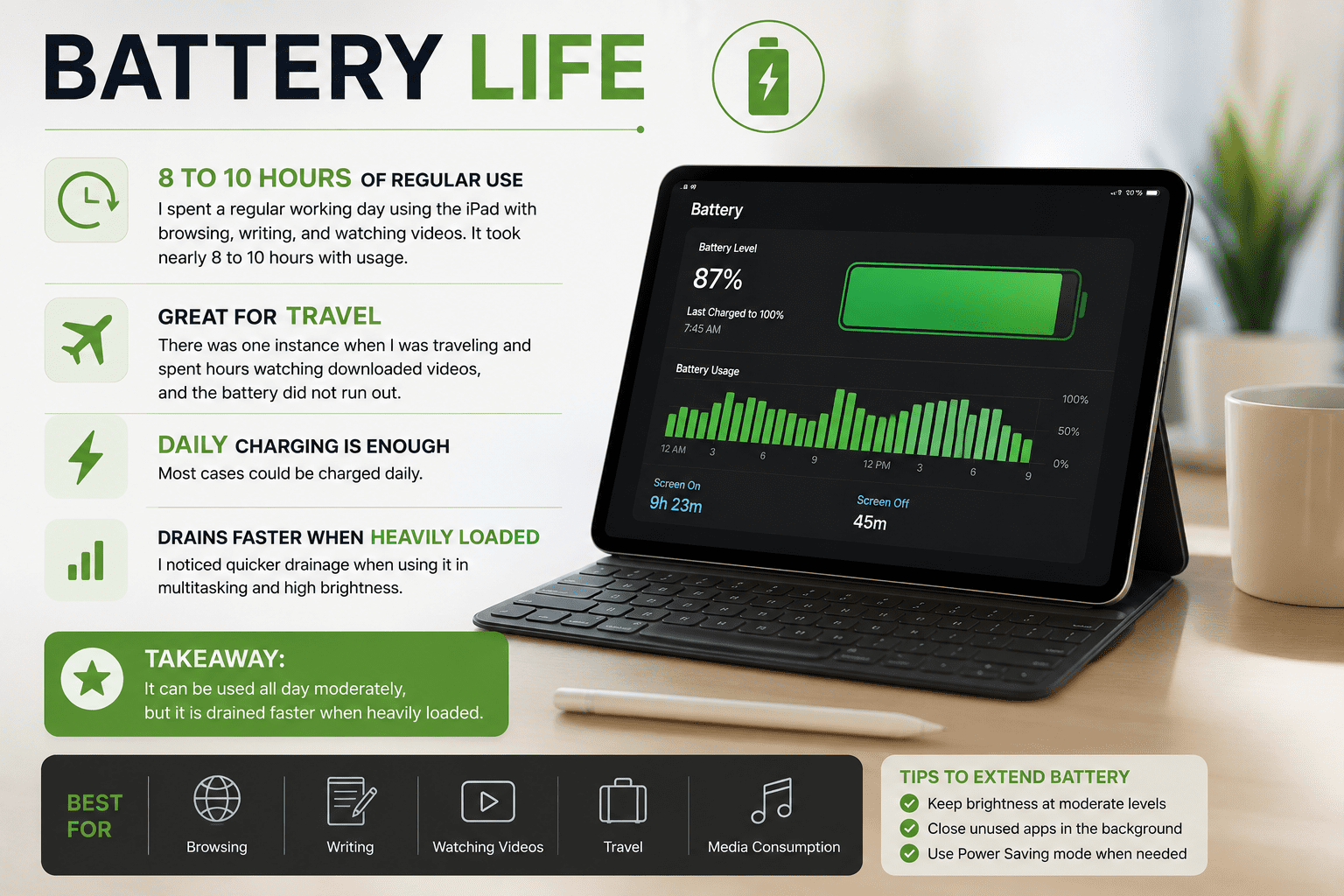
I spent a regular working day using the iPad with browsing, writing, and watching videos. It took nearly 8 to 10 hours with usage. There was one instance when I was traveling and spent hours watching downloaded videos, and the battery did not run out. Most cases could be charged daily.
However, I noticed quicker drainage when using it in multitasking and high brightness. The battery life remains the same in everyday activities and media consumption.
Takeaway: It can be used all day moderately, but it is drained faster when heavily loaded.
Apple Pencil & Accessories
I took notes and made quick edits with the Apple Pencil. It was correct, and typing was not delayed. There was a time when I was typing, and then I shifted to handwriting in a meeting, and it was natural. The Magic Keyboard enhanced typing speed and made the longer sessions easier.
Takeaway: Accessories improve workflow, but add to the total cost.
Real World Usage
I used the iPad Pro 2024 at work, travel, and for entertainment. In the case of work, I was able to write, send emails, and browse without delays. I also watched movies and read articles during travel, and this made long travels easier.
I used it at home to stream and use it casually. There was a time when I was able to change between work and entertainment without any delay.
Takeaway: It is effective in everyday life but has its limits in high-level work.
Pros & Cons
Pros
- The M4 chip really delivers when it comes to multitasking. It’s super fast.
- The OLED display is awesome for watching movies and doing editing work; it’s really clear.
- This thing is lightweight. It’s easy to use for a long time and take on the go.
- The 120Hz scrolling is smooth; it makes reading and browsing a lot nicer.
- The battery lasts all day with a mix of tasks.
Cons
- The iPadOS can be a bit limiting if you have a workflow or need to manage files in a certain way.
- The extra stuff, like the keyboard and pencil, can be pretty pricey.
- Some desktop apps you might need for work aren’t available on this thing.
- When you’re outside on a day you can see reflections on the screen.
- The chip in this thing is really powerful. The software doesn’t always take full advantage of it.
Pricing and Value
The iPad Pro 2024 is priced at the high end, near entry-level laptops, and much higher than typical tablets. I listened to how it justified that cost in real use. It was quick and easy, almost laptop-like, to write, browse, and do some light editing.
It replaced my laptop during travel to do simple work, and the price seemed justified at that time. It is a purchase worth considering when you do not need the flexibility of a full laptop but rather portability and performance. Ideal with creators and professionals, not budget users.
Final Verdict
After working with the iPad Pro 2024 in actual work conditions, I consider it a strong yet incomplete replacement for a laptop. It was easy to write, browse, edit, and travel, and the performance was fast in all cases. I enjoyed it the most when I was working on the move or alternating between simple tasks without wasting time. Creators, students, and professionals who appreciate portability and speed in a tablet format will find it best.
I would suggest it in case you need a premium portable device, but I would not completely replace my laptop with it since more difficult workflows and desktop software still feel limited.
FAQs
Is the iPad Pro 2024 worth buying?
The iPad Pro 2024 is a purchase worth considering when you need a powerful performance in a portable device. I found it extremely fast in day to day tasks such as writing, browsing and light editing. It is not perfect when you want to have the full replacement of the laptop to perform advanced workflows.
Can the iPad Pro 2024 replace a laptop?
It can replace a laptop to perform simple tasks such as notes, emails, media, and light editing. In my application, it was able to multitask easily but it was still weak in desktop level applications and working with difficult files..
Who should use the iPad Pro 2024?
iPad Pro 2024 is most suitable for creators, students, and professionals who require mobility. I applied it in traveling work and content work and it was efficient.