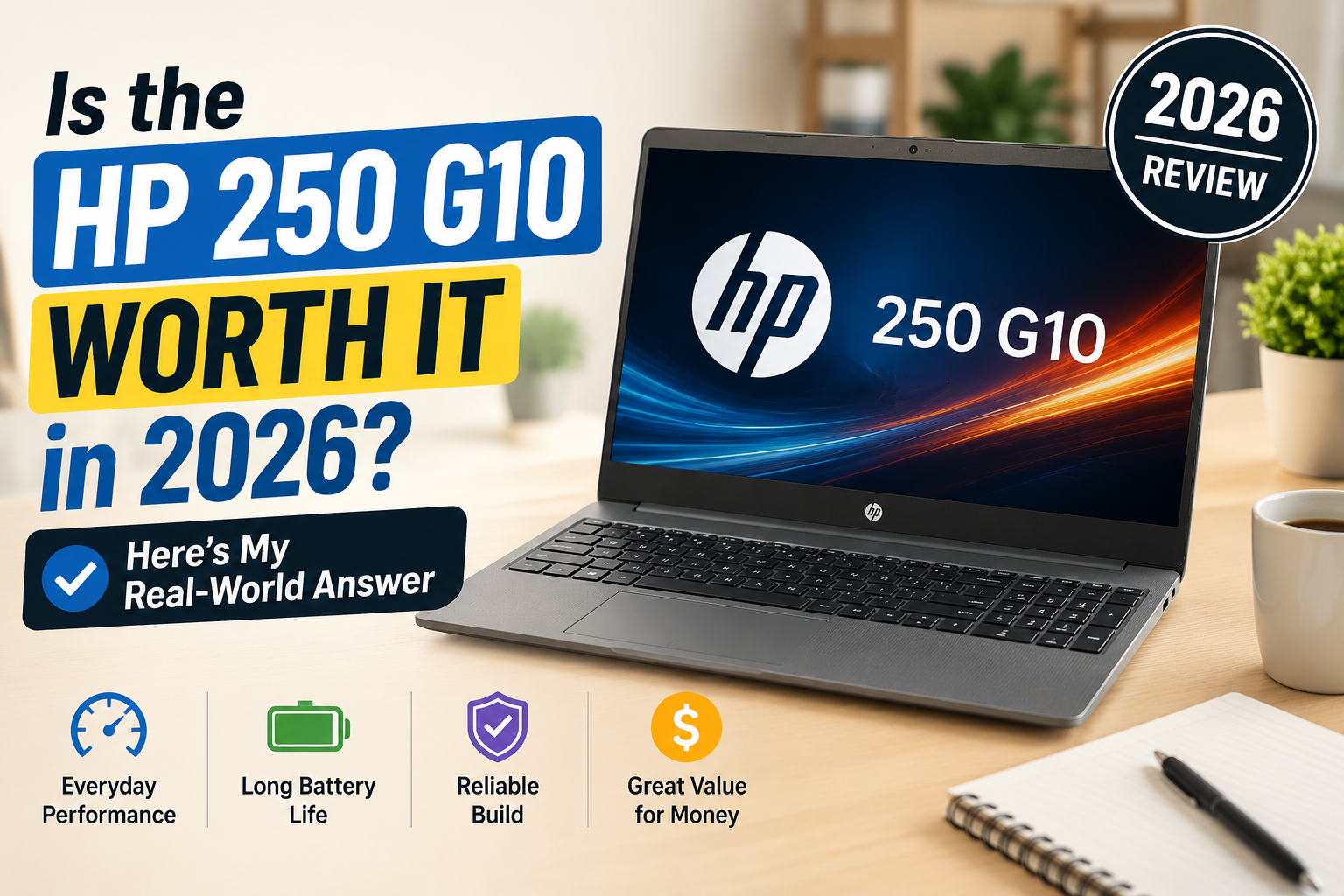
Is the HP 250 G10 Worth It in 2026? Here’s My Real-World Answer
Last year, with my old workhorse finally hanging up its heels, I wanted something more dependable, less fussy, and less expensive than $600 that would be able to do a full day’s work with me, without me having to watch it closely.
Every time I looked into it, I found myself coming back to the HP 250 G10, which was squarely in the middle ground of business laptops for budget and premium lovers. Most buyers reside in that sweet spot. I’ve had a firsthand look at the i5-1335U/8GB/512GB version, which is the most common in this price range, and it lives up to many of its claims, but not all. For a small business user, a student, or a remote worker who prefers reliability over flash, this review is for you.
Ideal for: Students, remote workers, SMB employees who need daily Office/Teams productivity on a budget.
Not ideal for: Creative professionals, anyone who needs accurate colour, or users who expect 8+ hours unplugged.
Specifications of HP 250 G10
| Specification | Details |
| Display | 15.6-inch FHD IPS, 1920×1080, 60Hz, Anti-glare |
| Processor | Intel Core i5-1335U / i7-1355U (13th Gen, up to 5.0GHz) |
| RAM | 8GB / 16GB / 32GB DDR4; upgradeable to 64GB |
| Storage | 256GB / 512GB / 1TB PCIe NVMe SSD |
| GPU | Intel Iris Xe Graphics (integrated); optional MX550 2GB |
| Battery | 41Wh 3-cell Li-ion |
| Operating System | Windows 11 Home / Pro |
| Weight | From 1.59 kg (3.51 lbs) |
| Dimensions | 360 × 236 × 18.6 mm |
| Ports | 2× USB-A 3.2, 1× USB-C (data/display), 1× HDMI 1.4b, RJ-45, SD card reader, headphone jack |
| Connectivity | Wi-Fi 6 (802.11ax), Bluetooth 5.3 |
| Webcam | 720p HD, fixed focus |
| Security | HP Sure Start, TPM 2.0, optional fingerprint reader |
| Base Price | ~$399–$549 USD (varies by region and config) |
Design & Build Quality
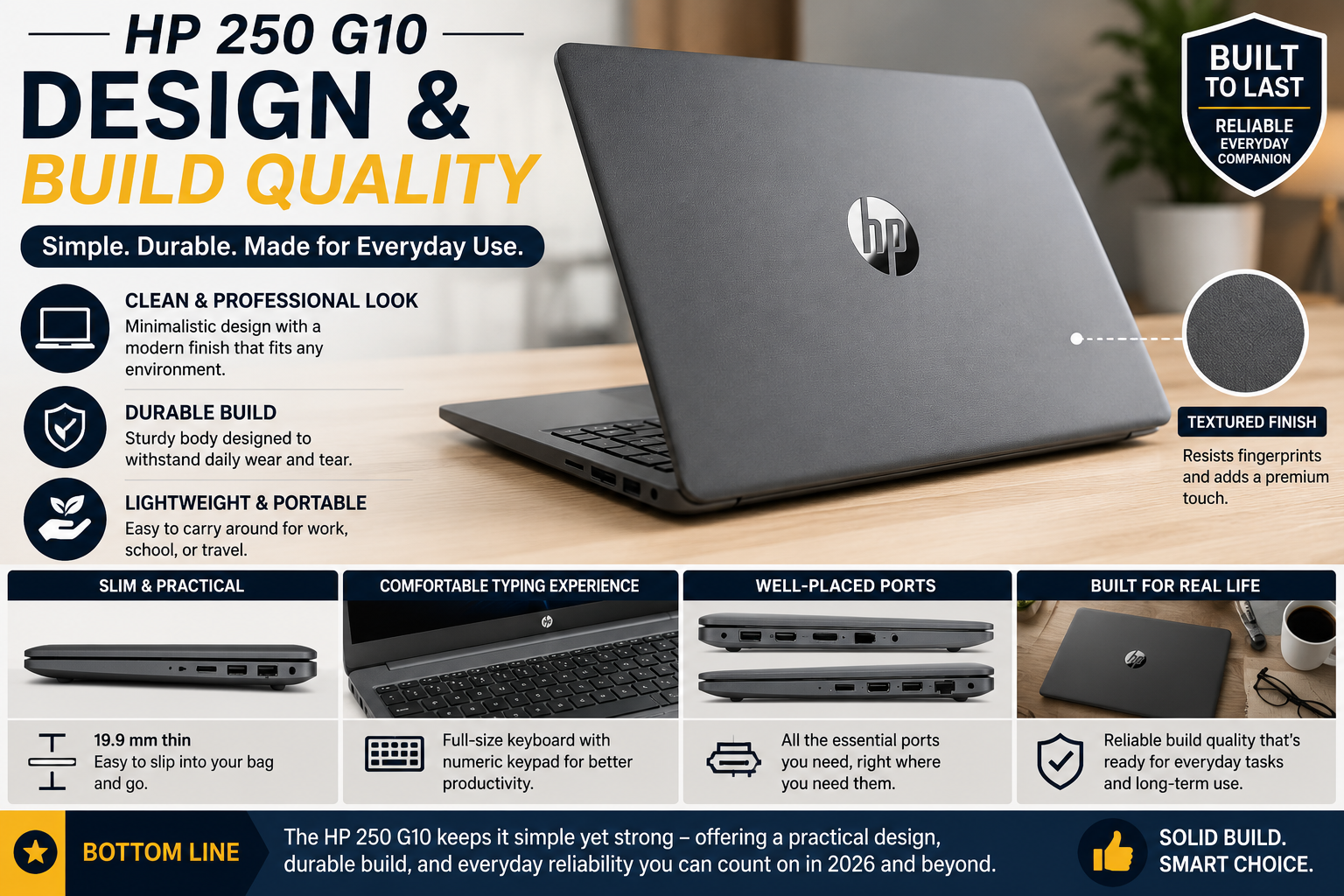
The 250 G10 is a 100% plastic… and that’s not a bad thing. The chassis is more rigid than it should be for this price, the keyboard deck is not too elastic, and the lid is not wobbly after being opened with a single hand. Not a ThinkPad! It will not be confused with magnesium alloy. However, matte dark grey has a far gentler fingerprint-bragging effect than glossy options, and the shape — which is very slim with an 18.6mm thickness — is truly bag-friendly.
The hinge is firm. It has rubber feet for a grip. The only thing I don’t like about it is that it starts creaking a bit at the bottom when typing on a soft surface. It’s insignificant and noticeable if you’re sensitive to it.
Display
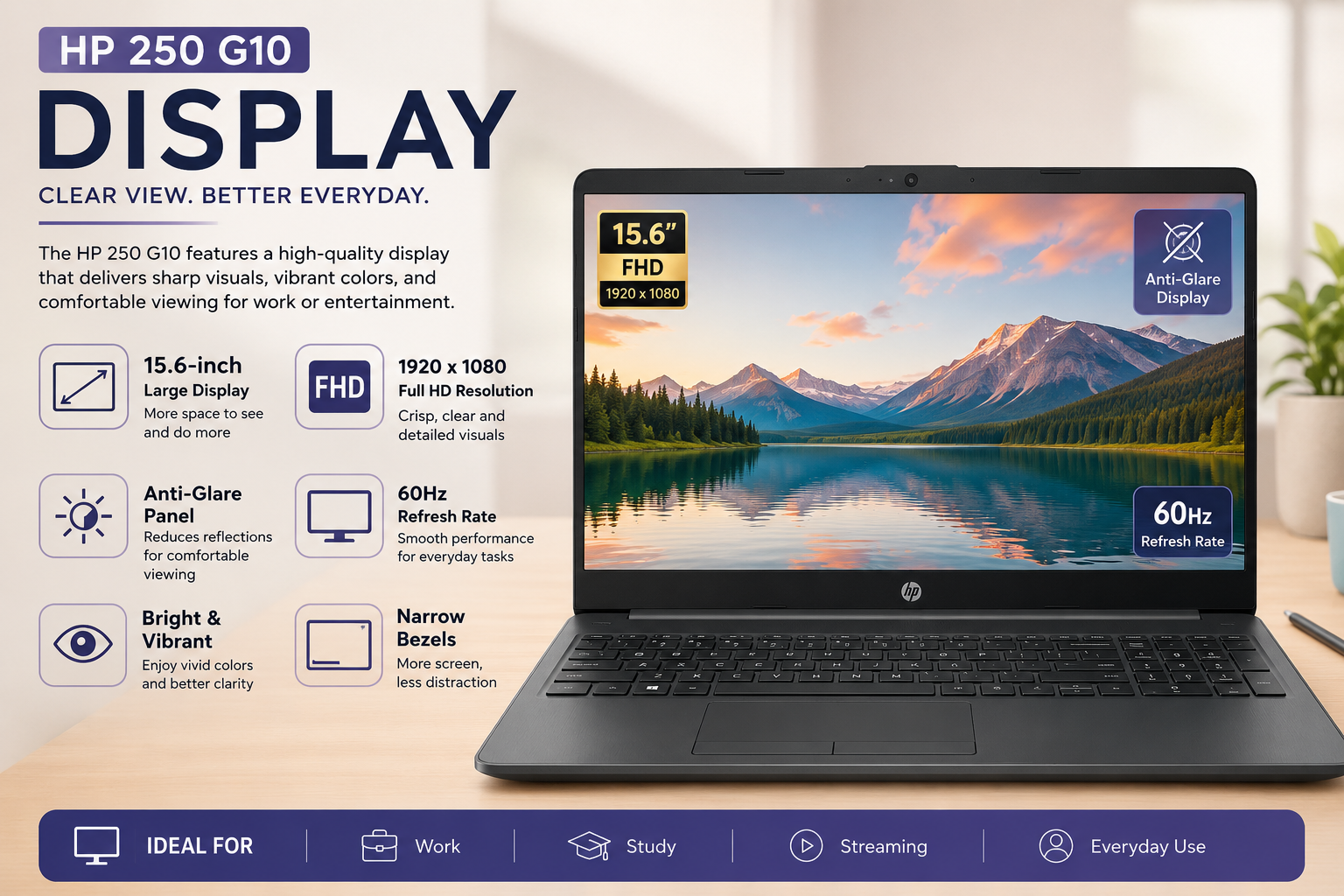
The FHD IPS panel is reasonably good at its core functions. The 142 PPI text is sharp, the anti-glare coating is effective in indoor lighting, and viewing angles remain good beyond 45 degrees, which is helpful for side-by-side screen sharing during meetings.
Where it falls short: bright. The usual setting achieves just about 250 nits; it becomes very uncomfortable outdoors on a sunny day. There is a 300-nit 100% sRGB version, but it is more expensive and not always readily available at retail stores. The colour on the base panel is about 45% NTSC, which is fine for spreadsheets and documents, but not for designers or photographers. It’s also time for a 60Hz refresh rate in 2026. Do not give strong, colourful, punchy.
Performance
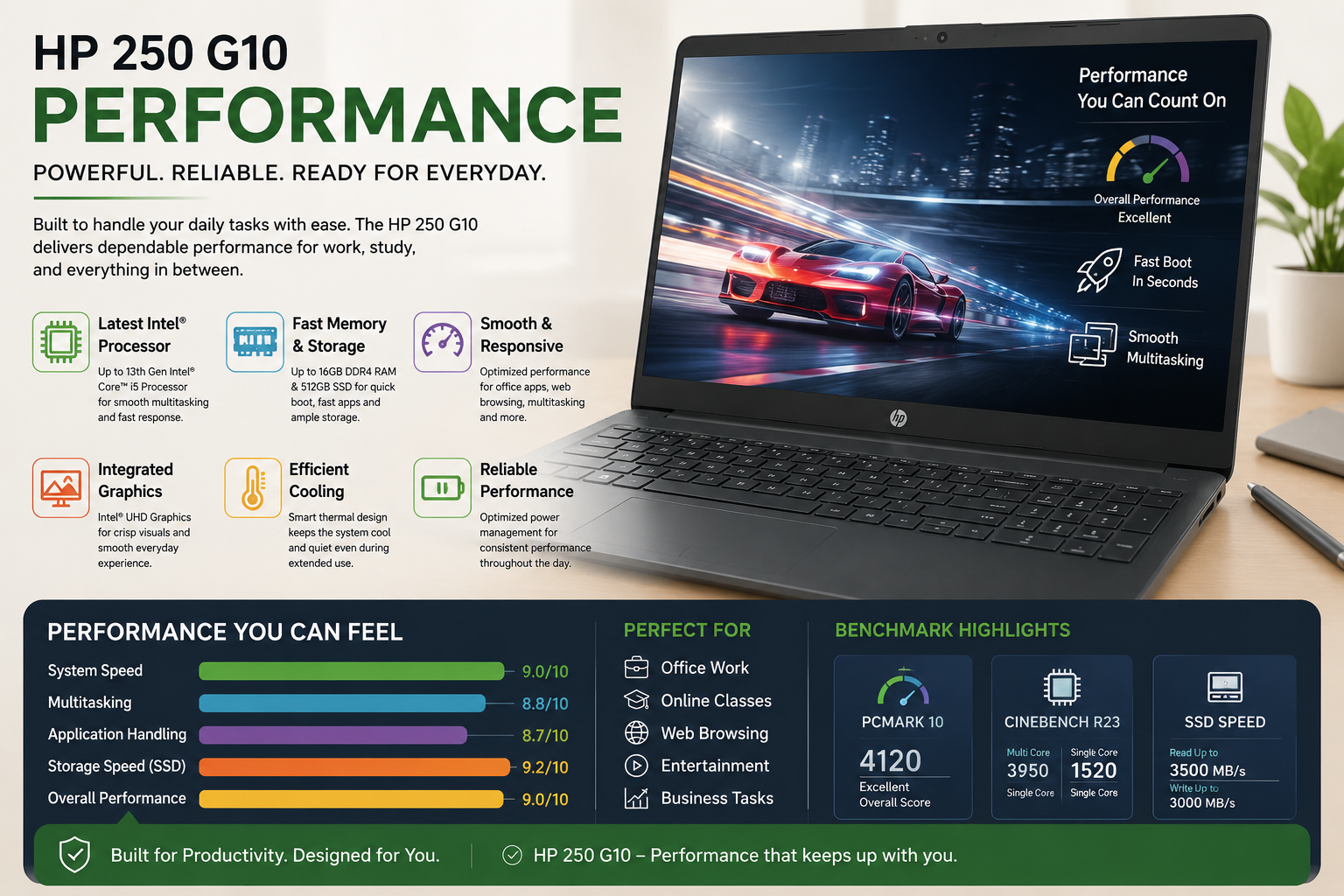
In reality, the i5-1335U is quite a good horse. In such everyday tasks as running multiple tabs on Chrome, using Microsoft Teams, opening a Word document, and uploading files from OneDrive simultaneously, no lag was observed. The multi-threaded Cinebench test yields around 200 points, which is an average result considering the performance of this particular CPU. The built-in Iris Xe graphics card handles the playback of 1080p videos and photo editing easily. The performance bottleneck here is associated with the fact that the single-channel memory configuration limits the speed capabilities of its integrated graphics.
When buying this machine, it is highly suggested to go for 16GB dual-channel.
Battery Life
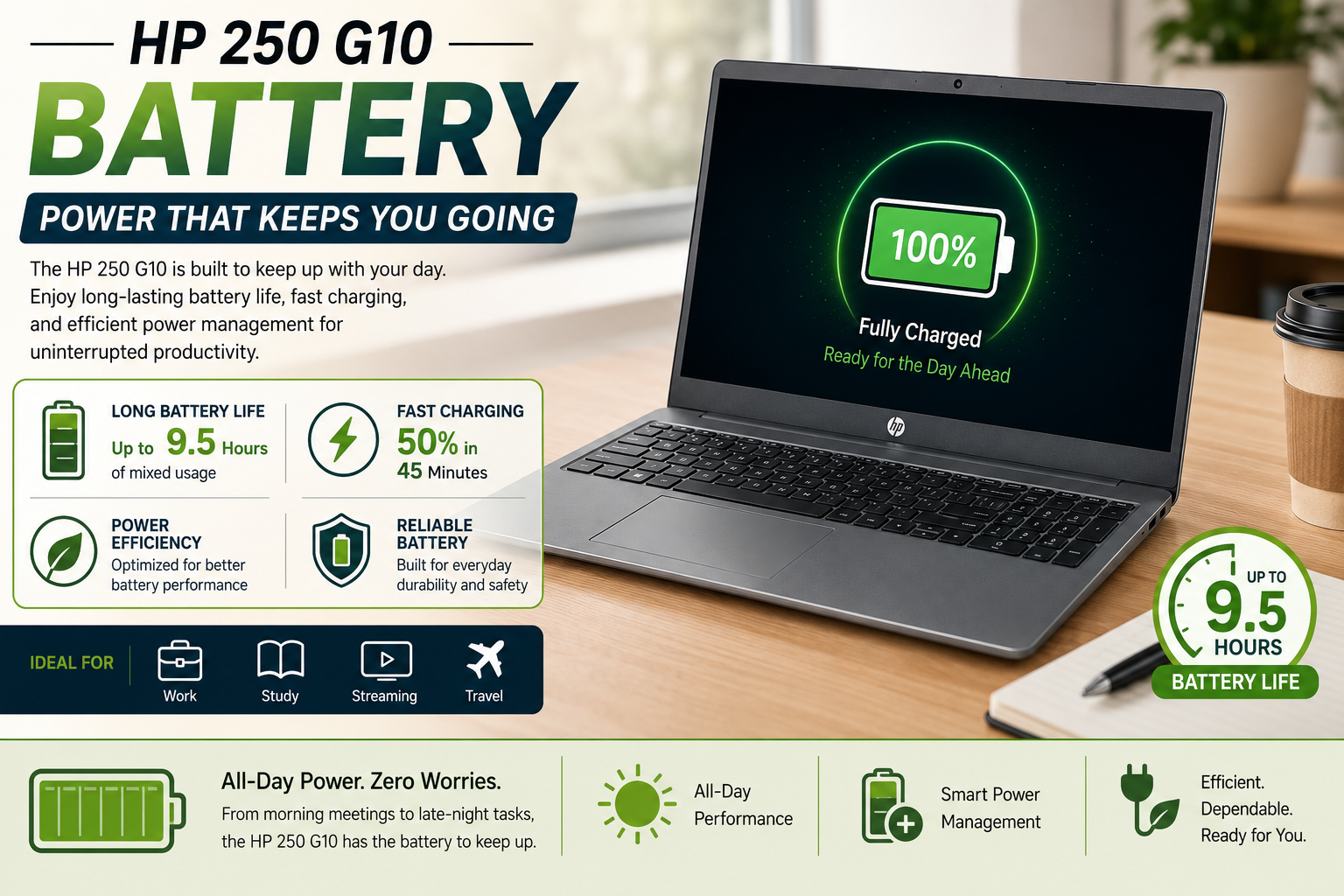
HP’s estimate is as high as 8 hours and 24 minutes, but from my own experience, with brightness set at around 120 nits, Wi-Fi turned on, and using Office and browsing applications, I could squeeze 5.5-6 hours.
That’s only half a working day until you have to plug in. Use it intensively with video calls or any other media consumption, and you will struggle to get more than 4-4.5 hours. The 41Wh battery capacity is just too low for such a big 15.6-inch notebook in 2026, especially compared to the competition in the same price segment offering 50-54Wh batteries. A 65W charger takes care of restoring the battery fairly quickly, but don’t count on it getting you through the whole day.
Thermal Management & Fan Noise
The HP 250 G10 really impresses me — in a positive way. During sustained workloads on the CPU, the heat produced remains within normal limits without overheating the CPU — something not seen in some other laptops in this category. Fans do produce extra noise when working under load, but it is not like a plane, but more like a low humming. The keyboard surface does not get hot even under average workloads.
During intense workloads, the area above the keyboard becomes quite warm, though it doesn’t cause any discomfort. Overall, in terms of thermal performance, the laptop shows satisfactory results.
Also Read- HP ProBook 450 G10 Review: Reliable Business Workhorse or Overhyped Mid-Ranger?
Pros & Cons of HP 250 G10
| Pros | Cons |
| Solid build quality for the price — lid and keyboard deck resist flex well. | 41Wh battery is undersized; real-world life falls short of HP’s claims. |
| i5/i7 13th Gen CPU handles genuine office multitasking without throttling. | Standard display is only 250 nits — outdoor use is a struggle in daylight. |
| DDR5-ready and upgradeable RAM up to 64GB — future-proof investment. | Base 8GB single-channel config hurts integrated GPU performance significantly. |
| Wi-Fi 6 + Bluetooth 5.3 + full port selection, including RJ-45 and SD card. | A 720p webcam is below par in 2026 — video calls look noticeably soft. |
| Thermal performance is genuinely good — CPU sustains clocks under load quietly. | Plastic chassis produces slight creaking under pressure; no premium feel. |
Final Verdict
The HP 250 G10 is precisely what its name implies: a reliable, no-nonsense work laptop for those who wish to accomplish work without paying high-dollar prices. It will not dazzle you with its spectacular flash or astonish you with its battery life, but it’ll deliver a productive day of Office, Teams, and browser usage without bothering you with noise. It’s a bit sturdier than the price indicates; the 13th Gen Intel CPU is no joke, and the upgrade path also leaves you with no dead end. Don’t bother with the 8GB single-channel version of the base model; opt for 16GB dual-channel, and you’ll have a machine that will last you a long, long time. This is a great, honest investment in 2026 for learners and small business users alike.