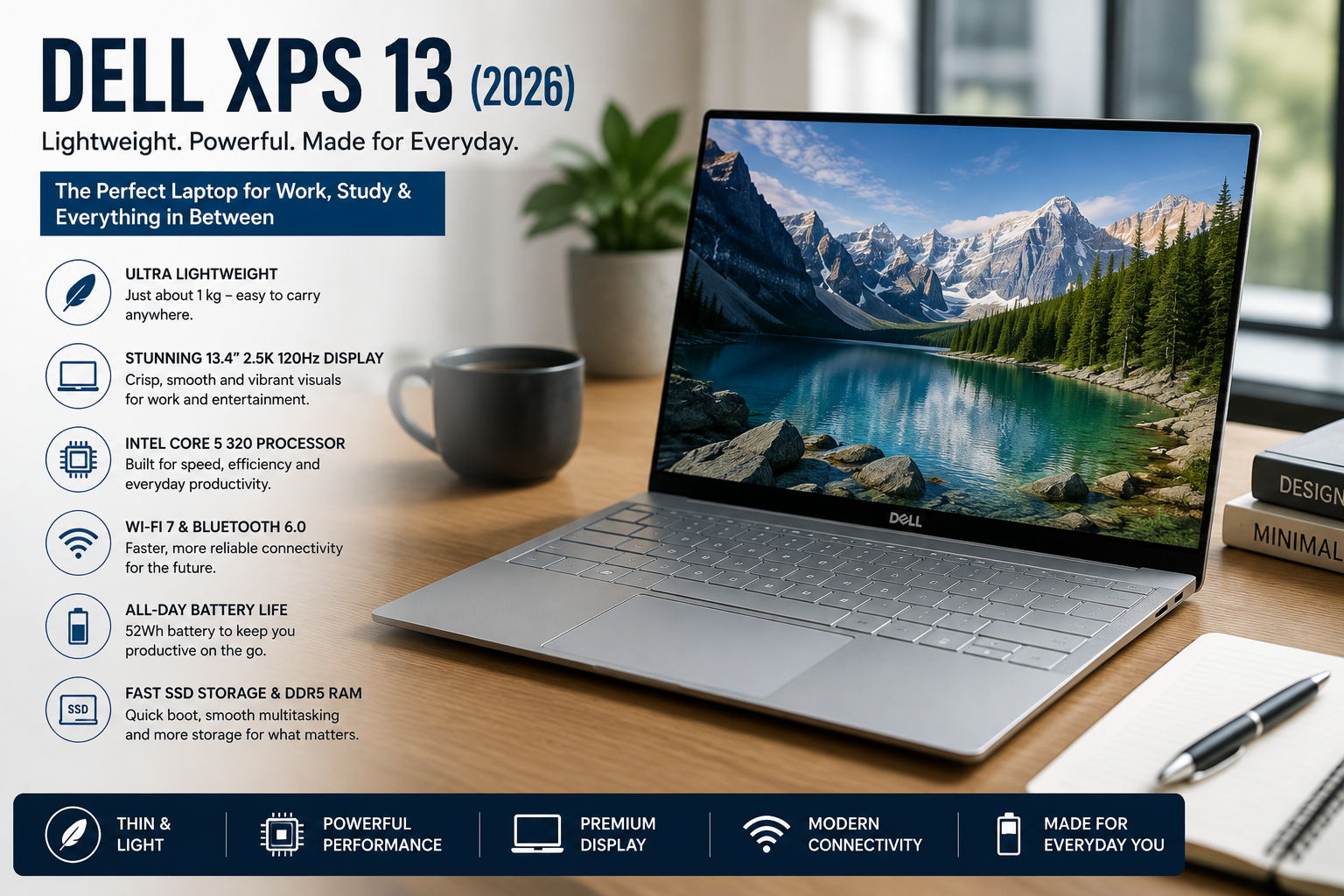
Dell XPS 13 (2026) DX13260: A Premium Ultraportable That Brings Style
- 1 Specifications of Dell XPS 13 (2026) DX13260
- 1.1 The High-End Design Feels Surprisingly Light
- 1.2 How Quickly and Easily Dell XPS 13 Does Everyday Jobs
- 1.3 Dell XPS 13 Performance in the Real World
- 1.4 Intel Graphics Does a Good Job with Light Work
- 1.5 Dell XPS 13 Keyboard That’s Easy to Use for Daily Work
- 1.6 Everything Works Well with Fast DDR5 RAM
- 1.7 All of It Works Faster with SSD Storage
- 1.8 Battery Life: Always on the Go
- 1.9 All-Time Connectivity for All Your Needs
- 2 Dell XPS 13: Pros and Cons
- 3 Who Should Get a Dell XPS 13 (2026)?
- 4 Last Thoughts
My initial impression of the Dell XPS 13 (2026) DX13260 came while I wasn’t looking for a gaming laptop or a workstation with all the high-end graphics. I wanted a lightweight laptop that could comfortably manage writing, web browsing, office work, video meetings, streaming, research, and multitasking while staying comfortable to carry throughout the day.
Having looked at its specifications and capabilities, I instantly realized why Dell pitches this laptop against the MacBook Neo from Apple.
It’s all about providing a premium experience without charging a premium price. The mix of its lightweight design, crisp display, current connection, and efficient Intel hardware makes it feel like a laptop made for students, professionals, and anybody who values portability.
The whole product feels so balanced, and that is what pleased me the most. Dell hasn’t stuffed it with useless extras. What it does offer, though, is just what most casual users need. A premium metal frame, a stunning display, solid performance, great mobility and current wireless connectivity.
Specifications of Dell XPS 13 (2026) DX13260
| Specification | Details |
| Display | A 13.4-inch 2560 x 1440 glossy screen |
| Feed Rate | 120 Hz |
| Processor | Core 5 320 processor (Lake Wildcat) |
| Graphics | Intel Graphics 2 Xe3 integrated graphics |
| RAM | 16GB DDR5-7467 |
| Storage | M.2 PCIe SSD |
| Operating System | Windows 11 |
| Battery | 52Wh |
| Weight | About 1 kg |
| Connectivity | USB-C, USB 3.1 Gen 2, Wi-Fi 7, Bluetooth 6.0 |
| Camera | 2MP IR webcam |
| Build | Premium metal chassis |
Specifications may be different depending on how it is set up, but all of them are made to be very portable and work well every day.
The High-End Design Feels Surprisingly Light
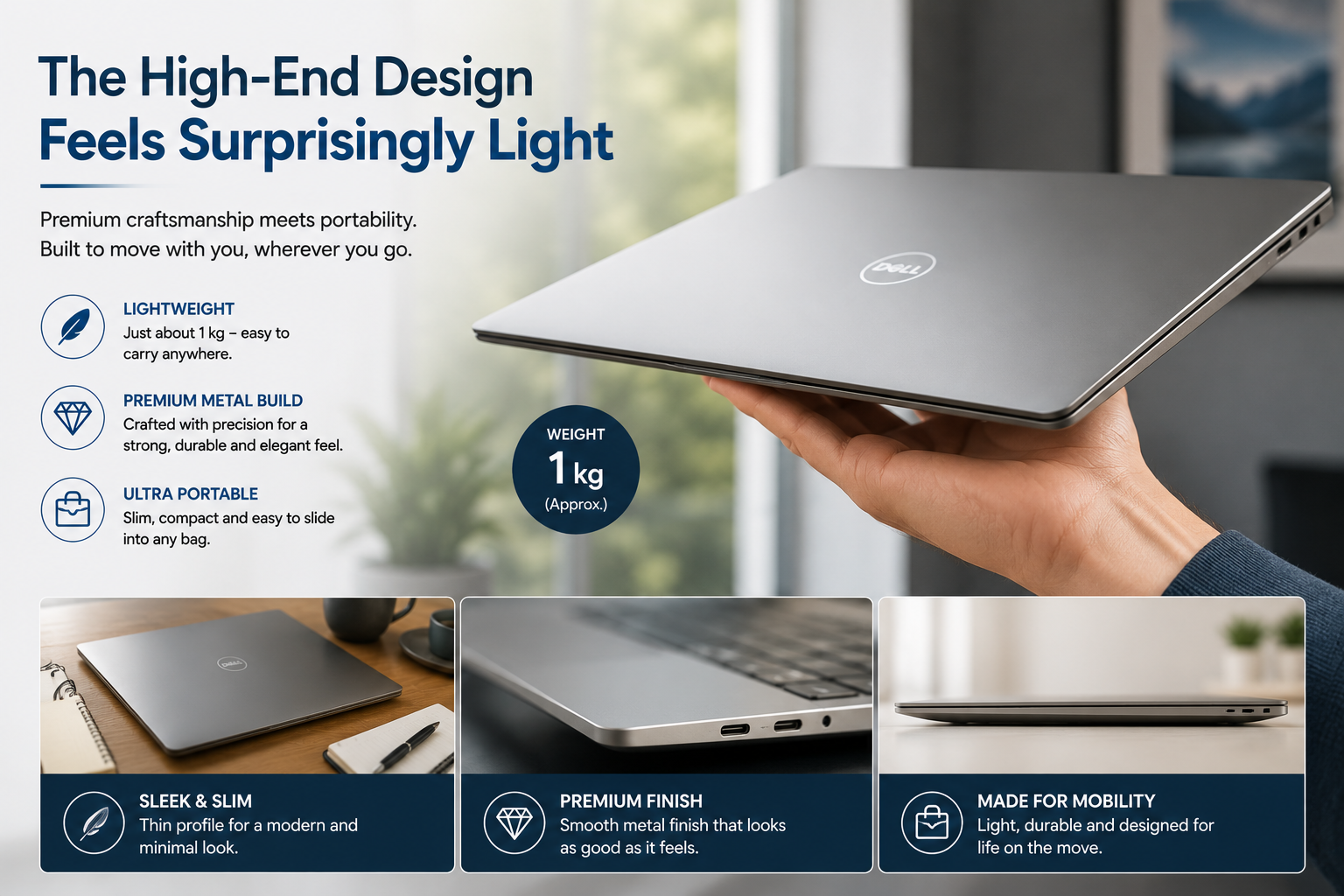
The Dell XPS 13’s light weight was the first thing that caught my attention.
It’s never a chore to carry around since it only weighs 1 kg. It’s easy to slide into a bag when I’m going from meeting to meeting, working from a coffee shop to a class, or flying.
Additionally, Dell has kept the high-quality metal construction that the XPS line has been known for for a long time.
The laptop looks and feels strong, up-to-date, and professional, without being too unique. I also like how small the body is. It’s very easy to carry, but it never feels fragile.
Also Read: Dell Latitude 5450 Review
How Quickly and Easily Dell XPS 13 Does Everyday Jobs
I thought the Dell XPS 13 would work the way it does. The Intel Core i5 320 processor isn’t great for demanding creative programs or intense games, but it works well for everyday tasks.
I can easily picture myself in normal situations:
- Writing works.
- Using hundreds of tabs to browse
- Changes to Office files
- Join video conferences
- Watch Videos
- Dealing with emails
- Looking on the web
Everything works well. No delays that aren’t needed.
Dell XPS 13 Performance in the Real World
People who spend most of their day doing daily chores rather than running demanding software will find the Dell XPS 13 to be a good fit.
| Task | Performance |
| Web browsing | Very good |
| Office work | Very good |
| Content writing | Very good |
| Video streaming | Very good |
| Online meetings | Fair |
| Photo editing for fun | Very good |
| Multitasking | Good |
| Casual gaming | Good |
All of it works smoothly and reliably for students, workers, writers, and people who use the office.
Intel Graphics Does a Good Job with Light Work
There is no way that the Intel Graphics 2 Xe3 can match separate graphics cards since it is built in.
But for the things I use every day, it seems to be more than enough.
It’s run by:
- Play back videos in full HD.
- Streamed media
- Getting things done every day
- Games for fun
- Beautiful Light Work
It’s clear that modern AAA games need more powerful hardware, but lower settings should work fine for simple games.
Dell XPS 13 Keyboard That’s Easy to Use for Daily Work
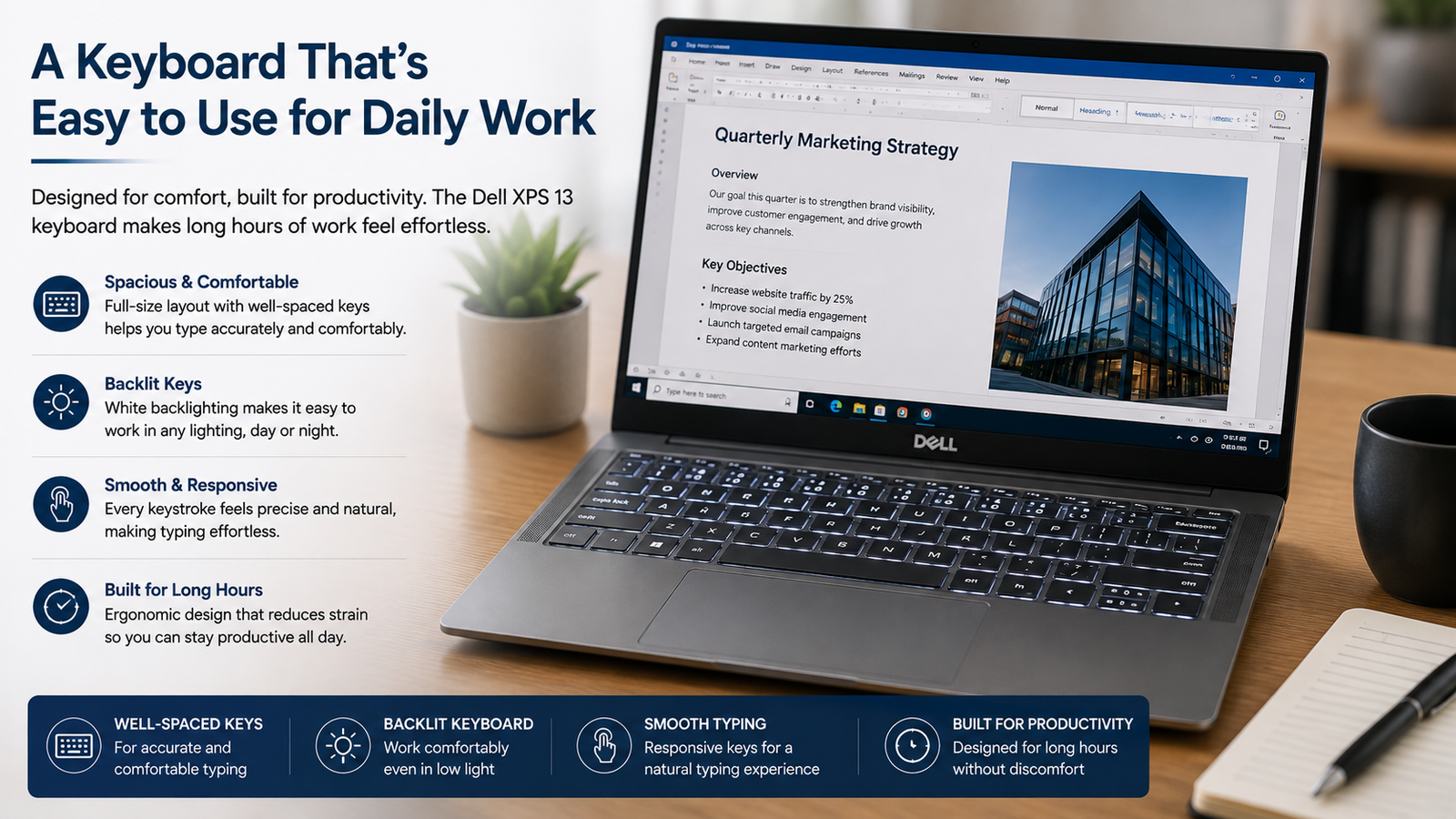
The keyboard on my laptop, which I use every day, needs to feel good. This is how Dell keeps that practice going.
The keyboard is big enough to write on for a long time, and the backlit keys make it easier to work at night. Because I write for hours every day, I like laptops that make typing less of a chore.
Overall, the keyboard is a good choice for working for long periods of time.
Everything Works Well with Fast DDR5 RAM
I really like that it comes with 16GB of DDR5-7467 memory. These days, most Windows laptops have trouble running multiple apps at once.
It should be easy to switch between browser tabs, Office apps, messaging apps, and video calls here. The faster RAM also makes the system more responsive as a whole.
All of It Works Faster with SSD Storage
I like fast saving all the time. This is what the PCIe SSD gives you:
- Windows opens quickly.
- The programs start up almost instantly.
- The files are sent quickly.
- The software loads quickly and correctly.
Because it is so quick, the laptop feels much faster than older laptops that had standard hard drives.
Battery Life: Always on the Go
That’s why battery life is important to me: I’m not always near a plug. The laptop has a 52Wh battery and an Intel processor that works well, so it should last all day for writing, reading, meetings, and streaming.
The real battery life depends on how much you use it, but this laptop feels like it was made to be portable rather than to be charged often.
All-Time Connectivity for All Your Needs
Connectivity on the Dell XPS 13 is up-to-date.
What’s in it:
- USB-C
- USB 3.1 Gen 2
- Wi-Fi 7
- Bluetooth 6.0
One great thing about it is that it lets you talk to people wirelessly. Wi-Fi 7 makes the laptop ready for the future, and Bluetooth 6.0 offers stable connections to wireless devices. One con is that there aren’t many physical ports, so some users will need to use adapters every once in a while.
Dell XPS 13: Pros and Cons
| Positives | Negatives |
| Very light design | Few ports are available |
| Top-notch metal construction | A shiny screen reflects light |
| Sharp screen 120Hz | Built-in graphics |
| DDR5 RAM (quick) | Is not meant for challenging games |
| Help with Wi-Fi 7 | Later, more advanced setups will be added |
| The keyboard is comfortable | You might need to buy USB-C devices |
Who Should Get a Dell XPS 13 (2026)?
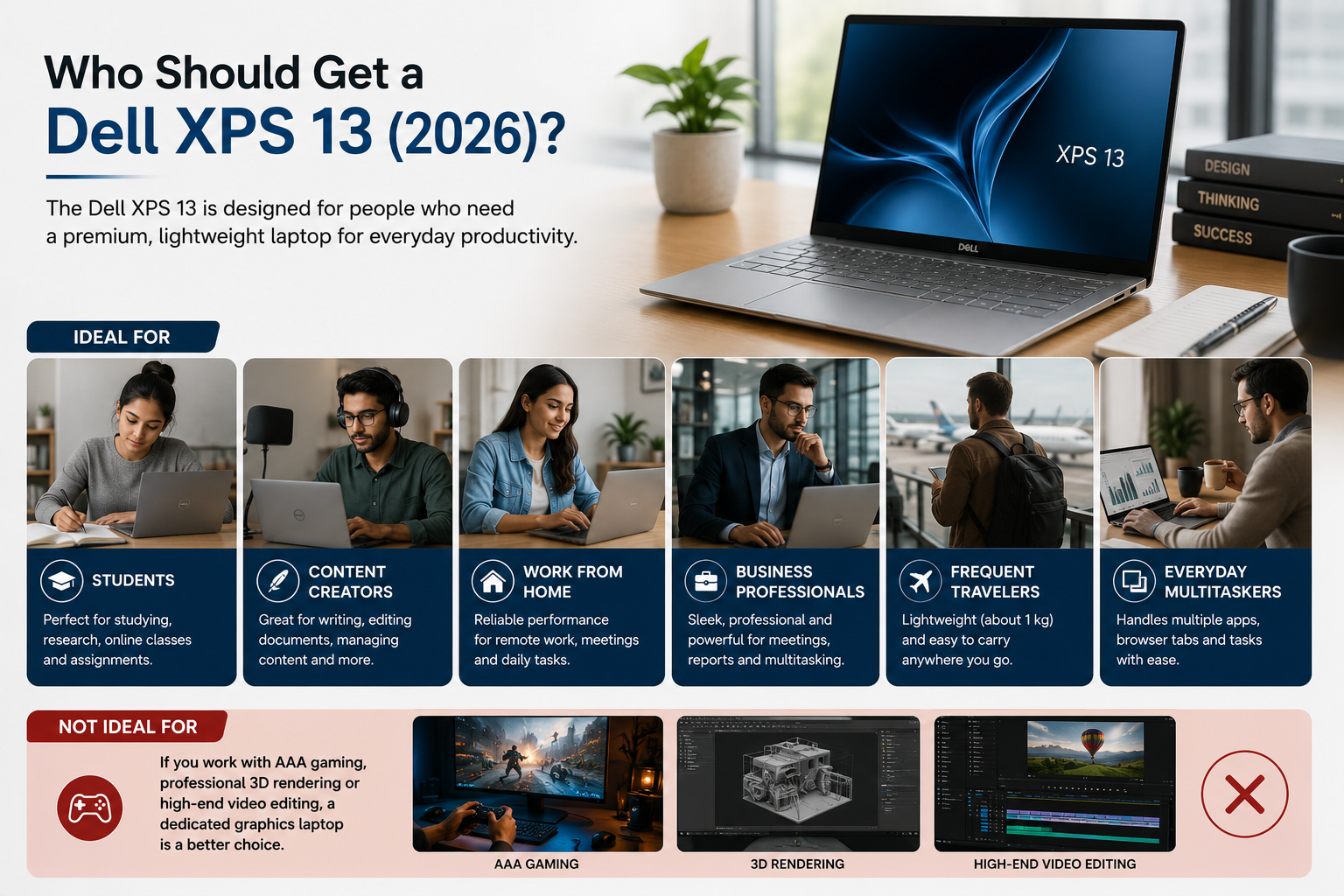
The Dell XPS 13 seems like a good choice for:
- Students who work at desks
- Providers of Content
- Working from home
- People in business
- People who fly often
- Multitaskers in everyday life
- Windows users can get this high-end ultraportable.
A laptop that is only for graphics is probably your best bet if you do a lot of AAA gaming, professional 3D rendering, or high-end video editing.
Last Thoughts
After seeing what the Dell XPS 13 (2026) DX13260 can do, it’s easy to understand why it’s getting so much attention.
What I liked most about it was how portable it was, how well it was built, how clear the screen was, how quickly it worked every day, and how it could join wirelessly. It hasn’t tried to make this a powerhouse for games. Instead, it aims to give you a better Windows experience that you can use every day.
The Dell XPS 13 (2026) DX13260 is one of the laptops I would choose if I wanted a light one that is good for writing, surfing the web, office work, online meetings, viewing, research, and daily tasks and is also easy to carry around. It is very portable, works well, and looks great, which makes it a great choice for students, workers, and anyone else looking for a reliable everyday ultraportable.