

Dell Latitude 5450 Review: The Honest Truth for Business Buyers
I want to be honest with you: business laptops that cost around $1, 000 are mostly forgettable. Dell Latitude 5450 almost managed to trick me as well.
At first glance, it’s a standard corporate fleet desktop machine Dell has been manufacturing for the last 10 years. Same gray case, same 14-inch screen, same conservative design language. However, after spending some quality time with it, stress-testing it, running it through multi-hour workloads, and comparing it directly against standouts like HP EliteBook 840 G11 and Lenovo ThinkPad L14 Gen 5, I was genuinely shocked.
It does more than its price tag would normally allow, and the thermal feature, which the bigger model doesn’t have, as well as the fact that it can be upgraded easily in terms of RAM, all support its potential for a long life. However, it is not without faults. The display is the main problem, and a couple of design decisions will bother you all the time.
So, here is my brutally honest, detailed review.
Best suited for: Corporate employees, IT fleet managers, frequent travelers who require highly reliable equipment and a wide range of ports.
Could be a turn-off for: Artists or anyone who requires a vibrant, color-true display.
Specifications of Dell Latitude 5450 laptop
| Specification | Details |
| Display | 14-inch FHD IPS, 1920×1080, 250 nits, 60Hz, PWM-free |
| Processor | Intel Core Ultra 5 125U / 135U / Ultra 7 155U / 165U (Meteor Lake) |
| RAM | 8GB / 16GB / 32GB / 64GB DDR5 (2 SODIMM slots, upgradeable) |
| Storage | 256GB / 512GB / 1TB NVMe SSD (single M.2 2230 slot) |
| GPU | Intel Arc Graphics (integrated); optional GeForce RTX 2050 |
| Battery | 42Wh or 54Wh; ~9 hours video playback (54Wh config) |
| OS | Windows 11 Pro |
| Weight | 1.4 kg (3.09 lbs) |
| Dimensions | 321.35 × 212 × 19.06–21.04 mm |
| Ports | 2× Thunderbolt 4, 2× USB-A, HDMI, RJ-45, SD reader, 3.5mm audio |
| Connectivity | Wi-Fi 6E, Bluetooth 5.3 |
| Webcam | 720p / FHD HDR with privacy shutter |
| Security | dTPM 2.0, fingerprint reader, optional smart card reader |
| Price (Base) | ~$999 USD (varies by configuration) |
Design & Build Quality
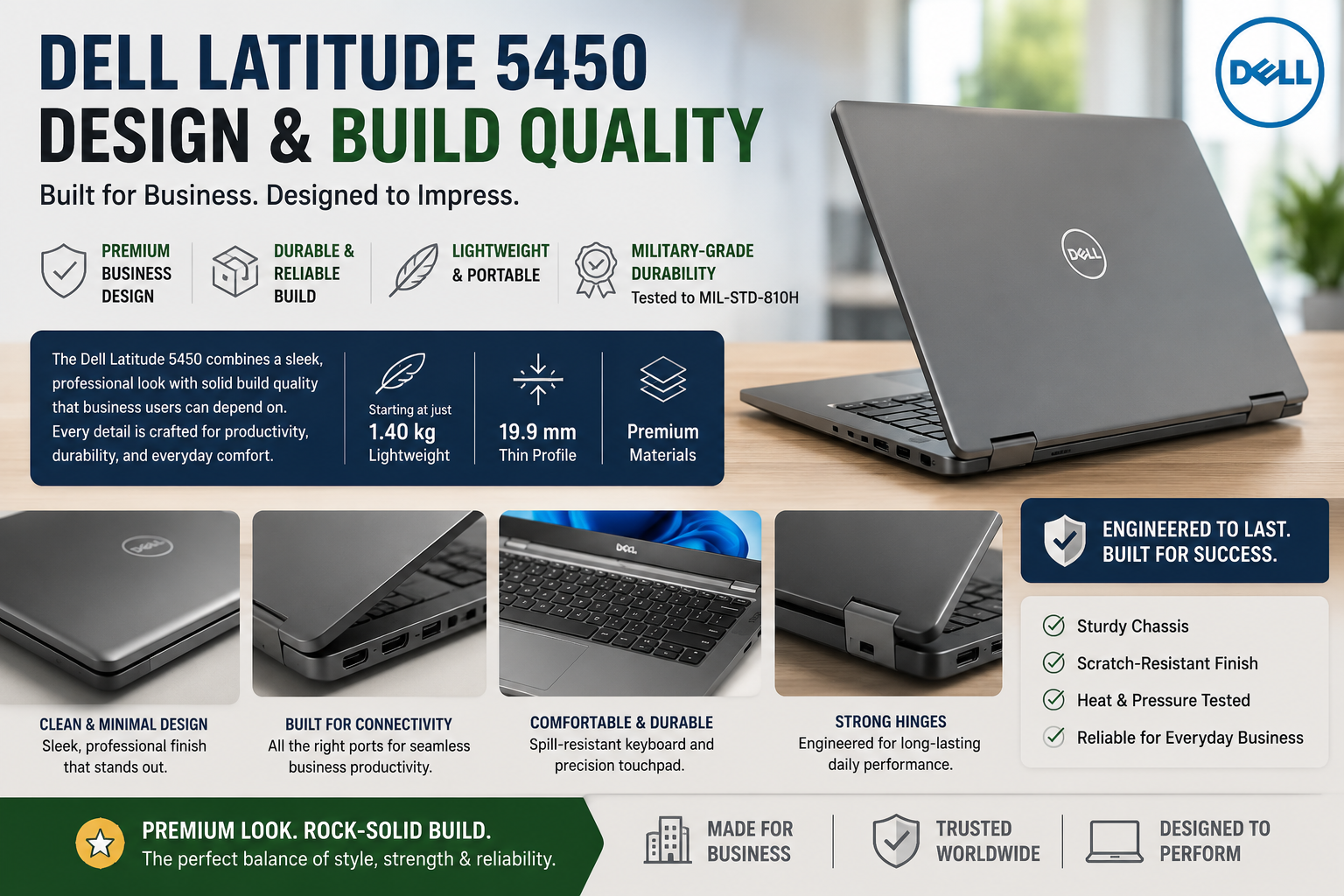
The Latitude 5450 resembles a robust tool rather than a stylish gadget, and that is exactly what I like about it. The chassis made of magnesium alloy gives the impression of genuine sturdiness. There is no bending of the keyboard area; the lid bends just a little, and the hinges offer a nice, well-proportioned movement that adds to the overall experience. This laptop is compliant with the MIL-SPEC 810H standard and therefore very likely to withstand drops, dust, humidity, as well as temperature variations that would result in damage to the less expensive devices. Its weight of 1.4 kg makes it fall into the ultralight-work-laptop category, so you will not feel any strain in your wrists even after carrying it all day in a bag.
Getting back to the ports, I think the selection here is one of the most comprehensive I have seen in this price range: two Thunderbolt 4 ports, two USB-A ports, HDMI, a full-sized RJ-45 Ethernet jack, a headphone jack, and a card reader for SD cards. If I were to pick just one thing, the absence of a MicroSD slot is what I missed most. Besides that, the webcam’s privacy shutter, though a minor feature, is nice and thoughtful.
Display
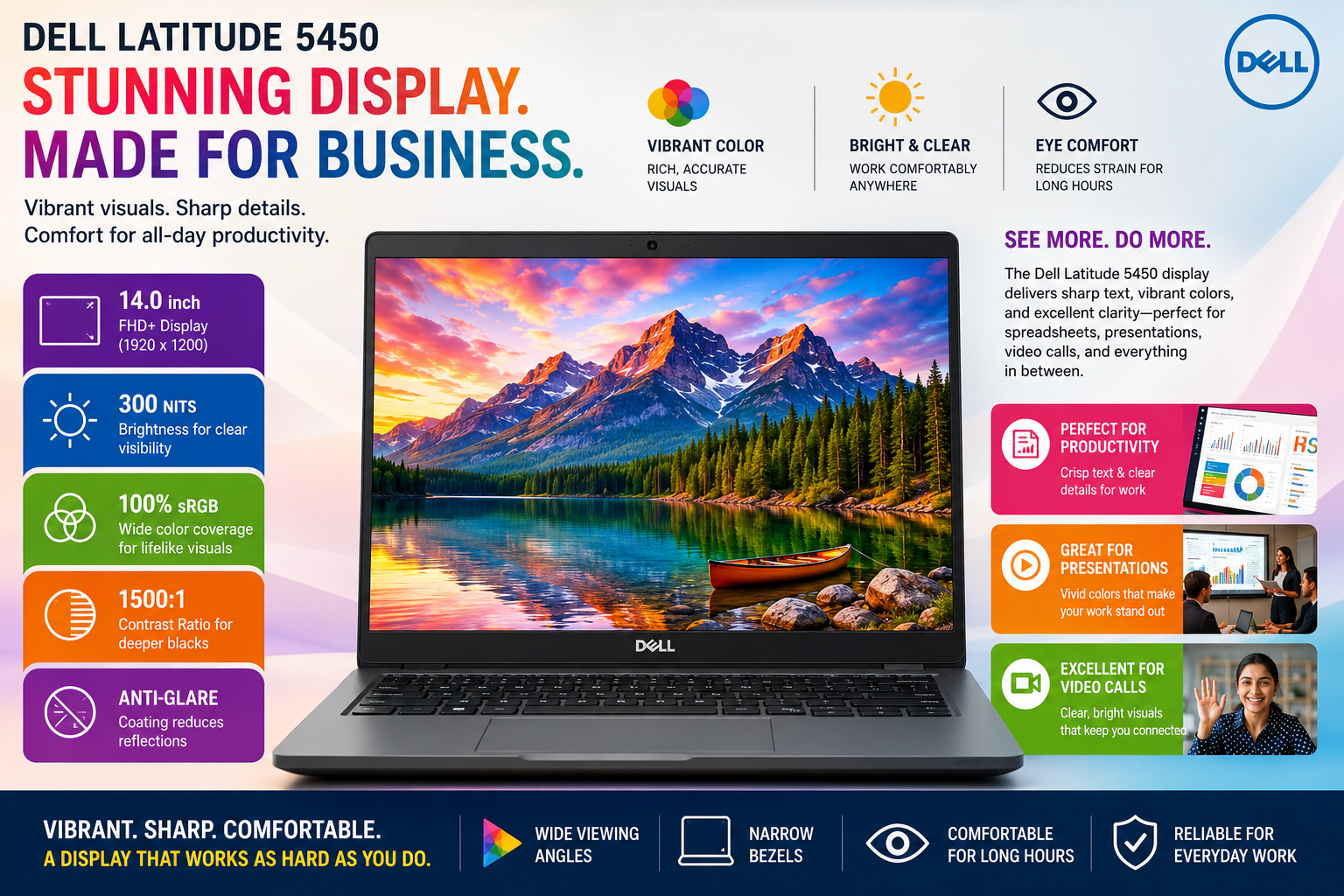
This is where I have to be direct: the screen is the least attractive feature of the Latitude 5450.
The 14-inch FHD IPS panel reaches a maximum of 250 nits of brightness. That is fine for working inside in a lightly lit room. Move outside or near a window with sunlight streaming in, and you will be forced to squint.
The color gamut is also lackluster; you can’t really use this display for photo or video editing.
The good sides are wide viewing angles, a backlight that does not flicker (if you are working at a computer for 8+ hours, this is something you want), and an anti-glare surface that at least makes the reflection less visible in a typical office environment.
Performance
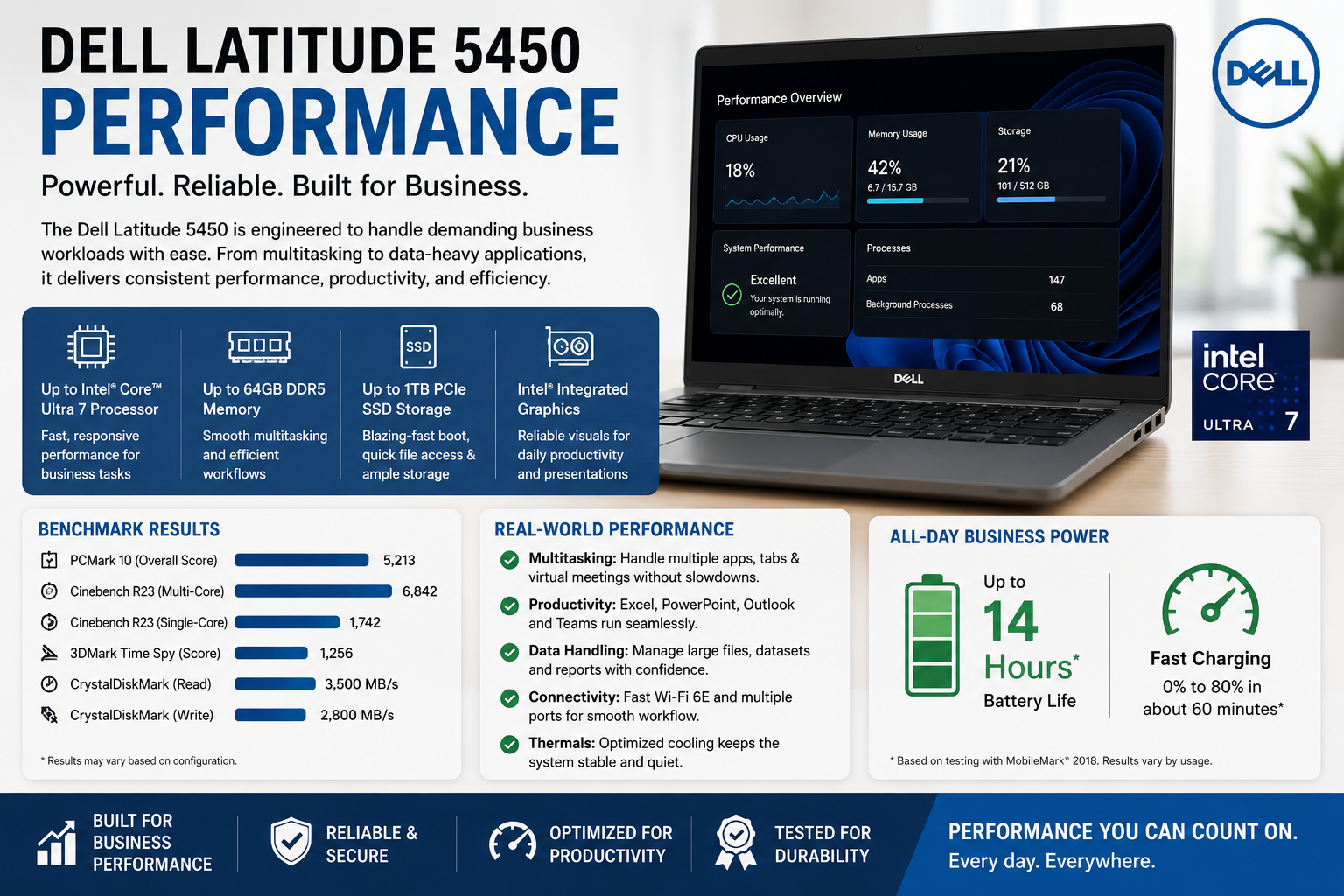
This is where the Latitude 5450 really gets me. The Core Ultra 7 155U variant that I used mostly scored about 2, 117 single-core and 9, 283 multi-core in Geekbench 6; the figures stand up to a 15W-class chip. But what blew me away even more is that the 5450 runs at higher clock speeds than Dell’s bigger Latitude 5550 with the same processor, even during medium and long workload sessions. Dell has optimized the 5450 to give maximum performance when it’s on AC power, and it really does that.
Working on the machine daily, it is very capable of multitasking 20-tab browsing, Teams calls with screen sharing, and heavy Excel workbooks without any signs of struggle. The DDR5 RAM and NVMe SSD contribute to a very responsive system.
Battery Life
The battery life of this product is quite satisfactory. For example, when I opted for the 54Wh battery variant, I regularly achieved about 8 to 9 hours of mixed work scenario web surfing, document editing, video conferencing, and some video viewing at a reasonable level of screen brightness.
This coincides with LaptopMedia’s independent evaluation that the device can play videos for approximately 9 hours. The Latitude 5450 will hardly ever leave you looking for an outlet for an entire working day. However, heavy continuous work will reduce the time to 4- 5 hours, which is only natural. The 65W USB-C charging brick is small and can charge the laptop from nearly empty to 80% in less than an hour.
Thermal Management & Fan Noise
The thermal configuration within the 5450 is quite a simple one fan, one heat pipe, and two heat sinks. However, the results are remarkable considering this. When the processor is heavily loaded for a long time in the Ultra Performance mode, the sound of the fan is more noticeable than that of the 5550, which is its bigger model, but I wouldn’t say it’s loud. You won’t even be able to hear it during regular office work. The verification by the third party has found that the system remains very quiet during normal use.
The keyboard deck and backside of the laptop get warm during long, heavy use, not very hot, but you will notice it by touch. Palm rests remain comfortable at all times.
Also Read- Dell Latitude 3550 Review: I Bought IT For Myself. Here’s What Nobody Tells You
Pros & Cons of Dell Latitude 5450
| Pros | Cons |
| Punchy performance for its compact size | Display brightness capped at 250 nits — poor outdoors |
| PWM-free panel — easier on the eyes | Only one M.2 slot (2230 form factor only) |
| Excellent port selection with dual Thunderbolt 4 | No MicroSD card slot |
| Upgradeable RAM up to 64GB DDR5 | Power button placement next to Backspace — annoying |
| ~9 hours real-world battery life | Keyboard runs warm under sustained load |
| Solid build quality with MIL-SPEC durability | Some users report video playback glitches |
| Whisper-quiet fan under light-to-medium load | CPU can throttle when docked under heavy workloads |
| Business-grade security features included | Base 8GB RAM config feels underpowered in 2025 |
Final Verdict
The Dell Latitude 5450 is a sound choice for a business laptop. It makes enough features available to hold on to its spot in the middle-class range market. The battery life and bit stamina are quite impressive for the size of the Latitude; battery life is definitely capable of lasting a whole workday, the build quality is trustworthy, and the port selection is outstanding. The display is the main sacrifice you have to make; 250 nits in 2025 is even less than what I would expect at the price. If you work only inside and your main concern is reliability, upgrading, and getting more performance than a good screen, the Latitude 5450 is a wise and steely decision, especially for the IT departments that want to buy in large quantities.
FAQs
Can you upgrade the RAM on the Dell Latitude 5450?
Yes. The Latitude 5450 has two SODIMM slots and supports up to 64GB of DDR5 RAM, making it one of the more future-proof options at this price.
How long does the Dell Latitude 5450 battery last?
In real-world mixed use, expect 8–9 hours with the 54Wh battery. Heavy loads will reduce this to around 4–5 hours.
Is the Dell Latitude 5450 good for video editing?
For light editing, yes. The display’s 250-nit brightness and average color coverage make it unsuitable for professional color work. Use a calibrated external monitor if color accuracy matters.
Does the Dell Latitude 5450 have Thunderbolt 4?
Yes — it includes two Thunderbolt 4 ports, supporting 40Gbps data transfer, dual 4K display output, and 100W USB-C charging.















