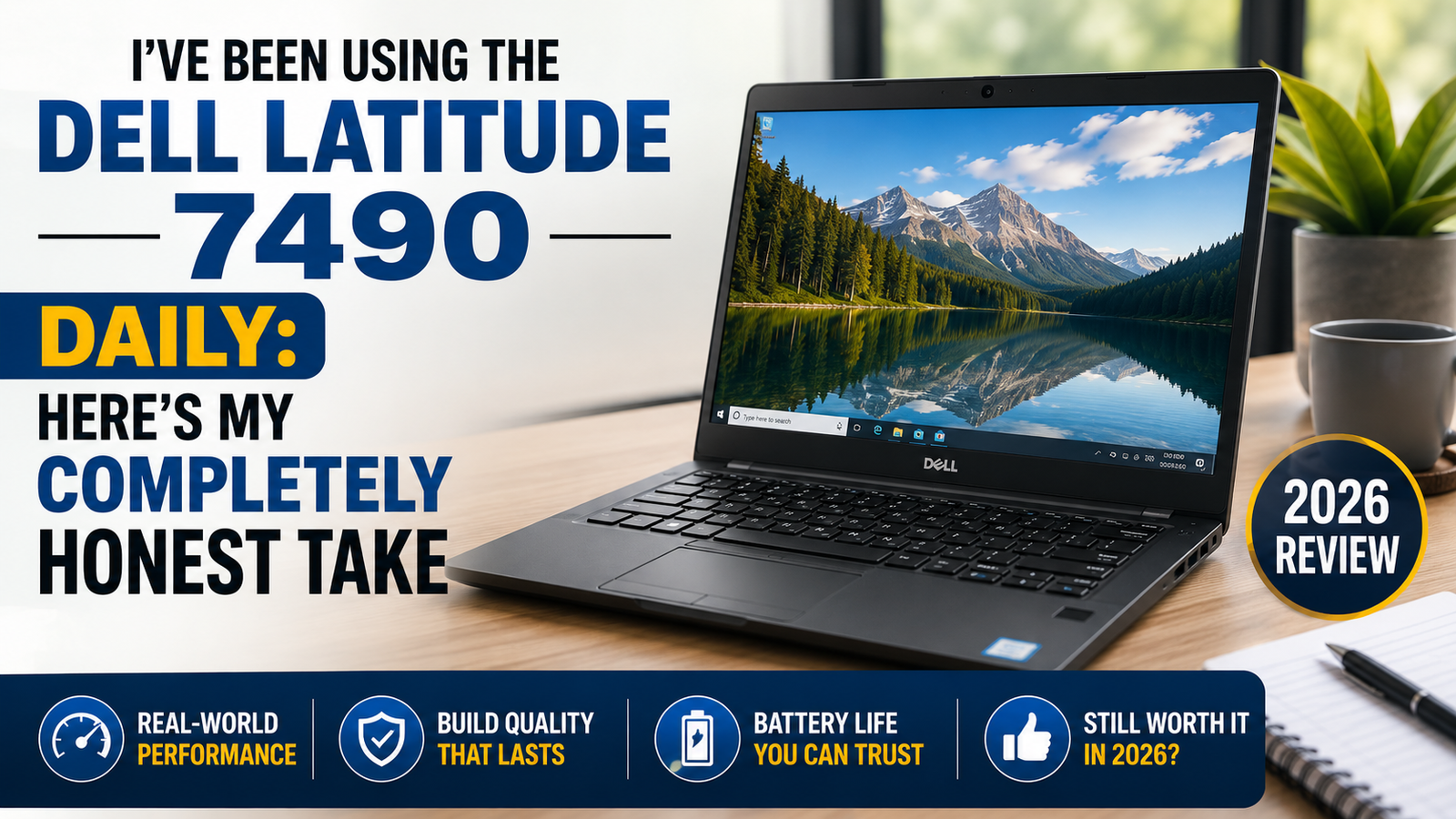
I’ve Been Using the Dell Latitude 7490 Daily: Here’s My Completely Honest Take
Let’s face it, the Dell Latitude 7490 made its appearance in 2018 and is way too dated for a fair comparison to any other ultrabook released in 2026.
What I mean is that I do not suggest buying the said laptop, but I will review it based on its current state, which is one of the best refurbished business laptops available at a price point from $80 to $200 dollars, depending on specs. In comparison to similar refurbished laptops, such as the ThinkPad T480 and HP EliteBook 840 G5, the Latitude 7490 does quite well.
So, if you are a student or telecommuting worker asking yourself the question of whether this old laptop is up to the task of handling your workload in 2026, I have an answer for you.
Ideal for: Students, remote workers, and small business users who need a reliable daily driver under $200 and can live without a discrete GPU.
Not ideal for: Video editors, designers, light gamers, or anyone who finds fan noise distracting during quiet work sessions.
Specifications of Dell Latitude 7490
| Specification | Details |
| Display | 14-inch IPS FHD (1920×1080), Anti-glare, non-touch or optional touch |
| Processor | Intel Core i5-8350U / i7-8650U (8th Gen, quad-core, up to 4.2GHz Turbo) |
| RAM | 8GB or 16GB DDR4 2400MHz (upgradeable to 32GB) |
| Storage | 256GB or 512GB M.2 SSD (PCIe or SATA depending on config) |
| GPU | Intel UHD Graphics 620 (integrated, no discrete option) |
| Battery | 60Wh (up to ~8.5 hrs light use; ~6 hrs real-world) |
| Operating System | Windows 10 Pro (upgradeable to Windows 11) |
| Weight | 3.5 lbs (1.59 kg) |
| Dimensions | 329 × 226 × 17.9 mm |
| Ports | 3× USB 3.1, 1× USB-C (Thunderbolt 3), 1× HDMI 1.4, 1× RJ-45, SD card reader |
| Connectivity | 802.11ac Wi-Fi (Active Steering antenna), Bluetooth 4.2 |
| Webcam | 720p HD (non-IR on base config; IR optional) |
| Security | Fingerprint reader, Smart Card reader, NFC, and optional IR camera |
| Base Refurb Price | $80–$200 (varies by spec and seller) |
Design & Build Quality
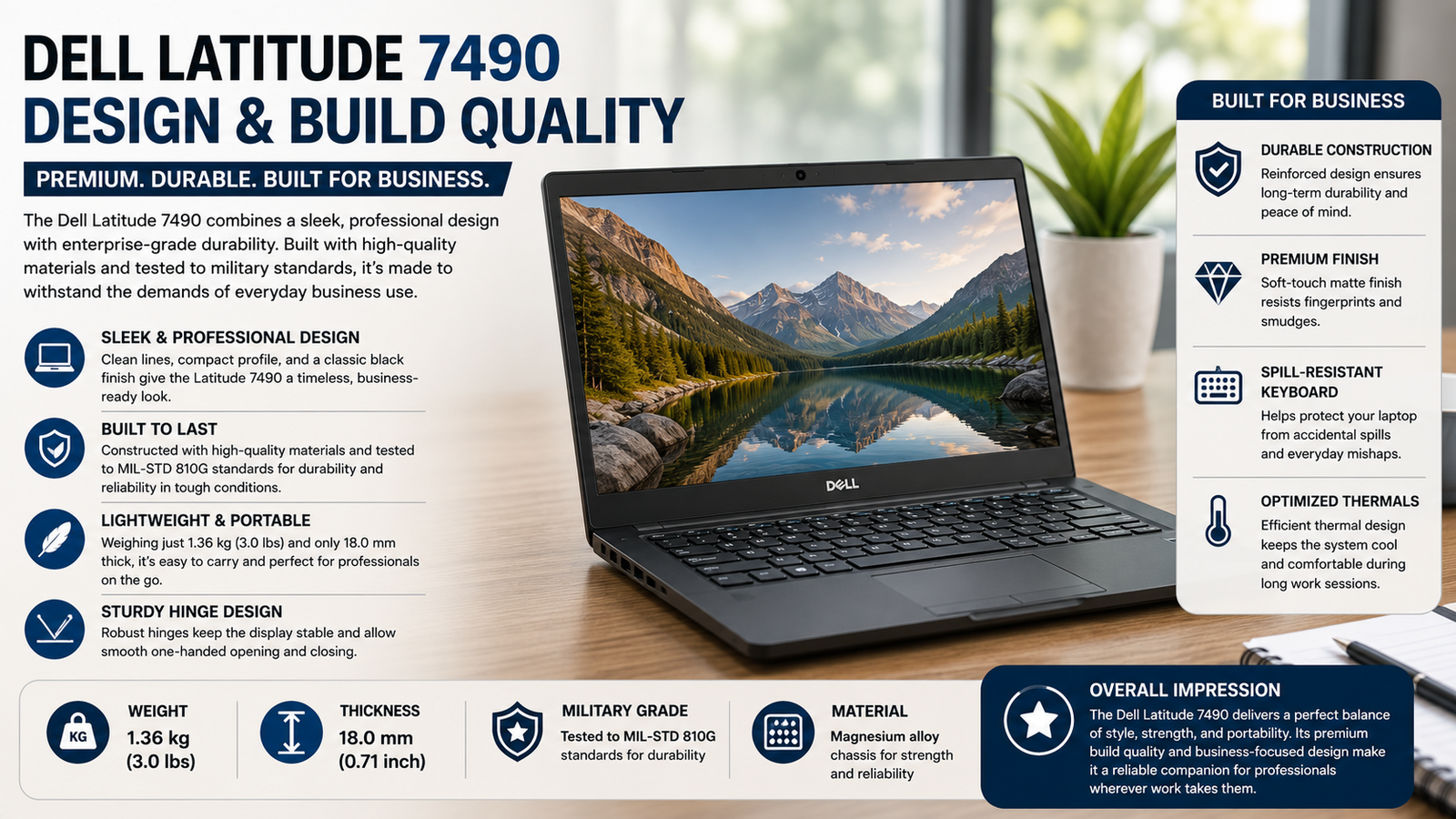
On the other hand, this one doesn’t feel cheap at all — it definitely makes a difference to spend several hours with your laptop. In particular, its magnesium alloy build has excellent rigidity; I’ve tried to push the keyboard deck firmly, but only managed to hear a solid thud. There’s also the carbon fiber lid that has a rather grainy surface but feels comfortable to hold. It’s somewhat heavy for its category, weighing 3.5 lbs, yet it can still be comfortably packed into a backpack. One drawback is that it uses the Dell barrel connector instead of USB-C, which may become an issue in 2026.
Display
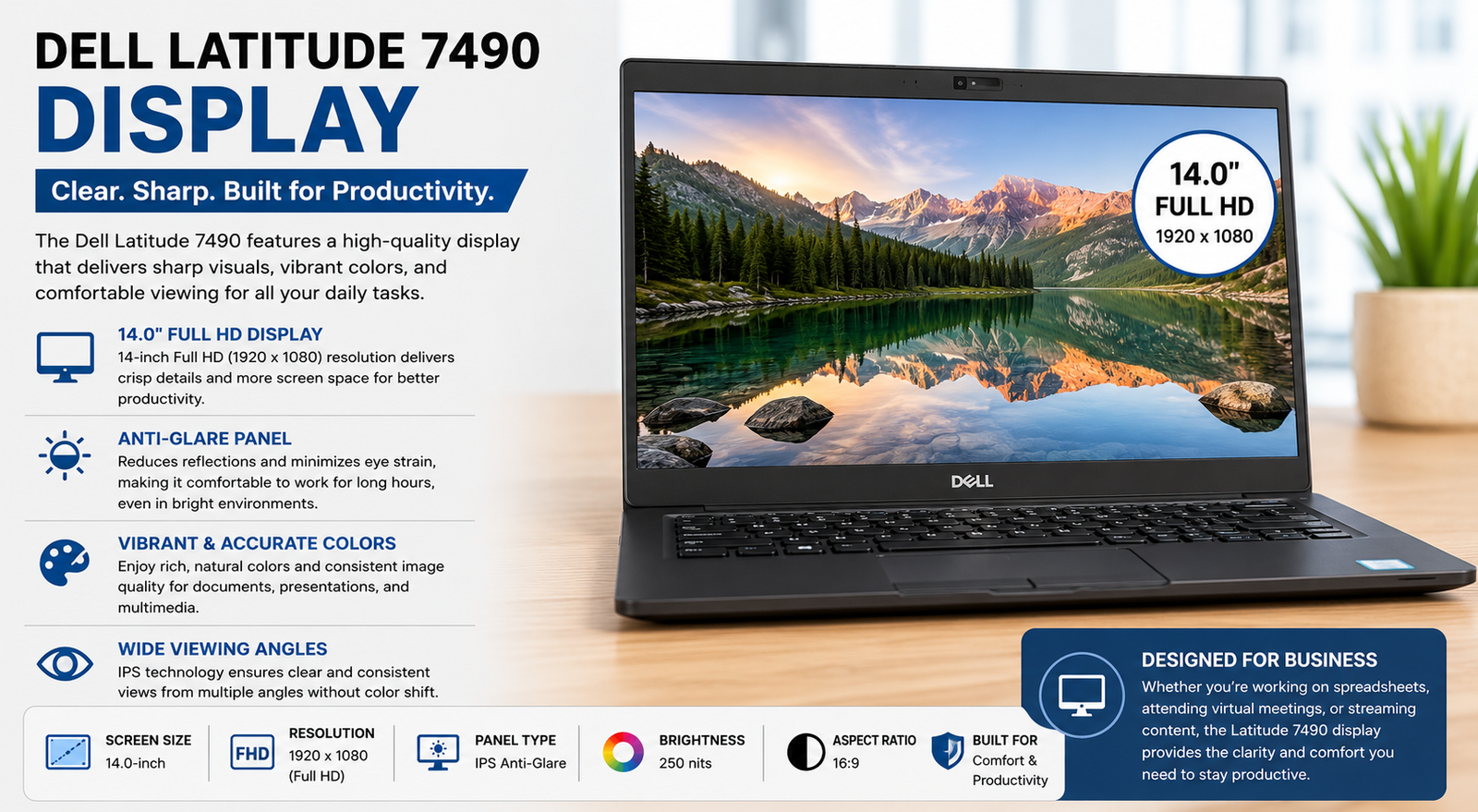
The 14-inch IPS panel delivers what’s expected when it comes to color performance, decent viewing angles, and an effective anti-reflection treatment that really works. That being said, the maximum brightness is only 300 nits, making this device less suitable for outdoor use or by a sunny window. As for contrast, there’s nothing spectacular here, either. For office tasks like working with spreadsheets and documents or video conferences, the monitor performs well. However, any task related to color reproduction will reveal the lack of accuracy of the screen almost immediately. An extra touch capability increases usability but makes the display even more reflective. 118% of the sRGB coverage on paper looks quite promising until you realize it’s uncalibrated.
Performance
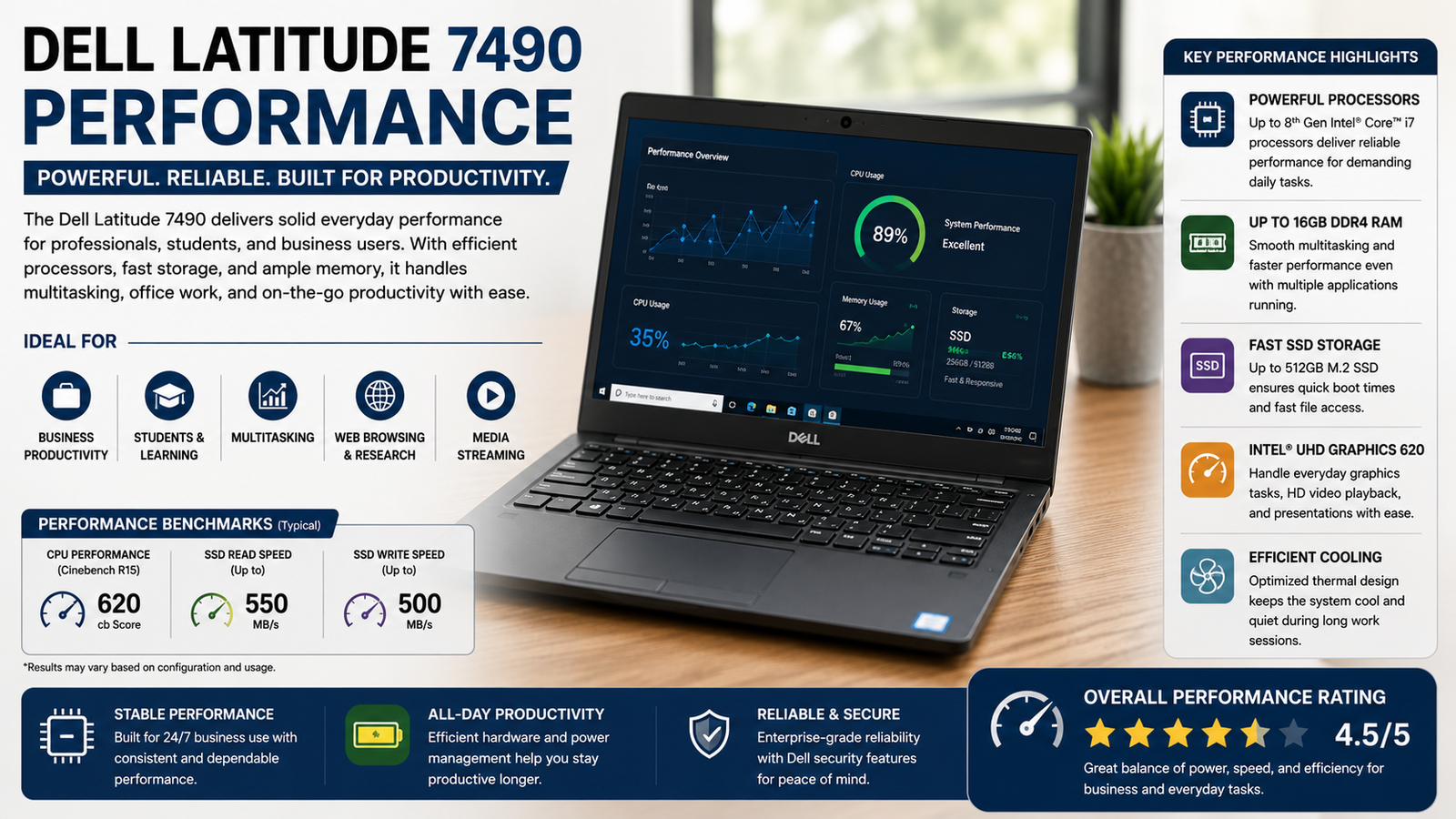
Given what a laptop is used for in 2026, which includes tab surfing, office/G-docs, Zoom meetings, and some light programming, the i7-8650U performs flawlessly. This chip scores close to 13,000 on Geekbench multi-core, and the machines with PCIe SSDs boot up in less than 15 seconds. It’s the extended CPU loads where the problem lies because it starts to throttle itself the minute it heats up. One should avoid machines with SATA SSDs because they are slower in comparison to their PCIe counterparts. Gaming and rendering are out of the question for sure.
Battery Life
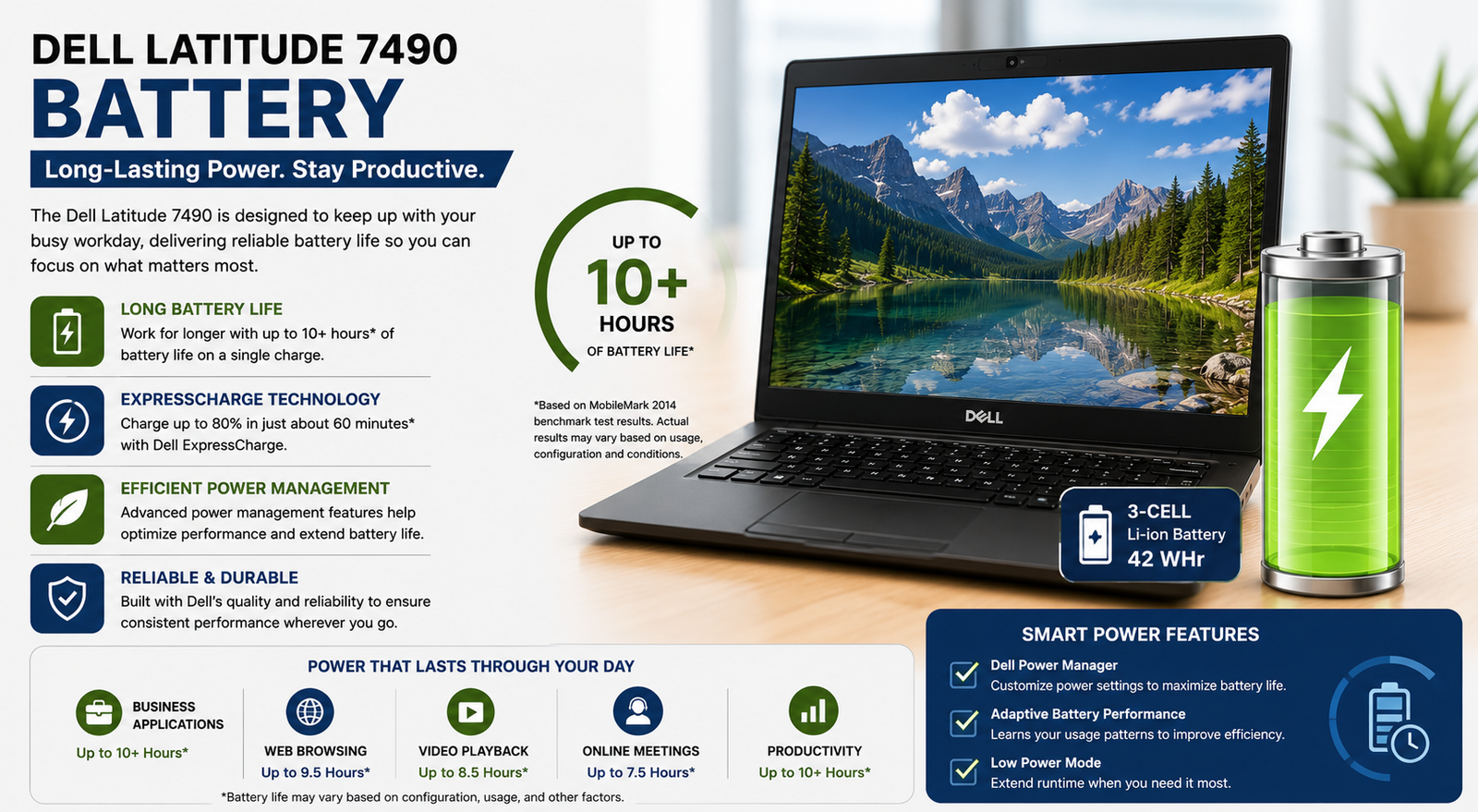
Battery performance with mixed usage for the i7 model ranges from 5.5 to 6.5 hours, including browser usage, document work, and Skype calls while connected to Wi-Fi. i5 models reach closer to 7 hours of runtime. Dell claims 9 hours, but that’s achievable only when brightness is set at 40%, and the workload is very low — that’s impractical. When considering a second-hand model, battery health becomes unpredictable; ensure you get the number of cycles beforehand. In case you opt for a refurb, expect additional costs of $25-$40 for a battery upgrade since they deteriorate by 7 years.
Also Read- Dell Latitude 5440 Review: The Business Laptop That Actually Earns Its Price
Thermal Management & Fan Noise
It is here that I have to be frank. Thermal management of the 7490, especially for i7 quad-core configurations, is the most well-known weak point of the device. Under prolonged load, the temperatures of the CPU reach up to 85-90°C and activate the throttling process, while the single fan reaches its maximum 4,900+ rotations per minute and becomes quite loud in a silent environment. Dell Power Manager provides several options, including the “Cool” and “Ultra Performance” modes. However, none of them is flawless. “Cool” decreases the speed of the CPU too sharply, while “Ultra Performance” increases the speed too much without increasing the fan speed.
Pros & Cons of Dell Latitude 7490
| Pros | Cons |
| Solid magnesium alloy build that doesn’t feel cheap | Fan noise under load is a genuine daily annoyance |
| Excellent keyboard — deep travel, comfortable for long typing sessions | Screen brightness tops out around 300 nits, struggles outdoors |
| Comprehensive port selection, including Thunderbolt 3 and RJ-45 | Thermal throttling on i7 units under sustained workloads |
| Upgradeable RAM (up to 32GB) and swappable SSD | Proprietary barrel charger instead of USB-C power delivery |
| Outstanding refurbished value at $80–$200 for daily productivity tasks | Battery health on used units is a real gamble — always check the cycle count |
Final Verdict
The 2026 Dell Latitude 7490 is definitely a great value for your money if you go into the purchase with both eyes open. Get yourself a configuration with an i5 processor, PCIe SSD, and decent battery capacity, all for less than $150, and you’ll get a machine that is really good at what it does, despite being relatively inexpensive. The keyboard on this computer will make you very happy indeed; the construction will last longer than some newer budget computers, and the available ports are much more sensible than most modern laptops’. However, if the fan noise bothers you or you require constant performance, go for the ThinkPad T480 instead.