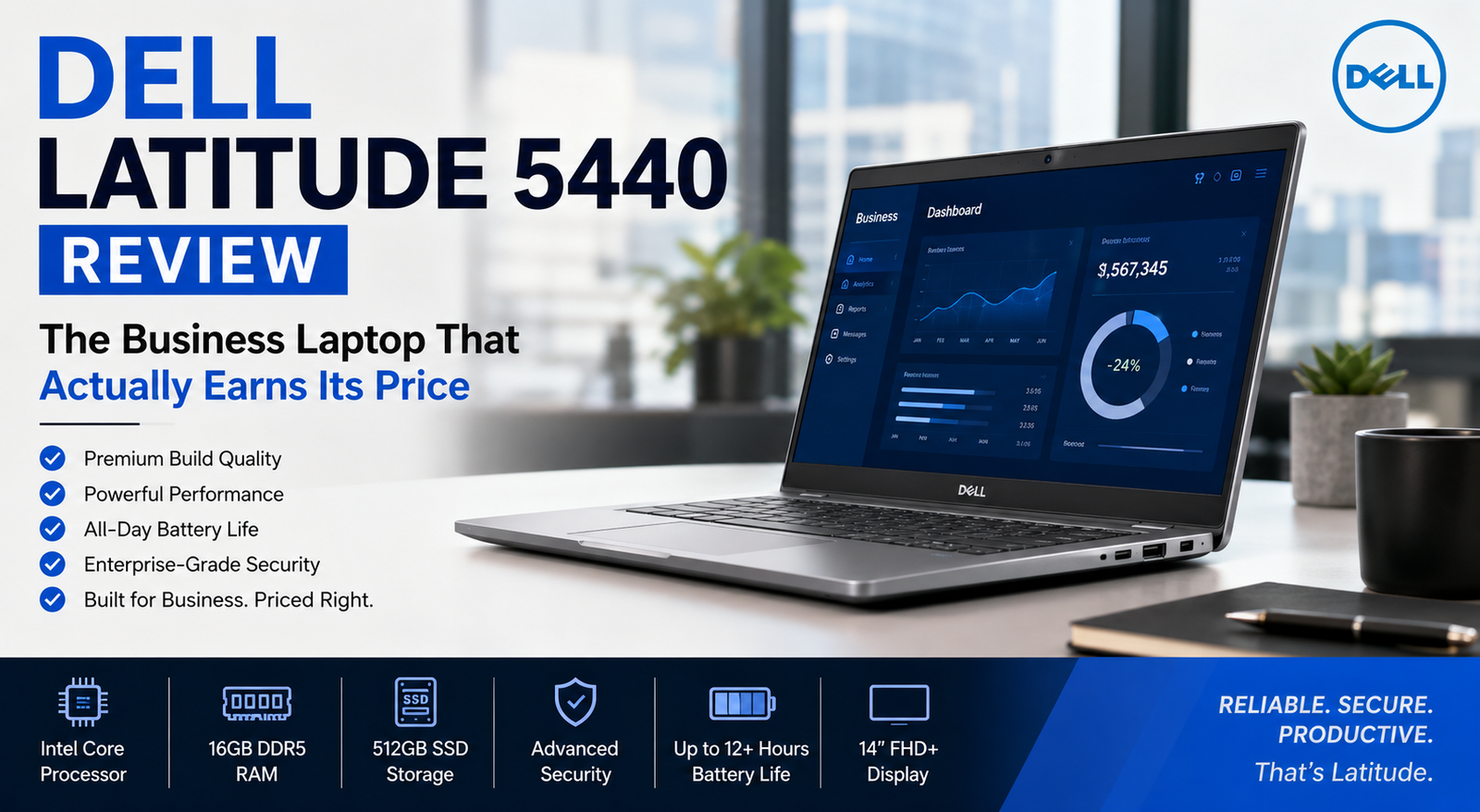
Dell Latitude 5440 Review: The Business Laptop That Actually Earns Its Price
- 1 Quick Verdict for Dell Latitude 5440
- 1.1 Rating: 8.4 / 10
- 2 Specifications of Dell Latitude 5440
- 2.1 Build Quality and Design
- 2.2 Display: Better Than You’d Expect
- 2.3 Performance: Eleven Processor Options — Choose Wisely
- 2.4 Battery Life: A Real-World Win
- 2.5 Security and Business Features
- 2.6 Ports and Connectivity
- 2.7 Pros and Cons of Dell Latitude 5440
- 3 My Verdict for Dell Latitude 5440
I have been through many mid-tier business notebooks before, and each one disappoints me in a similar manner; great looking on paper, forgettable in performance.
But then came the Dell Latitude 5440. For a couple of weeks, after working with this notebook throughout the day — long writing assignments, non-stop Zoom conferences, waiting lounge in airports, and late nights spent editing my work, I realized that this computer kept popping up in front of me, without any effort.
With a price of roughly $1,400, this notebook lies somewhere in between the lower-end 3000 series and the higher-end 7-series laptops. But in performance, it beats its price by far.
Quick Verdict for Dell Latitude 5440
Rating: 8.4 / 10
Ideal for: Business professionals, remote workers, and IT buyers who need enterprise-grade security, all-day battery life, and dependable daily performance in a lightweight 14-inch chassis — without paying 7-series prices.
Not ideal for: Anyone who needs a premium all-metal build, a modern 16:10 display, or the horsepower to run demanding creative, development, or data-heavy workloads comfortably.
Specifications of Dell Latitude 5440
| Category | Details |
| Display | 14″ FHD IPS Anti-Glare, 1920×1080, 60Hz, up to 400 nits, optional touch |
| Processor | Intel Core i5 / i7 13th Gen, U-series 15W & P-series 28W |
| Graphics | Intel Iris Xe integrated / NVIDIA MX550 2GB optional |
| RAM | 8GB – 64GB DDR4 / DDR5, 2 upgradeable slots |
| Storage | 256GB – 2TB PCIe Gen 4 NVMe SSD |
| Battery | 42Wh / 54Wh, up to 14 hrs browsing, 65W USB-C fast charge |
| Ports | 2x Thunderbolt 4, 2x USB-A, HDMI 2.0, MicroSD, 3.5mm |
| Connectivity | Wi-Fi 6E, Bluetooth 5.3, optional 4G LTE / 5G |
| Security | Fingerprint reader, IR webcam, TPM 2.0, vPro available |
| OS | Windows 11 Pro |
| Weight | 1.39 kg (3.06 lbs) |
| Dimensions | 321.4 × 212 × 19.1 mm |
| Certifications | MIL-STD-810H, EPEAT Gold |
| Price | ~$1,400 new / ~$800 refurbished |
Build Quality and Design
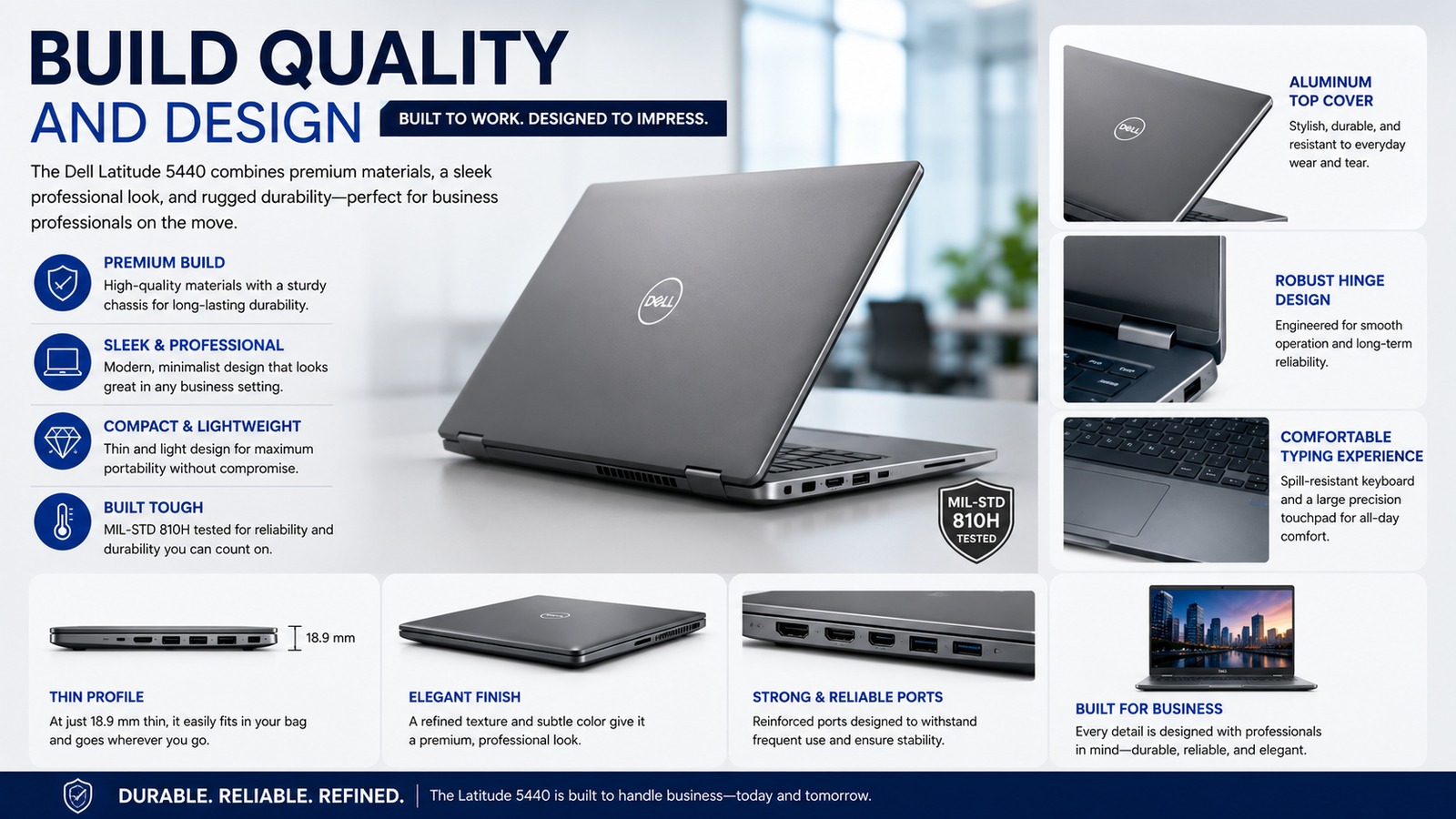
Get a hold of the Dell Latitude 5440, and your first impression will be its impressive lightness. It weighs only 1.39 kg (3.06 lbs) and is incredibly thin at 19.1mm. Its aluminum lid gives it a high-end look, and the plastic base and palm rest keep its weight at an absolute minimum.
The computer underwent testing according to MIL-STD-810H standards. The tests involve temperature, shock, humidity, and vibration conditions that would typically appear in the military environment. Daily, the casing does not squeak, the hinges feel firm, and nothing moves. There’s also the ability to lay down the 180-degree hinge during meetings.
Display: Better Than You’d Expect
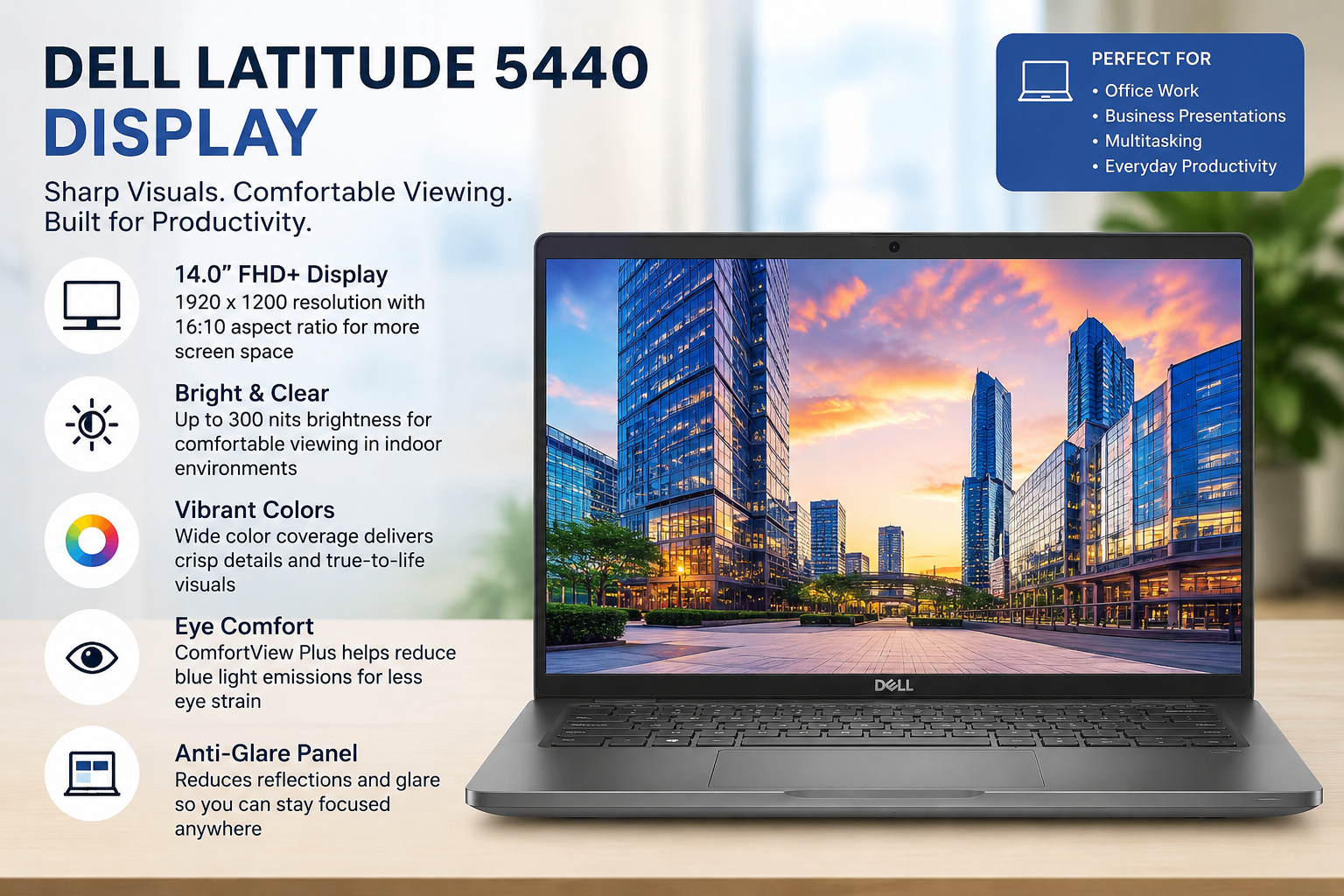
The basic screen configuration includes a 14-inch full-HD IPS non-touch display with 1920×1080 resolution and a 60Hz refresh rate. The improved models get either a 300-nit or a 400-nit display, and there is even an option to have a touch panel.
For testing purposes, I used the model with a 300-nit non-touch screen. Colours are reproduced accurately, contrasts are high, and the screen coating protects against glare effectively. This is obviously not an OLED display; the ratio between width and height is 16:9 instead of the trendy 16:10, and the screen gives less vertical space, but it performs perfectly fine in the tasks that involve documents and video chats.
If possible, you should try to get a model with the 400-nit touchscreen.
Performance: Eleven Processor Options — Choose Wisely
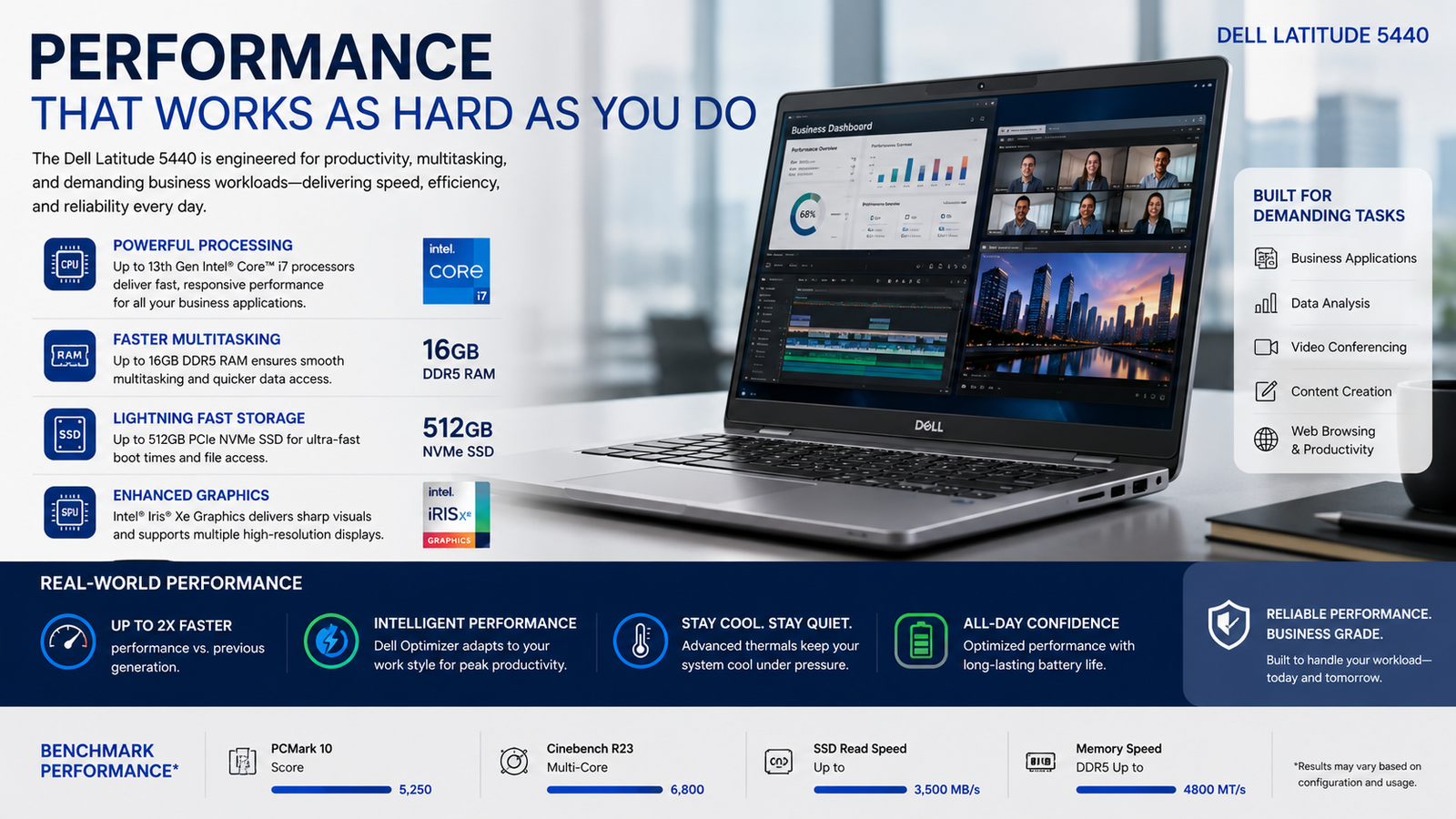
Dell provides 11 CPU options for the Latitude 5440, spanning the range between the Intel Core i5-1335U and i7-1370P, including both vPro and non-vPro models. This is quite rare for a business laptop, and it results in a lot of variety when it comes to computing performance.
I have tested one particular option, the i7-1355U (15W U-series). It feels extremely fast during day-to-day usage tasks like having multiple tabs open in the browser, using Microsoft 365 applications, working on Zoom calls, and on Slack, etc. The new PCIe 4.0 SSD ensures that the boot time is near-zero.
What shocked me about this setup: the processor operates with frequencies higher than those of the same model on the much more expensive Latitude 14 7440. Thermal tuning by Dell appears to be excellent. When set to “Ultra Performance” mode, the fans start spinning, but there is no excessive heat on the keyboard surface.
Battery Life: A Real-World Win
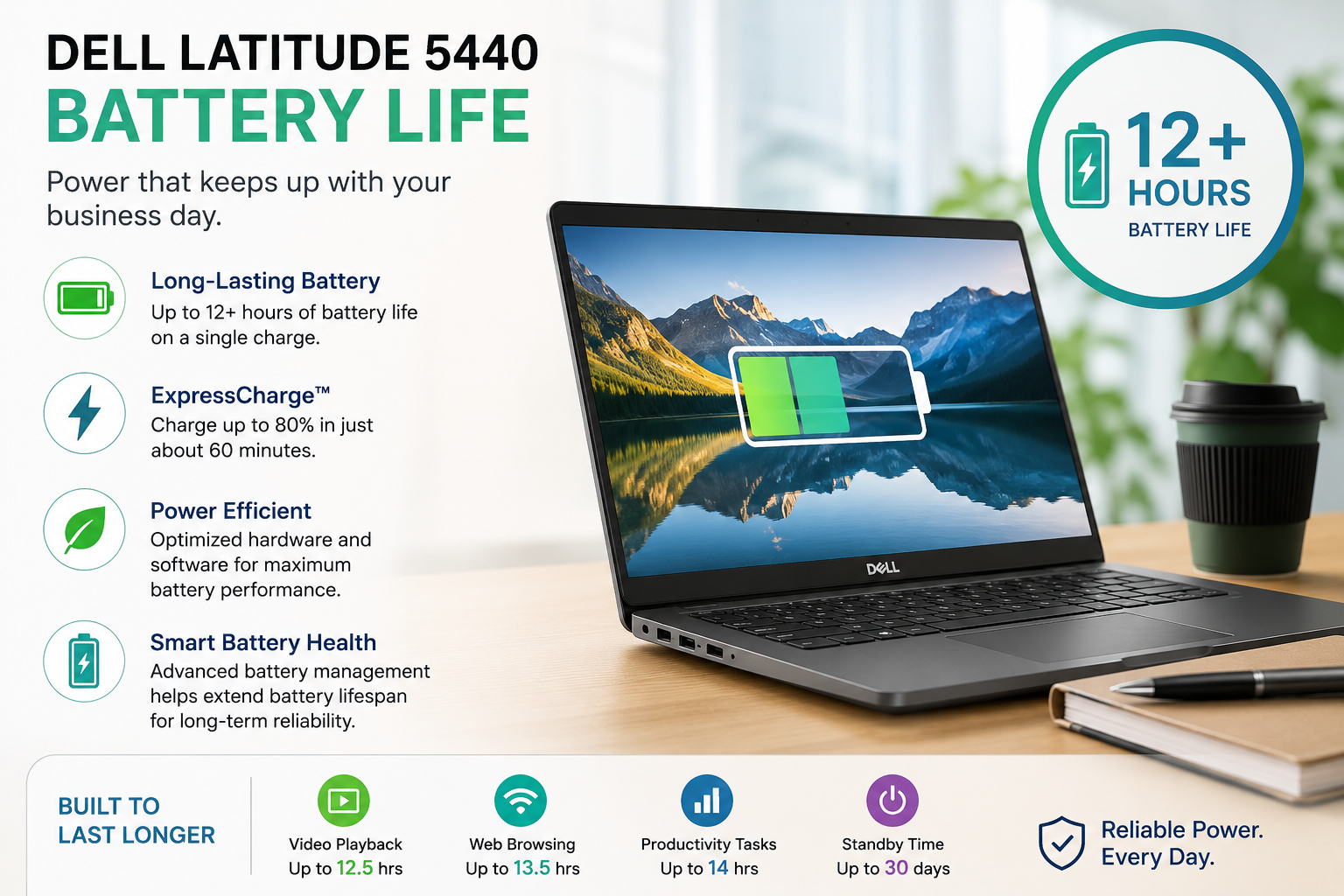
The battery is this laptop’s strongest point. Lab tests hit 14 hours of browsing and 8 hours of video. In real daily use, I got 7 to 8 hours consistently — enough for a full workday.
Comes with a 65W USB-C fast charger. A 100W option is available separately. PowerShare lets you charge your phone through the laptop’s USB-C port.
Security and Business Features
It is here that the Latitude 5440 stands out from other consumer laptops.
It has a fingerprint scanner, an infrared camera for the Windows Hello feature, and a TPM 2.0 chip for hardware-based data encryption. The vPro options come with Intel’s AMT technology to remotely control the laptop’s settings by corporate IT administrators.
What impressed me was Dell’s Intelligent Privacy functions: the onlooker detection warns you when another person tries to read what is displayed on your computer monitor, and the look-away feature turns off the display instantly when you turn away.
Ports and Connectivity
The input/output is meticulously planned with you getting two Thunderbolt 4 / USB4 ports, two USB-A 3.2 ports, HDMI 2.0, a MicroSD card reader, a headphone/mic combo jack, and a nano-SIM slot for extra 4G LTE connectivity. Most office environments should not require a dongle.
Wi-Fi 6E and Bluetooth 5.3 guarantee wireless speed and stability. The 4G LTE option is a significant differentiator for consultants and frequent travelers who cannot always count on hotel Wi-Fi.
Also Read- Is the Lenovo Tab M9 Worth It? Honest Review After Extensive Testing
Pros and Cons of Dell Latitude 5440
| Pros | Cons |
| Superb battery lifespan throughout the day | Quickly drains under heavy P-series workload |
| Solid, long-lasting CPU – often surpasses the specs | Too many models available; easy to select the wrong model |
| Built-in enterprise-level security that’s truly useful | Plastic palm rests aren’t as luxurious |
| Very lightweight and portable considering it’s a 14” machine | Under-powered 42Wh battery – make sure to order the 54Wh version |
| Good I/O ports – no need for adapters | 16:9 display feels outdated vs modern 16:10 screens |
My Verdict for Dell Latitude 5440
Dell Latitude 5440 is an incredibly well-planned and honest business laptop. Design-wise, you shouldn’t expect a wow effect from this one, but it will undoubtedly be there for you every day without fail, execute your work tasks without grumbling, and go on with one charge until your evening meeting.
If you are a professional, a remote worker, or an IT buyer and you need enterprise security, all-day battery life, and reliable 13th Gen Intel performance in a sub-1.4kg chassis, then this would be a good buy for you. The i7-1355U, combined with 16GB DDR4, the 54Wh battery, and the 300-nit display, is what I’d call the sweet spot.
Don’t go for this one if you want premium materials all the way through, a 16:10 display, or a device that can handle deeply demanding creative or gaming workloads. Jump into the Latitude 7440 or ThinkPad X1 Carbon in such a case.
FAQs
Q: Can the Dell Latitude 5440 be used for business purposes?
Yes. The laptop features enterprise-level security, vPro technology, all-day battery life, and solid 13th Gen Intel processing power, optimized for professionals in business environments.
Q: What is the battery life of the Dell Latitude 5440?
Up to 14 hours under browsing conditions. For actual office work, you can easily count on 7-8 hours on one charge.
Q: What is the best combination for the Dell Latitude 5440?
The optimal configuration will include an i7-1355U processor, 16GB DDR4 memory, 512GB SSD storage space, and a 54Wh battery.
Q: What is the price of the Dell Latitude 5440?
$1,400-$1,600 if buying a brand new laptop. For refurbished models, you can pay around $800.