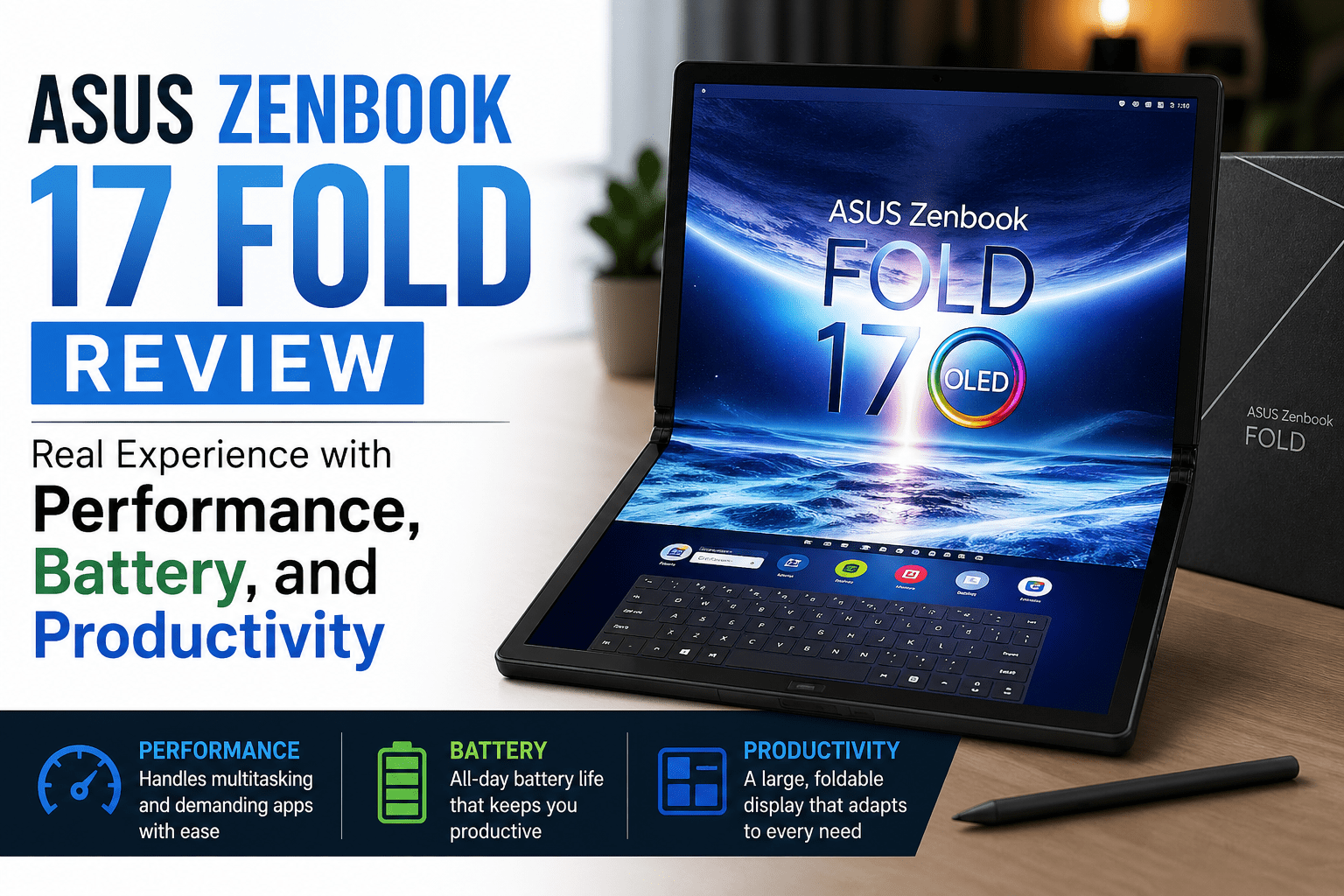
Asus Zenbook 17 Fold Review: Real Experience with Performance, Battery, and Productivity
I was interested in foldable laptops, yet doubtful. The concept sounded helpful on paper, but I continued to question whether it would make any difference in day-to-day work or if it would be a gimmick. That prompted me to test the Asus Zenbook 17 Fold and determine how it performs outside the idea. I needed something that would not cause friction with my normal setup.
I chose it primarily because of its big OLED screen and the prospect of a flexible workflow. A foldable laptop that would be able to transform into a tablet, dual screen, and regular laptop sounded productive. I wrote with it, did multitasking, and worked long periods to determine whether it could be used in real life without slowing me down or making me feel clumsy.
Quick Verdict for Asus Zenbook 17 Fold
Rating: 7.8 out of 10
Best For
- Individuals seeking customizable screens.
- The first users of foldable laptop workflows.
- Multitaskers who enjoy a big OLED screen.
- Mobile employees who require mobile productivity.
Not Suitable For
- Individuals desiring a conventional laptop feel.
- BBudget-consciousbuyers
- Users who use heavy performance, such as gamers or editors.
- Anyone who cares about long-term durability.
I was impressed by the Asus Zenbook 17 Fold due to its ability to multitask and the flexibility of the screen, but it remains early hardware. It is effective in certain configurations, but it is not a complete substitute for a conventional laptop.
Also Read:- Asus ZenBook 14 (UX3402) Review
Specifications
| Specification | Details |
| Display | 17.3-inch foldable OLED touchscreen |
| Resolution | 2560 × 1920 |
| Processor | Intel Core i7 (12th Gen) |
| RAM | 16 GB |
| Storage | 1 TB SSD |
| Battery | 75 Wh |
| Weight | 1.5 kg (tablet), ~1.8 kg with keyboard |
| Operating System | Windows 11 |
Design & Build
I was taking it between rooms on a long working day and was folding and unfolding it without much thought. The hinge was stable every time, and the resistance was soft, which made me sure that it would not lose its position. It was not delicate, but I was more careful with it than with an ordinary laptop. The outer material was solid and a little bit textured, which assisted in grip.
I found the weight was more when I used it as a foldable laptop in tablet mode and had to read longer. It is not light, but manageable. The crease can be seen when the light falls on it, but disappears into the background when I concentrate on work.
Display & Folding Experience
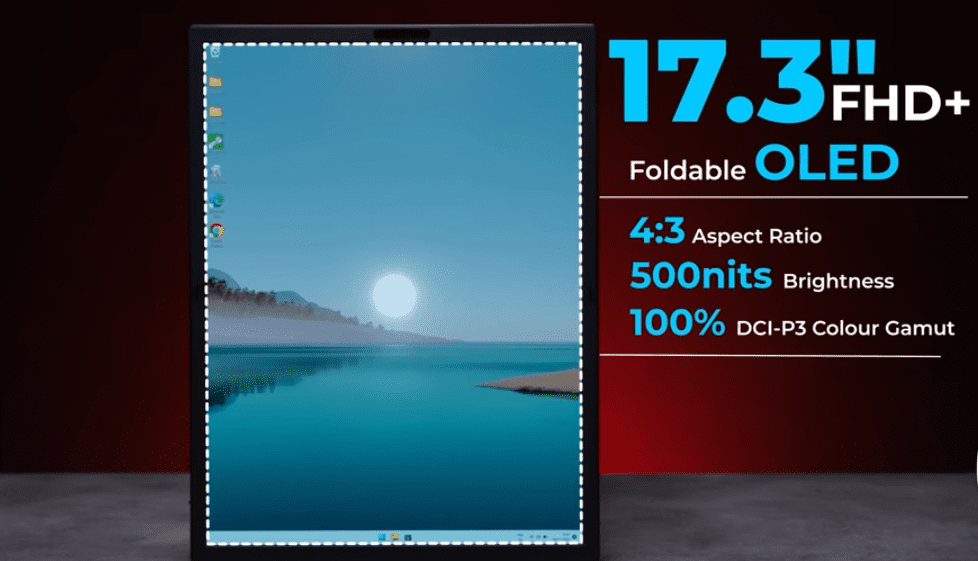
I used it most of the time in split mode when writing and browsing simultaneously. The OLED display is crisp and vivid, particularly when viewing videos or reading lengthy documents. Colours are rich without appearing overdone. The transition between the laptop mode and the full screen is natural, but I still have to change the angle to feel comfortable.
The crease is present. I observed it more on white backgrounds and less when it was in use. After some time, I was no longer thinking about the screen but the content. The transition between modes was easy, but it was several days before a habit of knowing when each setup was appropriate was developed.
Performance & Multitasking
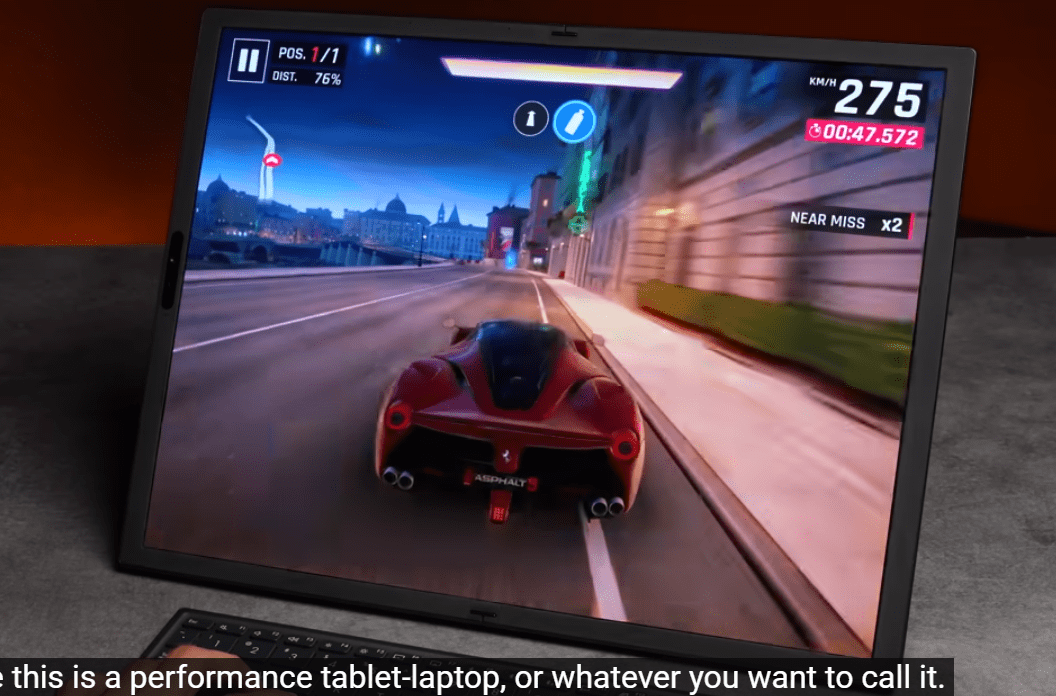
I wrote, researched, and had several browser tabs open simultaneously on the Asus Zenbook 17 Fold. It remained smooth and responsive in normal productivity work. Switching between apps was fast, even when multiple tools were open at the same time. I did not experience lag when writing or editing documents, which was important to my workflow.
When I pushed more multitasking with numerous tabs and split-screen usage, it remained stable but was a bit slower in transitions. In the case of a foldable laptop, the experience is good in terms of daily productivity. It copes with work duties effectively, but not heavy, creative or intensive workloads.
Battery Life
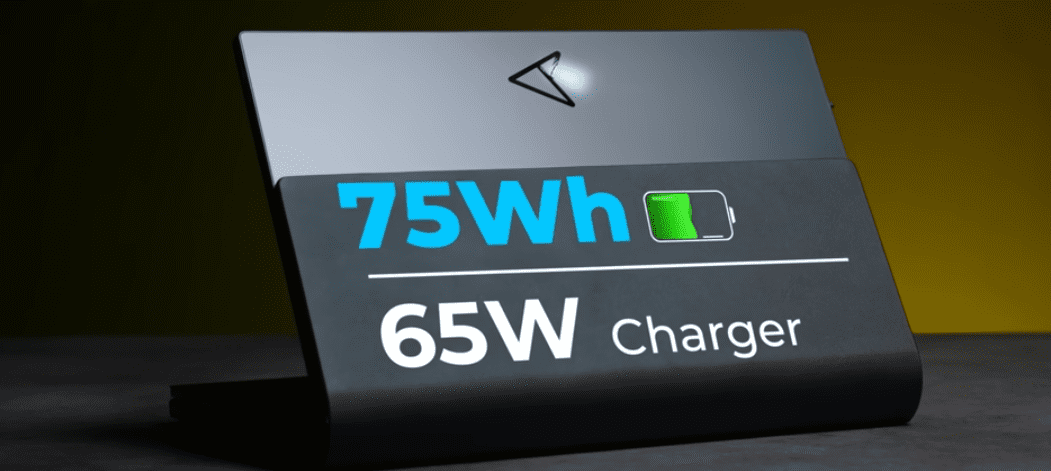
I used the Asus Zenbook 17 Fold throughout a working day with a combination of activities such as writing, browsing, and video calls. I achieved approximately 6 to 7 hours of battery life in normal laptop mode before I had to charge my laptop. The battery life decreased more rapidly when I applied split-screen and a brighter display on the foldable laptop screen, which was nearer to 5 hours.
It was more evenly drained by video playback, and harder by multitasking. The charge was not too rapid, but consistent enough to rest during brief pauses. I observed that I always monitored battery levels when I was having more productive time, particularly when I was travelling or working out of the office.
Keyboard & Usability
I primarily used the Asus Zenbook 17 Fold on a desk and occasionally on my lap with the detachable keyboard. The typing experience is good, and the key travel is sufficient to remain comfortable when typing for long periods. It is not as firm as a complete laptop keyboard, but it works well for productivity work.
The trackpad is sensitive, but it is small enough to be used for a long period. Typing on the foldable laptop screen was okay when it came to short notes, but not when it came to long tasks. I realised that I kept on changing setups based on comfort, particularly when working hours without breaks.
Real World Usage
I applied the Asus Zenbook 17 Fold to various real-life scenarios to determine its applicability to everyday work. I installed it at home on my desk in dual-screen mode to write and research. It assisted me in taking notes on one side and browsing on the other, which enhanced productivity in the long sessions.
I used it in laptop mode on a train when travelling. The foldable laptop design was space-saving, yet I needed to rearrange my seating to maintain the laptop. It was good to type on, but not as comfortable as a regular ultrabook.
I changed to tablet mode in a cafe and read and did some light editing. It was comfortable to use casually, but not to work hard because of its size and weight.
Pros & Cons
Pros
- A big foldable OLED display is effective in multitasking.
- Easy transition between laptop, tablet, and dual screen.
- The firm hinge when folding repeatedly.
- Proper writing and research environment.
- Minimal, clean design that is premium.
Cons
- Costly in terms of its daily usage.
- In some lighting, the crease is still visible.
- Too heavy to be carried around.
- The keyboard configuration is not as stable as a regular laptop.
- Split-screen multitasking reduces battery life.
- Not suitable for heavy performance or long travelling.
Final Verdict
Having tried the Asus Zenbook 17 Fold in actual working conditions, I can say that it is a product designed to suit a particular user. The foldable laptop design is a real enhancement to multitasking with split-screen writing, research and planning. The OLED display contributes to the high visual quality, and the transition between the modes becomes more natural with time.
Nevertheless, it is not a full substitute for a conventional laptop. The visible crease, weight and battery limits indicate that this is early-generation hardware. It is not a machine that everyone can use as a main productivity companion. It is logical when your workflow relies on flexibility and screen space. It is not entirely worth the price if you desire stability and value.
FAQs
Is the Asus Zenbook 17 Fold good for daily use?
It is good to write, browse and split screen multitask. It is productivity oriented and not heavy performance oriented.
How long does the battery last on the Asus Zenbook 17 Fold?
Battery life of 5 to 7 hours depending on use. Multitasking on the foldable laptop screen is heavy and decreases the backup.
Is the foldable screen durable enough for long-term use?
The hinge is solid in everyday use, although long term wear remains a matter of careful handling. It is more delicate than a traditional laptop display.