Acer Aspire Go 15 Review: A Solid Budget Laptop
- 1 Quick Verdict
- 2 Specifications of Acer Aspire Go 15
- 2.1 Which Configuration Should You Actually Buy?
- 2.2 Design and Build Quality
- 2.3 Keyboard and Trackpad
- 2.4 Display Quality
- 2.5 Performance in Real Life
- 2.6 Battery Life
- 2.7 Pros and Cons of Acer Aspire Go 15
- 2.8 Acer Aspire Go 15 vs Lenovo IdeaPad Slim 3
- 3 Final Verdict
First, let me say that I was sceptical when I walked into this review. When looking for a budget laptop, you’re typically facing one of two options: a slow machine that you’ll be frustrated with within a week, or a decent machine with some compromises in areas you only find out about after you’ve unboxed it.
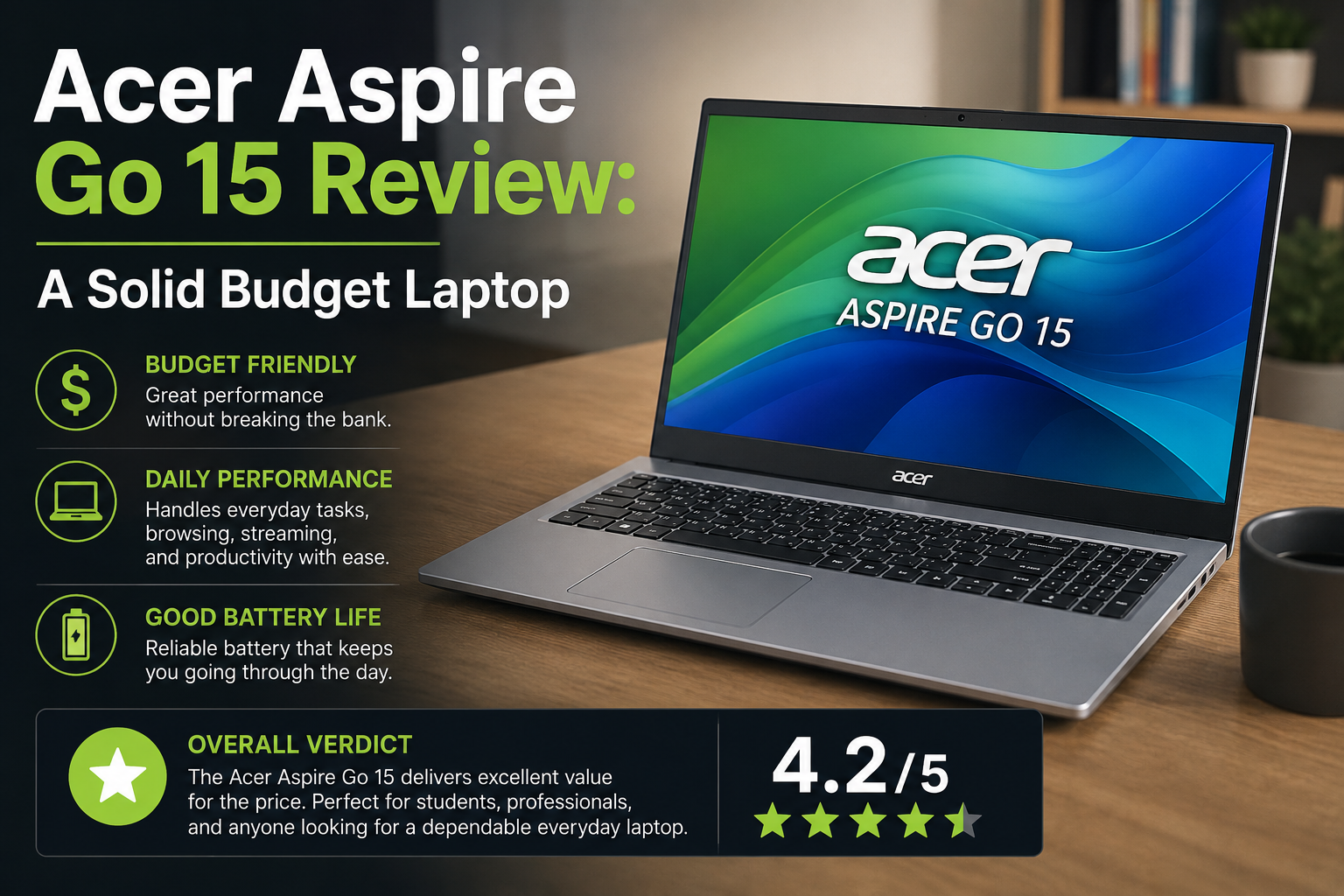
The Acer Aspire Go 15 is a 15.6-inch Windows laptop that is designed for simple, no-frills usage: browsing, document work, video calls, light productivity. It was designed by Acer for students, parents looking for a dependable everyday machine, and anyone who doesn’t want to spend nearly a thousand dollars on a machine.
Quick Verdict
Specifications of Acer Aspire Go 15
| Specification | Details (Base / Mid / Upper-Mid) |
| Model Numbers | AG15-31P (Base) / AG15-51P (Mid) / AG15-71P (Upper-Mid) |
| Processor | Intel Core i3-N305 / N355 (Base) · Core i5-1334U (Mid) · Core i7-13620H (Upper-Mid) |
| RAM | 8GB DDR5 (Base) · 16GB DDR5 (Mid & Upper-Mid) |
| Storage | 128GB UFS (Base) · 512GB NVMe SSD (Mid & Upper-Mid) |
| Display | 15.6-inch Full HD (1920×1080) IPS Anti-Glare, ~300 nits |
| Battery | Approx. 48–56Wh · 7–12 hrs claimed (real-world varies by config) |
| Ports | 2× USB-A, 2× USB-C, Full HDMI, Ethernet, 3.5mm headphone jack |
| Webcam | 720p / 30fps — adequate for calls, not impressive |
| Weight | ~1.78 kg (3.92 lbs) |
| OS | Windows 11 Home / S Mode (varies by config) |
| Starting Price | $299–$499 depending on configuration |
Which Configuration Should You Actually Buy?
This is the part that most reviews miss, and it’s the most crucial part. It’s not a base model, so there’s no way to skip the AG15-31P base storage, which is slow UFS, and the 8GB of RAM is soldered in, so you can’t upgrade it.
The sweet spot is the AG15-51P equipped with a Core i5, 16GB RAM, and 512GB NVMe SSD. It’s about $499, and it’s a practical machine. For anything more demanding (compiling, light content work, heavier multitasking), the AG15-71P with the Core i7-13620H is worth the stretch. Here, the model number is the key. Don’t buy blind.
Design and Build Quality
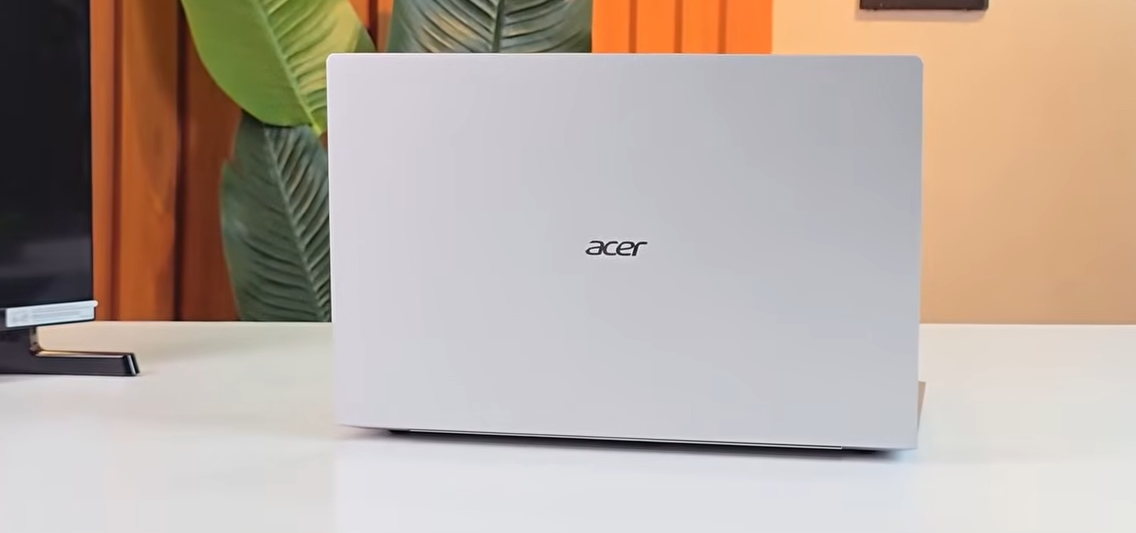
I opened the box and first thought, what a not inexpensive feeling it was. Pure Silver finish is clean and nonchalant — if you gave this to a person without telling them the price, they would probably demand double the price!
Yes, it has a plastic chassis, and the keyboard deck flexes a little if you push it down, but it’s still solid. But day-to-day? Does not show any signs of wobbling or creaking. The hinge is sturdy, opens easily, and the screen remains firm when angled up. With a weight of 1.78 kg, it won’t weigh you down even if you put it in a backpack. The construction quality really is one of the more positive surprises for a machine at this price.
Keyboard and Trackpad
This is better than a kid’s doll keyboard at this price. The feel is tactile yet not mushy, while the layout features a full-size keyboard and a numpad, both of which are welcome additions for students and spreadsheet users.
The only real upside: none of the configurations include a backlight on the keyboard. It causes pain in low lighting. The trackpad is quite large, smooth, and clicks with good responsiveness. It’s not anything out of the ordinary, but it’s not going to aggravate you either.
Display Quality

The 15.6-inch Full HD IPS panel is adequate for everyday use. Brightness is somewhere around 300 nits, which is suitable for indoor use but will be manageable in the shade outdoors.
The anti-glare coating is a very useful feature because it helps to reduce reflections much more effectively than budget panels do. The colour accuracy of the documents and video is fine, but not good enough for photo or design work. The issue arises when you change your perspective by just a bit: images and contrasts fade more rapidly than desired. If you watch a movie straight through, that is OK. With someone next to you, share the screen, and it’s not.
Performance in Real Life
Every day performance is really smooth on the AG15-51P, which is based on a Core i5. Writing, spreadsheets, a dozen browser tabs, Zoom calls — no complaints. It’s good at doing what most people use a laptop for. The ceiling becomes clear when you push it further: video editing will push your patience to the limit, and anything that requires a lot of power from the GPU is just not what this machine is for. The base model N-series chip is a different story.
Battery Life
This is the weakest of all, period. The AG15-51P lasted for about seven hours in real-world applications (with the display set at moderate brightness). That noticeably decreases when both screens are at full brightness and tasks are running.
The top competing budget laptops typically clock in around the 9-11 hour mark. Charge if no plug for a full day. This is not a one-charge workday machine.
Also Read- Acer Aspire 7 Explained, My Real Experience Understanding Its Variants
Pros and Cons of Acer Aspire Go 15
| Pros | Cons |
| Excellent port selection for a budget laptop | Base model RAM is soldered — 8GB can’t be upgraded |
| Doesn’t look or feel cheap for the price | Battery life trails most competitors significantly |
| Comfortable keyboard with good key travel | No keyboard backlight on any config |
| Solid 1080p IPS anti-glare display | Display viewing angles are noticeably limited |
| Mid-range config offers great value at $499 | Base config uses slow UFS storage — avoid it |
| Full numpad included | 720p webcam is grainy and washed out |
| Lightweight enough for daily bag carry | Windows S Mode on base models is frustrating |
Acer Aspire Go 15 vs Lenovo IdeaPad Slim 3
| Feature | Acer Aspire Go 15 | Lenovo IdeaPad Slim 3 |
| Starting Price | $299–$499 | $299–$499 |
| Processor | Intel N-series / Core i5 / i7 | Intel Core i3 / i5 / AMD Ryzen |
| RAM | 8GB–16GB (soldered on base) | 8GB–16GB |
| Display | 15.6″ FHD IPS, limited angles | 15.6″ FHD IPS, better angles |
| Battery Life | ~7 hrs real-world (weak) | ~9–11 hrs (stronger) |
| Ports | 2×USB-A, 2×USB-C, HDMI, LAN | USB-A, USB-C, HDMI (no LAN) |
| Weight | ~1.78 kg | ~1.62 kg (lighter) |
| Keyboard | Good travel, numpad, no backlit | Good travel, numpad, no backlit |
| Who Wins | Ports & price | Battery & weight |
Final Verdict
The Acer Aspire Go 15 is a fairly solid budget laptop—if it’s built correctly. The AG15-51P (16GB RAM, 512GB NVMe SSD) is the one to purchase for $499. It is not a problem to use for everyday productivity; it’s made better than it sounds on paper, and the port selection alone makes it stand out in a group of competitors that require you to carry a hub.
The base model? Avoid it. The slow storage and soldered 8GB RAM will make you more frustrated than they will save you money.
FAQs
Is the Acer Aspire Go 15 good for students?
Yes, the AG15-51P with 16GB of RAM and NVMe SSD. No problems with assignments, browser multitasking or video calls. Simply plan to keep close to a charger; battery life is its least strength.
Is the Acer Aspire Go 15 RAM upgradable?
This will vary by model. The base AG15-31P comes with soldered RAM which is not upgradeable. If you’re looking to keep the laptop for a few years, the AG15-51P and AG15-71P have easy access SO-DIMM slots for up to 64GB of memory.
What is the real battery life of the Acer Aspire Go 15?
In real-world use, you should get about 6-7 hours on the mid-range setting with moderate brightness. This is a significant disadvantage that should be taken into account before purchasing, since competitors at the same price consistently achieve nine to eleven hours.