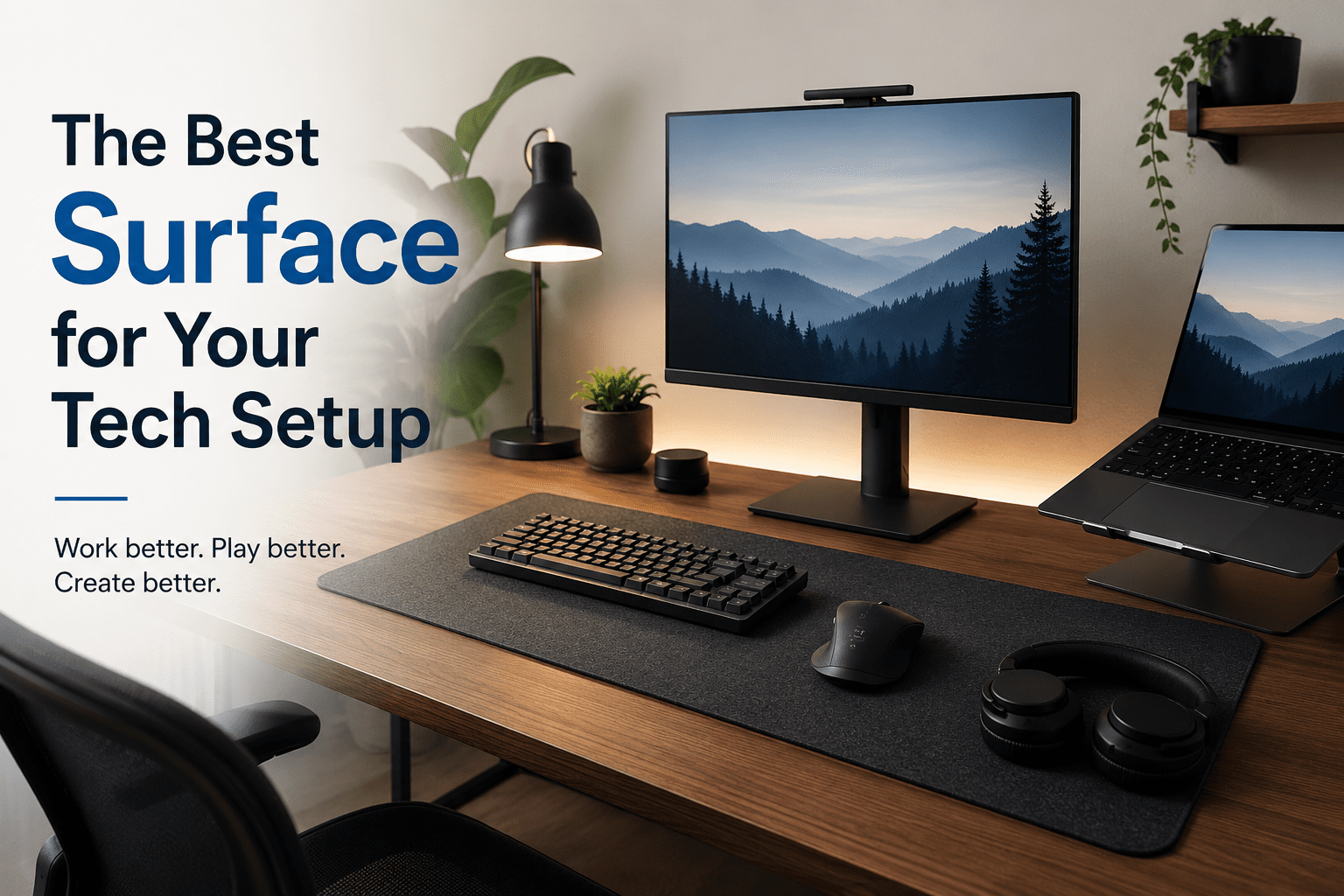
The Best Surface for Your Tech Setup Probably Isn’t the One That Matches Your Monitor
People can be fooled by a pristine tech setup. In a picture, the matching monitor, keyboard, mouse, speakers, laptop stand, and LED light look excellent. It’s all organized and slick and deliberate. Then, for two hours, you sit, and you realize the setting was made for the camera more than the body.
Usually, the silent problem is the surface.
Most individuals just pick a desk, table, or worktop that goes with their monitor, fits in the room, or looks nice with the rest of their gear. That seems logical at first. Sharp. Black monitor on a black desk. Modern appearance: a silver laptop on a light wood surface. The curved display and glass top provide a futuristic design.
But the greatest surface for your electronics setup isn’t the one that seems most connected to your screen. It’s the one that supports how you work, game, type, reach, lean, read, charge, and reset all day long, and that is a premium wood table top that is built to last.
Looks Matter, But Comfort Stays Longer
Tech setup is not a showcase shelf. It’s a work environment.
That difference important because your body forgives things your eyes don’t. Even a premium-looking desk can be excessively shallow. You may have the perfect display fit, but the keyboard may still be too far forward. A glossy top can photograph brilliantly and cause glare every afternoon. A heavy tabletop feels pricey and leaves your arms sitting awkwardly.
Those little troubles are the setup eventually.
You begin to move your chair. Your shoulders tense. Your wrists are floating; they are not naturally resting. Your monitor feels a little too close or a little too far. The setup still looks excellent, but it doesn’t feel good anymore.
The perfect surface allows your gear ample room, without forcing your body to adjust around it.
Depth Is More Important Than Color
One of the biggest mistakes when designing tech sets is selecting a surface that is too shallow from front to back.
For a laptop, a shallow desk can work. It’s more difficult with a full monitor, keyboard, mouse, speakers, notebook, controller, dock, microphone, or charging station. Suddenly, everything is scrambling for room.
A better surface provides you with room to breathe.
You should be able to set your monitor at a comfortable distance, have your keyboard right in front of you, and be able to move your mouse without hitting the edge. Mayo Clinic suggests sitting approximately an arm’s length away from the computer, or 20 to 40 inches from your face, with the top of the screen at eye level or just slightly below. OSHA provides comparable recommendations on monitor height, relaxed shoulders, wrist alignment, and adequate space for the keyboard and mouse.
That’s when surface depth is more than a design option. It’s a matter of comfort.
A desk that is too shallow typically brings the monitor uncomfortably close. An overstuffed desk might cause the keyboard or mouse to fall into odd places. A deeper surface might not fit the display as neatly, but it might make the whole thing perform better.
Texture Changes the Way the Setup Feels
Surface texture is simple to ignore until it gets on your nerves.
Glass has a sleek design but can show fingerprints, reflect light, and feel cold to the touch. A high-gloss surface might make the setup look pricey, but it can increase glare. Very rough wood can look warm, but may not feel smooth under a mouse pad or writing hand. Soft laminate, sealed wood, matte finishes, and textured work surfaces often appear more functional as they eliminate visual distraction and are more resistant to everyday use.
The best surface should feel steady and calm.
That means:
- no wobbling when typing
- enough grip for accessories
- low glare near screens
- easy cleaning
- enough durability for daily movement
A surface does not need to be dramatic to be good. In a serious tech setup, boring can be excellent.
Your Desk Should Match Your Routine, Not Your Monitor
A designer might look at your setup and say, “What goes?
A better inquiry would be: What do you do here?
A gamer needs space for a mouse, distance from the monitor, control of the cables, and space to move fast. A student might need space for a laptop, notepad, tablet, charger, and textbook. A sketching tablet, a color-accurate screen, references, and a non-reflective surface may be required by a designer. A coder could need a few screens, a full keyboard, a wrist rest, and a desk to keep it centered.
Matching the monitor does not meet their needs.
The function does.
First, select a surface that is near the activity. Then style. That should come next. A black monitor can work with a warm wood surface. Silver set up, white desk. With the appropriate pattern, a darker tabletop can nevertheless look tidy. The experience is more important than the match.
The Setup You Keep Is the Setup That Feels Right
The best tech surface is often the one you don’t even notice anymore.
It does not weigh down your arms. Doesn’t crowd your gear. When you type, it doesn’t bounce. It doesn’t show every light in the room. It doesn’t make the setup feel smaller than it is. It just helps the work.”
That is why the surface matched to your monitor may not be the correct one. Maybe it’s the one that looks the greatest in images, not the one that keeps you comfy, focused, and organized.
A decent setup should, of course, look amazing. But it should also pass the real-world test: sit down, get in the flow, and forget the desk even exists.