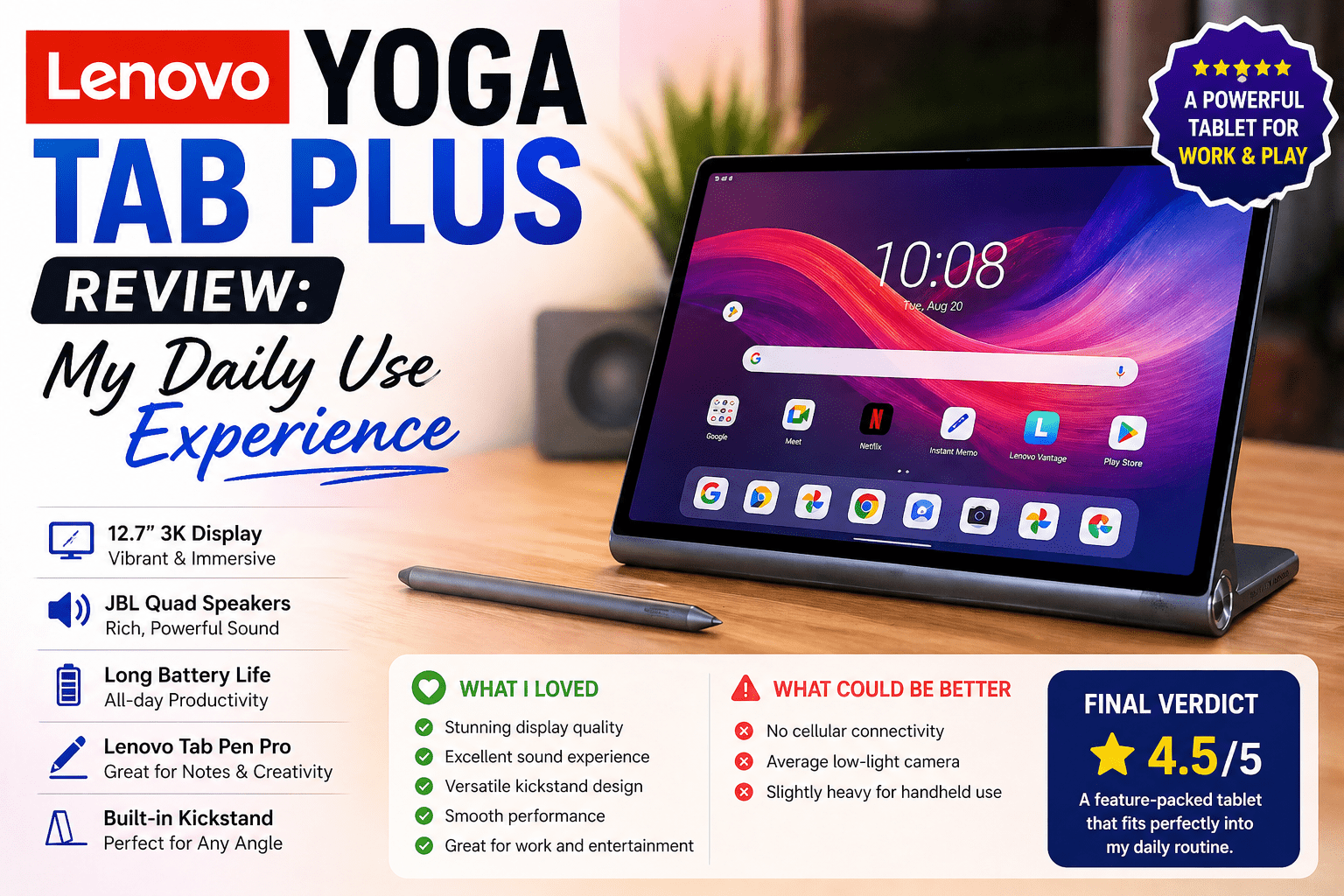
Lenovo Yoga Tab Plus Review: My Daily Use Experience
- 1 Quick Verdict for Lenovo Yoga Tab Plus
- 1.0.1 Best For
- 1.0.2 Not Suitable For
- 2 Specifications of Lenovo Yoga Tab Plus
- 2.1 Design & Build
- 2.2 Display & Media Experience
- 2.3 Performance & Multitasking
- 2.4 Audio Quality
- 2.5 Battery Life
- 2.6 Real World Usage
- 2.7 Pros & Cons of Lenovo Yoga Tab Plus
- 2.8 Pricing and Value
- 3 Final Verdict
My previous tablet began to seem a waste of time. Applications were slow, videos were boring, and multitasking was annoying. I need something that would not slow me down when doing my daily work, streaming, and reading. This is why I chose to test the Lenovo Yoga Tab Plus review unit and whether it could resolve these problems.
The Lenovo Yoga Tab Plus is an advanced Android tablet designed to be used in media and daily productivity. It is aimed at users who want a large, sharp screen, good battery life, and smooth performance in a single device. I streamed, browsed, and did some light work on it to determine whether it could substitute my normal setup and perform actual daily tasks without compromising.
Quick Verdict for Lenovo Yoga Tab Plus
Rating: 8.5/10
Best For
- Watching films and programs on a big screen
- Reading, surfing, and everyday use
- Long battery life users
- Light productivity, such as notes and emails
Not Suitable For
- Intensive gaming or intensive applications
- Multitasking or professional editing
- Compact tablet users.
- Low-end consumers seeking low prices
It provides a powerful media experience with a sharp display and a reliable battery life. Daily work is fine, but heavy work is not designed.
Specifications of Lenovo Yoga Tab Plus
| Specification | Details |
| Display12.7-inch | h LCD, 3K resolution, 144Hz |
| Processor | Qualcomm Snapdragon 8 Gen 3 |
| RAM | 12GB |
| Storage | 256GB |
| Battery | 10200 mAh |
| Charging | 45W fast charging |
| Audio system | Quad JBL speakers with Dolby Atmos |
| Camera | 13MP rear, 8MP front |
| Connectivity | WiFi 6E, Bluetooth 5.3, USB-C |
| Weight | 640g |
| OS | Android 14 |
Design & Build
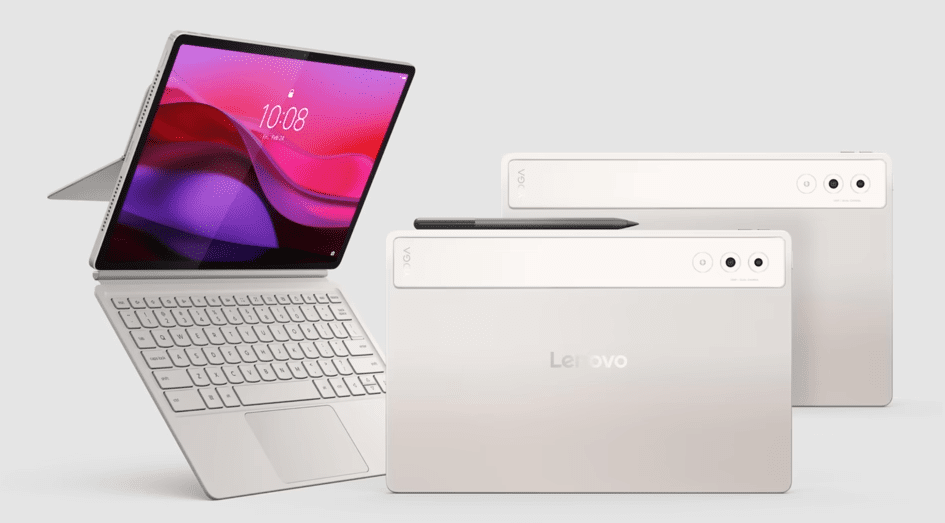
The solid feel in my hand was the first thing that I noticed. It is of a high-quality finish and does not bend when you pick it. The built-in kickstand comes in handy when one is having a long session. I often placed it on a desk when watching videos, and it did not move. The weight is balanced, but you will feel it when using it in the long handheld. The case is not necessary to secure the grip.
Takeaway: The design is high-end, and the stand is a true-to-life convenience.
Also Read- Lenovo Yoga 720-15: Review
Display & Media Experience
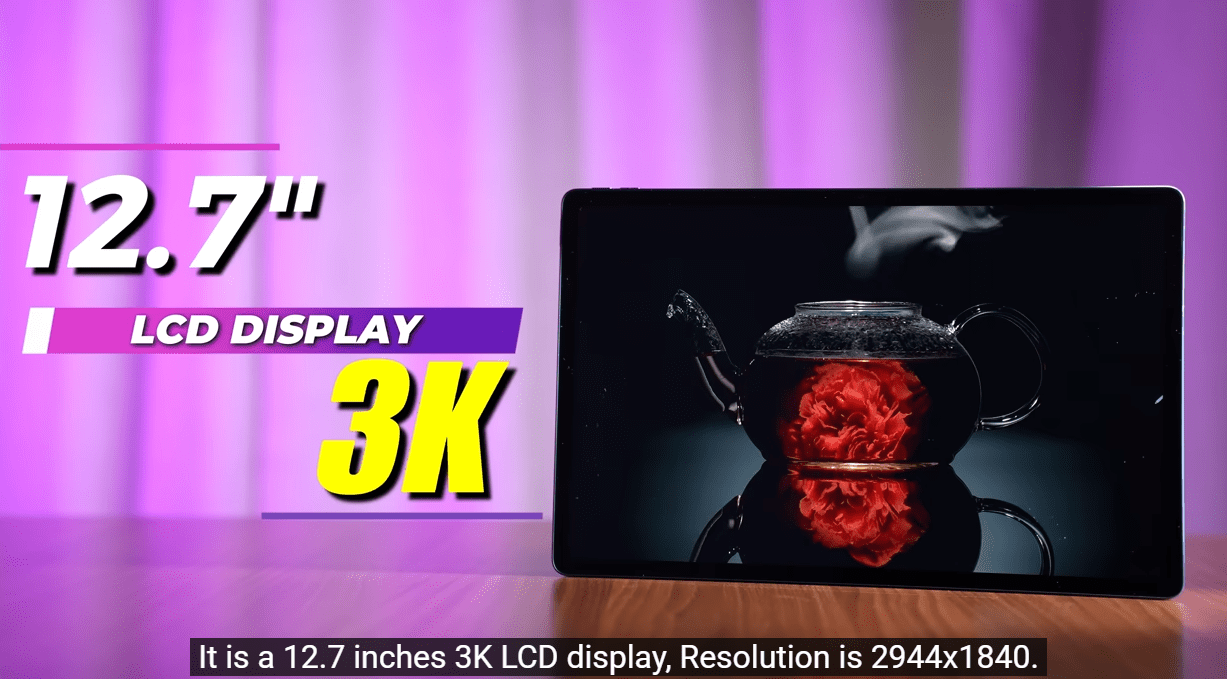
I primarily used it to stream and read, and the display was impressive. Colors are vivid, and brightness is sufficient to be used indoors and close to the windows. I have seen a complete film on Netflix, and the sharpness was evident. Articles are also easy to read. It is good outdoors, but direct sunlight still impacts visibility. It is media consumption-friendly due to its large screen.
Takeaway: The display provides a good streaming and reading experience.
Performance & Multitasking
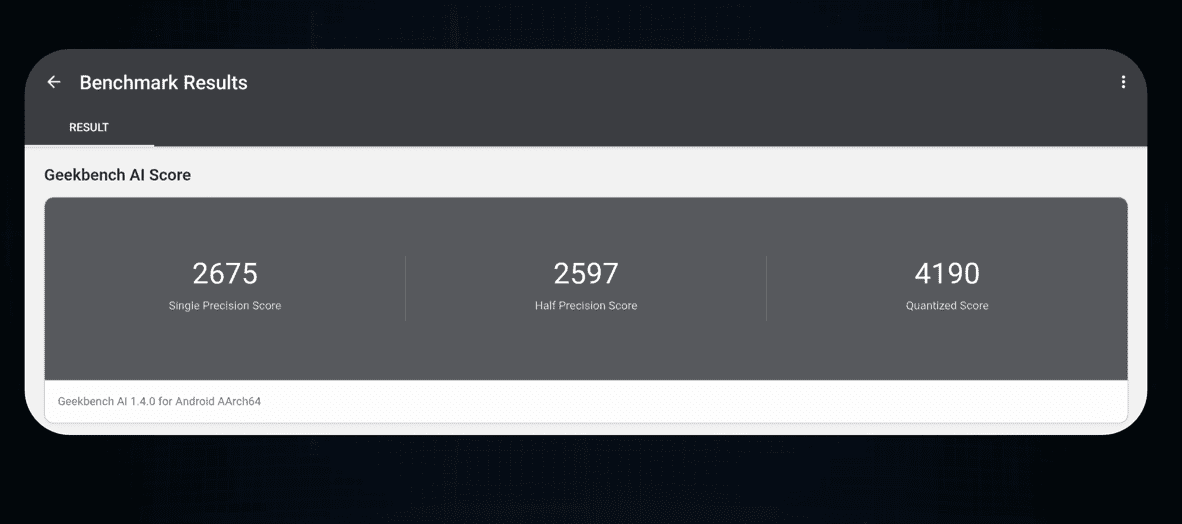
It was responsive and quick in everyday use. Applications loaded fast, and it was easy to move between applications. I had several tabs open as I worked, and it did not slow down. I experienced minor slowdowns during more intensive use,e such as gaming or working with large files. It is not designed to work under heavy workloads, but it works well under normal workloads. The general experience remains constant in most cases.
Takeaway: Performance can be used in everyday life, but it has its limitations when it comes to heavy loads.
Audio Quality
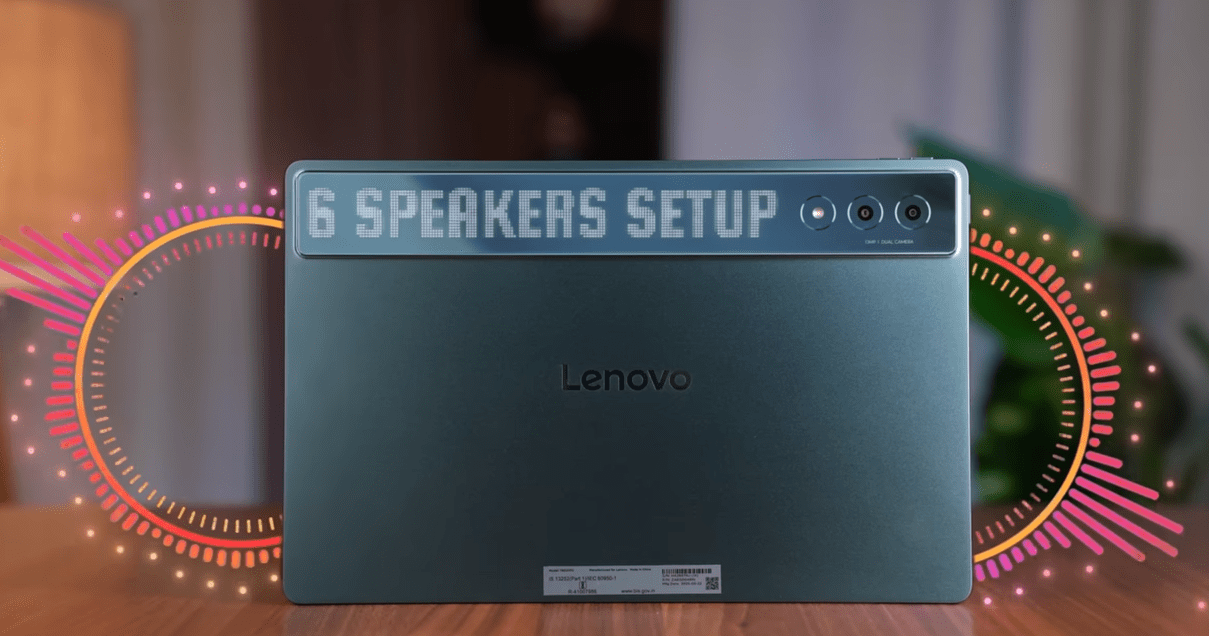
The speakers amazed me with their clarity. Sound is complete and balanced even in high volume levels. I viewed videos without headphones, and voices stayed clear. There was also good bass on a tablet, and the music sounded clean. It fills the room easily in a quiet room. When I was watching a movie casually, I did not find it necessary to have external speakers.
Takeaway: The sound system is powerful enough to use in daily media.
Battery Life
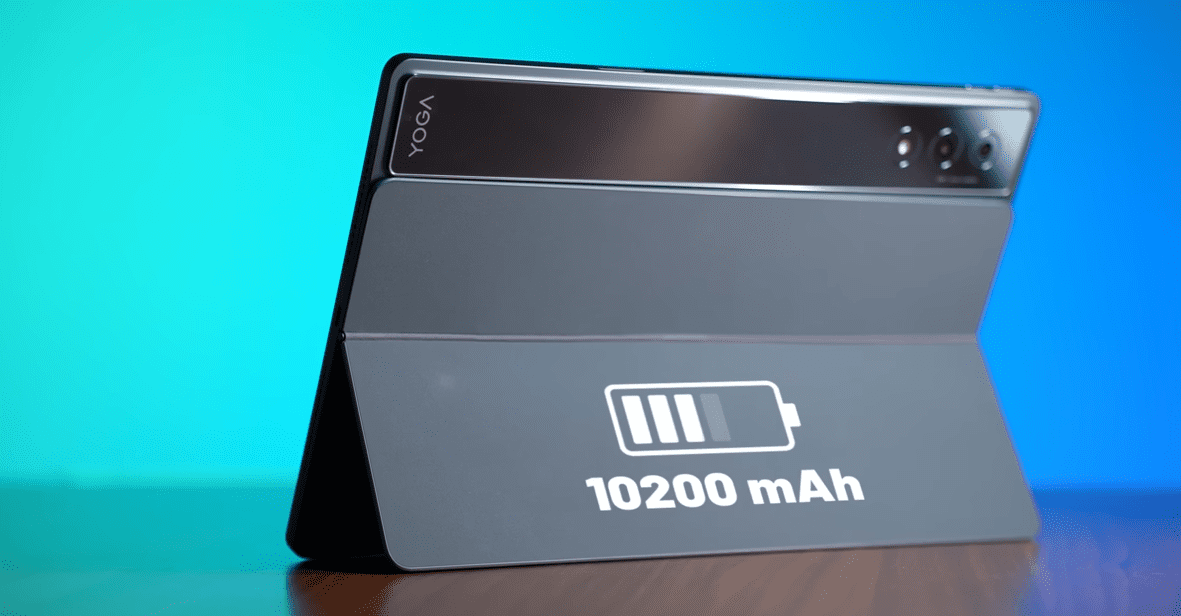
The battery life was good in my day-to-day life. I streamed, browsed, and did some work, and it lasted a whole day without stress. I was watching videos for hours and hours and had charge left. The speed of charging is good, but not the quickest. I normally leave it plugged overnight without any problems. It is reliable to use on a daily basis.
Takeaway: Battery life is stable and can be used all day.
Real World Usage
I applied it in various contexts to understand how it can be applied in everyday life. I put it on a table at home with the inbuilt stand and spent hours on YouTube and Netflix without moving it. I was responding to emails, taking notes,s and doing a little bit of browsing during work, and it did not slow down. While traveling,
I would download movies and read articles simultaneously, and this made the long journeys easier. The big screen was beneficial, but the weight was felt when it was held too long. It is not a full-fledged laptop but a versatile media and light work tool.
Takeaway: It is not designed to be as productive as a full laptop, but rather media, travel, and light work.
Pros & Cons of Lenovo Yoga Tab Plus
Pros
- The large 3K display makes movies and reading significantly sharper.
• The 6-speaker system provides headphone-free, loud, and immersive sound.
• Kickstand is built in to enhance hands-free use during extended sessions.
• Fluid operation in everyday activities such as browsing and streaming.
• The battery easily lasts a full day with mixed usage.
Cons
- Weighs heavy when used in a long handheld form at approximately 640g
• No SD card slot limits storage expansion
• Not ideal for heavy gaming or pro-level workloads
• Android app optimization is still a limitation to full productivity
• Some minor lag or application problems in actual use conditions
Pricing and Value
Lenovo Yoga Tab Plus is a high-end tablet, with a typical price of about 700-800 dollars, depending on the location and package. It is in direct competition with other devices such as the Samsung Galaxy Tab S series and Apple iPad Air, but it is unique in that it usually comes with accessories, such as a keyboard and stylus, in the box.
The value is high in my application when you desire a media-first tablet with a bit of productivity. It has superior speakers and a bigger screen experience compared to other tablets of the same price. It is worth the cost in case you are concerned with streaming, reading, and light work. When you need the full laptop-level performance, the price is lower.
Final Verdict
Having used the Lenovo Yoga Tab Plus in my day-to-day activities, I can say that it offers a good media experience and can be trusted to perform well in performing normal tasks. The screen, speakers, and battery life make it a good option in terms of entertainment and light productivity. I liked to use it to stream, read, and do some casual work without significant problems.
You need to purchase it when you want a big screen tablet to watch movies, browse, and use on a daily basis with a good battery life. You must not use it when you require heavy gaming, professional-level editing, or laptop replacement performance.
It can be purchased by media-oriented users who desire a balanced high-end Android tablet.
FAQs
Is the Lenovo Yoga Tab Plus good for daily use?
Yes, it can stream, browse and read without any problem. In my application, it stayed stable with normal applications without slowing down.
Can the Lenovo Yoga Tab Plus replace a laptop?
It can substitute a laptop when doing light tasks such as emails, notes, and media consumption. A laptop is still preferable in the case of heavy editing, multitasking or professional work.
How is the battery life of the Lenovo Yoga Tab Plus?
The battery has a mixed usage of one day. I streamed and browsed with it, and there was still charge at night.