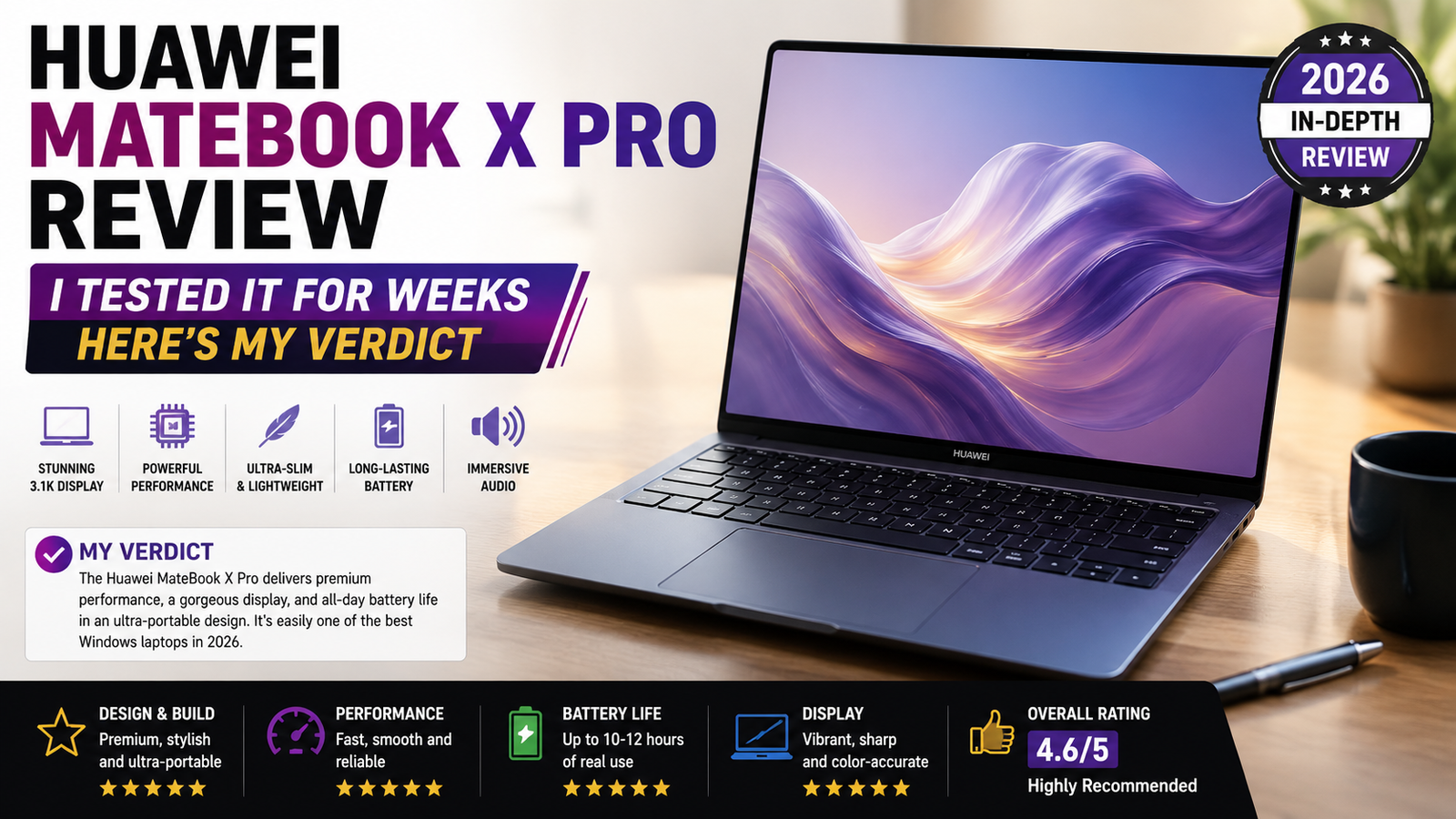
Huawei MateBook X Pro Review: I Tested It for Weeks Here’s My Verdict
I’ve had the pleasure of using the Huawei MateBook X Pro as my everyday device for the past several weeks, and the first thing that strikes me is how strange my backpack feels – too light, almost as though I hadn’t packed anything in it. It comes at an extremely lightweight weight of just 980 grams. However, I’m going to give you my unbiased opinion straight away; I’m one of those people who already owns a MacBook Air M3, so my expectations are embarrassingly high. This laptop lives in the same league as well-known competitors like Apple, in the premium ultrabooks category.
Rating: 7.8 / 10
Ideal for: Frequent flyers, creative professionals, and Windows power users who want MacBook-level build quality without macOS.
Not ideal for: Heavy video editors, gamers, or anyone who needs an all-day battery away from a charger.
Specifications of Huawei MateBook X Pro
| Specification | Details |
| Display | 14.2-inch OLED, 3120 × 2080 (3:2), 120Hz, 1000 nits peak HDR |
| Processor | Intel Core Ultra 9 185H / Core Ultra 7 155H |
| RAM | 32GB LPDDR5 (non-upgradeable) |
| Storage | 1TB or 2TB NVMe SSD (non-upgradeable) |
| GPU | Intel Arc integrated graphics |
| Battery | 70Wh, 90W USB-C fast charging |
| OS | Windows 11 Home |
| Weight | 980g (2.16 lbs) |
| Dimensions | 310.4 × 221.4 × 14.4mm |
| Ports | 2× Thunderbolt 4 (USB-C), 1× USB-C 3.2 Gen 2 |
| Connectivity | Wi-Fi 6E, Bluetooth 5.2 |
| Webcam | 8MP pop-up camera (motorized, hidden in keyboard) |
| Security | Fingerprint reader (power button), privacy camera shutter |
| Base Price | ~£1,699 / €1,799 (Core Ultra 7, 16GB, 1TB config) |
Design & Build Quality
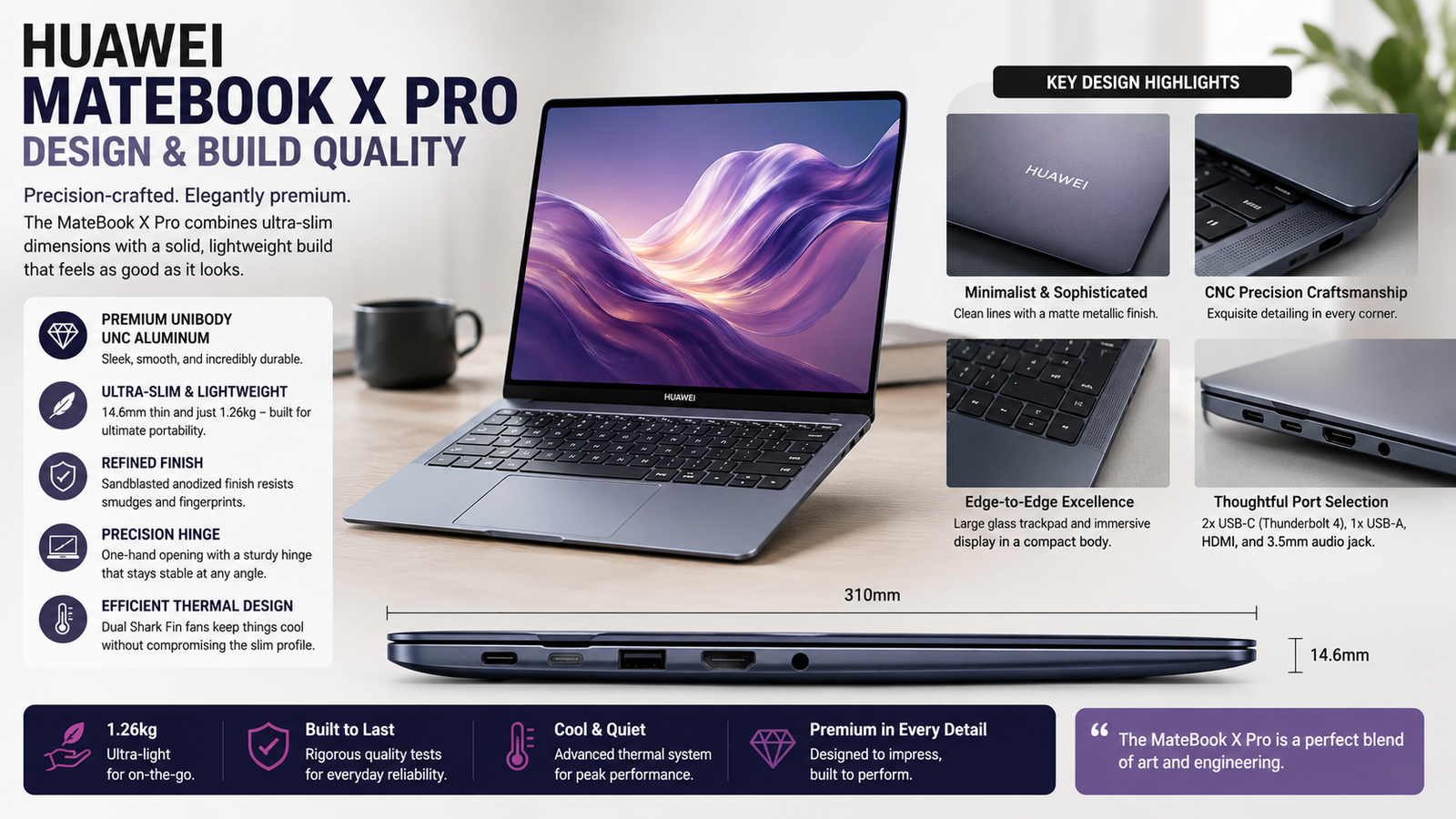
A laptop is easy to carry and will always come in handy! The soft-touch magnesium alloy chassis is not cold; it’s silky like high-quality leather. You have to touch it before you believe me! The Morandi Blue is a muted elegance that doesn’t shout “look at me, I am using a laptop in a coffee shop”. The smooth flow of the hinge is buttery, and it holds its position well. My only touch issue: the bottom panel is slightly more flexible than I would prefer when pressed a little, and no HDMI port or headphone jack — a real annoyance here that means I am getting dongle life from the get-go.
Display
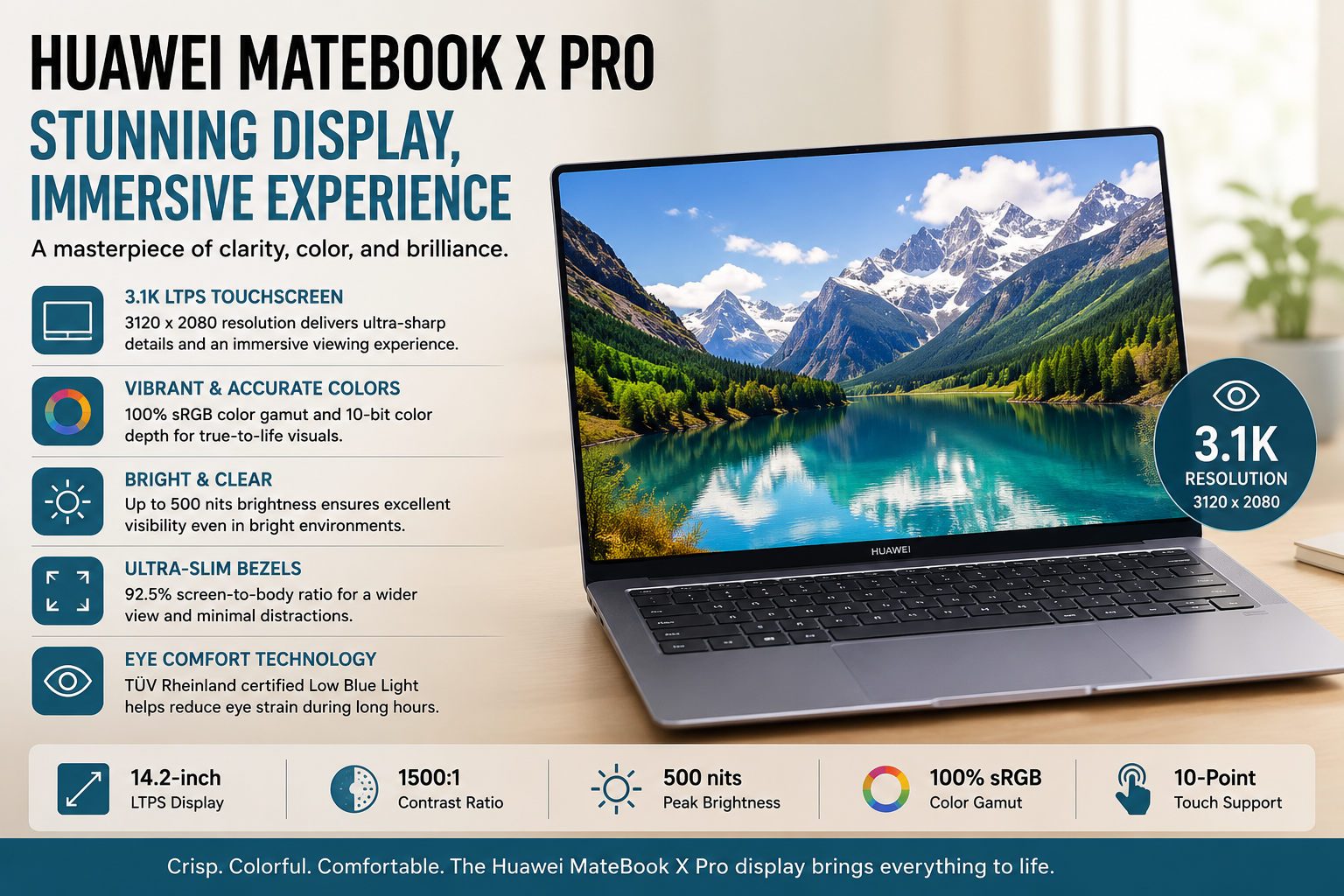
The 14.2-inch OLED display is absolutely one of the finest laptop displays that I have come across so far. Not only does its 3:2 aspect ratio give you extra vertical space compared to a 16:9 display, but it also provides great color accuracy and support for Adobe RGB and DCI-P3 color spaces. It supports up to a 120Hz refresh rate, making all your scrolling smooth as butter. The HDR peak brightness of 1000 nits is quite impressive, too. The drawbacks? Well, the glossy finish of the display attracts fingerprints easily, and in outdoor conditions, the glare is an issue.
Performance
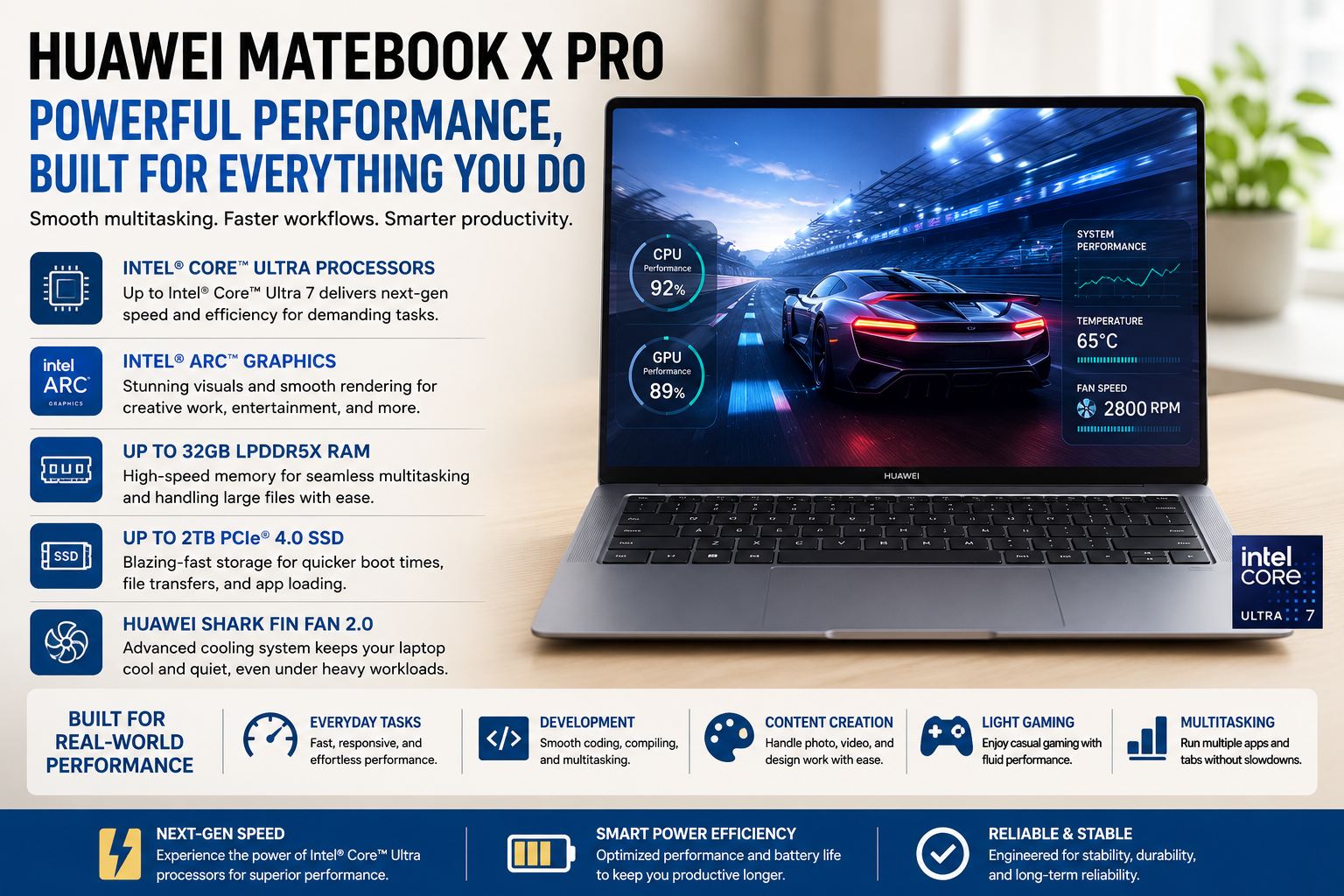
The Core Ultra 9 185H is a rocket when it comes to its everyday uses. Apps launched immediately, with no hesitation when multitasking between Chrome, Lightroom, and Notion at the same time. It’s competitive against similarly specced machines in Cinebench R23 multi-core, and in lighter synthetic benchmarks, it’s close to M3 MacBook Air territory. The real difference here lies in how performance behaves under load: sustained rendering or export operations cause thermal throttling to have a definite effect on performance after some time. The built-in Intel Arc GPU is capable of basic photo editing and some light gaming, but it is not a content creation workstation. That would require a discrete graphics card, though, and this chassis just doesn’t have enough space.
Battery Life
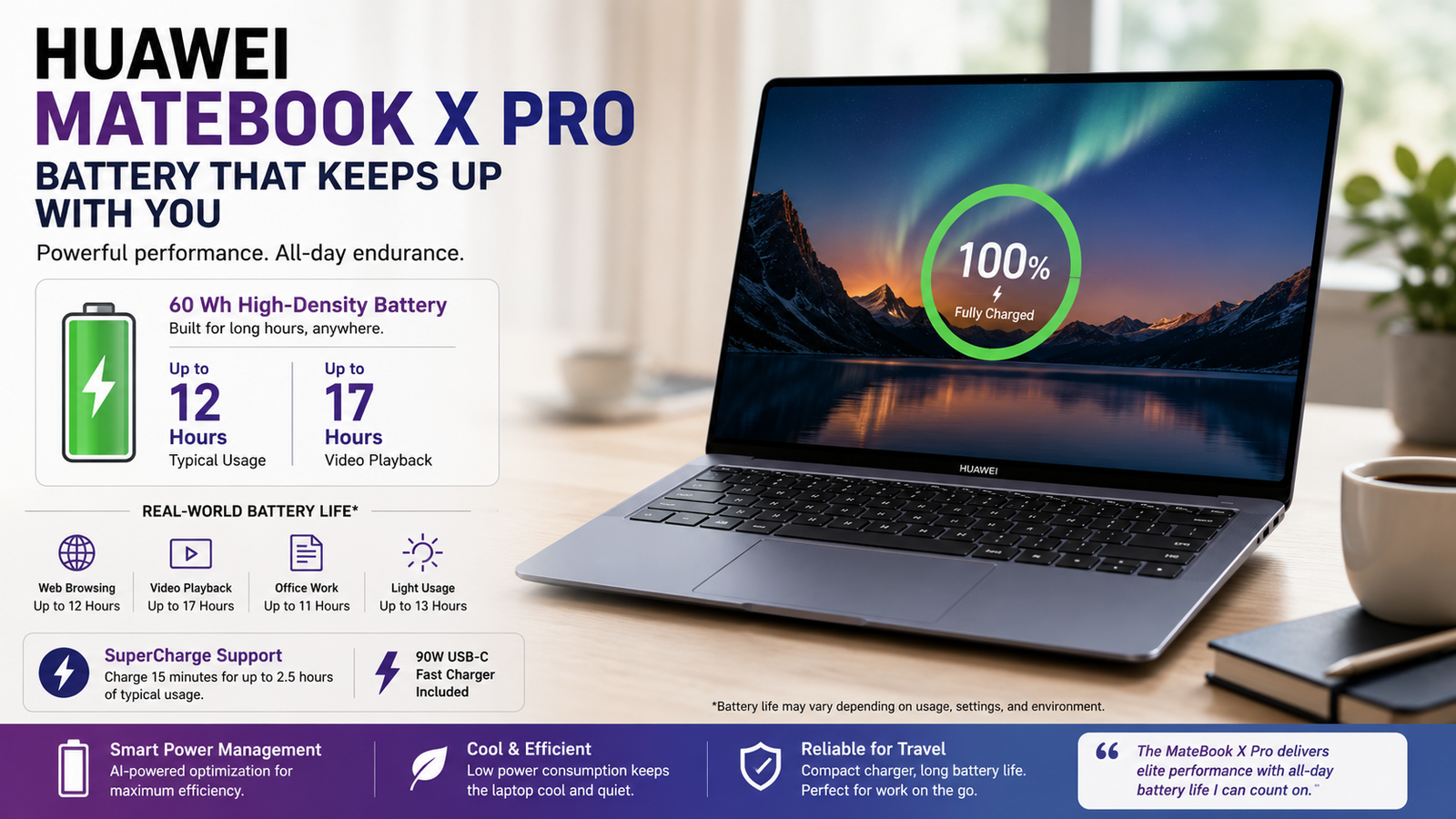
In real-life scenarios, the battery duration varies from 5 to 6.5 hours, depending on what one uses it for. Mixed office use, including emails, Google Docs, and browsing, comes close to 6 hours. Editing photos or processing tasks reduces the battery life to around 5 hours. The maximum battery usage time of 11 hours for video playback in airplane mode seems realistic to me. However, as an adult worker requiring an entire 8 hours of battery capacity, one will definitely have to look out for power sockets. The 90W fast charger is undoubtedly the best part of this device since 45 minutes brings one up to 60%.
Thermal Management & Fan Noise
Here, Huawei did a bit of engineering: The PCB has been divided into three sections to free up internal space, while the redesigned dual shark fin fans, with the help of a vapour chamber and extra air inlets, are 22% larger than the previous generation. The MateBook X Pro is totally quiet under a light load. It sounds like the fans are spinning, but not in an obnoxious way, under sustained benchmarks while pushed by the Core Ultra 9. The more problematic one: TechRadar has tested it and has found that the hot air exhausts away from the screen, down at the right-hand point where your hand would normally rest. I personally found my own keyboard deck to get rather uncomfortable during the benchmarking sessions. The Core Ultra 7 probably offers a better value and is cooler.
Pros & Cons of Huawei MateBook X Pro
| Pros | Cons |
| A sub-1 kg weight is a genuine engineering achievement | A battery rarely survives a full working day under load |
| OLED display is class-leading in color and brightness | No headphone jack or HDMI dongle dependency from day one |
| Thunderbolt 4 ports provide versatile, fast connectivity | Core Ultra 9 runs uncomfortably hot during sustained tasks |
| Soft-touch chassis feels premium and distinctive | RAM and storage are soldered — zero upgrade path |
| Redesigned keyboard is wide, tactile, and comfortable | Not officially sold in the USA; availability varies by region |
Final Verdict
The Huawei MateBook X Pro is a very impressive machine and so close to being a perfect ultrabook. It looks futuristic due to its size and weight, the OLED screen is top of the line, and the quality of build is on par with anything by Apple or Dell. But that isn’t quite the right word for “almost perfect”. The battery can only sustain most people for the entire workday, the thermals on the Core Ultra 9 are worthy of consideration, and the loss of the headphone jack and HDMI at this price is quite the sacrifice that a lot of people will not be able to overlook. My suggestion is to go with Core Ultra 7 instead of Core Ultra 9, and be aware that you are purchasing a 90W charger as an ongoing travel accessory!