HP EliteBook 840 G5 Review: Here’s My Brutally Honest Take
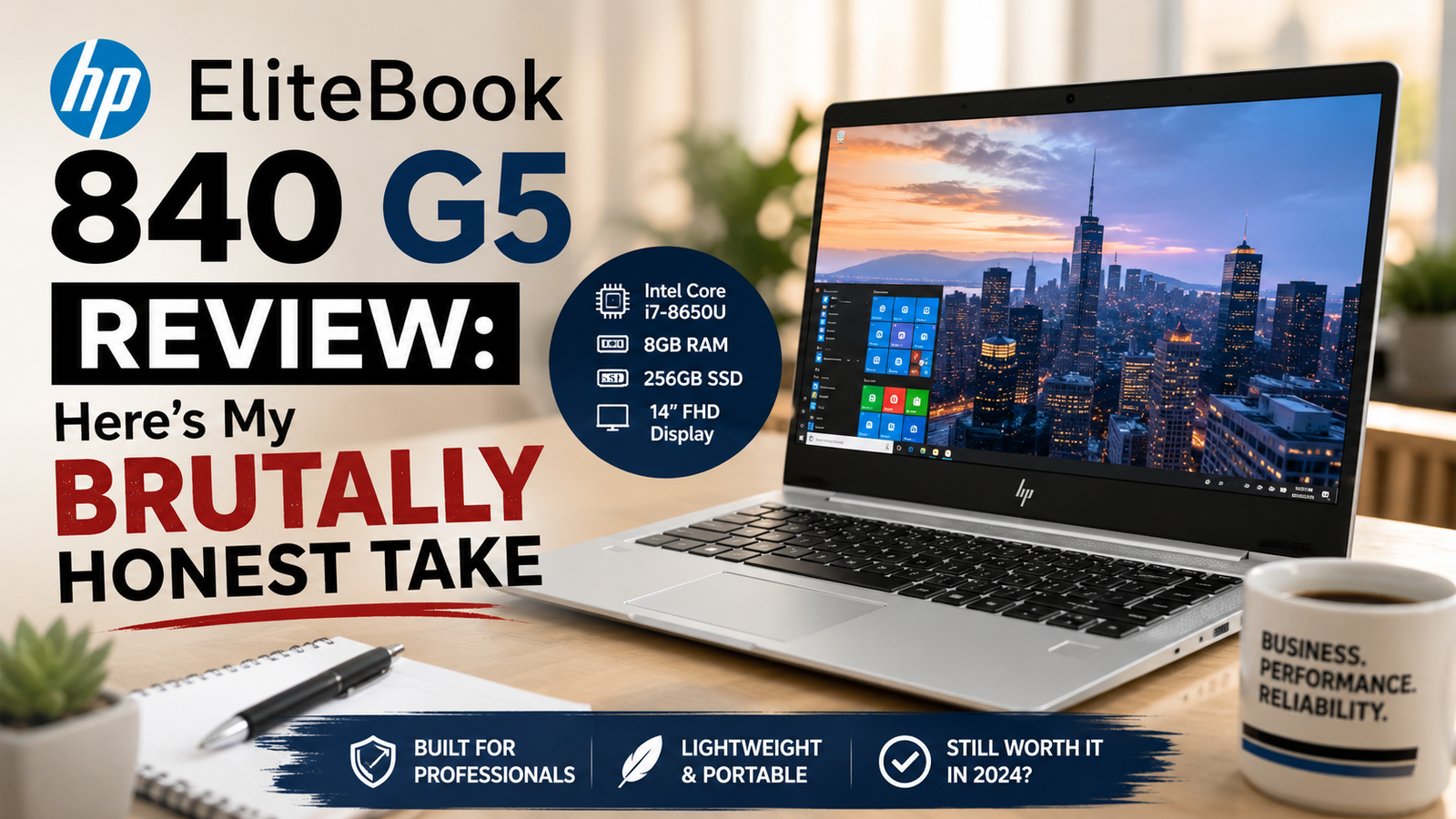
Over the years, I have seen myriad business laptops, and the HP EliteBook 840 G5 just keeps coming up — from the hands of those in the enterprise fleet, to those on refurbished marketplaces, and to those who swear by it.
This machine was introduced in 2018 and is now mainly a buy-refurbished, often, the price range is between $150 and $350, depending on the machine’s specs and condition. I’m not about to lie to you that you’re looking to purchase a new laptop. You’re likely wondering whether the G5 is still viable in 2026 compared to the Dell Latitude 7490 or the ThinkPad T480. Having personally used this machine,
I can tell you: it does, with some caveats you should be aware of before you give it a shit!
Best suited for: IT managers purchasing dependable refurbished business computers, telecommuters working on a shoestring budget, and students requiring an all-around solid machine for their day-to-day activities.
Least well-suited for: Designers looking for accurate color reproduction, those who prefer ultra-quiet computers, or individuals using graphics-intensive programs.
Specifications of HP EliteBook 840 G5
| Specification | Details |
| Display | 14-inch IPS FHD (1920×1080), matte; optional Sure View 700-nit privacy panel |
| Processor | Intel Core i5-8350U / i7-8550U / i7-8650U (8th Gen, Kaby Lake-R) |
| RAM | 8GB–32GB DDR4-2400 (2 slots, upgradeable) |
| Storage | 256GB–1TB PCIe NVMe SSD (M.2 slot) |
| GPU | Intel UHD 620 (integrated) / AMD Radeon RX 540 2GB (discrete, select models) |
| Battery | 50Wh Li-ion; optional long-life 72Wh |
| Operating System | Windows 10 Pro (upgradeable to Windows 11 Pro) |
| Weight | 3.4 lbs (1.54 kg) |
| Dimensions | 12.8 × 9.2 × 0.7 inches (325 × 234 × 17.9 mm) |
| Ports | 2× USB 3.1, 1× USB-C/Thunderbolt 3, HDMI, RJ-45, headphone/mic combo, SD card |
| Connectivity | Intel 8265 Wi-Fi (802.11ac), Bluetooth 4.2; optional 4G LTE |
| Webcam | 720p HP Wide Vision IR camera with Windows Hello |
| Security | HP Sure Start Gen4, TPM 2.0, fingerprint reader, IR face recognition |
| Base Price (Refurbished, 2026) | ~$150–$350 USD depending on configuration and seller grade |
Design & Build Quality
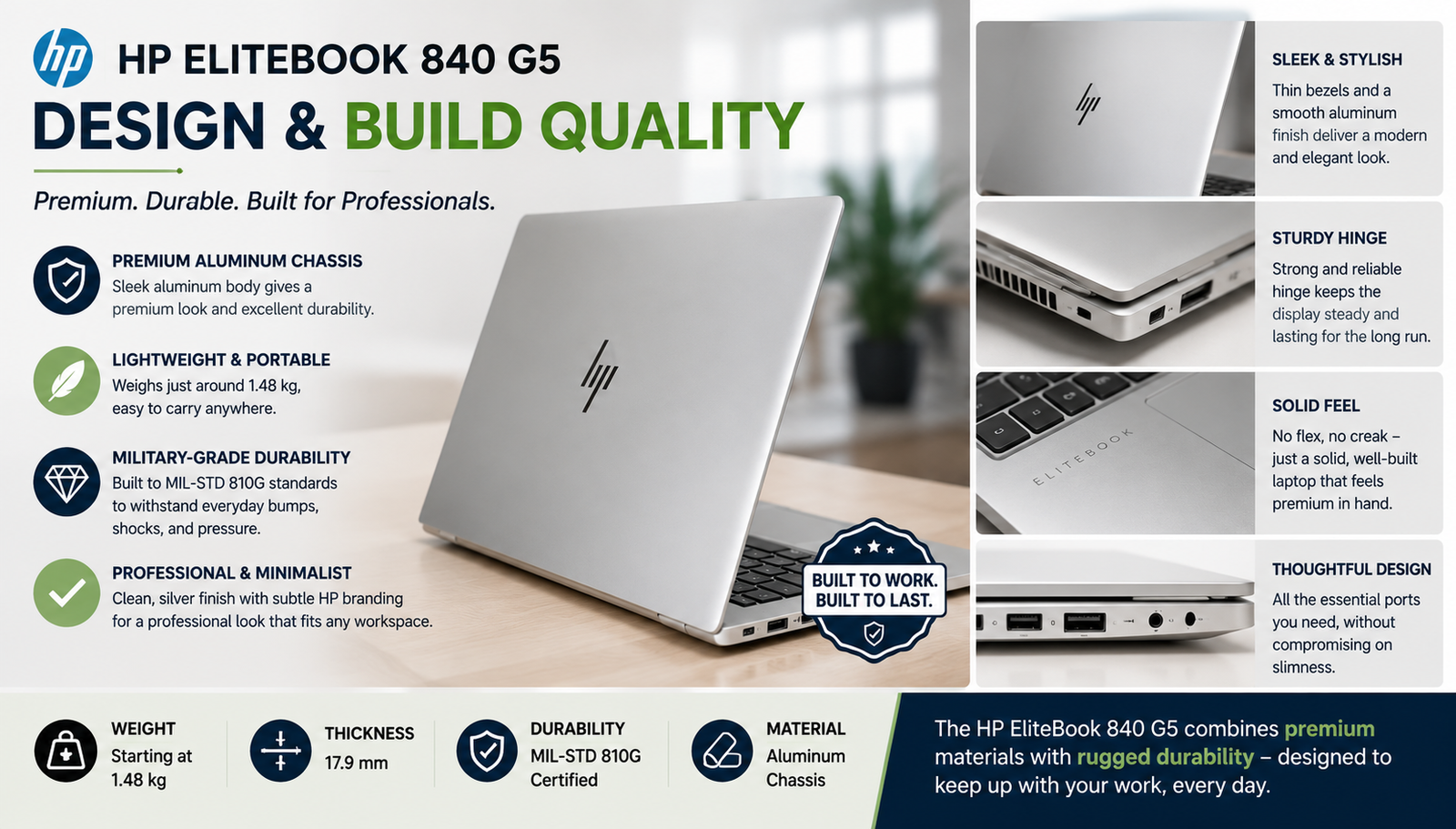
Pick this thing up, and you’ll feel the money that was spent at HP. It has a CNC-machined aluminum lid, which is cool and impressively tough. The chassis will not flex at all, even when holding it with one hand. I’m being honest: the underside isn’t metal; it’s plastic, and you’ll see. However, HP knew their stuff: The hinge is not too stiff but not too soft, the keyboard deck is not bowed, and MIL-STD-810G certification is not merely a marketing gimmick.
This machine really does look like it’s built to last for years in a bag.
Display Quality of HP EliteBook 840 G5
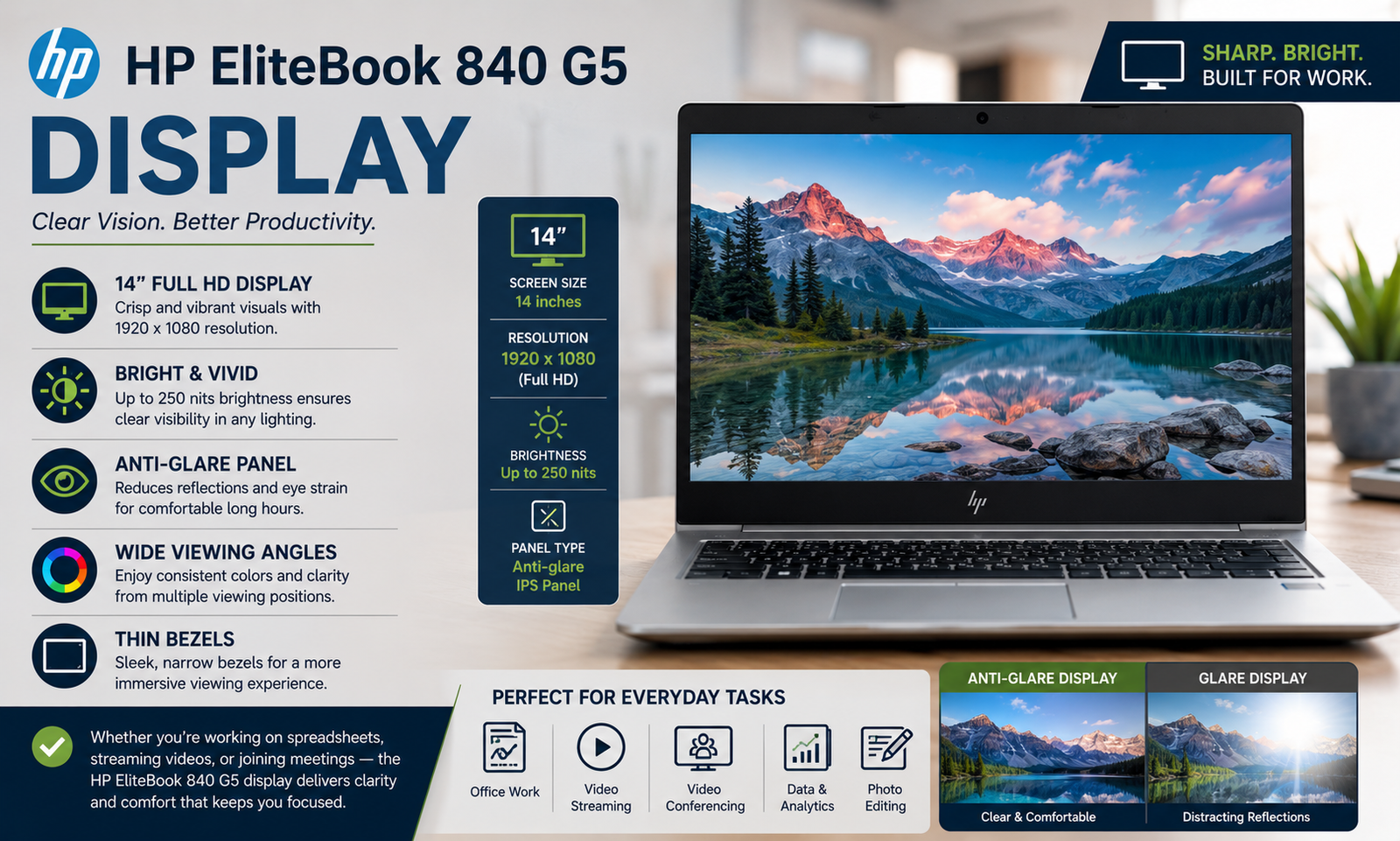
The IPS Matte screen is the perfect choice for a work laptop. The viewing angles are satisfactory, outdoor visibility is okay, and the matte technology does an excellent job in reducing glare indoors.
On the flip side, there isn’t any accurate color reproduction – about 62% of the sRGB space – making it unsuitable for editing photos. The Sure View privacy screen is actually useful in open office environments, but enabling it significantly lowers the brightness levels. Despite that, at this price range in 2026, the display offers good value for money.
Performance
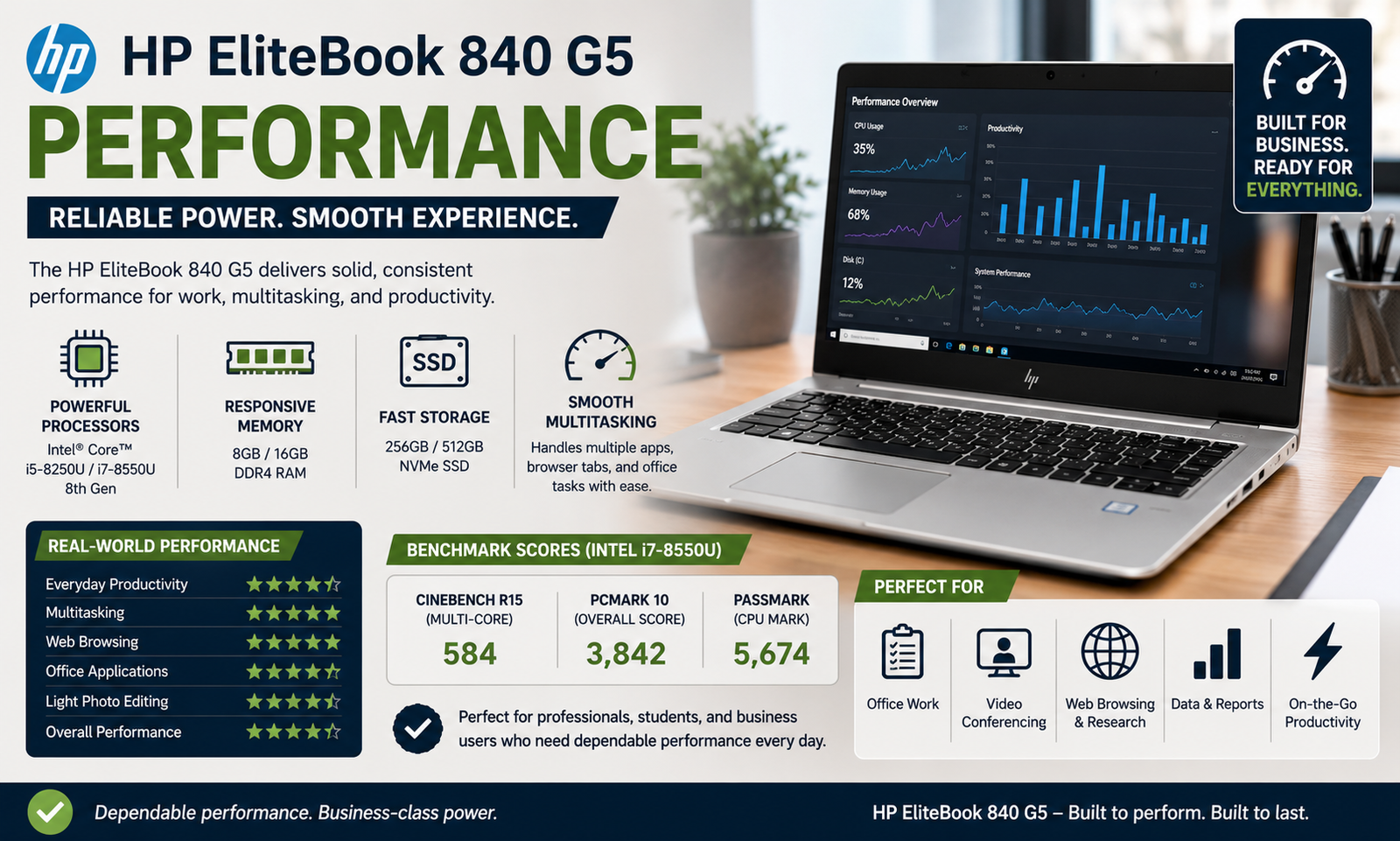
The i7-8650U is up to the task even in 2026 in terms of office productivity. According to Geekbench 4, the i7-8650U on the 840 G5 was capable of achieving 13,253 in multicore operations, beating out the average for premium laptops at the time of its release. As far as everyday computing is concerned, such as web surfing with several tabs open, Teams calls, Word, and Excel, it gets the job done without complaints. However, when it comes to sustained multitasking, that is where the chip begins to run into problems. It can overheat, leading to throttling, which is common with thin laptops that utilize the Kaby Lake-R architecture.
Battery Life
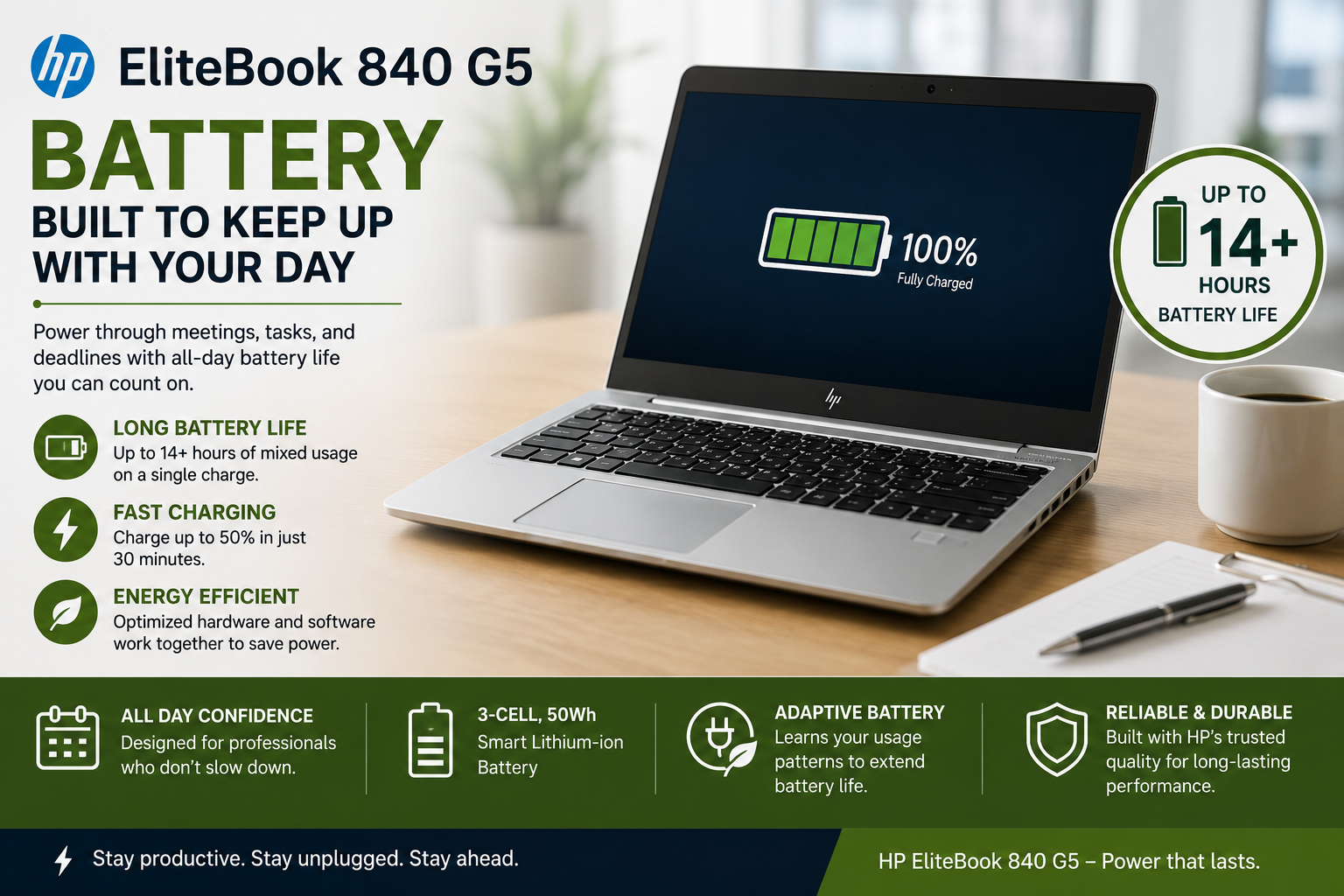
It’s time for me to be straightforward. In benchmarks, the 840 G5 was able to last about six and a half hours when pushed hard — respectable enough, but definitely not among the best. In terms of real usage (emailing, documents, video conferencing), you will get 7–8 hours from a good-quality original battery. However, by 2026, most used laptops will have accumulated hundreds of charge cycles. Those that have 300-500 charge cycles left will only have 70-85% of their battery remaining, thus allowing just 4-5 hours of usage.
Thermal Management & Fan Noise
My major gripe with the G5 in real life. Under light loads, the single-fan cooling system maintains an acceptable temperature range but has well-documented eccentricities. I’ve seen this, as have many others, when using the fan — it runs all the time, even at idle, and is related to how the BIOS handles Intel Turbo Boost and the discrete AMD graphics card. Sometimes the thermal sensor has a fault, and the BIOS turns on the fan to the max as a safety precaution, and changing the thermal paste doesn’t help.
Changing the Windows power profile from ‘Best Performance’ to ‘Better Performance’ makes a huge difference. It’s a workaround that shouldn’t be required, but it is acknowledged.
Also Read- HP ProBook 450 G10 Review: Reliable Business Workhorse or Overhyped Mid-Ranger?
Pros & Cons of HP EliteBook 840 G5
| Pros | Cons |
| High-quality aluminum construction that will withstand normal usage. | The noise from the fans when they are powered by AC is well known and a recurring problem. |
| Good security suite: IR face login, fingerprint, TPM 2.0, HP Sure Start. | Older refurbished batteries may have a battery life of 4-5 hours. |
| Thunderbolt 3, HDMI, and RJ-45 Ethernet in a package. | Color Gamut (~62% sRGB) is poor for creative work. |
| The optional 4G LTE and Sure View privacy screen are both handy. | CPU slows down during heavy, sustained load. |
| Superb keyboard/trackpoint combination for extended typing time. | Proprietary charging port – Most configurations do not support charging via a USB-C connector. |
Final Verdict
As far as 2026 goes, the HP EliteBook 840 G5 lives up to its hype when it comes to being one of the best used laptops for business at this price point. Construction, security, and connectivity are all well above par, considering this is an older model. But be warned: The noisy fan issue is very much true, battery lifespan depends heavily on luck, and the screen will disappoint anyone who does work requiring accurate colors. Find a reputable seller who rates their batteries properly, configure at least 16GB RAM and an NVMe drive, and it should last a good couple of years more.
FAQs
Should I buy the HP EliteBook 840 G5 in 2026?
Yes – at $150-$350 used, it’s still a great laptop for office work with enterprise durability, robust security features, and better port selection compared to other similarly priced consumer laptops.
Can the HP EliteBook 840 G5 run Windows 11?
Yes – the i5-8350U and i7 processors are compatible with Windows 11 thanks to TPM 2.0 support, and most used HP EliteBook 840 G5s come preloaded with Windows 11 Pro.
How much time will an HP EliteBook 840 G5 battery last?
With a working battery, you should get around 7-8 hours on average of office work. Older refurbished HP EliteBook 840 G5 laptops with 300-500 battery cycles usually provide 4-5 hours, so be sure to check the battery life.
What is the HP EliteBook 840 G5 loud fan issue?
The problem is that the fans work at max RPM even when the computer is idle because of a known BIOS bug. Changing the power plan from “Best performance” to “Better performance” usually solves the problem.