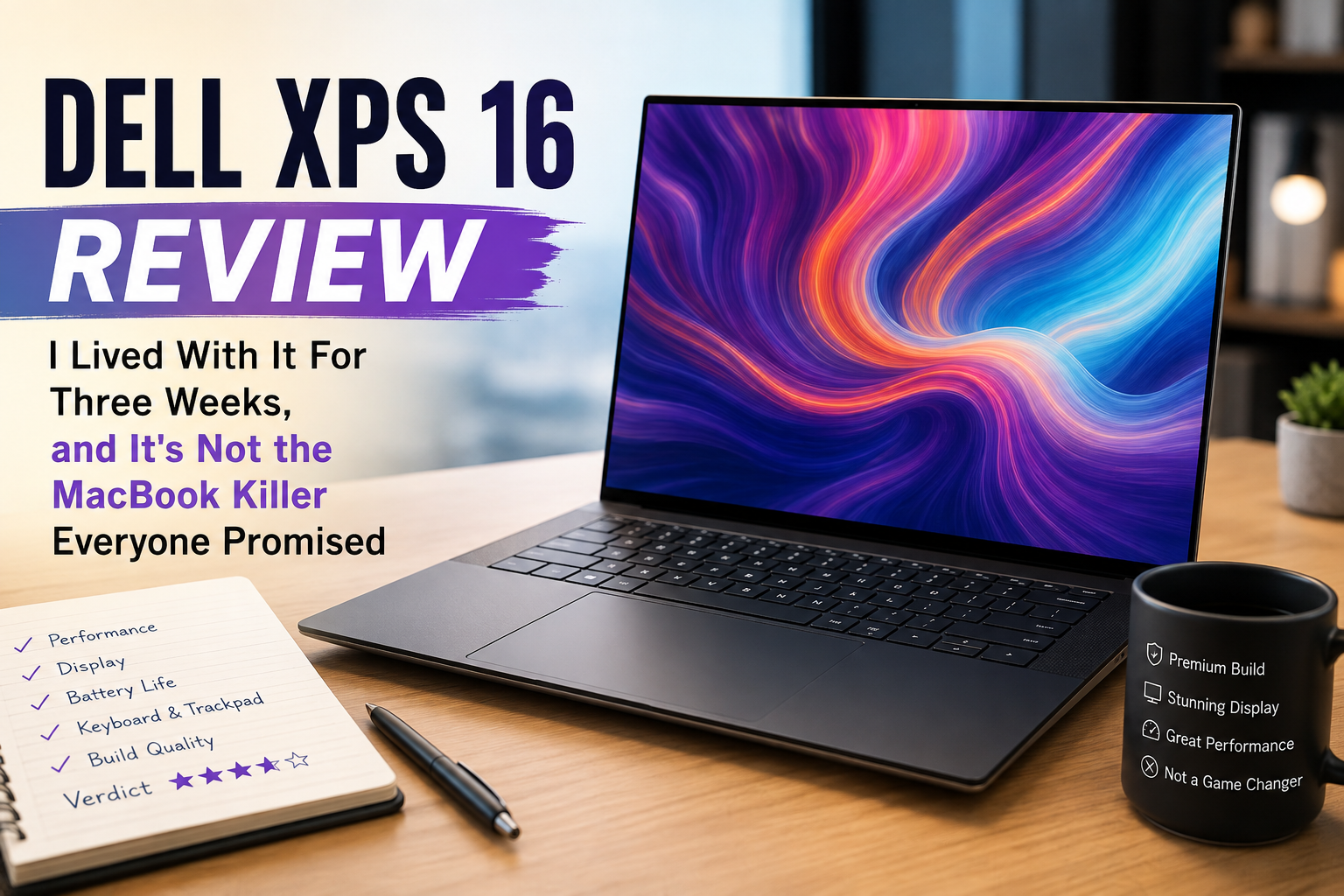
Dell XPS 16 Review: I Lived With It For Three Weeks, and It’s Not the MacBook Killer Everyone Promised
- Best For: Writers, designers, and professionals who wish to use Windows rather than a MacBook Pro to perform tasks like document creation, design evaluation, spreadsheet work, and photo editing.
- Bad For: Gamers, video editors who need powerful GPUs, and people who require USB-A, HDMI, and SD card slots on a regular basis.
Over the past couple of years, I have come across several Windows flagship machines, and all of them copy the design of the MacBook Pro without fixing its problems. The only machine is the Dell XPS 16 (2026), which almost matches the rival model but gets poor grades owing to its amazing screen. I used this device along with my M3 MacBook Pro to accomplish real work, writing, spreadsheet experiments, and even some games at night for more than three weeks. What I have seen is a machine which, apart from minor problems, performs everything just fine.
Specifications of Dell XPS 16
| Specification | Details |
| Display | 16.3-inch Tandem OLED touch, 3200 x 2000, up to 120Hz variable refresh |
| Processor | Intel Core Ultra X7 358H (Panther Lake) |
| RAM | 32GB LPDDR5X-9600, soldered |
| Storage | 1TB PCIe SSD |
| Graphics | Intel Arc B390 integrated graphics |
| Battery | 70Wh, up to 10-11 hours real-world mixed use |
| Operating System | Windows 11 Home/Pro |
| Weight | 3.6 – 3.75 lbs depending on configuration |
| Dimensions | 13.8 x 9.3 x 0.58-0.6 inches |
| Ports | 3x Thunderbolt 4 (USB-C), 3.5mm headphone jack |
| Connectivity | Wi-Fi 7, Bluetooth 6.0 |
| Webcam | 1080p with Windows Hello IR |
| Security | Windows Hello facial recognition, TPM 2.0 |
| Starting Price | $1,749 (tested at $2,349) |
Design & Build Quality
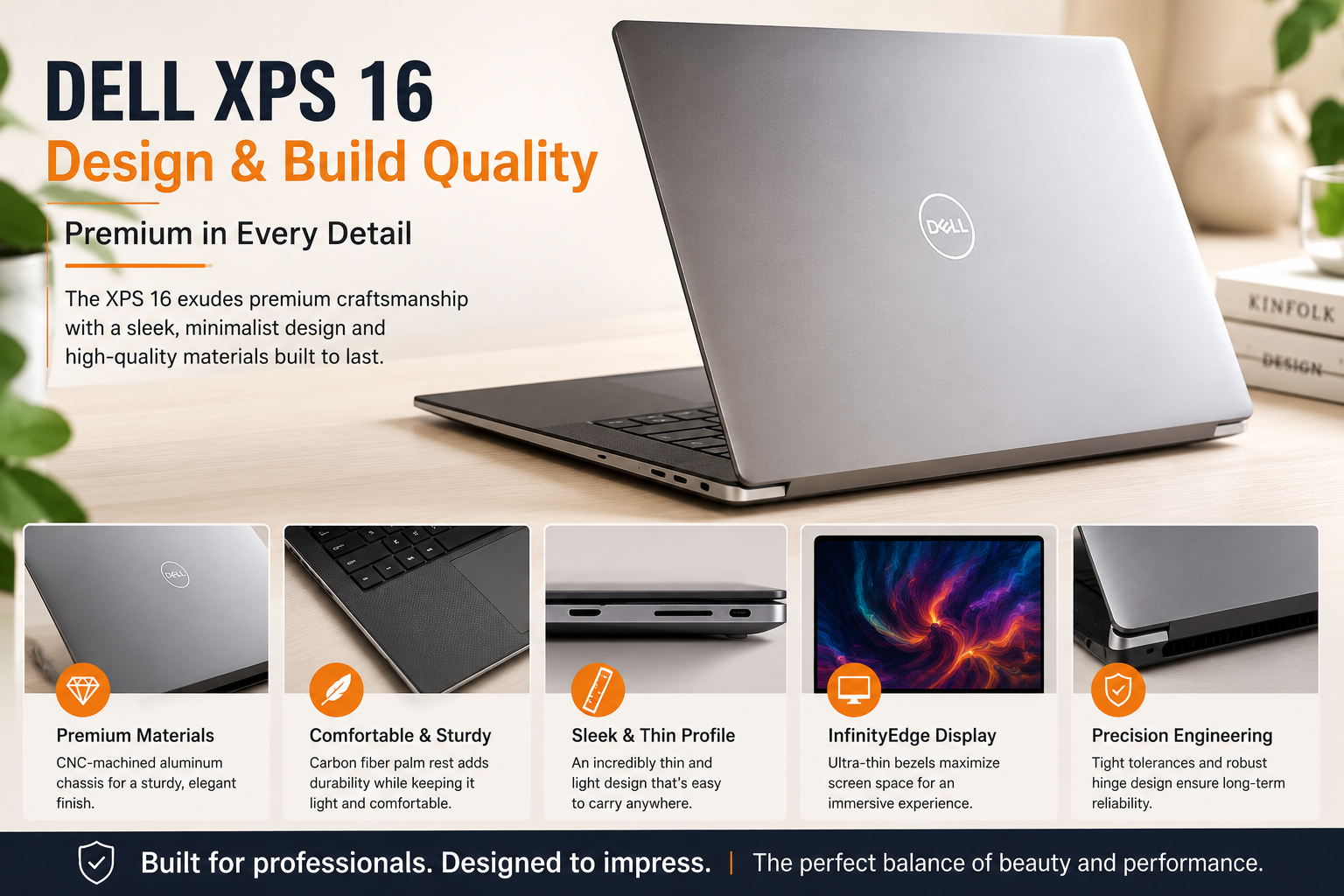
When you take it out of the box, it definitely feels like you’re handling a piece of solid aluminum, not an empty container. The hinge does not have any play in it at all, and the lid comes up easily using one hand by way of two rubber feet on its bottom side. The thing that I really liked was the black glossy XPS logo on the lid – it looked much more mature than the old Dell logo, and there was also a touchpad with seamless glass and a very small border around it so that you could feel where it ended. The keys of the keyboard are too close for comfort.
Display
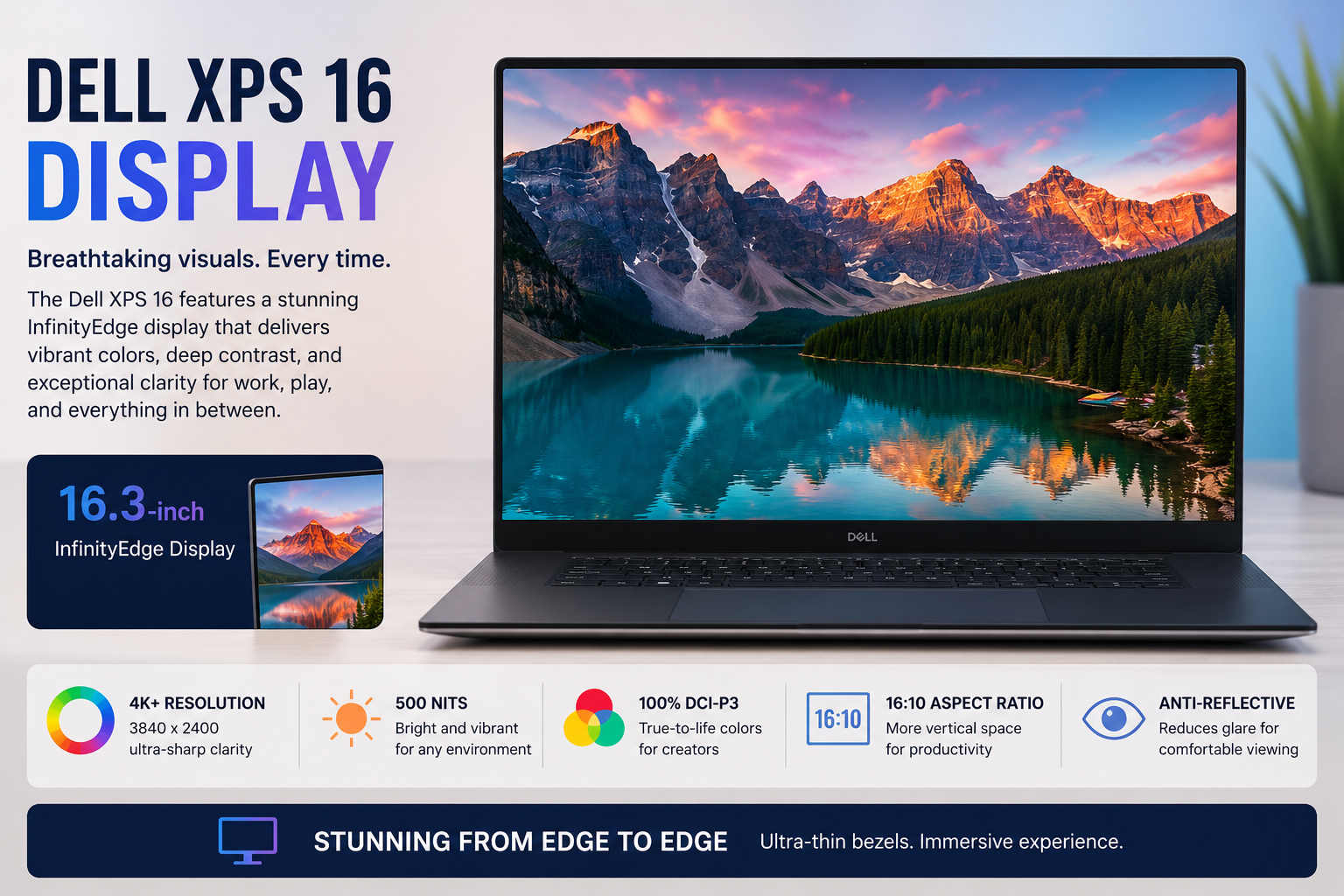
This is where the XPS 16 shines. With a resolution of 3200 x 2000, this tandem OLED panel was sufficiently clear for me not to notice individual pixels, and its blacks were sufficiently black without any light bleeding through even in a room lit by a single bright spot on the screen. The colors looked vibrant without being oversaturated, and that’s very important when reviewing photos or movies while working. The variable refresh rate up to 120Hz made scrolling through content faster than the old XPS panels. The only problem with it is the inability to create truly eye-piercing HDR highlights like mini-LED panels do.
Performance
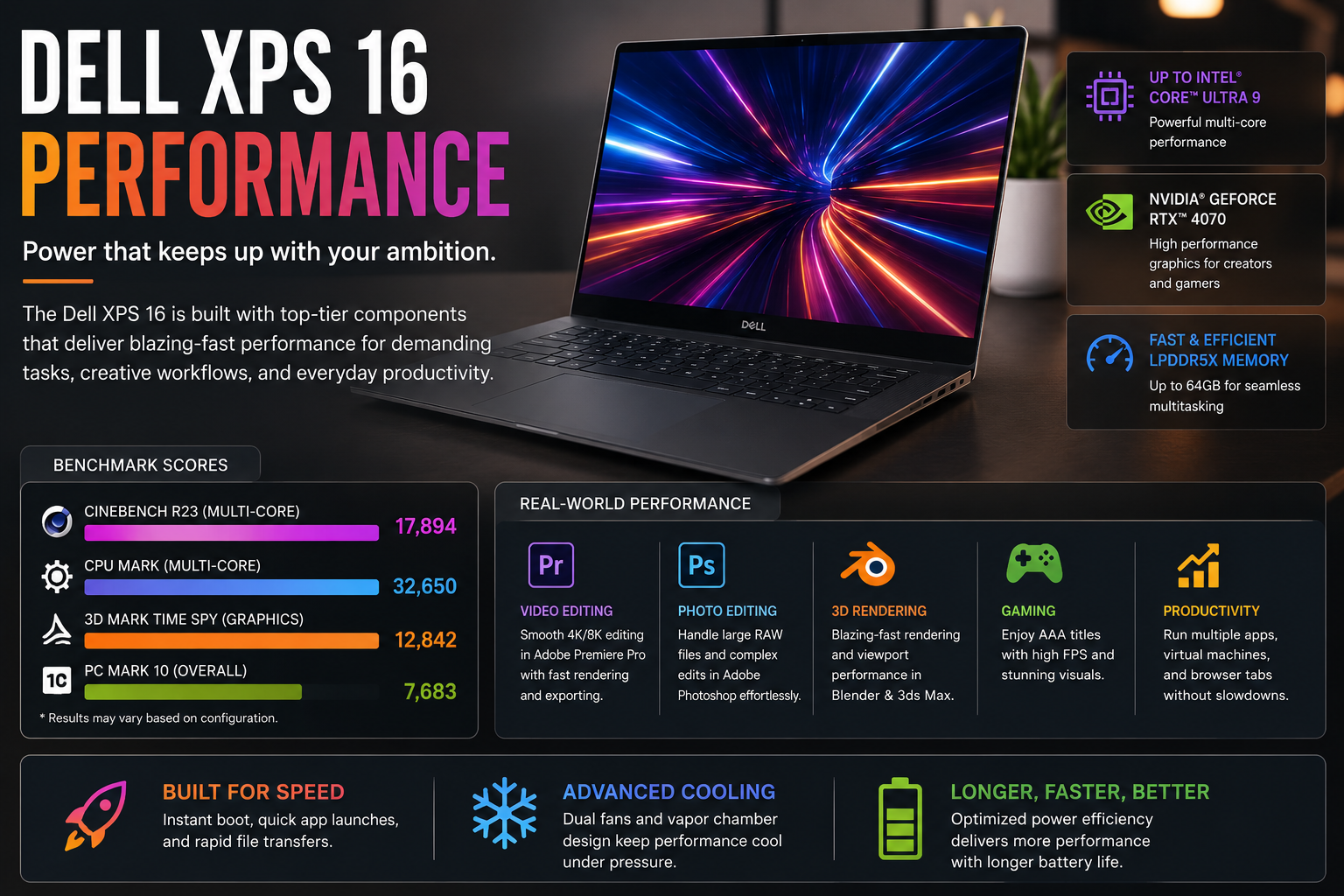
This Core Ultra X7 358H, in tandem with 32 GB of speedy LPDDR5X RAM, did not have any trouble with everyday multitasking. Even having to use several applications at once, such as browsing tabs, video calls, and spreadsheets, did not affect it at all. In the Cinebench 2024 multi-core performance test, it reached the low 900s mark after just two loops, which is good for a 25W processor but lags behind such competitors as Apple’s M5 and even some other products from Asus based on ARM architecture in terms of single-core strength in Geekbench 6, reaching only 2,839 points. The integrated Intel Arc B390 graphics were able to run Cyberpunk 2077 at playable frame rates on high settings, but definitely cannot compete with dedicated graphics card laptops.
Battery Life
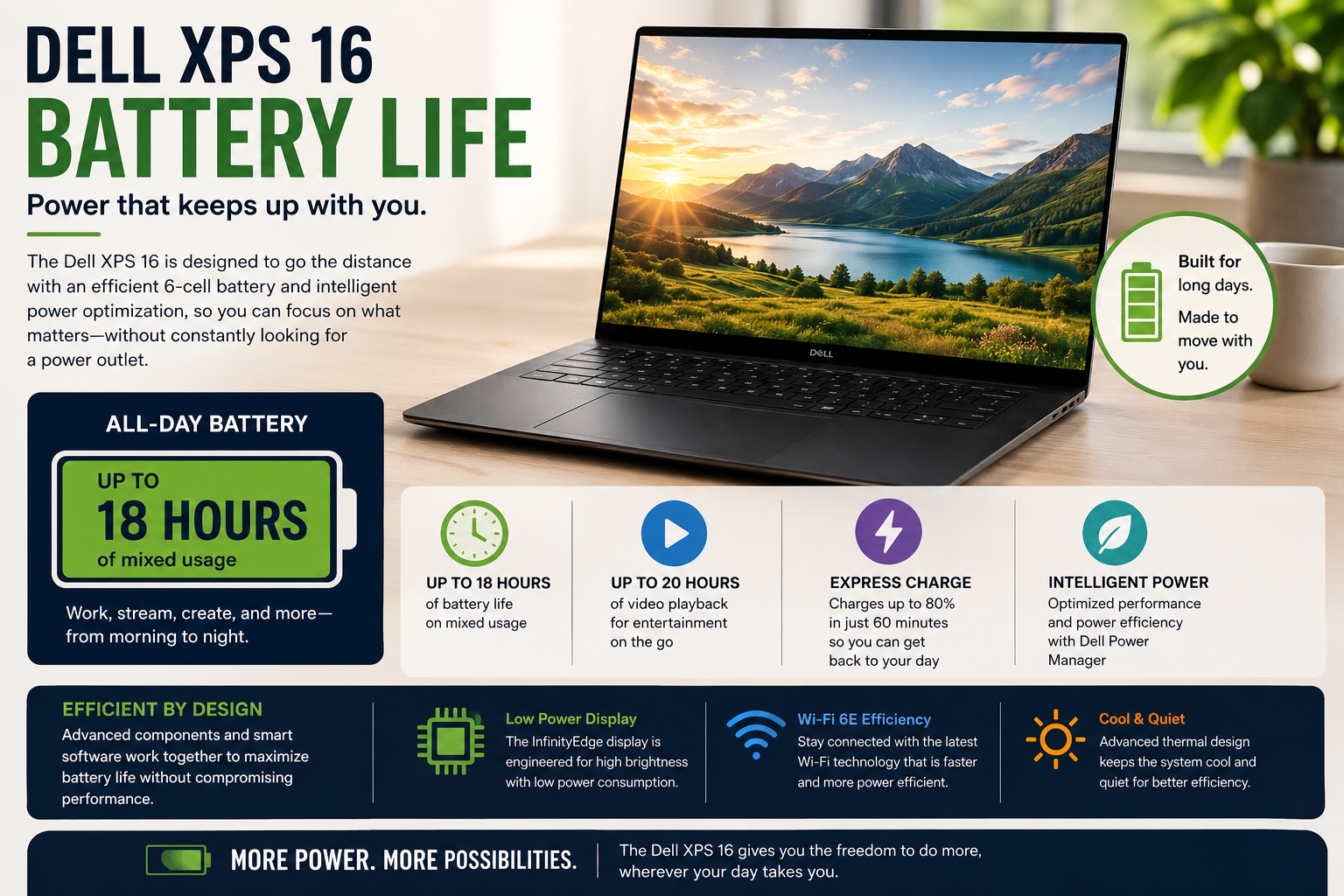
I would get 9-10 hours of brightness with a combination of writing, browsing, and video calls, sometimes longer on lighter days of writing. That came down to 7 hours with heavier sessions that included video calls and Photoshop open. This is a definite step up from last year’s offering and is definitely on par with Apple’s battery efficiency, which I don’t often say good things about Windows laptops.
Thermal Management & Fan Noise
Dell’s cooling keeps the device comfortable during everyday use — the keyboard stays cool even during long typing sessions in warm conditions. Fan noise is minimal during light tasks like writing and browsing, rising to an audible but non-intrusive level under heavy loads like video exports or gaming. Thermal throttling was negligible, with Cinebench scores staying consistent across repeated runs.
Pros & Cons of Dell XPS 16
| Pros | Cons |
| Stunning tandem OLED display with deep contrast and sharp detail | Only three USB-C ports and zero legacy connections, no SD slot |
| Genuinely all-day battery life for a Windows laptop | Zero-lattice keyboard still feels cramped for long typing sessions |
| Premium CNC-machined aluminum build that feels reassuringly solid | Integrated graphics limit it for serious gaming or GPU rendering |
| The physical function row is finally back after the touch-bar mistake | The starting price climbs fast once you add RAM or storage |
| Quiet, efficient performance for everyday productivity and light creative work | Heavier than some 16-inch rivals despite the slim profile |
Final Verdict
When compared to the MacBook Pro, the Dell XPS 16 (2026) is arguably the most attractive Windows laptop I have seen in a long time. It has a stunning display, an excellent battery life, and build quality that truly justifies the price. It is not flawless, though, as the connectors will be difficult for makers utilizing external storage drives or recording with their own cameras, and the keyboard truly needs to be redesigned. Go for it if you do not need dedicated graphics and do not mind using a dongle.