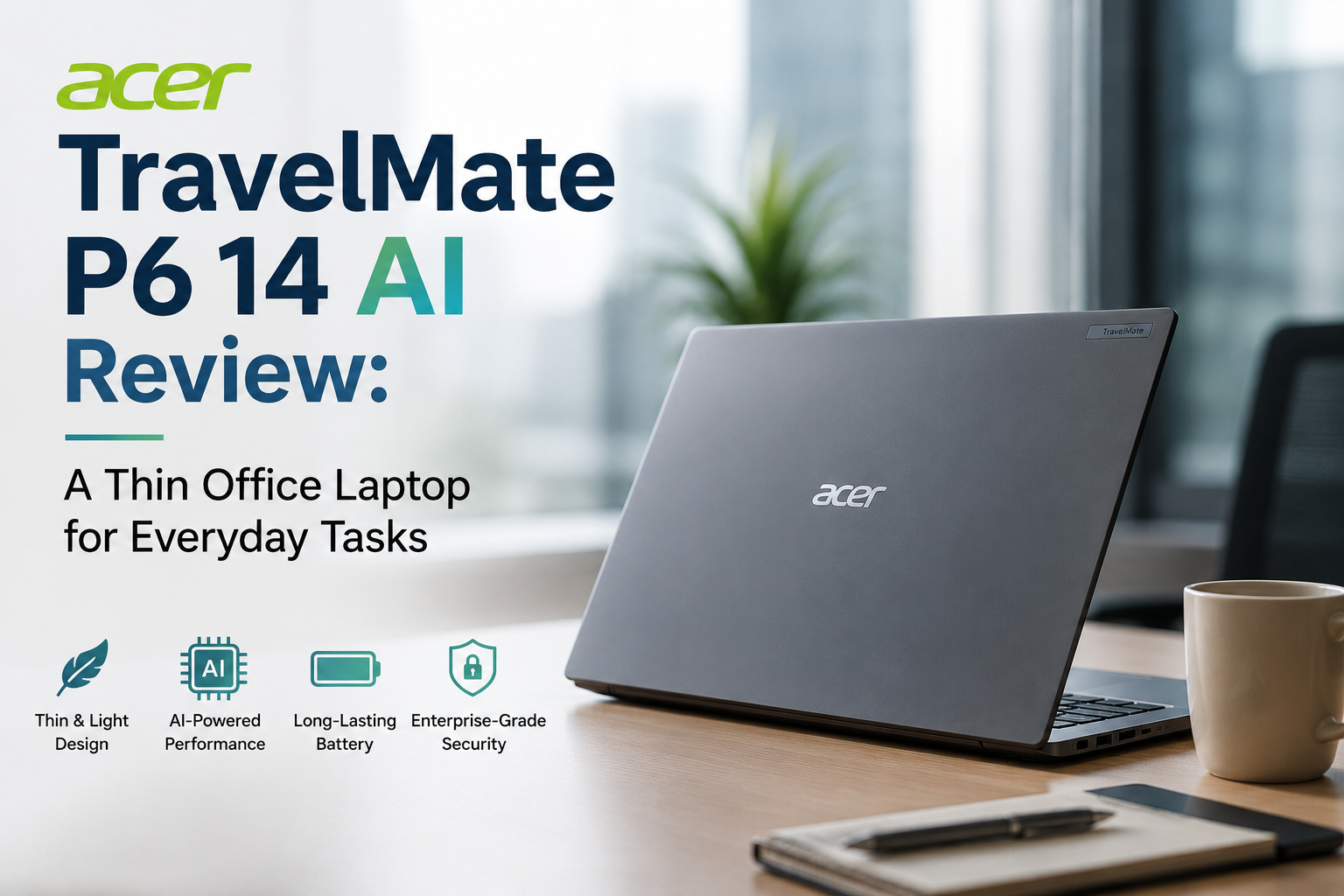
I Used the Acer TravelMate P6 14 AI: Here’s How It Handles Everyday Work
- 1 Acer TravelMate P6 14 AI Specifications
- 1.1 Lightweight for Travel
- 1.2 Comfortable Keyboard for Lengthy Working Sessions
- 1.3 Display Built for Work Clarity
- 1.4 Dependable Work for Daily Tasks
- 1.5 AI Capabilities to Make You Successful
- 1.6 Business Users Require a Webcam and Security
- 1.7 All-Day Battery Life
- 1.8 Great Connectivity Without the Need for Additional Adapters
- 2 Pros and Cons of Acer TravelMate P6 14 AI
- 3 Verdict
- It is impressively light and easy to carry throughout the day.
- It offers a comfortable keyboard that makes long work sessions easier.
- It handles everyday tasks smoothly with reliable performance and 32GB RAM.
- It delivers useful AI features that make video meetings and daily work more convenient.
- It offers fantastic battery life and plenty of ports without needing extra adapters.
Modern business laptops have to do a lot more than run office programs. You want something reliable enough to get you through a whole day of meetings, presentations, or working from home; light enough to lug around; and powerful enough to perform more than one thing at once. An excellent business laptop should also have a brilliant screen, useful connectors, long battery life, and solid security features.
I used the Acer TravelMate P6 14 AI, and it felt like the company put more work into making it usable instead of putting in a lot of flashy features. It is built for professionals, students, and frequent travelers who require a reliable, portable, and easy-to-use daily laptop.
The TravelMate P6 14 AI isn’t trying to be the best gaming or entertainment laptop. It is rather portable and productive and has important business features that make every day job easy.
Acer TravelMate P6 14 AI Specifications
| Specification | Information |
| Display | 14″ WUXGA (1920 × 1200) IPS Display |
| Processor | Intel Core Ultra 7 258V |
| Graphics | Intel Arc 140V Integrated Graphics |
| AI Engine | Intel AI Boost NPU (up to 47 TOPS) |
| Memory | 32GB LPDDR5X RAM |
| Storage | 1TB NVMe PCIe Gen4 SSD |
| Webcam | 2880 × 1800 Webcam with Privacy Shutter |
| Battery | 65Wh |
| Security | Windows Hello, Face Unlock, Fingerprint Reader |
| Ports | 2× Thunderbolt 4, 2× USB-A, HDMI, Audio Jack |
| Wireless | Wi-Fi 7, Bluetooth 5.4 |
| Operating System | Windows 11 Pro |
| Weight | 2.29 lbs (1.04 kg) |
Specifications may fluctuate depending on region and setup.
Lightweight for Travel
The first time I picked up the Acer TravelMate P6 14 AI, I was surprised at how light it was.
It is also quite easy to take around during the day, making it a wonderful tool for business travel, meetings, or working from multiple places.
The laptop feels substantial, for all its size and lightness. For a lighter weight, Acer uses a magnesium-aluminum chassis and a carbon-fiber cover to give it a high-end feel.
Its sleek, matte-black appearance makes it look professional and fit great in workplaces, meeting rooms, and classrooms.
Also Read: Acer Nitro V15 Review
Comfortable Keyboard for Lengthy Working Sessions
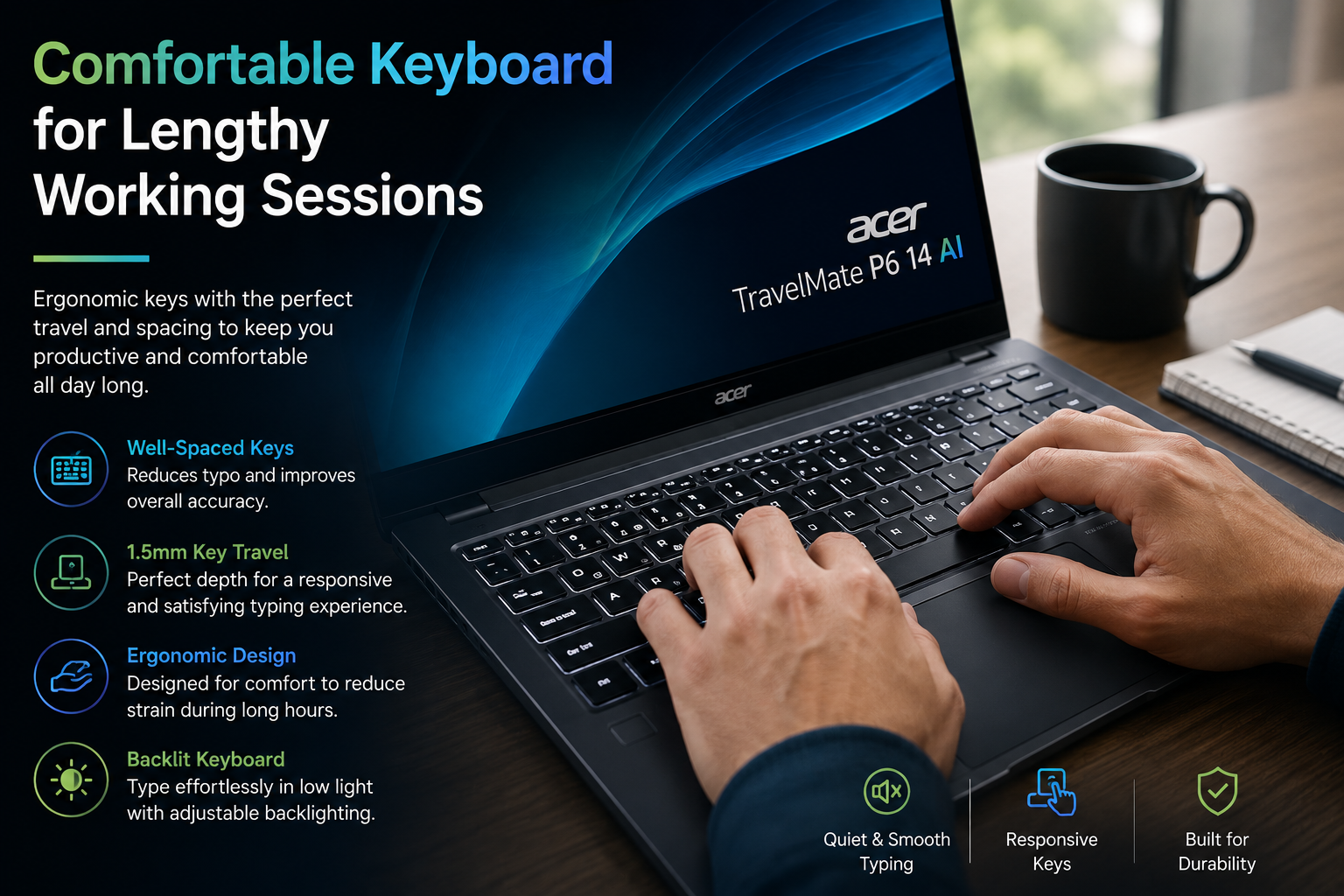
Even after a hard day of work, typing on the TravelMate P6 14 AI is simple.
The well-spaced keys and smooth travel make writing reports, answering emails, and giving presentations an effortless experience.
The touchpad is smooth and responsive, and it responds well to Windows gestures. The navigation is nice, whether you’re going to documents or switching between apps.
Display Built for Work Clarity
The 14-inch IPS screen isn’t the most vibrant, but it performs nicely for business tasks. Websites and documents are easy to read, and the 16:10 aspect ratio gives you more vertical space so you don’t have to scroll as much while dealing with spreadsheets or docs.
The anti-reflective coating also makes the screen simpler to operate in light-filled buildings or near windows. It isn’t meant for movie buffs or skilled photo editors, but it is perfect for corporate displays.
Dependable Work for Daily Tasks
The Intel Core Ultra 7 CPU does well with regular tasks. Jumping between browser tabs, running Microsoft Office apps, participating in video meetings, editing documents, and managing spreadsheets all seem quick and responsive.
With 32GB of RAM and a speedy PCIe Gen4 SSD, switching between programs and other tasks during the day is a breeze. Intel Arc integrated graphics also provide you with adequate power to edit images, do some side artistic work, and edit films when you need to.
AI Capabilities to Make You Successful
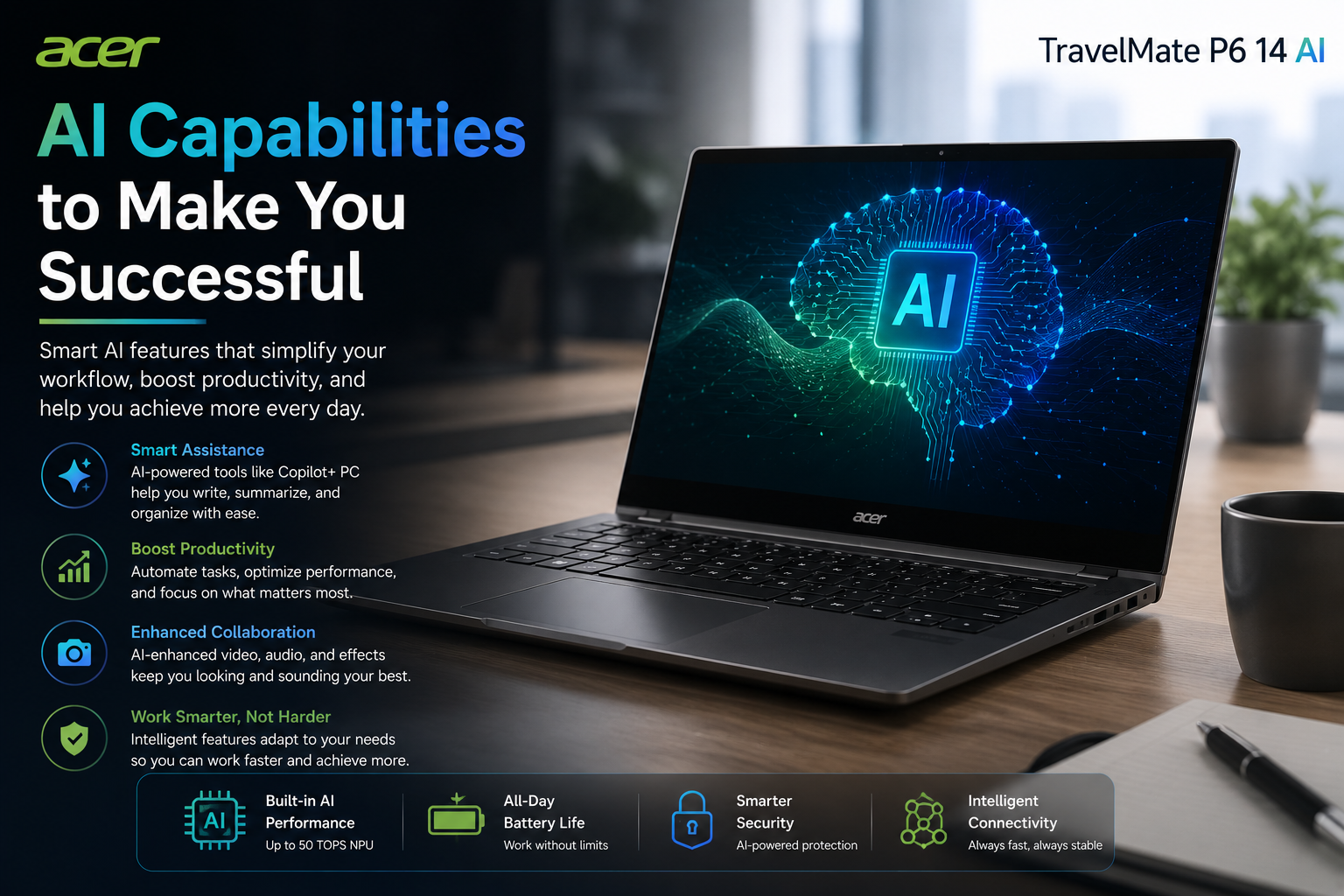
The TravelMate P6 14 AI is designed with Intel AI Boost, allowing various AI-powered Windows functions to operate seamlessly.
Microsoft Copilot, live remarks, background blur, Windows Studio Effects, and automated framing during video conversations—all of these operate nicely without stressing the processor too much. These AI tools help you do more each day and make online meetings feel more professional.
Business Users Require a Webcam and Security
Video meetings are a regular part of work now, and Acer’s webcam boasts a greater resolution than many other laptops on the market.
Conferences have clear video quality, and the built-in privacy shutter gives added protection while the camera is not in use. The fingerprint reader with Windows Hello facial recognition means you can log in quickly and safely, so you don’t need to enter passwords all the time.
All-Day Battery Life
But the one thing to love more than the TravelMate P6 14 AI is its battery performance.
With a 65Wh battery and a strong Intel Core Ultra processor, it’s easy for users to get through a normal workday of browsing, editing documents, videoconferencing, and office work. Battery life is sufficient for daily use for professionals who are away from a charger most of the day.
Great Connectivity Without the Need for Additional Adapters
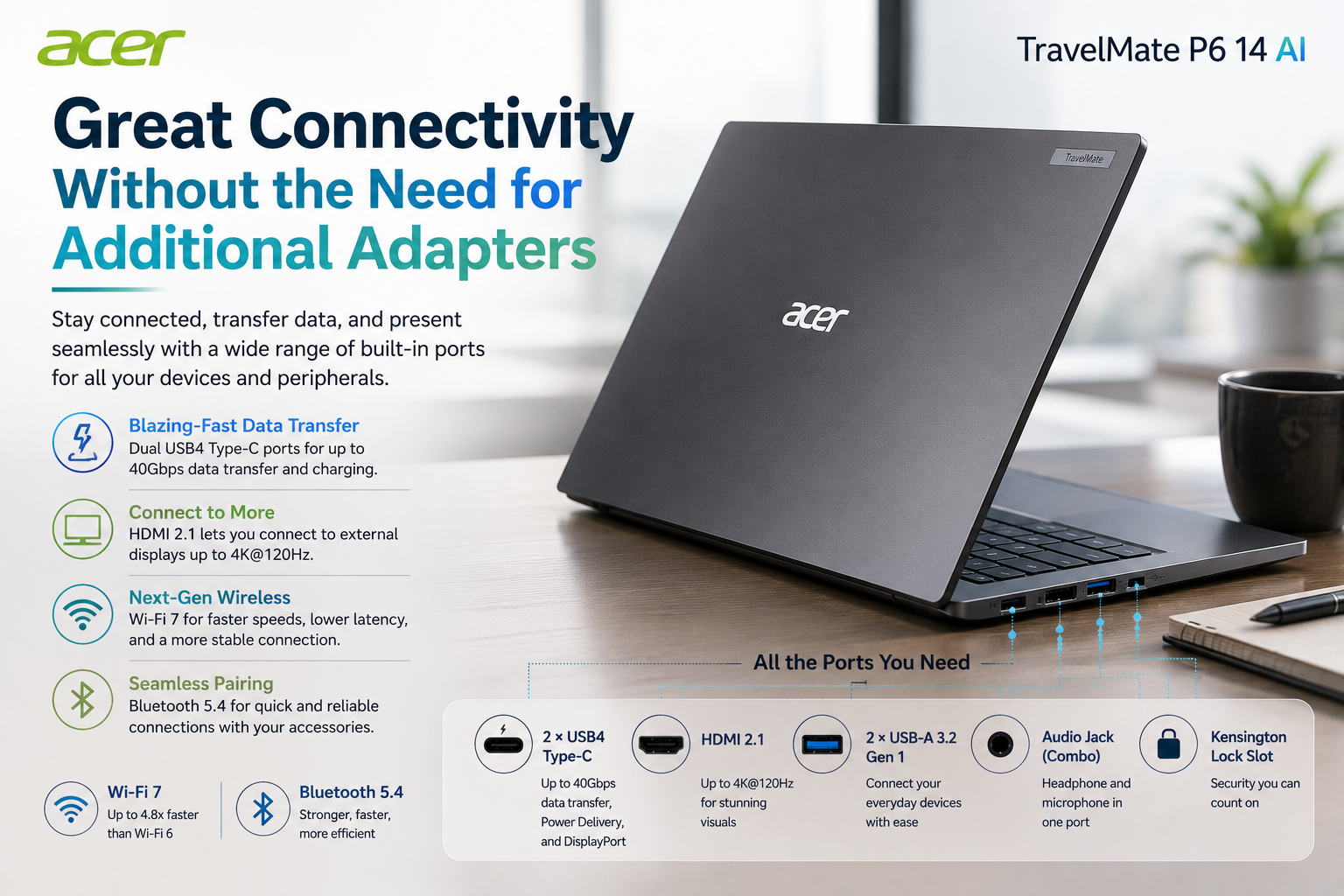
The TravelMate P6 14 AI crams a ton of ports into a slim profile. Thunderbolt 4 ports allow you to connect external displays, transmit files at lightning speed, and charge your gadgets. It also features two USB-A connections for convenient connection to legacy devices and HDMI for hassle-free presentations without the need for extra adapters.
Wi-Fi 7 and Bluetooth 5.4 enable you to connect fast and reliably at home, at work, or on the road.
Pros and Cons of Acer TravelMate P6 14 AI
| Pros | Cons |
| Very light and easy to transport | It lacks the color palette of OLED displays |
| All-aluminum and high-quality carbon fiber construction | The speakers are not very good |
| The keyboard is comfy for long work hours | Efficiency is more crucial than maximal power when it comes to CPU speed |
| Many good ports | Consumer laptops are cheaper |
| 32GB RAM and fast SSD | |
| Battery life is fantastic | |
| AI-powered tools to get a job done | |
| Excellent selections for company security |
Should You Buy It?
You should consider the Acer TravelMate P6 14 AI if you need a lightweight Windows laptop for work, travel, meetings, and everyday productivity. It may not be the right choice if you want an OLED display, strong gaming performance, or a more entertainment-focused laptop. For professionals who value portability, productivity, battery life, and business-focused features, it is a solid choice.
Verdict
After using the Acer TravelMate P6 14 AI, I think it performs well because it is built to satisfy the needs of business customers. It’s not attempting to be a gaming laptop or gaming machine. Instead, it has outstanding portability, consistent performance, good battery life, smart AI features, and many connectivity options all in a small, light design.
This laptop is handy and reliable if you are planning to use it for work, including creating documents, going to meetings, traveling a lot, or doing routine office jobs.
The Acer TravelMate P6 14 AI is an excellent alternative for workers who need a lightweight Windows business laptop that prioritizes simplicity over bells and whistles.