
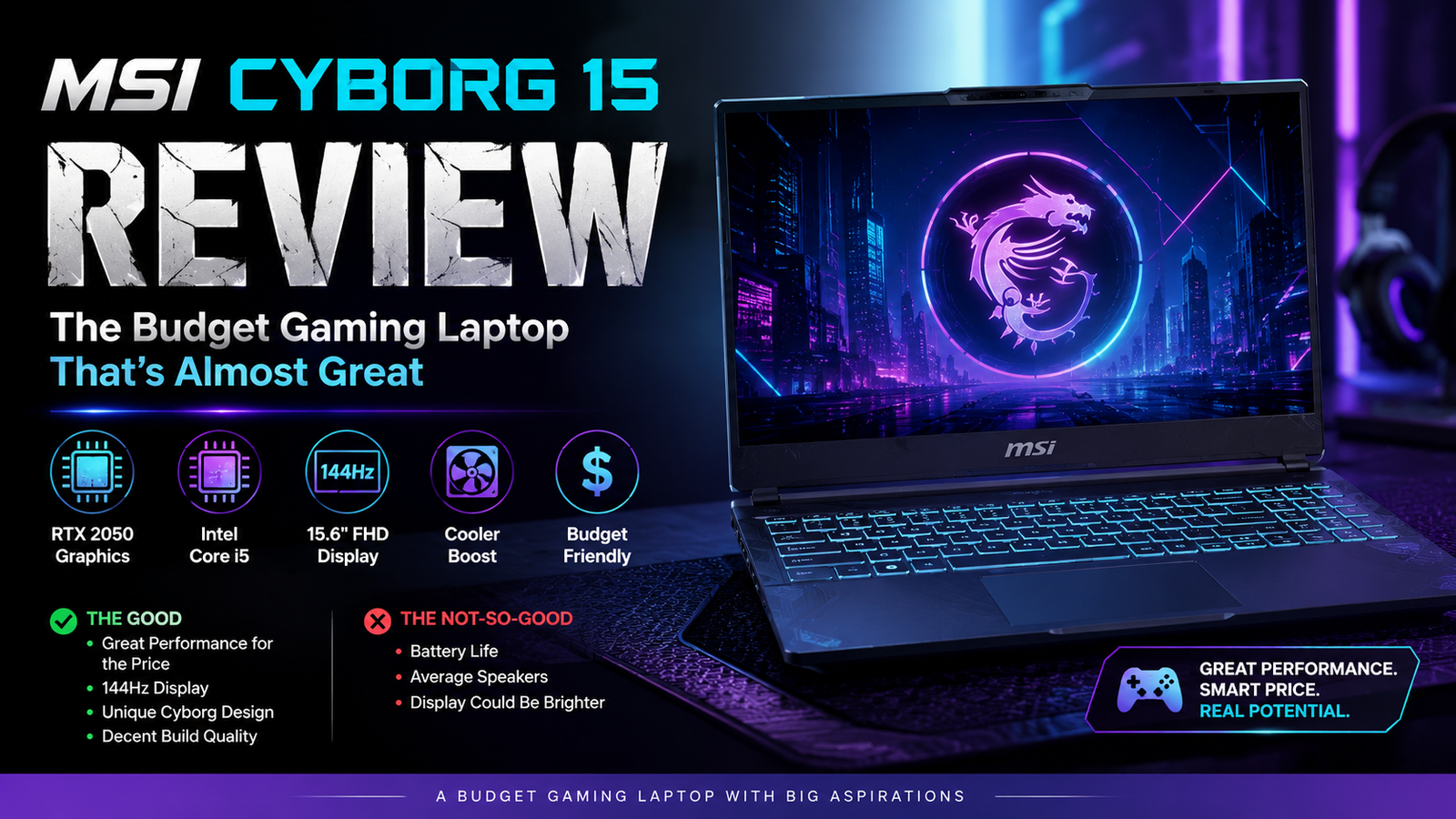
MSI Cyborg 15 Review: The Budget Gaming Laptop That’s Almost Great
- Rating: 7 / 10
- Ideal for: budget-conscious first-time PC gamers, college students, and everyday multitaskers.
- Not ideal for: creative professionals, content creators, or anyone wanting maxed-out settings in demanding AAA titles.
In the last few weeks, I was playing games, multitasking, and making the MSI Cyborg 15 work under stress, the 2025 updated model with Intel Core 7 240H and NVIDIA RTX 5050 (or 5060, depending on what you pick) inside. Since I knew it was a low-cost gaming laptop, I didn’t expect too much.
Thinking about it, it’s quite a surprising machine. For one, it’s really quite photogenic with that translucent exoskeletal chassis; you hardly ever see something like this at a budget price. On the other hand, it’s a machine that makes real compromises quite significantly: display color gamut, GPU power ceiling, and thermal noise during load, among other aspects. If you only ever played on PlayStation or Xbox and now want to try PC gaming without shelling out more than $1, 000, this could be a very enticing option.
However, if you are a content creator or a competitive player who needs high settings and deep colors, you’d better search for another laptop.
Specifications of MSI Cyborg 15
| Specification | Details |
| Display | 15.6-inch FHD IPS, 1920×1080, 144Hz, thin bezels |
| Processor | Intel Core 7 240H (10-core, up to 5.0GHz) |
| RAM | 16GB DDR5 (dual-channel, upgradeable to 96GB) |
| Storage | 512GB NVMe PCIe Gen 4 SSD (one M.2 slot) |
| GPU | NVIDIA GeForce RTX 5050 8GB GDDR7 (35–45W TGP) / RTX 5060 variant |
| Battery | 55.2Wh lithium-polymer |
| Operating System | Windows 11 Home |
| Weight | 4.29 lbs / ~1.95 kg |
| Dimensions | 358.9 × 254 × 21.7mm |
| Ports | 2× USB-A 3.2, 1× USB-C, 1× HDMI 2.1 (4K@60Hz), 1× RJ-45 Ethernet, 3.5mm audio |
| Connectivity | Wi-Fi 6E, Bluetooth 5.3 |
| Webcam | FHD 1080p with physical privacy shutter |
| Security | Kensington lock slot, webcam privacy shutter |
| Base Price | ~$849–$1,065 (RTX 5050 / 5060 variants, 2025/2026) |
Design & build quality
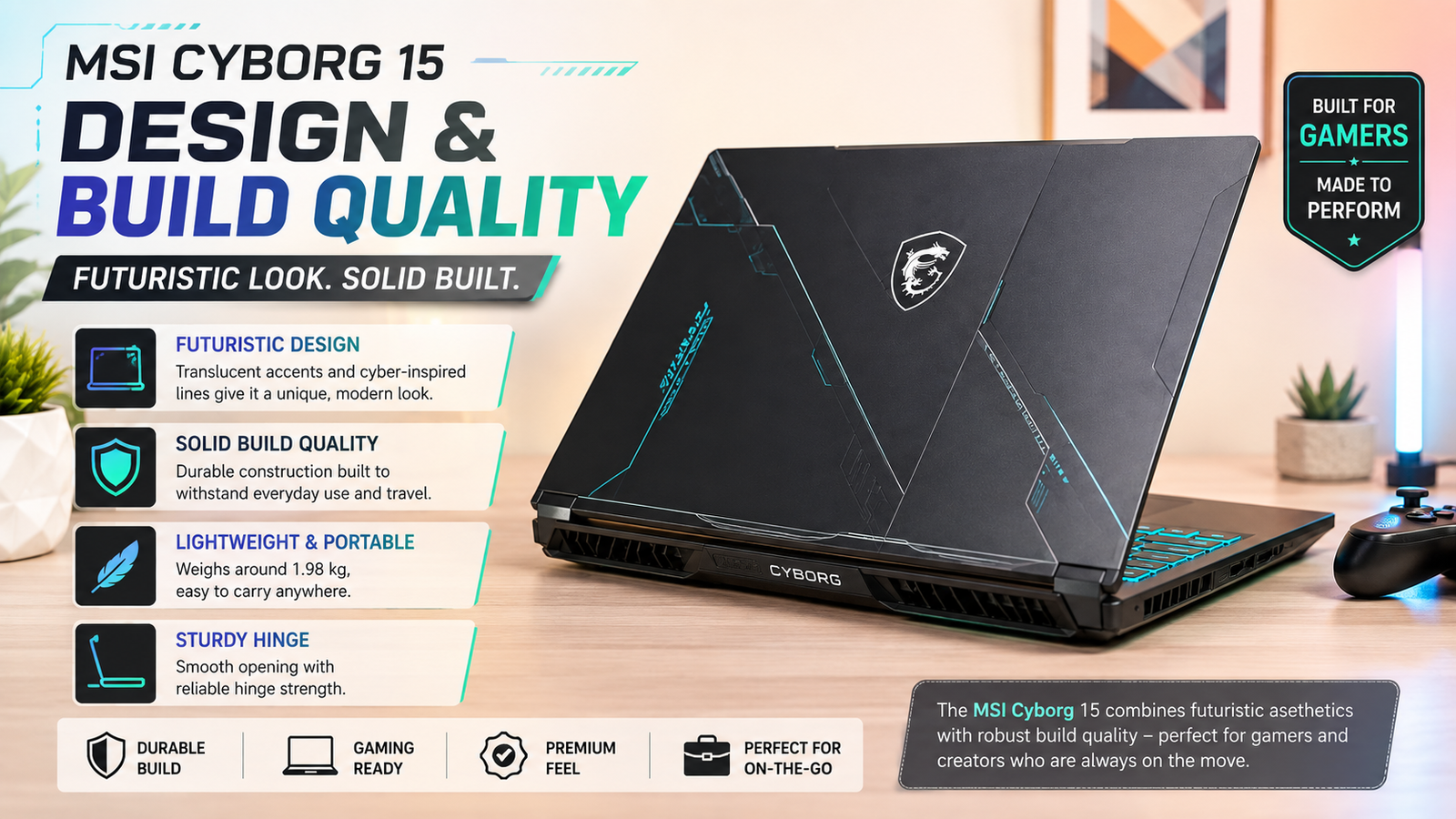
The translucent bottom panel and WASD keys are truly visually stunning- it’s that kind of retro-futuristic look that takes me back to late ’90s gaming peripherals, and I really mean that positively. The 180-degree flat hinge allows a great screen-sharing experience. However, the plastic body of the laptop gives way too easily to squeezing pressure, and the bezels around the screen are thicker than what you usually get from similar-priced competitors.
The keyboard reacts well to typing action, and the four-zone RGB lighting really looks wonderful in the dark. However, the placement of ports on the right-hand side will irritate any right-handed mouse user immediately.
Display
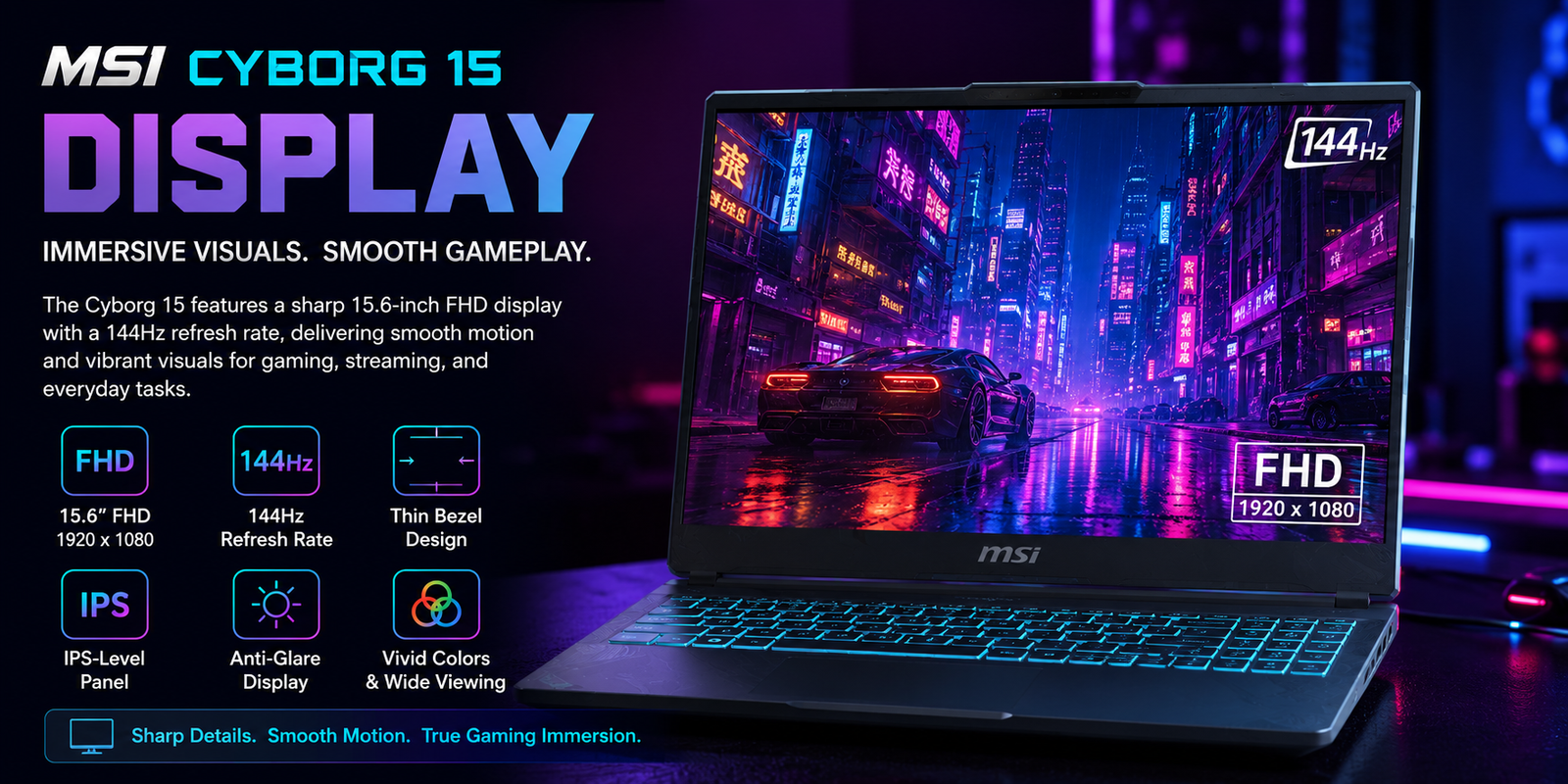
The 15.6-inch 1080p IPS panel at 144Hz is good enough for gaming- motion is quite fluid, and the response would be okay for a more relaxed competitive play. However, being good enough is really the honest maximum here.
The color range is limited, and the gamut is more in line with what you would expect from a cheap office laptop rather than a gaming one. Colors appear pale when compared to those of rival laptops at similar prices. Brightness is around 250 nits, which is okay for indoors, but will have a hard time in rooms with direct sunlight. If all you do is game in a dark room and watch Netflix, you probably won’t mind. The instant you begin photo editing or doing color-accurate work, you will be very clear about the issue.
Performance
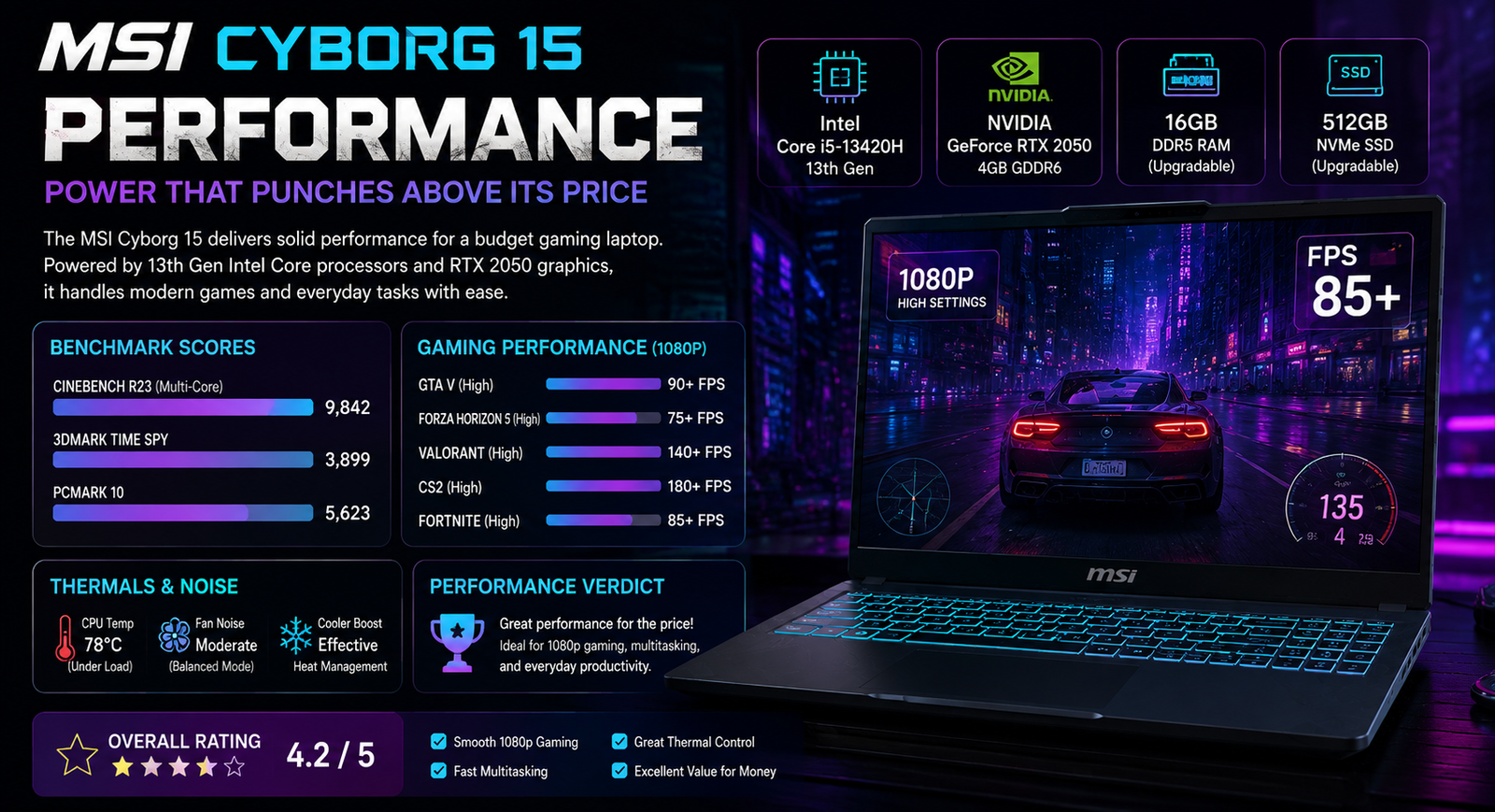
The Intel Core i7 240H 7 Core processor in itself is quite powerful. The 10-core configuration, for example, will be able to handle 3 tasks, such as multitasking, light video editing, and gaming, at the same time without getting overwhelmed. However, the bigger point of discussion is the GPU.
MSI wants to limit the power of the graphics card, which is the RTX 5050, by setting its TGP (total graphics power) at 35 or 45W. The TGP limit is so conservative that it can lead to a situation where there will be a sacrifice in performance. In one of the tests, Cyberpunk 2077 ran at an average of 53fps on RT Low settings at 1080p resolution, and Black Myth: Wukong achieved a smooth frame rate of 87fps on low settings. Apart from that, DLSS 4 with Multi-Frame Generation also gives a major boost. Therefore, you can expect most games to be playable at 1080p at medium-to-high settings; however, do not aim for ultra settings.
Battery life
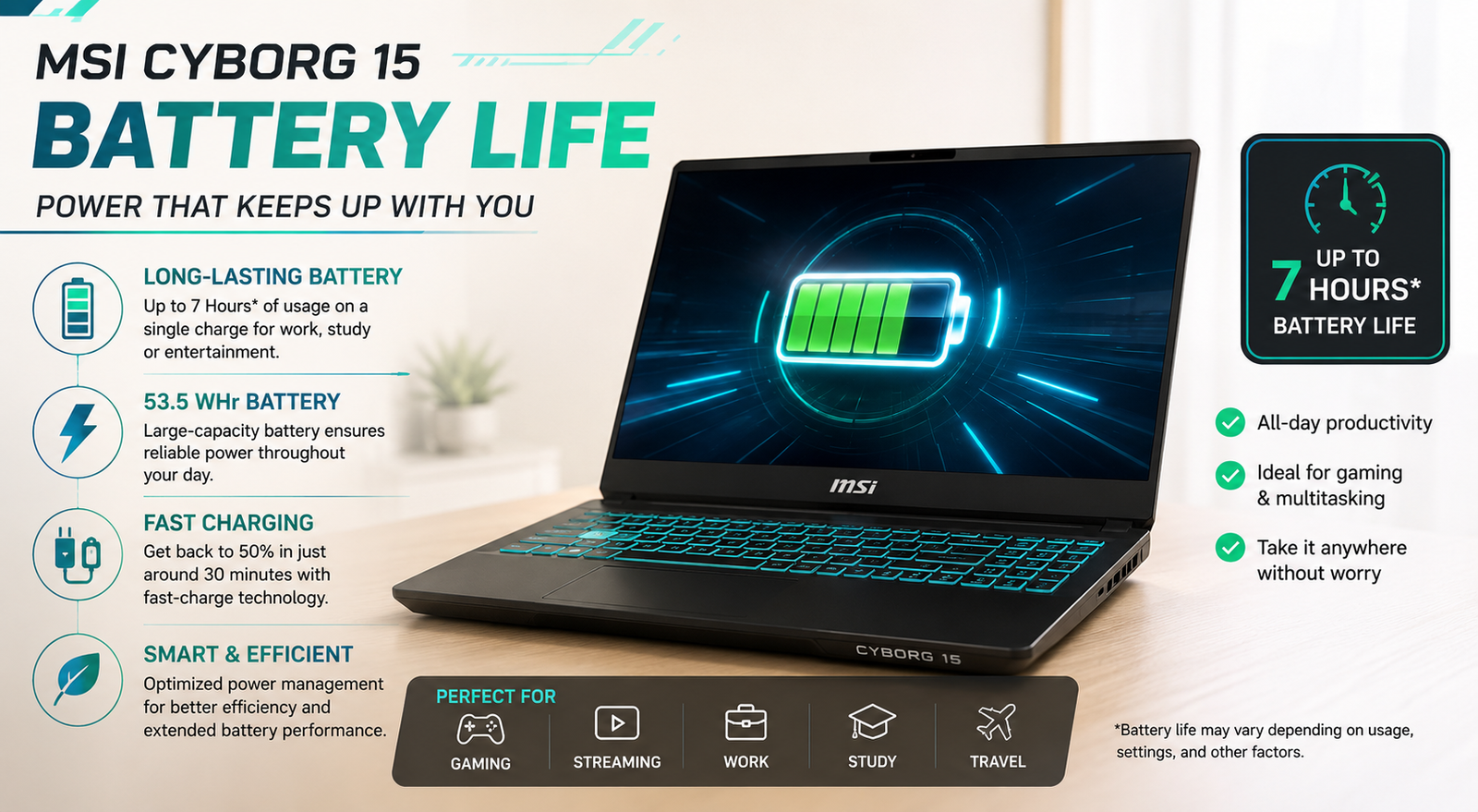
A 55.2Wh battery is relatively small. Even in a balanced mode, when doing office tasks, web surfing, and light productivity, I was able to get a consistent battery life of about 5 to 6 hours of real-world use. Switch the laptop to gaming, and the number is reduced to about 1.5 to 2 hours. There is no way around it; it will be necessary to have the charger close by for any seriously long gaming session.
The good thing is that the charger is pretty compact, which, to some extent, lessens the downside.
Also Read- MSI Creator Z17 HX Studio Review: I Tested This 17-Inch Workstation So You Don’t Have To Guess
Thermal management & fan noise
MSI’s Cooler Boost technology employs a shared-pipe thermal system that evenly distributes heat between the CPU and GPU, and it performs quite well under light-to-medium work levels. During play, the center portion of the keyboard gets hot but not so hot as to cause any discomfort; the WASD portion and palm rest portion are still very comfortable after extended periods of use. But it’s when the fans get loud that things get big. In the Extreme Performance mode, the fans at full gaming load go up to around 4, 100 RPM. It can be heard, but is tolerable. You can toggle Cooler Boost mode to approximately 5, 650 RPM, and then you’ll definitely need your headphones. It is very loud. There are five presets: Silent and Smart Auto help you handle this during normal use in the MSI Center app.
Pros & Cons of MSI Cyborg 15
| Pros | Cons |
| RTX 5050/5060 with DLSS 4 is capable of providing real 1080p gaming | The GPU is limited to 35- 45W TGP, far less than its full potential |
| Distinctive translucent exoskeleton design gives a unique look | The IPS panel has a very limited color gamut, not suitable for creative work |
| 1080p camera with privacy shutter | 512GB SSD storage is inadequate; there is only one M.2 slot |
| RAM upgradeable up to 96GB DDR5 dual-channel | No Thunderbolt 4 means no external GPU and fast docking |
| Very light at ~1.95kg for a 15-inch gaming laptop | Fan noise gets quite loud when gaming for a long time |
Final verdict
The MSI Cyborg 15 (2025) is an actual laptop that does not pretend to be something it’s not. If you seek an entry-level gaming device that has a unique appearance, manages 1080p gaming quite well, aided by DLSS 4, and costs less than a thousand dollars, it is a good option. The inclusion of the power-restricted GPU and lackluster display are a nuisance, not a bug, and as such are necessary for this price. If you’re looking to get much more, you would have to pay more for a significantly better result. If you’re certain you’ll remain at this level, the Cyborg 15 is one of the simpler options among the many bogus ones available.















