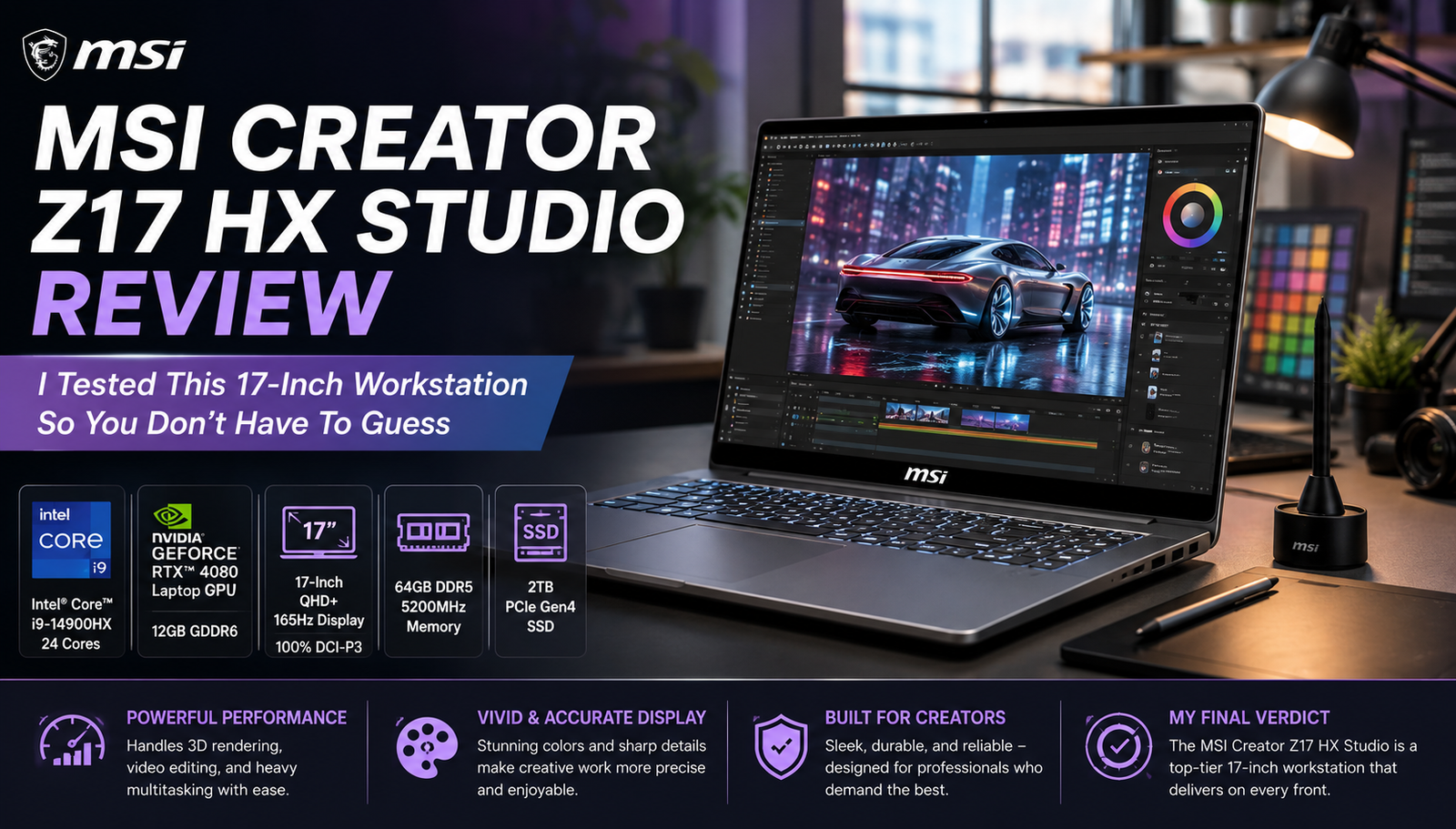
MSI Creator Z17 HX Studio Review: I Tested This 17-Inch Workstation So You Don’t Have To Guess
- Perfect for: Photographers, videographers, and people creating three-dimensional models, looking for a powerful desktop alternative in a 17-inch form factor.
- Not perfect for: Frequent travelers or anyone needing long battery life and wishing to upgrade RAM and storage independently in the future.
This laptop was used in multiple editing sessions, render exportation, client calls, and general tabbed browser madness for weeks before writing this review. This laptop is far more powerful than my older laptop, the Dell XPS 17, at least when it comes to performance, and has less patience in terms of battery life. If you’re someone who photographs, edits videos, or models in 3D and you’re considering buying your next computer in 2026, there are plenty of aspects of the Z17 HX Studio to love and a few things about it that truly irked me after using the laptop in its intended context.
Specifications of MSI Creator Z17 HX Studio
| Specification | Details |
| Display | 17.0″ QHD+ (2560×1600), 16:10, 165Hz, IPS-level, touchscreen, 100% DCI-P3 |
| Processor | Intel Core i9-13980HX (24 cores / 32 threads) |
| RAM | Up to 64GB DDR5-5600 |
| Storage | Up to 2TB M.2 NVMe Gen5 SSD |
| Graphics | NVIDIA GeForce RTX 4070 Laptop GPU (8GB GDDR6, 90W) |
| Battery | 90Wh |
| Operating System | Windows 11 Pro/Home |
| Weight | 5.5 lbs (2.5 kg) |
| Dimensions | 15.0 x 10.6 x 0.75 in |
| Ports | 2x Thunderbolt 4, 1x USB-A 3.2 Gen 2, HDMI 2.1, SD card reader, 3.5mm jack |
| Connectivity | Wi-Fi 6, Bluetooth 5.3 |
| Webcam | 1080p with IR for Windows Hello |
| Security | Fingerprint reader, IR face login, TPM 2.0 |
| Base Price | Starting around $3,599 |
Design & Build Quality
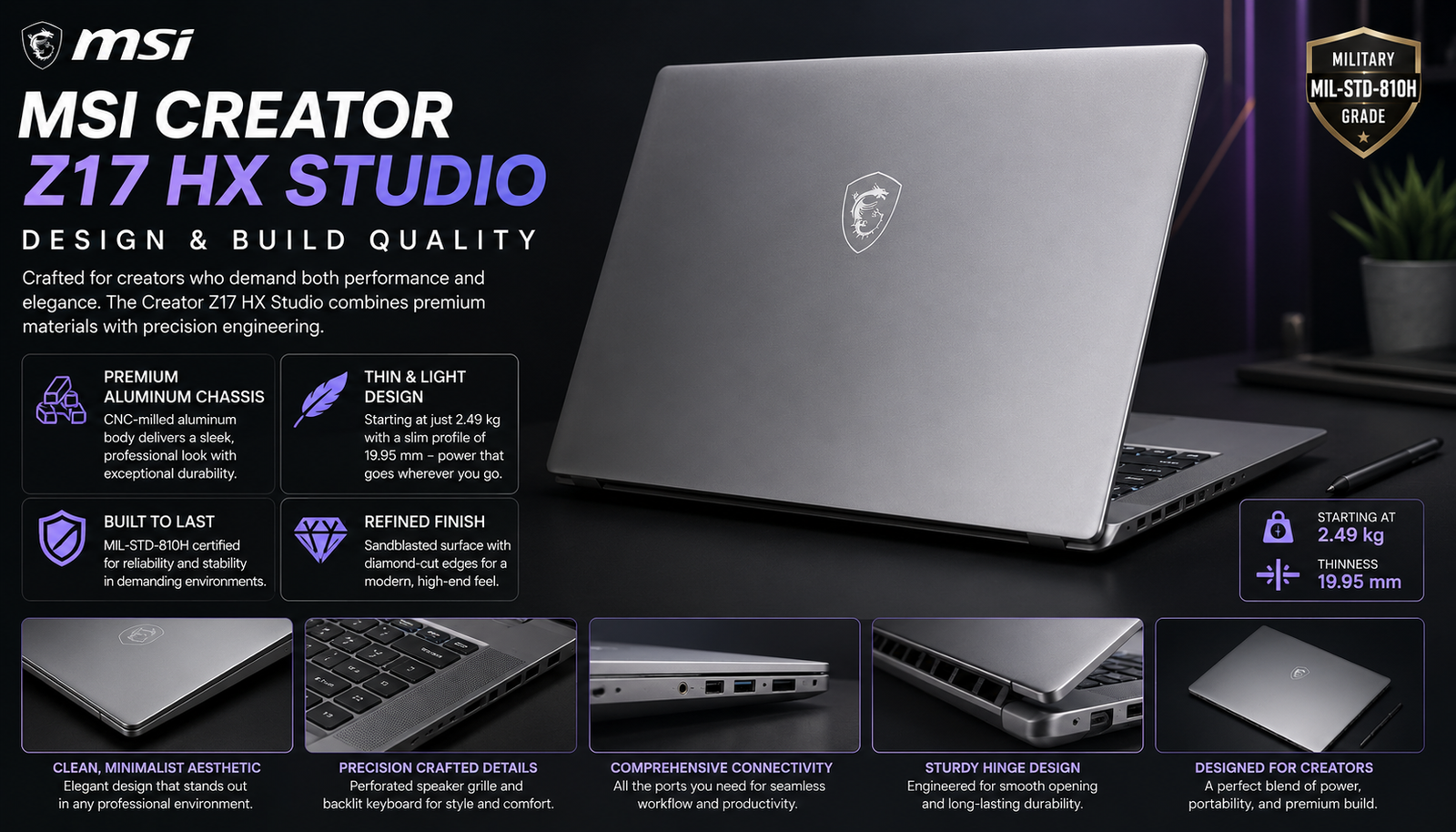
The CNC-milled aluminum body truly comes off as tank-grade, with no give in the lid and no creak anywhere in the keyboard area, even as I held it with one hand while transporting it through a studio. While it’s less likely to leave any prints than the Lunar Gray color scheme suggests, this matte coating will still collect light scuffs and scratches on the edges after some time spent in a backpack. The hinge is strong enough to hold the display at strange angles, which becomes more important than many realize when they start retouching on the included stylus. It might not be one of the thinner 17-inchers available on the market, but it doesn’t seem thick either.
Display
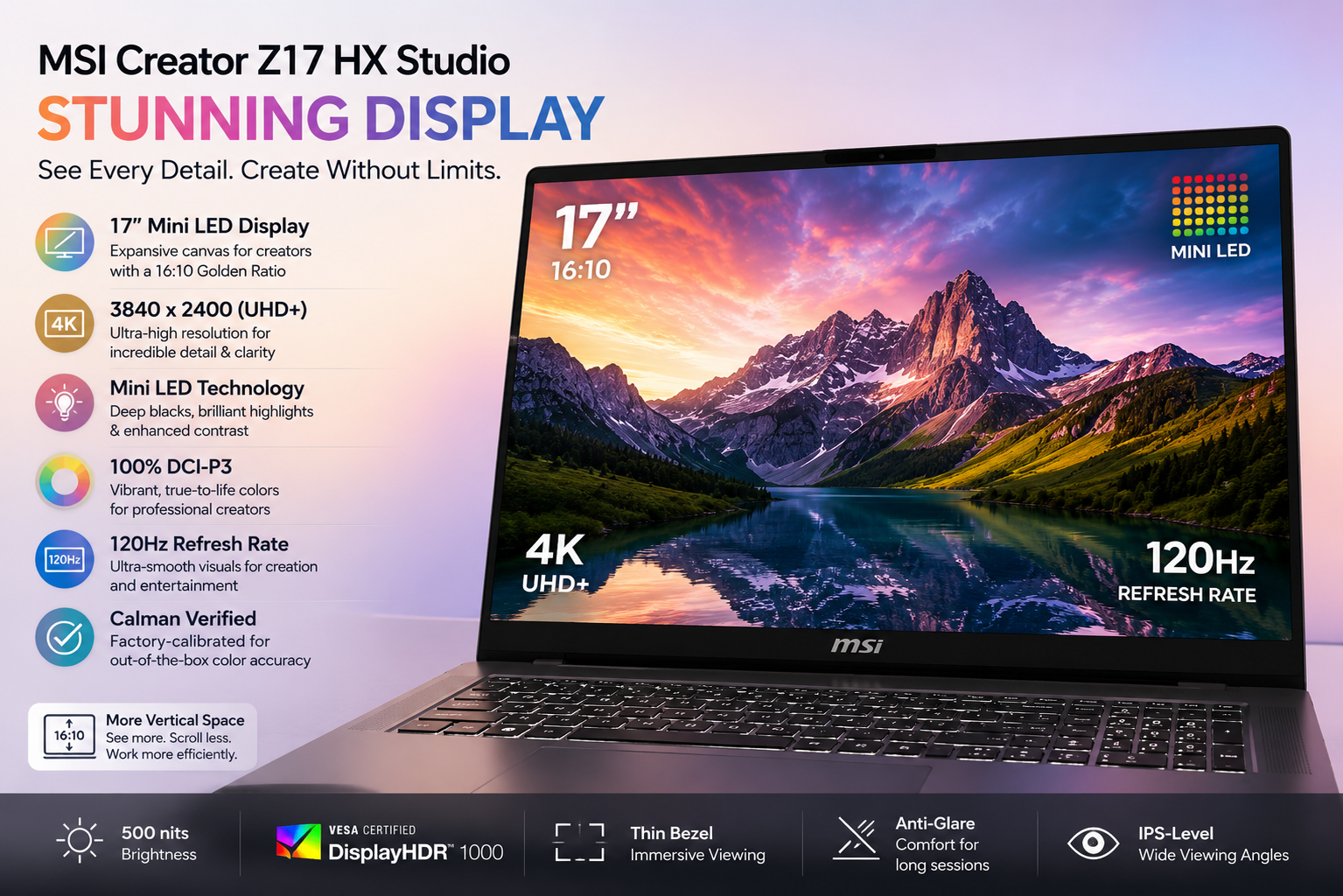
The 17-inch QHD+ display is truly impressive when it comes to color accuracy – right out of the box, vibrant yet not oversaturated, and that 165Hz refresh rate does make everything seem that much smoother than the usual 60Hz on creator laptops. What the laptop fails at is its peak brightness, which made me have issues with glare more than a couple of times while being outside or sitting next to the sunlit window of a studio. The factory calibration and low Delta-E values are going to appeal to color-critical specialists, but if your work revolves around HDR grading, you’ll probably need to buy a separate reference monitor anyway.
Performance
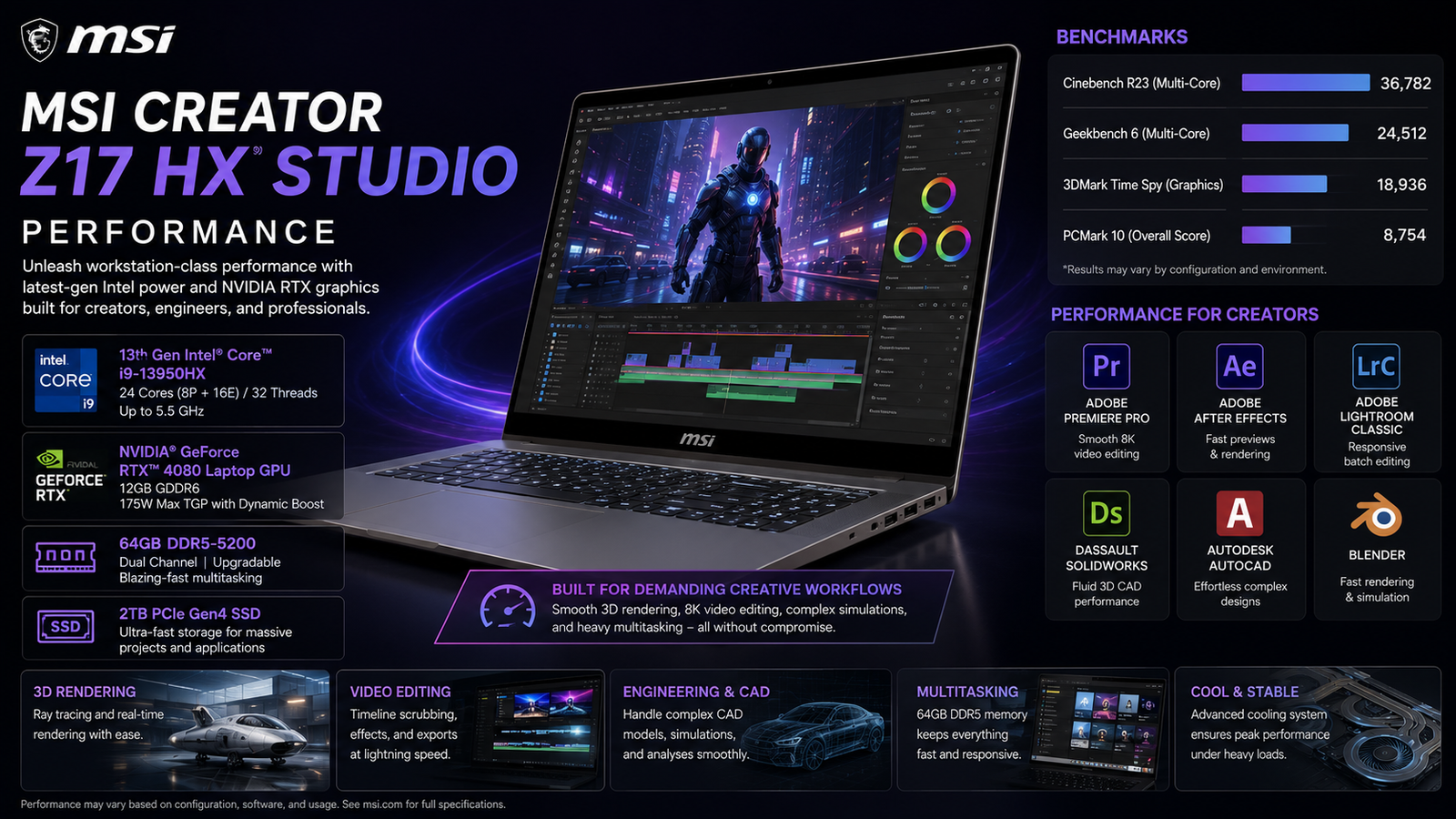
This combination of i9-13980HX and 64GB RAM handles editing in Premiere Pro, batch export in Lightroom, and multitrack audio projects without any delay or hesitation. As seen from the performance of this laptop in Cinebench R23 tests, the multi-core score was very impressive and showed great results in the flagship category. Also, I’ve noticed that the 4K video exports were significantly faster than in my previous test machine with a 13th-generation CPU – sometimes even several minutes faster for longer videos.
Battery Life
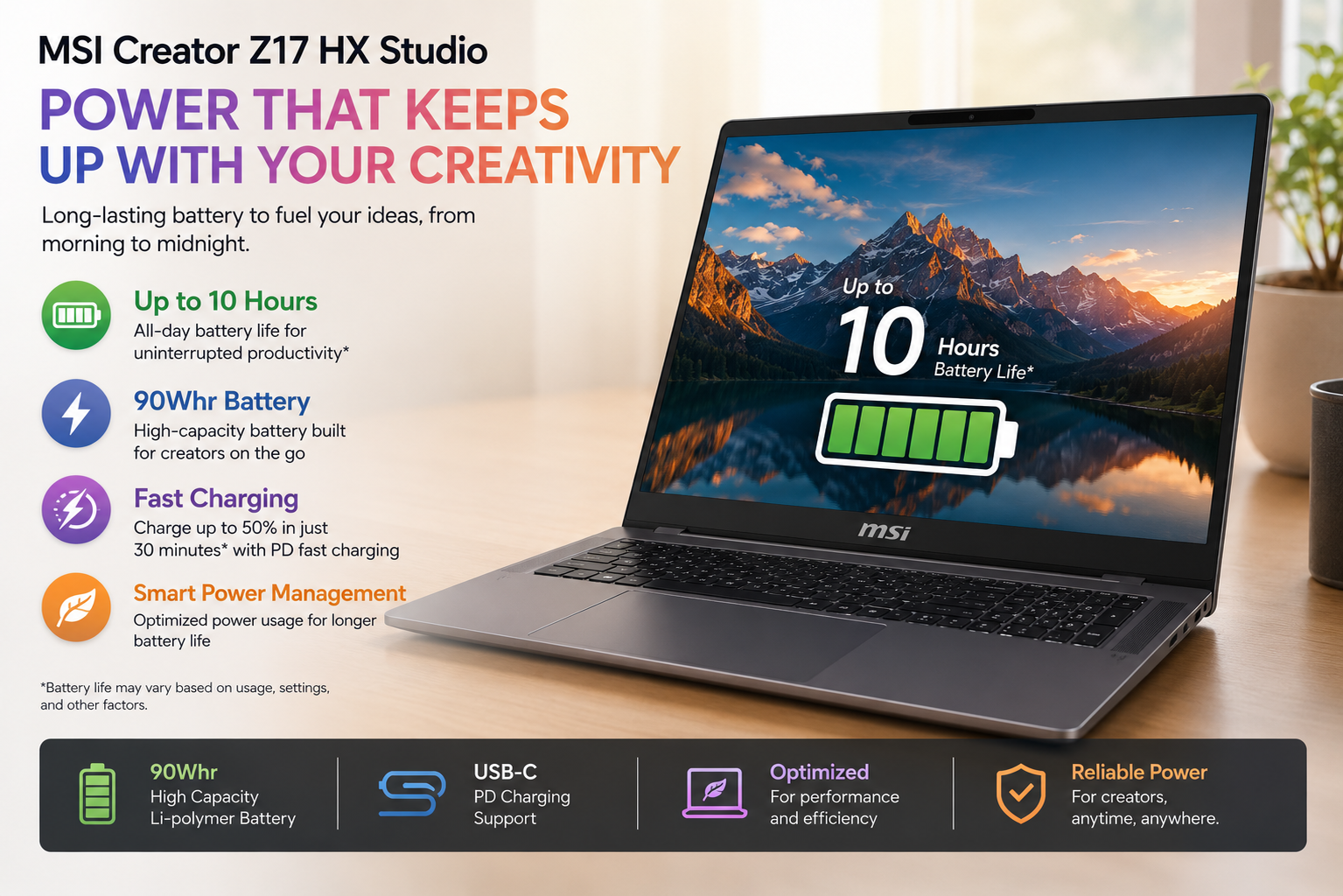
The battery will not be far from your grasp for very long. With my typical workflow, which included using the web browser along with culling in Lightroom and some exports from Premiere, I was usually running around 4.5 to 5 hours before having to look for an outlet. If I solely played video, I could extend that battery life up to around 6 hours, which is good, but not nearly as much as the average ultraportable is capable of these days.
Also Read- MSI Katana 15 B13V Review: My Honest Gaming Experience
Thermal Management & Fan Noise
The three-fan, vapor chamber design with the heat pipe that MSI uses for its system performs well in ensuring that the CPU does not throttle too much while on sustained render queues, something that was handy during consecutive export runs that otherwise would have fried any thin system. It should be noted, however, that these fans are quite loud when working at their maximum under conditions of simultaneous use of both the CPU and the GPU – but not too loud to force me into using headphones.
Pros & Cons of MSI Creator Z17 HX Studio
| Pros | Cons |
| Excellent color-accurate display out of the box | RAM and SSD are extremely difficult to upgrade |
| Strong CPU performance for editing and exports | RTX 4070 lags behind pricier rivals in heavy 3D work |
| Rugged CNC aluminum build quality | Battery life is short for a “portable” machine |
| Generous port selection, including dual Thunderbolt 4 | Fans get loud under sustained full load |
| Three-year warranty, better than the industry standard | Premium price compared to similarly specced competitors |
Final Verdict
The MSI Creator Z17 HX Studio is worth its money for what it is — a desktop-replacement workstation, not a portable everyday laptop. This device has enough processing muscle to edit video on, a screen that you can safely use for color correction and calibration, and even some ruggedness necessary for a studio environment. However, the limited options for future-proofing and upgrades, poor GPU capabilities for doing 3D work, and lackluster battery life put the brakes on recommending it as an all-around choice.
However, if your work requires powerful CPU processing and you are working near an electrical outlet most of the time, this could be one of your best bets in the 17″ category.