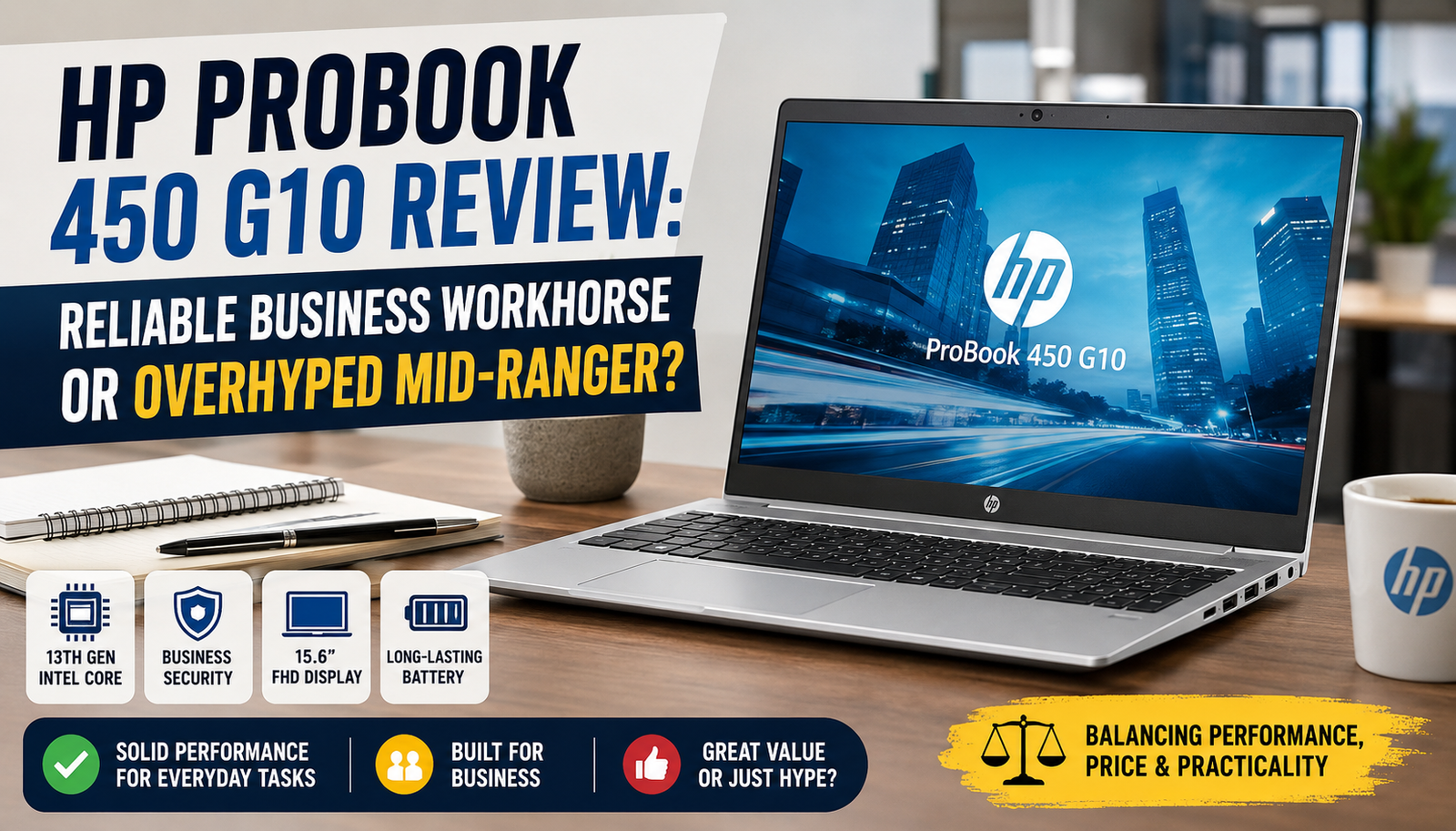
HP ProBook 450 G10 Review: Reliable Business Workhorse or Overhyped Mid-Ranger?
I’ve been working on the HP ProBook 450 G10 as my main work computer for quite a few months now, and I have quite a few thoughts about it. On paper, this laptop should be able to satisfy all the needs of a business user: a 13th-gen Intel Core processor, an extremely robust chassis, and HP’s well-known enterprise ecosystem support.
Still, the world outside is not often the same as a spec sheet. I handed it over to me for regular work hours, heavy multitasking, traveling, and even accidental bumps, to see whether HP has made an extremely attractive business laptop or only a very capable one.
Here’s what I finally realized.
Quick Verdict of HP ProBook 450 G10
Rating: 7.8 out of 10
Overall Verdict: A reliable, sturdy business laptop that offers good performance and security — except for the mediocre display and average battery life.
Perfect for: Corporate professionals, IT-managed fleets, and remote employees who value durability and security.
Not suitable for: Creative people, students with tight budgets, or anyone who must go all day on the go without a charger.
Specifications of HP ProBook 450 G10
| Category | Details |
| Processor | Intel Core i5-1335U / i7-1355U (13th Gen) |
| RAM | 8 GB / 16 GB DDR4 (upgradeable to 32 GB) |
| Storage | 256 GB / 512 GB / 1 TB PCIe NVMe SSD |
| Display | Full High Definition with IPS technology and 250 nits (touch option available) |
| Graphics | Intel Iris Xe ( integrated ) |
| Battery | 51 Wh, up to ~9 hours (HP claimed) |
| Operating System | Windows 11 Pro / Home |
| Ports | USB-A ×2, Thunderbolt 4 (USB-C), HDMI 2.0, RJ-45, SD card, 3.5 mm audio |
| Security | Dedicated to the protection of HP Wolf.Fingerprint reader. IR webcam (optional). TPM 2.0. |
| Weight | 1.74 kg (3.84 lbs) |
| Dimensions | 358 × 234 × 19.9 mm |
| Starting Price | ~$699 / £649 |
Design & Build Quality
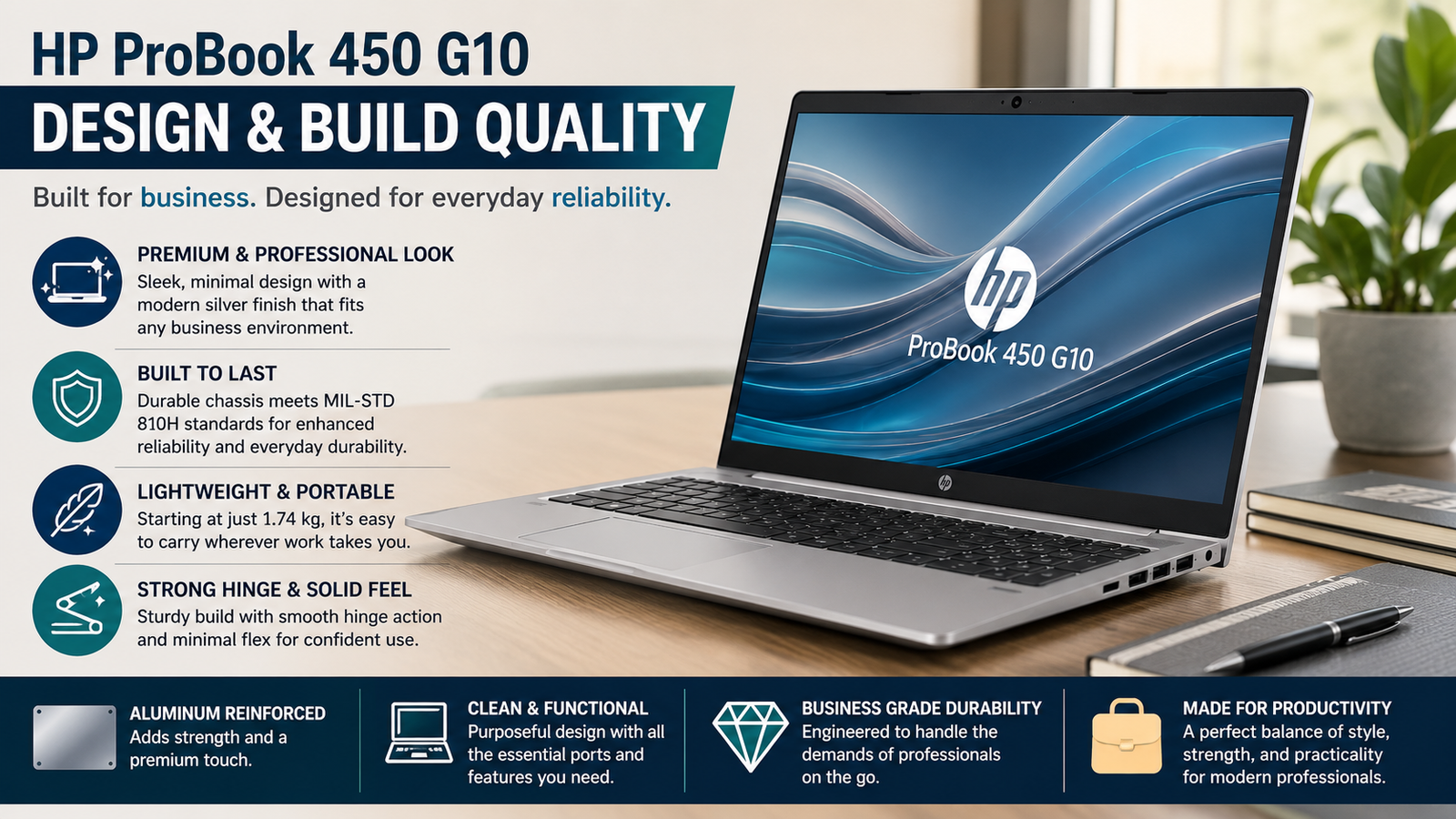
Don’t look for a lot of showy features on the HP ProBook 450 G10. Well, I’m grateful that it didn’t show off. The brushed aluminium lid and the magnesium alloy base were very appropriate for the boardroom – and the perfect home office. It has passed testing to MIL-STD-810H for durability, so it’s capable of getting through harsh and rugged conditions, temperature changes, and humidity. I once made a mistake and threw it off the desk, but amazingly, there were only a couple of small scratches left.
It’s only 19.9 mm thick and actually mobile with a 15.6-inch screen, and at 1.74 kg, it is quite convenient to take to the office. The only fault I found is that the bottom panel is a bit flexible; when you push hard, not only does it produce a slight give, but that walking away from the premium feeling a bit.
Performance
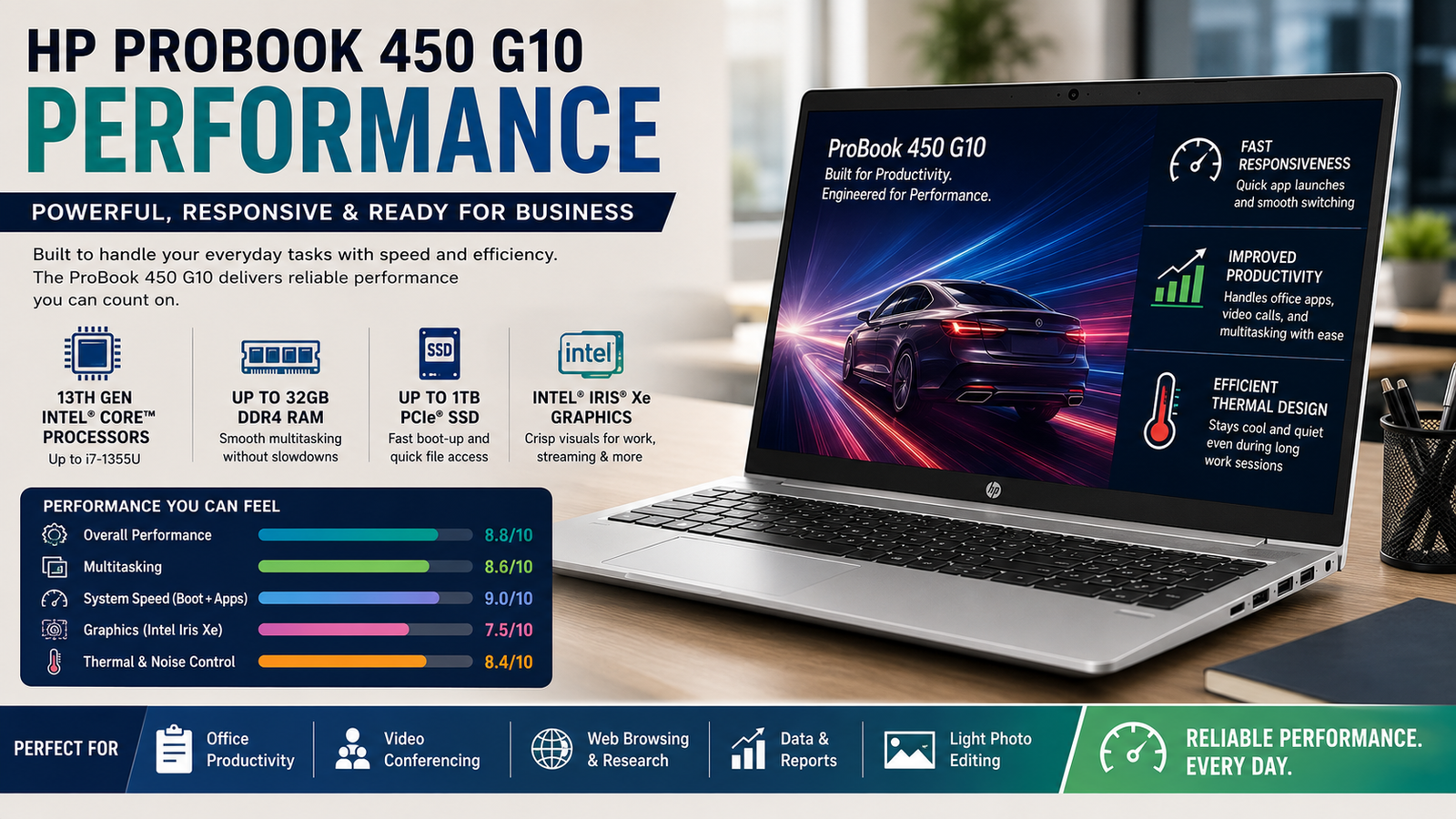
The i5-1335U edition I tried had no problems with my dozens of browser windows, Zoom calls with screensharing, Excel models, or Lightroom photo editing. I had no issues with the i5-1335U version I tried, with dozens of browser windows, Zoom calls with screensharing, Excel models, or even a little photo editing in Lightroom. The multi-core Cinebench R23 scores range from the mid-9,800s to 10,200, a good performance for this class. The PCIe NVMe SSD allows for instant boot times and application launches. Integrated Iris Xe graphics are fine for spreadsheets and video playback, but won’t handle serious creative work or gaming.
Thermal management is really quiet; the fan only spins when the CPU is under extended load, which is rare at this price point.
Display
I have to be honest here: The 250-nit FHD panel is the worst thing about this machine. It’s fine indoors, with nice color inside for office use. However, if you put it out in the sun or close to a window, reflections are a problem. The 250-nit brightness isn’t sufficient to fend off ambient light. Coverage is in the vicinity of 62% sRGB, so I’d steer clear of creative professionals. The text is sharp, and the viewing angles on the IPS panel are decent, while the touchscreen option is a lovely bonus — but HP should have a higher brightness model as standard in 2024.
Keyboard & Trackpad
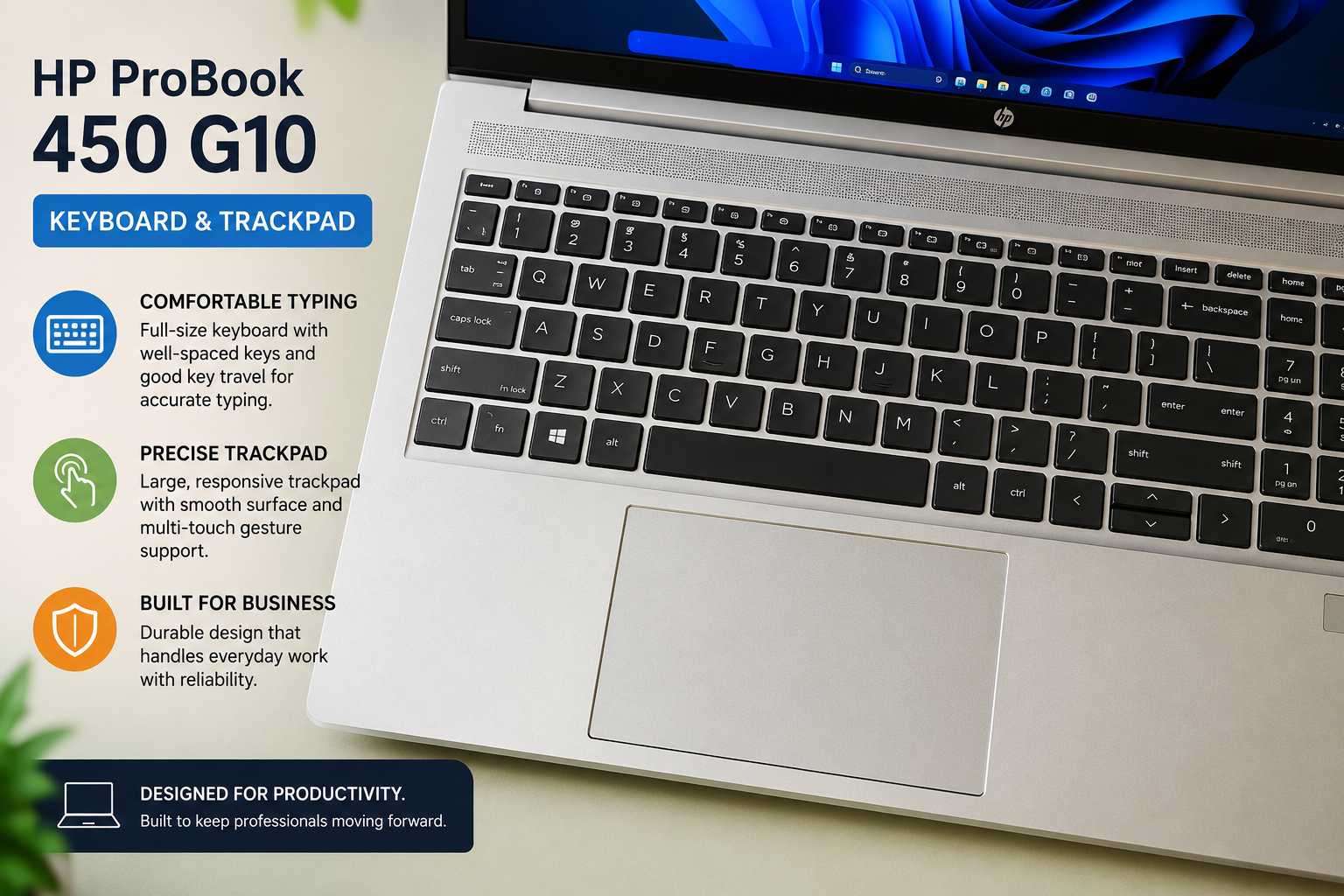
The keyboard is an actual highlight. Just enough travel to get the job done (about 1.5 mm) and a great feel that makes long writing sessions a lot less tiring than ultrabook keyboards.
The backlight is a good feature to add on. The spacing for keywords is large throughout the layout, and I didn’t make as many typos as I did on my previous machine. The trackpad is big, smooth, and precise (with the Windows Precision drivers). Works well with multiple-finger gestures, but the actual click mechanism is a bit stiff compared to other options, such as the Lenovo ThinkPad.
Battery Life
HP insists the device can last up to 9 hours, and during light tasks, like working on a document, sending emails, and watching some videos, I was able to get 7 to 7.5 hours quite regularly. Even longer sessions of video calling and using several apps will decrease that to around 5.5 to 6 hours. However, if you plan on being away for a full day without a desk, then you will have to take the 65W USB-C charger with you, which, luckily, is small and charges fast.
The battery story is fairly good, but not outstanding, especially when you consider ARM-based competitors that can now easily get 12 to 15 hours.
Also Read- Is the Lenovo Tab M9 Worth It? Honest Review After Extensive Testing
Pros & Cons of HP ProBook 450 G10
| Pros | Cons |
| Build quality is satisfactory for daily driving, per MIL-STD-810H. Daily driving build quality, which is good per MIL-STD-810H. | Any display with less than 250 nits is insufficient for bright windows and for outdoor viewing. |
| High-performance Intel for any business workloads in the 13th gen. | In the real-world, the battery lasts only 9 hours, which is less than HP’s claim. |
| Excellent keyboard, with good key travel and feedback. | The middle section remains stiff, and there is a bit of give in the lower section, which is not a good sign of quality. |
| Thunderbolt 4 support, including a comprehensive selection | No separate graphics card for creative and visual workflow. |
| HP Wolf Security and enterprise manageability are integrated. | The performance of the trackpad click mechanism is stiffer than that of the competition, such as the ThinkPad. |
| Effective cooling during normal operation. | 62% sRGB colour coverage is not a good option for colour-accurate work. |
Final Verdict
The HP ProBook 450 G10 proves to be exactly what it promises to be, a dependable and sturdy business laptop that doesn’t need to be flashy or over the top. Its 13th-generation Intel performance, enterprise security stack, and outstanding keyboard make it a solid option for the corporate user and all those who type for an extended time. It’s not all that perfect, with the display being dim and the battery life being somewhat average, but at this price, few 15.6-inch business laptops combine everything that IT managers want.
For office workers who require a reliable daily driver, the ProBook 450 G10 definitely makes the cut.
FAQs
Is the HP ProBook 450 G10 good for everyday office work?
Yes — it handles email, spreadsheets, video calls, and multitasking with ease. The 13th-gen Intel Core processor and fast NVMe SSD make day-to-day tasks feel quick and smooth.
Can the RAM be upgraded after purchase?
Yes. The ProBook 450 G10 supports up to 32 GB DDR4 across two SODIMM slots, making it straightforward to upgrade from the base 8 GB configuration.
Is the HP ProBook 450 G10 suitable for gaming?
Not really. With only Intel Iris Xe integrated graphics and no discrete GPU option, it can manage very light casual games but isn’t designed for gaming workloads.
How does it compare to the Lenovo ThinkPad E15?
Both are solid business laptops at a similar price. The ThinkPad edges ahead on display brightness and trackpad feel; the ProBook wins on build rigidity, port selection, and HP’s enterprise security ecosystem.