
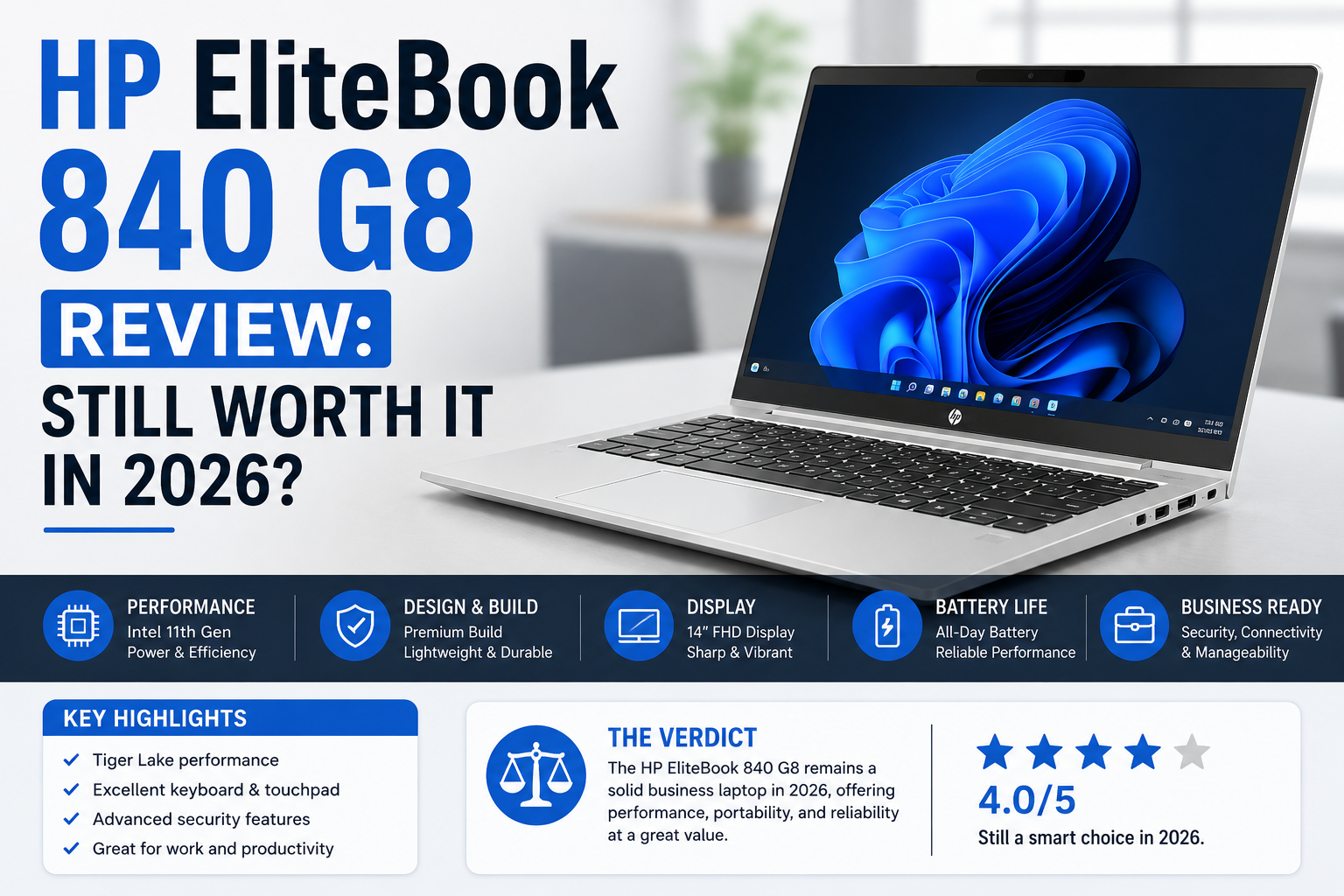
HP EliteBook 840 G8 Review: Still Worth It in 2026?
- 1 Quick Verdict
- 2 Specifications of HP EliteBook 840 G8
- 2.1 Build Quality and Design
- 2.2 Performance: Real-World, Not Benchmark Theatre
- 2.3 Display: Four Options, One Star
- 2.4 Security: This Is Where HP Earns Its Price
- 2.5 Battery Life: The Honest Part
- 2.6 Connectivity and Ports
- 2.7 Will the HP EliteBook 840 G8 be worth buying in 2025?
- 2.8 Pros and Cons of HP EliteBook 840 G8
- 3 Final Verdict
I have tried almost all business laptops, cheap ones, expensive ones, and everything in between. The HP EliteBook 840 G8 came to me at a time when I was really checking enterprise machines for hybrid work environments, and it was a bit of a shock to me.
Not because it’s fancy. It’s not, really. But because it’s persistently secretively excellent in all areas that a working professional really requires. Great build. Serious security. A panel that is still readable in bright boardrooms. Basically, 11th Gen Intel Tiger Lake the platform on this is fieldable for IT-managed environments, vPro remote management, and people who carry their laptop everywhere without babying it.
So here is my honest opinion, no marketing language, just how I investigated it.
Quick Verdict
Rating: 7.8 out of 10
Best suited for: IT managers, enterprise buyers, hybrid workers, and refurb hunters who require serious security features without flagship pricing.
Worst fit for: Power users chasing cutting-edge performance, anyone needing all-day battery life unplugged, or buyers who want a multi-year warranty out of the box.
Specifications of HP EliteBook 840 G8
| Category | Specification |
| Processor | Intel Core i5 1135G7, i5 1145G7 vPro, i7 1165G7, and i7 1185G7 vPro options |
| Generation | 11th Gen Intel Tiger Lake U |
| Architecture | 10nm SuperFin |
| Screen Size | 14.0-inch display |
| Resolution | 1920 × 1080 Full HD with touch and non-touch options |
| Panel Type | IPS LCD, 60Hz |
| Brightness | 250 nit, 400 nit, or 1000 nit HP Sure View options |
| Pixel Density | 157 PPI |
| Privacy Screen | HP Sure View Reflect is available on a 1000-nit panel |
| RAM | 4GB, 8GB, 16GB, 32GB, or 64GB DDR4 |
| Storage | 128GB to 2TB PCIe NVMe SSD options |
| Integrated Graphics | Intel Iris Xe Graphics |
| Dedicated Graphics | Optional NVIDIA GeForce MX450 2GB |
| Battery Capacity | 53 Wh |
| Battery Life | Around 5 to 7 hours in mixed real-world usage |
| Charger | 45W or 65W USB-C charger |
| Wi Fi | Wi Fi 6 (802.11ax) |
| Bluetooth | Bluetooth 5.0 |
| Mobile Broadband | Optional 4G LTE or 5G support with Nano SIM and eSIM |
| NFC | Available on select configurations |
| Thunderbolt / USB-C | 2× Thunderbolt 4 with Power Delivery and DisplayPort |
| USB A Ports | 2× USB 3.2 Gen 1 Type A |
| HDMI | 1× HDMI 2.0 |
| Audio Jack | 3.5mm combo headset jack |
| SD Card Reader | Included |
| BIOS Security | HP Sure Start self-healing BIOS |
| Browsing Security | HP Sure Click isolated browsing protection |
| Endpoint Security | HP Wolf Security |
| Authentication | Fingerprint reader and IR webcam with Windows Hello |
| vPro Support | Available on i5 1145G7 and i7 1185G7 models |
| Additional Security | Optional Smart Card Reader and Tile Tracker |
| Speakers | Bang and Olufsen stereo speakers |
| Webcam | 720p HD or IR camera with privacy shutter |
| Microphone | Dual-array digital microphone |
| Weight | 1.35 kg standard model or 1.15 kg Aero model |
| Dimensions | 322 × 214 × 17.9 mm |
| Keyboard | Dual-point backlit spill-resistant keyboard |
| Operating System | Windows 10 Pro or Windows 11 Pro |
| Warranty | 1-year limited warranty |
Build Quality and Design
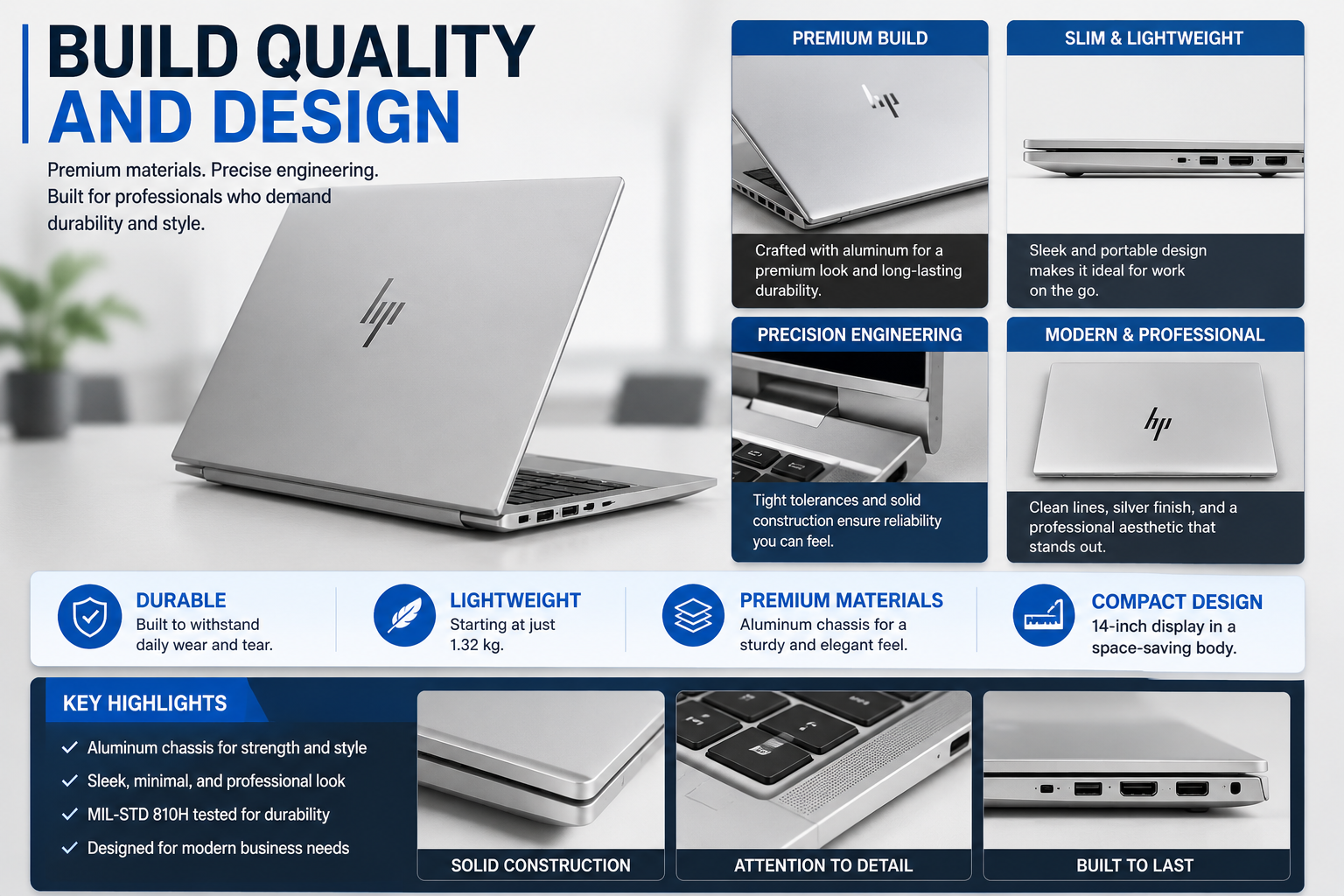
Reliable. That’s the one word that sums it up well. The body is of a high quality, most notably with the lack of ostentation. A little bit of bending can be felt in the keyboard’s middle, yes, but it’s not the kind of thing that would make one concerned.
With this generation, HP has brought the 800 series to look very similar to the 1000 series; the design is a lot more sleek and classy as compared to the old model EliteBooks, which looked boxy and quite corporate.
It is about 1.35 kg in weight. Not quite at ultrabook level, but not heavy either. Exactly what one should expect from a 14-inch business machine.
Performance: Real-World, Not Benchmark Theatre
With the Core i7-1165G7 and Intel Iris Xe Graphics combo, a professional can do pretty much anything without any hiccups. Overloaded multitasking, multi-tab browsing, video chatting on Teams or Zoom, while the computer is doing some other heavy-duty stuff in the background, it will not run out of breath.
If you choose the optional GeForce MX450 configuration, you obtain a little more graphical freedom, sufficient for light creative work; however, this is still not a computer that you would take for 3D rendering or gaming.
Geekbench 6 single-core is about 1, 717. Multi-core about 4, 742. These figures won’t excite anyone in 2025. However, in everyday work? The device is quick. It is very smooth. Professional and simple.
Display: Four Options, One Star
This is where HP took a few bold steps.
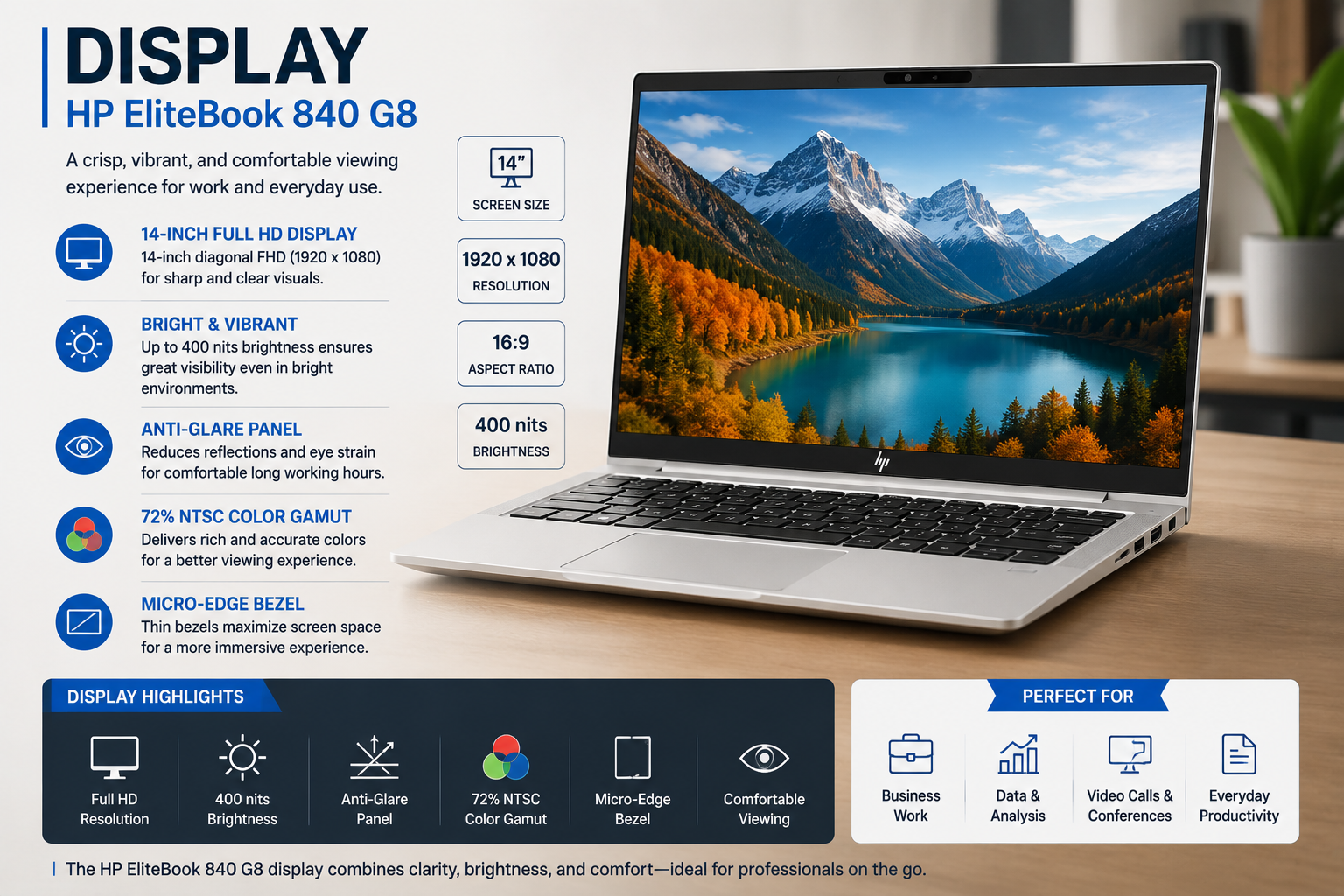
The 840 G8 offers a selection of four different 1080p IPS panels, which can be broken down as follows: a touchscreen one, a non-touchscreen one, a low-power one but with high colour accuracy, and a Sure View privacy screen option with 1000 nits brightness.
If you handle sensitive information in a public setting, that privacy screen will, in fact, come in handy, not some sort of gimmick. Just the brightness at 1000 nits is enough to make it readable even when directly exposed to light, which is not the case with other machines.
Pixel density is 157 PPI. That is quite sharp. You can work comfortably for extended periods on it.
Security: This Is Where HP Earns Its Price
In fact, security is the chief reason why businesses invest in this computer. The list of features that support this is very impressive.
HP Sure Start offers protection for the BIOS that is resistant to attacks. HP Sure Click, on the other hand, keeps browsing sessions isolated. HP Wolf Security is a line of security software products that covers the endpoints at the firmware level. Besides that, there is also a fingerprint scanner, an IR webcam with a privacy shutter, a smart card reader, NFC, and the Tile Tracker for physical security, which are all optional or included.
Battery Life: The Honest Part
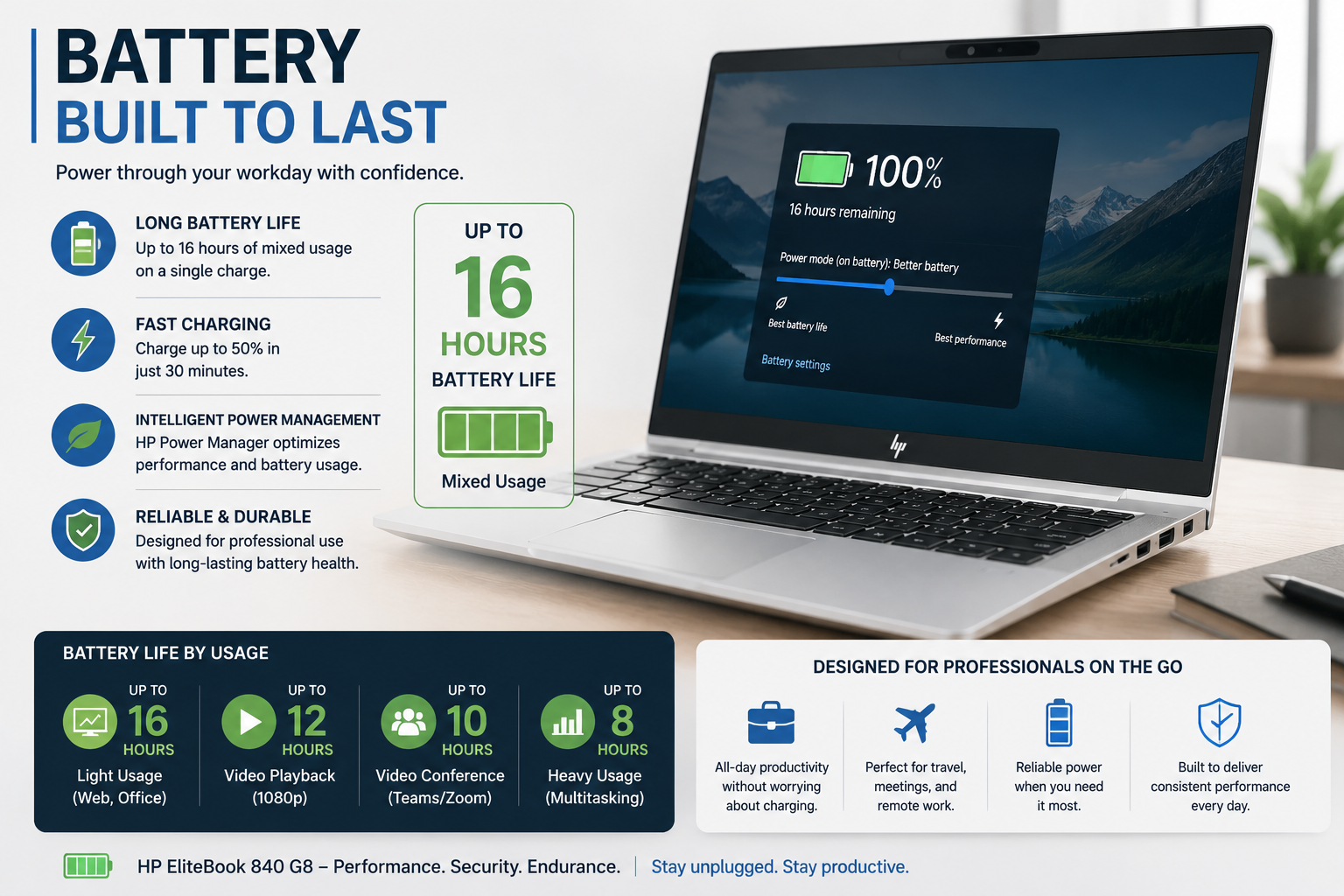
This is one area where I can’t be nice and sugarcoat it. The battery is the Achilles heel of the 840 G8.
In this category, a 53 Wh battery is on the small side. With normal use, you may be able to stretch the battery for 5 to 7 hours. However, if you increase the brightness, keep Teams running all day, and have a few tabs open, that figure will drop quite drastically. Several members of HP’s support forum have also experienced battery drain very rapidly, especially when using the HP USB-C Dock G5. Some have even noticed that the battery is running down while it is still plugged in.
Connectivity and Ports
Two Thunderbolt 4 ports. USB-A. HDMI. Audio jack. Optional 5G with Nano-SIM and eSIM support. Wi-Fi 6. Bluetooth 5.
Considering that it is a 14-inch business device from 2021, that is quite a good port lineup. Thanks to Thunderbolt 4, a single cable to a dock can handle power, display, and data, even at the same time. A clean desk. A happy IT team.
Also Read- Tech Hacks PBLinuxGaming: The Real Guide to Better Linux Gaming Performance
Will the HP EliteBook 840 G8 be worth buying in 2025?
If you are thinking of buying a new one, then consider the G9 or G10 series because the processors have been upgraded over time, and the models still carry the same base security elements but are now equipped with better chips.
If you are going to buy a used or certified pre-owned one, then I wouldn’t have any hesitations about saying yes.
As a business machine, the 840 G8 is excellent, and it is available now at a price that is much less than its original selling price. The quality of the build still compares well. The security features still hold up. HP Support still offers drivers and BIOS updates.
For IT managers who are handing over a fleet of machines, make sure the BIOS versions are the same, utilise HP Image Assistant for managing firmware, and select the right dock power adapter. If you do these, then this machine works really well.
Pros and Cons of HP EliteBook 840 G8
| Specification | Details |
| Display | 14 inch FHD (1920×1200) display with optional QHD+ (2560×1600) upgrade |
| Processor (Intel) | Intel Core Ultra 5 and Ultra 7 200V series, up to Core Ultra 7 268V |
| Processor (AMD) | AMD Ryzen 200 and AI 300 series, up to Ryzen AI 9 HX PRO 370 |
| RAM | Starts at 16 GB LPDDR5x, configurable up to 32 GB LPDDR5x or 64 GB DDR5 |
| Storage | 512 GB SSD base storage with up to 1 TB options |
| Graphics | Intel Arc 130V / 140V or AMD Radeon integrated graphics |
| Battery | 45 Wh base battery with optional 55 Wh upgrade |
| Weight | Starts around 1.4 kg (3.1 lb), with 2-in-1 models slightly heavier |
| Ports | 2× Thunderbolt 4, USB-A 3.2, HDMI 2.1, and optional Ethernet |
| Connectivity | Wi Fi 7, Bluetooth 5.4, optional 5G or 4G LTE WWAN |
| Security | Webcam shutter, fingerprint reader, optional IR camera, NFC, and Smartcard support |
| Build | All aluminium chassis with MIL STD 810H durability testing and recycled aluminium construction |
| Operating System | Windows 11 Pro with Copilot+ PC support |
| Starting Price | Around $799 for an entry-level Intel configuration, depending on setup |
Final Verdict
HP EliteBook 840 G8 is a bit old and definitely not in the new release range. It certainly doesn’t try to be. In fact, it is cranking day after day a high-end security-first, well-built enterprise notebook PC, handling at the very least the performance areas that matter. B&O speakers are just one of the many nice perks. Sure View privacy screen is totally handy. The keyboard is top-notch.
Battery life is one aspect that should be looked at. The warranty period is shorter than usual. The processor is from an earlier generation.
Then again, as a refurbished model or a reliable business workhorse? It still holds its spot on the desk.
FAQs
Q: Will the HP EliteBook 840 G8 still be good in 2026?
For people doing hybrid work, it is a pretty good machine. The Intel vPro security, the overall quality of the case, and the Sure View privacy screen still have “wow” features.
Q: What processor does the HP EliteBook 840 G8 have?
The HP EliteBook 840 G8 is powered by 11th Gen Intel Tiger Lake-U processors, Core i5-1135G7 to Core i7-1185G7 with vPro support.
Q: What is the biggest issue with the HP EliteBook 840 G8?
The battery life can be considered as the biggest issue. You will get 5, 7 hours in real-world scenarios. However, users who dock via HP USB-C Dock G5 have also reported it draining even while plugged in, a BIOS update can fix it.















