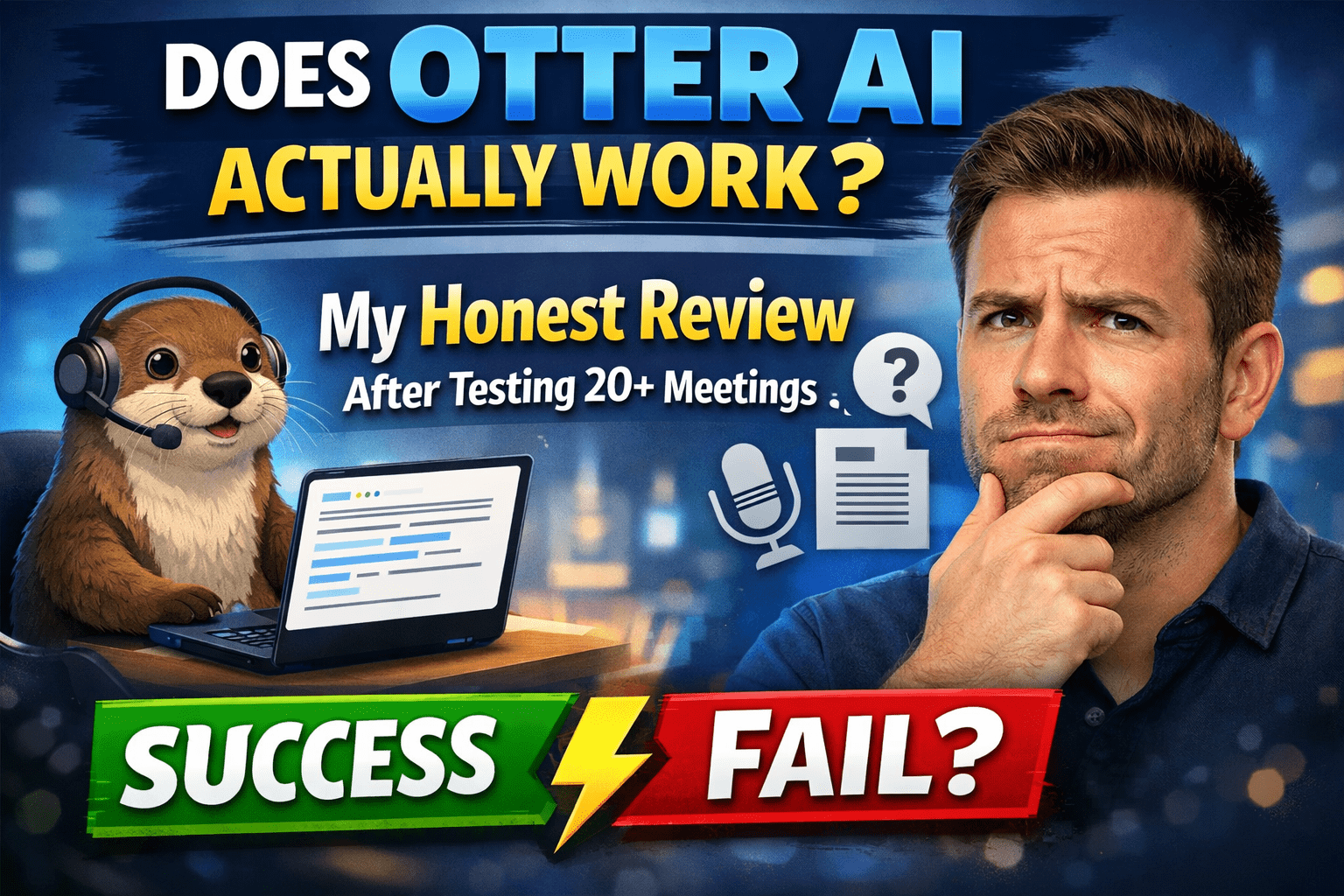
Does Otter AI Actually Work? My Honest Review After Testing 20+ Meetings
I used to leave the meetings with three pages of scribbled notes and still not get half of what was being said. It was exhausting. Having heard about Otter AI from a colleague, I chose to give it a proper test, not a single call, but 20 or more real meetings, client interviews, and team standups.
One question suddenly mounted in my mind: Does Otter AI really work practically, or is it just another overrated tool?
I have a definite response after several weeks of experimenting consistently. This is what I observed: the good, the bad, and the aspects that really shocked me.
Quick Verdict for Otter AI
My Rating: 3.8 / 5
I am not trying to be kind about it, but the truth is that Otter AI is not a product that can fit everyone.
Best For:
- Remote workers who spend the day in back-to-back Zoom or Google Meet meetings.
- Researchers and journalists who conduct recorded interviews.
- Students who are too lazy to write down the lecture notes.
- Small teams that require meeting summaries but do not need to hire a note-taker.
Not Suitable For:
- Any person in a noisy or loud setting, accuracy becomes significantly lower.
- Accent speakers with a heavy accent, I tried it myself and was frustrated by the fact that I missed words.
- Those individuals who require legal or medical-grade accuracy of transcription.
- Any person anticipating zero editing work post-transcription.
Specifications of Otter AI
| Feature | Details |
| Platform | Web, iOS, Android |
| Languages | English alone (not multi-language) |
| Real-Time Transcription | Yes, live in meetings. |
| Speaker Identification | Yes, it automatically labels different speakers. |
| Integrations | Zoom, Google Meet, Microsoft Teams, Slack, Dropbox. |
| Free Plan | 300 minutes an hour, 30 minutes each conversation. |
| Pro Plan | 1200 minutes in a month, 90 minutes per conversation. |
| Business Plan | 6,000 minutes monthly, 4 hours per call. |
| Export Options | TXT, PDF, SRT, DOCX |
| AI Summary | Yes, it auto-generates when the meeting ends. |
| Mobile Recording | Yes, face-to-face interaction through the telephone. |
| Storage | On-demand, cross-platform. |
| Offline Mode | No, needs an internet connection. |
Getting Started With Otter AI: First Impressions
The registration process was probably three minutes. Email, password, done. No protracted onboarding questionnaire, which I liked.
The dashboard was clean and a bit overwhelming initially. It had it all, the past transcripts, record button, and integrations, but I did not know where to begin. I spent a few minutes clicking on it before it clicked.
The first one was a recorded Zoom call. I clicked on the integration and then clicked on “Join,” and Otter simply showed up in my meeting. That was a real surprise to me. I anticipated further preparation.
Features I Used Regularly
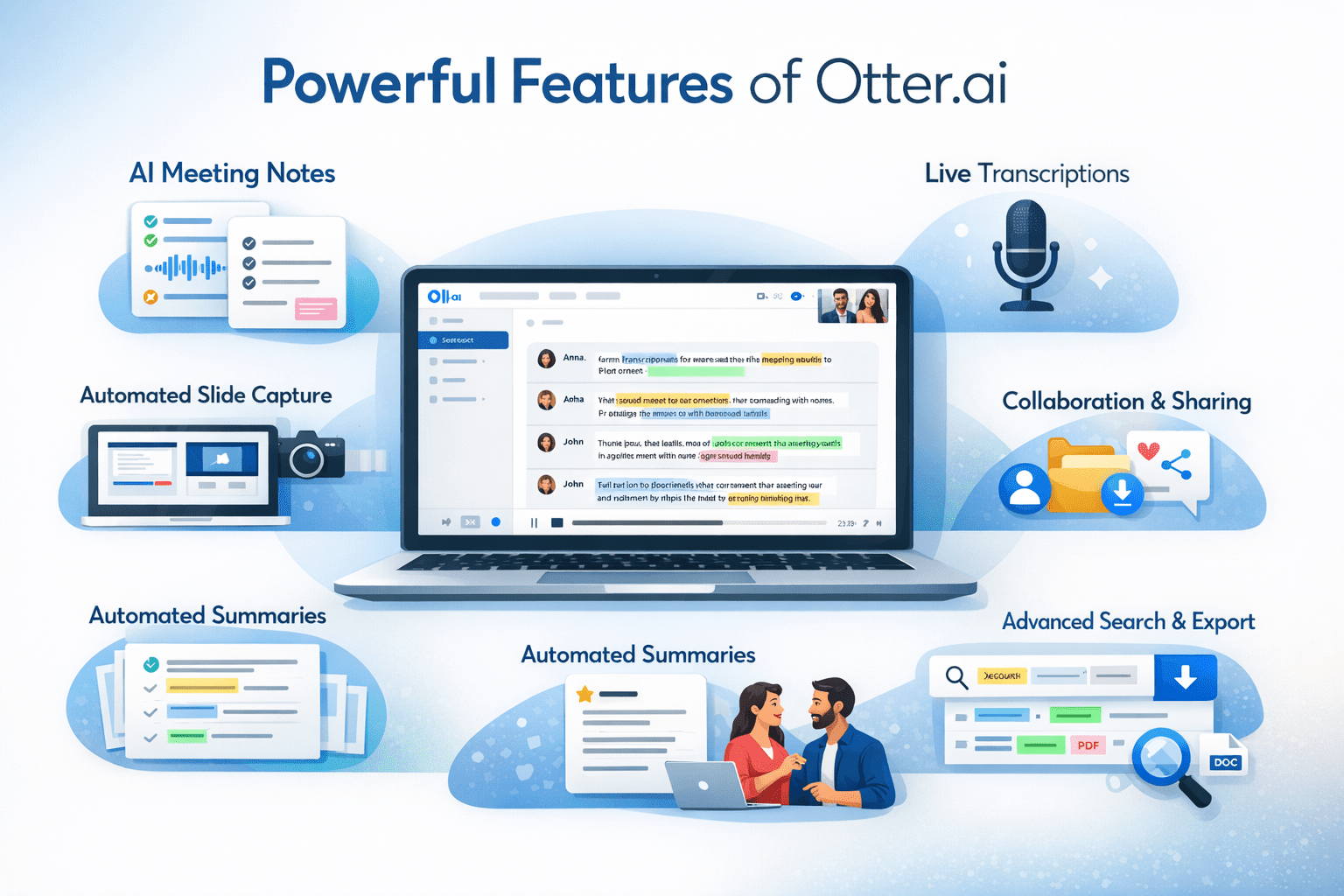
The main characteristic is real-time AI transcription; it records everything said during a meeting and converts it into searchable text in just a few seconds. I have applied this during a Zoom meeting, a face-to-face interview, and once during a noisy team lunch and got missed on that last.
I was impressed with the content of the meeting notes. Otter automatically creates a summary of the conversation with action items directly extracted after every conversation. That saved me at least 15 minutes of every meeting.
Search is amazingly effective. I searched for one keyword and discovered a precise moment of a call three weeks ago. That was like a little superpower to a person who has to handle several client projects.
The Google Meet and the Zoom integrations were seamless and needed nearly no setup.
Accuracy
There was clear sound, minimal room, and one speaker, very impressive. I would have said 92-95 percent correct in such conditions. Needed to turn the transcript barely.
This was made more difficult by the presence of more than one speaker. Otter AI would occasionally combine the sentences of two individuals into a block. I observed this always when there was a four-person team meeting, a pain in the neck of trying to follow the conversation.
Accuracy was murdered by background noise. I tried it once in the interview in a coffee shop, a big mistake. Words were mixed up, names were uttered totally wrong, and I took more time in editing than the time the meeting took.
There was a single irritating thing that appeared to me: one particular thing, technical words and product names, was almost always spelled wrong. I did have to repair them manually each time.
Roughly, estimate 10-15 minutes of editing time per hour of recorded material. There is less, and there is more.
How I Actually Used Otter AI: Real Scenarios
Weekly Team Standups: I linked Otter to our weekly standup on Zoom and didn’t think about taking notes at all. It simply hummed on in the background. The summary came down automatically after the call. That really transformed my mornings.
Client Interview Mixed Results: I made a 45-minute client discovery call. Otter has taken a capture with about 85% accuracy. The problem was that my client had a slight accent and spoke fast. Entire sentences emerged disorderedly. I took 20 minutes to mend it back in its proper shape afterward, which nullified the better part of the intention right out.
Pricing
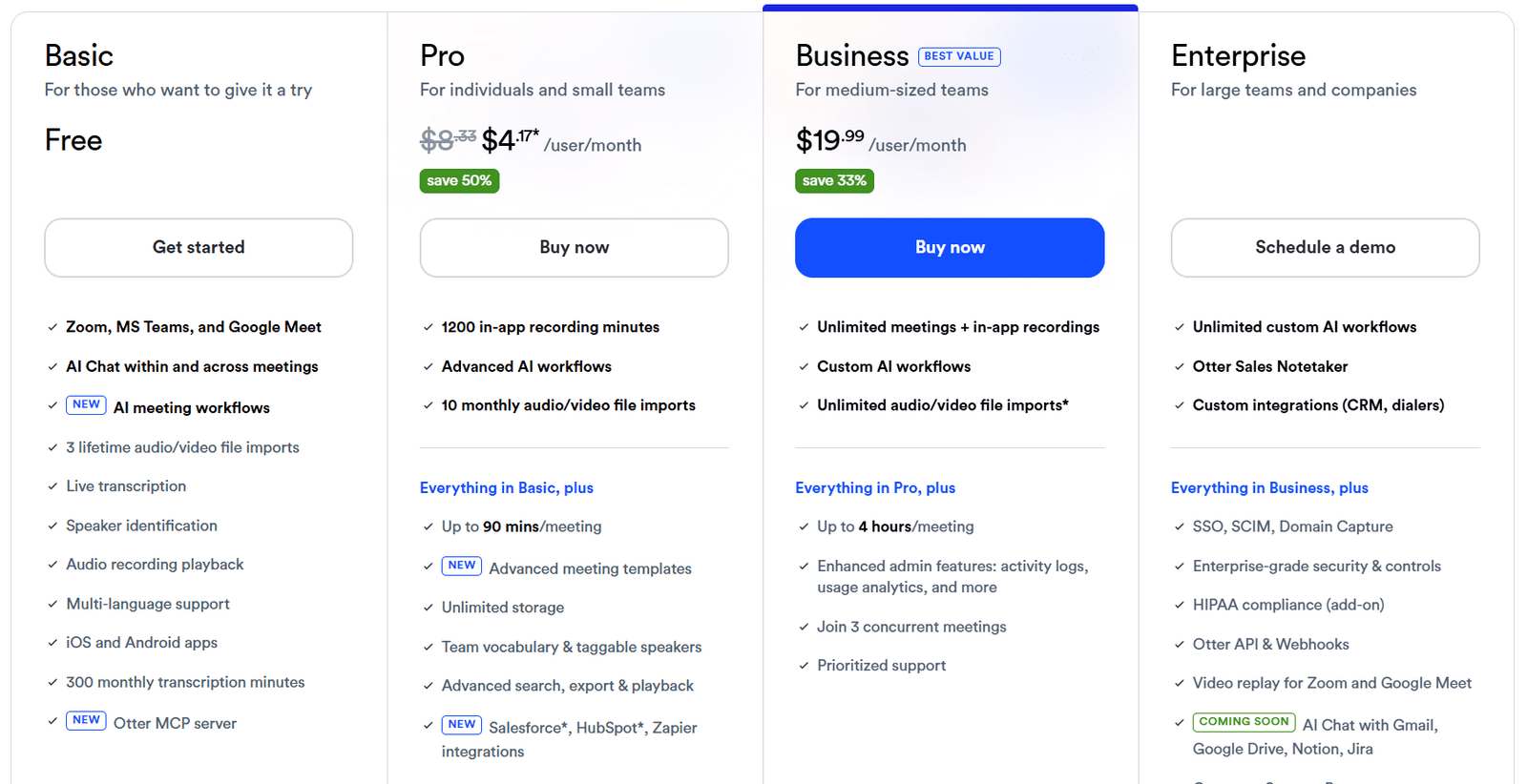
The free transcription feature of Otter AI is not bad to use occasionally—300 minutes a month will get you going. But, in reality, it is finished sooner than anticipated.
Paid plans have access to additional recording of meetings, additional monthly minutes, and collaboration with a team. The Pro plan is reasonable for solo users. In the case of teams, the business plan is more reasonable.
The free plan will annoy you in no time if transcription is a part of your routine.
Pros and Cons From Actual Testing
Pros
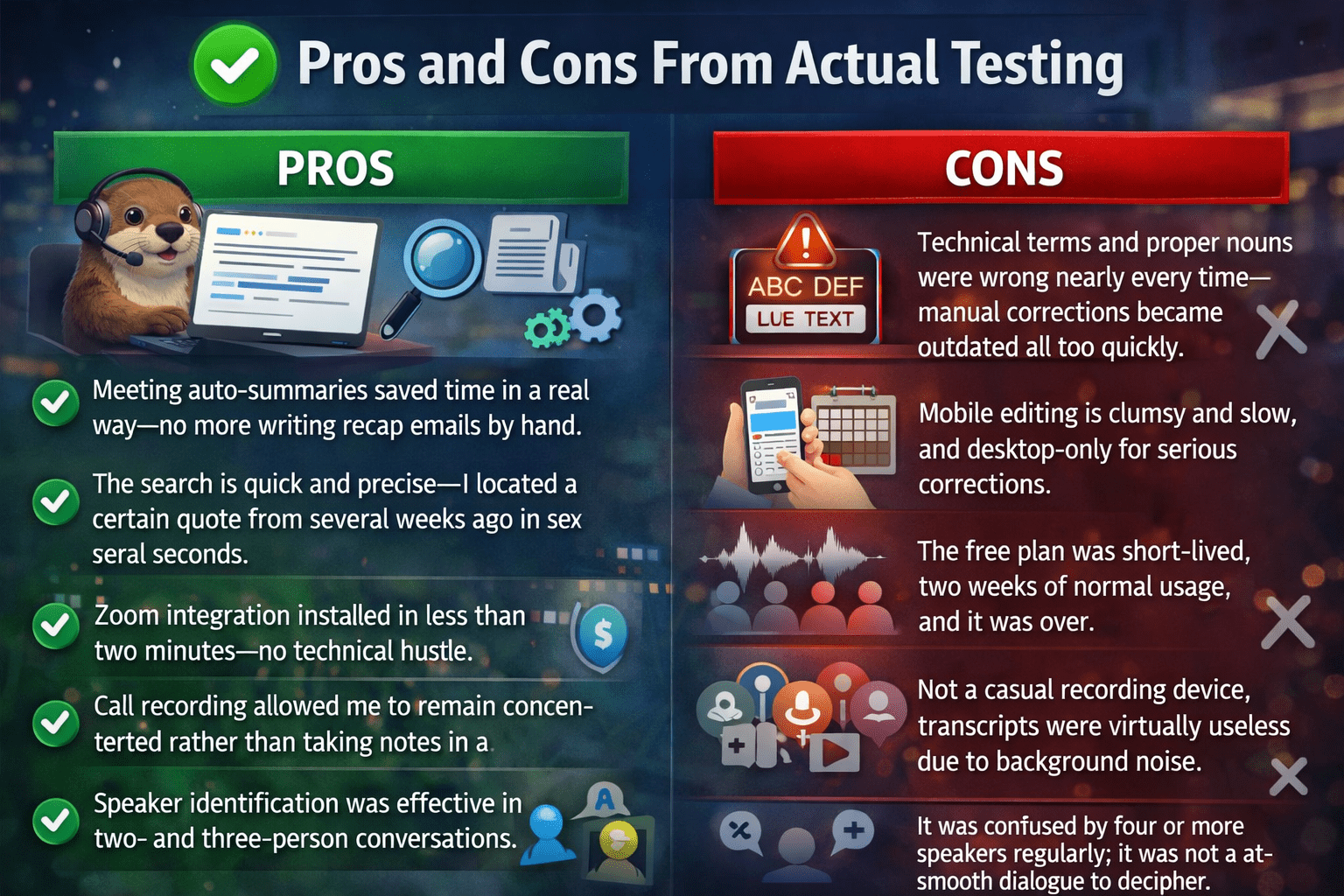
- Meeting auto-summaries saved time in a real way—no more writing recap emails by hand.
- The search is quick and precise—I located a certain quote from several weeks ago in several seconds.
- Zoom integration installed in less than two minutes—no technical hustle.
- Call recording allowed me to remain concentrated rather than taking notes in a panic.
- Speaker identification was effective in two- and three-person conversations.
Cons
- Technical terms and proper nouns are wrong nearly every time—manual corrections became outdated all too quickly.
- Mobile editing is clumsy and slow, and desktop-only for serious corrections.
- The free plan was short-lived, two weeks of normal usage, and it was over.
- Not a casual recording device, transcripts were virtually useless due to background noise.
- It was confused by the four or more speakers regularly; it was not a smooth dialogue to decipher.
Final Verdict
In case you are a remote employee, student, or researcher overwhelmed by all the meetings and interviews, give it a go. It actually lessens the psychological burden.
Do not use it when you are working in noisy conditions, when you have to work with heavy accents, or when you are not willing to edit your transcripts to a publication level.
It will not take away human attention altogether. You have to revise, edit, and reason.
But honestly? Returning to manual note-taking after using Otter AI is like using a paper map instead of Google Maps. Poor tool, even transformed my work.
FAQs
Can Otter AI be accurate enough to work?
Clean sound, yes, very handy. Distracting ambiance or numerous speakers, anticipate mistakes. Never post without checking.
Is Otter AI free?
Yeah, but 300 minutes a month fly away. Occasionally, fine, daily meetings, limiting.
What is the actual work of the Otter AI?
Integrates with Zoom or Google Meet, transcribes in real-time, recognizes speakers, and creates a summary automatically upon the close of the call. Installation time is five minutes.
Who gets the most value from Otter AI?
Remote employees, journalists, students, and scholars. Everybody who handles long recorded conversations where some information is lost wastes time.