How to Download SoundCloud Music
If you’re looking to download SoundCloud music to your laptop, you’re not alone. Many users want to enjoy their favorite tracks offline, whether for convenience, travel, or building a personal music library. While SoundCloud offers an official download option for some tracks, many are not available for download due to the artist’s settings. In such cases, third-party tools can help you save your favorite music.
Why Download SoundCloud Music?
Downloading SoundCloud music allows you to:
- Enjoy Offline Listening: Ideal for areas with limited or no internet connectivity.
- Create Custom Playlists: Organize your favorite tracks without relying on streaming.
- Preserve Rare or Limited-Time Releases: Save unique tracks before they’re removed or become unavailable.
Top Tools to Download SoundCloud Music to a Laptop
1. MusicFab SoundCloud Music Converter
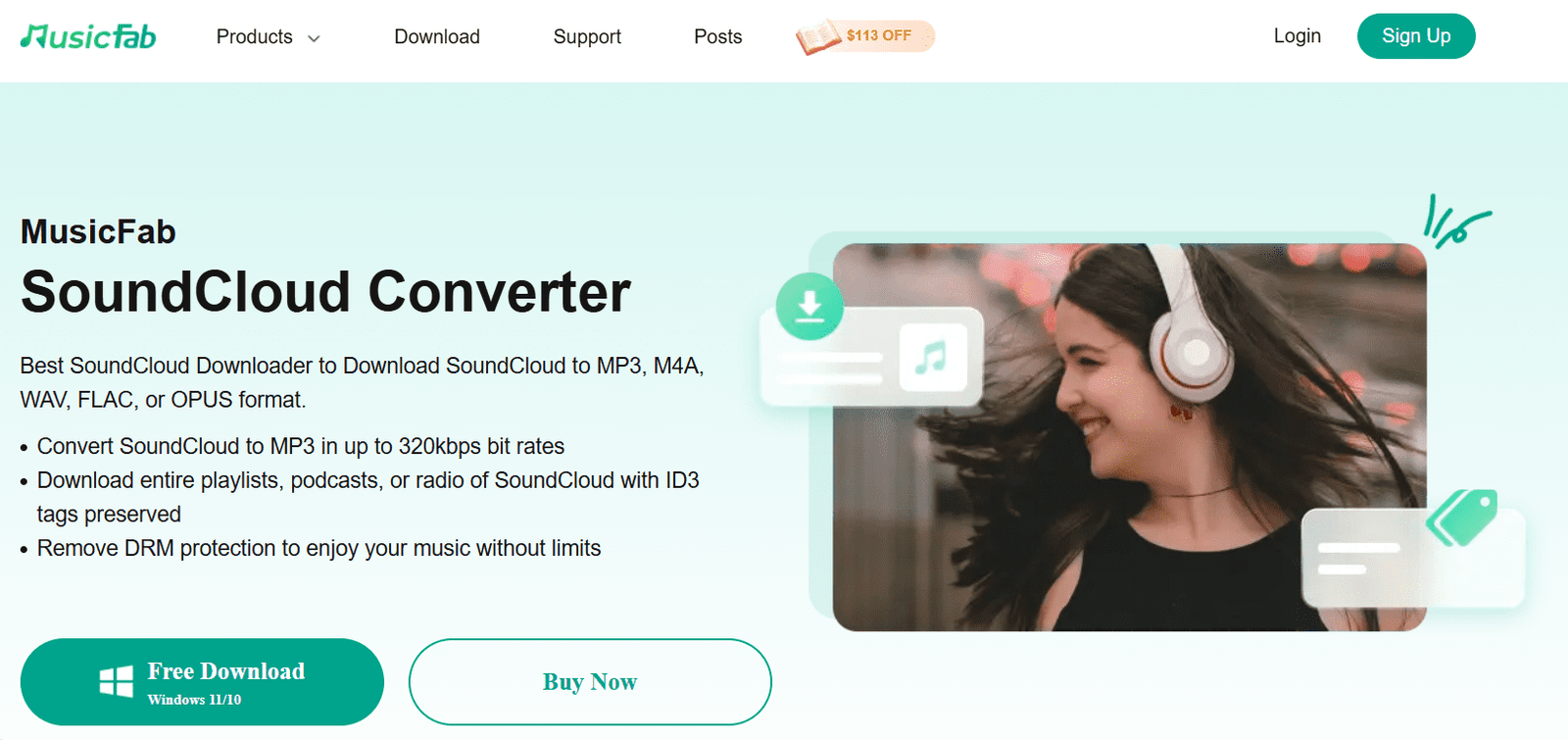
MusicFab SoundCloud Converter is a powerful desktop application designed for both Windows and Mac users. It allows you to download SoundCloud music in various formats, including MP3, FLAC, WAV, and M4A, with high-quality output. The software supports batch downloading, enabling you to save multiple tracks or entire playlists simultaneously. Additionally, it preserves ID3 tags and metadata, ensuring your music library remains organized.
Pros:
- High-Quality Downloads: Supports up to 320kbps MP3, FLAC, WAV, M4A, and OPUS formats, ensuring excellent audio quality.
- Batch Downloading: Allows downloading multiple tracks or entire playlists simultaneously, saving time.
- Metadata Preservation: Retains ID3 tags, including artist name, album, and cover art, for organized music libraries.
- User-Friendly Interface: Clean and intuitive design makes it accessible for both beginners and advanced users.
- Cross-Platform Support: Available for both Windows and macOS, catering to a wide range of users.
Cons:
- Paid Software: While it offers a free trial, full functionality requires a purchase.
2. SoundCloudMate
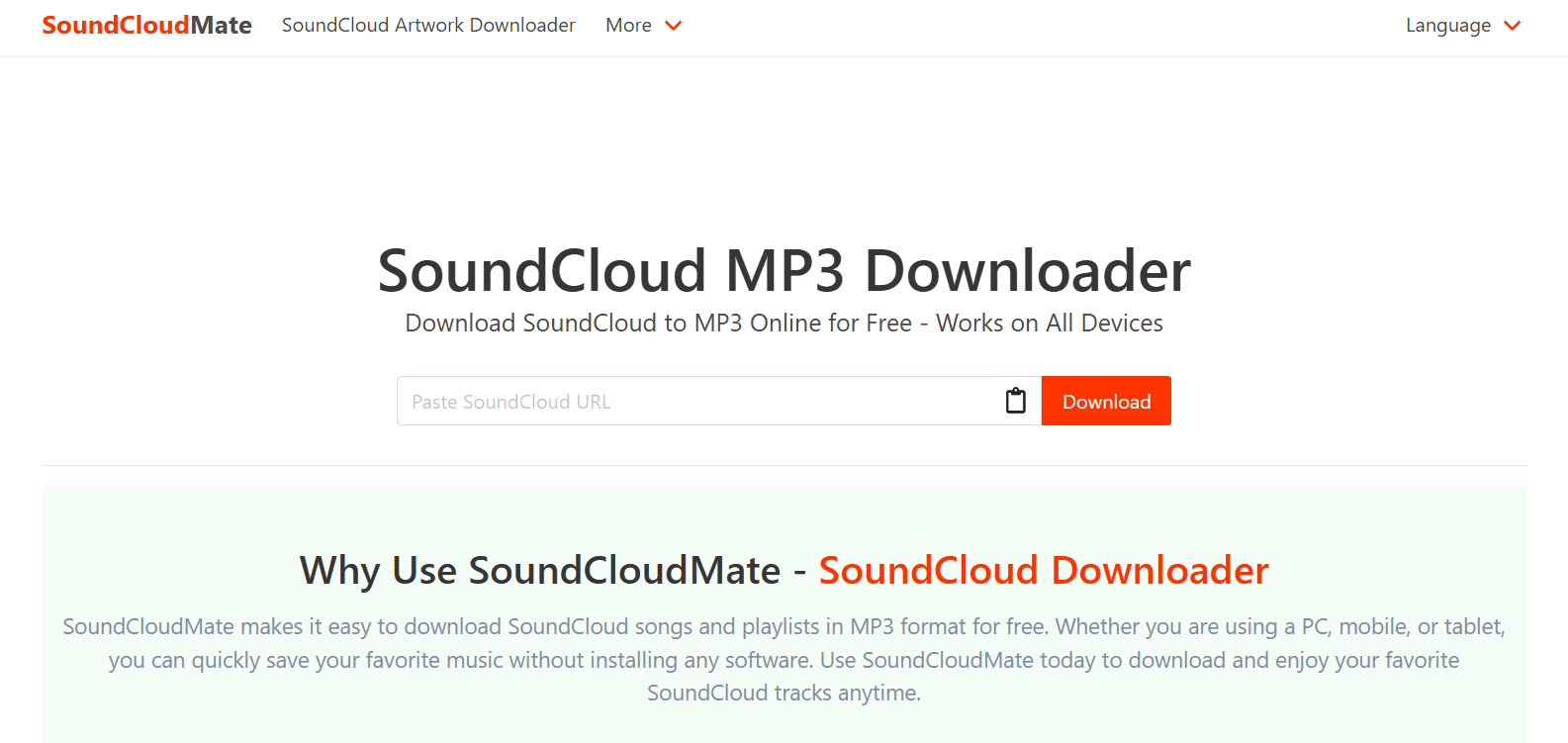
SoundCloudMate is a free, web-based tool that doesn’t require any software installation. Simply paste the URL of the SoundCloud track you wish to download, and it will convert it to an MP3 file for you. It’s compatible with all devices and browsers, making it a convenient option for quick downloads.
Pros:
- Free and Easy to Use: No registration required; simply paste the track URL to download.
- High-Quality MP3 Downloads: Supports up to 320kbps MP3 downloads
- No Ads: Provides a clean and ad-free user experience. musicfab.org
- Cross-Device Compatibility: Works on Windows, macOS, Android, and iOS devices
Cons:
- Single Track Downloads: Does not support batch downloading; only one track can be downloaded at a time.
- Limited Features: Lacks advanced features like playlist downloading and format conversion
3. KlickAud
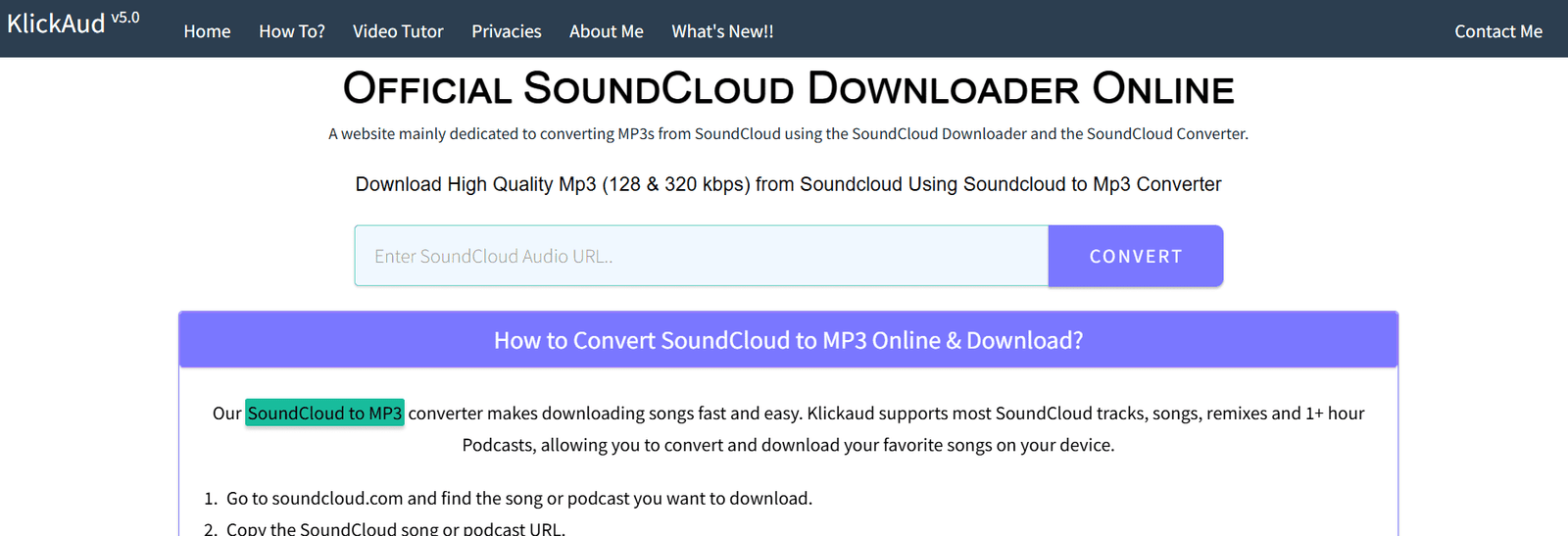
KlickAud is another online tool that allows you to download SoundCloud tracks in MP3 format. After pasting the track’s URL, it processes the link and provides a download button. It’s a straightforward and efficient method for downloading individual tracks.
Pros:
- Free and Browser-Based: No installation required; works directly in the browser.
- Simple Interface: User-friendly design suitable for quick downloads.
- Cross-Platform: Compatible with desktops, tablets, and smartphones
Cons:
- Audio Quality Limitations: Downloads are limited to 128kbps MP3
- Ad-Supported: The site contains numerous ads, which can be intrusive
- Single Track Downloads: Does not support downloading entire playlists.
4. SingleMango
SingleMango is a user-friendly online downloader that supports both tracks and playlists. By pasting the SoundCloud URL, you can download the content in MP3 format. It’s compatible with multiple browsers and doesn’t require any software installation.
Pros:
- Web-Based Tool: No software installation needed; accessible via any browser.
- Playlist Support: Allows downloading multiple tracks from a playlist
- Cross-Platform Compatibility: Works on Windows, macOS, and Android devices
Cons:
- Audio Quality Limitations: Downloads are limited to 128kbps MIP3.
- Performance Issues: Users report laggy and slow performance.
- Limited Features: Lacks advanced features like format conversion and metadata preservation
Important Considerations
- Respect Copyrights: Only download tracks that are legally available for download. Avoid downloading private or copyrighted content without permission.
- Be Cautious with Third-Party Tools: Some online downloaders may pose security risks or contain ads. Ensure you use reputable tools and have up-to-date antivirus software.
- Check Artist Permissions: If a track doesn’t have a download option, it’s likely because the artist has disabled it. Always respect the artist’s settings and seek permission if necessary.
Conclusion
Downloading SoundCloud music to your laptop can enhance your listening experience, especially when offline. Tools like MusicFab offer comprehensive features for downloading and organizing your music library. However, always ensure you’re downloading content legally and safely. With the right tools and precautions, you can enjoy your favorite SoundCloud tracks anytime, anywhere