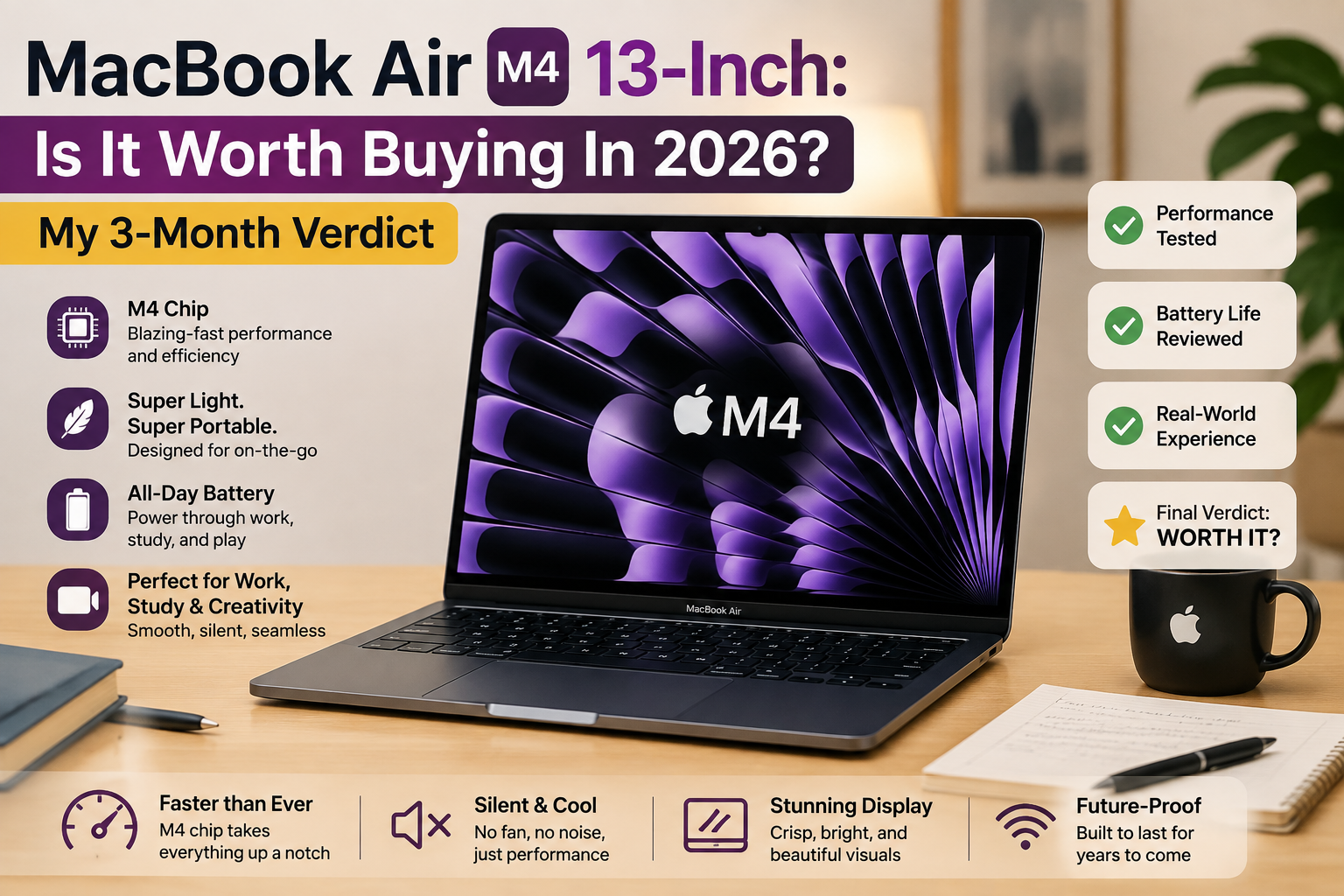
MacBook Air M4 13-Inch: Is It Worth Buying In 2026? My 3-Month Verdict
- Rating: 9/10
- Perfect for: Students, writers, developers, remote workers, and those who want a high-performance laptop that stays quiet fan-wise and won’t make you worry about the charger.
- Not perfect for: Video editors in 4K/RAW, hardcore gamers, or people who can’t do without just two USB ports and don’t want to carry a hub.
I have recently upgraded to the MacBook Air M4 13″ from a Dell XPS 13, which I really liked, and I did it in March 2025. I was not looking for an excuse to love Apple — I just wanted to buy the finest compact laptop that was under one thousand dollars. This machine has been used daily for three months for writing, coding, some light photo editing, and the occasional Zoom marathon, and I can tell you it lives up to its reputation — with a few caveats. The changes to the M4 chip are obvious: the base comes with 16GB of RAM (for the first time), and Apple reduced the price by $100.
However, if you need a 120Hz display or a port in which you need no dongle, this is not that laptop.
Specifications of MacBook Air M4
| Specification | Details |
| Display | 13.6-inch Liquid Retina IPS, 2560 × 1664, 224 ppi, 500 nits, 60Hz, P3 wide color |
| Processor | Apple M4 — 10-core CPU (4 performance + 6 efficiency cores) |
| RAM | 16GB unified memory (base); configurable to 24GB or 32GB |
| Storage | 256GB SSD (base); configurable to 512GB, 1TB, or 2TB |
| GPU | 10-core GPU (base 13-inch config ships with 8-core GPU) |
| Battery | 52.6Wh lithium-polymer; up to 18 hrs video streaming (Apple claim) |
| Operating System | macOS Sequoia (with Apple Intelligence support) |
| Weight | 2.7 lbs (1.24 kg) |
| Dimensions | 11.97 × 8.46 × 0.44 inches (304.1 × 215 × 11.3 mm) |
| Ports | 2× Thunderbolt 4 / USB-4, 1× MagSafe 3, 1× 3.5mm headphone jack |
| Connectivity | Wi-Fi 6E, Bluetooth 5.3 |
| Webcam | 12MP Center Stage camera with Center Stage and Desk View |
| Security | Touch ID fingerprint sensor |
| Base Price | Starting at $999 (USD) / $899 for education |
Design & build quality
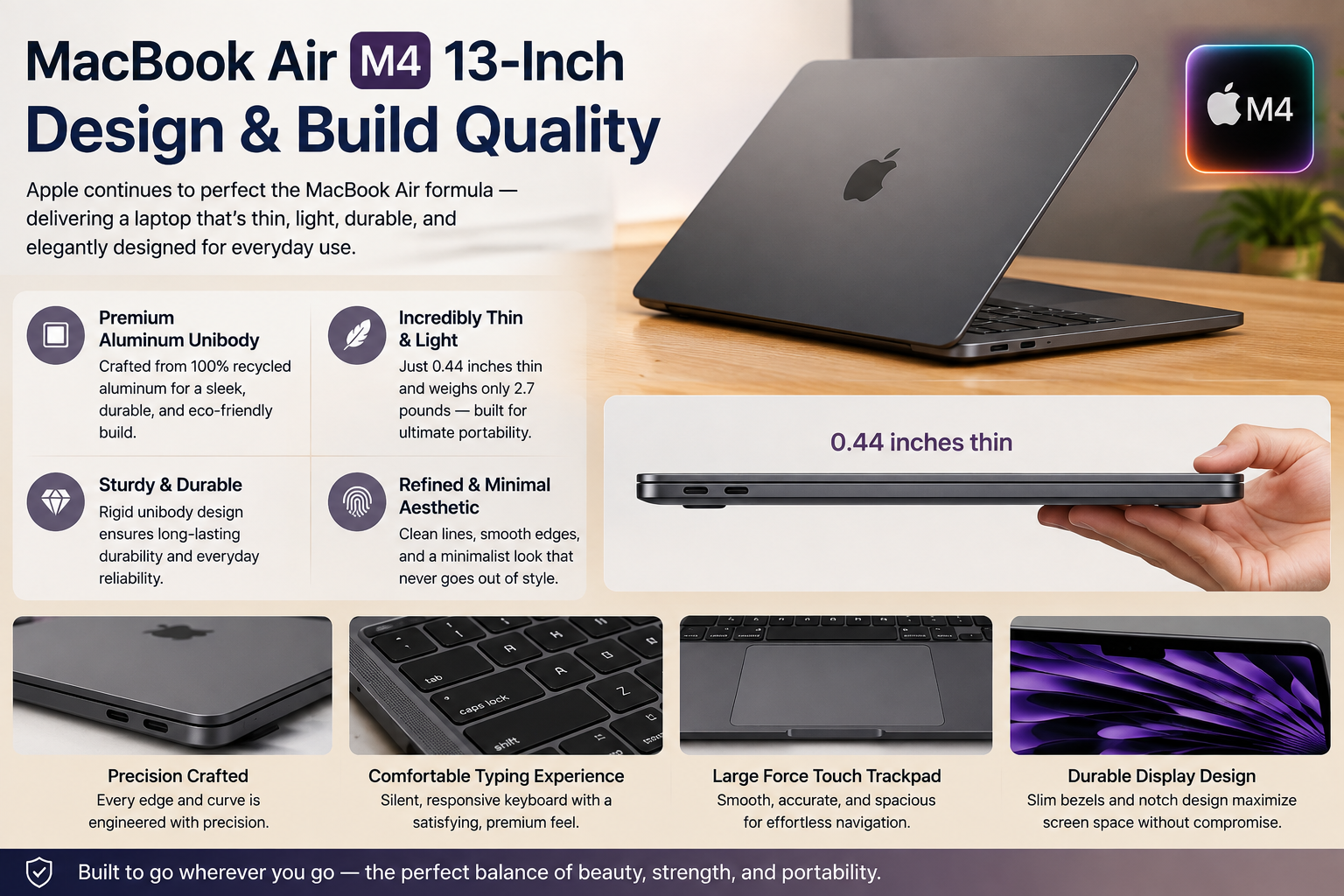
The MacBook Air M4 looks the same as the M2 and M3. If that annoys you, it’s understandable; however, Apple nailed the design two generations ago, so why spoil it? The unibody aluminium cage looks and feels like a classy piece of tech, but at the same time, it’s not cold and clinical. At about 2.7 lbs, it’s the kind of device that “disappears” in a bag. That new sky blue shade is actually more low-key than the pictures; it’s more like a light silver-grey with just a tint of colour. The keyboard still happens to be one of the finest around any laptop, and the Force Touch trackpad remains the industry standard. There are absolutely no creaks, no flex, no sharp edges at all. Build quality that, for the price, is almost “over-engineered” borderline.
Display
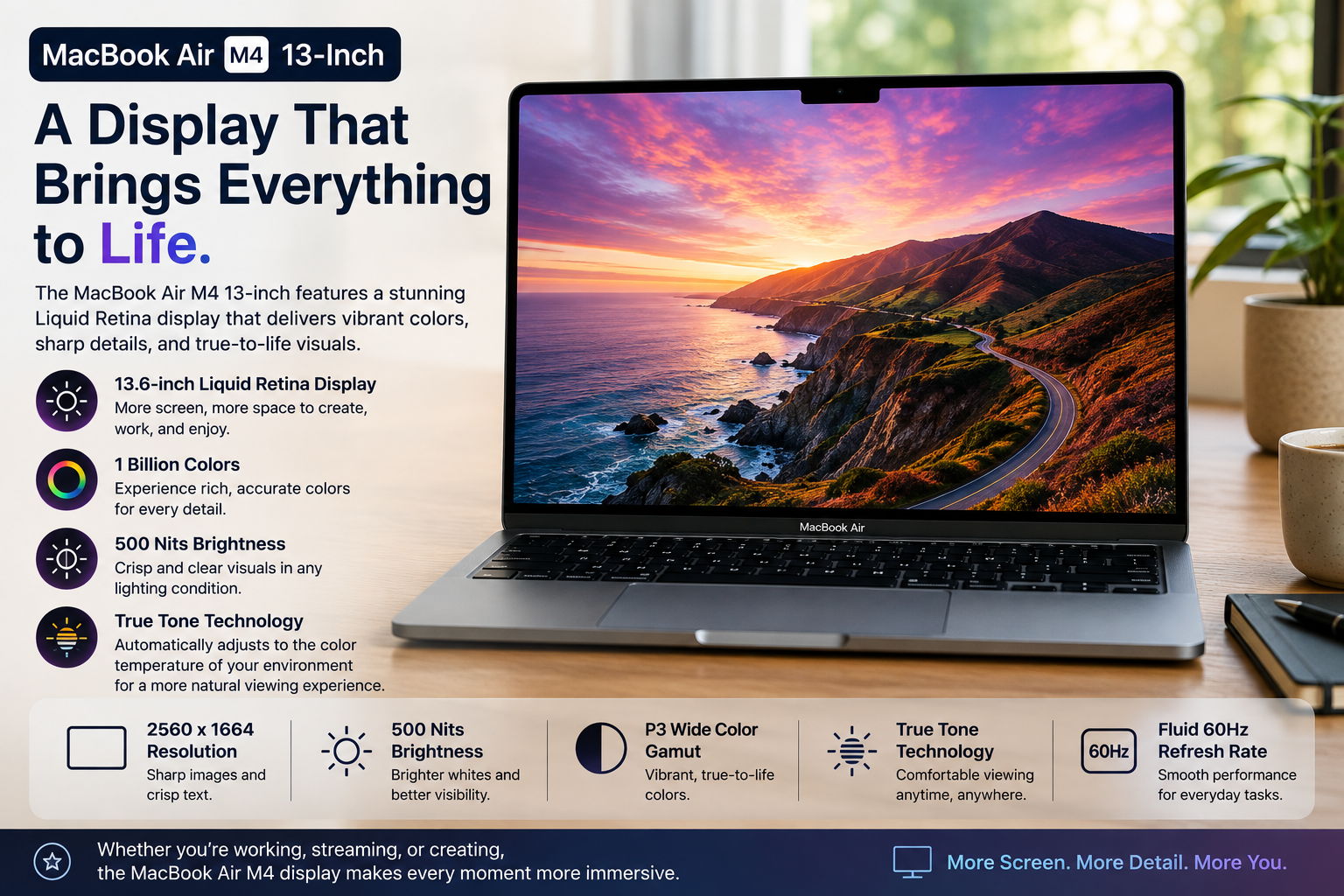
The 13.6-inch Liquid Retina display has a resolution of 2560 x 1664 and 224ppi, supports P3 wide colour gamut, and has up to 500 nits of brightness. So, for regular tasks like viewing content, writing, or doing some photo editing, it’s perfectly fine. But this is where I have to come clean: the 60Hz refresh rate becomes quite obvious if you have used a 120Hz screen recently. Scrolling doesn’t feel quite as fluid. Also, the MacBook Air lacks a nano-texture glass option, so it can be more glare-prone than the MacBook Pro models. The display is still very good for a laptop. But, in 2026 terms, not an excellent one considering OLED and high refresh rate are becoming the standard for competing Windows machines.
Performance
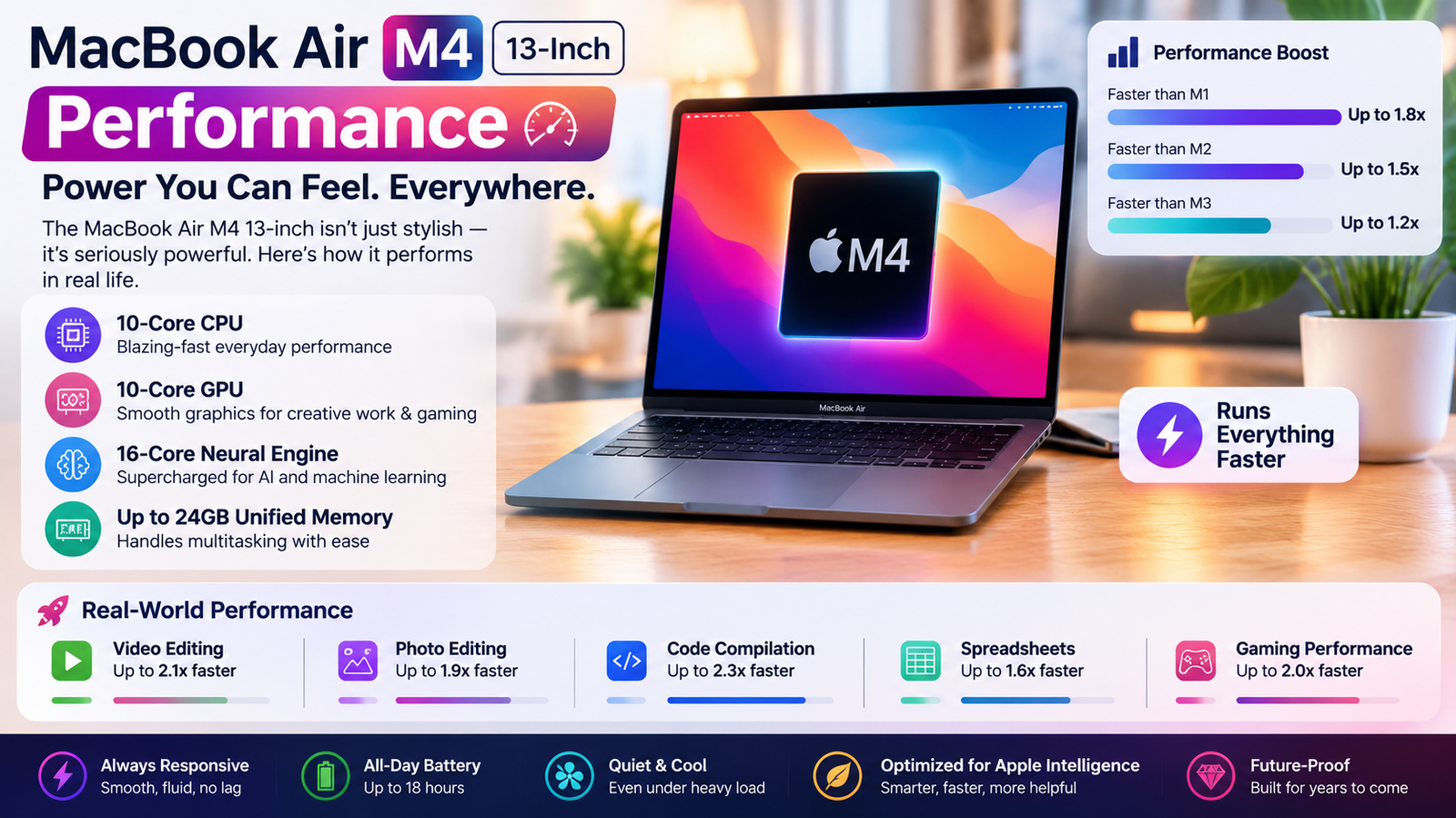
Clearly, the M4 is a step above the M3, as indicated by Geekbench 6 scores: single-core 3, 622 and multi-core 14, 223
To put it in more tangible terms: apps launch instantaneously, a medium-sized Node.js project of medium size compiles in a matter of seconds, and Photoshop can easily handle 50MP RAW files with multiple layers without any issues. Even 4K editing in iMovie is responsive. It is only with sustained, very heavy tasks that the M4 might falter, for example, encoding a lengthy video in Handbrake or exporting a DaVinci Resolve project. Since the M4 lacks active cooling, it will throttle performance as the heat increases over time. However, it performs very well for brief high-intensity tasks. With continuous CPU load for over half an hour, the MacBook Pro is the one that comes out on top.
Battery life
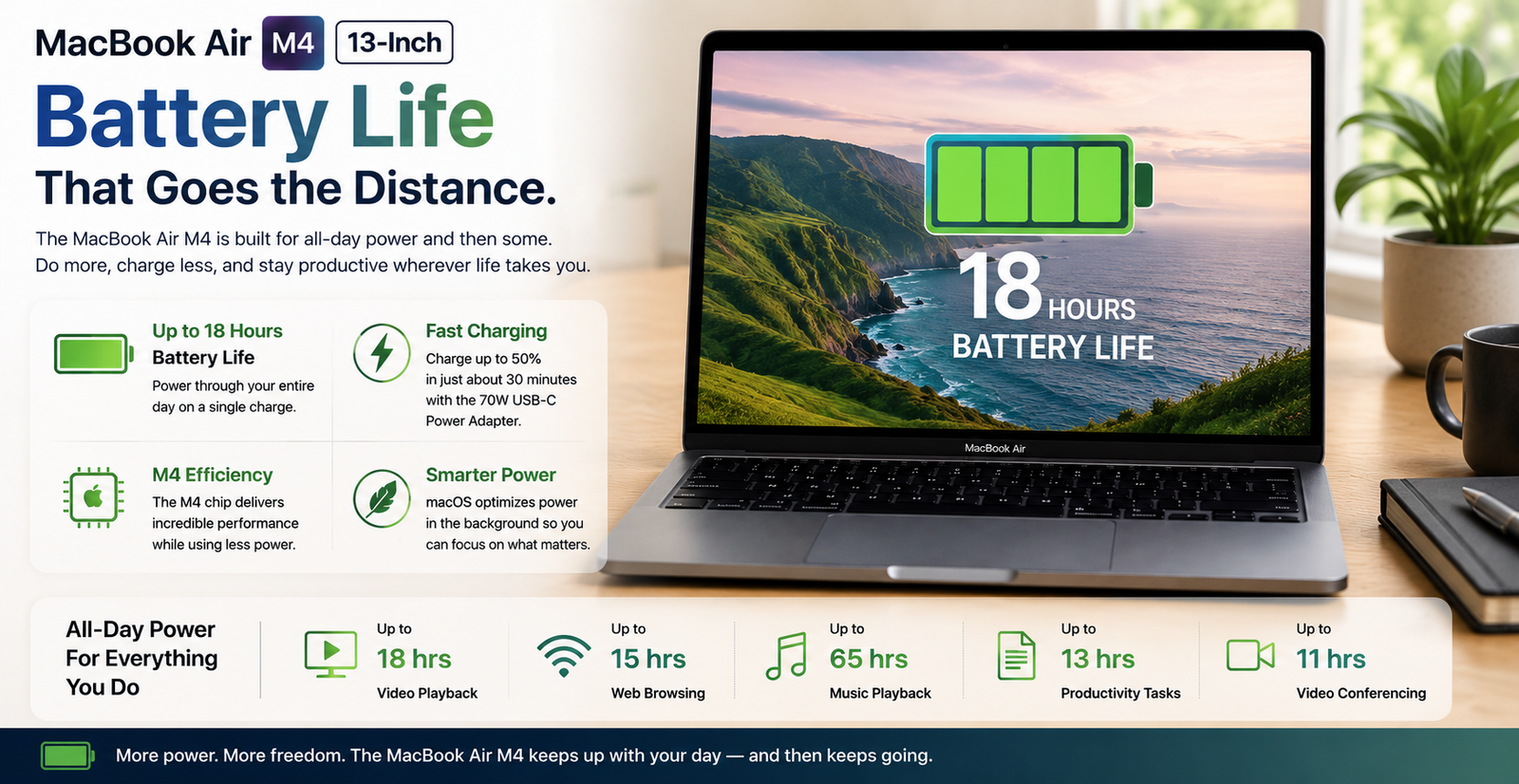
The official figure from Apple is 18 hours, but in reality, I was usually in the 12 to 14 hour range with mixed days involving writing, browsing, two video calls, and some Spotify. A much heavier coding day dropped it down to about 10.5 hours. To me, those are still fantastic numbers for a 13-inch laptop. By comparison, the Dell XPS 13 I used to have was barely ever over 8 hours.
Just one honest reflection: the 13-inch base model comes with an 8-core GPU as opposed to a 10-core, which probably means it is slightly less efficient than the 15-inch model, which features a 10-core GPU.
Also Read- 10 Best Laptops Like Macbook Air
Thermal management & fan noise
There is no fan. That’s the main point. The MacBook Air M4 remains completely fan-free, heating itself inside through its aluminium shell. When it is being used normally, writing, surfing the net, making video calls, doing some programming, the device does not heat to the point of becoming uncomfortable. Additionally, it remains completely silent. When performing prolonged Handbrake encoding or running Geekbench tests consecutively, the keyboard region gets pretty warm, especially around the top-centre area, but it never becomes uncomfortable. The downside, at least in theory, is throttling when doing heavy loads that are sustained long enough, which is the one situation where a MacBook Pro with active cooling is really superior. For the vast majority of users, the fanless design is indeed a feature, rather than a compromise.
Pros & cons of MacBook Air M4 13-Inch
| Pros | Cons |
| Fanless design runs completely silent under everyday workloads | Base 256GB storage fills up fast — especially for photos and video |
| Real-world battery life clears 12–14 hours with mixed daily use | Display caps at 60Hz — no high-refresh option, unlike MacBook Pro |
| M4 chip handles Photoshop, light video edits, and coding with ease | Only two Thunderbolt ports; a hub is almost always necessary |
| Weighs just 2.7 lbs — genuinely disappears in a backpack | No nano-texture glass option available on this model |
| $100 cheaper than the M3 generation at launch — real value | Sustained performance throttles during prolonged heavy CPU tasks |
Final verdict
The MacBook Air M4 13-inch is a great choice for a laptop, and I am pretty sure that I could recommend it to anyone. The M4 chip is really fast, the battery life is excellent, and the fanless silence quickly becomes a luxury you don’t want to give up once you’ve experienced it. On top of that, Apple starting at 16GB RAM and dropping the price to $999 eliminates the two main reasons that people were hesitating to get the M3. The 60Hz display and only two-port limitation really do bother, but they won’t be a dealbreaker for most people. If you want the best all-day portable laptop that can be carried around in 2026 without costing you a MacBook Pro, this is it. Go for the 512GB configuration. You won’t be sorry for the storage.