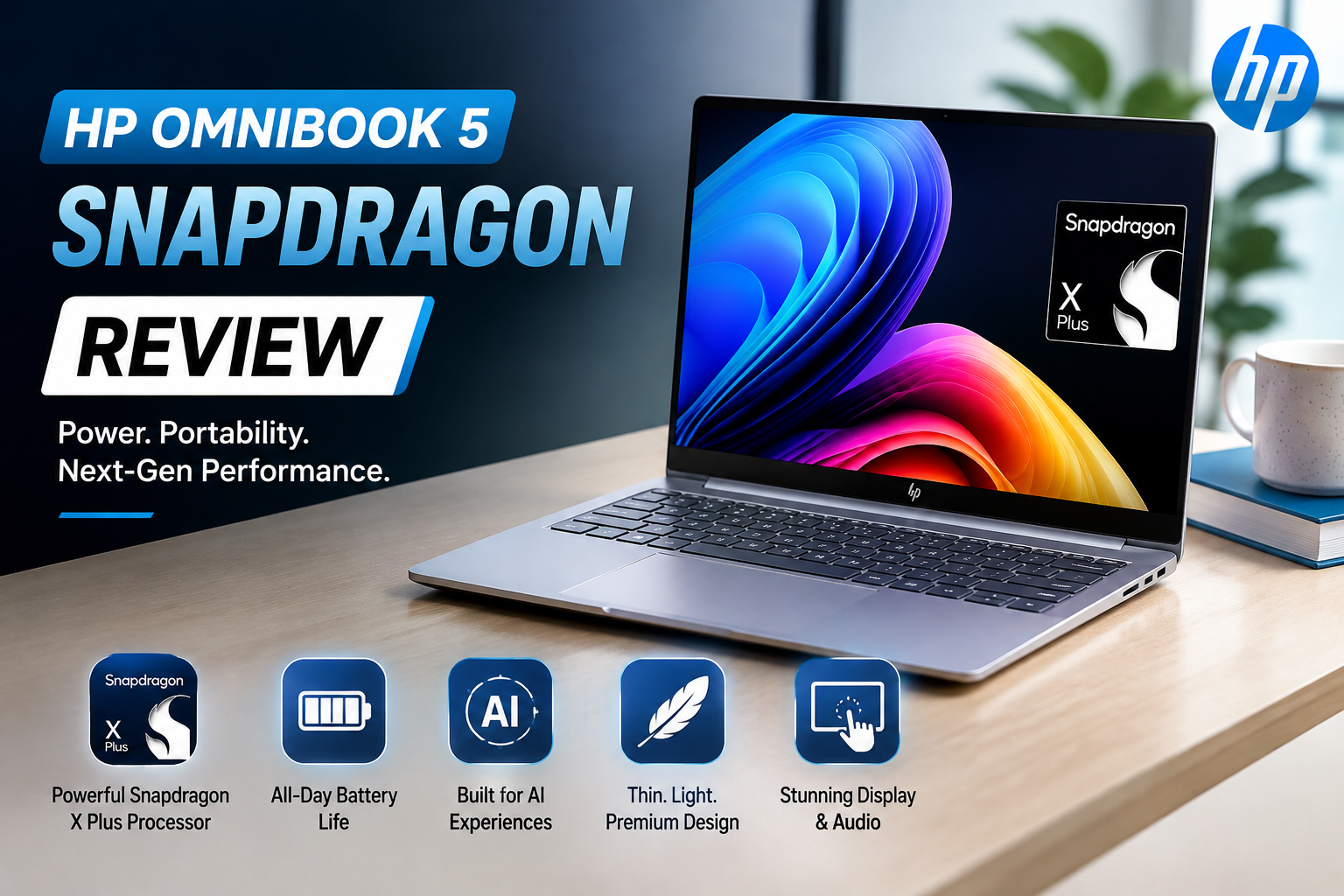
HP OmniBook 5 Snapdragon Review: A Lightweight Laptop for Long Battery Life
- 1 HP OmniBook 5 Snapdragon Specs
- 1.1 Premium Design, Every Day Comfortable
- 1.2 OLED Display Offers Great Visuals
- 1.3 Highlights From The Show
- 1.4 Snapdragon Performance Easily Handles Daily Tasks
- 1.5 Real-World Performance
- 1.6 Comfortable Keyboard, Responsive Trackpad
- 1.7 Fast SSD Storage for Speed and Responsiveness
- 1.8 The Biggest Strength Is the Outstanding Battery Life
- 1.9 Everyday Needs, Modern Connectivity
- 1.10 Software & Gaming Compatibility
- 2 Advantages and Disadvantages Of HP OmniBook 5 Snapdragon
- 3 Who Should Buy the HP OmniBook 5 Snapdragon?
- 4 Final Decision
Looking at the HP OmniBook 5 with Snapdragon, I wasn’t anticipating a laptop designed for gaming or heavy creative work. What I needed to know was if it could comfortably handle my usual routine – writing, web browsing, video meetings, streaming, Office work and multitasking – while having outstanding battery life and being light enough to tote wherever.
After getting to dig through its specs and real-world performance, I discovered that the HP OmniBook 5 is built for efficiency, not raw power. It’s powered by Qualcomm’s Snapdragon X Plus CPU, and it offers solid battery life, silent operation, and reliable everyday performance at a price point that makes it attractive to students, professionals, and remote workers.
What struck me most was the balanced sense of the whole product. HP has not sought to compete with high-end performance laptops. Instead, it has made a practical Windows notebook with plenty of RAM, fast storage, a good OLED display and great battery life for ordinary computing.
HP OmniBook 5 Snapdragon Specs
| Specification | HP OmniBook 5 Snapdragon |
| Display | 14-inch OLED Display |
| Resolution | 1920 × 1200 |
| Processor | Qualcomm Snapdragon X Plus |
| Graphics | Qualcomm Adreno Integrated Graphics |
| RAM | 16GB / 32GB LPDDR RAM |
| Storage | 512GB / 1TB SSD |
| Operating System | Windows 11 |
| Camera | 1080p Webcam with Windows Hello |
| Battery Life | Up to 12–15 hours (typical use) |
| Weight | Approximately 2.8 lbs (1.27 kg) |
| Connectivity | USB-C 3.2, USB-A, 3.5mm Headphone Jack |
| Wireless | Wi-Fi, Bluetooth |
Specifications are subject to change without notice.
Premium Design, Every Day Comfortable
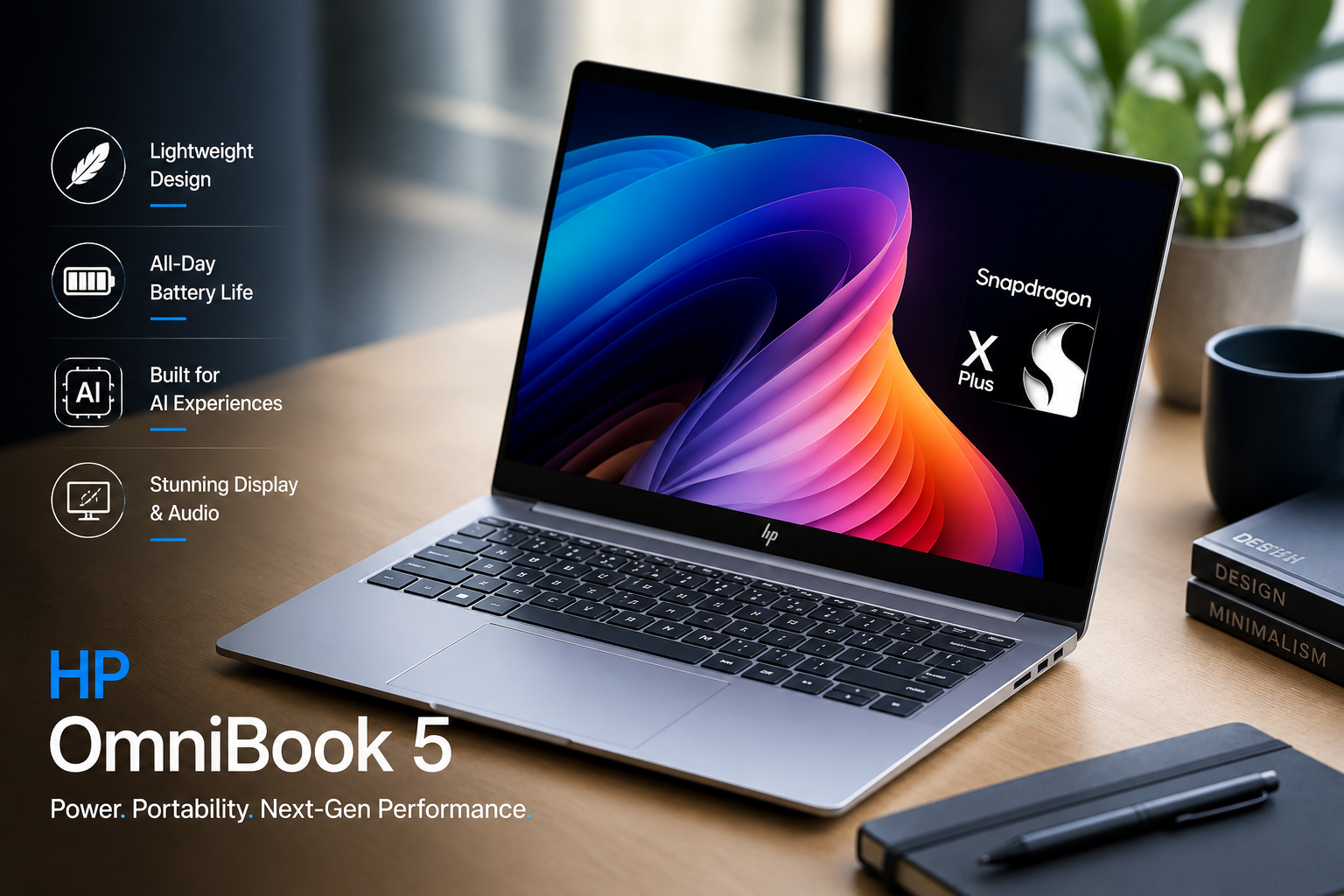
The first thing I noticed about the HP OmniBook 5 was the sleek, modern look.
The laptop looks and feels luxurious, with an aluminium lid and base made from recyclable plastic—yet without the weight. At 2.8 pounds, it’s light enough to tote around all day, whether I’m working from home, going into the office, or studying at university.
Another tiny thing I liked is the fact that the laptop opens quickly with one hand. Makes everyday use a breeze. Build quality generally seems sturdy and balanced, practical for everyday use.
Also Read: HP ProBook 450 G10 Review
OLED Display Offers Great Visuals
The 14-inch OLED display is one of the most impressive features of the HP OmniBook 5.
The 1920 × 1200 resolution provides crisp text, deep blacks and vivid colours that make everything from browsing to streaming more pleasant.
Highlights From The Show
| Feature | Benefit |
| 14-inch OLED Display | Clear and sharp images |
| Resolution 1920 × 1200 | Clear visuals and readable text |
| OLED Technology | Great contrast and very deep blacks |
| Gorilla Glass 3 | Extra screen protection |
| Touch option available | More flexibility for some models |
The OLED display delivers vivid colours, although reds can appear a little oversaturated and it doesn’t cover the complete DCI-P3 colour palette. That’s why I wouldn’t suggest it for professional colour grading.
For normal work, leisure and content consumption, the display does a good job.
Snapdragon Performance Easily Handles Daily Tasks
Performance is precisely where the Snapdragon X Plus chip shines. You may surf, use Microsoft Office, stream, video conference, email, multitask, and more without any hiccups.
I could easily envision myself using this laptop for an entire workday without any lag.
Battery efficiency and keeping fan noise to a minimum are also a big part of the ARM-based architecture.
Real-World Performance
The HP OmniBook 5 is built for productivity, not heavy workloads.
| Task | Execution |
| Web Browsing | Excellent |
| Microsoft Office | Outstanding |
| Content Writing | Outstanding |
| Video Streaming | Outstanding |
| Online Meetings | Excellent |
| Multitasking | Very good |
| Photo Editing | Expert |
| Video Editing | Gaming Good Limited |
The complete experience seems responsive and reliable for students, professionals, remote workers, and writers.
Comfortable Keyboard, Responsive Trackpad
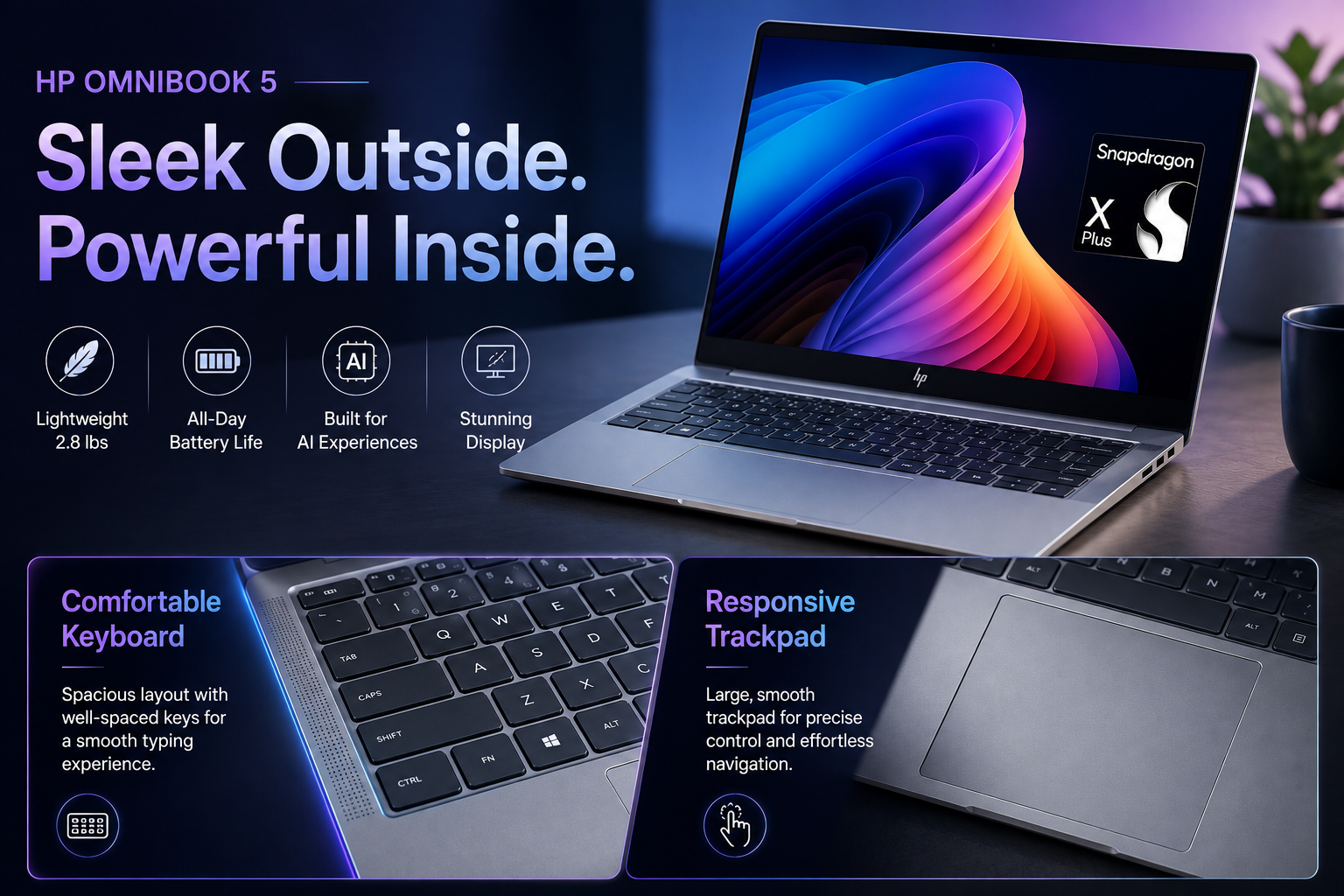
I spend hours a day typing; therefore, comfort on the keyboard is important. The illuminated keyboard has pleasant key travel, which makes it fun for long writing stints.
The trackpad is nice and quick and accurate; however, the click is a little soft compared to other premium rivals.
The motions on Windows work perfectly,y so navigation seems intuitive.
Fast SSD Storage for Speed and Responsiveness
Storage performance is a key part of everyday productivity. The SSD makes Windows load fast, applications open virtually immediately,l,y and files move effortlessly.
Configurations are available with either 512GB or 1TB of storage, which provides ample space for documents, media files and programs.
The Biggest Strength Is the Outstanding Battery Life
Battery life is the major reason I would consider this laptop. The HP OmniBook 5 provides between 12 and 15 hours of use under regular workloads like writing, surfing, office work, and media streaming.
Which means I could easily get through a whole day without having to lug along a charger. The efficient Snapdragon CPU also helps keep the device cool and quiet astonishingly well.
Everyday Needs, Modern Connectivity
The HP OmniBook 5 has all the ports you’ll need as an average user.
It provides:
- Two USB 3.2 Type-C ports
- USB-A port
- 3.5mm headphone jack
Two USB-C connections provide charging, display output, and 10Gbps data transfers, adding flexibility for current accessories.
Software & Gaming Compatibility
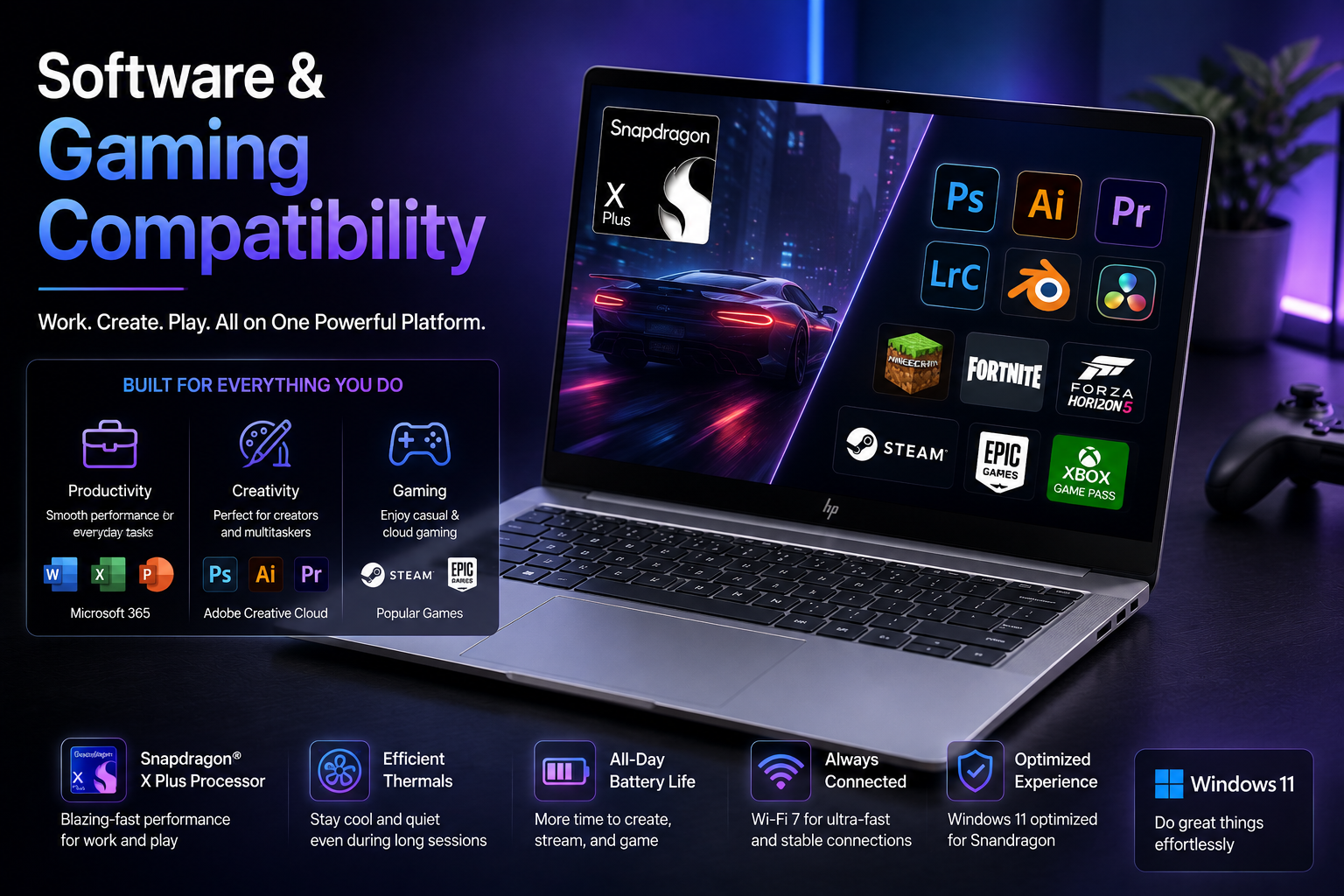
The main limitation of the HP OmniBook 5 is when you start gaming. Snapdragon is ARM architecture, and a lot of PC games still have compatibility concerns today.
Older titles and ARM-supported software often run very well; however, demanding games and specialized desktop apps may not run so well. Linux support is also possible but requires more setup than Intel and AMD laptops at this time.
Advantages and Disadvantages Of HP OmniBook 5 Snapdragon
| Advantages | Disadvantages |
| Great battery | Limited compatibility for gaming |
| Lightweight design | ARM software compatibility varies |
| Stunning OLED display | Not great for professional colour grading |
| Silent operation | Heavy video editing lags |
| Plenty of RAM and SSD choices | Linux setup involves more effort |
| Comfortable keyboard | Not for intensive creative workloads |
Who Should Buy the HP OmniBook 5 Snapdragon?
I think the HP OmniBook 5 is a good pick for the following:
- Students
- Office employees
- Telecommuters
- Content writing
- Business users
- Frequent Flyers
- Day’s multitaskers
- Anyone who prioritises battery life
If your work requires professional video editing, specialist Windows software or modern AAA gaming, an Intel- or AMD-powered laptop would be a better choice.
Final Decision
I’ve used the HP OmniBook 5 with Snapdragon, and I think it works since it’s focusing on what the average user needs.
Lightweight, with a gorgeous OLED panel, plenty of RAM, speedy SSD storage, silent running, and great battery life, this is a laptop that’s simple to recommend for productivity and entertainment.
If I were looking for a Windows laptop that could easily manage writing, web browsing, Office work, streaming, video meetings, and multitasking while lasting all day on a single charge, the HP OmniBook 5 would surely be one of my top picks. The pricing is competitive, and there is a great mix of mobility, efficiency, and everyday usability.