

Asus VivoBook 16 Review: I Used It For Two Weeks
- Rating: 7.5 / 10
- Ideal for: Students, remote workers, and office users who need a large, capable screen for everyday productivity without a premium price tag.
- Not ideal for: Creatives, video editors, gamers, or anyone who needs all-day battery life without a charger nearby.
I’ve relied on the Asus VivoBook 16 as my main computer for the last two weeks, and that has helped me to understand in more depth who exactly this laptop caters to and who it will even frustrate.
With a base price of about $799, it finds itself in a rather tough spot since the Lenovo IdeaPad Slim 5 and HP Pavilion 16 are targeting the same customer segment. Asus differentiates with a massive 16:10 screen, a new Ryzen AI processor, and a military-grade casing. Some of their moves are a hit. Some others, particularly related to battery life and display colour accuracy, are quite serious weaknesses.
But I just want to be honest and provide you with the best and most search-driven review of this laptop that I can.
Specifications of Asus VivoBook 16
| Specification | Details |
| Display | 16-inch WUXGA IPS, 1920×1200, 60–144Hz, 16:10, up to 90% STB ratio |
| Processor | Up to AMD Ryzen AI 7 445 (35W TDP, 50 TOPS NPU) / Intel Core i5-13420H (select models) |
| RAM | 16GB or 32GB DDR5 (soldered, non-upgradeable) |
| Storage | 512GB or 1TB PCIe 4.0 NVMe SSD |
| GPU | AMD Radeon integrated graphics (Radeon 860M on AMD models) |
| Battery | 42Wh or 70Wh; fast charge to 60% in ~49 minutes (65W adapter) |
| OS | Windows 11 Home (Copilot+ PC on AMD AI variants) |
| Weight | Approx. 1.88 kg (4.1 lbs) |
| Dimensions | 35.6 × 25.0 × 1.79 cm (14.0 × 9.8 × 0.7 in) |
| Ports | 2× USB-A 3.2 Gen 1, 1× USB-C (DP/PD), 1× HDMI 2.1, 1× 3.5mm audio, MicroSD |
| Connectivity | Wi-Fi 6E, Bluetooth 5.3 |
| Webcam | FHD 1080p IR camera with Windows Hello support; physical privacy shutter |
| Security | Windows Hello IR face recognition, fingerprint reader (select SKUs), TPM 2.0 |
| Base Price | From ~$799 USD / ~₹65,990 INR / ~£599 GBP (varies by region and config) |
Design & build quality
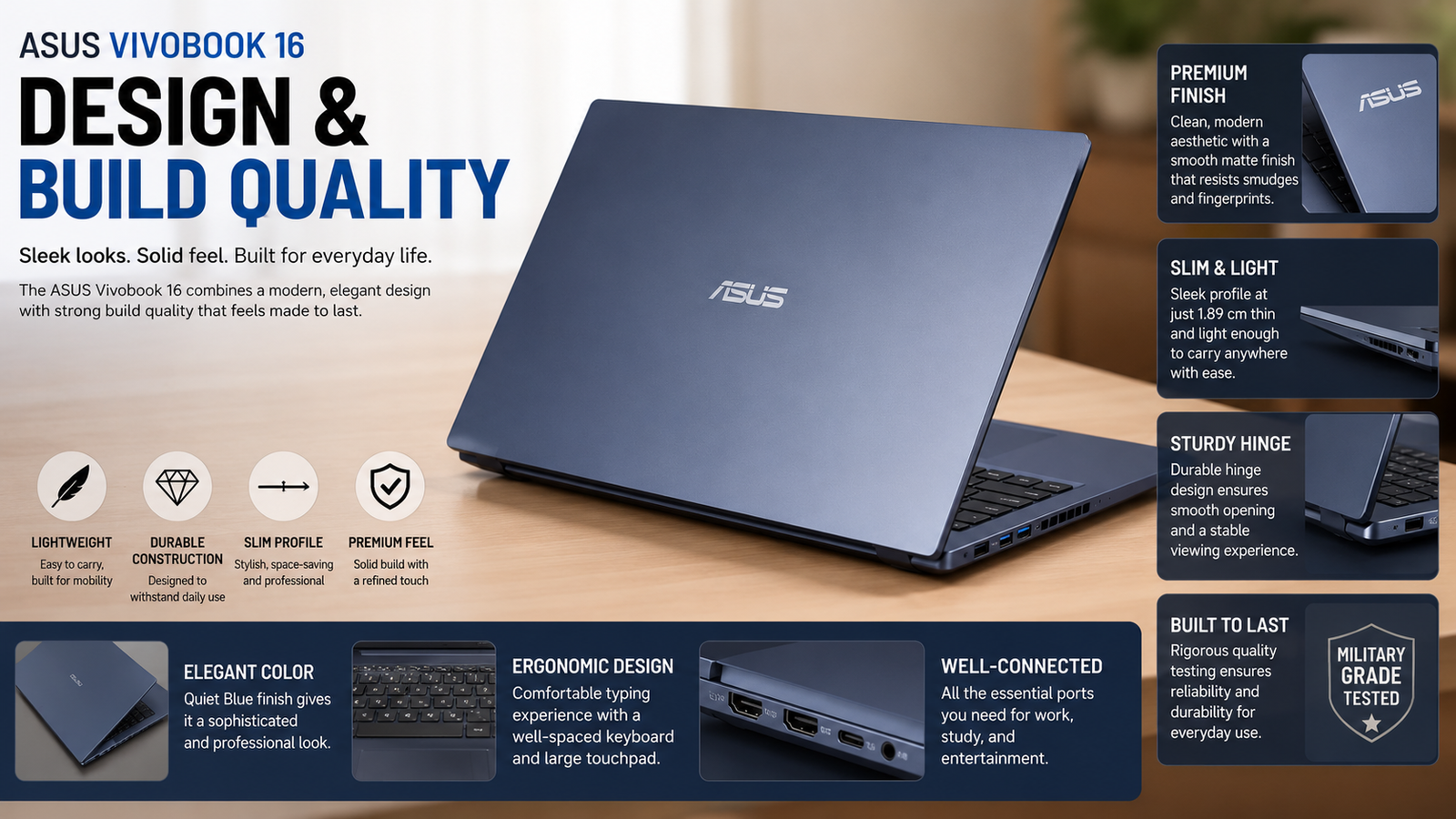
The VivoBook 16 is a surprisingly robust device for such a low-cost model. The lid will flex a little bit if you press on it, but the base of it still stays down in one place. The Quiet Blue color I had for my review looks both neat and professional, subtle enough to be taken to a meeting, yet stylish enough to fit in a college library. The 180-degree hinge is pretty practical, especially when sharing your screen with someone sitting across from you. Weighing 1.88kg, it is quite heavy to carry in a backpack compared to a 14-inch ultraportable. Although this MIL-STD-810H-regulated device will offer you some level of comfort, if you had to drop it, you would feel every corner of the chassis.
The keyboard feels quite nice; the bigger Smart Gesture touchpad is very precise and smooth to use.
Display
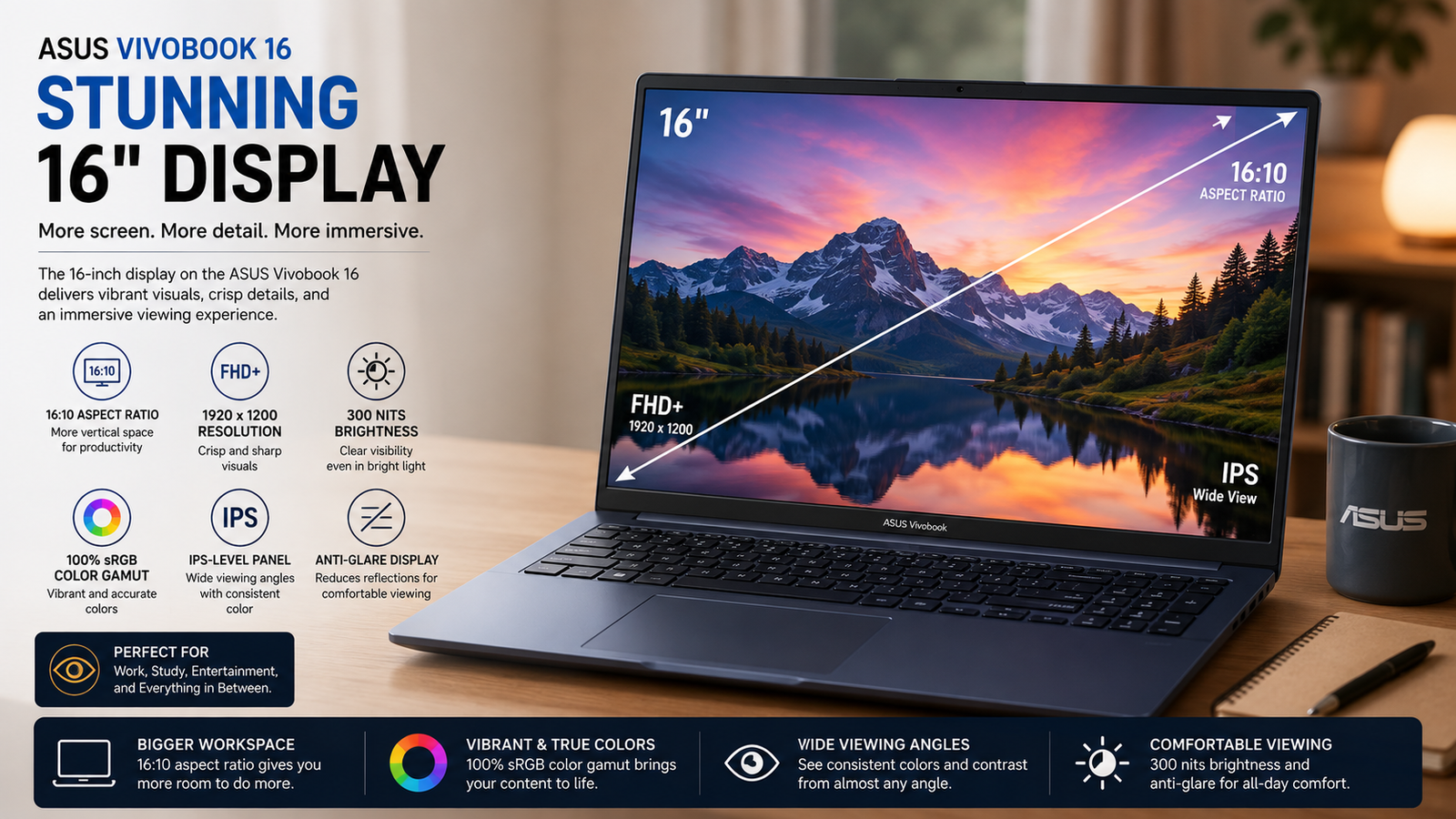
The featured item is a 16-inch WUXGA (1920×1200) IPS panel, but it’s the 16:10 aspect ratio’s impact that matters for document work and web browsing — there’s more vertical content to see! Where available, the 144Hz setting ensures smooth motion. But when it comes to colour accuracy, this display fails. It has a limited sRGB gamut, and factory calibration is not enabled — colours are slightly faded, even when compared with mid-range OLED competitors. Indoors, it is bright but not in direct sunlight. This display will drive you nuts if you’re editing photos or colour-grading video. For productivity, streaming, and general usage, it is no problem.
Performance
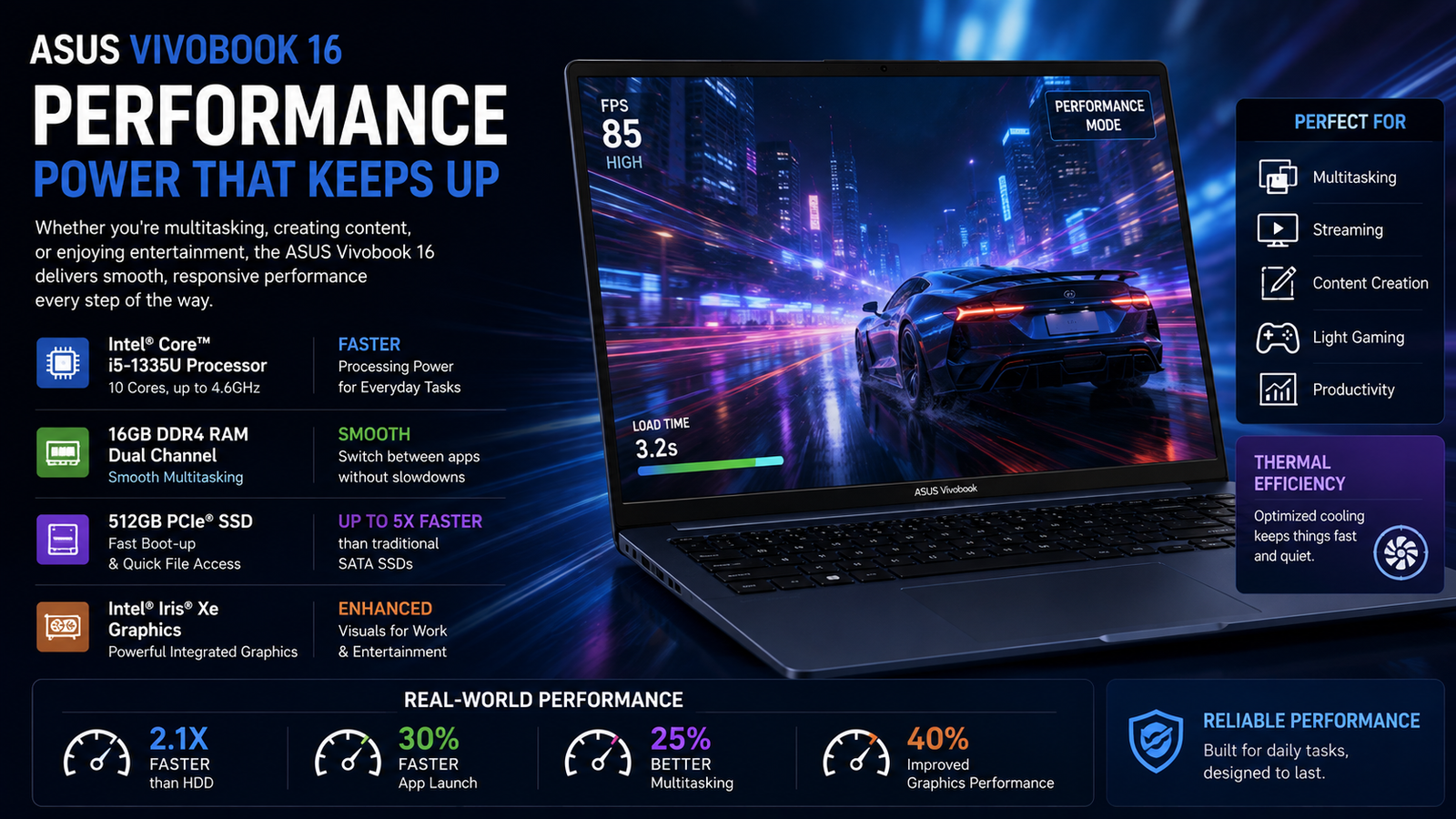
For the AMD Ryzen AI 7 445 model, PCMark 10 gave a score of 6, 632, a strong performance for the price range. Multi-tasking, memory-heavy browsing, and video calling are a few of the many activities you can do comfortably without any hiccups. With the 50 TOPS NPU, it really gets the genuine Copilot+ certificate, yet the real AI workload improvements are highly dependent on software support that is still evolving. Intel Core i5-13420H will hardly show any difference for regular use cases. The major downside comes in graphics: the built-in Radeon 860M can only handle light gaming at low settings, and will not be able to run demanding titles. Thermal throttling starts to occur after 10-15 minutes of continuous heavy usage, causing CPU clocks to be lowered appreciably. With normal computing tasks, you likely won’t be aware of this.
Battery life

This represents the VivoBook 16’s most significant true shortcoming. The 42Wh base battery provides about 4.5 to 6 hours of usage, including web browsing, working on documents, and occasionally watching videos at 60% brightness. The 70Wh version offers better performance and can extend to 8-9 hours with light usage. However, heavy tasks reduce battery life to 3-4 hours irrespective of the battery size. When compared to the Lenovo IdeaPad Slim 3 that lasts for 6.5 hours on a smaller battery or ARM-based laptops that provide 18-20 hours, you can clearly see this is the price you pay for a 16-inch laptop with Intel or AMD processors. The 65W rapid charger replenishes 60% of the battery in about 49 minutes, which is convenient.
Also Read- Asus TUF Gaming F15 Review: The Budget Gaming Laptop That Refuses to Quit
Thermal management & fan noise
The cooling system is really quiet in everyday work scenarios. I was able to open several browser tabs, have video calls, and work on documents for hours before the fan made any sound. During prolonged CPU-heavy tasks, compiling code, rendering videos, the temperatures went up to 85°C and the fan became loud. A fan is used as the cooling system’s only component with the bottom intake and rear exhaust, a layout that indeed accomplishes the purpose for burst tasks but throttles under prolonged heavy workloads. According to Notebookcheck, the cooling system was marked ‘right-heavy’ on some configurations, which means airflow isn’t entirely balanced. Keyboard temperatures are still comfortable during normal use. If you’re a developer who makes long builds, you may hear the fan noise from time to time.
Pros & cons of Asus VivoBook 16
| Pros | Cons |
| Large 16:10 display is great for multitasking | Battery life is mediocre — 4.5–6 hrs at best |
| Ryzen AI chip handles everyday workloads confidently | RAM is soldered; no upgrade path after purchase |
| MIL-STD-810H durability for a budget-class laptop | Display colour accuracy underwhelms creative users |
| FHD IR webcam with physical privacy shutter | Fan gets loud under sustained CPU load |
| Fast PCIe 4.0 SSD and up to 32GB RAM options | Integrated GPU rules out serious gaming or GPU-heavy editing |
Final verdict
Asus VivoBook 16 (2026) manages to secure a spot amongst the mid-level devices by carrying out the basics perfectly: a big display, well-made, a good processor, and affordable. However, it is a device with pretty obvious constraints. Battery duration, for instance, will not allow you to go through the whole day without charging; the display colour reproduction is a letdown for those doing visual work, and since the RAM is built-in, what you purchase is what you will always have. Thus, for students, office staff, or remote workers who will always have a charger at hand and do not require GPU power, this is a wise and long-lasting investment. However, for others, the compromises will be piling up faster than the benefits.















