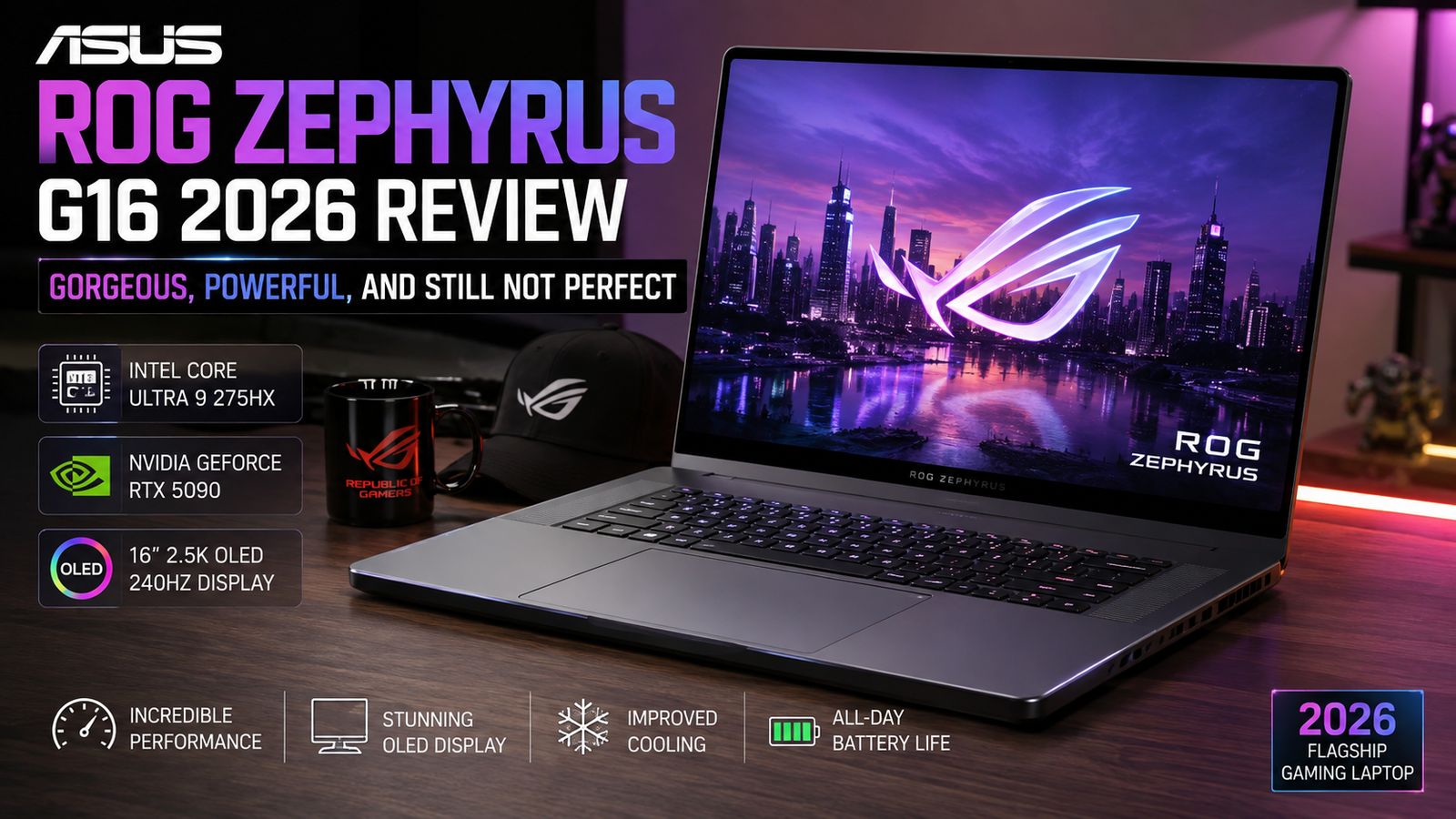
ASUS ROG Zephyrus G16 2026 Review: Gorgeous, Powerful, and Still Not Perfect
- Rating: 8.5 / 10
- Ideal for: Players and video producers who want a thin and light laptop with an absolutely stunning screen and are not afraid of paying a little extra for the convenience of portability.
- Not ideal for: Budget-conscious buyers who want to have upgradeable RAM and the most hardcore gamers, for whom the highest raw FPS is the only thing that matters.
Over the years, I’ve reviewed many a gaming laptop, and the Zephyrus G16 has always somehow bothered me. On one hand, it’s too pricey to be a straightforward recommendation; on the other hand, it’s too beautiful to be completely disregarded. The 2024 and 2025 models almost drove me crazy: stunning OLED displays, high-end aluminium chassis, but real thermal issues, which a price tag was not enough to forgive.
Specifications of ASUS ROG Zephyrus G16
| Specification | Details |
| Display | 16-inch OLED, 2560×1600, 240Hz, 1100-nit HDR peak, VESA DisplayHDR 1000 True Black |
| Processor | Intel Core Ultra 9 386H (Panther Lake), up to 5.x GHz |
| RAM | 32GB LPDDR5X-8533 (soldered — not upgradeable) |
| Storage | 1TB / 2TB PCIe 4.0 NVMe SSD (1× M.2 user-replaceable slot) |
| GPU | NVIDIA GeForce RTX 5080 Laptop (up to 160W TGP) / RTX 5090 option |
| Battery | 90Wh |
| Operating System | Windows 11 Pro |
| Weight | 4.30 lbs (1.95 kg) |
| Dimensions | 0.70″ thin (17.8mm) — ultra-slim unibody chassis |
| Ports | 2× USB-A 3.2 Gen 2, 1× Thunderbolt 4, 1× USB-C 3.2 Gen 2, HDMI 2.1, SD card, 3.5mm audio |
| Connectivity | Wi-Fi 7, Bluetooth 5.4 |
| Webcam | 1080p IR camera with Windows Hello |
| Security | Fingerprint reader, IR face unlock (Windows Hello) |
| Base Price (2026) | ~$2,499 (RTX 5070 Ti config); RTX 5090 config ~$5,000+ |
Design & Build Quality
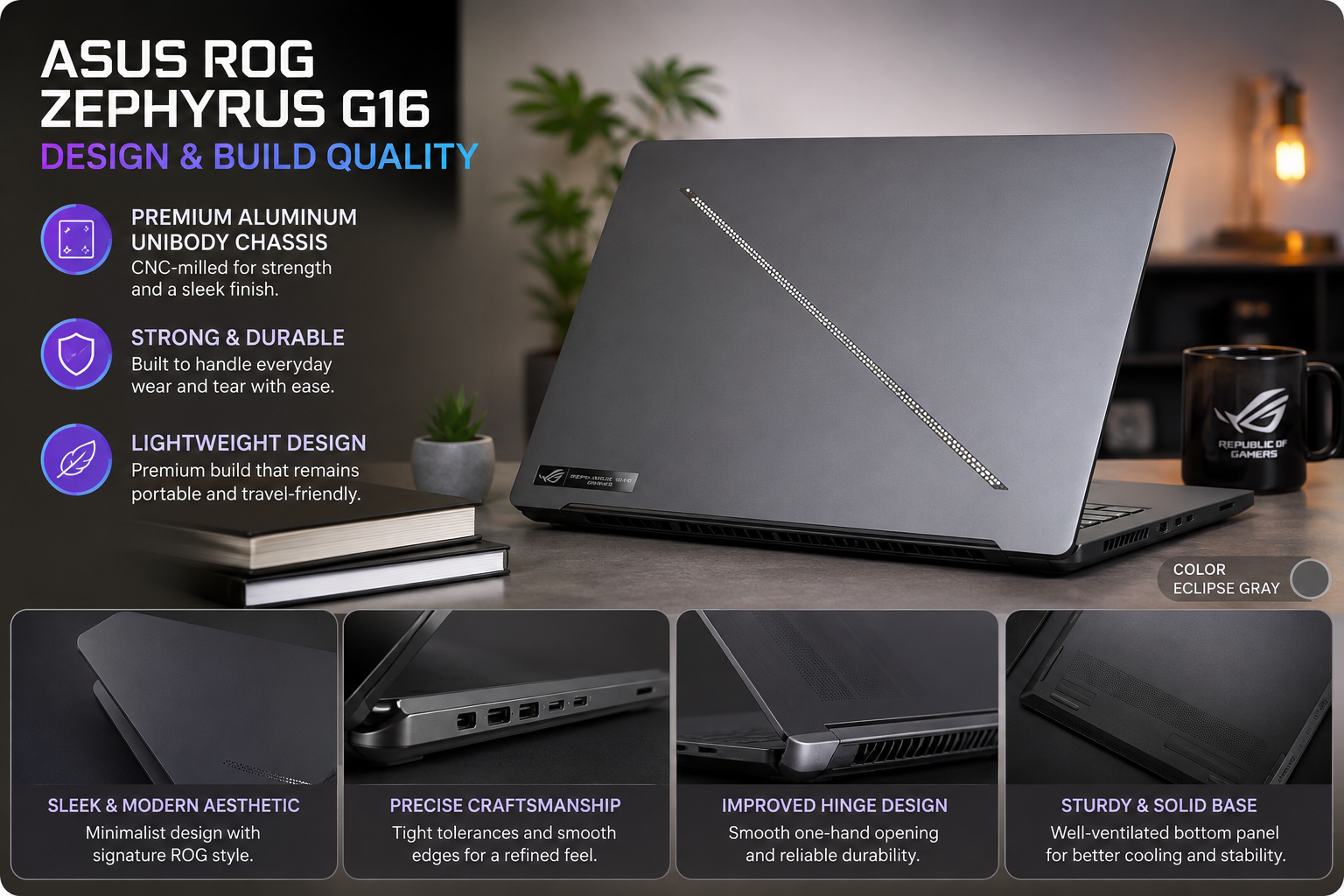
One of my favourite features of the Windows laptop world is the unibody aluminium construction.
It’s just 0.70 inches thick, and only a featherweight 4.3 pounds, making it very easy to fit in a backpack. Resistant to matte surface fingerprint smudges, the Slash lighting upgrade from 7-zone to 35-zone on the lid is a noticeable visual improvement that works in an office setting, as well as at a LAN party.
This year, the keyboard has improved with a tactile bump: 1.2mm key travel and soft bottom-out will make for a lot less fatigue when typing for long periods. One real gripe: This bottom panel needs a tool for operation, and the SSD replacement is more of a hassle than it’s worth at this price.
Display
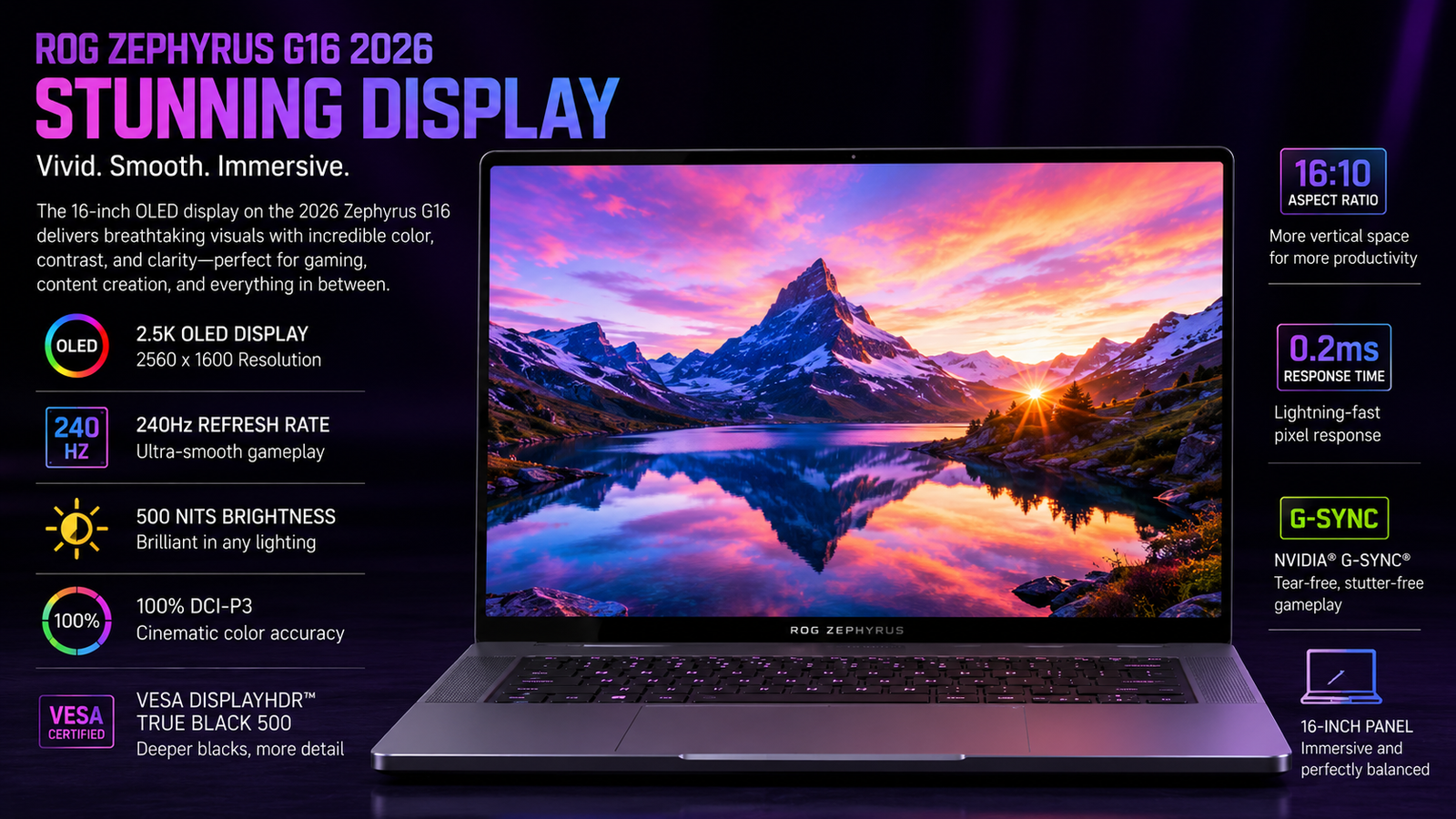
The key to the system is the 16-inch OLED display that boasts 2560×1600 resolution and a 240Hz refresh rate. The display’s VESA DisplayHDR 1000 True Black certification, the best possible HDR peak brightness of up to 1,100 nits, and blacks so dark that IPS panels can’t even approach make gaming visuals impressive. The downside that requires an honest critique: for SDR, the brightness is about 500 nits, which is decent but not impressive in brightly lit rooms. OLED burn-in is a known risk with static content, but ASUS has added anti-burn-in capabilities, and all-day, daily use should present no issues. If you’re looking for a screen in your thin laptop that could rival it in movie time, creative projects, or gaming with high framerates, you’ll find it hard to find a better one.
Performance
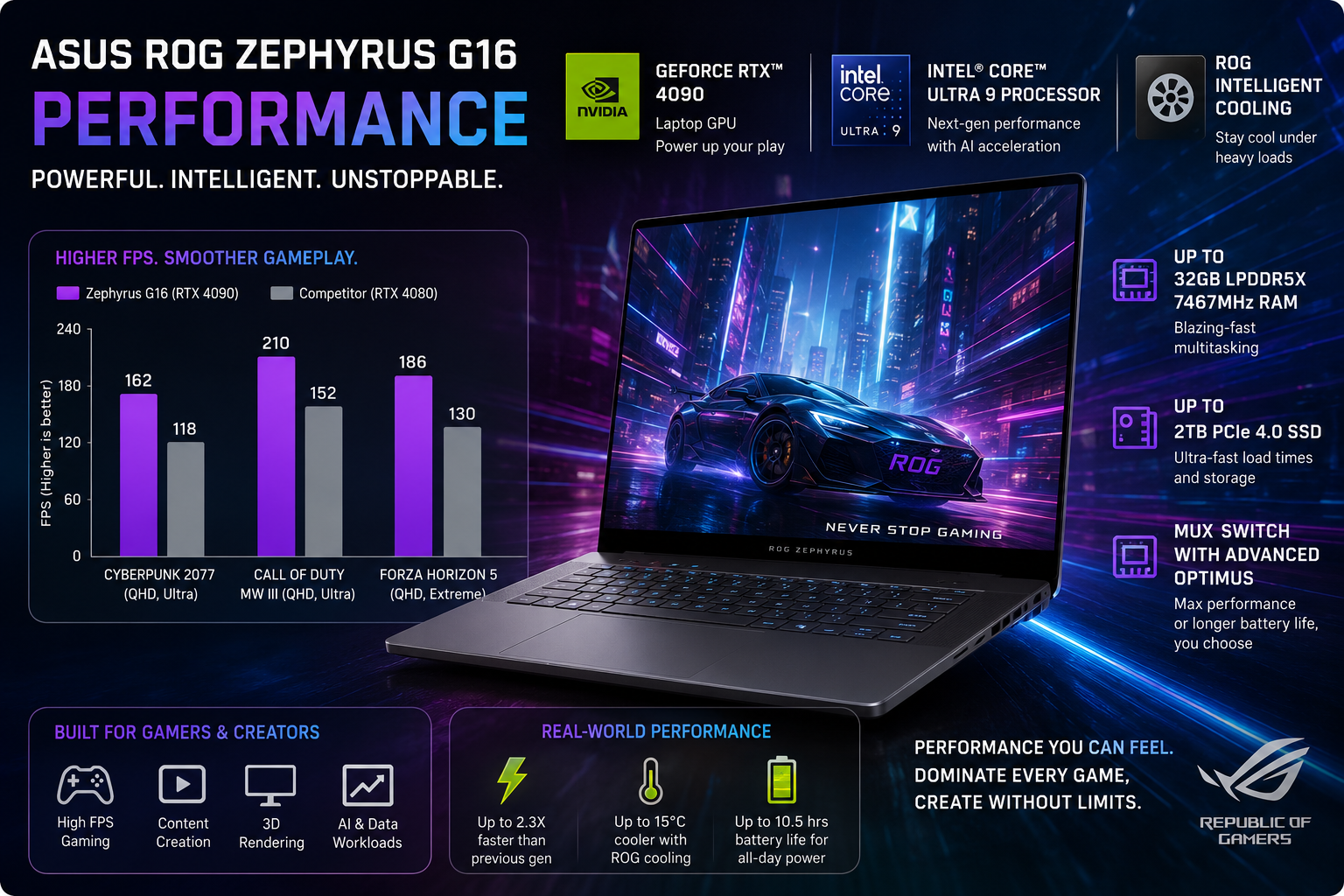
The combo of the Intel Core Ultra 9 Panther Lake chip and the RTX 5080 at 160W TGP is a real giant leap forward. Last year, I saw Cinebench R24 multi-core scores easily outpace the Arrow Lake G16 in my tests. The real highlight, though, is gaming. With DLSS Quality on at 1600p, games like Cyberpunk 2077 and Black Myth Wukong keep a steady framerate of 80fps or better. This is a big upgrade from what the 2025 model could manage under heavy load. For 2026, the cooling was redesigned to let the GPU use all 160 watts without major throttling. That was the biggest issue that needed fixing. Plus, handling 4K Premiere timelines and DaVinci Resolve exports is now smooth sailing.
Battery life
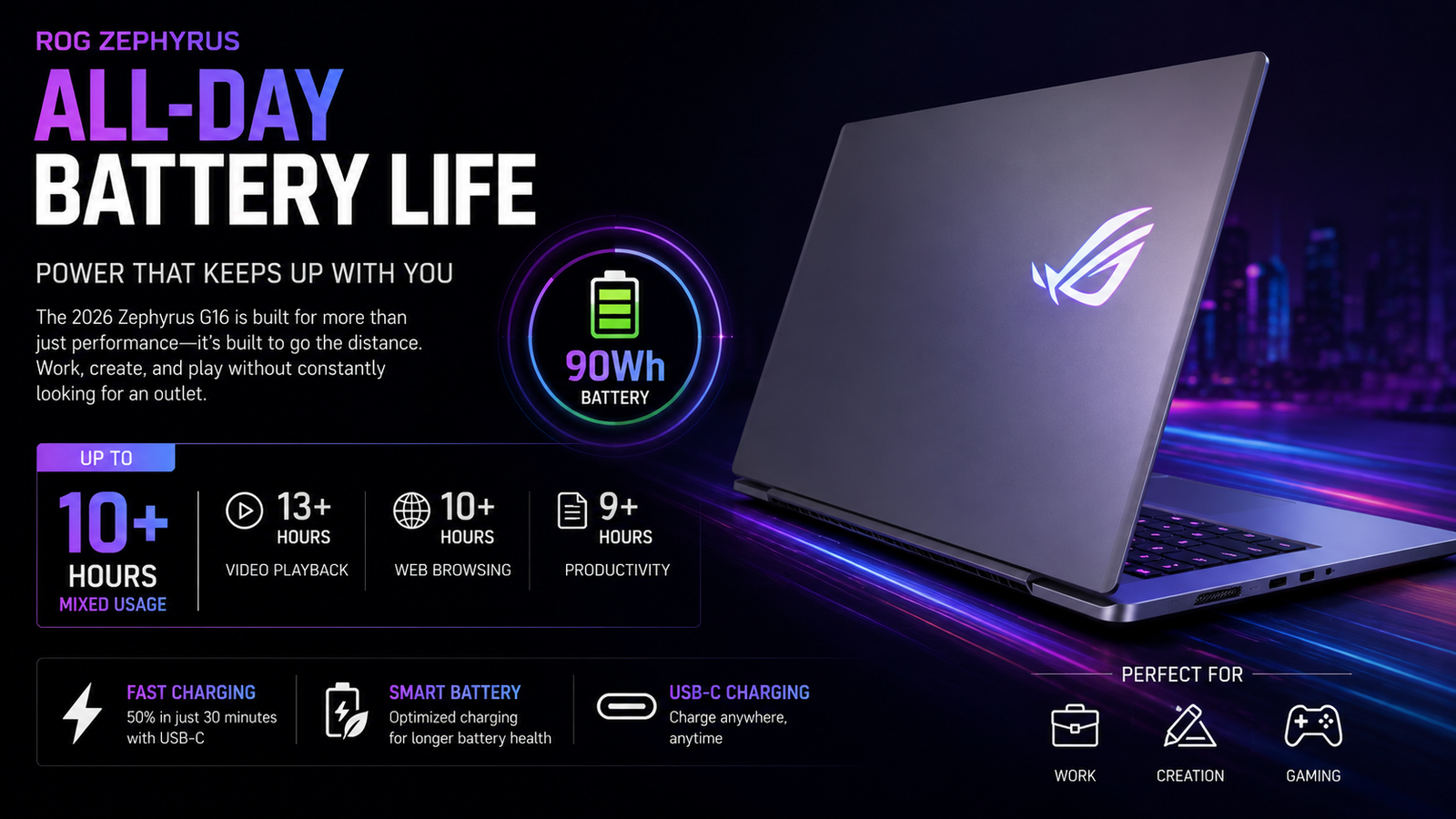
Here is the factual situation: when it comes to gaming, you have to be connected. Gaming will use up the 90Wh battery in anywhere from 45 to 90 minutes, depending on the GPU load. After all, physics cannot be overturned at 160W TGP. Productivity, on the other hand, when you have balanced mode on, will easily give you 6 to 7 hours’ worth of mixed browsing, writing, and light creative work. That is really usable for a day when you are traveling. This is a gaming laptop first and foremost, so that is what you should expect, but if to you portability means battery life all day, then you should probably look somewhere else.
Thermal Management & Fan Noise
The 2026 model handles heat much better than before. The larger vapor chamber and redesigned vents keep the GPU between 80 and 85°C and the CPU around 75°C under heavy load — warm but within safe limits. Keyboard and palm rest stay comfortable even after two hours of gaming.
Full Turbo mode pushes fan noise to 48 to 52 dB, which is noticeable in quiet rooms. Tilting the back up helps airflow noticeably.
Compared to the 2025 model, which ran uncomfortably hot, this one is a clear step forward.
Also Read- ASUS ProArt P16 Review: I Used It as My Main Work Machine for 30 Days — Here’s the Truth
Pros & Cons of ASUS ROG Zephyrus G16 2026
| Pros | Cons |
| Gorgeous 240Hz OLED; the colors and contrast here set a benchmark in gaming laptops. | RAM is soldered; picking your configuration at the time of purchase is your only option, no upgrades. |
| The 2026 thermal revamp is a game-changer as it finally addresses the throttling issue that plagued the 2024/2025 models. | High-end pricing; an RTX 5090 setup will cost you more than $5, 000, and it’s difficult to justify such an expense. |
| Exceptionally slim 0.70″ housing that doesn’t make you look like a “gamer” even in a coffee shop. | Fan noise can get as loud as 48-52 dB during heavy load, which is quite distracting in silent environments. |
| Intel Core Ultra 9 + RTX 5080/5090 are the perfect combo for AAA gaming and 4K editing. | During gameplay, the battery drains so fast that you are left with less than 90 minutes of run-time. |
| New 35-zone Slash Lighting + better keyboard feel in the 2026 update. | The bottom panel is not tool-less; opening it for SSD upgrades is a major hassle. |
Final Verdict
The 2026 ROG Zephyrus G16 is what ASUS should have launched two years ago. They fixed the heat problems, made the OLED screen super bright, and boosted GPU power to a whopping 160W. While it’s not perfect – the RAM is permanently attached, and the bottom case is a pain to get off – it’s way better than before. Top-tier setups can still get uncomfortably toasty, but this laptop sets a new standard.
This G16 tops all thin and light gaming laptops, thanks to that outstanding screen. Just remember to lug around the big charger too.