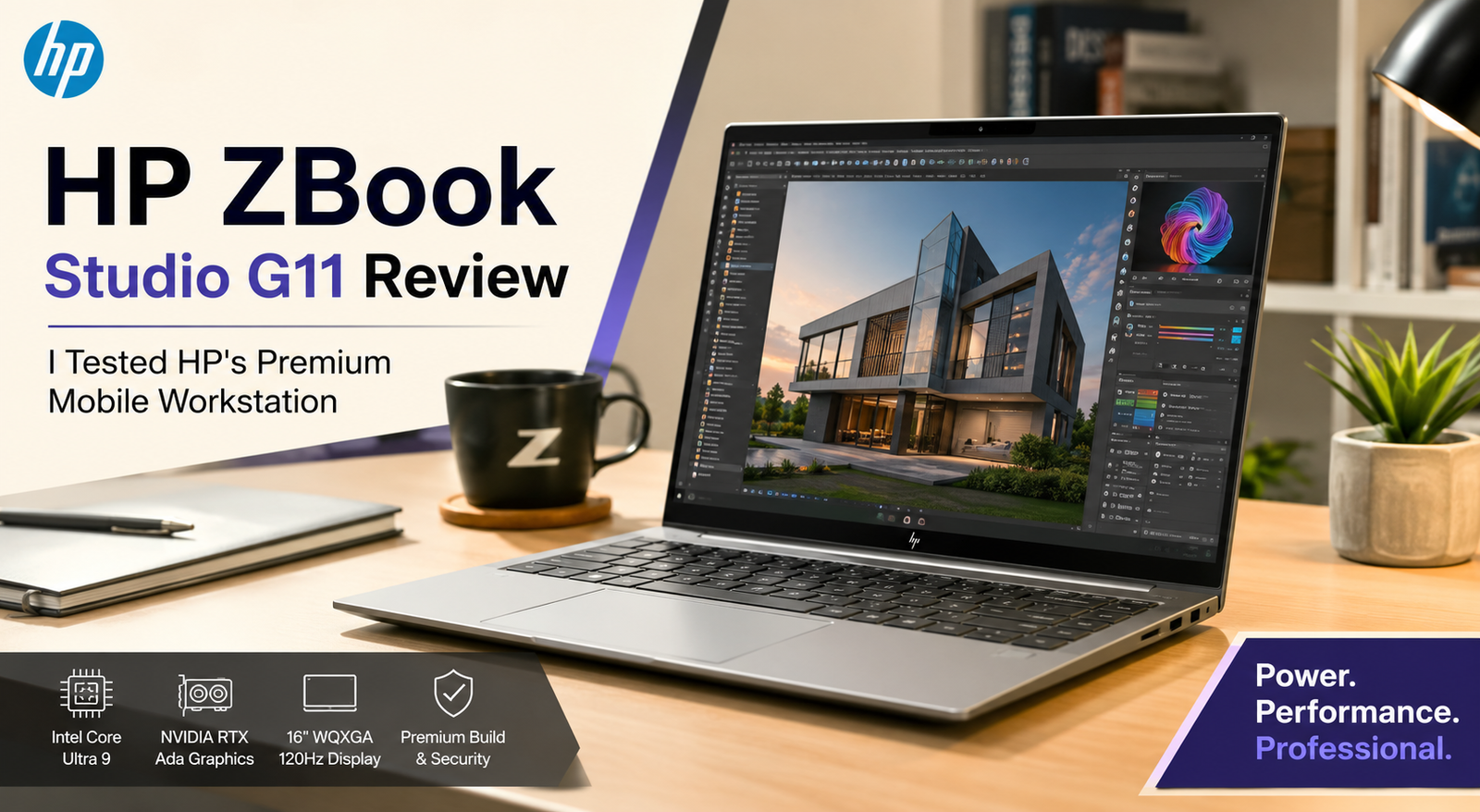
HP ZBook Studio G11 Review: I Tested HP’s Premium Mobile Workstation
- Best suited for: video editors, CAD operators, and data scientists who require certified GPU drivers in a 16-inch portable chassis.
- Unsuited for: cost-sensitive customers and those making video calls frequently due to the poor webcam performance.
Three weeks of intensive editing, renders, and late nights browsing Chrome tabs went by before I was ready to review the HP ZBook Studio G11. Going into it, I expected nothing spectacular from yet another uninspired business laptop branded as a workstation, but the machine ended up impressing and failing me in certain ways. As those who have compared it to the Lenovo ThinkPad P1 Gen 7 or the Dell Precision 5490 already know, the market for such laptops is highly saturated and offers plenty of options at similar prices.
The ZBook Studio G11 is definitely not a gaming laptop under disguise, and here is how it proved itself worthy.
Specifications of HP ZBook Studio G11
| Specification | Details |
| Display | 16-inch, 16:10, HP DreamColor IPS, up to 120Hz; optional OLED panel |
| Processor | Intel Core Ultra 9 185H (Meteor Lake), up to 5.1GHz, 22 threads |
| RAM | Up to 64GB DDR5, configurable down to 32GB |
| Storage | Up to 2TB PCIe Gen4 NVMe SSD |
| GPU | NVIDIA RTX 3000 Ada Generation or GeForce RTX 4070 Laptop GPU |
| Battery | 86Wh, HP Long Life 6-cell, fast charge to 50% in 30 minutes |
| Operating System | Windows 11 Pro |
| Weight | Starting at 1.73kg (3.81 lbs) |
| Dimensions | 35.6 x 24.2 x 1.9cm (14.02 x 9.54 x 0.76in) |
| Ports | 2x Thunderbolt 4, USB-A 3.2, microSD, headphone/mic combo, Kensington lock |
| Connectivity | Wi-Fi 7, Bluetooth 5.4 |
| Webcam | 720p with Windows Studio Effects (background blur, eye contact) |
| Security | Fingerprint reader, TPM 2.0, Intel vPro Enterprise |
| Base Price | Starting around $2,000; tested configurations near $5,000+ |
Design & Build Quality
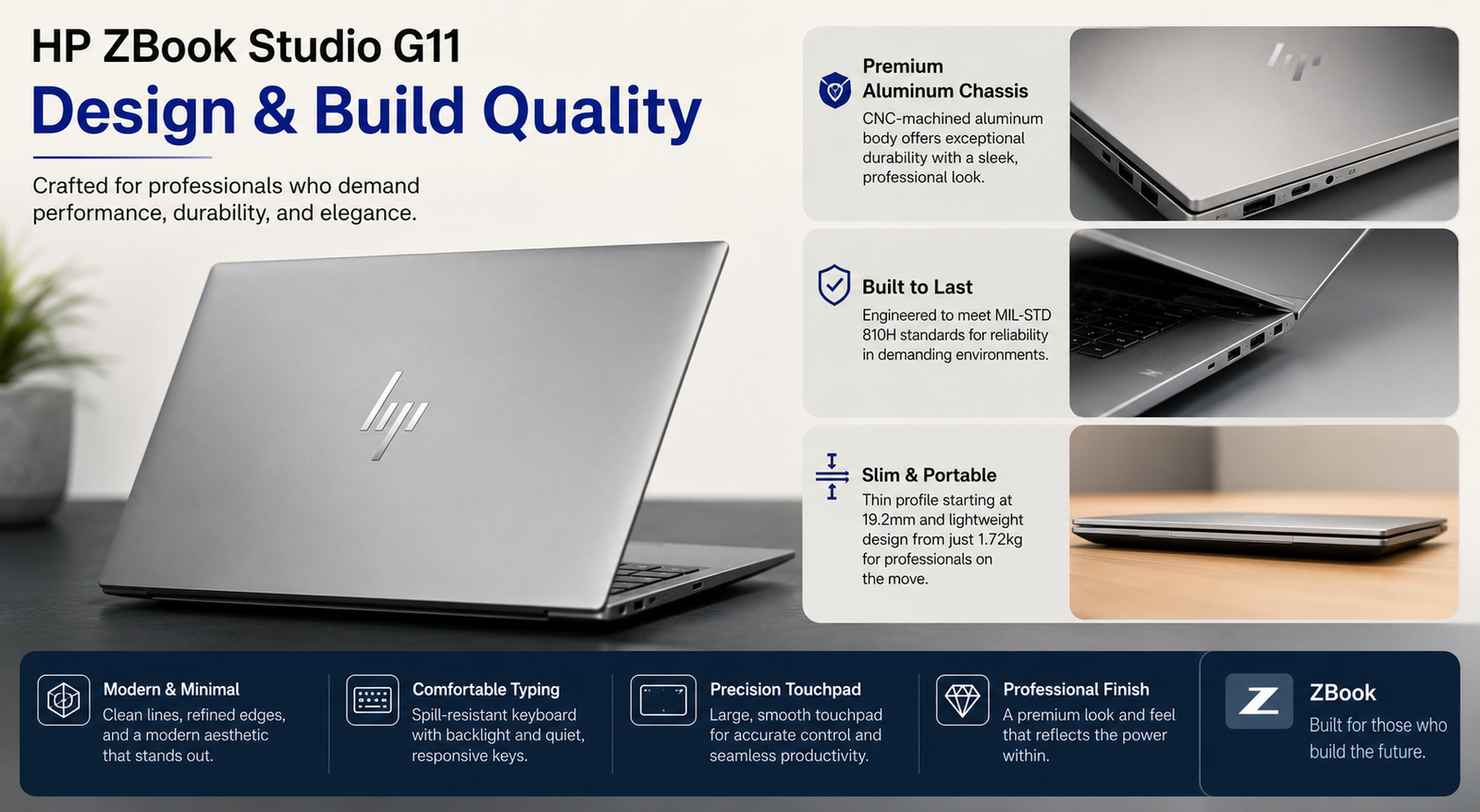
Grab this machine, and what strikes you right away is how light it feels despite being a 16-inch workstation. The lid and deck are made entirely from metal, feel like true metal, and not the flimsy plastic imitation often used by many manufacturers. My test unit had a slight squeaking sound in the palm rest area when pressure was applied in proximity to the trackpad. The only available color option of the machine is the same boring-looking but professionally styled silver.
Display
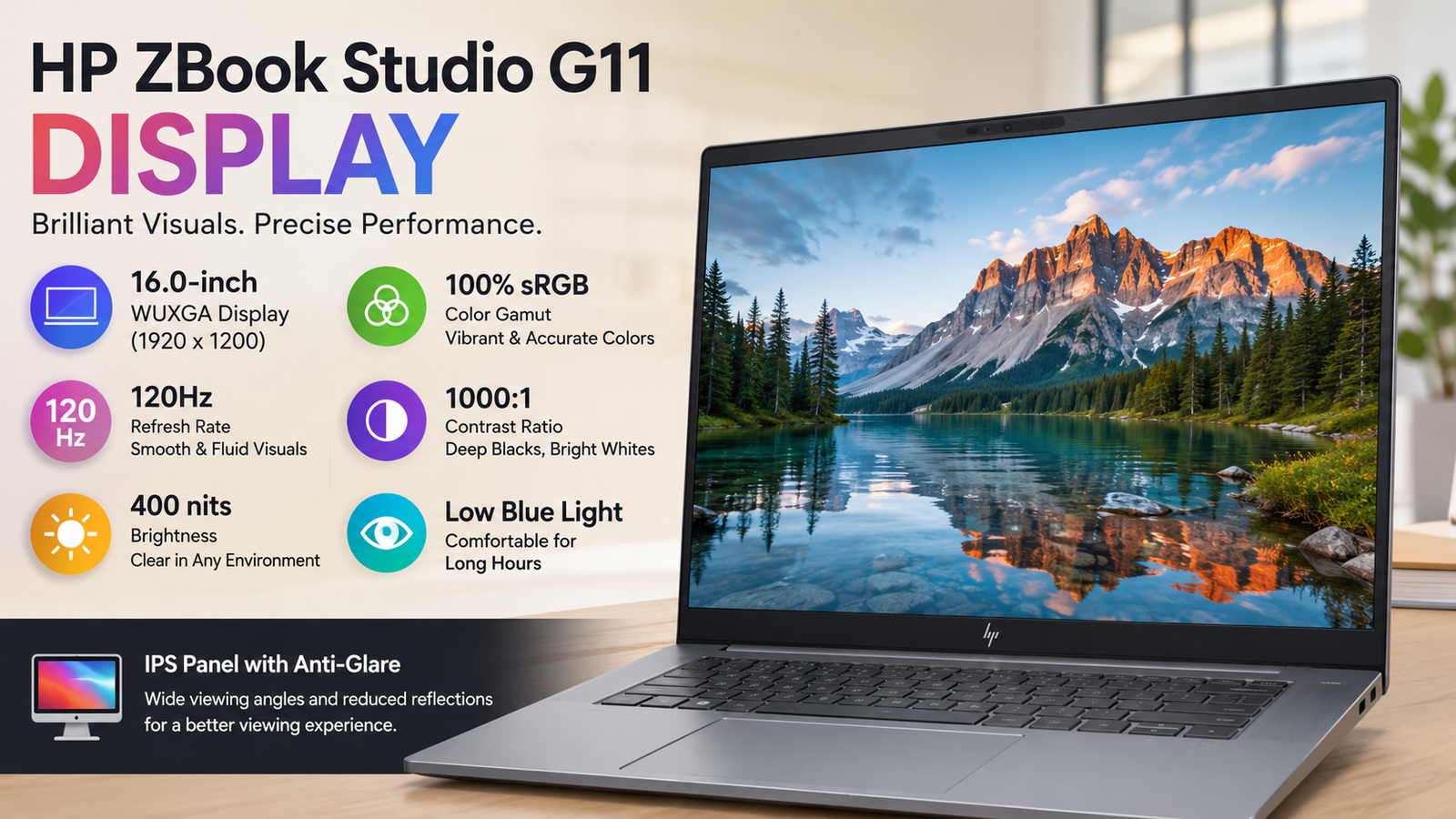
The DreamColor panel found in my test machine proved to be quite impressive in terms of color accuracy and contrast. Deep blacks and natural skin colors were achieved and were comparable to my reference monitor, at least. Brightness levels were high enough to ensure decent performance even with the windowed desktop position. However, I find the 16:10 panel to have quite substantial bezels, which make the chassis look slightly outdated compared to its competition. Colors in the lower-end non-DreamColor model will look noticeably less vibrant.
Performance
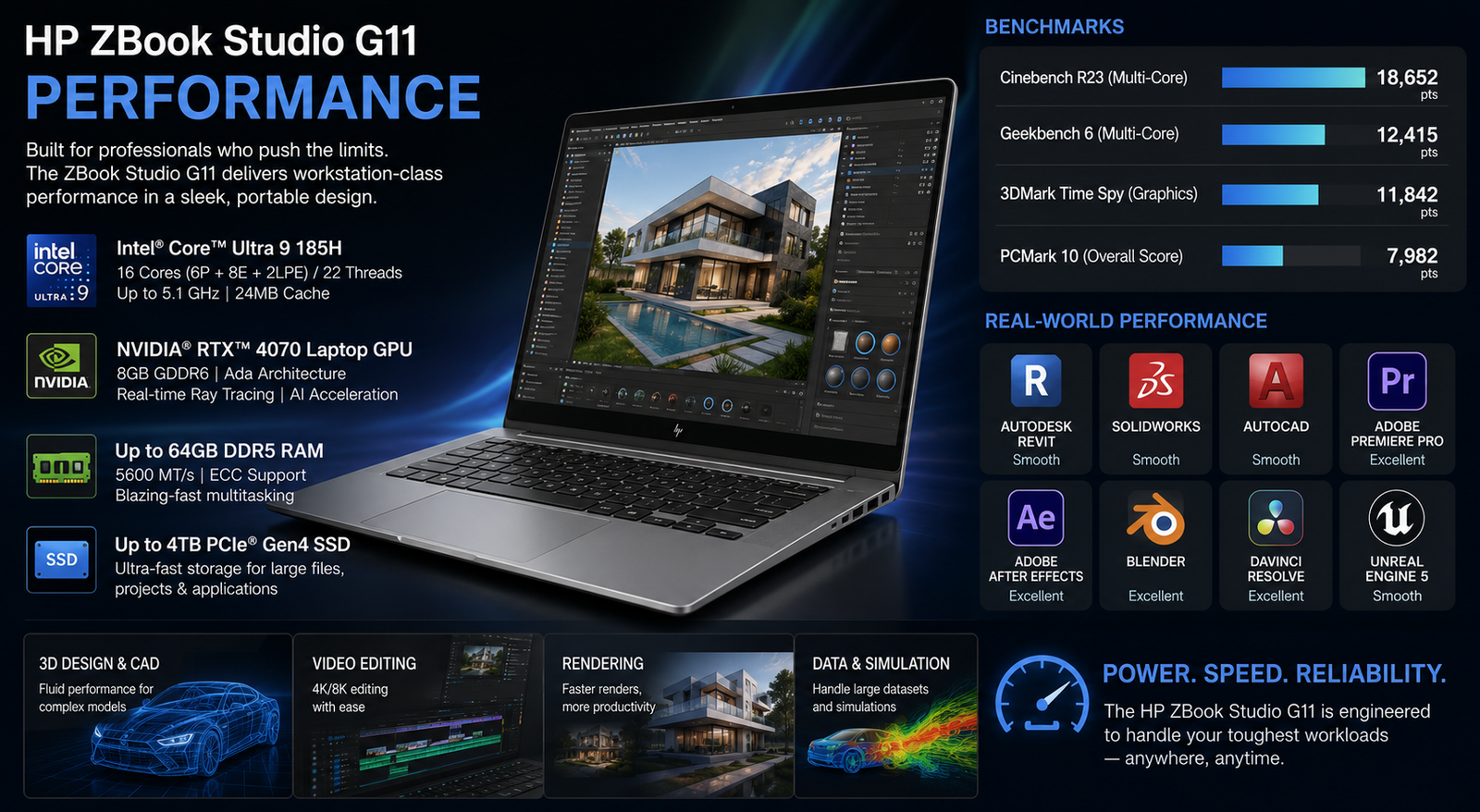
The Core Ultra 9 185H alongside the RTX 3000 Ada performed all Premiere Pro exporting, Photoshop batch tasks, and Blender rendering without breaking a sweat. The SPECworkstation benchmark results showed that it easily surpassed its predecessor, ZBook Studio G9, and held its own against the ThinkPad P1 Gen 7. Although it isn’t one of the fastest CPUs in theory due to some clock speed tradeoff for efficiency in the case of Meteor Lake architecture, I never noticed it when working with multiple tabs and applications simultaneously.
Battery Life
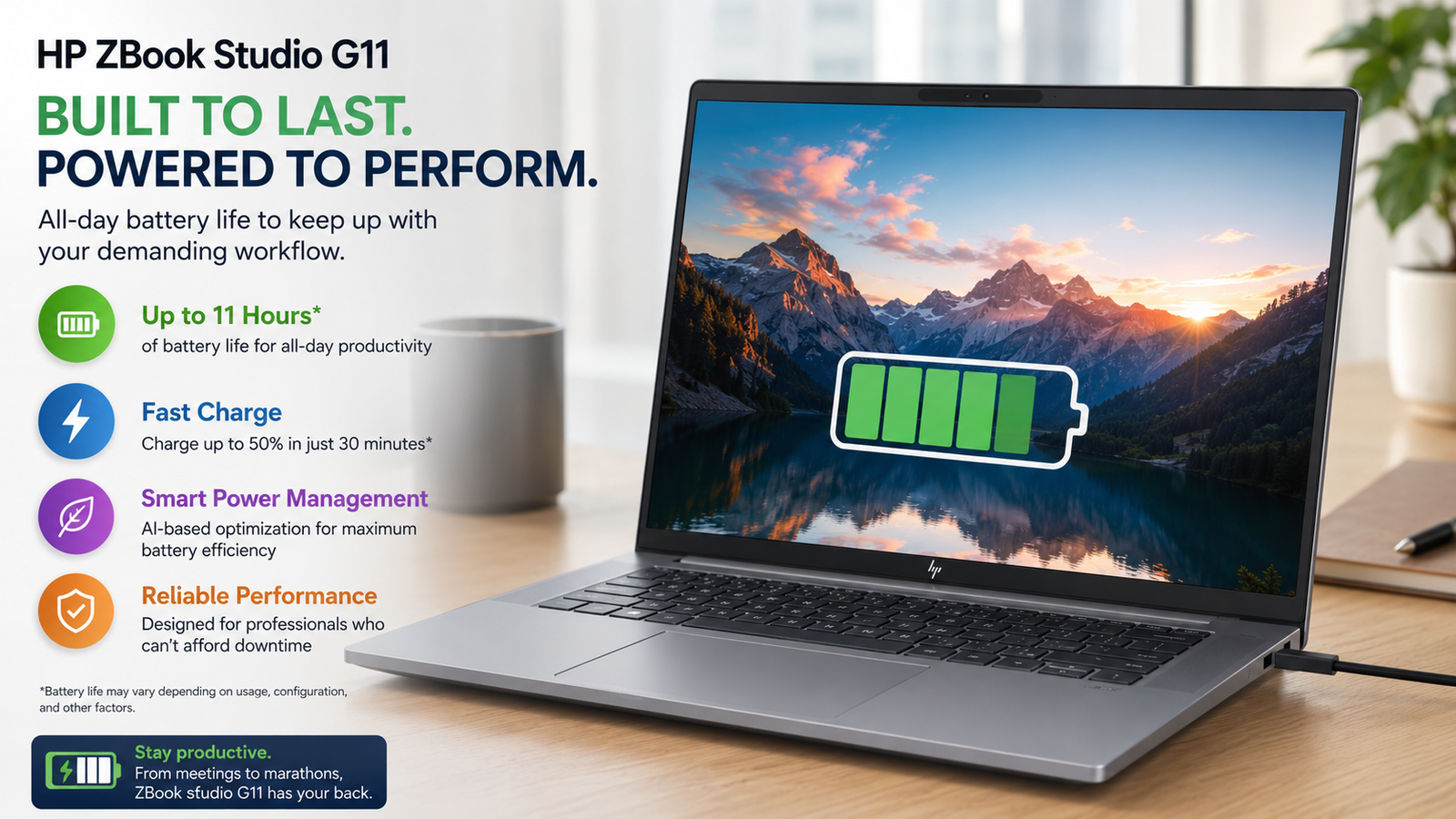
The average battery life lasted for about 7 hours when used for writing, browsing, and emailing while keeping a medium brightness level. If you work intensively using the GPU, the battery can be depleted in 3 hours. However, fast charging, which allows getting up to 50% in about 30 minutes, really helped during my back-to-back meetings.
Thermal Management & Fan Noise
The vapor chamber technology employed by HP on their higher-end GPU variants manages to do well at ensuring that the case doesn’t feel hot. During rendering, the fans start making noticeable noise. However, the keyboard deck never feels hot and is cool to type on despite the fact that the bottom of the laptop heats up.
Also Read- HP ProBook 450 G10 Review: Reliable Business Workhorse or Overhyped Mid-Ranger?
Pros & Cons of HP ZBook Studio G11
| Pros | Cons |
| Thin, sturdy all-metal chassis that survives daily bag life | 720p webcam feels outdated for a $2,000-plus machine |
| Strong CPU and GPU combo for real-world creative workloads | Keyboard travel is shallow and feels mushy after long sessions |
| Accurate, color-certified DreamColor display option | Price climbs fast once you configure RAM, GPU, and storage |
| Fast charging gets you back to work quickly | No dedicated SD card slot, only microSD |
| ISV-certified drivers matter for CAD and engineering users | Fan ramps up loudly under sustained render loads |
Final Verdict
This is one laptop that qualifies for the term ‘workstation’, but there are sacrifices you’ll have to make to own this laptop. The screen and performance make it deserving of this title, but factors such as the webcam, feel of the keys, and cost keep it from being recommended easily. This computer offers what you need if your job requires professional graphics card support and accurate colors. If you do not have ample finances or take video calls often, find something else to buy.