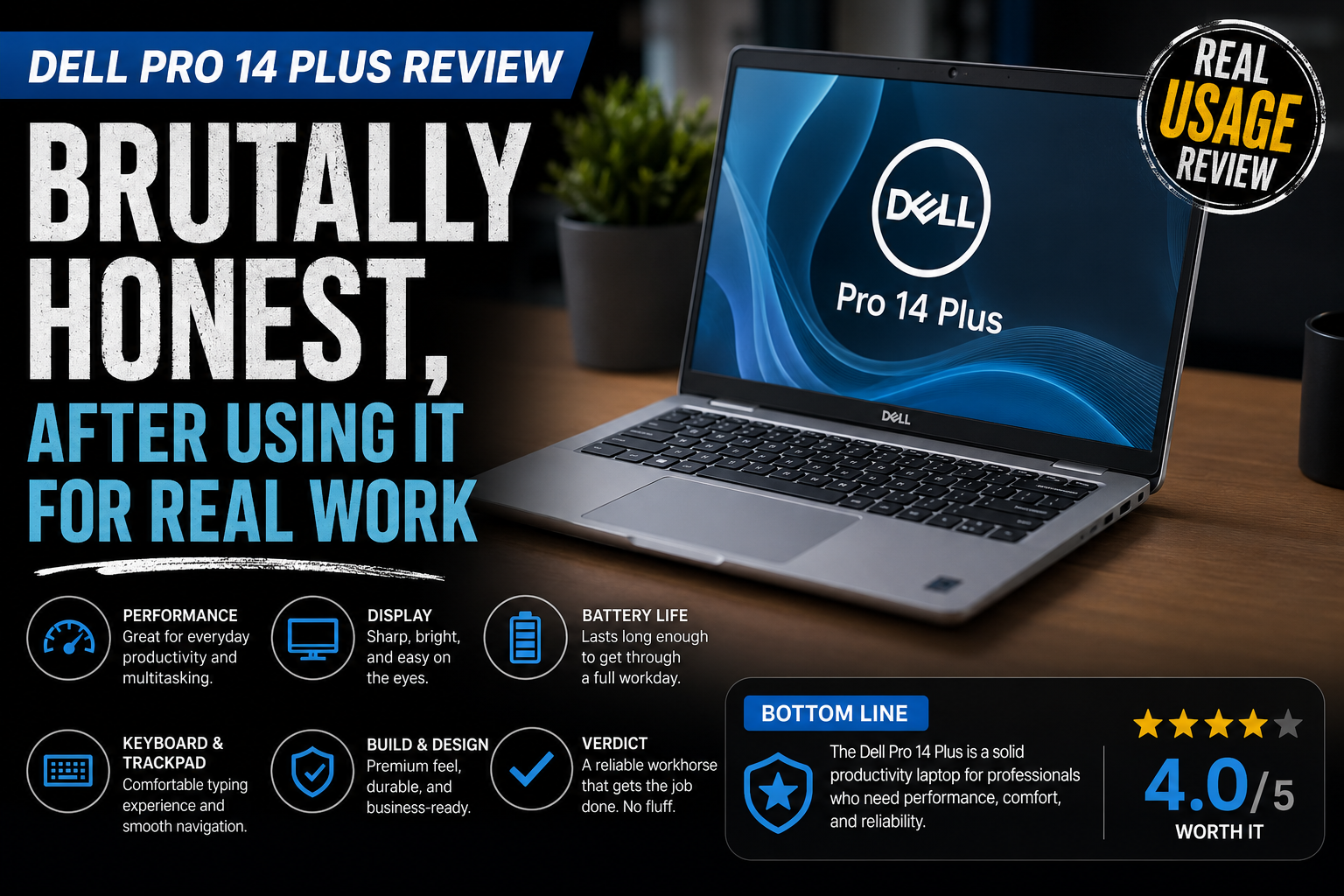
Dell Pro 14 Plus Review: Brutally Honest, After Using It for Real Work
I’ve tried a lot of business ultrabooks. Most disappoint in very predictable ways. They look great on spec sheets, but are mediocre in real life. The Dell Pro 14 Plus (PB14250/PB14255) is something else. Not perfect. But truly different.
This is Dell’s mid-tier commercial AI PC; it is in the middle of the Pro 14 base and the Pro 14 Premium flagship. It has Intel Core Ultra 200V or AMD Ryzen AI 300 series processors, Copilot+ PC certification, and is aimed at professionals who want MIL-STD durability but don’t want to pay flagship prices.
I spent a whole working week with it. Real deadlines. Real video calls. Real frustrations.
Here is what I really found.
Specifications of Dell Pro 14 Plus
Here’s what you’re working with across the main configurations:
| Specification | Details |
| Display | 14 inch FHD (1920×1200) display with optional QHD+ (2560×1600) upgrade |
| Processor (Intel) | Intel Core Ultra 5 and Ultra 7 200V series, up to Core Ultra 7 268V |
| Processor (AMD) | AMD Ryzen 200 and AI 300 series, up to Ryzen AI 9 HX PRO 370 |
| RAM | Starts at 16 GB LPDDR5x, configurable up to 32 GB LPDDR5x or 64 GB DDR5 |
| Storage | 512 GB SSD base storage with up to 1 TB options |
| Graphics | Intel Arc 130V / 140V or AMD Radeon integrated graphics |
| Battery | 45 Wh base battery with optional 55 Wh upgrade |
| Weight | Starts around 1.4 kg (3.1 lb), with 2-in-1 models slightly heavier |
| Ports | 2× Thunderbolt 4, USB-A 3.2, HDMI 2.1, and optional Ethernet |
| Connectivity | Wi Fi 7, Bluetooth 5.4, optional 5G or 4G LTE WWAN |
| Security | Webcam shutter, fingerprint reader, optional IR camera, NFC, and Smartcard support |
| Build | All aluminium chassis with MIL STD 810H durability testing and recycled aluminium construction |
| Operating System | Windows 11 Pro with Copilot+ PC support |
| Starting Price | Around $799 for an entry-level Intel configuration, depending on setup |
Build Quality
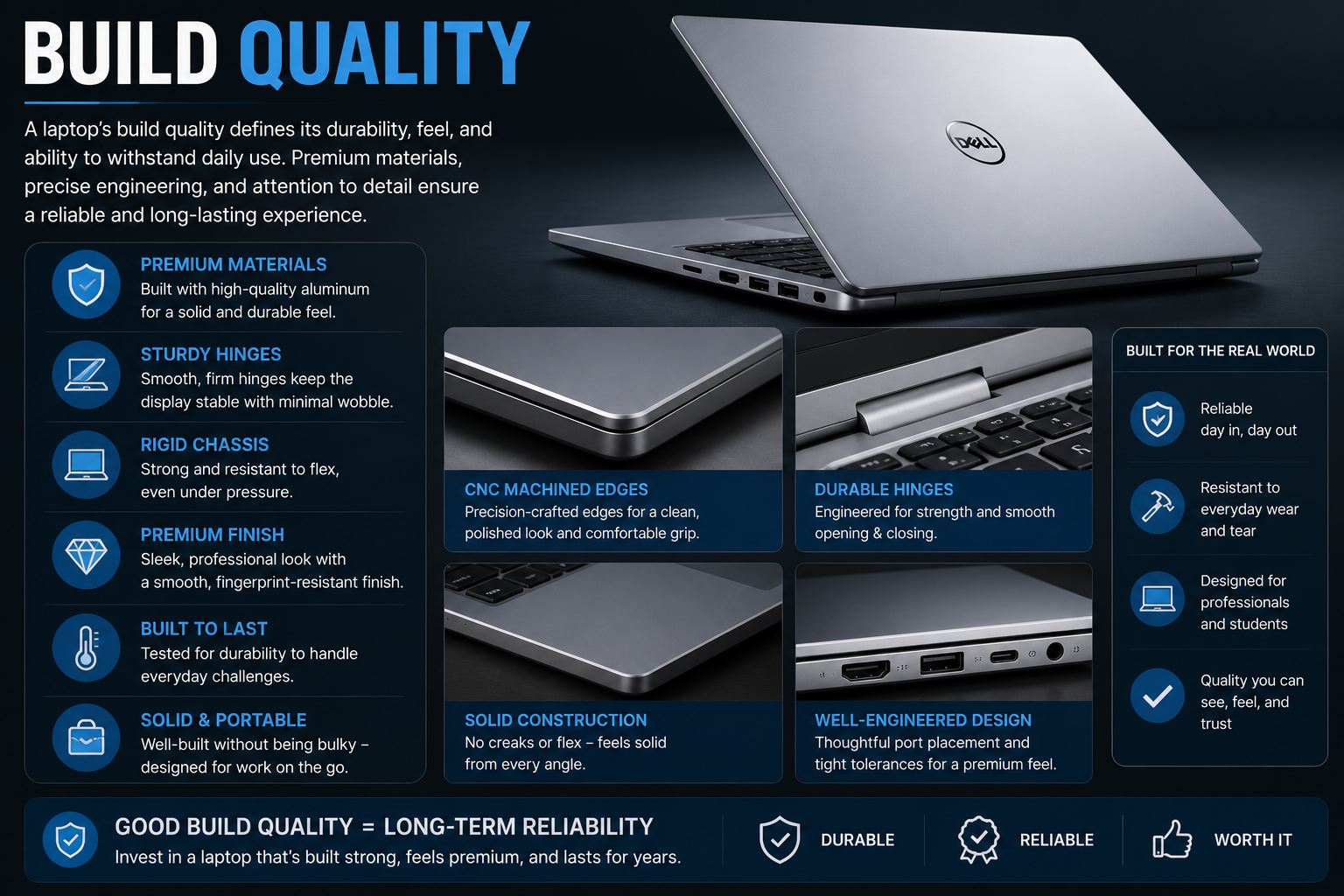
Let me make it crystal clear first. The chassis is top-notch. The whole body is made of aluminium with no flex at any point: the lid, keyboard deck, base, etc. It weighs roughly 1.4 kg in the clamshell configuration. That’s really portable. The only silver-colored finish is neat but not showy; however, I will come back to the design because it has a problem.
The device has been compliant with the MIL-STD-810H standard. In a way, it means that it can deal with temperature changes, humidity, and accidental drops without getting damaged. For a laptop that will be in a carry-on bag most of the time, that is very important. A lot indeed.
The Display Problem Nobody Talks About Honestly
Well, this is the uncomfortable part. The standard panel is a 14-inch FHD (1920×1200) display with only 64% sRGB coverage and 300 nits brightness. In fact, such specs are not good at all. The white point is slightly warm, the colours have a little bit of red tinge, and gamma is also a bit high, meaning shadow details get lost. Just place it next to a calibrated monitor, and it’ll be obvious.
The QHD+ option (2560×1600) is really excellent. Go for it if you have the possibility. But the bothersome thing is that, on some mid-range AMD configurations, selecting the better panel either results in the loss of other features or requires you to pay a lot more.
Performance: Intel vs AMD — Which Should You Pick?
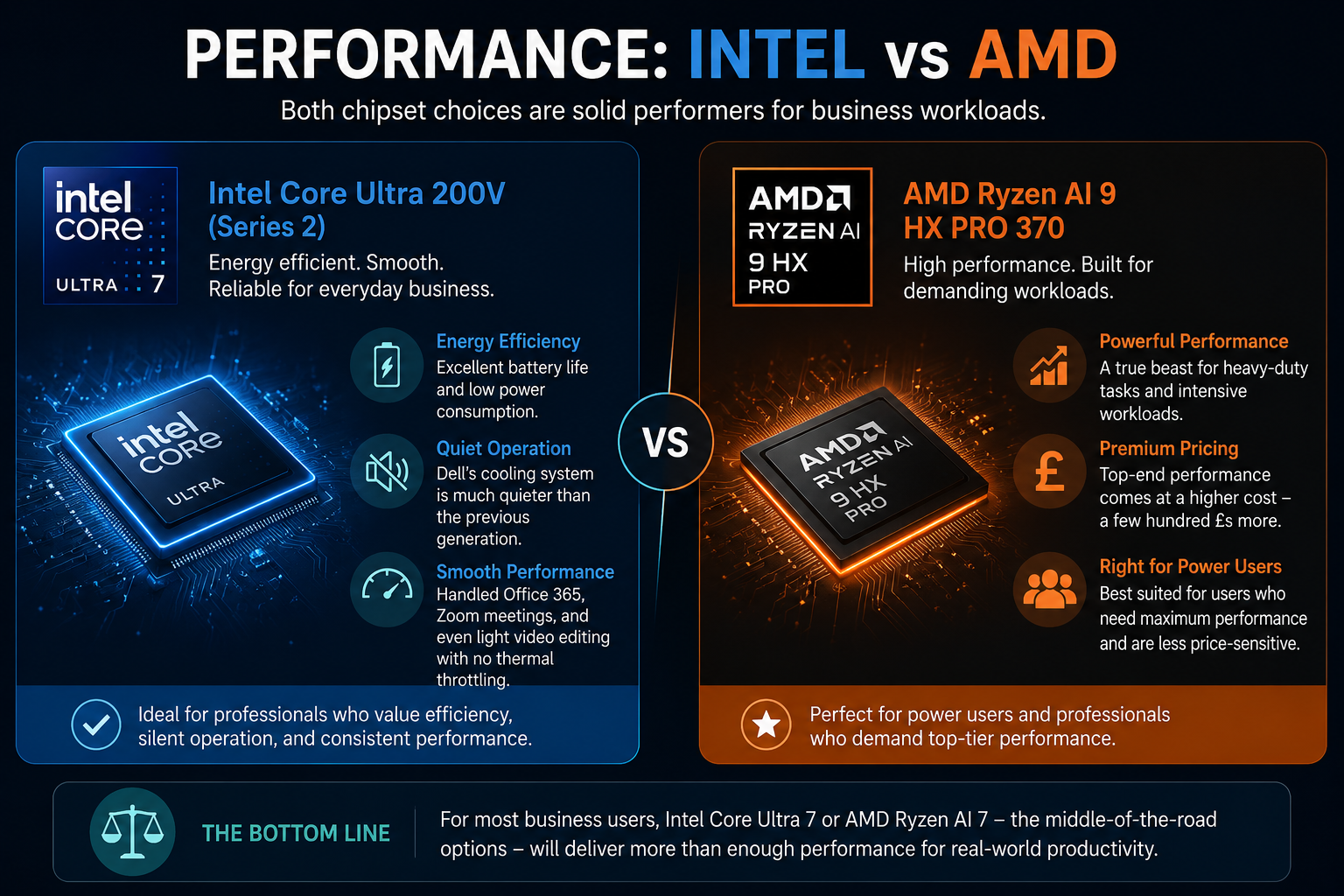
Both chipset choices are solid performers for business workloads. The Intel Core Ultra 200V platform (Series 2) stands out for its energy efficiency and smooth operation. Actually, I kept it busy with typical Office 365 work, Zoom meetings, and minor video editing without even one instance of thermal throttling. Very quiet too because Dell’s cooling system is much less noisy than the one in the previous generation, according to both their claim and my experience.
On the AMD front, this is a different matter at the top end. The Ryzen AI 9 HX PRO 370 is nearly a performance beast for heavy-duty tasks; however, it also pushes the price up by a few hundred £s. For most business users, going for the Intel Core Ultra 7 or AMD Ryzen AI 7, the middle-of-the-road versions will be just fine.
Battery Life
It is thanks to battery life that the Dell Pro 14 Plus deserves serious acclaim. In realistic working conditions, screen brightness around 60%, Wi-Fi on, several browser tabs, Word and Teams open, I was most of the time able to get through a run of a complete eight-hour workday. Once in a while, even more. According to Dell, their battery allows up to a whole workday, and actually, the product complies with this to a large extent. In fact, the latter doesn’t always happen with business ultrabooks of this class.
Boosting the 55 Wh battery is definitely something you should consider and take, if only for a minor extra charge.
Design
Here’s the deal as I see it. Dell Pro 14 Plus is basically a copy of a typical business laptop from 2019. The same color of silver. The same shape of the rectangular. The only thing that might be seen as different by an average person is quite a minimal and durable design.)
Putting this together with a ThinkPad X1 Carbon or an HP EliteBook on the same desk, it would be quite difficult to argue why this one is a piece to notice. Actually, it is not. For some people, buying a laptop, the fact that it has no character might even be a great thing, since business laptops are not supposed to have personality. But a bit of character is not a bad thing, especially given that this is quite an expensive laptop.
Also Read- Tech Hacks PBLinuxGaming: The Real Guide to Better Linux Gaming Performance
Pros and Cons of Dell Pro 14 Plus
| Pros | Cons |
| Durable all-aluminium build with very little chassis flex | Base display offers weak color accuracy for creative work |
| Dual Thunderbolt 4 and HDMI 2.1 provide a strong port selection | Ethernet port costs extra on some configurations |
| The battery easily lasts through a full workday | Design feels plain and lacks personality |
| MIL STD 810H durability testing improves long-term reliability | Some mid-tier models force upgrades for better features |
| Intel Core Ultra 200V and AMD Ryzen AI 300 perform well for office tasks | FHD+ display option downgrades the webcam quality |
| Includes webcam shutter, fingerprint reader, and optional smartcard security | Price increases quickly with higher configurations |
| Shared BIOS across the Pro lineup simplifies IT management | The trackpad feels average for a premium business laptop |
Final Verdict
The Dell Pro 14 Plus is a sturdy, dependable, business-grade laptop that gets most of its things right. The build quality of the chassis, battery life, security features, and port selection are indeed very strong.
The display setup issue is quite confusing, and the base screen is a genuine flaw. But if you get it right by upgrading the display, adding Ethernet, and going for the larger battery, you will have a device that can really serve a professional well for three to four years.
For an IT purchaser who is running the laptop pool, the BIOS unification and ProSupport Plus options make this one a practical, easy-to-manage choice at scale.
In short, buy it only if it is configured properly. The base model is a compromise. The upgraded model is a solid business ultrabook that rightly deserves its presence in the market.
FAQs
Is the Dell Pro 14 Plus good for business use?
Yes. MIL-STD-810H build, Thunderbolt 4, vPro support, and all-day battery make it a solid commercial laptop — just configure it past the base display.
What is the difference between Dell Pro 14 and Pro 14 Plus?
The Plus (PB14250) sits one tier above the base Pro 14. You get a better processor, an all-aluminium chassis, dual Thunderbolt 4 ports, and enterprise security features.
How long does the Dell Pro 14 Plus battery last?
Real-world usage delivers a full 8-hour workday comfortably. The 55 Wh upgraded battery option pushes it further.
Is the Dell Pro 14 Plus a Copilot+ PC?
Yes. It ships with Intel Core Ultra 200V or AMD Ryzen AI 300 series chips with a dedicated NPU, meeting Microsoft’s Copilot+ PC requirements.