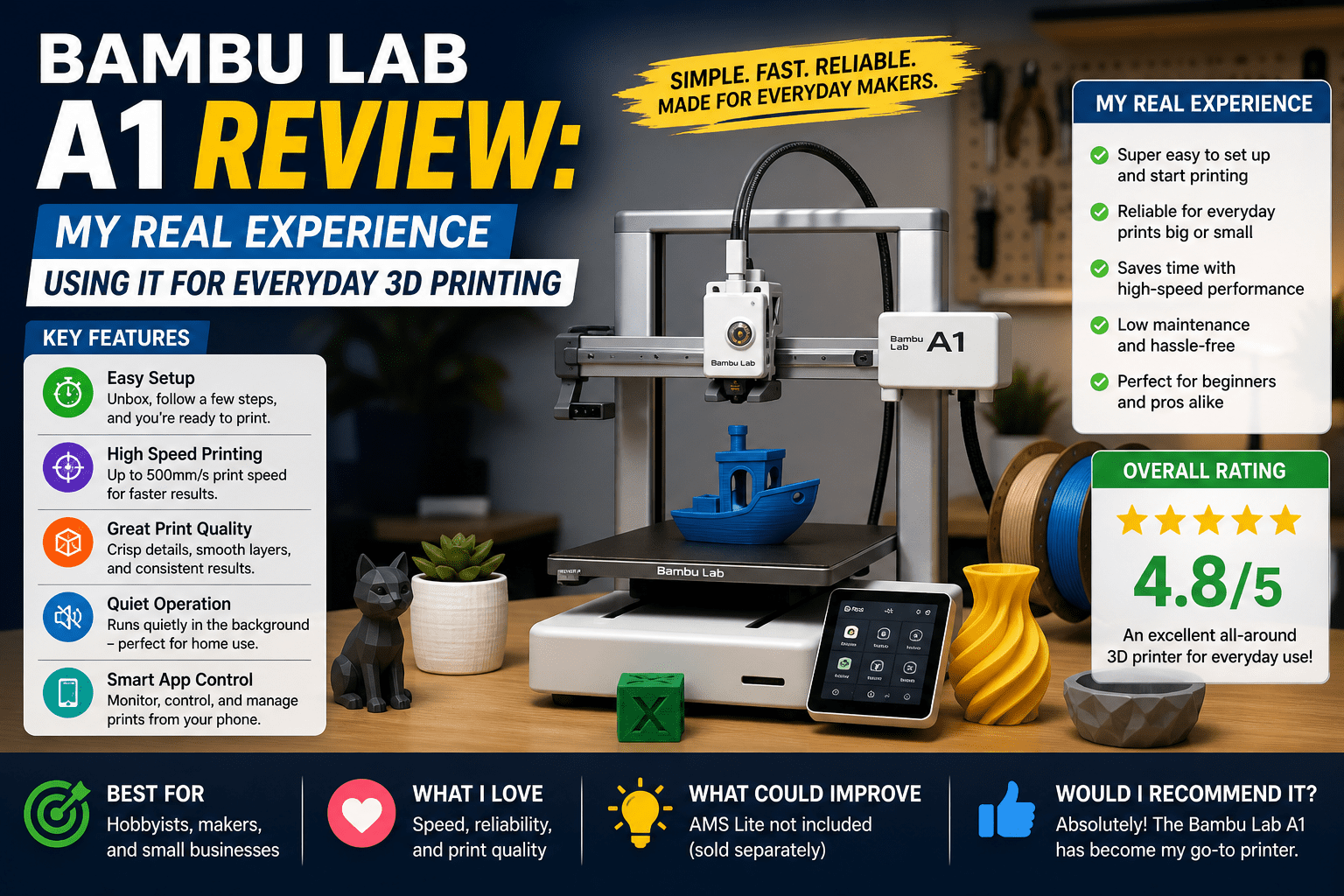
Bambu Lab A1 Review: My Real Experience Using It for Everyday 3D Printing
I was really fed up with my 3D printer setup. It was slow and often unreliable. My prints would fail halfway. I had to restart them all over again. This wasted a lot of my time and materials. I looked into options and decided to try a new 3D printer instead of fixing the same problems over and over.
I needed a printer for tasks like making prototypes, small parts, and hobby projects at home. I did not want anything complicated, a printer that works without me having to constantly monitor it.
I was interested in the Bambu Lab A1 because many people mentioned it was fast and easy to use. I tested it with projects, not just test prints. I set up printed models and used them for my daily tasks. I did not expect it to be perfect, just better than my printer.
Quick Verdict for Bambu Lab A1
Rating: 8.5 out of 10
Best For
- People who use 3D printing have an easy setup and use
- Every day, 3D printing without needing to adjust settings
- Small projects, making prototypes, and hobby printing
- Users who want good results with less effort
Not Suitable For
- Experienced users who want to control every detail
- Big industrial or large-scale printing jobs
- People who like to tweak their hardware
- Users who want control like an engineer would
The Bambu Lab A1 handles my daily printing tasks well. It is consistent and fast. However, it is not the best if you want to control every detail of your prints.
Also Read- i9 14th 14900k Review: My Real Performance and Heat Test
Specifications of Bambu Lab A1
| Spec | Details |
| Printer type | FDM, bed slinger, open frame |
| Build volume | 256 × 256 × 256 mm |
| Printing speed | Up to 500 mm/s (typical 200 to 300 mm/s) |
| Layer resolution | 0.1 mm to 0.28 mm |
| Supported materials | PLA, PETG, TPU, PVA, limited technical filaments |
| Bed levelling system | Full automatic bed levelling |
| Connectivity options | WiFi, microSD, USB |
| Software compatibility | Bambu Studio, Bambu Handy app, Prusa Slicer profiles |
| Power usage | Around 350W to 500W peak |
| Target user level | Beginner to intermediate |
Design and Build Quality
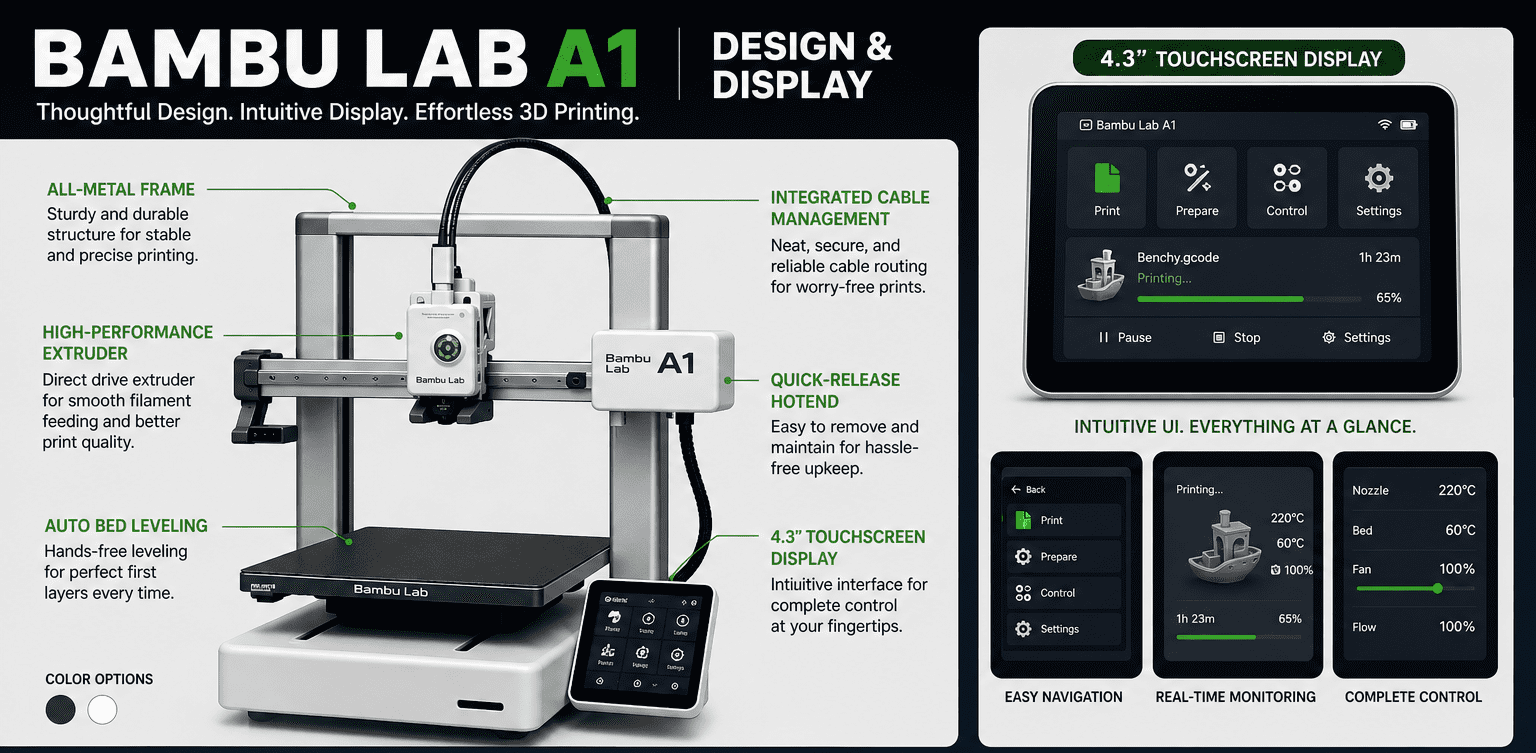
I put the Bambu Lab A1 on my desk and found it is larger than I thought. It is too large for a small table. I noticed it is robust when I touched the frame, and it is not vibrating while printing.
I saw it was open. I can see everything when it is running, so I know how it works. I noticed it’s not too complicated or too heavy.
One positive is that it feels stable when printing. A downside is that it has an open structure, so dust and space management are required.
Print Quality & Experience
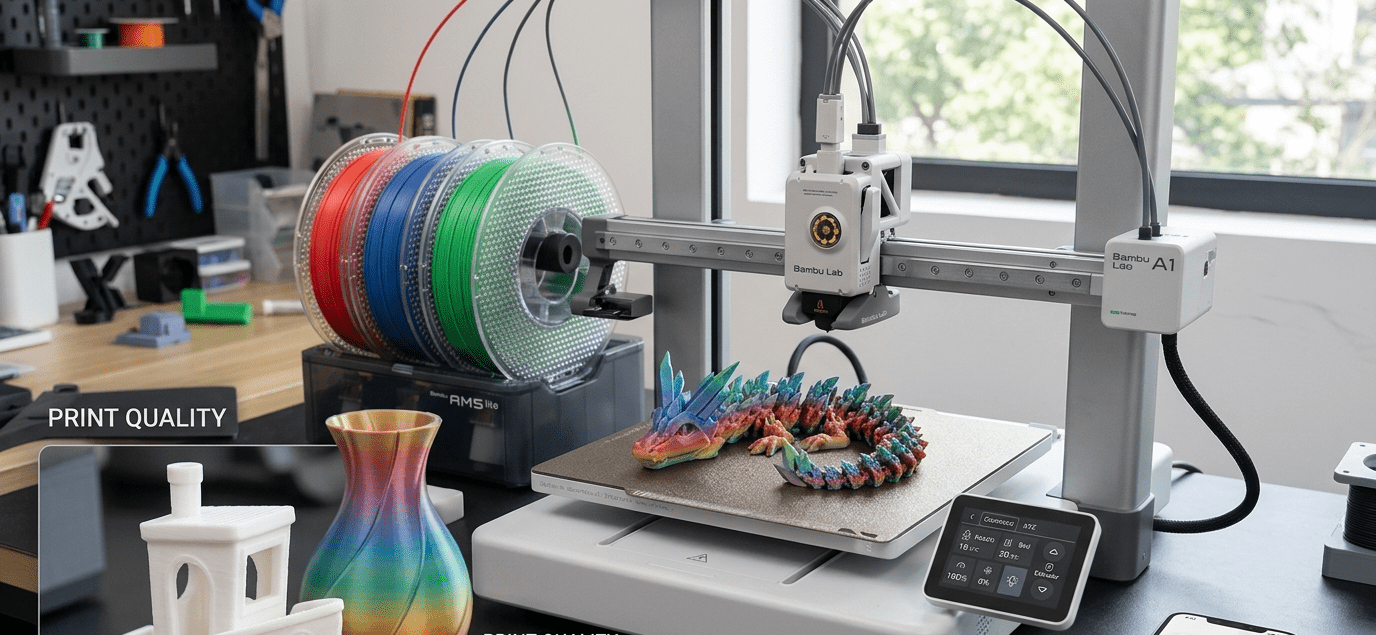
I printed several real models on the Bambu Lab A1, not just test prints. I examined the prints after each one.
I started with a small part to test the printing speed. I was surprised it was done quicker than I thought, and it looked good. This was my first success.
Then I tried a more complex model. I failed once when the first layer did not stick. I checked the bed, and the second time was successful.
I thought it would be fast but of average quality, but it was better. The prints were still good at higher speeds.
Software Experience
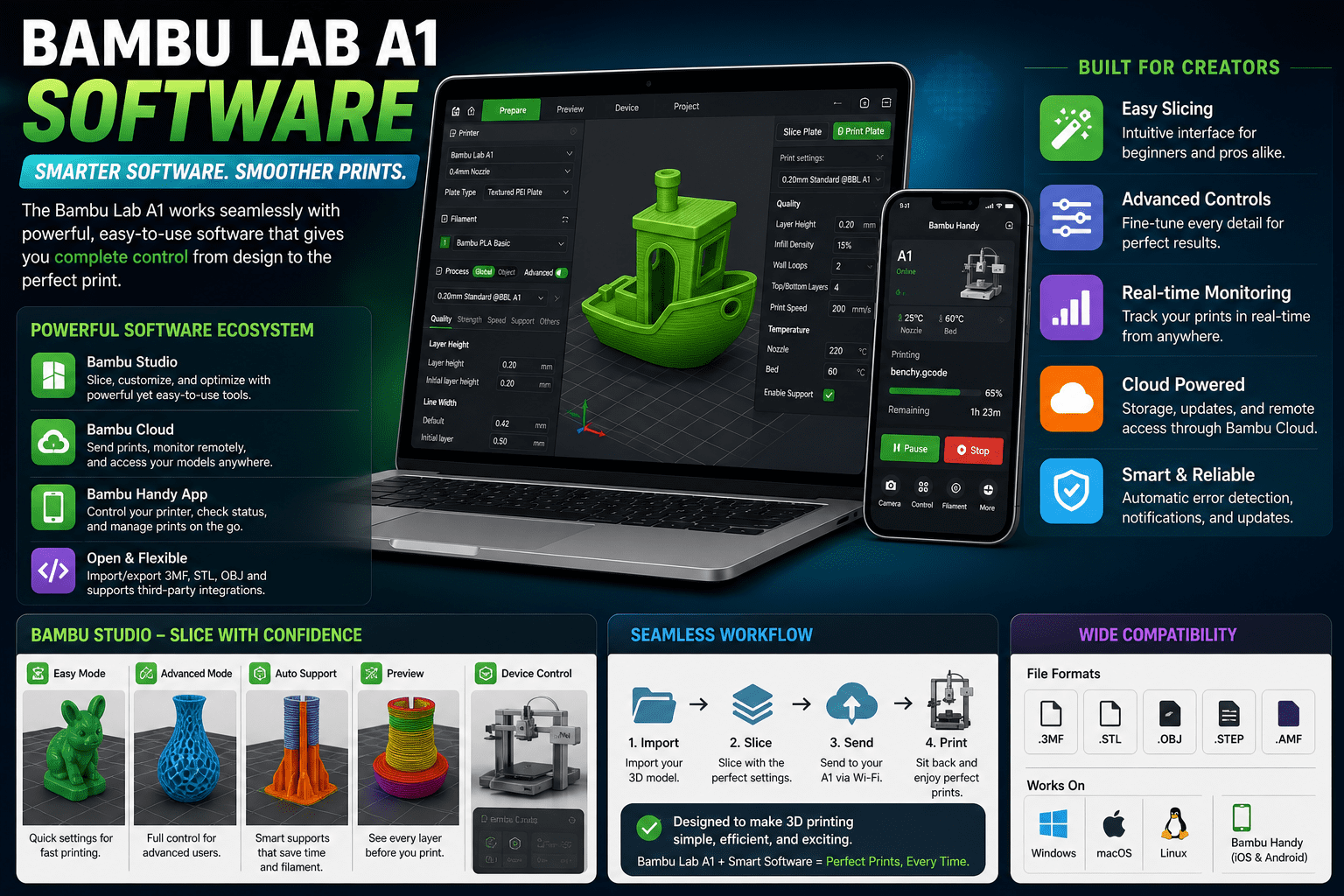
I started Bambu Studio without reading too much documentation. I was confused at first because there was a lot to see. I clicked a bit and got a bit confused with my first model.
I was a bit frustrated about the print settings for speed vs quality. I had to play around a bit.
Then I realised that slicing is easy after a couple of times. I enjoyed how fast I could get a file to the printer. It was easy and less intimidating than other 3D printing software.
Bambu Lab A1 Daily Use Experience
I put the Bambu Lab A1 in my room,m and I immediately noticed the noise when I printed the first few items. It is not completely silent, but it is also not always loud.
It was disturbing when it began printing large jobs while I was on work calls. After a while, I adapted to the constant noise.
I could work on my laptop while it was printing, as long as I was in the same room.
Maintenance felt simple. I just cleaned the bed and checked the parts. It did not require much maintenance in everyday use, making it easier to print
Pros & Cons
Pros
- I didn’t expect it to be so often ‘plug and play.’
- Printing was stable even at higher speeds. I wasn’t expecting that
- Initial setup and prints were easier than with previous printers. I was happy to be free of headaches
- Integration with software was easy after a learning curve
Cons
- I was annoyed by the first-layer problems; I had to adjust the bed adhesion.
- I was disappointed with the need to supervise longer prints; I didn’t expect some occasional failures with “easy” settings.
- Open design is sensitive to dust and the environment, so I needed to clean more frequently.
- I had some issues with the initial learning curve in settings and calibration; it is not “set and forget.”
Real World Usage
I tested the Bambu Lab A1 in three real-world applications to check its performance.
First, I printed small parts for personal use. I tested the fit and found they were usable without reprints.
Second, I printed a longer part overnight. I was a bit nervous, but awoke to see it was done without issues, which was satisfying.
Third, I used it for rapid prototyping during my lunch break. I imported files from Bambu Studio, and it began quickly.
I found the printer is good for daily 3D printing jobs, but it requires some setup. In general, it was reliable and usable.
Final Verdict
I tested the Bambu Lab A1 for daily use. I tested the speed, quality, and long prints in real use. I recommend it if you are looking for easy and stable 3D printing with no tuning. I liked it worked well for most jobs, but I needed to tweak some things, gs such as the first layer and cleaning. I also found it is not quiet and requires space management.
I used it enough to know I would recommend the Bambu Lab A1 for entry-level and hobby users, but not for control-oriented printing.
FAQs
Is Bambu Lab A1 good for beginners?
Yes. I found it easy after setup. I had to learn a little, but it was not too hard.
What materials can it print?
I used PLA and PETG. I tried TPU once and it was ok, but I preferred PLA.
Is it noisy during operation?
I heard some noise in my room, particularly when it moves quickly. I got used to it, but it is not silent..
Does it need constant maintenance?
No. I just cleaned and checked it. It was not a complete pain to use.