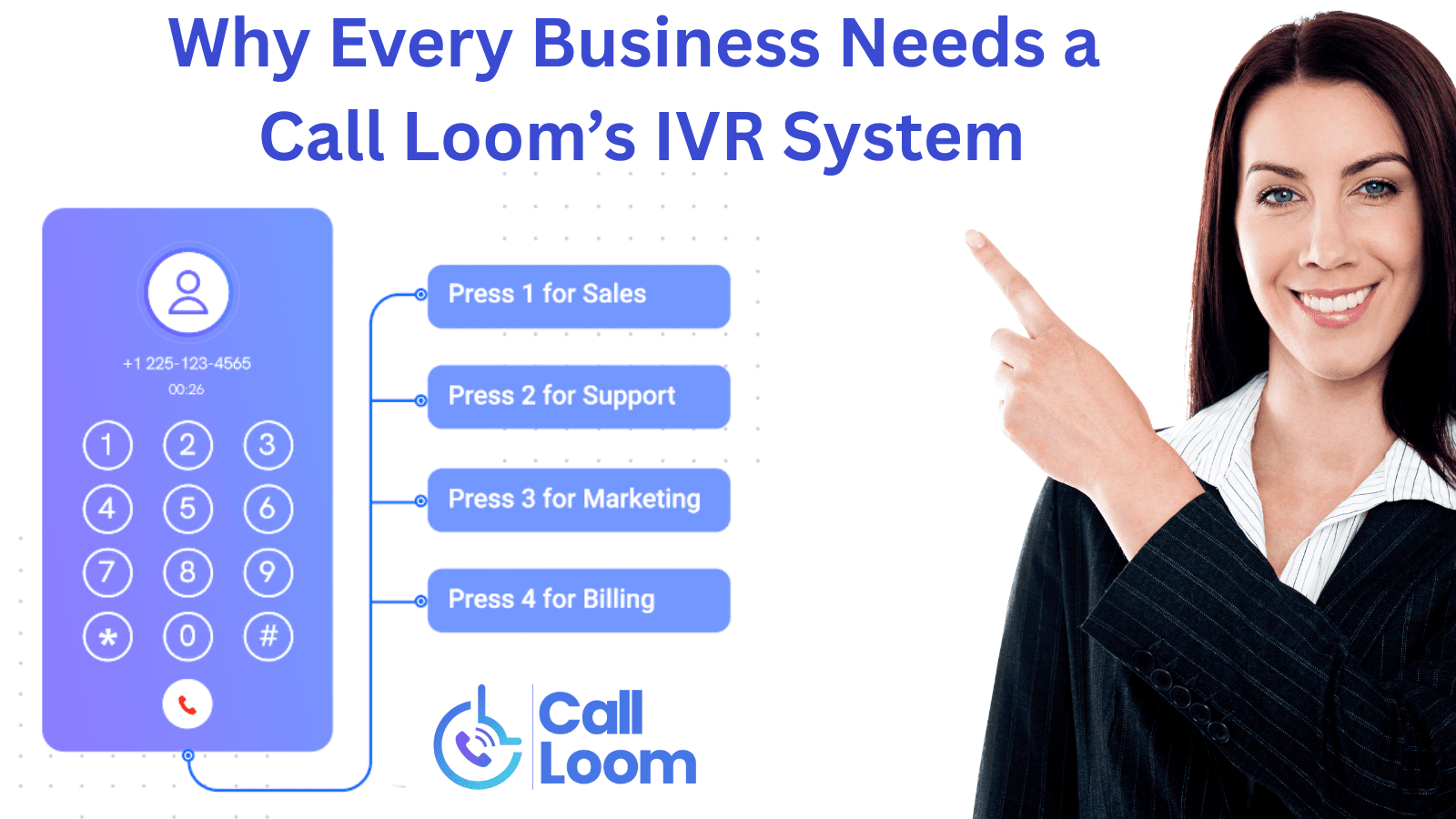
Why Every Business Needs a Call Loom’s IVR System in 2025
- 1 What Is an IVR System?
- 2 Why Businesses Use IVR Systems
- 2.1 a. Shorter Wait Times
- 2.2 b. Professional First Impression
- 2.3 c. 24/7 Availability
- 2.4 d. Scalability for Growth
- 2.5 e. Data & Tracking
- 3 The Benefits of Modern IVR (Beyond “Press 1 for Sales”)
- 3.1 a. AI-Powered Call Handling
- 3.2 b. Smarter Routing Rules
- 3.3 c. Integrated Voice Response
- 3.4 d. Cost Efficiency Without Cutting Quality
- 4 4. How to Set Up an IVR System Quickly
- 4.1 Step 1: Map the Call Journey
- 4.2 Step 2: Record a Clear Greeting
- 4.3 Step 3: Define Menus and Routing Rules
- 4.4 Step 4: Add AI for Smarter Handling
- 4.5 Step 5: Test the System
- 4.6 Step 6: Monitor and Optimize
- 5 Conclusion
When customers call a business, they expect more than just a ringtone and a long wait. They want direction, speed, and a clear path to the right person. That’s where IVR systems (Interactive Voice Response) step in.
An IVR greets callers, gives them options, and automatically routes them to the right team or department. It reduces missed calls, shortens wait times, and helps businesses stay professional even during peak hours.
From small startups to large enterprises, IVR is no longer just a “call center tool,” it’s a customer experience essential.
In this guide, we’ll walk through the benefits of Call Loom’s IVR system and show you how quickly you can set it up for your team.
With the Call Loom IVR Platform, businesses can do even more:
- ✔ Use AI to qualify callers in real-time
- ✔ Route calls based on intent, location, or team schedules
- ✔ Track and analyze every call inside the AI Inbound Call Tracking
What Is an IVR System?
An IVR system (Interactive Voice Response) is a virtual receptionist for your business phone lines. Instead of relying on manual transfers or busy operators, IVR answers incoming calls automatically, provides a menu of options, and routes callers to the right team or department.
Why Businesses Use IVR Systems
No matter the industry, one truth remains: when customers call, they want answers fast. Having every call handled manually isn’t just inefficient; it can hurt both customer satisfaction and revenue. That’s why businesses turn to IVR systems.
Here are the core reasons:
a. Shorter Wait Times
Without IVR, callers are often placed on hold until a receptionist or agent becomes available. IVR systems reduce this friction by letting customers self-select their path. Instead of waiting to be transferred, a caller can go straight to “Billing” or “Technical Support.”
Example: A small insurance office uses IVR to route claim inquiries directly to the claims department, cutting average wait times in half.
b. Professional First Impression
First impressions matter, and for many businesses, the first impression is a phone call. An IVR system ensures every caller hears a consistent, professional greeting that reflects the brand, rather than being greeted by a hurried “Hello?” from a busy employee.
Example: A local dental clinic uses IVR to greet patients warmly and provide directions to book appointments, instantly giving a polished impression.
c. 24/7 Availability
Staffing phone lines around the clock is costly. IVR systems keep the “front desk” open 24/7, allowing customers to access key information or leave messages at any hour. For many businesses, this means fewer missed opportunities.
Example: An e-commerce company uses IVR to let customers track orders or leave after-hours support requests without needing a live agent.
d. Scalability for Growth
As businesses grow, so does call volume. Hiring more agents for every growth stage is unsustainable. IVR systems make scaling easier: whether you’re handling 10 calls a day or 10,000, the system routes them efficiently without needing to expand headcount.
Example: A national delivery company uses IVR to manage thousands of daily delivery inquiries, all automatically routed to the right local hub.
e. Data & Tracking
Modern IVR systems don’t just route calls; they also collect valuable data. Businesses can see call patterns (like peak hours), caller intent, and drop-off points. This data is crucial for staffing decisions and improving customer service.
Example: A SaaS company uses IVR reports to identify that most calls spike after product updates, helping them better staff support during those windows.
The Benefits of Modern IVR (Beyond “Press 1 for Sales”)
In the past, IVR systems had a reputation for being frustrating — long menus, robotic voices, and endless button-pushing that left customers more annoyed than helped. But today’s IVR systems are smarter, faster, and powered by AI. They’ve moved far beyond the traditional “Press 1 for Sales, Press 2 for Support.”
Here’s what sets modern IVR apart:
a. AI-Powered Call Handling
Instead of forcing callers to navigate rigid menus, AI-powered IVR systems can listen, understand, and respond naturally. This means callers can simply say, “I need help with my order,” and the system will route them accordingly.
Example: A retail brand uses an AI Calling Agent to qualify callers by asking simple, conversational questions — saving live agents from repetitive queries like “What’s your order number?”
b. Smarter Routing Rules
Modern IVR platforms allow calls to be routed based on intent, location, agent availability, or even past interactions. It’s not just “one menu fits all” anymore — it’s adaptive routing that ensures the right person gets the right call at the right time.
c. Integrated Voice Response
Older IVR systems worked in isolation. Modern ones connect with CRMs, support systems, or lead management tools. This means agents see customer context before picking up the call, creating smoother handoffs and more personalized experiences.
Example: A healthcare clinic’s IVR system links to its appointment software. When a patient calls, the IVR recognizes their number and offers personalized options like “Press 1 to confirm your appointment for tomorrow at 3 PM.”
d. Cost Efficiency Without Cutting Quality
With smart automation, fewer agents are needed to handle repetitive calls. That doesn’t mean worse service; it means agents focus on the complex, high-value conversations while the IVR handles routine inquiries.
Example: A SaaS company uses IVR to handle billing questions and password resets automatically, while live agents focus on onboarding and technical troubleshooting.
In short, modern IVR is no longer a “press-button maze.” It’s an AI-enhanced, customer-friendly system that makes businesses more efficient while giving callers the fast, seamless experience they expect.
4. How to Set Up an IVR System Quickly
One of the common myths about IVR is that it’s complicated to set up — something only large enterprises can afford or manage. In reality, most modern IVR platforms are designed for speed and simplicity. With the right approach, a business can launch an IVR system in hours, not weeks.
Here’s a step-by-step breakdown:
Step 1: Map the Call Journey
Before you record a greeting or set up menus, think about what happens when a customer calls. Ask:
- What are the most common reasons people call?
- Which team or department handles each type of request?
- Where do we lose the most time today?
Example: A small accounting firm identifies that 70% of their calls are about invoices or payment status. They create a dedicated call path for billing, reducing unnecessary transfers.
Step 2: Record a Clear Greeting
Your greeting sets the tone. Keep it professional, friendly, and concise. Callers should immediately know they’ve reached the right place.
Pro tip: Avoid long, robotic introductions. A simple:
“Thank you for calling [Business Name]. To connect you quickly, please choose from the following options…” works best.
Step 3: Define Menus and Routing Rules
Build your call flow. Decide what callers should hear (“Press 1 for Sales, 2 for Support”) and where each path leads. Modern IVR systems also allow routing based on:
- Caller’s location
- Agent availability
- Time of day
- Keywords from spoken input
Example: A delivery service uses routing rules so after-hours calls go straight to voicemail, while urgent delivery issues during business hours connect directly to dispatch.
Step 4: Add AI for Smarter Handling
This is where IVR gets powerful. Instead of just menus, businesses can add conversational AI — like an AI Calling Agent — to qualify calls in real time. The agent can ask questions (“Are you calling about an existing order or a new one?”) and route based on intent.
Example: A real estate office uses AI to filter out spam or non-serious leads, so agents only handle high-value inquiries.
Step 5: Test the System
Run through the IVR as if you were a customer. Does the menu make sense? Is the greeting too long? Do calls route correctly? Testing helps catch small issues before customers experience them.
Step 6: Monitor and Optimize
Once live, don’t set and forget. Use call reports and analytics to track:
- Which options are selected most
- Where callers drop off
- How long does it take to reach an agent
These insights let you refine your IVR for clarity and efficiency over time.
By following these steps, even small businesses can set up a reliable IVR quickly. The key is not complexity, but clarity, giving customers a simple, direct path to the help they need.
Conclusion
IVR systems have evolved beyond being just a call-routing tool. They’re now an essential part of how businesses communicate. By reducing wait times, improving professionalism, and adding AI-driven intelligence, IVR creates smoother experiences for customers and more efficient workflows for teams.
Whether it’s a small clinic, a growing e-commerce store, or a nationwide service provider, the right IVR setup helps ensure that every call is answered, routed, and resolved the way it should be.