Best Remote AI Agents for Video Editing
- 1 Which remote AI agent should you choose?
- 2 How we evaluated these tools
- 3 1. Invideo
- 4 2. Wisecut
- 5 3. Vizard Agent
- 6 4. Tella
- 7 5. Eddie AI
- 8 How to choose the right tool
- 9 FAQs
- 9.1 What is a remote AI agent for video editing?
- 9.2 Do AI agents replace video editors?
- 9.3 What does MCP mean for video editing?
- 9.4 Can an AI agent edit a professional timeline?
- 9.5 Which tool is best for turning a podcast into clips?
- 10 Final thoughts
A long video can hide its best moments inside hours of footage. Finding them, cleaning up mistakes, and preparing versions for different platforms can take longer than the creative decisions themselves. Remote AI agents can handle parts of that editing work through a browser or an AI assistant, while you review the result.
The tools below suit different projects. Some work on a full editing timeline, while others focus on clips, screen recordings, or interview footage. We compare what each one can do, where it fits, and what to check before paying.
Which remote AI agent should you choose?
For hands-on editing on a professional timeline, consider invideo. It connects an external AI agent to an editable project, where you can review changes as they happen. Wisecut is geared toward turning long recordings into captioned clips through chat. Using uploaded video or a concept, Vizard Agent manages more comprehensive video tasks. Tella is a good match for screen recordings and product demos, while Eddie AI focuses on interview and documentary rough cuts that can move into a desktop editor.
“Remote” can mean different things in this category. In this list, it refers to agents and cloud tools that you can direct from a browser or a supported AI app. Before choosing, check whether the tool edits a timeline you can keep refining, returns a finished video, or prepares an export for another editor.
How we evaluated these tools
We looked at how each tool receives instructions, what editing work it handles, whether the result stays editable, who it suits, and how its pricing works. The order highlights different workflows, from broad timeline editing to specific recording and interview tasks.
| Tool | Best suited to | Editing approach |
| Invideo | Timeline editing with an external agent | Edits a shared browser timeline |
| Wisecut | Clips from long recordings | Chat connected through MCP |
| Vizard Agent | Videos from footage or an idea | Plans and edits from instructions |
| Tella | Screen recordings and demos | Agent edits inside its editor |
| Eddie AI | Interview-based projects | Builds a rough cut for an NLE |
1. Invideo
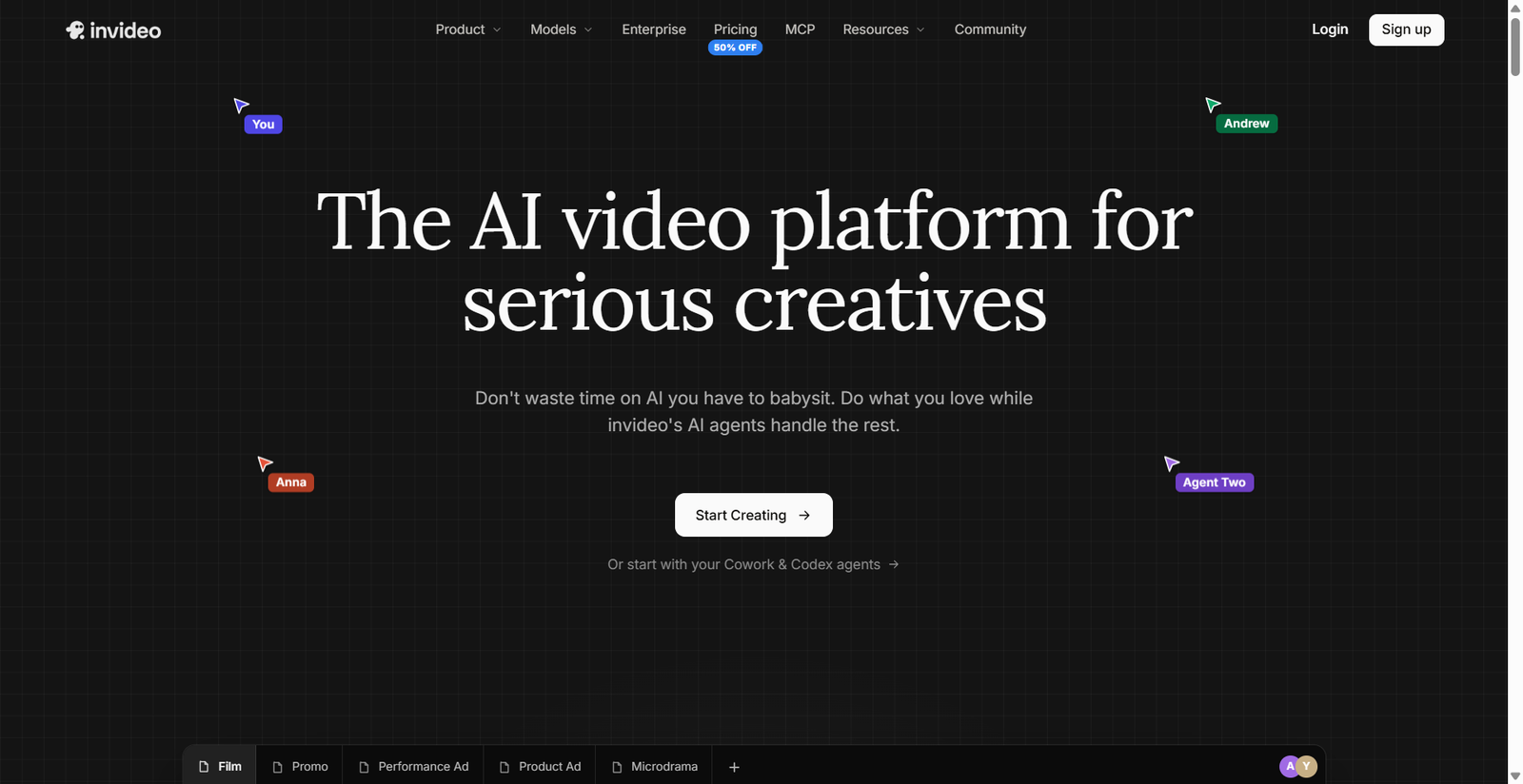
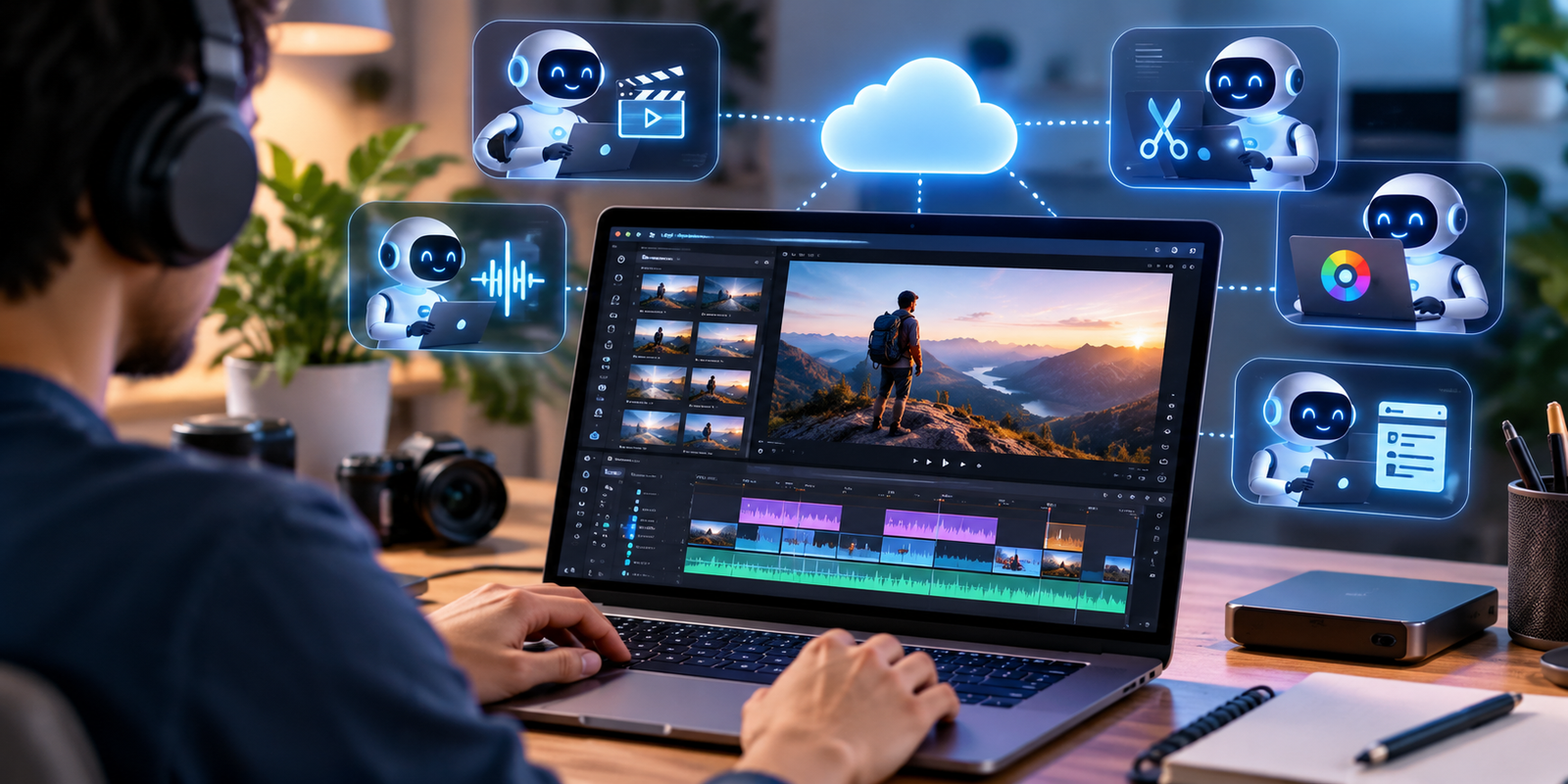
Invideo Editor connects supported AI agents to a browser-based editing workspace. With invideo’s video editor as an MCP server, an agent can edit professional NLE timelines, color correct footage, mix audio, and generate images, video, and audio inside the project. Edits appear on the timeline for you to inspect and change.
Key points: Live timeline edits, generation tools, and exports for Premiere Pro, Final Cut Pro, or DaVinci Resolve.
Best for: Creators and teams who want an agent to handle editing tasks while they retain control of the cut.
Use cases: Review footage, assemble a first cut, refine color or audio, and prepare alternate versions.
Where it falls short: Agent work and media generation use credits, so check usage before assigning larger jobs.
Pricing: Manual editing is free. AI agent work and generation use credits.
2. Wisecut
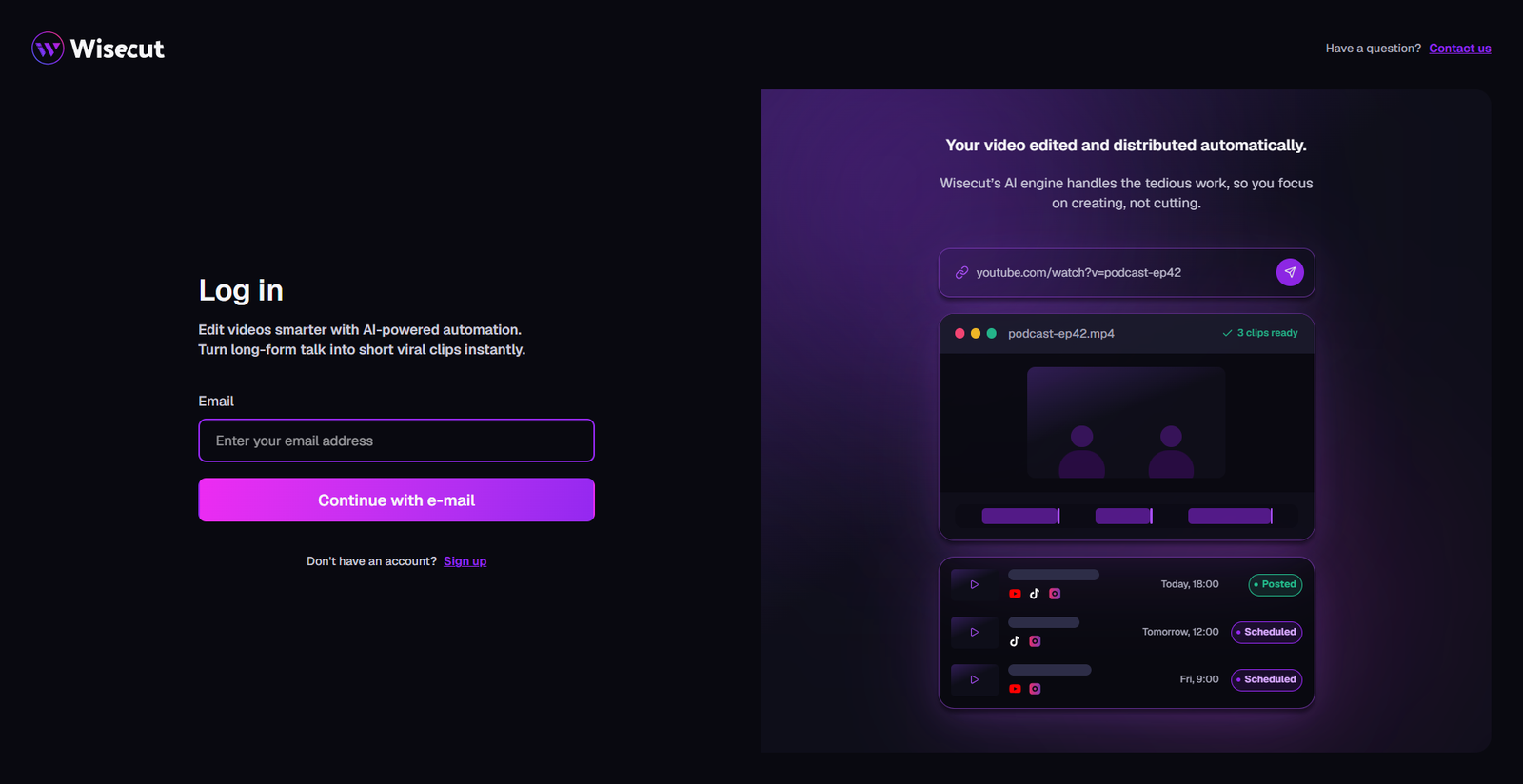
Wisecut can connect to AI assistants such as ChatGPT, Claude, and Codex through MCP. You can ask it to find strong moments, create vertical clips, add captions, reframe video, or make edits from instructions. Its primary process involves converting longer recordings into social media clips and getting them ready for publication or evaluation.
Key points: Chat-based editing, clip selection, captions, vertical reframing, and YouTube scheduling.
Best for: Podcasters, educators, and creators repurposing long recordings.
Use cases: Make short clips from an interview, add captions to a lesson, or prepare a video for YouTube.
Where it falls short: It is more focused on clips and publishing than detailed work in a full NLE timeline.
Pricing: A limited free plan is available. Paid plans currently start at $33 per month when billed monthly.
3. Vizard Agent
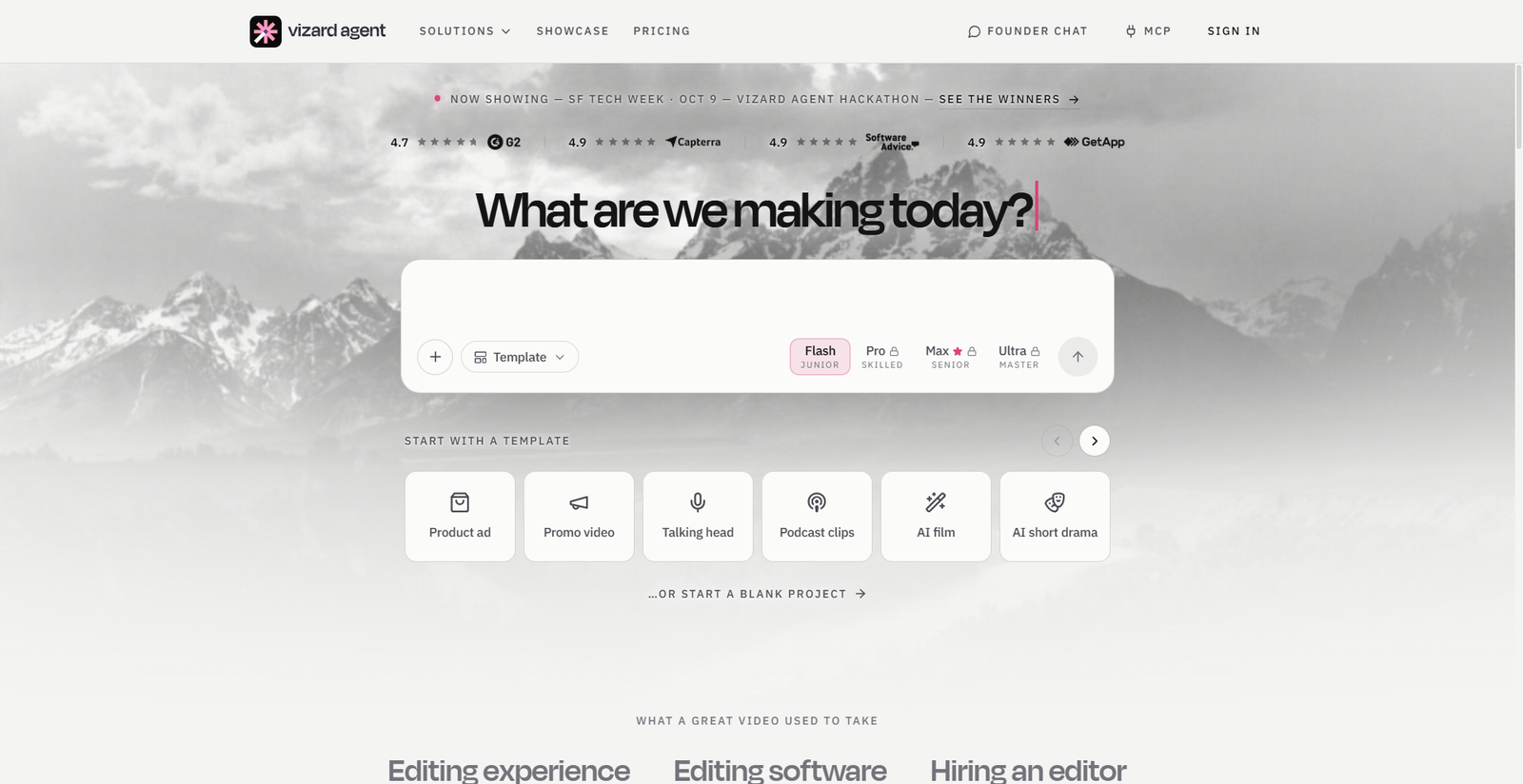
Vizard Agent accepts instructions for videos made from uploaded footage or from an idea. It can plan, edit, and revise a video through follow-up requests. This makes it a flexible option for users who want to develop a finished piece without managing every editing step themselves.
Key points: Conversational editing, revisions through follow-up requests, and support for both existing footage and new video ideas.
Best for: Small teams and creators who need promotional videos, recaps, or social content.
Use cases: Turn event clips into a recap, create a short product video, or make alternate versions for social channels.
Where it lacks: The free plan restricts users to two projects and 60 credits per month, which means bigger projects might require a paid option.
Pricing: A free plan is listed; paid Creator plans start with 600 monthly credits. Check the current pricing page for rates.
4. Tella
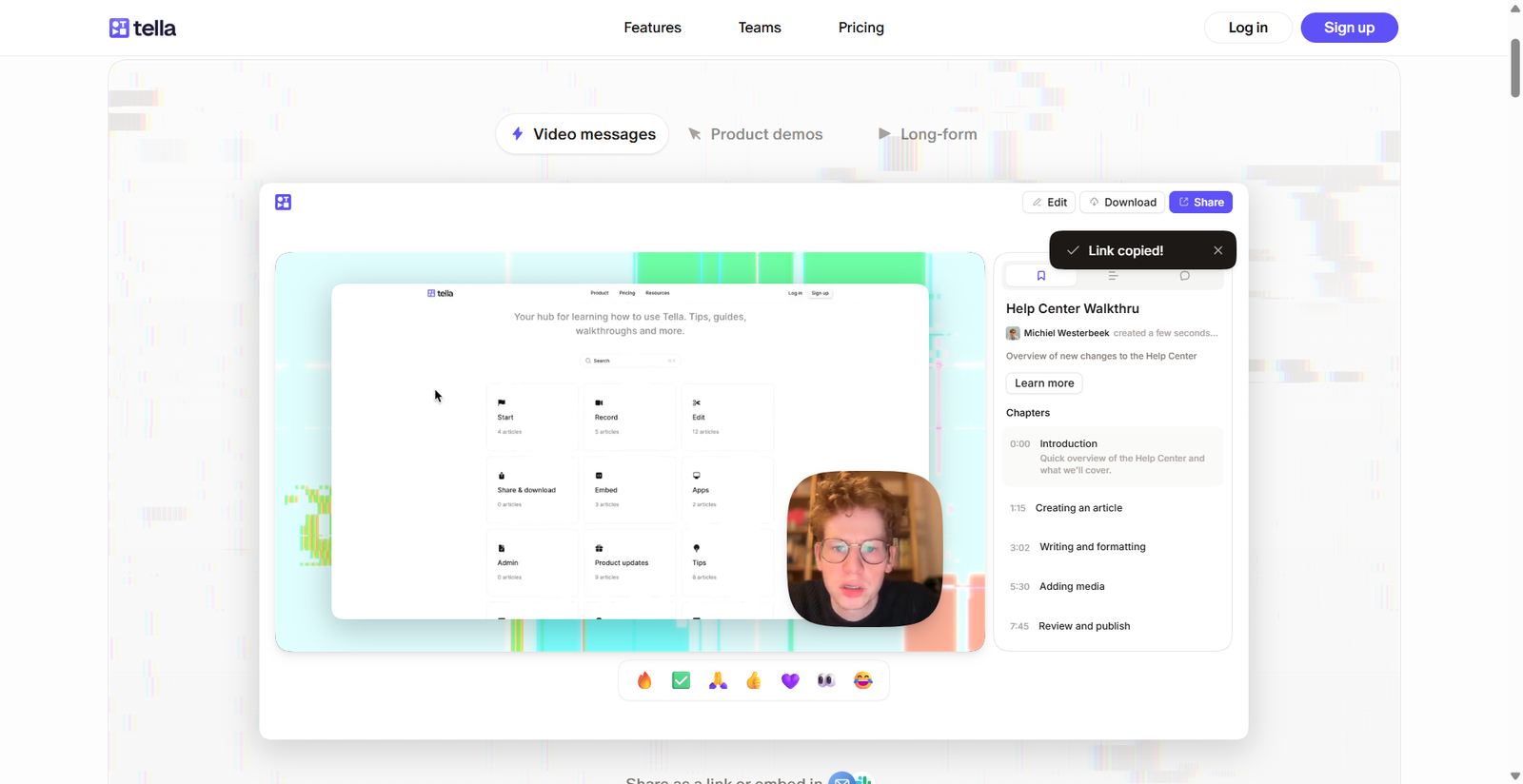
Tella Agent edits screen recordings and other videos inside Tella’s editor. You can ask it to remove pauses, add zooms, change layouts, or create subtitles and chapters. You can also connect external agents such as ChatGPT, Claude, Codex, or Cursor to Tella’s MCP server for editing, export, and publishing actions.
Key points: Transcript-based edits, zooms and layouts, subtitles, chapters, and MCP access.
Best for: Software teams, educators, and creators making screen recordings or product demonstrations.
Use cases: Streamline a tutorial, highlight key clicks, or include captions and section titles.
Where it falls short: It focuses on recorded footage and does not generate AI narration.
Pricing: Agent chat is included with paid plans. Pro starts at $13 per user per month with annual billing; Premium starts at $19.
5. Eddie AI
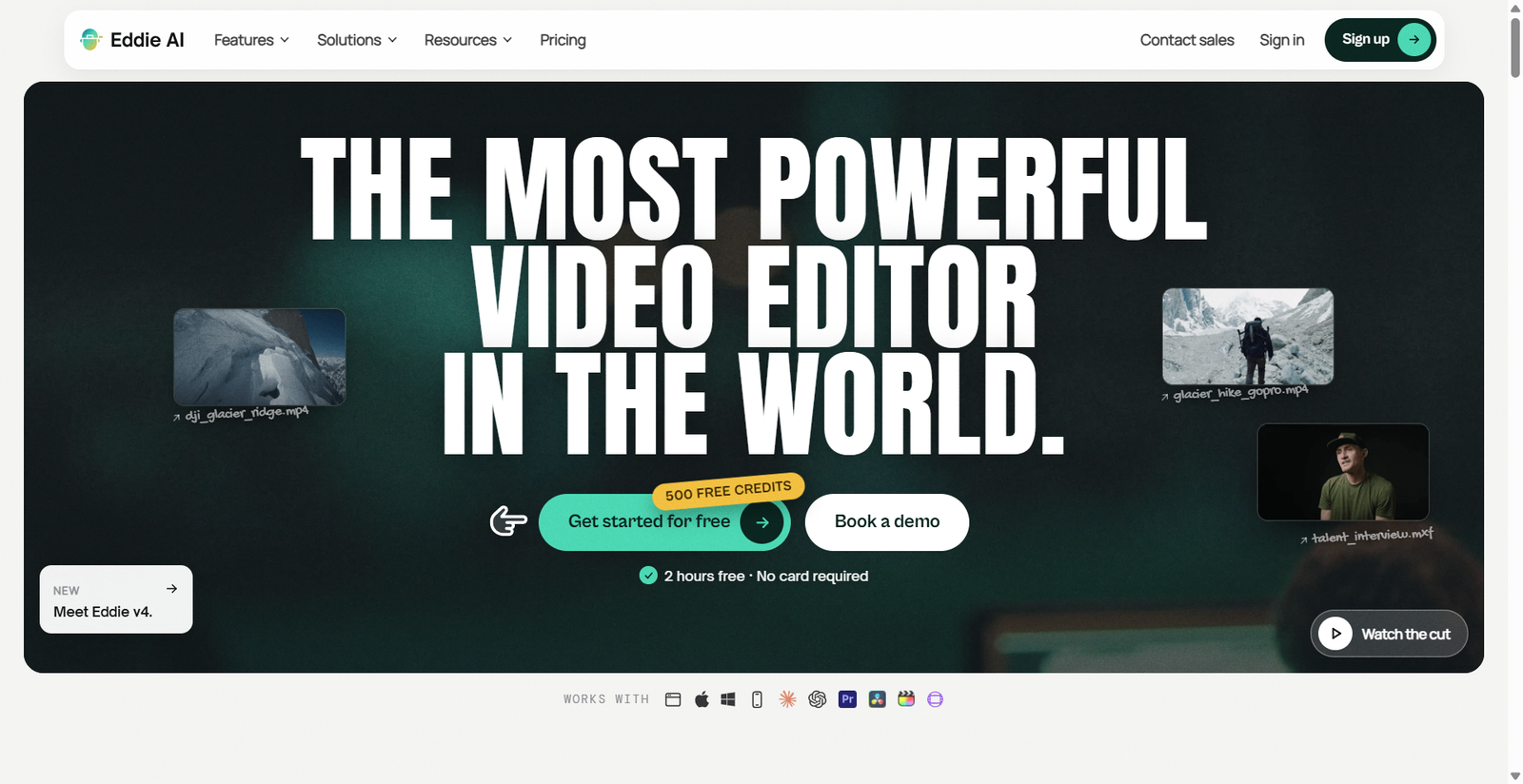
Eddie AI is designed to help editors turn raw interview footage into a structured rough cut. It transcribes footage, finds soundbites, removes filler, and assembles a timeline from instructions. It can connect to ChatGPT or Claude through MCP, then export work for Premiere Pro, Final Cut Pro, or DaVinci Resolve.
Key points: Interview logging, soundbite selection, rough cuts, multicamera support, and NLE exports.
Best for: Editors handling documentaries, podcasts, corporate videos, and interview-led projects.
Use cases: Build a first assembly from several interviews, organize B-roll, or create a shorter social cut.
Where it falls short: Its workflow is centered on interview projects and exporting to another editor for finishing.
Pricing: New accounts receive free credits. Paid credit packs start at $10 for 1,000 credits, with no required subscription.
How to choose the right tool
Start with the most time-consuming tasks. If you need control over cuts, layers, color, and audio in one timeline, choose a timeline-focused editor. Invideo Editor is a good fit if you want an AI agent to edit a professional timeline you can review and refine. If your main task is splitting podcasts or lessons into clips, a clip-focused tool may be faster. For interviews, choose an assistant that can find soundbites and prepare an export for your usual NLE.
The ROI difference for Agentic AI and AI agents for business websites becomes clearer when you track outcomes: compare hours spent editing, revisions needed, and how much of the result your team can use.
Common mistakes to avoid
- Deciding only on the number of AI features.
- Assuming every tool edits the same kind of timeline.
- Ignoring credit limits and export restrictions.
- Publishing an AI-edited cut without checking accuracy, pacing, captions, and rights to the media.
FAQs
What is a remote AI agent for video editing?
It is an AI assistant that can perform editing tasks through a web service, editor, or connection such as MCP. Depending on the tool, it may find clips, remove pauses, assemble a rough cut, or edit a project on a timeline.
Do AI agents replace video editors?
No. They can take on repetitive work, but people still need to judge story, context, pacing, and accuracy. Review the result before publishing, especially when the footage includes factual claims, interviews, or customer stories.
What does MCP mean for video editing?
MCP is a way for supported AI apps to connect to tools and services. For video editing, it can let an AI assistant send editing instructions to a connected platform, subject to the account access and permissions you approve.
Can an AI agent edit a professional timeline?
Some can. Invideo applies agent changes to an editable browser timeline. Other services may focus on clips or export a project for a separate NLE, so confirm the workflow before starting a large edit.
Which tool is best for turning a podcast into clips?
Wisecut is designed for finding moments in long videos and preparing captioned clips. Vizard Agent and Eddie AI can also support clip creation, but compare their editing controls, export needs, and credit limits against your workflow.
Final thoughts
The best tool depends on whether you need a shared timeline, social clips, screen recording edits, or an interview rough cut. Try one real project, review the edits, and compare the time saved with any cleanup still required.