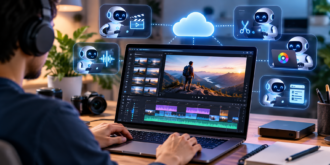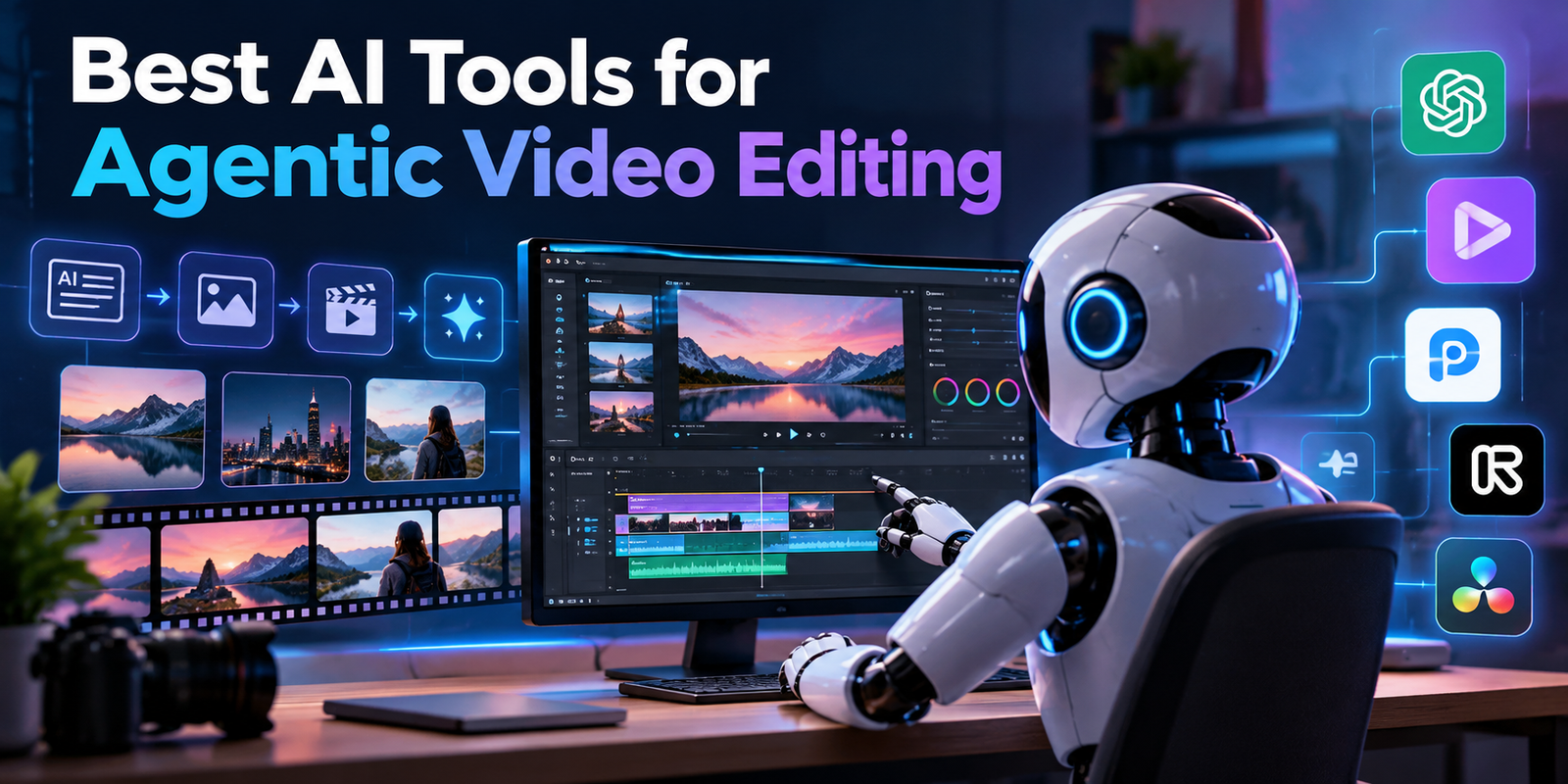
Best AI Tools for Agentic Video Editing
Video editing can take longer than filming, especially when you have hours of footage, repeated takes, and several versions to prepare. A useful editing agent can take on parts of that work while leaving you in charge of the result. Adobe’s 2026 creator survey found that 57% of creators said AI outputs need moderate or extensive editing before they are ready to share, which makes review and control important parts of the workflow.
This list compares five tools that automate editing in different ways. While some execute multi-step instructions on an adjustable timeline, others concentrate on chores like cutting out pauses or condensing lengthy recordings into shorter segments. The right fit depends on how much control you want and what kind of footage you edit.
Which tools are worth considering?
For editing raw footage through delegated, multi-step tasks, Invideo Editor and Wisecut offer natural-language editing workflows. Vizard Agent can create videos from footage or an idea, while Gling focuses on cleaning up speech-led recordings. Klap is built to find and format short clips from longer videos.
These tools do not all offer the same level of agentic editing. Before choosing, check whether the AI can carry out a broader assignment, whether its edits remain adjustable, and whether it suits your footage. A full timeline workflow can help with a first cut, while an automatic clipping tool may be enough for social media versions.
How we evaluated these tools
We considered the editing work each product automates, how much control users retain, the footage it suits, its main limitations, and its published pricing. Features and plan details can change, so check each provider’s current plan page before subscribing.
| Tool | Best suited to | Editing approach |
| Invideo Editor | Raw footage and timeline editing | Agents carry out editing tasks on an editable timeline |
| Wisecut | Long recordings and repurposing | Natural language editing and automation |
| Vizard Agent | Creating videos from prompts or footage | Agent-led video creation and editing |
| Gling | Speech-led YouTube videos | Automated cleanup and take removal |
| Klap | Social clips from long videos | Automated clip selection and reframing |
1. Invideo Editor
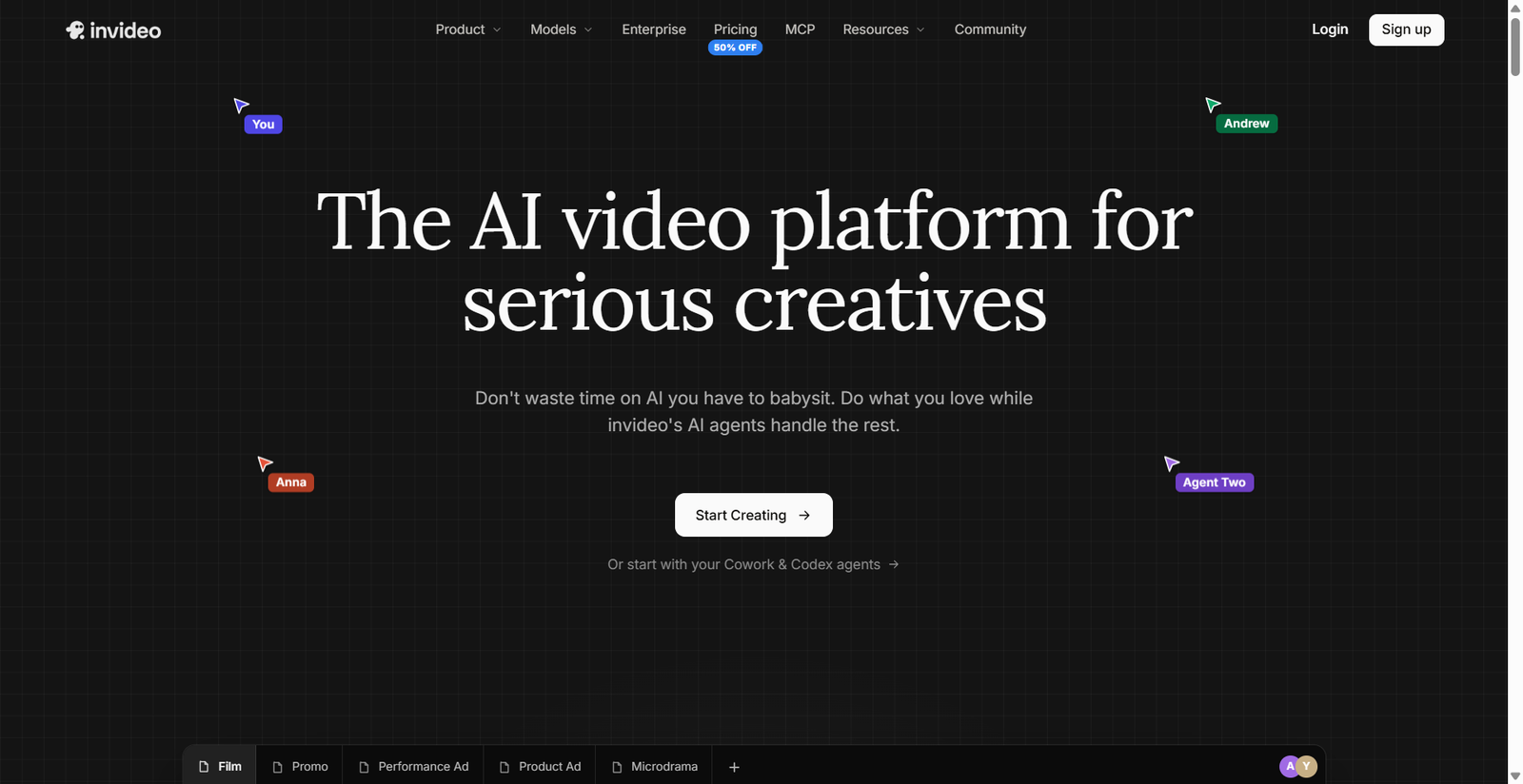
Invideo Editor is a professional video editor with AI editing agents you can assign real work to. It is completely free to use for manual timeline editing. The agents can review footage, select takes, remove filler, and assemble a first cut based on your direction. Their work appears on an editable timeline, so you can inspect and refine the changes.
- Key features: Footage review, take selection, first cut assembly, multicam editing, and timeline control.
- Best for: Creators and editors working with interviews, podcasts, YouTube recordings, or multicam footage.
- Use cases: Build a first cut from a script or recording, find a moment by describing it, or prepare versions from one project.
- Where it falls short: Agent tasks use credits, and the finished edit still needs human review.
- Pricing: Manual editing is free; agent work uses credits. In India and similar geographies, plans start at 9/month (108/year) for Basic, with Pro at 30/month(300/year) and Ultra at 80/month(720/year).
2. Wisecut
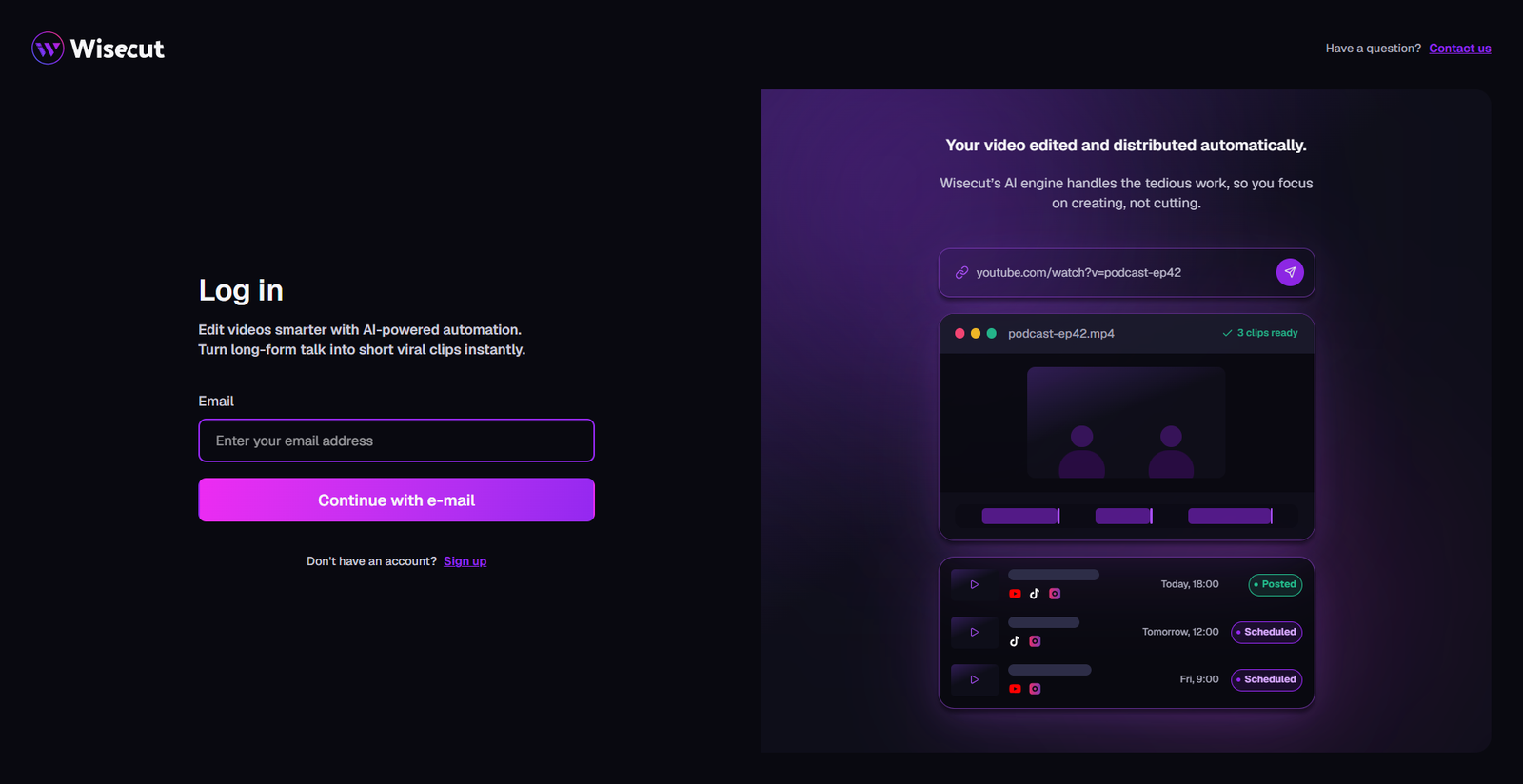
Wisecut’s WISH editor lets users describe edits in plain language, then review and refine the changes. It can help find highlights, improve pacing, create clips, and add captions. Its Autopilot and Social Hub features add options for automating content creation and publishing, making it useful when editing is part of a regular posting workflow.
- Key features: Prompt-based editing, highlight detection, clip creation, captions, and publishing tools.
- Best for: Creators and teams who regularly repurpose long recordings.
- Use cases: Turn a webinar, interview, or podcast into shorter clips and refine them with instructions.
- Where it falls short: Free usage is limited, and the paid plans charge by monthly credits.
- Pricing: Free plan available; Starter+ is listed at $33 per month when billed monthly.
3. Vizard Agent
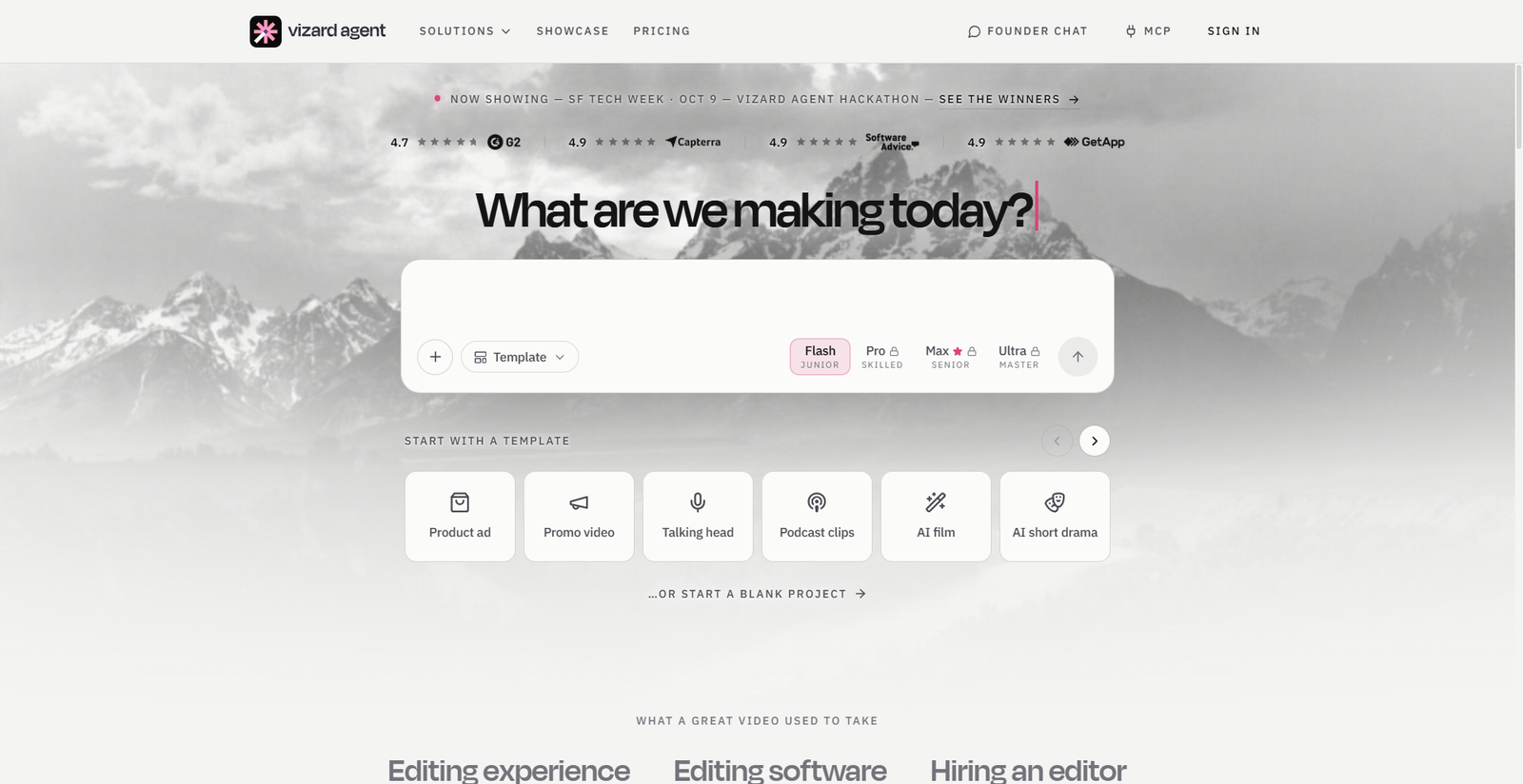
Vizard Agent is designed to make a video from footage or an idea provided by the user. It can take direction in natural language and handle work such as creating an event recap or product ad. This suits users who want an AI to assemble a complete video, though the workflow differs from handing an editor a task on a conventional multitrack timeline.
- Key features: Video creation from footage or prompts, editing through instructions, and output for different use cases.
- Best for: Marketers and creators who need a finished video from source material or an idea.
- Use cases: Produce product ads, event recaps, or videos from a script and visual direction.
- Where it falls short: Review the output carefully; automated choices may need changes to meet brand or story needs.
- Pricing: Free access is offered; check its pricing page for current plan limits.
4. Gling
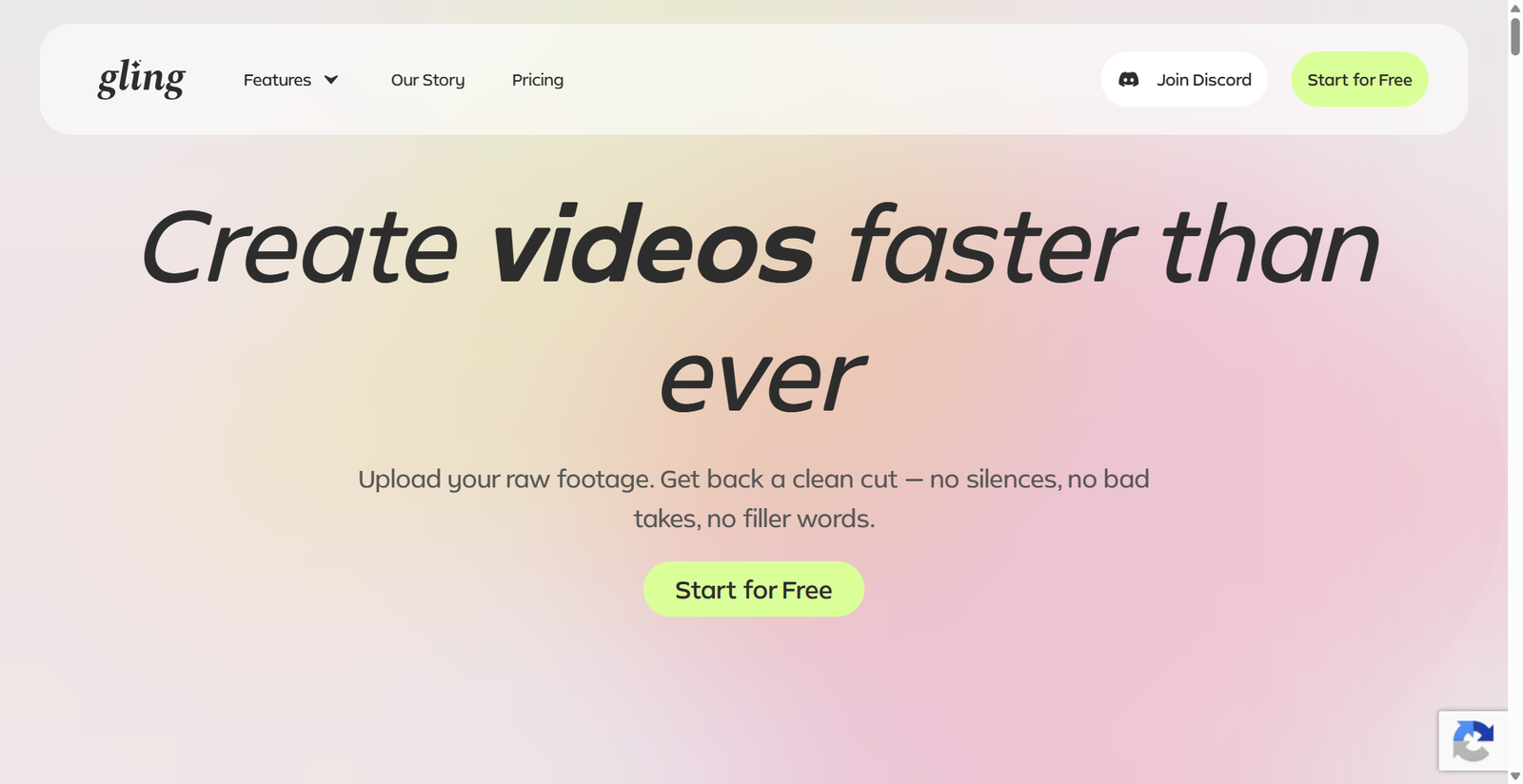
Gling focuses on speech-based videos. It transcribes recordings and helps remove bad takes, pauses, and filler words, then offers captions and other editing tools. It can export an XML project for supported desktop editors, which gives users a path to continue editing elsewhere. Its speech-centered workflow is less useful for footage without dialogue.
- Key features: Take and silence removal, captions, audio enhancement, multicam support, and XML export.
- Best for: YouTube creators editing talking-head videos and other speech-led content.
- Use cases: Clean up a recording, remove false starts, add subtitles, and continue the edit in another editor.
- Where it falls short: Speech recognition is central to its workflow, so silent or music-led footage may not benefit as much.
- Pricing: Free plan available; Plus is listed at $20 per month.
5. Klap
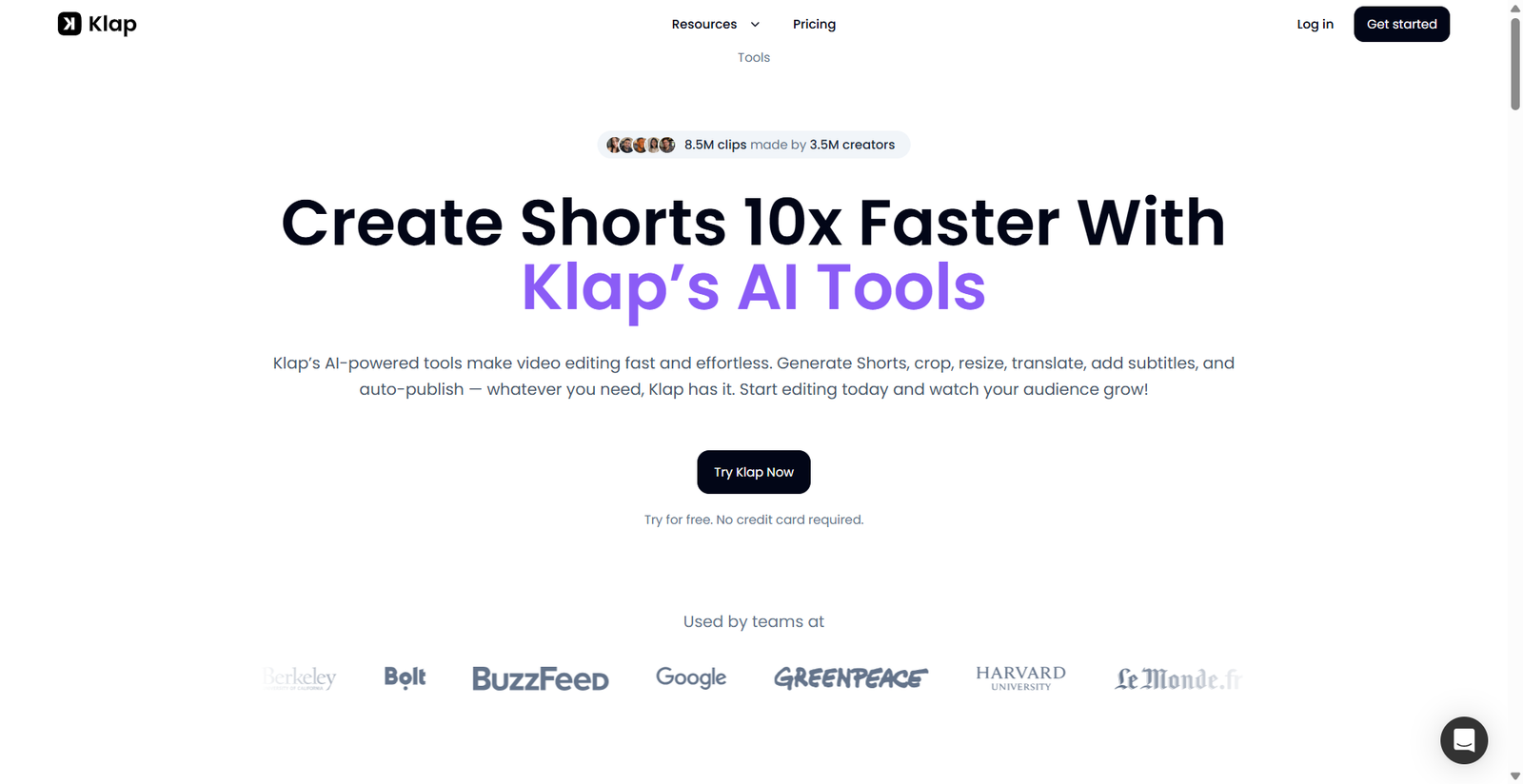
Klap finds topics in long videos and turns them into short vertical clips. It can reframe the image around the main subject, add captions, and let users customize visual elements before publishing or scheduling clips. It is focused on repurposing rather than broad timeline editing, so it fits a narrower but common social video task.
- Key features: AI clip selection, auto reframing, captions, customization, and social scheduling.
- Best for: Creators and teams who publish short clips across social platforms.
- Use cases: Create vertical clips from a podcast, interview, livestream, or YouTube video.
- Where it falls short: It focuses on short-form repurposing rather than detailed edits to a full-length project.
- Pricing: Plans start at $14 per month, billed yearly, for 100 clips monthly.
How to choose the right tool
Start with the editing job you repeat most often. Choose Invideo Editor if you want AI agents to review footage, select usable takes, and assemble an editable first cut on a timeline you can refine. For prompt-led edits and regular publishing, consider Wisecut. For finished videos from a prompt or source material, explore Vizard Agent. Gling suits speech cleanup, while Klap suits social clip production.
Think about where human review belongs in your process. In Business Automation workflows, automatic editing can reduce repeat steps, but someone should still check the story, captions, framing, and final export.
Common mistakes to avoid:
- Choosing a tool based only on its AI label instead of the task it handles.
- Assuming every tool returns an editable timeline.
- Ignoring plan limits, credit use, or export restrictions.
- Publishing without checking names, claims, and captions.
FAQs
What is agentic video editing?
Agentic video editing means giving an AI a goal and letting it carry out several editing steps, such as reviewing footage, selecting takes, or assembling a sequence. The user can still review the result and make changes. Tools use the term differently, so check whether the product edits an existing timeline or simply generates a finished clip.
How is an editing agent different from a basic AI feature?
A basic feature usually performs one action, such as generating captions or removing silence. An editing agent can follow a broader instruction that involves multiple steps. The degree of control varies, so look for clear options to inspect, revise, or undo the changes it makes.
Can AI create an editable first cut from raw footage?
Some tools can select usable footage and assemble a first cut that you can continue editing. Results depend on the footage, the direction you provide, and the tool’s editing workflow. Review the sequence for missed context, awkward cuts, or takes that do not match your intended meaning.
Do these tools replace a human editor?
They can take on repetitive work, but they do not remove the need for editorial judgment. A person should check the sequence, pacing, captions, framing, and accuracy before publishing. This is especially important when the video contains sensitive information or claims about a product or service.
Final thoughts
The best tool depends on whether you need a flexible timeline, prompt-led editing, speech cleanup, or social clips. Try a representative project, review the edits, and compare the plan limits with your usual workload. Which part of video editing would you most like an AI agent to handle?