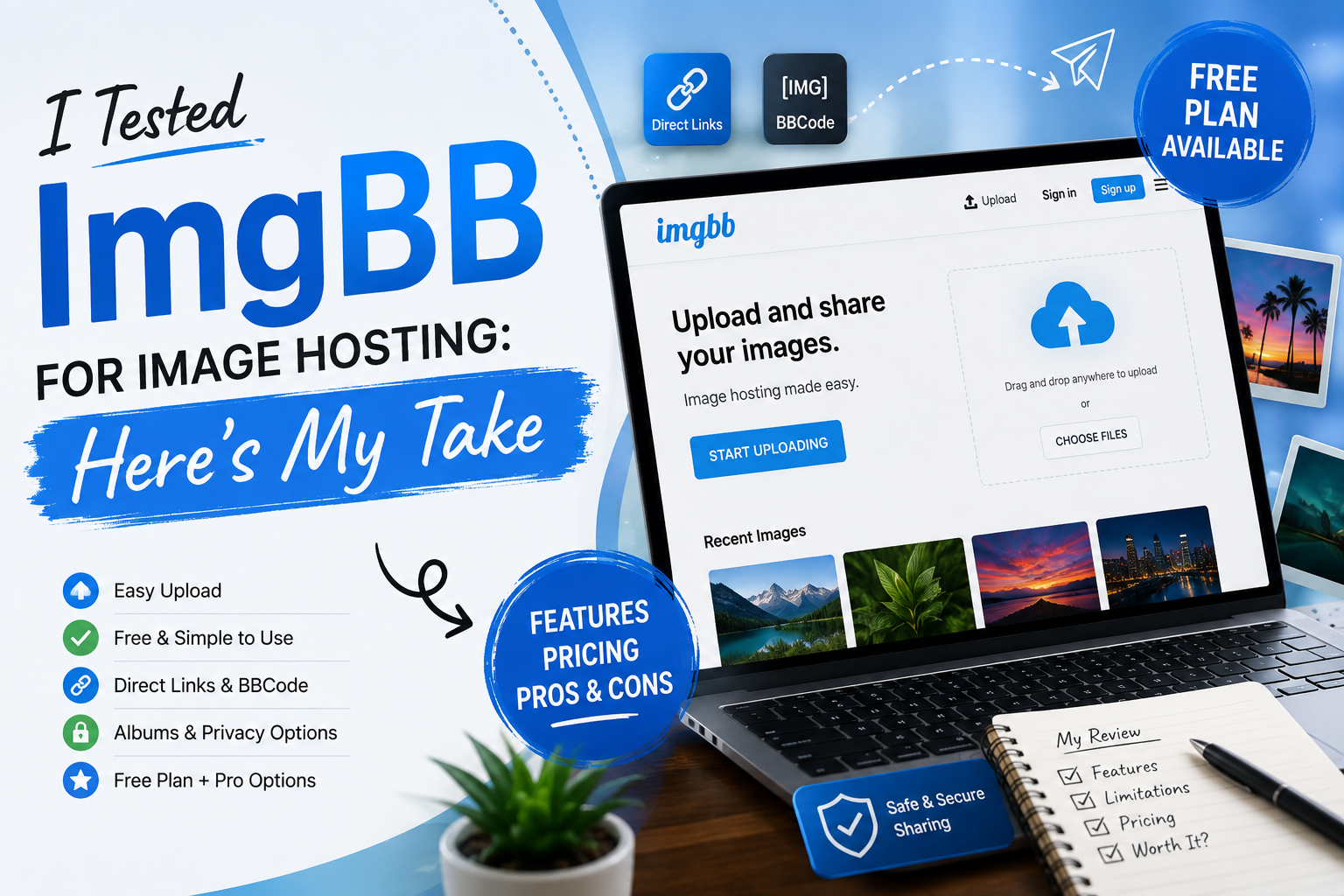
I Tested ImgBB for Image Hosting: Here’s My Take
- 1 What Does Imgbb Do, And How Does It Work?
- 2 How to Use ImgBB and What It Does?
- 2.1 Step 1: Make an account
- 2.2 Step 2: Put in a picture
- 2.3 Step 3: Set the expiration date
- 2.4 Step 4: Change the details of the picture
- 2.5 Step 5: Give the picture to everyone
- 2.6 Step 6: Put your photos in order.
- 2.7 Step 7: Get your pictures together and share them.
- 3 I Tested ImgBB: Here’s What I Think
- 3.1 Why It’s Good
- 3.2 Why It’s Bad
- 3.3 ImgBB Pricing Plans
- 4 The Bottom Line
- I found ImgBB simple to use for uploading, storing, and sharing images.
- I liked that the free service supports direct links, BBCode, and HTML thumbnails.
- The free upload limit is 32MB per image, while Pro raises that to 64MB.
- I found useful options for albums, image expiration, resizing, and basic image management.
- The Pro plans add features such as unlimited space, direct linking, no ads, image replacement, and API access.
- I wouldn’t choose ImgBB if I needed advanced photo editing because its editing tools are limited.
- Overall, I think it’s worth considering if my main need is straightforward image hosting and sharing.
It is a popular website for storing pictures online. It has a simple layout and is easy to use. But should you think about ImgBB in 2026?
Image hosting sites are important for everyone, from writers to business owners, now that digital content is the norm. There are many options, though. How would you pick the one that best meets your needs?
What are some of its features, limitations, and costs? This in-depth study will teach you everything you need to know, such as how to begin, whether it is truly worth your time, and how to get the most out of your experience.
What Does Imgbb Do, And How Does It Work?
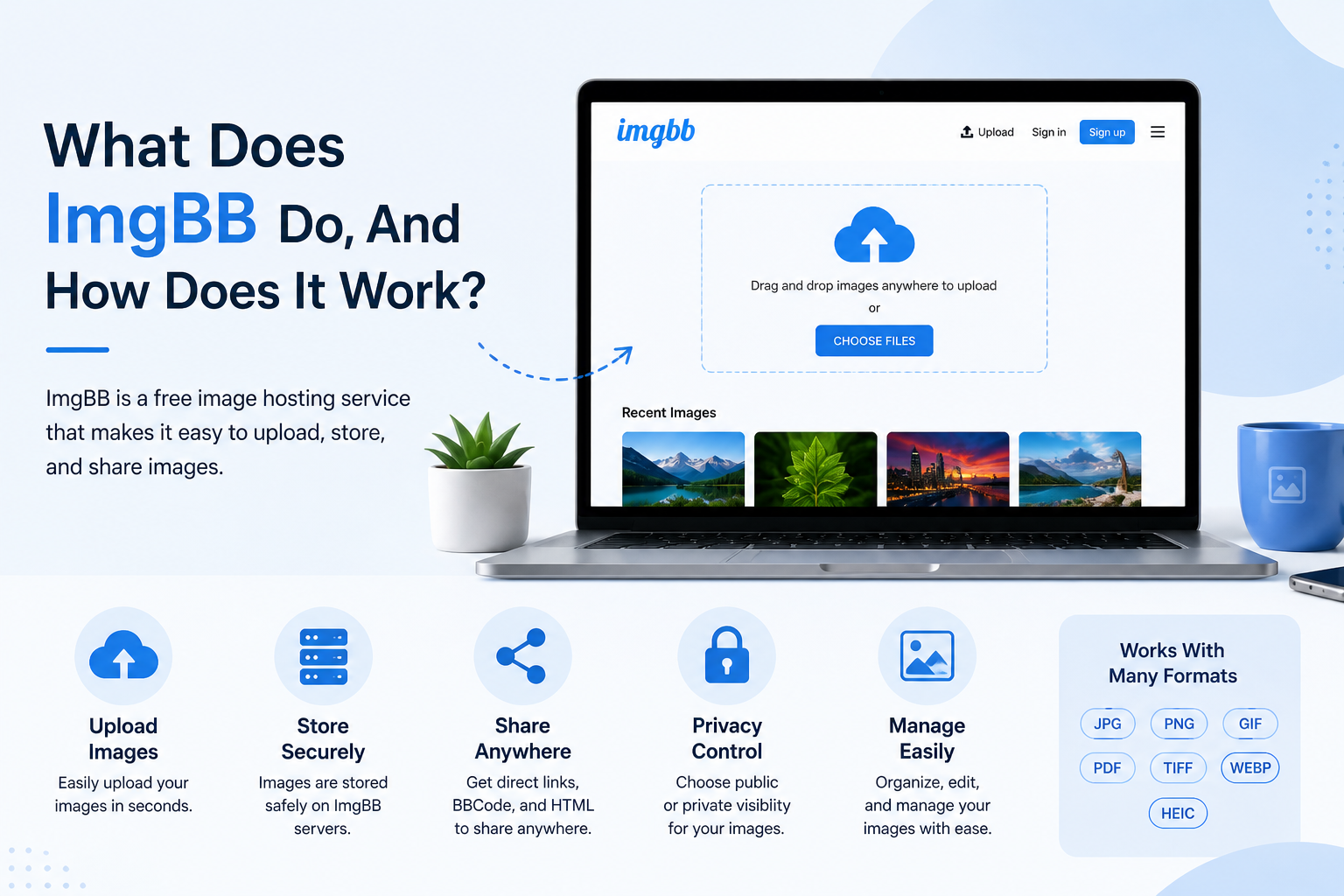
ImgBB is a free service for storing pictures that makes it easy to upload, store, and share pictures. You can easily share memes, add pictures to your blog, or make albums with professional photos with ImgBB.
Things That Make Imgbb Unique
- The free image hosting service lets you post photos without having to pay for a membership.
- We can work with many picture formats, such as PNG, PDF, GIF, TIF, WEBP, and HEIC.
- The biggest video that can be uploaded with a free account is 32 MB.
- This is a useful tool for sharing links that lets you make your URLs, BBCode, and HTML image links.
- You can change who can see your pictures by making them public or private.
Note: No matter how much experience you have, ImgBB has all the tools you need to share images safely.
How to Use ImgBB and What It Does?
It’s very simple to use ImgBB. We’ve put together a full guide to help you get started quickly with hosting images.
Step 1: Make an account
Discover more about ImgBB and find out how to make a free account on their main page. This will give you access to more features, such as the ability to organise your photos and make albums.
Step 2: Put in a picture
There should be an upload button on the home page. You can choose pictures from your computer or copy and paste web addresses. Remember that each picture shouldn’t be bigger than 32MB for free users.
Step 3: Set the expiration date
You can choose how long you want your posted picture to be available for in minutes, days, weeks, months, or forever.
Step 4: Change the details of the picture
After uploading the picture, click the “X” icon below the thumbnail to change the title, description, or size.
Step 5: Give the picture to everyone
ImgBB has two ways for you to share images: a straight image link and BBCode. You can use these to add pictures to your website, blog, or forum.
Step 6: Put your photos in order.
To start putting your photos in order, go to your page and click the “Create New Album” button. You can give the album a name, but you can also describe it and set protection options.
Step 7: Get your pictures together and share them.
Using the embed codes or links that are made, you can share your work on Reddit, on social media sites, or in emails.
Also Read: How Microsoft PlayReady Security Solution Enhances Video Content Protection
I Tested ImgBB: Here’s What I Think
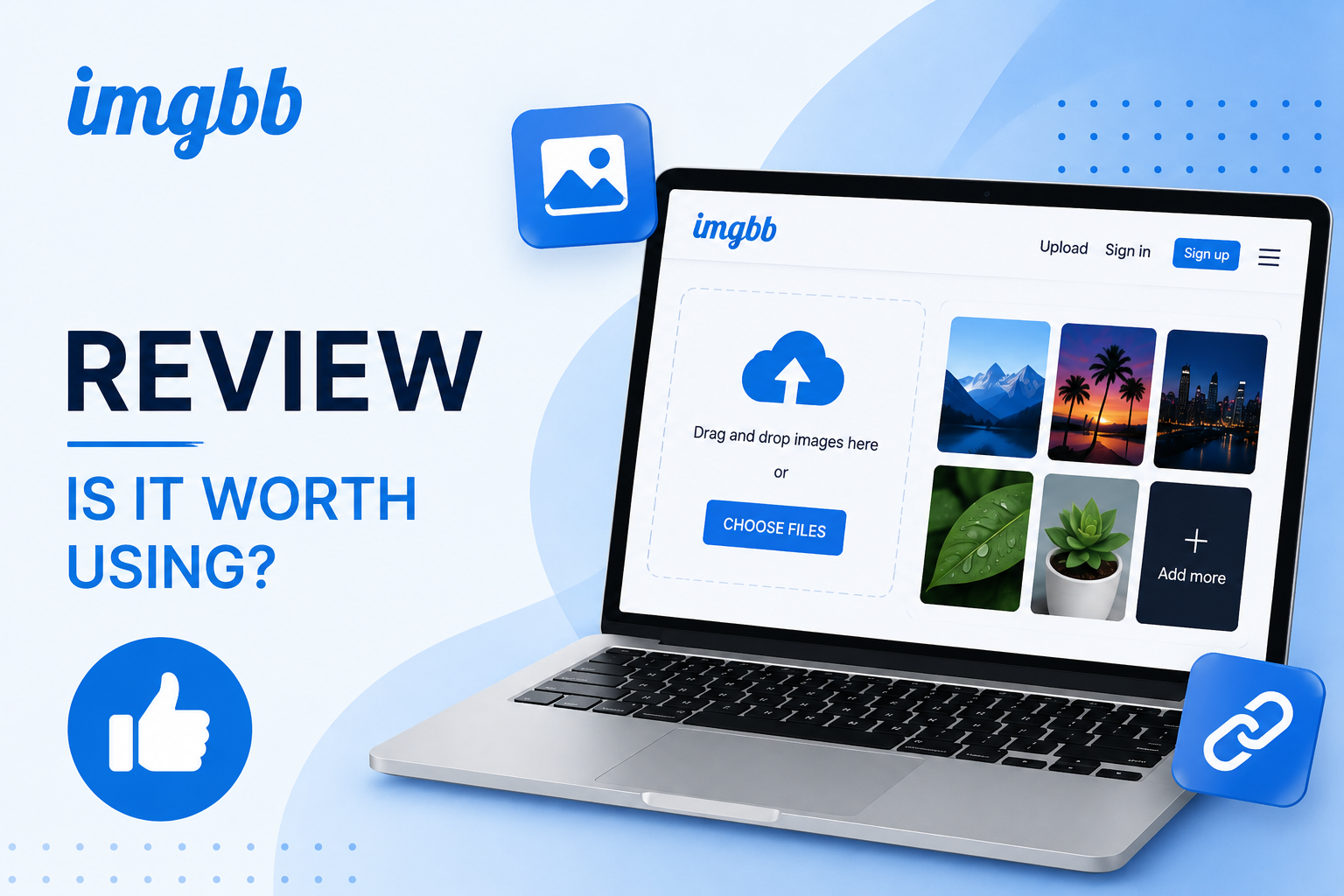
This is a great tool for anyone who needs a reliable, quick, and easy-to-use image hosting service. But will it work for everyone?
Why It’s Good
- The easy interface means that you don’t need to know anything about technology.
- It lets you use popular image formats, such as PDF.
- Large Free Plan: 32 MB for each picture, and you can share as many pictures as you want.
- You can choose to let photos stay online for an infinitely long time or delete them yourself.
- People who pay for the Pro plan don’t see any ads.
Why It’s Bad
- You can only use simple editing tools; you can’t make changes like in Photoshop.
- Keeps some privacy by keeping track of IP addresses and data.
- Deleted pictures are gone for good, and there is no way to get them back.
ImgBB Pricing Plans
| Plan | Monthly Cost | Billed As | Key Features |
| Free | $0 | N/A | 32MB upload limit, basic features |
| Monthly Pro | $12.99 | Monthly | 64MB uploads, unlimited storage, direct linking, API |
| Annual Pro | $7.99 | $95.88 per year | Same as Monthly Pro at a lower rate |
| 3-Year Pro | $3.99 | $143.64 once | Best value, same features as Annual Pro |
The Bottom Line
ImgBB is the best place to share useful information with pictures because it is easy to use and free. One benefit of subscribing to Pro services is that you can store more files than regular users in this software version. Other benefits include access to more advanced features when you need them, and so on.
On the other hand, some people may find that their worries are about keeping their personal information safe and about not being able to post pictures without making certain changes while editing, which, even when it works, produces poor results.
FAQs
Is it possible to change pictures on ImgBB?
ImgBB is a website that mostly lets people share and store photos online, but it doesn’t give users many editing options.
Is it possible for ImgBB to let me post my photos straight to social media sites?
Of course! You can directly share photos from ImgBB on the social networks you like. It’s possible to share picture URLs and embed codes on social media sites like Facebook and Twitter, among other places.
Can I get back pictures I deleted on ImgBB by accident?
There isn’t a way to get back deleted photos in ImgBB right now, which is too bad. They delete them from their computers for good, so you can’t get them back. It is suggested that you save the pictures on your computer so that you don’t lose any important ones by chance.