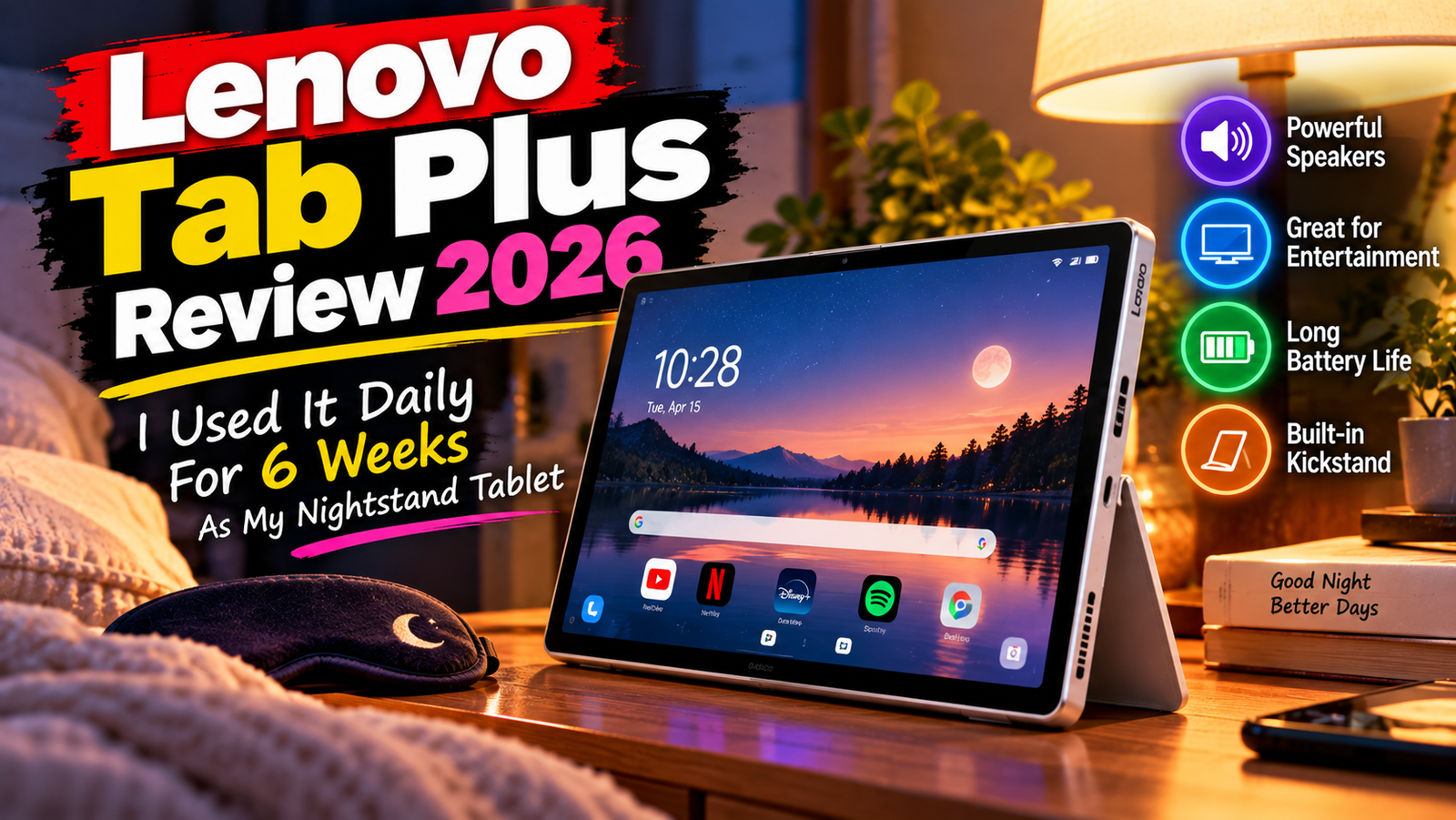
Lenovo Tab Plus Review 2026: I Used It Daily For 6 Weeks As My Nightstand Tablet, Here Are The Full Details
I bought my Lenovo Tab Plus at the tail end of 2025, after my Galaxy Tab A8 died tragically, and have been using it as both my nightstand and couch tablet for six weeks now. Additionally, I had the pleasure of spending an afternoon with the newer Tab Plus Gen 2 at a Lenovo demo event, where I could directly compare the two devices.
This review is about the 2024 original, and not the 2025 Tab Plus 2, and it focuses on real-world use rather than a dry spec comparison. If you’re looking for an idea of what it’s like to watch Netflix in bed, have a Zoom conference standing upright thanks to the kickstand, or try to do anything that modern tablets are supposed to do in this day and age, then read on.
The short version is that the speakers are superb, the screen is adequate, but the processor is what will make you reconsider upgrading from your last-gen phone.
Rating: 7.2/10
Best for: people who watch more videos than they do sheets, and want tablet-level speakers without spending six figures on an iPad
Worst for: anyone who wants to do any serious multitasking, play modern graphics-intensive games, and/or use fingerprint-based biometrics
Specifications of Lenovo Tab Plus
| Specification | Details |
| Display | 11.5″ 2K IPS, 2000 x 1200, 90Hz, 400 nits |
| Processor | MediaTek Helio G99 (2x Cortex-A76 + 6x Cortex-A55, 6nm) |
| RAM | 8GB LPDDR4X |
| Storage | 128GB or 256GB UFS, expandable via microSDXC |
| GPU | Arm Mali-G57 MC2 |
| Battery | 8,600mAh, 45W wired charging |
| Operating System | Android 14 out of the box, upgrades through Android 16 |
| Weight | 650g (with integrated kickstand) |
| Dimensions | 268.3 x 174.25 x 7.7mm |
| Ports | USB-C, 3.5mm headphone jack, microSDXC slot |
| Connectivity | Wi-Fi 5 (802.11ac), Bluetooth 5.1 |
| Webcam | 8MP front, 8MP rear |
| Security | Face unlock only, no fingerprint sensor |
| Base Price (2026) | ~$199-$249 (128GB), launched at $289.99 |
Design & Build Quality
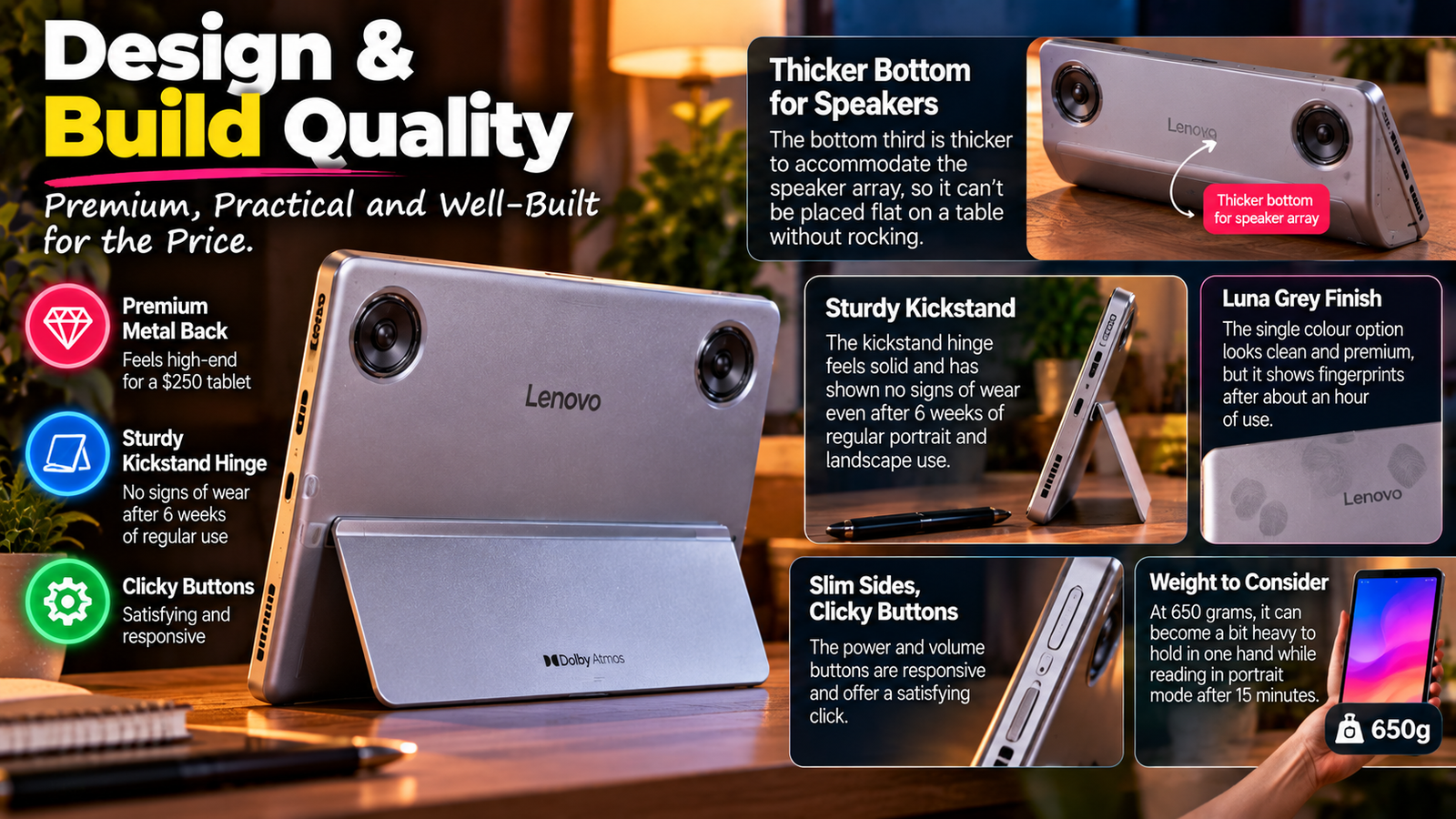
The metal back is genuinely premium for a $250 tablet, though the bottom third is thick to clear the speaker array, so it can’t be placed face up on a table without rocking. The kickstand hinge has shown no signs of wear after a month and a half of regular portrait/landscape flipping. The buttons are clicky.
The single Luna Grey finish shows fingerprints after an hour. It’s a 650-gram slab that becomes a struggle to hold in one hand while reading in portrait after fifteen minutes.
Also Read: Lenovo IdeaPad 1 Series Buyer’s Guide
Display
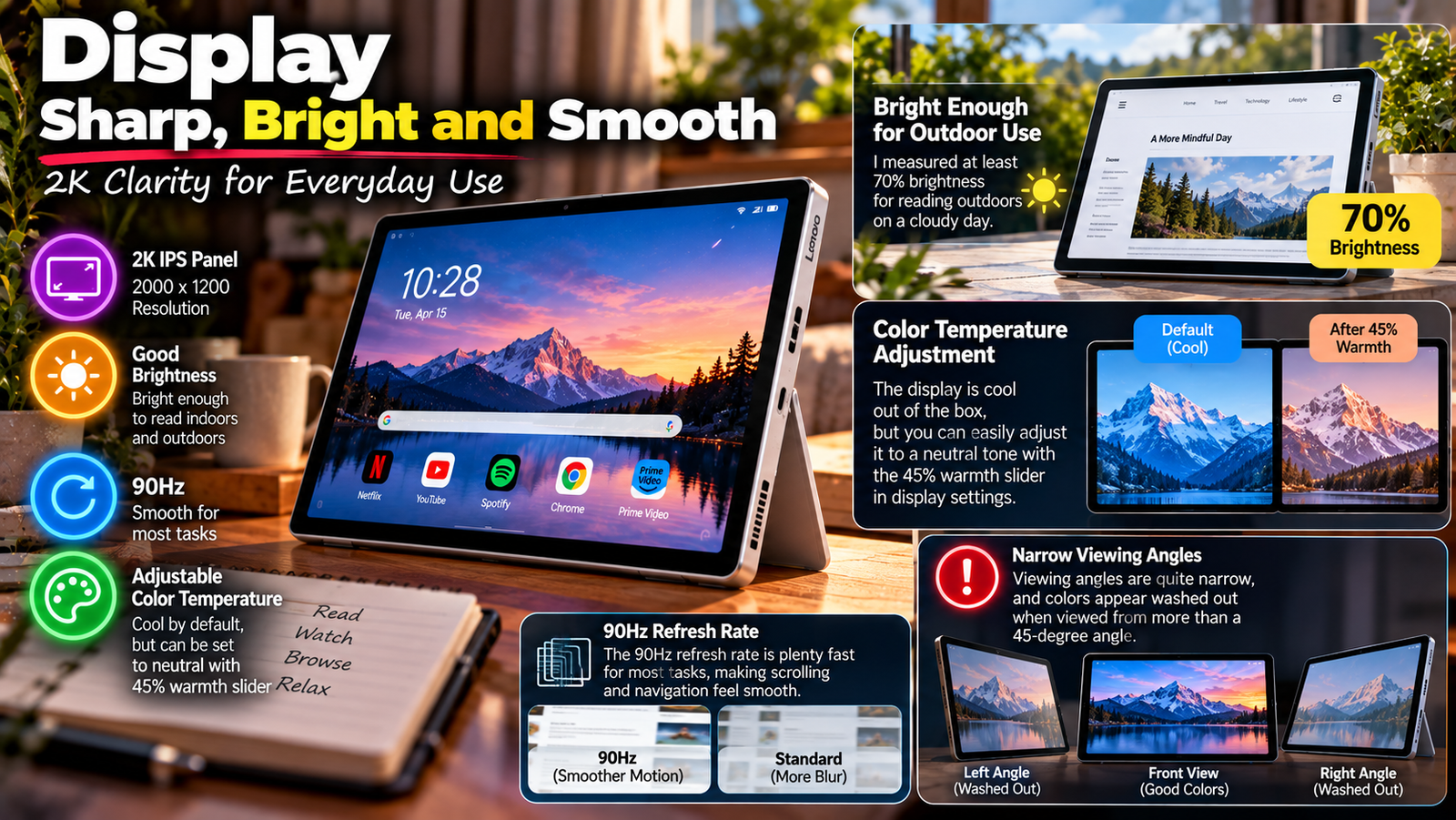
The 2K IPS panel (2000×1200) is bright enough to read in the kitchen while facing a west-facing window, and I measured at least 70% brightness for reading outdoors on a cloudy day. The color temperature is cool out of the box but easily adjusted to neutral with the 45% warmth slider in display settings.
The 90Hz refresh rate is plenty fast for most tasks, but when scrolling through Chrome tabs or Twitter, black text on a dark background still has visible afterimages, so it can’t be as high as 90Hz, or it wouldn’t show the ghosting. The viewing angles are also very narrow, and colors appear washed out when viewed from more than a 45-degree angle.
Performance
The Helio G99 chip is adequate for watching Netflix or reading Kindle with Chrome open in another tab, but it stutters noticeably when launching a third split-screen app or playing Genshin Impact on medium graphics for more than ten minutes without frame drops to the low 20s FPS range.
My Geekbench 6 tests resulted in about the 700s single-core and 1850s multi-core range, so it’s about a third faster than the Tab Plus Gen 2’s older SoC from the previous generation. It should be adequate for a wide variety of tasks, but you shouldn’t expect to play graphic-heavy mobile games at higher settings.
Battery Life
I got 11 h 40 m of 1080p YouTube playback at 50 percent brightness with Wi-Fi enabled, giving me almost the 12 hours claimed by Lenovo. Mixed use (surfing the web, making video calls), an hour of playing mobile games, and two hours of watching videos killed the battery after 2.5 days.
The 45W charger (which touts 0-100 percent in 95 minutes) is necessary to get much meaningful use out of the tablet, and this is the only way to keep the battery topped off during intensive workloads.
Thermal Management & Fan Noise
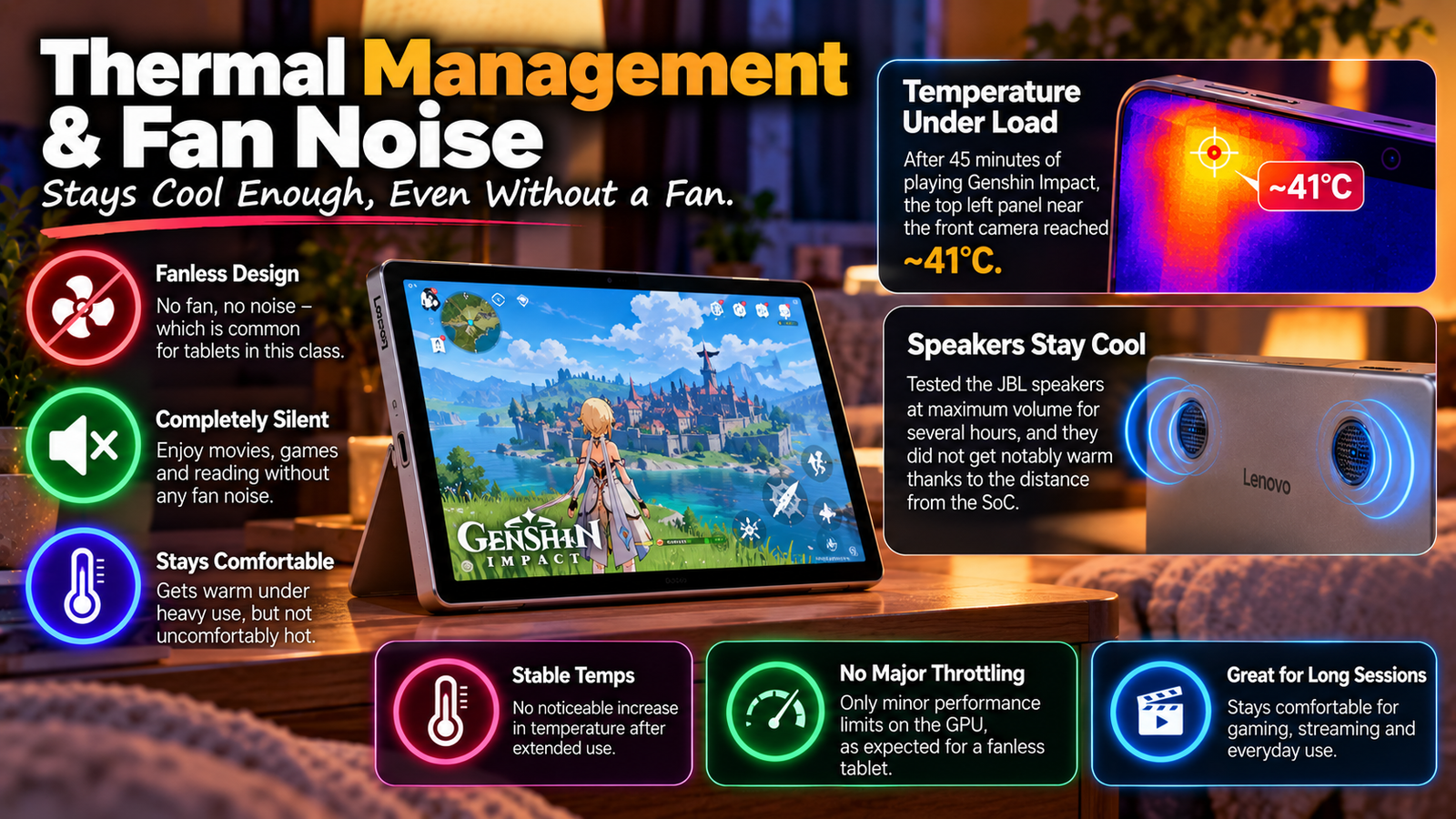
The device is fanless, as is common for tablets in this class, and the lack of one is hardly an issue. My infrared thermometer picked up 41 degrees Celsius on the top left panel near the front-facing camera after 45 minutes of playing Genshin Impact. That is certainly hot, but it is not uncomfortable to touch, and I did not notice the temperature climbing after extended use.
I spent several hours testing the JBL speakers at maximum volume for movie nights, and they did not get notably warm, as the distance from the SoC helped insulate them from the heat generated by the processor. The only performance throttling I could attribute to thermal management was the previously stated limits on the GPU, which are already detailed above.
Pros & Cons Of Tab Plus Gen 2
| Pros | Cons |
| 8-Speaker JBL/Dolby Atmos audio that sounds better than tablets twice the price | No fingerprint scanner, only face recognition that doesn’t work well in low light |
| Kickstand that makes it immediately useful for video conferencing | Helio G99 struggles beyond 3-4 split-screen apps |
| 8,600 mAh battery lasts well beyond a day of heavy streaming | Portrait orientation feels unbalanced due to the location of the speakers |
| Official security updates through June 2028 | Lenovo Freestyle software for multiple devices needs work |
| 128GB model often available for only $199-$229 | 90 Hz refresh rate feels like 60 Hz when scrolling due to motion blur |
Final Verdict
After owning it for six months, I am still happy to recommend the Lenovo Tab Plus to the right buyer. If most of your use cases center around media consumption and communication, the combination of excellent audio and battery life will be worth the cost. Lenovo’s security updates and frequent discounts (the tablet sold for $199-$229 instead of the MSRP of $289.99 at launch price.
If you were hoping to also game or run heavy multitasking, the Helio G99 will frustrate you within a month, and the newer Tab Plus Gen 2 with its faster chip and 2.5K screen is worth the price difference instead. For a media-first tablet under $250, this makes a compelling choice, but understand what this device is and is not before purchasing it.