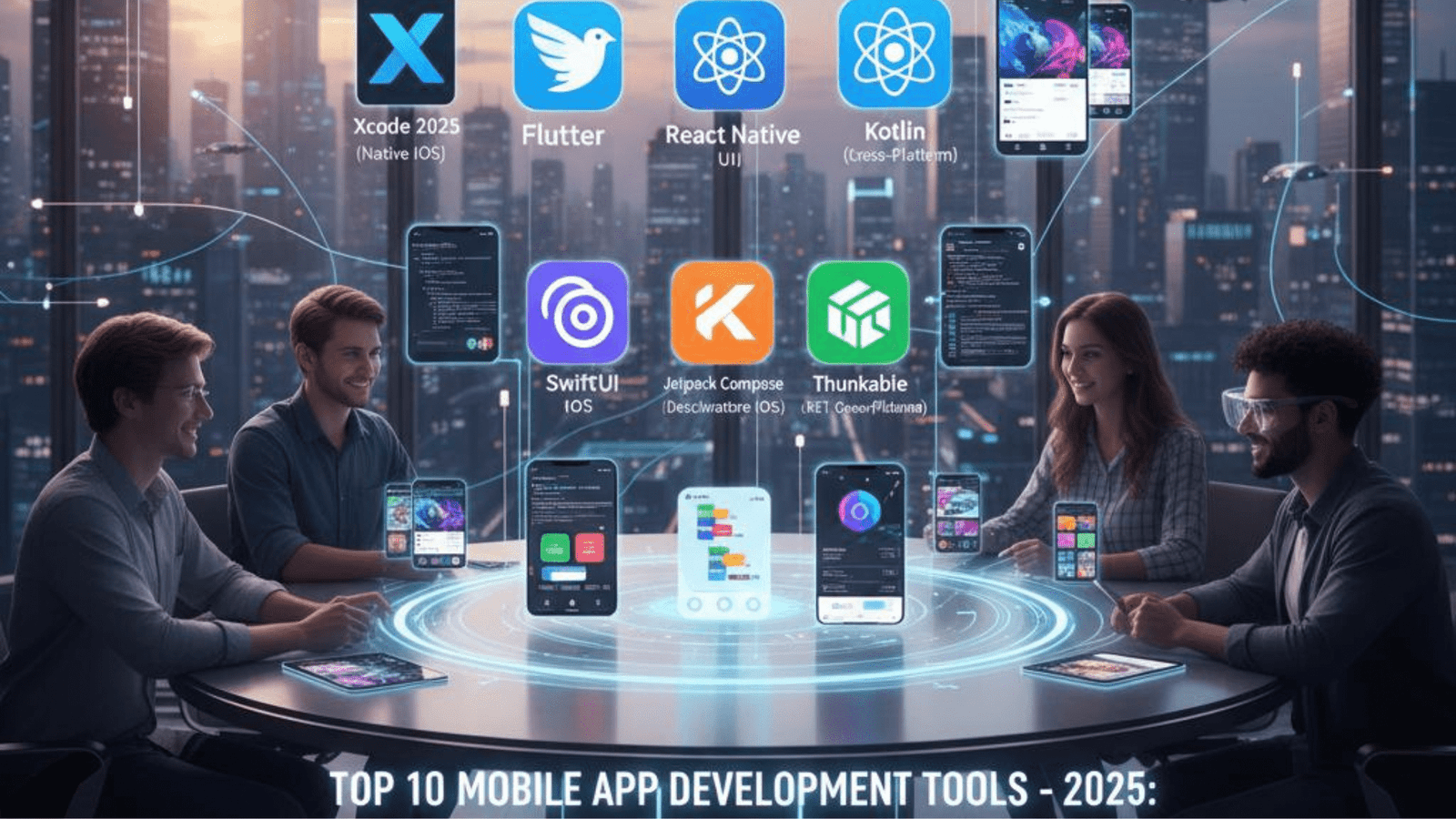
Top 10 Mobile App Development Tools in 2025
- 1 What is a Mobile Application?
- 2 Best Mobile App Development Tools in 2025
- 2.1 Android Studio (Writing a basic native Android app)
- 2.2 Xcode (Developing Apps natively for the iOS)
- 2.3 Flutter (Cross-Platform UI)
- 2.4 React Native (Cross Platform)
- 2.5 Xamarin (Cross-Platform Development)
- 2.6 Ionic (Hybrid App Development)
- 2.7 Apache Cordova CPT343-D
- 2.8 Appy Pie (No-Code Platform)
- 2.9 Thunkable (No-Code Platform)
- 2.10 Picking the Right Tool in 2025
- 3 Final Thoughts
The Mobile App Landscape in 2025 has now become the most exciting and diverse it’s ever been. As users want ever more seamless, high-performing apps that run on more and more devices, developers must have powerful, efficient, and flexible tools to keep up. Whether you’re a fan of native development, a cross-platform compromiser, or just like to get things done quickly, no matter what, choosing the wrong tool for the job can be kinda painful.
This piece features the Top Mobile App Development Tools in 2025—powerful platforms that enable developers and enterprises to create unique mobile apps.
What is a Mobile Application?
A mobile app is a computer program or software application designed to run on a mobile device such as a phone, tablet, or watch. Using touchscreens, GPS, cameras, and sensors, these apps are designed to be interactive and mobile. There are three primary types of mobile apps:
- Native apps are created for a specific platform (iOS or Android) using the native development language and tools.
- Web apps: Accessed through browsers and not installed on the device.
- Hybrid Apps: Feature web-based components constructed with web technologies, but are more like native apps due to being wrapped in a native container.
- Apps are ultimately distributed through app stores, such as Apple’s App Store and Google Play Store.
Mobile Platforms at a Glance
iOS
- Apple’s iOS is a walled, secure garden, and the Apple iPhone runs on it. Apps are made with Swift or Objective-C and can be downloaded via the App Store. iOS apps focus on design, privacy, and performance.
Android
- Android is free and open-source software and is developed by many manufacturers worldwide. Apps are commonly written in Java or Kotlin and can be released on the Google Play Store. Android is great for the flexibility of devices and the broad spectrum of handsets, and there’s deep integration with Google services.
Best Mobile App Development Tools in 2025
Android Studio (Writing a basic native Android app)

Android Studio is the official IDE for Android app development. It supports Java and Kotlin, and comes with such features as code editing, debugging, and device simulation. Deep integration with Android SDKs and API’s makes certain that apps make use of all that the platform has to offer. It was the top choice for native Android apps, and still is; it’s free, well-supported across the industry.
Xcode (Developing Apps natively for the iOS)
Xcode is the best IDE and the development app for developers who want to build for iOS, macOS, watchOS, and tvOS. It has support for both Swift and Objective-C and features a powerful UI design tool, code editor, and testing features. Xcode couples this with seamless integration with Apple hardware so that you can immediately launch the apps you’re developing on your device, including the iPhone and the iPad. It’s free and pretty much required in iOS development.
Flutter (Cross-Platform UI)

Flutter is Google’s open-source UI toolkit that allows developers to create natively compiled applications from a single codebase in Dart. Famous for having a feature called “hot reload,” it speeds up the process of developing and iterating the User Interface. Supports mobile with web (and Desktop), making it quite flexible. Its powerful widget library allows for modern, highly customizable designs that fit a broad range of devices, including iOS, Android, and ChromeOS.
React Native (Cross Platform)
Created by Facebook, React Native is a framework that enables you to build mobile applications using JavaScript and React. It thrives in code reuse on both iOS and Android, native performance, and sleek animations, all while maintaining a breeze to read, write, and synchronize code. With React Native’s large ecosystem, passionate community, and monetization opportunities, it is no wonder that it is a great choice for rapid, cross-platform development.
Xamarin (Cross-Platform Development)

If you are looking for a cross-platform solution, then Xamarin is one of the best choices for you. Xamarin, owned by Microsoft, allows C# developers to write native apps for iOS, Android, and Windows. NET Framework. It exposes native APIs and performance closer to native apps. Xamarin is part of the Microsoft Visual Studio and is ideal for enterprises already vested in the Microsoft stack that need cross-platform apps.
Ionic (Hybrid App Development)
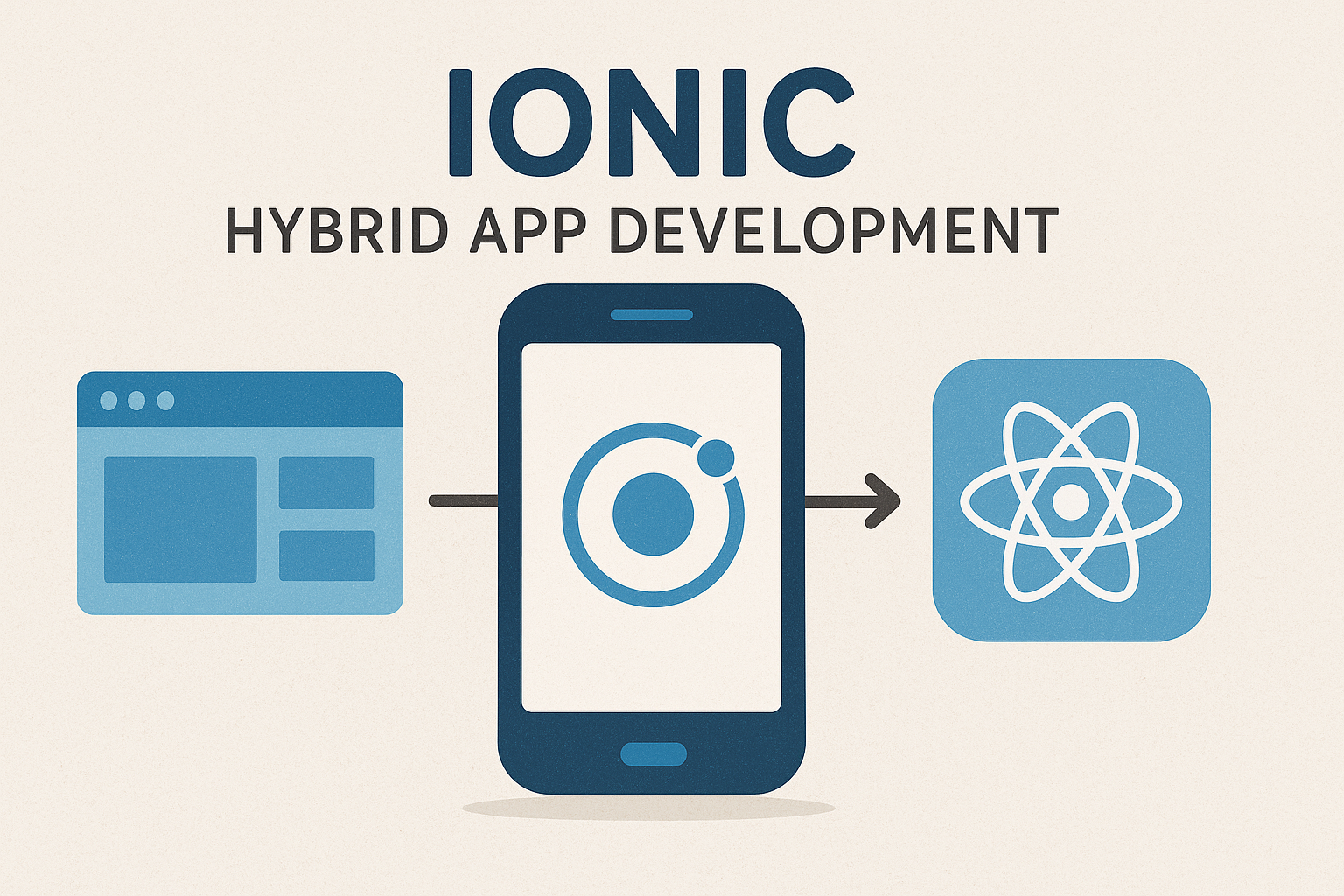
Ionic is a hybrid mobile app development platform that leverages web technologies to produce hybrid mobile apps that are bundled as native apps. It offers a powerful mobile-oriented collection of UI components, and syncs with popular frameworks such as Angular, React, and Vue. Ionic is perfect for developers who have experience with web technologies and want to create cross-platform apps in no time.
Apache Cordova CPT343-D
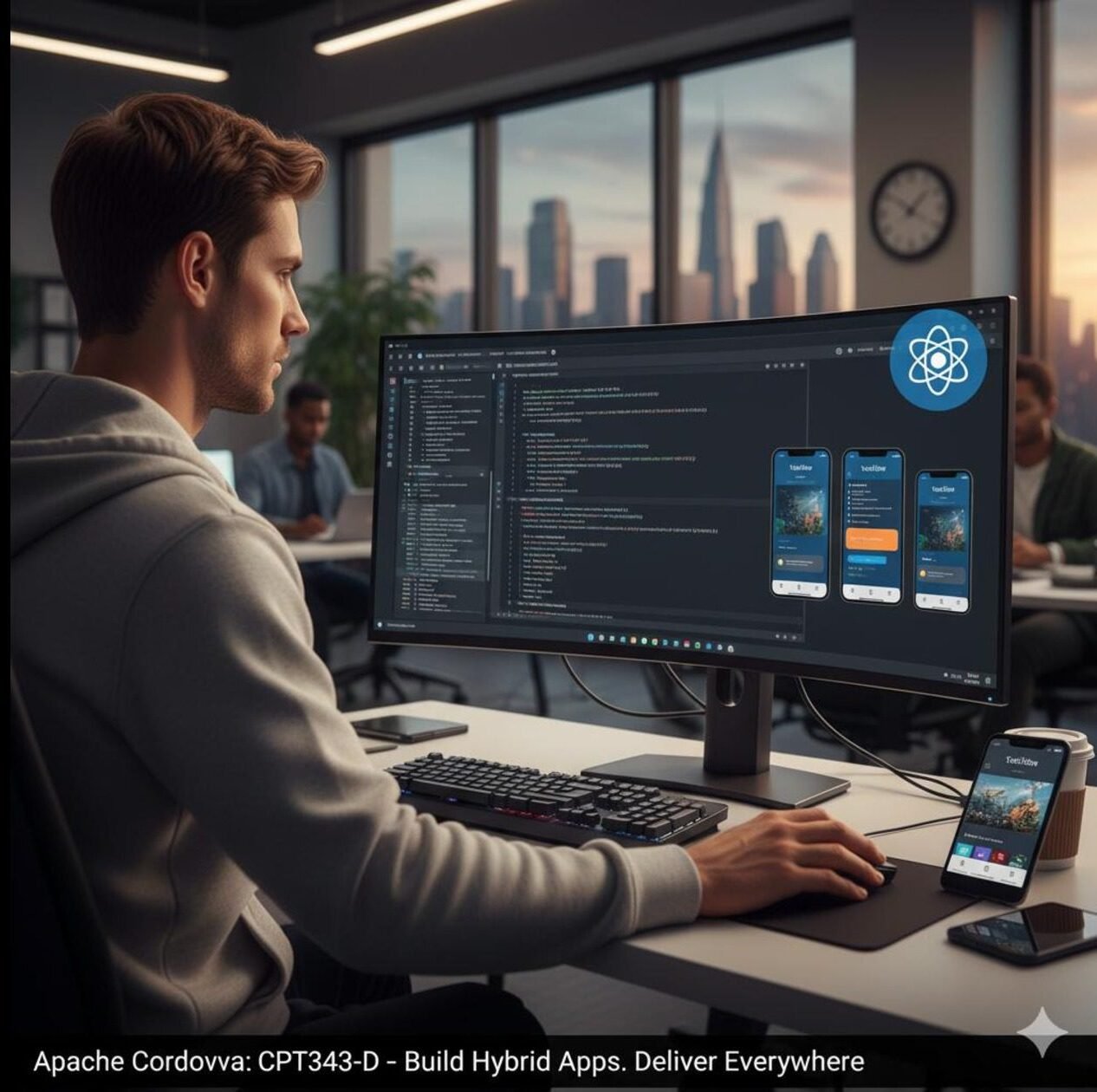
Introduction to Development of Hybrid Mobile Apps with Apache Cordova: Gain the skills to develop hybrid mobile applications, using Apache Cordova and related technologies for cross-platform development. Compose a realistic hybrid mobile application from concept to deployment, based on an Apache Cordova CPT343-D Introduction to Development of Hybrid Mobile Apps with Apache Cordova. Gain the skills to develop hybrid mobile applications, using Apache Cordova and related technologies for cross-platform development. Compose a realistic hybrid mobile application from concept to deployment, based on an Apache Cordova project.
Appy Pie (No-Code Platform)
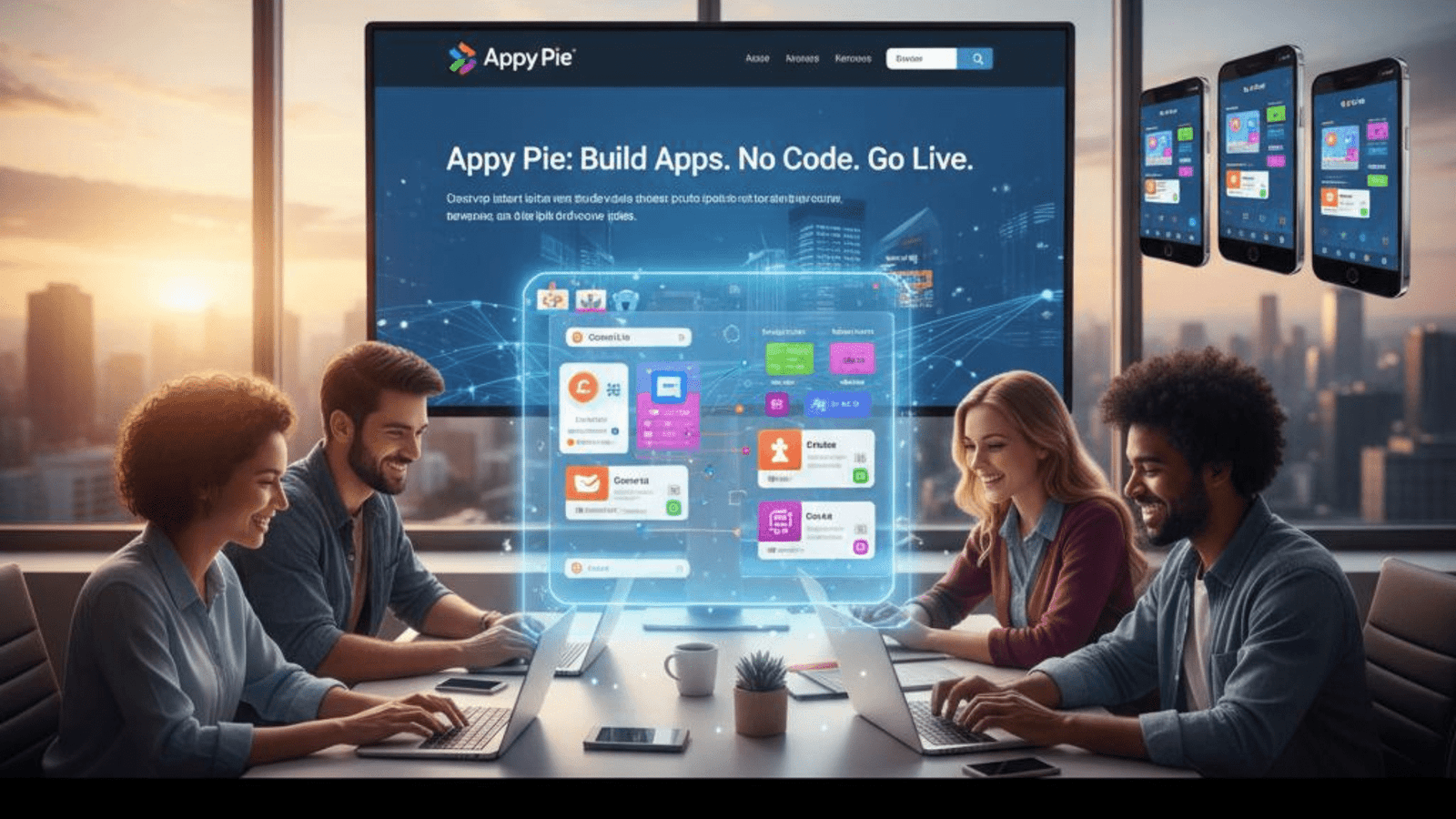
Appy Pie enables non-technical business owners to make mobile apps with a simple drag-and-drop interface. It provides customizable templates and allows us to deploy the app in iOS, Android, and web as well. Perfect for small businesses and entrepreneurs, Appy Pie eases the app development process – no coding skills needed.
Thunkable (No-Code Platform)

Thunkable is a drag-and-drop tool that allows anyone to build apps for iOS and Android. It takes the pain out of creating complex features like GPS, camera, or push notifications so non-developer bloggers can easily create apps. Thunkable also has a friendly community and a ton of learning materials.
Picking the Right Tool in 2025
Several factors influence which mobile app development tool is the right one:
- Target platform(s): Best performance is provided with the native tools, but you must run and maintain two separate code bases if you want to target both iOS and Android. Cross-platform tools (Flutter, React Native, Xamarin) are great for code sharing and faster development.
- Development skills: Platforms like Appy Pie, OutSystems, Thunkable, etc., are no-code and low-code platforms that democratize the ability to create an app. The possibility for a non-developer or for fast prototyping.
- App complexity: Wear native and cross-platform tools with complex, high-performance apps. Hybrid and no-code platforms are suited for the more simplistic or enterprise integration-driven apps.
- Budget and timeline: No-code and low-code tools save on time and cost, but can be less flexible.
Final Thoughts
The 2025 mobile app development landscape features a spectrum of tools that cater to different requirements – from full custom native apps through to rapid no-code. Android Studio and Xcode are necessary for native development, but far and away, Flutter and React Native are the two big kahunas in the cross-platform space due to their performance and flexibility. Hybrid frameworks, such as Ionic and Cordova, offer a solution to web developers moving into mobile and platforms, such as OutSystems and Appy Pie, bring app development to a broader audience with little to no coding.
Whatever direction you decide to take, mastering these tools will provide you with a solid basis for being able to make engaging, high-quality apps that will connect with users in the context of today’s quickly changing mobile universe.