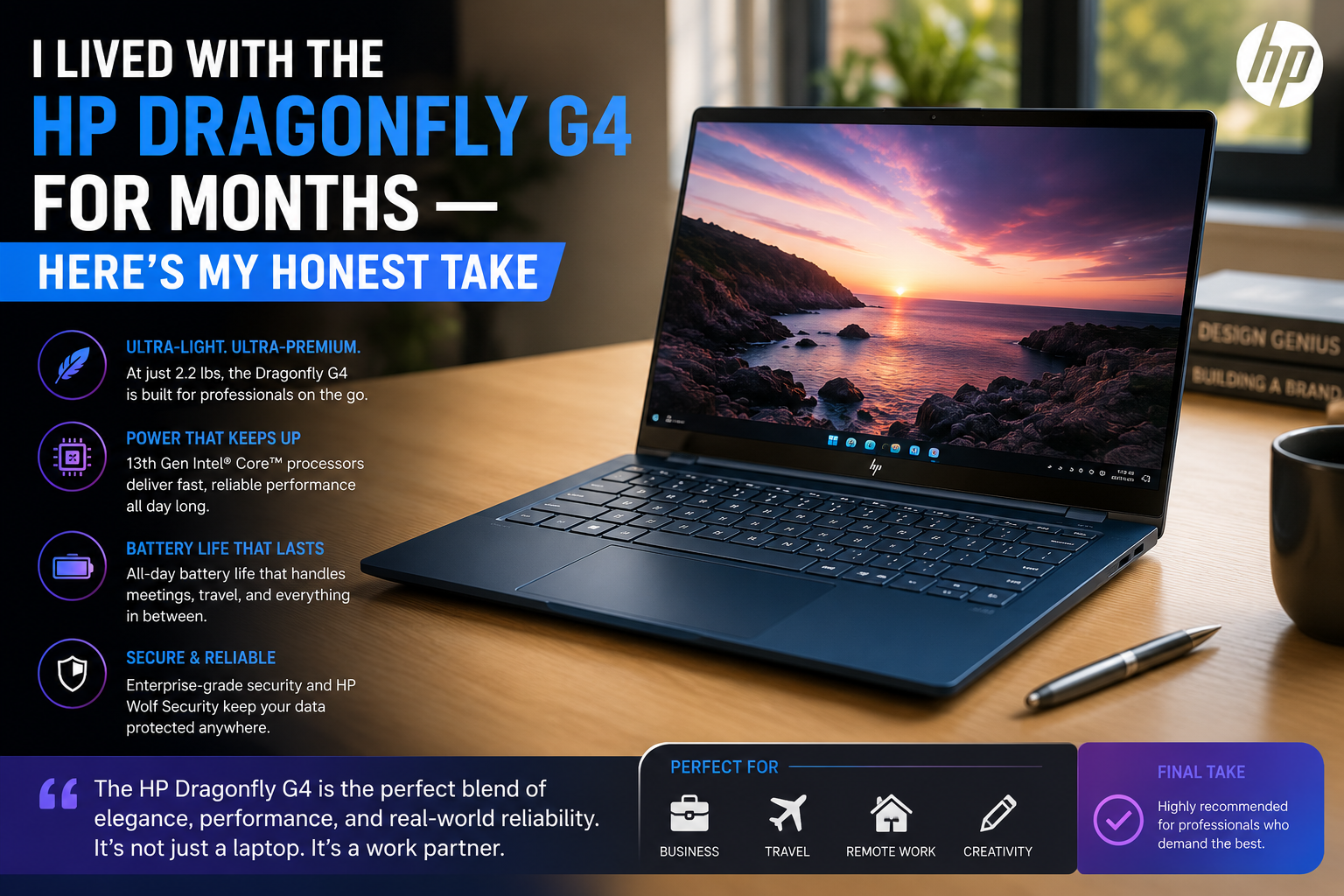
I Lived With the HP Dragonfly G4 for Months — Here’s My Honest Take
Over the years, I’ve tried many ultraportables; one that I kept coming back to was the HP Dragonfly G4. That sets itself up against some serious competition, and at a serious price point — the Lenovo ThinkPad X1 Carbon Gen 11 and the Dell Latitude 7340. On the inside, I’d hoped for HP to do a good job on portability and build quality. What I didn’t expect was the amount of sting the performance trade-offs had for what you are going to pay.
It’s not a flashy gaming machine or a creator powerhouse; it’s a light, real-traveling clamshell that’s built for executives, road warriors, and IT-managed fleets. If that’s you, read on. If it is, then after reading this review, you will save a lot of cash.
Business travelers, remote workers, and IT departments who need an ultra-light, secure, all-day laptop with premium build quality.
Power users, developers, or creative professionals who need raw CPU throughput, dedicated graphics, or an SD card slot.
Specifications of HP Dragonfly G4
| Specification | Details |
| Display | 13.5-inch IPS, 1920×1280 (3:2), 400 nits, anti-glare |
| Processor | Intel Core i7-1365U / i5-1345U (13th Gen, 15W) |
| RAM | 16GB or 32GB LPDDR5 (soldered) |
| Storage | 256GB – 2TB PCIe NVMe SSD |
| GPU | Intel Iris Xe Graphics (integrated) |
| Battery | 68Wh, up to ~12–13 hrs (real-world mixed use) |
| Operating System | Windows 11 Pro (pre-installed) |
| Weight | 2.2 lbs (approx. 1 kg) |
| Dimensions | 11.7 × 8.67 × 0.64 in (29.7 × 22 × 1.6 cm) |
| Ports | 2× Thunderbolt 4, 1× USB-A, 1× HDMI 2.0, headphone jack, nano-SIM slot |
| Connectivity | Wi-Fi 6E, Bluetooth 5.3, optional 5G (sub-6GHz) |
| Webcam | 5MP IR with HP Presence (auto-frame, natural lighting) |
| Security | HP Wolf Security, fingerprint reader, IR face login, TPM 2.0 |
| Base Price | ~$1,760 (i5/16GB/256GB); i7 configs up to ~$2,500+ |
Design & Build Quality
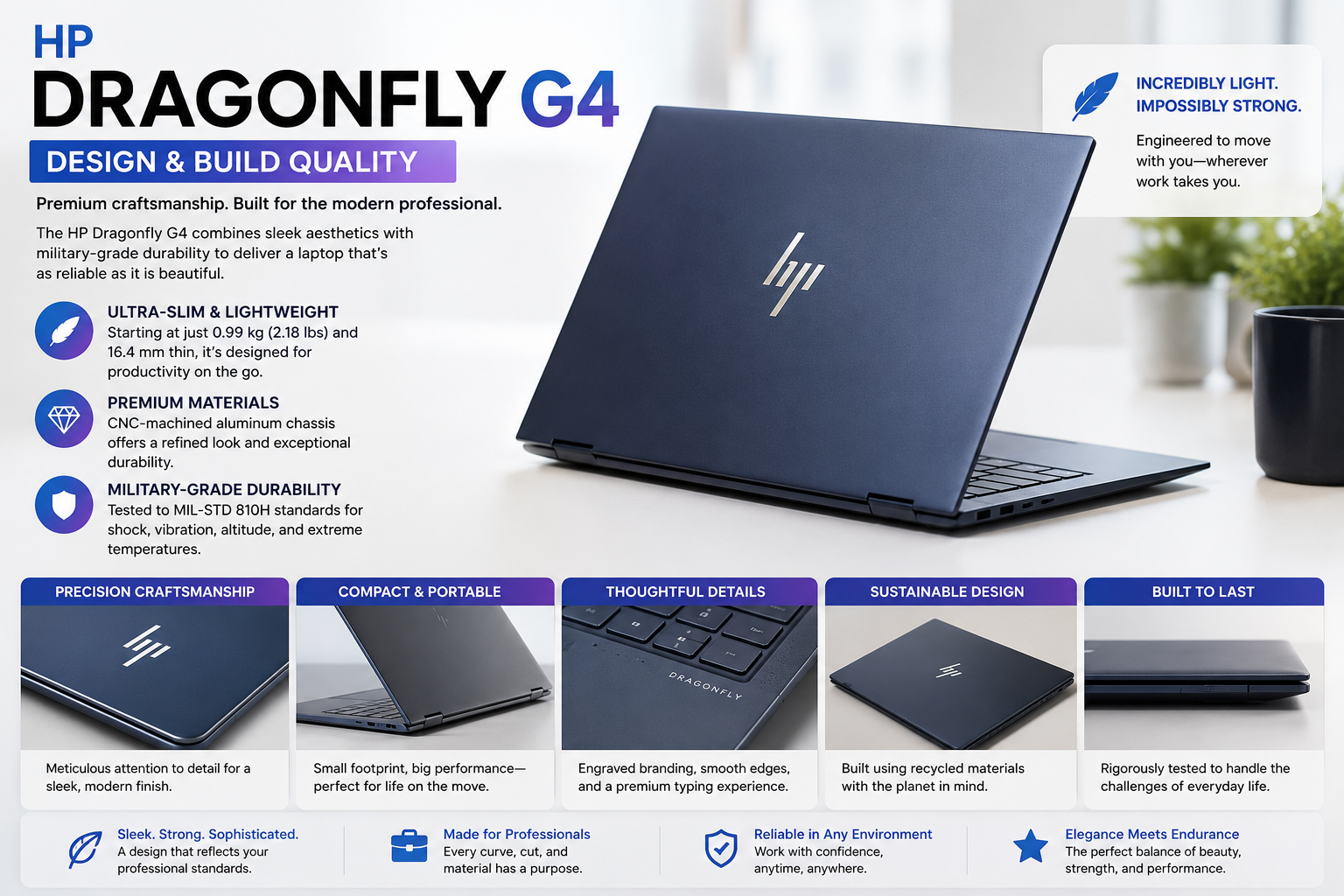
Upon first use of the Dragonfly G4, you realize where that money went. The chassis of the magnesium-aluminum alloy is 90%+ recycled material and is incredibly rigid for competition in plastic. The slate blue finish is just beautiful in warm light, but I’m not lying when I say it looks more gray than blue in an open-plan office. One-handed bag retrieval is natural with rounded corners. Weighing 2.2 lbs, it fits into a backpack. The key deck is not soft when typing with force; the movement of the hinge is at a proper level of resistance — not too hard, not too soft. My only complaint: the HP logo is very shiny and gets fingerprints right away.
Display
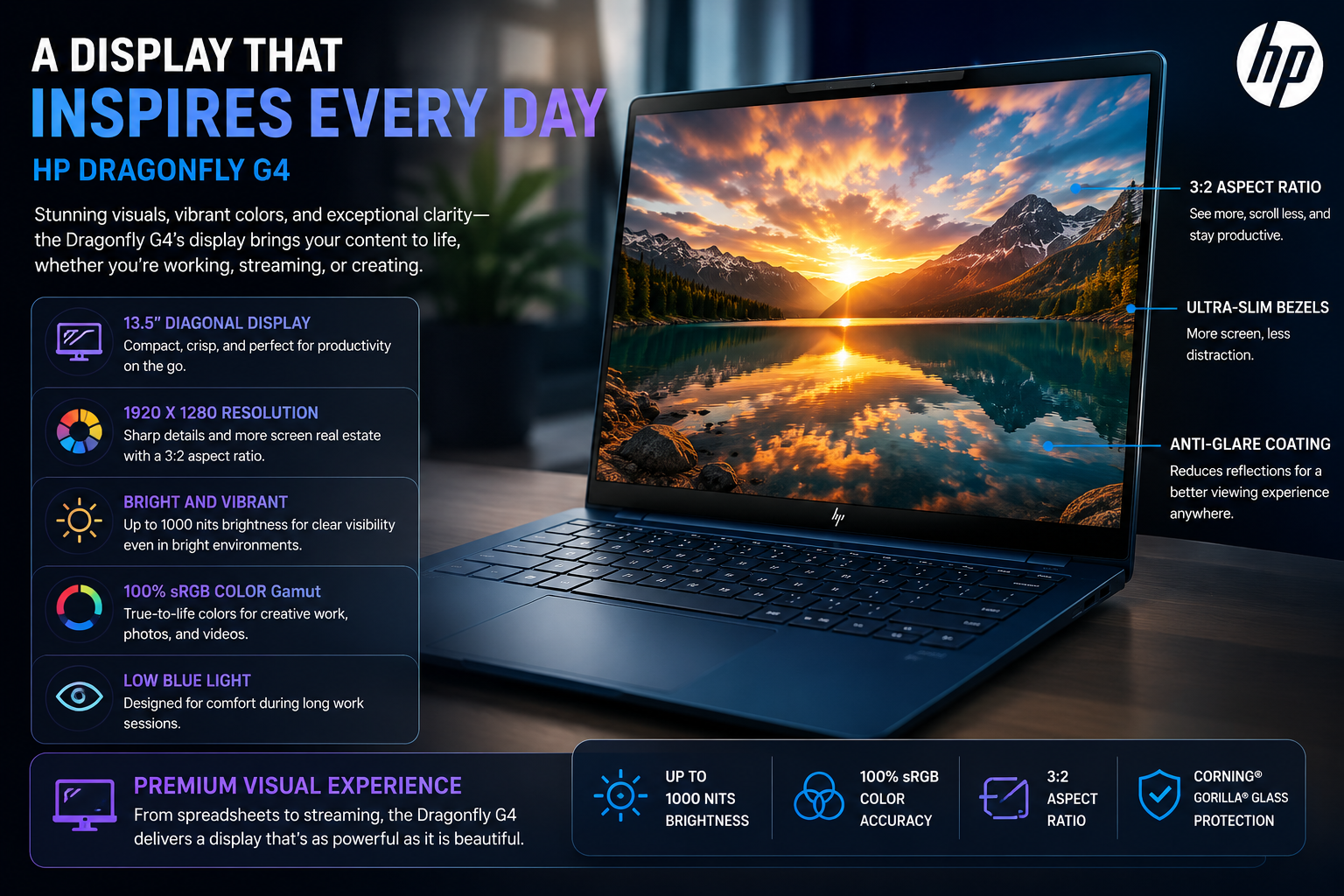
The 3:2 ratio is best for working with a lot of documents, as you see more of a spreadsheet or a long email thread without scrolling. Colors are reasonably true for business; brightness peaks at about 400 nits (which is fine indoors, but borders on the outside); anti-glare coating is good for most office lighting. However, viewing angles are an actual limitation. Just turn the screen a little bit off-axis, and the contrast is significantly reduced, which is a serious problem if you are going to share your screen over and over again with some of the people being in front of you as well. No OLED and no touch on No Base and no high refresh rate. If you need to edit a video or work on color-critical projects, it’s not for you.
Performance
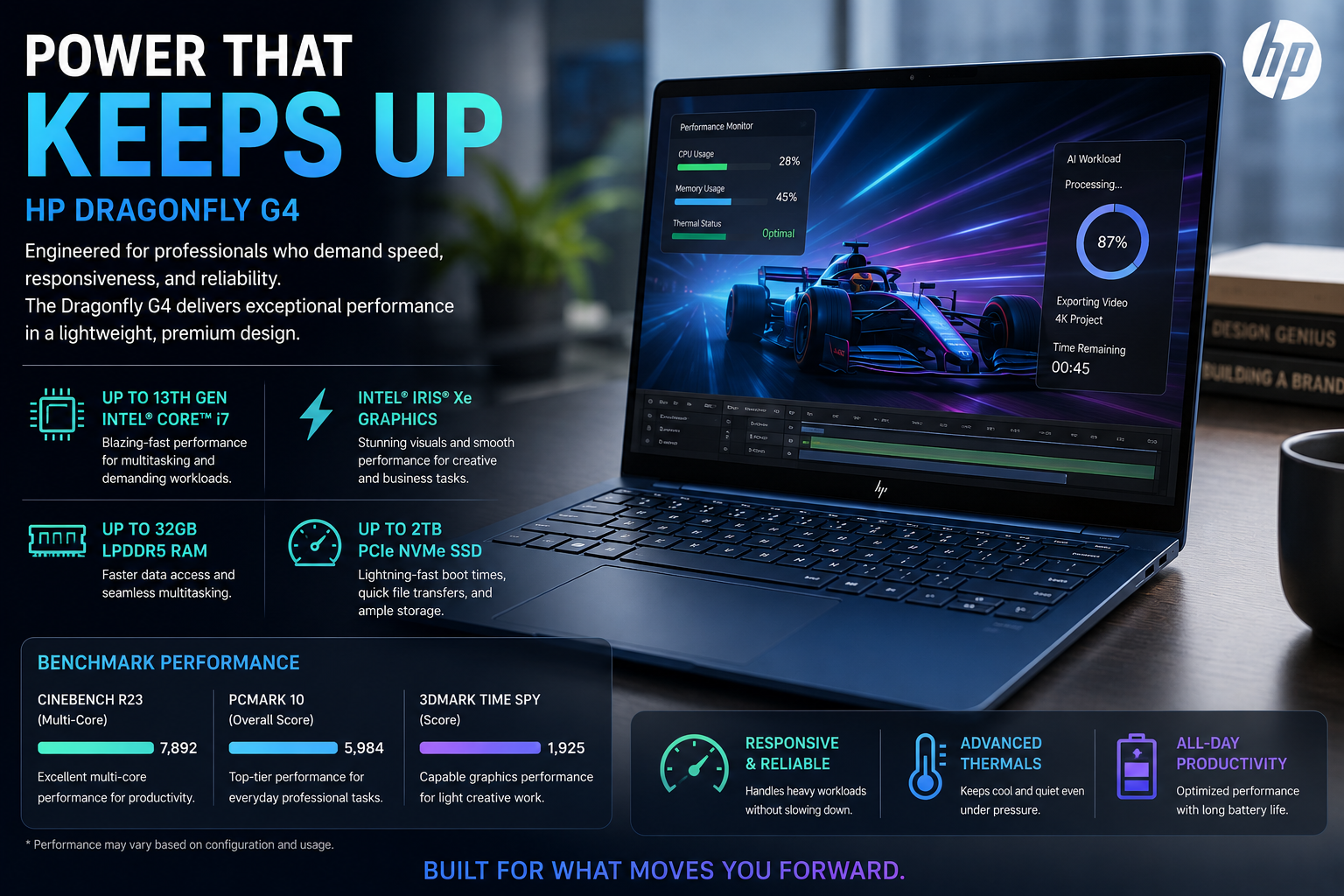
I can’t lie to you here; the Dragonfly G4 benchmarks are not good enough for the price. It’s a bit behind the ThinkPad X1 Carbon Gen 11 on Geekbench 6 multi-core with a score of about 7,408 against the 8,979 of the X1 Carbon Gen 11 (also i7-1355U). HP restricts the CPU performance to maintain the fan noise as low as possible, especially in sustained workloads. The 4k video transcode to 1080p was 12.03 minutes for the 4k-to-1080p video transcode, while the X1 Carbon took 9 minutes.
Email, video calls, browser tabs, and light office work? Buttery smooth. The ceiling will be felt when it comes to anything compute-intensive, such as large spreadsheet recalculations, compiling code, and video exports.
Battery Life
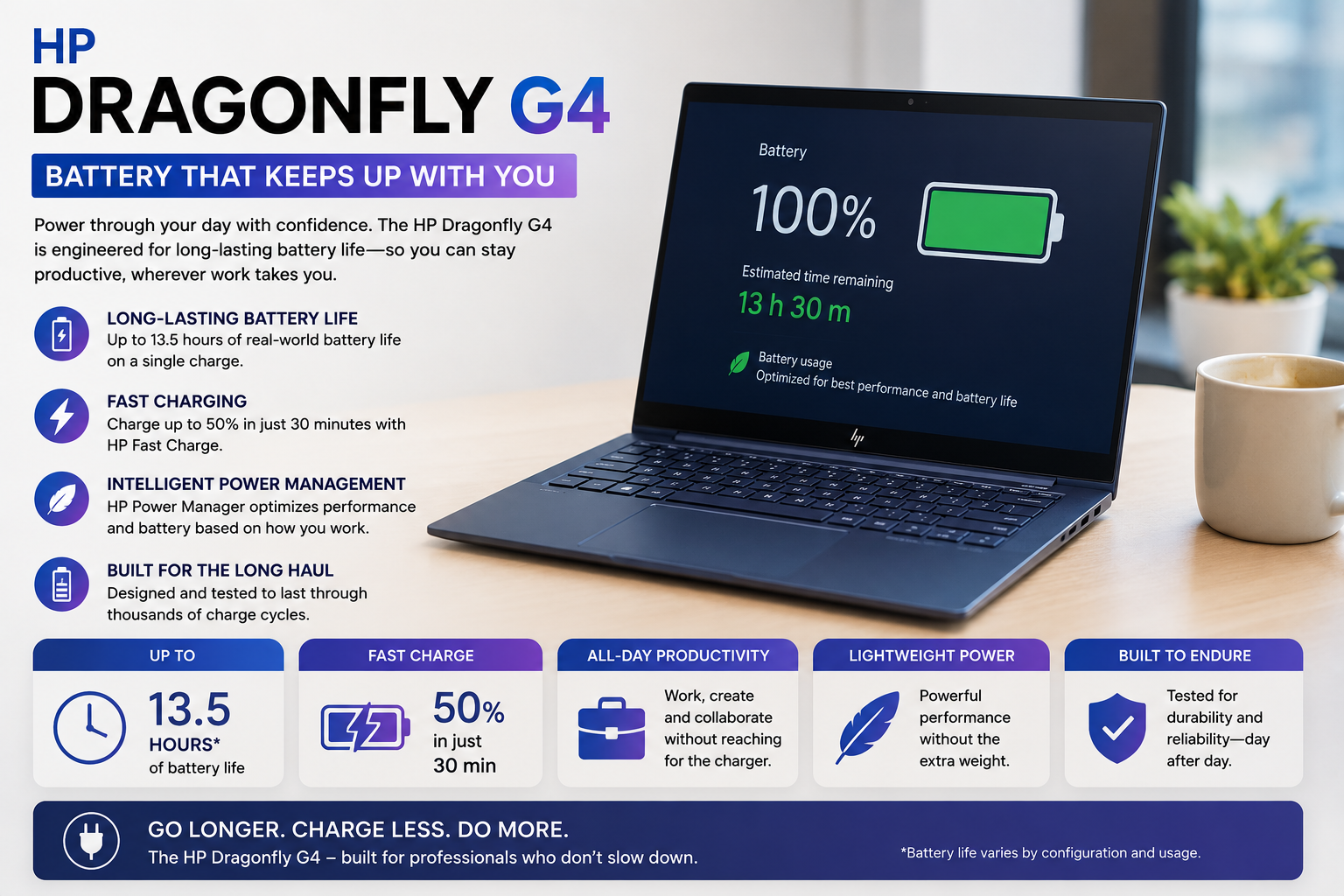
Using the laptop for a mix of tasks such as browsing, checking email, team calls, and light document editing at about 60% brightness, I typically got between 10 and 13 hours.
Tom’s Hardware managed to get 12 hours 44 minutes from their normal test. HP’s 20-hour advertising statement not only seems ridiculous at the levels of brightness or work that any real person would use. One bit of advice: some users say they get 4- 5 hours after real usage; possibly, they are messing up power plan settings or background processes. If you are running into that all the time, look at your HP Power Manager settings first before blaming the battery. When set up properly, this one really can last you all day without recharging.
Thermal Management & Fan Noise
The Dragonfly G4 has a very unique engineering decision among all of its features: HP has given higher priority to almost-silence rather than performance. When operating at a moderate level, the fans are so silent that you will probably hear the air conditioning in your office before you notice the sound of this laptop. Even under continuous heavy work, the fans do go faster, but you won’t hear them getting to the high-pitched level as you would on a ThinkPad or XPS. The downside is quite real; this very cooling limitation is the reason that benchmark scores are below par.
Under typical use, the keyboard area temperature remains at a comfortable level; I even found no hotspots during a 90-minute video call. This kind of thermal tuning is really a key point in the marketing of noise-sensitive environments such as open offices and client meeting rooms.
Also Read- HP ProBook 450 G10 Review: Reliable Business Workhorse or Overhyped Mid-Ranger?
Pros & Cons
| Pros | Cons |
| Exceptional build quality — 2.2 lbs of solid, premium feel | CPU performance lags behind same-chip competitors |
| Best-in-class keyboard — satisfying travel and tactile feedback | No SD card slot — frustrating for photographers or field workers |
| Outstanding 5MP webcam with HP Presence AI features | RAM is soldered — no upgrade path after purchase |
| Near-silent operation under everyday workloads | The display has limited viewing angles despite good resolution |
| Genuine all-day battery in real-world mixed use | Price premium is steep vs. rivals with higher benchmark scores |
Final Verdict
The HP Dragonfly G4 is not really for everyone, and that’s probably a good thing. It bases its whole design philosophy on silence, portability, and enterprise-grade security, and it delivers on these priorities almost like no other in the market.
The keyboard, in fact, is the kind of thing that would justify buying a business-class ticket. On the flip side, the price of a ThinkPad X1 Carbon that you are paying for gets you a laptop that, performance-wise, is behind the ThinkPad X1 Carbon, and this is the real problem. If you mainly have meetings, work with documents, and travel, then this could be the best laptop you can get. However, if you really push your CPU regularly, the numbers don’t work out.
FAQs
Will the HP Dragonfly G4 make a viable business product in 2026?
Yes, it is still one of the best ultraportables for business travelers, has premium build quality, all-day battery life, is near silent, and includes excellent enterprise security.
What is the difference between the HP Dragonfly G4 and the ThinkPad X1 Carbon?
The Dragonfly G4 is lighter, quieter, and has a better webcam. The ThinkPad X1 Carbon Gen 11 is capable of scoring higher on the benchmarks and offers better sustained CPU performance for a similar price point.
How long will the HP Dragonfly G4 battery last in the real world?
For mixed productivity use (browser, email, video calls), be ready to spend 10 to 13 hours. If the quality of the video stream is high, this goes down closer to 6 hours.
Does HP Dragonfly G4 have an SD memory card slot?
No. One of the things that bothers me at this price point is the Dragonfly G4’s lack of an SD card slot, which eliminates a frequent camera/outside media requirement.