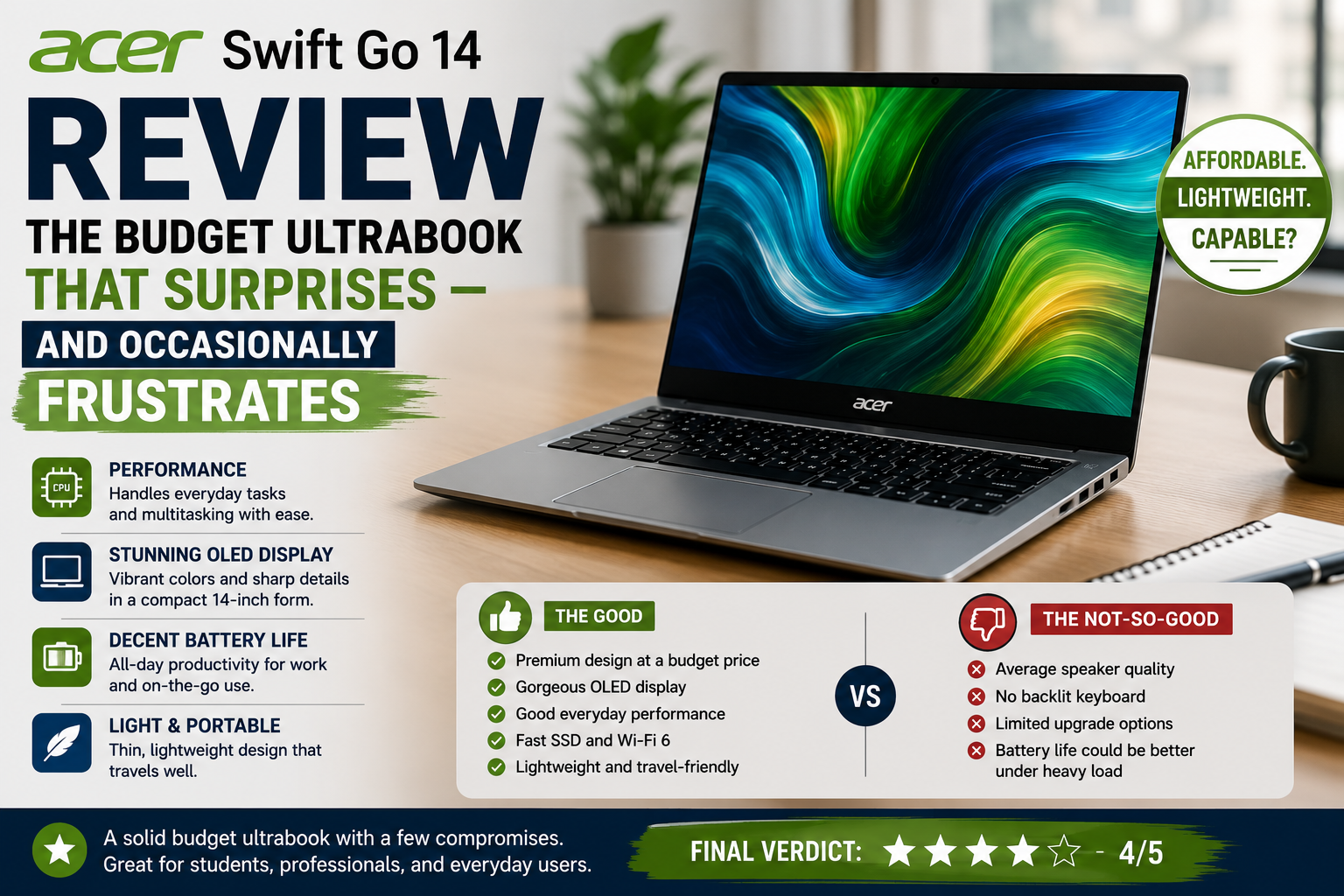
Acer Swift Go 14 Review: The Budget Ultrabook That Surprises — and Occasionally Frustrates
I’ve been using ultrabooks priced under $1, 000 as my daily drivers for quite some time now, and honestly, the competition is tough. Most of the time, manufacturers compromise either the quality of the display to get longer battery life or the durability of the product to achieve a lower price.
When I got the Acer Swift Go 14, the Intel Core Ultra model, I didn’t have high expectations. I thought it would be just another average and forgettable mid-range product. But it turned out to be a bit more complex. Compared to the Dell Inspiron 14 Plus and even the ASUS Vivobook S14, this device is capable of delivering hits in certain aspects and humiliating itself in others.
If you are a student, a remote worker, or a traveler on a budget trying to stay under $900 without giving up on a Chromebook entirely, this one can truly catch your interest; however, you should be aware of certain drawbacks before making a purchase decision.
Quick Verdict for Acer Swift Go 14
Rating: 7.5 / 10
Ideal for: Students, hybrid workers, and frequent travelers who need solid everyday performance, a great display, and all-day battery in a thin aluminum shell.
Not ideal for: Content creators needing color-accurate workflows, gamers, or anyone who hates fan noise during light-to-moderate tasks.
Specifications of Acer Swift Go 14
| Specification | Details |
| Display | 14-inch IPS / OLED (config-dependent), 2880×1800, 90Hz, 16:10 |
| Processor | Intel Core Ultra 5 125U / Core Ultra 7 155H (Meteor Lake) |
| RAM | 16GB LPDDR5X (soldered, not upgradeable) |
| Storage | 512GB / 1TB NVMe PCIe Gen 4 SSD |
| GPU | Intel Arc Graphics (integrated) |
| Battery | 65Wh (non-OLED) / 72Wh (OLED config); USB-C charging |
| OS | Windows 11 Home |
| Weight | ~1.25 kg (2.76 lbs) |
| Dimensions | 312.7 × 220.3 × 14.9 mm |
| Ports | 2× Thunderbolt 4, 1× USB-A 3.2, 1× USB-A 5Gbps, HDMI 2.1, microSD, 3.5mm jack |
| Connectivity | Wi-Fi 6E / Wi-Fi 7 (config), Bluetooth 5.3 |
| Webcam | QHD 1440p with IR, Acer Purified View, 3-mic array |
| Security | IR facial recognition, fingerprint reader, Kensington Lock |
| Base Price | ~$799 (IPS) / ~$999 (OLED, Snapdragon X Plus AI variant) |
Design & Build Quality
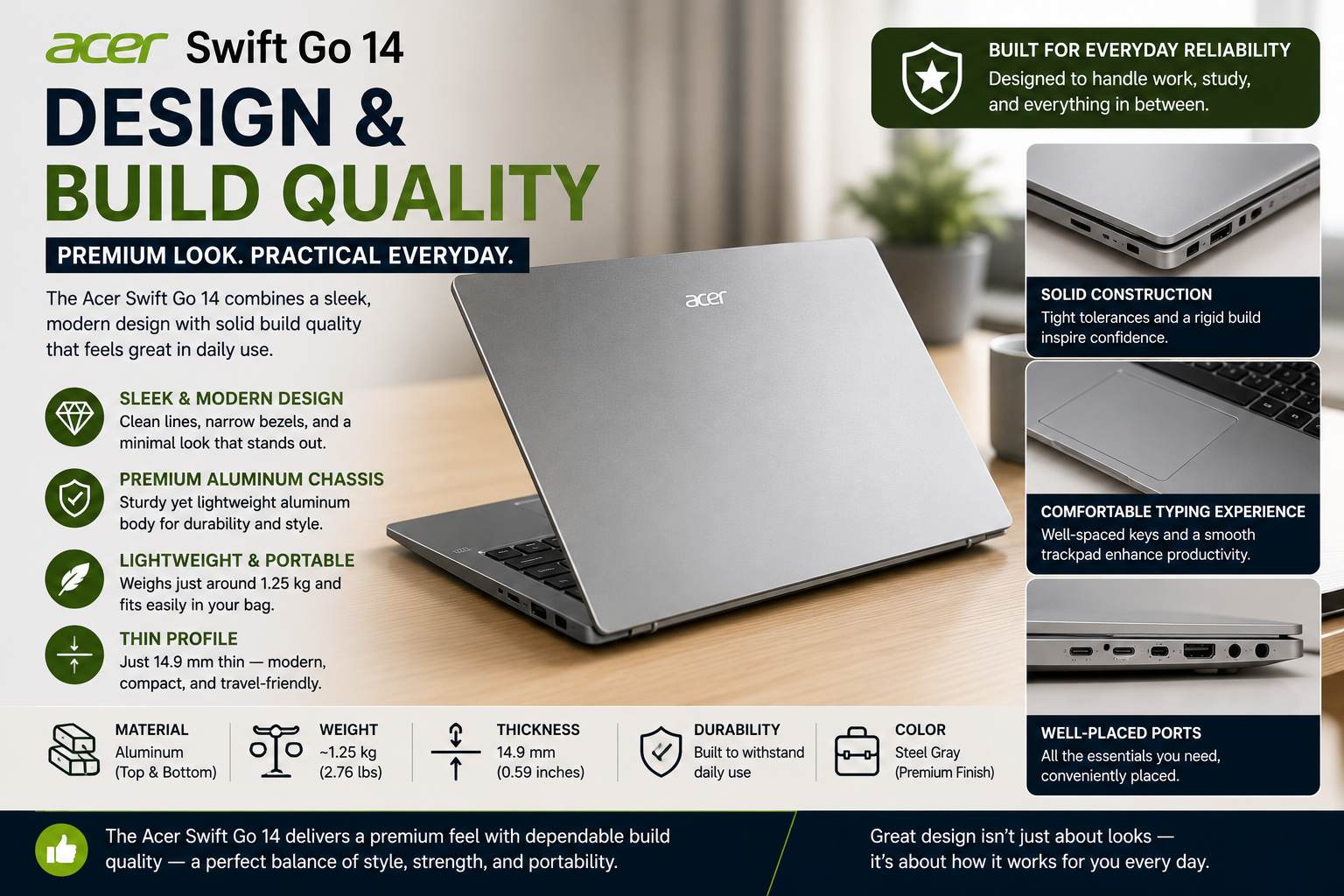
Picking up this device, you realize pretty quickly two things: first, it is really light, and second, the aluminum chassis is really solid for the price. Swift Go 14 comes in a nicely crafted aluminum body, and it is so solid that you will not hear any squeaking or flexing even if you try really hard. The lid can be opened with a single hand, which is always a good sign. Still, don’t mistake thin for premium. The look isn’t anything to write home about; it’s conservative, almost corporate.
The hinge felt a bit stiff on the first try, the bottom panel was very prone to fingerprints, and at the base of the laptop is a pretty obvious plastic chin. Functionally, the laptop meets the basic expectations, but in terms of excitement, it fails miserably.
Display
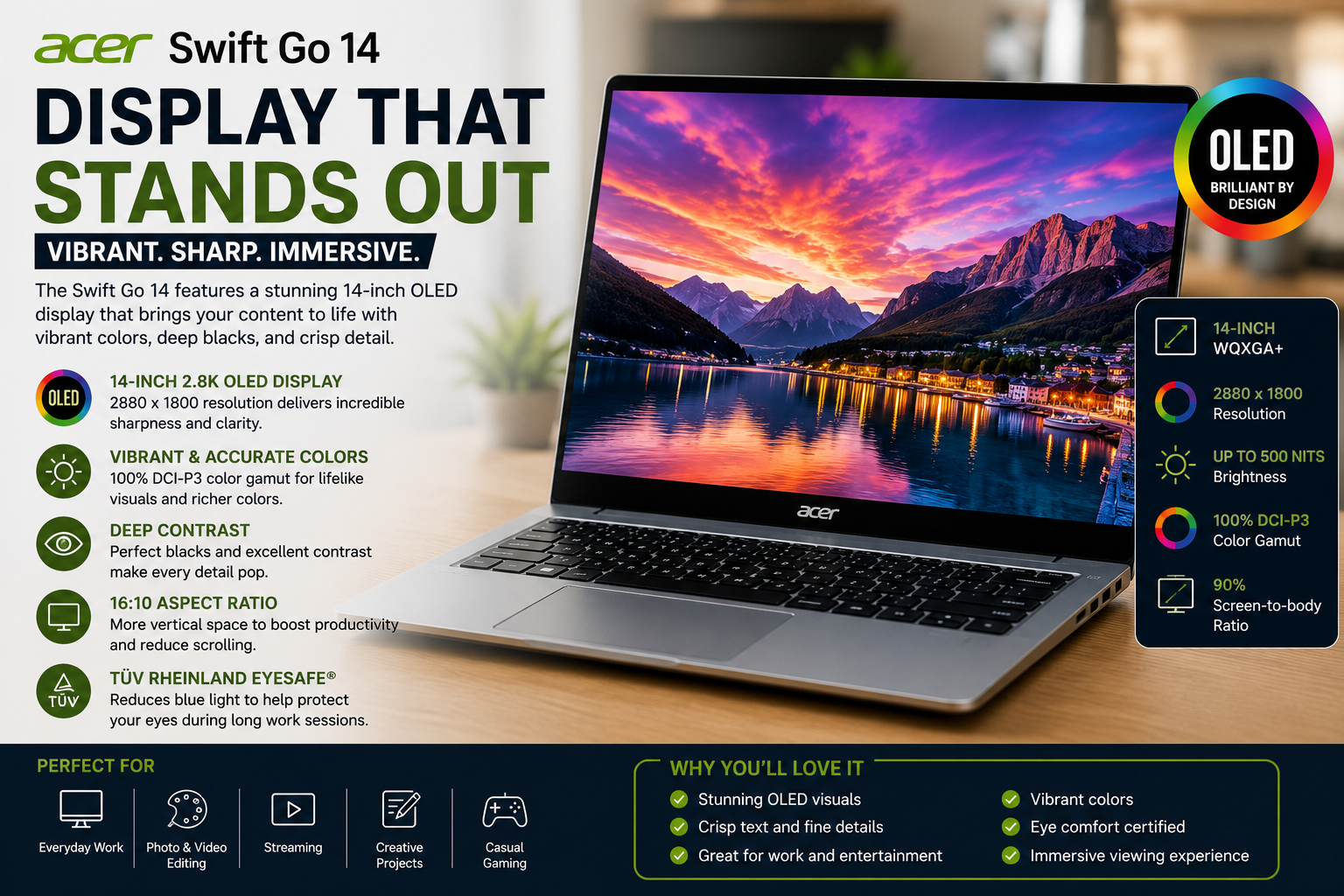
The laptop’s price would be hard to justify without its OLED screen. The colors are sumptuous, the blacks are truly deep, and the 16:10 aspect ratio affords you a greater vertical workspace than most rivals, an advantage whether you are reading, programming, or working in spreadsheets. The 2880×1800 resolution at 90Hz seems very responsive for regular use. The catch? The display, although vibrant, is not bright enough outside or even near a window, and you will find yourself straining your eyes. The non-OLED IPS version is significantly more average. When deciding between configurations, go for the extra spend on OLED. It is the difference between “okay” and “wow.”
Performance
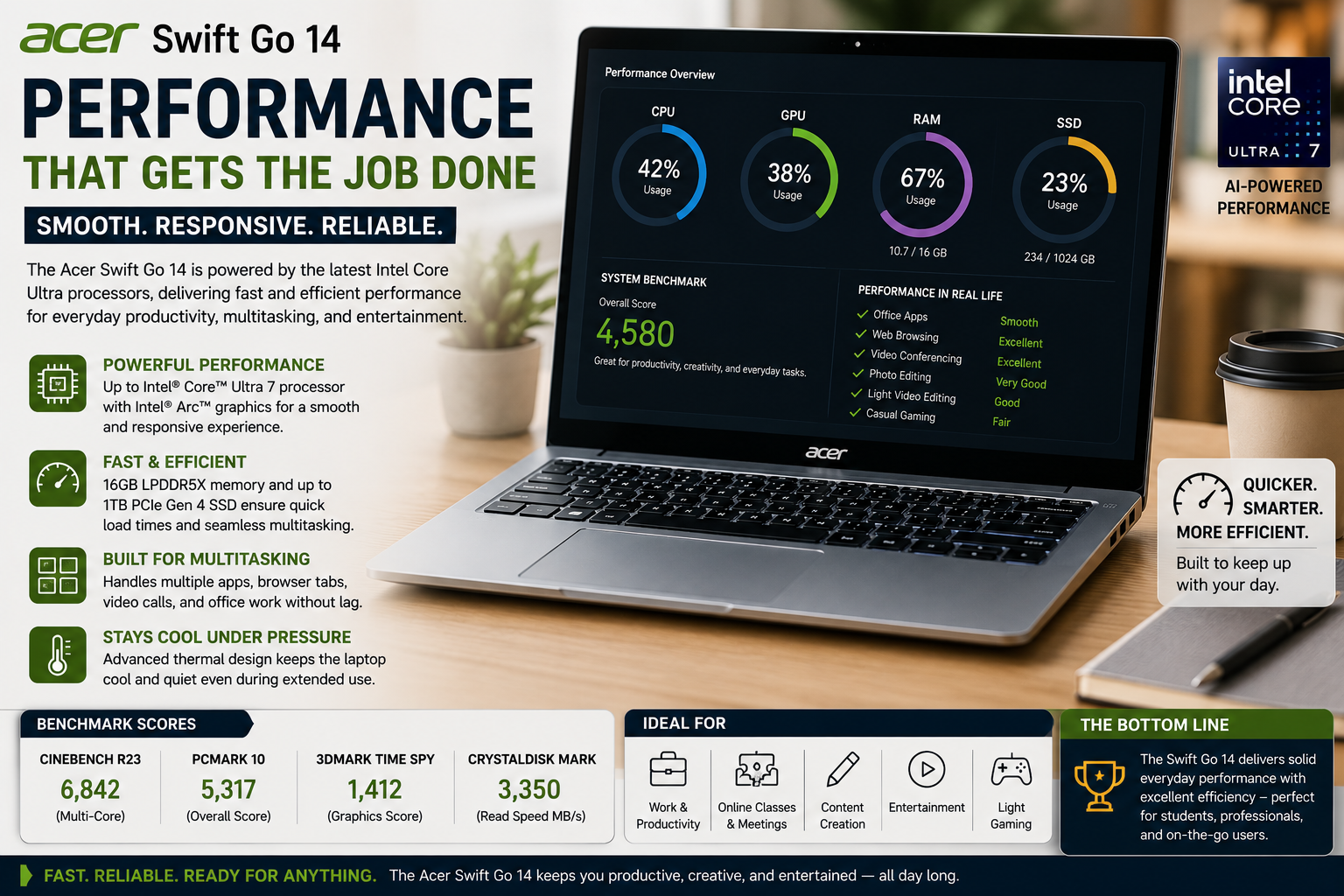
With the Core Ultra 5 125U, daily light activities like web browsing with multiple tabs, occasional light video editing, using Office applications, or even Zoom calls take place smoothly without any issues. The performance of the Core Ultra processor under long continuous use is quite good, as only mild throttling was noticed after very long periods.
Intel Arc built-in graphics are capable of running light games if you lower the graphics quality a lot, but you shouldn’t expect a big leap in performance. Seriously low GPU performance is a big flaw that creative professionals will likely have to seek alternatives. When it comes to benchmarks, it’s about even with the Lenovo Slim 5i, and the Dell Inspiron 14 Plus is a little ahead in terms of sustained performance. However, for the intended user, it’s more than enough.
Battery Life
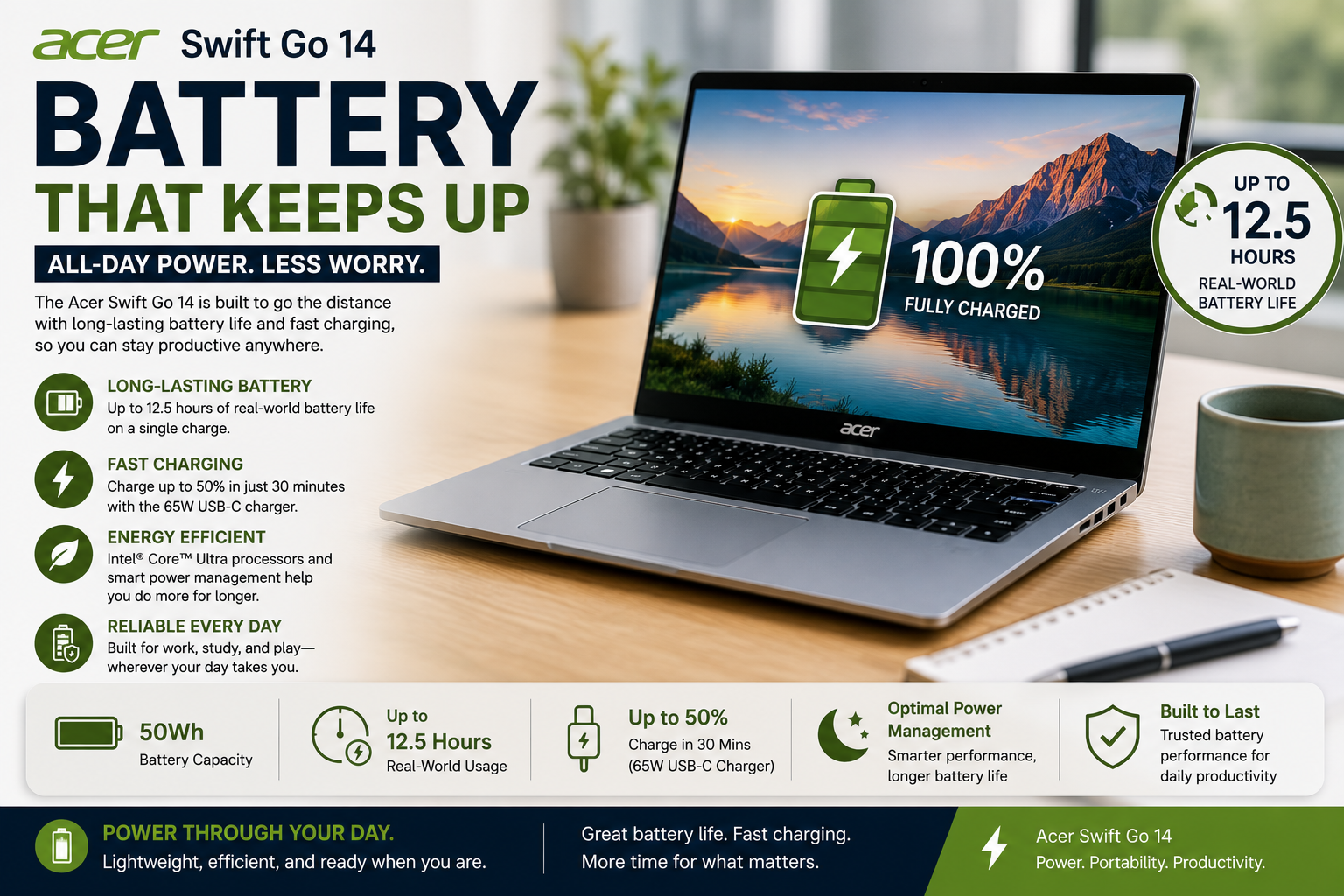
In fact, the Swift Go 14 is where I felt most challenged by an element of the unexpected. It was during actual usage, when I had a few documents open, was listening to music on Spotify, and had a ton of tabs open in the browser, that I realized it was comfortable enough to allow me to work uninterruptedly for about 9 to 10 hours. The Snapdragon X Plus AI model takes the lead as it lasted an amazing 16 hours and 10 minutes in a continuous web surfing battery test. The presence of USB-C charging is a great bonus, still rarely found at this price point, and the ability to charge to 50% in less than 45 minutes is definitely very handy. When you do a lot, your battery life is going to be impacted quite severely, but for the typical office user, it will be only the rare times when you will need to go looking for a power socket.
Thermal Management & Fan Noise
This is where I have to be truthful. Both Swift Go 14 models are equipped with a single-radiator cooling system, featuring two small fans and a single heatpipe, so don’t anticipate exceptional performance, thermals, or acoustics from these units. When the load is consistent, the fans get noticeably louder. Apparently, the laptop decided to be slim even if it meant less good cooling and being loud at the same time.
CPU temperatures under heavy workloads are usually around the upper 70s to low 80°C; temperature-wise it’s fine, but you will hear the fan noise. The keyboard area does get warm, but during normal activities, it’s not so much that you find it bothersome. Operating in Normal power mode, fan noise is hardly hearable; if you switch to Performance mode, it’s a whole other matter.
Pros & Cons of Acer Swift Go 14
| Pros | Cons |
| The OLED display option is vivid and sharp for the price | Fan noise is noticeable under moderate-to-heavy load |
| Excellent port selection, including Thunderbolt 4 and HDMI 2.1 | RAM is soldered — no upgrade path |
| Lightweight aluminum build at an accessible price point | Speakers are weak and tinny for multimedia use |
| Outstanding battery life, especially on the Snapdragon variant | Non-OLED IPS display is dim and underwhelming |
| The QHD 1440p webcam is genuinely good for video calls | Integrated GPU limits any creative or gaming ambitions |
Final Verdict
The Acer Swift Go 14 is quite content, and rightly so, with not being the jack-of-all-trades. It has a clear target: the student, the worker from home, the one who wants a dependable, lightweight, and well-ported machine that won’t run out of battery halfway through the day.
In that very particular task, it does significantly more than most competitors would dare at this price. The OLED display and Thunderbolt 4 ports seem to be features more usually found on higher-end models.
Nevertheless, the poor speakers, the non-removable RAM, and the fan noise when working hard are quite significant drawbacks, not just minor details. Consider buying this only if the top items on your list are: portability, display, battery, and price. On the other hand, if it’s gaming, upgradability, or quiet sustained performance, then look for something else.
FAQs
Is the Acer Swift Go 14 a good choice for students?
Absolutely! Its compactness and lightweight nature, excellent battery endurance, a crisp display option, and a solid port array make it one of the finest sub-$1, 000 student laptops for 2025 and 2026.
Does the Acer Swift Go 14 feature an OLED display?
Yes, if you choose the right configuration. The OLED version (2880×1800, 90Hz) is only offered in a few models; the standard one comes with quite a dim IPS display.
How long can the Acer Swift Go 14 battery hold up?
If you’re going to use the Intel model in a mixed way, the battery should last around 9-10 hours. Meanwhile, with the Snapdragon X Plus AI, you can get up to 16 hours of light, continuous work.
Is gaming possible on the Acer Swift Go 14?
You can play some light esports games and even throw in a few old titles with the Intel Arc integrated graphics, but using the laptop for highly demanding AAA games will not be a good idea, as it does not come with any dedicated GPU for gaming, even as an option at this price level.