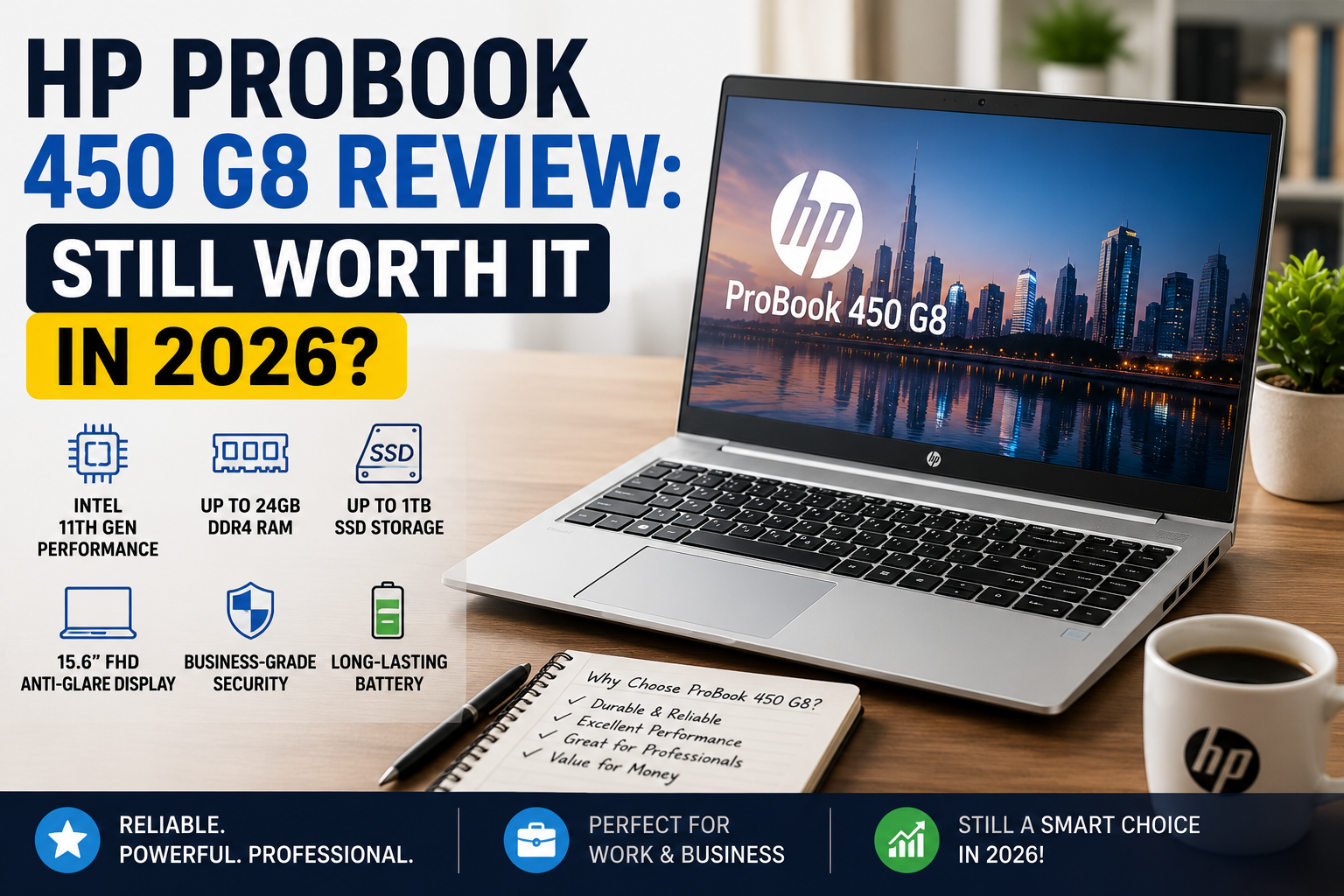
HP ProBook 450 G8 Review: Still Worth It in 2026?
After trying out several mid-range business laptops, the HP ProBook 450 G8 is a model that I keep hearing about from time to time. In fact, it’s mostly coming from small business owners, IT managers looking for refurbished ones, or remote workers who are on a shoestring. It was first introduced in 2021 along with Intel’s 11th-gen Tiger Lake CPUs, and it was quite a significant upgrade from the G7.
However, it is 2026 now, and instead of wondering “if it is good for its time, ” the question is whether it can still compete with the latest options at similar used/refurbished price levels.
To cut a long story short: While it mostly does, there are a few really important caveats that you need to be aware of before buying.
Who should buy: SMB professionals, remote workers, IT managed fleets, and students who want a good, secure, upgradeable 15.6″ business workhorse without breaking the bank.
Who should stay away: Creative professionals, anyone needing very accurate displays for color work, and those wanting Thunderbolt 4 and a modern webcam right after unboxing.
Specifications of HP ProBook 450 G8
| Specification | Details |
| Display | 15.6″ IPS FHD (1920×1080), 60Hz, non-touch (FHD IPS recommended over HD TN base option) |
| Processor | Intel Core i5-1135G7 / i7-1165G7 (11th Gen Tiger Lake, up to 4.2GHz boost) |
| RAM | 8GB or 16GB DDR4-3200, upgradeable to 32GB (2 SO-DIMM slots) |
| Storage | 256GB or 512GB NVMe SSD (M.2 2280 PCIe), one open M.2 slot |
| GPU | Intel Iris Xe Graphics (96EU on i5/i7); optional NVIDIA GeForce MX450 (2GB) |
| Battery | 45Wh Li-polymer, 3-cell; fast charge (50% in ~30 min) |
| Operating System | Windows 10 Pro (upgradeable to Windows 11) |
| Weight | 1.74 kg (3.84 lbs) |
| Dimensions | 359.4 × 236.7 × 19.8 mm |
| Ports | 2× USB-A 3.1, 1× USB-C (DisplayPort/Power Delivery), 1× HDMI 2.0, 1× RJ-45, headphone/mic combo, SD card reader |
| Connectivity | Wi-Fi 6 (802.11ax), Bluetooth 5.0 |
| Webcam | 720p HD (no IR on base models; optional IR camera on select SKUs) |
| Security | HP Sure Start, TPM 2.0, optional fingerprint reader, optional IR face recognition, Kensington lock slot |
| Base Price | ~$400–$550 refurbished (2026 market); originally launched at ~$749 MSRP |
Design & Build Quality
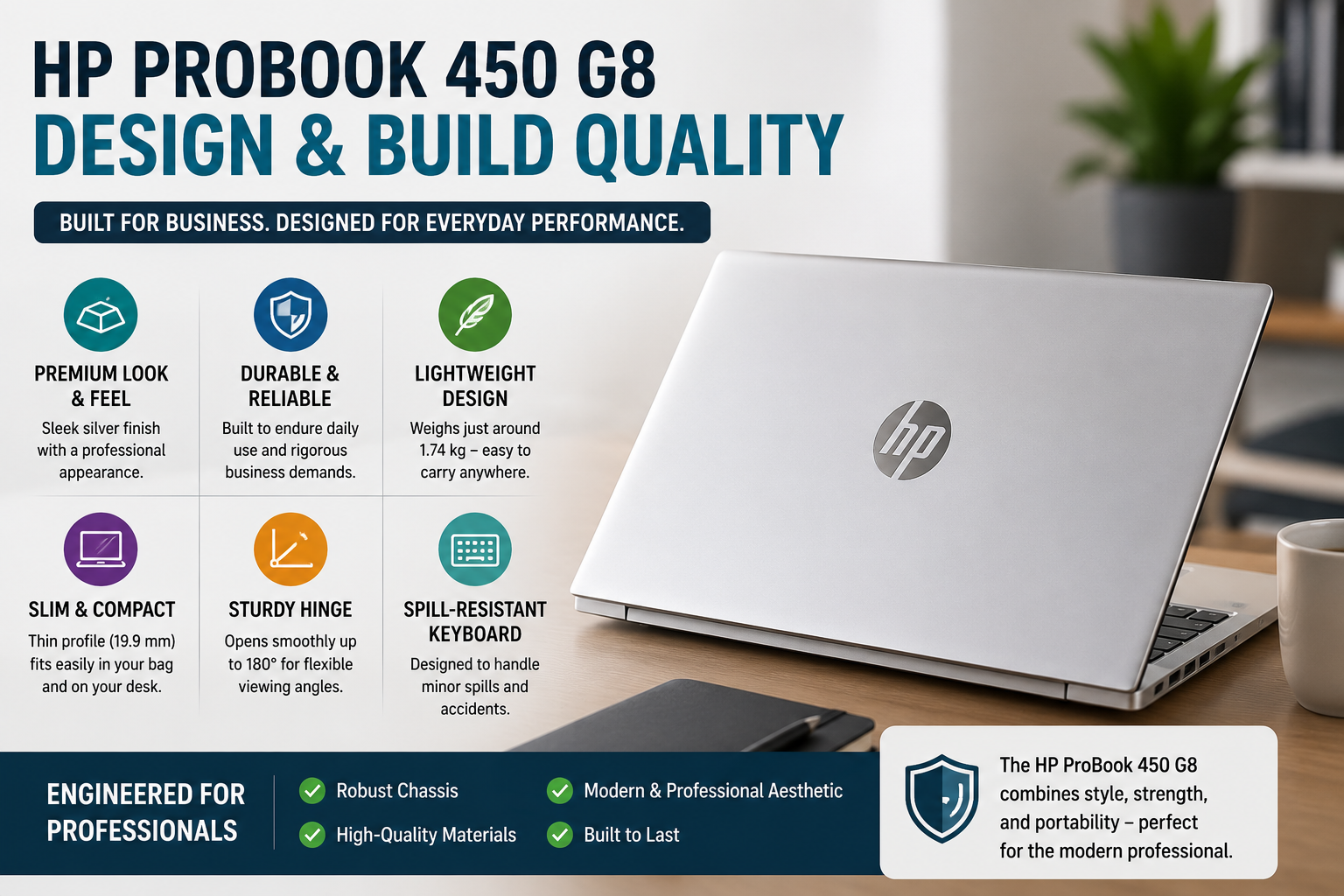
The very first thing that you detect about this thing when you pick it up is that HP has slimmed down the weight compared to the G7, to 1.74 kg, which you can truly feel during a lengthy commute. The metal lid and keyboard deck are quite sturdy, rather than being empty. The lid flex is very little. The hinge can be opened with one hand without the base lifting, which simply shows that the tension is right. “Pike Silver” finish doesn’t reveal fingerprints terribly, though the plastic bottom panel is a bit of a disappointment after the high-quality aluminum top.
The keyboard is a full-size keyboard with a number pad, is spill-resistant, and the key travel is very pleasing even after prolonged typing sessions. The trackpad is smooth, accurate, and not embarrassingly small.
Display
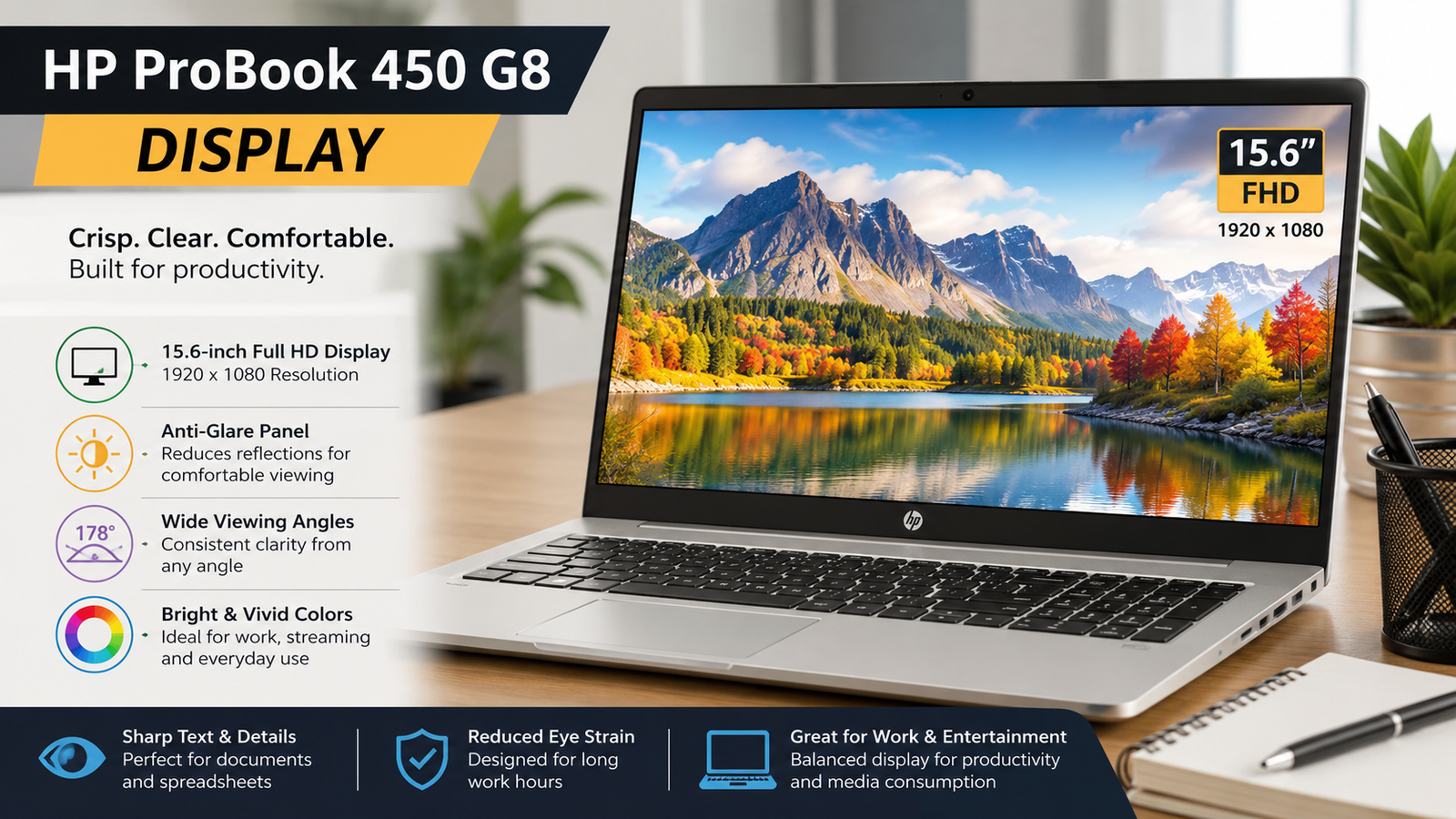
The FHD IPS display of the suggested system (LGD064C) is pretty sharp, and it would be comfortable working on large spreadsheets and text documents. The viewing angles are quite good, and the device is bright enough for indoor use.
Now I will be frank with you: color rendition is very disappointing. You will only get 60% sRGB, which is okay for Office work, but bad for photo editing and design review.
Contrast is around 1000:1, which is fine. The 60Hz panel is not going to impress anyone in 2026. Besides, if a vendor tries to sell you the 1366×768 TN base variant, move on; it’s really bad in all respects. Go for the FHD IPS.
Performance
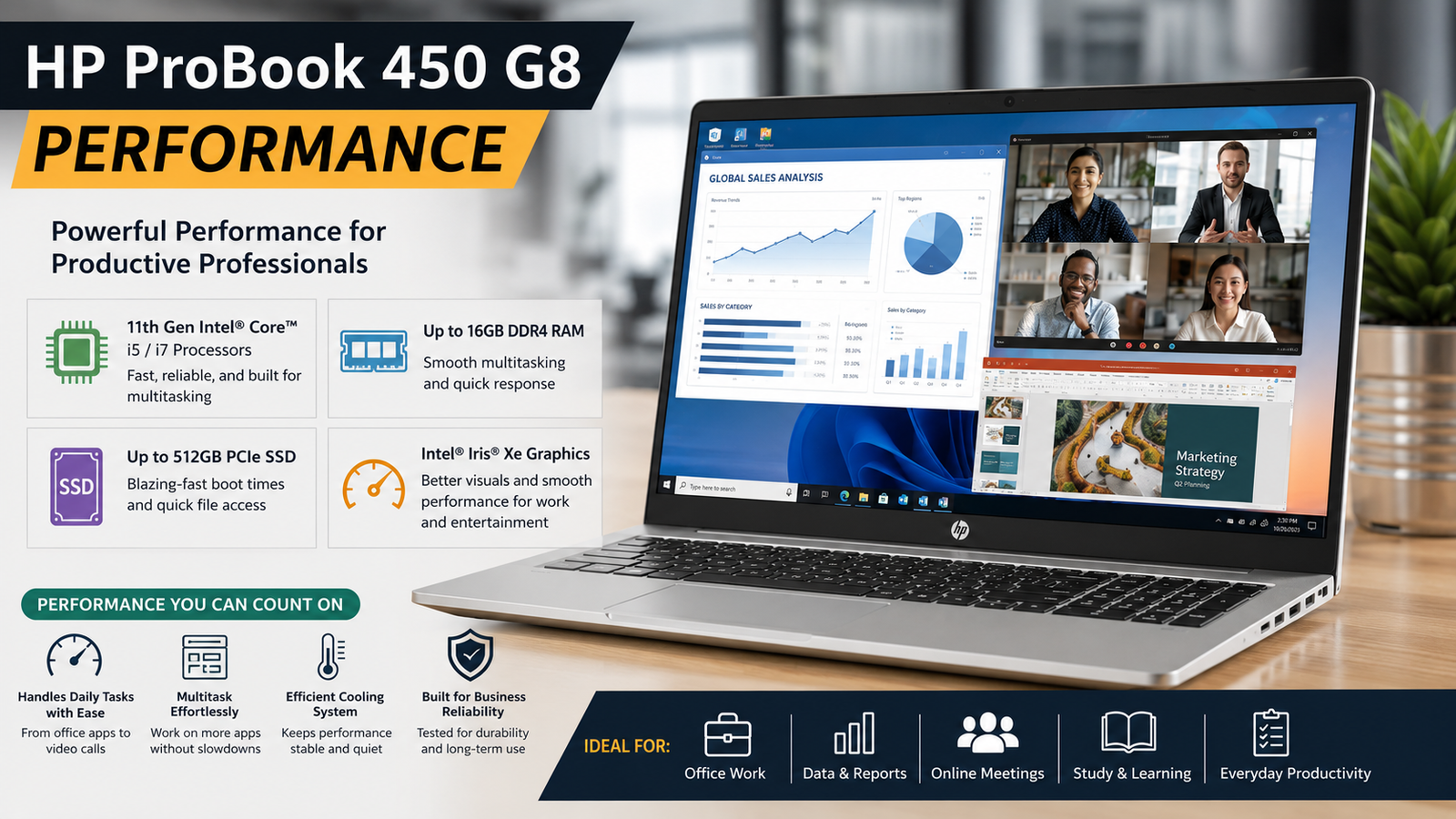
Tiger Lake was a real watershed moment for the HP ProBook lineup. Couple this with an i5 1135G7, and you get the whole shebang. The normal things that you do on a laptop, i.e., opening a couple of browser tabs, Teams call, Office 365, and PDF heavy lifting, all work very smoothly. The Intel Iris Xe graphics are a nice step up, even if only a minor one, in terms of light photo editing and casual video editing when compared to the previous generation UHD graphics. Looking at the Cinebench R23 performance, i5-1135G7 multi-core scores are roughly 5, 000, 5, 400 points, quite good for a business U-series chip, and in some workloads it can even go toe-to-toe with Ryzen 5 5600U.
NVMe SSD will allow for a significantly reduced boot time and application loading time. If by any chance you feel that you need something more powerful than this standard processing power, you’d better go for the MX450 configuration or even think about purchasing a newer generation laptop altogether.
Battery Life
HP advertises it for a usage time of 14+ hours, which is more of a marketing fantasy. With actual usage, web browsing, email, Teams, screen brightness at 60, 70%, the battery life is between 7 and 9 hours. Also, if you play a video, the playback gives you about 8 hours. On the other hand, if you use a heavy processor, the battery life will fall to about 4-5 hours. The best part: fast charging gives you 50 % power in about half an hour, and the 45W charging brick is small enough to put in a bag without having a problem. For a day full of office work, you will not have to take the charger. However, for performing heavy tasks, the charger needs to be kept nearby.
Thermal Management & Fan Noise
HP has replaced the G8’s cooling system with upgraded heat pipes and a larger thermal block than the G7, and it is evident.
Most of the time, when the device operates at normal office levels, the fan is whisper-quiet; you might even forget about its existence. The temperature of the keyboard area remains at the level of a comfortable level during heavy and prolonged use of the CPU; the spot above the numpad heats up slightly and only very rarely becomes a source of distraction.
When the computer is very actively used, the fan is heard, but not in an irritating way; it is considerably less noisy than many other Dell Latitude systems I have tried.
There is some throttling when the system is heavily and continuously stressed, but it is a reasonable amount. For a business notebook that is going to be used for work purposes, the thermal management is good enough that it is both quiet and cool.
Pros & Cons of HP ProBook 450 G8
| Pros | Cons |
| Tiger Lake performance is a real generational leap over G7 | A 45Wh battery is small; heavy workloads kill runtime fast |
| Build quality is genuinely solid with an aluminum lid and deck | Base FHD IPS has low color gamut (~60% sRGB) — not for creatives |
| Wi-Fi 6, fast charge, and a strong security suite included | The 720p webcam is mediocre; IR requires a specific SKU |
| RAM upgradeable to 32GB; two storage slots for easy expansion | No Thunderbolt 4; USB-C limited to DP and PD, no full TB bandwidth |
| Refurbished units offer excellent value in the 2026 market | Speaker audio is thin and lacks bass — not ideal for media |
Final Verdict
HP ProBook 450 G8 is a fully featured, well-built business laptop that has managed to keep up with the times better than most of its 2021 counterparts. Tiger Lake changeover has given the machine excellent performance; the security framework is of a level suitable for big businesses, and the upgradeable configuration allows you to rely even more on the machine by adding extra RAM and storage. It does not address the needs of creatives, power users, or those in need of a high-quality webcam or Thunderbolt. However, for office productivity, working from home, and IT-controlled environments, especially considering the prices of refurbished units, it is capable of much more than its price suggests. Comparing this one and a new budget laptop with a weaker build, G8 is my choice every time.
FAQs
Can the HP ProBook 450 G8 be used daily?
Yes — for office work, video calls, and web-chatting, all it takes is a smooth sail.
Is Windows 11 Supported on the HP ProBook 450 G8?
It does support Windows 11 on compatible 11th-generation Intel processors with TPM 2.0 on supported firmware.
What is the amount of RAM supported by the HP ProBook 450 G8?
It can support up to 32GB DDR4-3200 in both its two SO-DIMM slots, making it easy to upgrade the base 8GB.
Can the HP ProBook 450 G8 be used by a student?
Yes — It is a good, practical purchase for students in 2026 due to its sturdy design, long battery life for light use, security, and current refurbished pricing.